TL;DR
This guide ranks the best product tour software for 2026 by ease of set-up. The right product tour software helps you create interactive product tours that guide users (new and existing) to highlight key features, boost user onboarding, increase user activation, and improve feature adoption using user segmentation, advanced targeting based on user behavior, and strong integration capabilities. If you want the fastest path to interactive product tours with essential product tour features like an in-app resource center, smart tips, and quick onboarding flows, you need Jimo — built for product teams and customer success teams to launch tours in minutes.
Most SaaS teams ship great functionality — then watch it sit unused. It’s common for features users never discover to make up a huge share of the product, especially when new users hit friction in the first session. The fix isn’t “more features” — it’s better guidance: interactive product tours that guide users through the user journey, highlight key features, and turn confusion into user activation, user engagement, and real feature adoption.
That’s where product tour software comes in. The right product tour software lets product teams, customer success teams, and even sales teams create interactive product tours and create tours (or create in app tours) with in app guidance, smart tips, and a resource center — without relying on developer support. The best product tour software tools also bring user segmentation, advanced targeting based on user behavior, strong integration capabilities (analytics/CRM), and product analytics so you can track what’s working and collect user feedback and customer feedback.
In this list, we rank the best product tour software and other product tour tools by ease of set-up — so you can pick from the top product tour software options without a steep learning curve, whether you’re onboarding users in a web app, supporting complex processes, or rolling out new features fast.
Want the quickest way to launch interactive guides? Book a free demo with Jimo — and start providing interactive product tours in minutes. 👇
What is a product tour and why is it essential in 2026?
A product tour is not just a tooltip or a modal. It's a structured path of guidance inside your app, designed to help new users complete their first steps and understand how your software works. While tooltips and UI elements help users glance at information, a product tour acts like a guided experience that leads users toward meaningful actions.
An interactive product tour accelerates activation by removing guesswork, reducing frustration, and lowering support tickets for basic flows. Users reach key actions faster, see the value earlier, and gain a smoother onboarding experience in fewer minutes.
How effective product tours work?
The role of a good guided tour is directly tied to growth: when users understand how to complete the right step, they experience more success, adopt new features, and remain active for a longer time. For teams struggling with churn, low feature completion rates, or customers who “don’t get the product,” a No-code Product Tour often becomes the most impactful way to change their experience. It gives product teams the power to guide users, design walkthroughs, launch onboarding flows, highlight UI elements, and build scalable in-app journeys without writing code. And for teams seeking better adoption, Tutorial software remains one of the most effective ways to guide users inside the product with clarity and context.
How effective product tours work?
The role of a good guided tour is directly tied to growth: when users understand how to complete the right step, they experience more success, adopt new features, and remain active for a longer time. For teams struggling with churn, low feature completion rates, or customers who “don't get the product,” a No-code Product Tour often becomes the most impactful way to change their experience. It gives product teams the power to guide users, design walkthroughs, launch onboarding flows, highlight UI elements, and build scalable in-app journeys without writing code. And for teams seeking better adoption, Tutorial software remains one of the most effective ways to guide users inside the product with clarity and context.
A guided tour is like a friend holding your buyers' hands and showing them each task they need to accomplish to adopt your solution, it has to match the brand.
"Jimo lets us create a seamless experience that feels truly ours. The ability to tailor onboarding and feature tours to match our branding has completely elevated the user journey." Florian, SVP Product at Zenchef
> Read the full Zenchef client case study here.
Top 13 product tour software tools to create interactive product tours in 2026
Below are the best product tour software options for fast-growing SaaS teams. Each tour software on this list helps you create tours that guide users through onboarding flows, highlight key features, support feature discovery for new users, and drive user activation and feature adoption — with in-app guidance, interactive elements, and (in many cases) an in-app resource center.
We’ve focused on the key features that matter in practice: ease of set-up, user segmentation and advanced targeting based on user behavior, integration capabilities (analytics/CRM), product analytics, and ways to capture user feedback or customer feedback. Many tools also support in-app announcements to roll out new features without relying on developer support.
1. Jimo
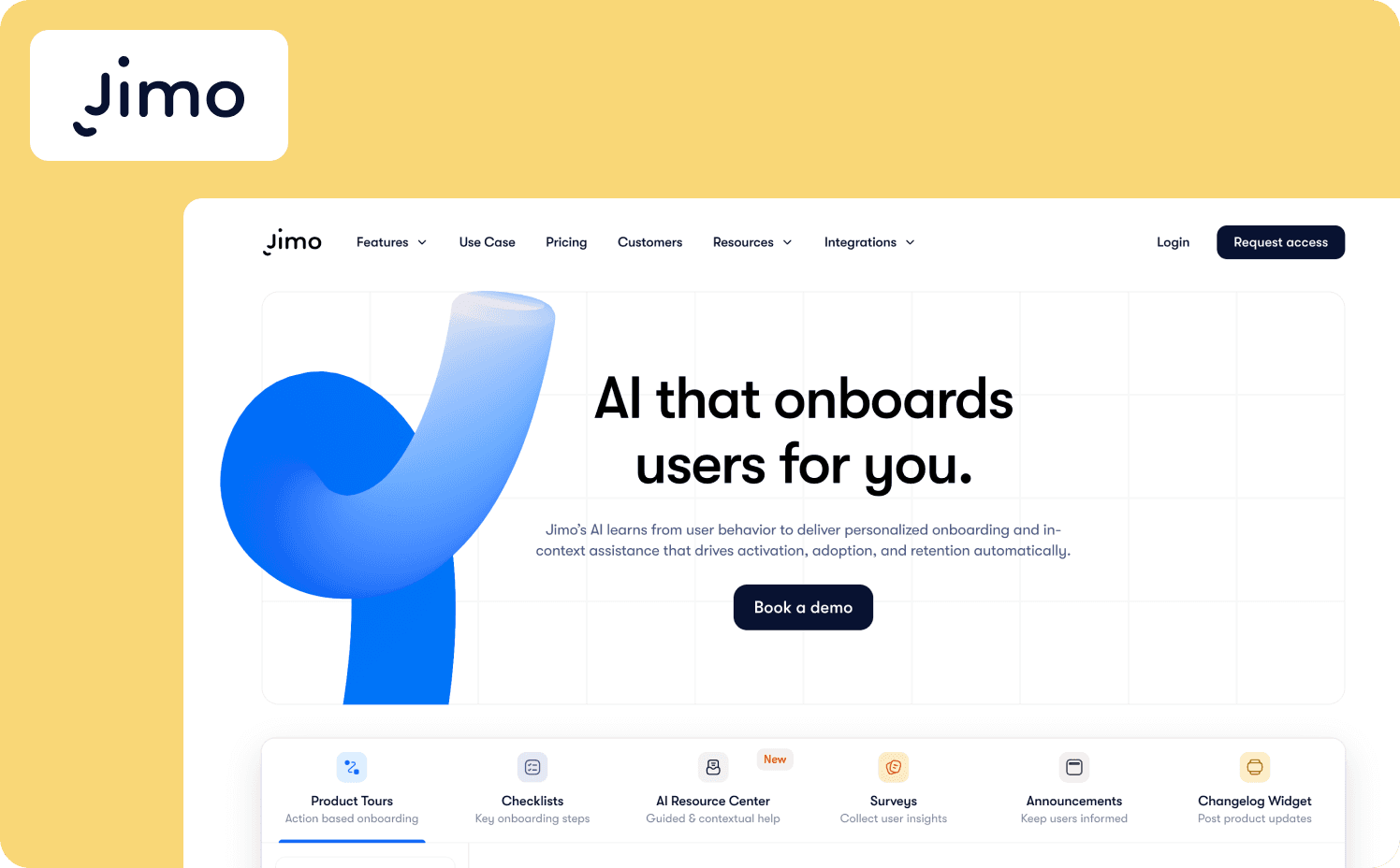
When a perfect UX and nec-plus-ultra technology meet.
Jimo combines AI-driven intelligence with a clean visual builder, allowing product managers to create walkthroughs, step-by-step onboarding flows, and contextual guides in just minutes, without writing code. From the start, Jimo has been designed to replace static, boring UI buttons with adaptive product tours that can take the form of cursors, hotspots, tooltips, modals, and more. Its analytics, smart triggers, and branding elements help SaaS companies build segments that adjust the experience based on user behavior. A/B testing makes it easy to measure activation and understand which tour drives the most meaningful actions. Installation is effortless: adding one html snippet to the app is all it takes for any team to get started. With integrated AI, Jimo automatically personalizes in-app journeys and helps product teams build smarter tours in less time, creating flows that adapt dynamically to each user's context.
Pros
Extremely fast installation
Strong analytics and experimentation
Highly adaptative and qualitative design
Cons
Mobile support still evolving
Advanced features need exploration
Requires thoughtful segmentation setup
What Jimo looks like? See below!
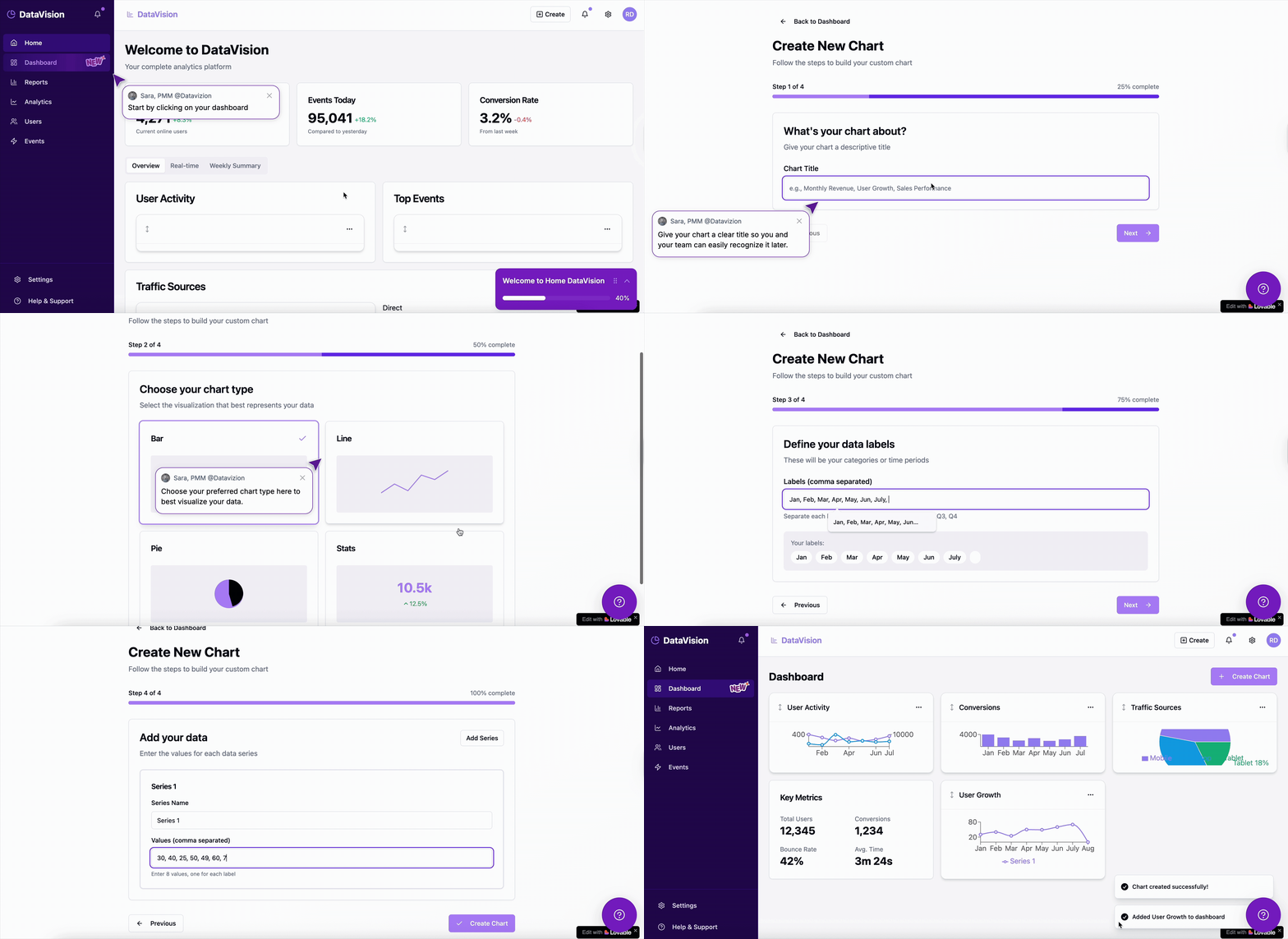
2. Product Fruits
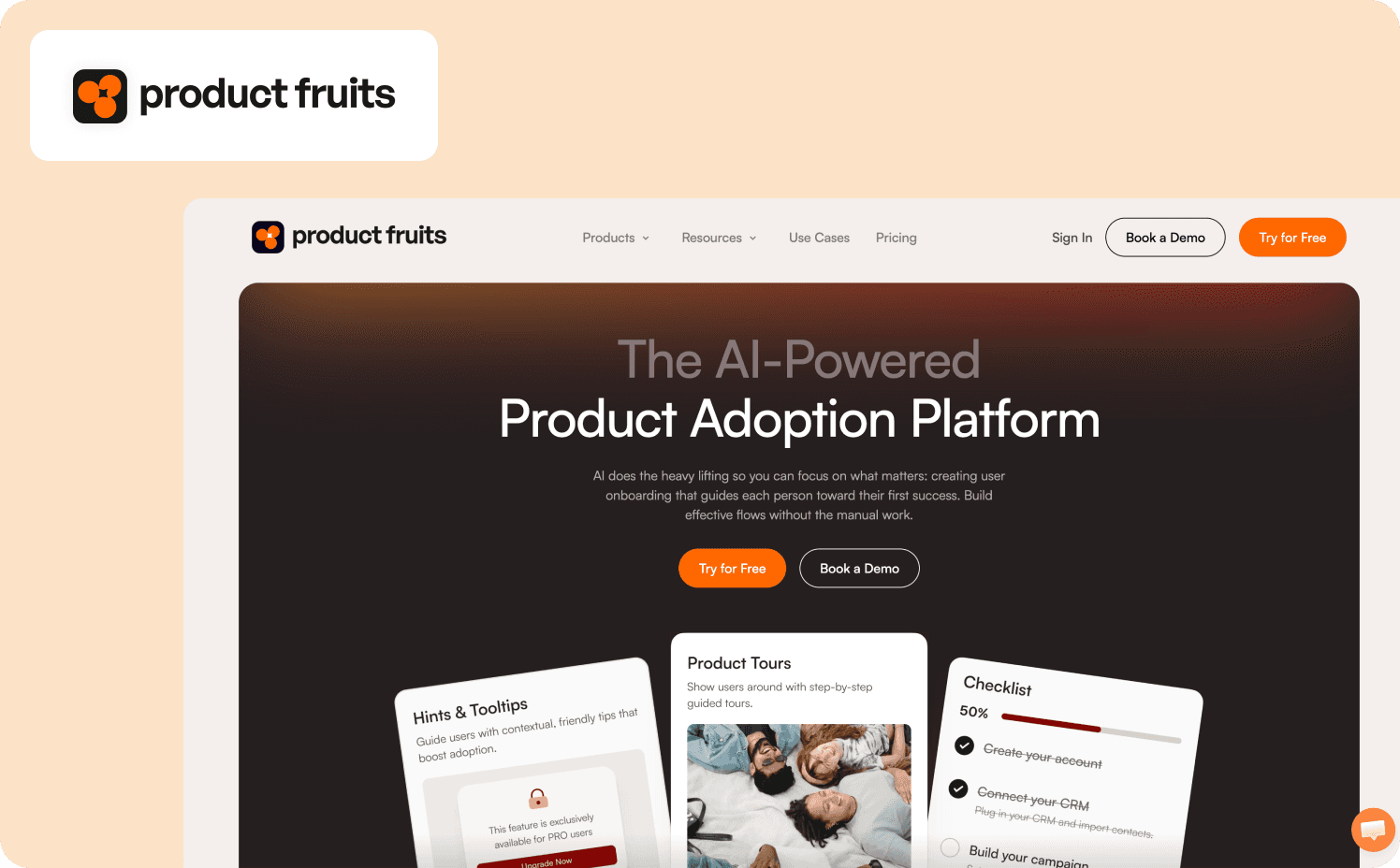
Product Fruits is a lightweight product tour software built for corporations that want a simple, fast way to onboard new users without technical complexity. Setup is easy with a small snippet and browser extension, allowing PMs and marketers to create tours, walkthroughs, checklists, and hotspots without developing code. It includes essential targeting such as basic segments, behavior-based triggers, and page-level rules to guide users through each step of the onboarding experience. The analytics dashboard tracks flow completion, drop-off rates, and performance insights, helping businesses understand value and improve engagement. Their AI copilot helps reduce support tickets by answering users directly from the client database. Focused primarily on web apps, Product Fruits suits SaaS organizations that don't require multi-device support. Pricing is accessible for growing companies, and governance remains simple but functional with integrations like HubSpot, Intercom, and CRM platforms. Overall, Product Fruits is an ideal choice for smaller businesses needing an interactive product tour solution that's easy to manage.
Pros
See our Ultimate Guide for SaaS Success in 2025 for an in-depth look at the advantages of using product tour tools.
Very easy to install and own
Clear analytics for tracking flows
Affordable and predictable pricing
Cons
Limited segmentation
No advanced experimentation
Web-only focus limits flexibility
Curious about the differences between Jimo and Productfruits? You'll find the full comparison here.
3. UserGuiding
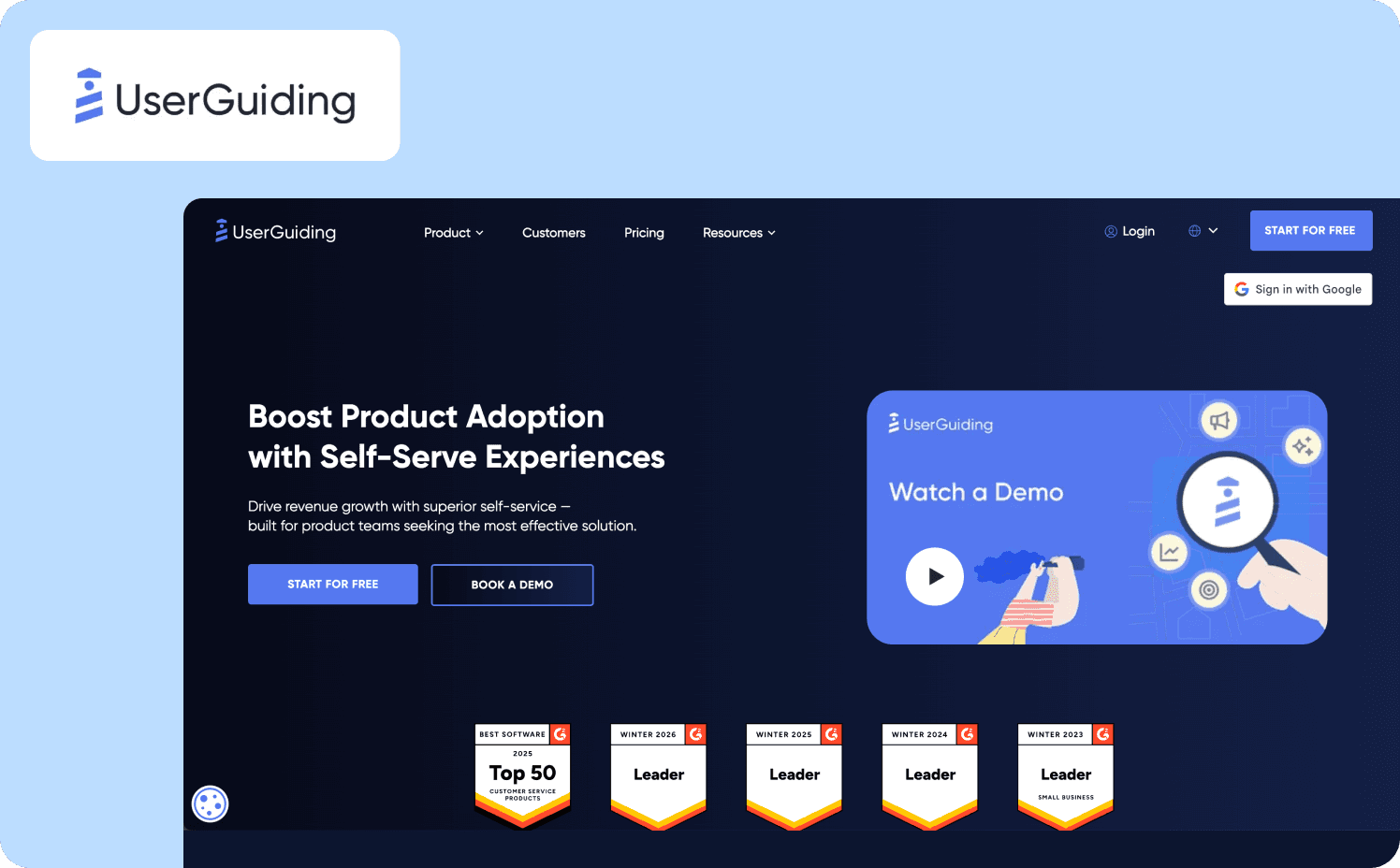
With its easy-to-use interface, UserGuiding enables product managers to build multi-step guides, checklists, and onboarding flows without technical setup. The tool focuses on speed and accessibility, making it perfect for small-to-mid-size SaaS solutions that want simple product tours, and low-friction deployment. UserGuiding Ai is a classic in-app assistant offering personalized, multilingual assistance to users. Analytics focus on completion, drop-off rates, and flow performance, highlighting the actions to conduct. UserGuiding is tailored primarily to web apps, making it a strong option for early-stage SaaS corporations. Pricing is budget-friendly, enabling organizations to scale onboarding without heavy investment. Governance features include basic roles, permissions, and integrations with analytics tools, CRMs, and web platforms.
Pros
For product-led growth strategies, onboarding best practices, and insights on building delightful user experiences, visit our blog for SaaS teams.
Very easy for beginners
Clear flow analytics
Affordable for small businesses
Cons
Limited segmentation
No advanced experimentation
Not suited for complex onboarding needs
Curious about the detailed differences between Jimo and Userguiding? You can explore them all here.
4. Userflow
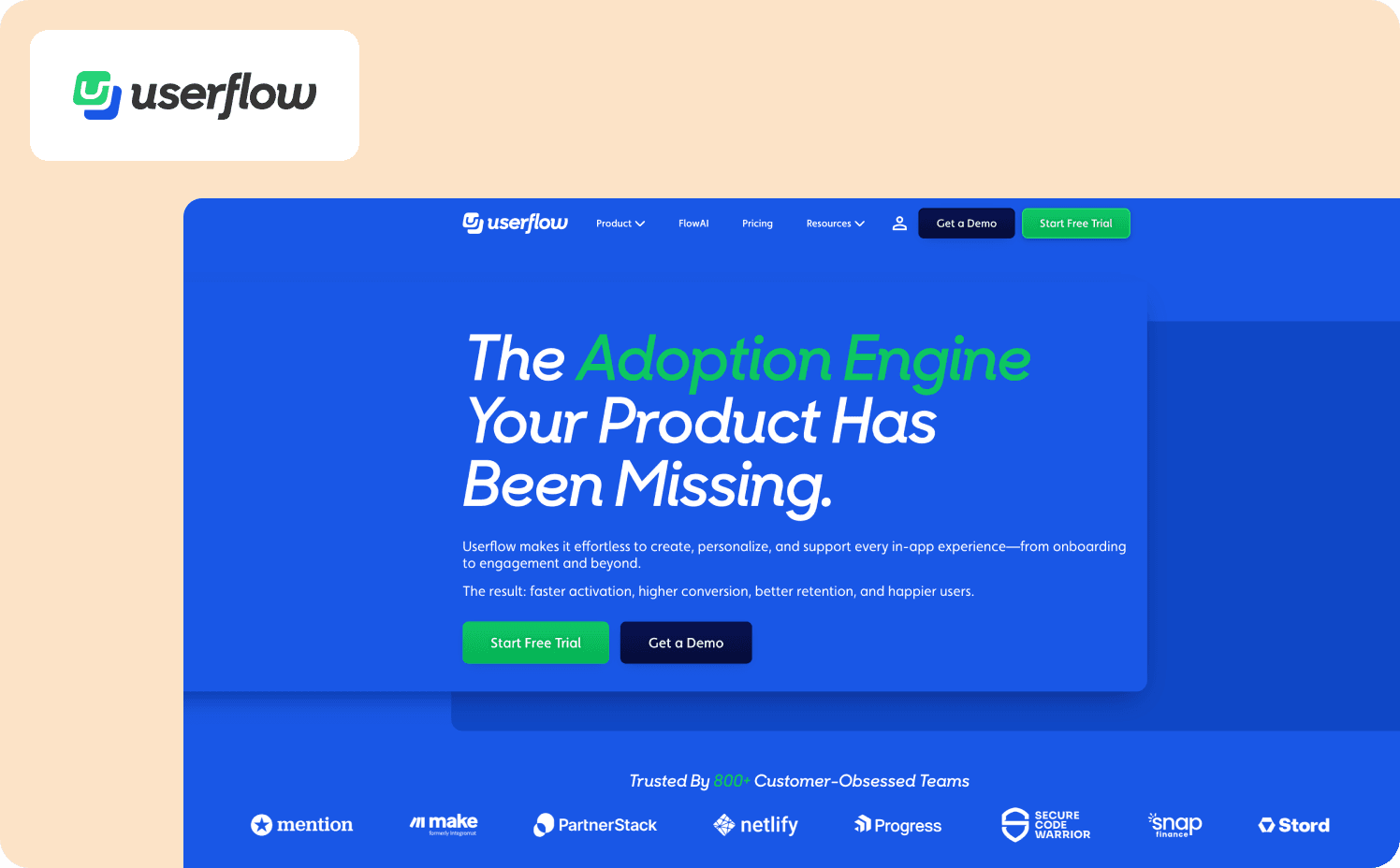
Userflow is a fast and intuitive onboarding platform built for SaaS companies that want to create clean, guided walkthroughs without adding engineering work. Installation is simple with a lightweight snippet, and the visual builder allows PMs to design flows, checklists, and step-by-step guides in minutes. It supports behavioral targeting, real-time segments, and event-based triggers that adapt guidance to user actions and help streamline the onboarding experience. Its analytics include completion tracking, progress insights, and action-level performance, making it easy to evaluate engagement and activation value. Userflow is optimized for web apps and performs well in dynamic interfaces such as SPAs. Pricing is competitive for growing organizations, and governance features include roles, permissions, and environment controls. Integrations with Segment, HubSpot, and analytics platforms make Userflow a reliable No-code Product Tour solution for rapid onboarding iteration.
Pros
Fastest builder in the category
Clear flow analytics
Great for agile SaaS teams
Cons
Limited experimentation
Basic mobile support
UI customization less flexible than Chameleon
Want to see exactly how Jimo differs from Userflow? All the details are right here.
5. Intercom
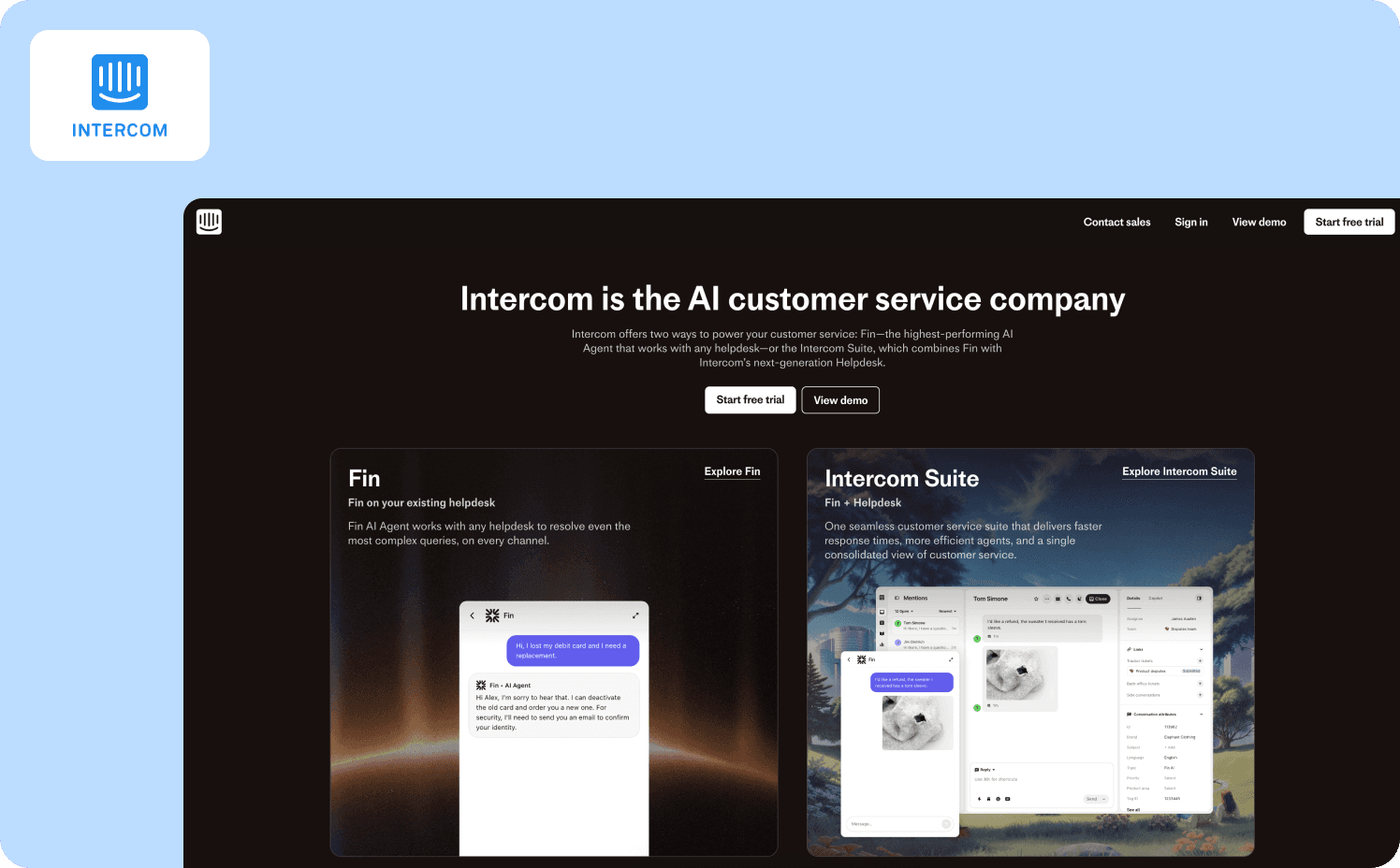
Intercom blends product tours with communication capabilities by merging in-app messaging, support, and onboarding while supporting them through chat, email, and automated messaging. Companies use Intercom to guide users during their first session, and then engage them through chat or email. It's particularly effective when onboarding needs to combine tours with personal assistance or customer support interactions. Setup is simple via an HTML snippet, and the visual builder enables PMs to design walkthroughs without the help of any developers. Specializing in in-app chat experiences, Intercom has developed Fin AI, a customer-service copilot that supports your entire team by accurately handling even the most specific user questions. Analytics include engagement metrics, completion tracking, and action performance, though tour analytics are lighter than dedicated onboarding tools. Intercom supports both web and mobile apps, making it suitable for products with hybrid touchpoints. Pricing follows a communication-first model and scales with contacts and usage. Integrations span CRMs, support systems, and analytics tools. Intercom Works best for teams wanting an Interactive product tour blended with customer communication.
Pros
Combined support and onboarding
Easy installation
Strong communication flows
Cons
Limited tour analytics
Pricing can grow quickly
Less flexible design options
Looking for a deeper look at how Jimo stacks up against Intercom? Check out the full comparison here.
6. Command AI
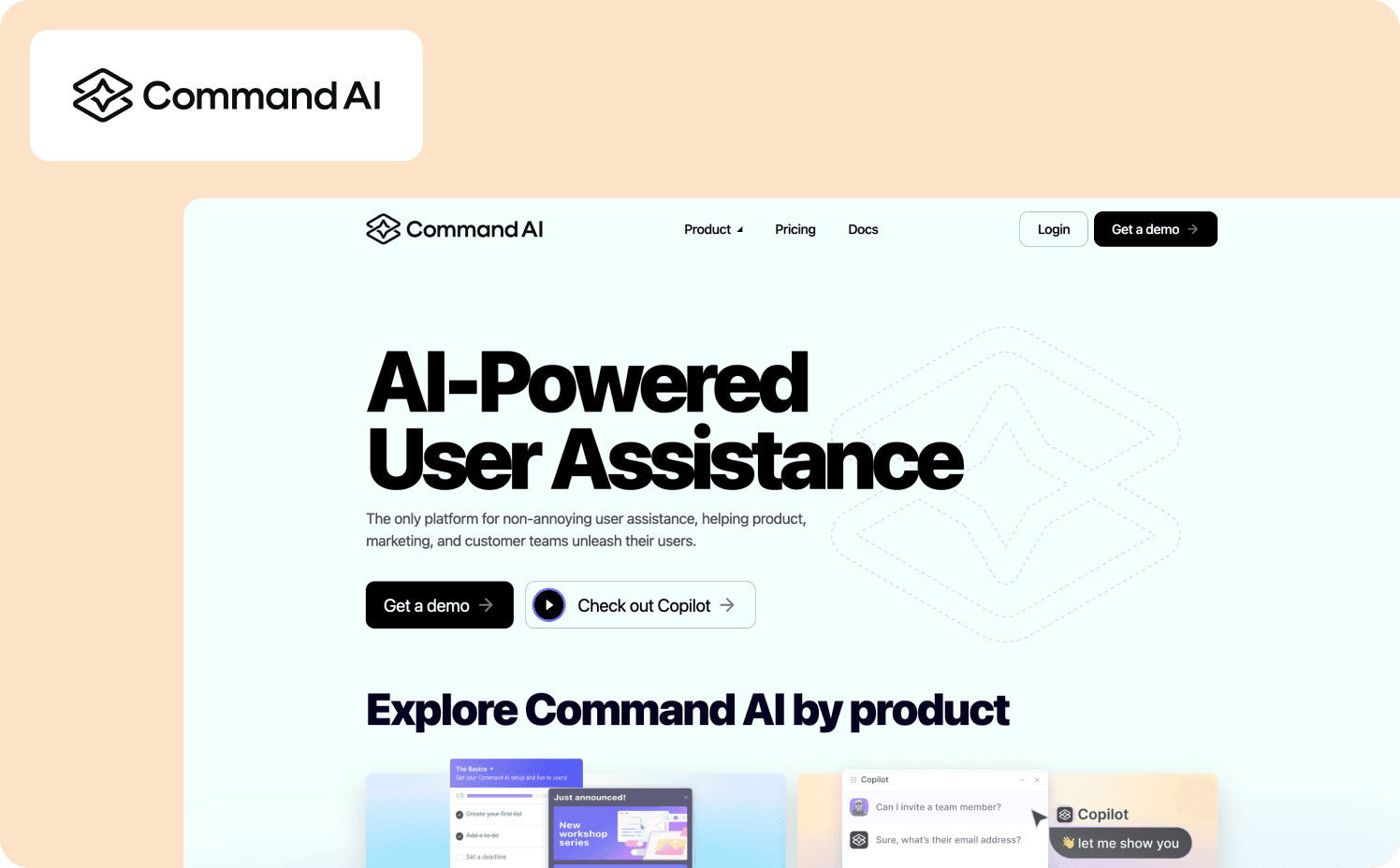
Command AI offers a unique approach by helping users find actions instantly through a searchable command interface. It includes product tours, tooltips, and spotlight features that guide users through complex tasks. Command AI is great for products that benefit from faster navigation, contextual help, and smart suggestions. Command AI now includes an AI Copilot that helps users complete tasks faster by understanding intent, suggesting next actions, and offering instant in-app assistance. Targeting integrates user intent patterns, enabling the platform to surface guidance based on what users search for or attempt to do, making it an effective complement to standard walkthroughs. Analytics track search behavior, actions attempted, completion rates, and guidance performance, giving teams insight into value and friction within the app. Command AI is optimized for web apps and supports dynamic interfaces. Pricing fits growing SaaS products and knowledge-heavy tools, while governance includes security, permissions, and environment management. Integrations span CRMs, analytics platforms, and internal systems. Command AI works best as a No-code Product Tour system for products with complex navigation.
Pros
Intent-based onboarding
Strong search analytics
Easy installation
Cons
Secondary focus on tours
Limited mobile features
UI customization is modest
7. Userpilot
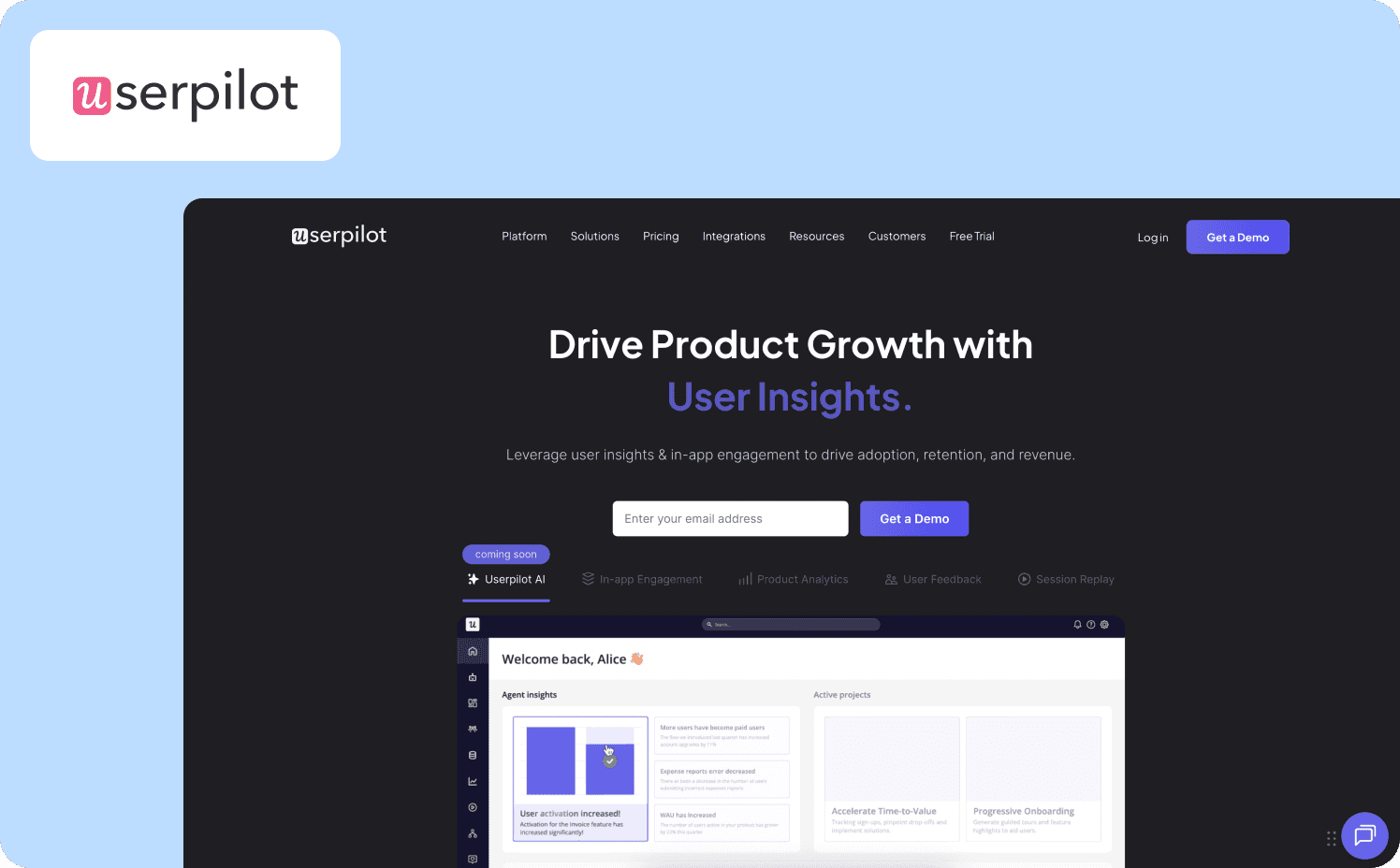
Userpilot is a powerful onboarding and product tour software built for PMs who want to deliver deeply contextual experiences without relying on engineering. Setup is quick thanks to a browser extension and snippet that allow PMs to create onboarding flows, tooltips, and in-app experiences without code. The platform excels in behavioral targeting with advanced segments, lifecycle triggers, and event-based logic that adapt to how users behave inside the app. With its AI-powered Growth Agent, Userpilot highlights actionable insights, detects friction points, and suggests personalized flows that can be launched instantly to drive activation. Its analytics include activation tracking, feature usage insights, completion rates, and behavioral data that help organisations understand value and improve onboarding. Userpilot is optimized for web apps and performs well within complex interfaces. Pricing aligns with mid-size SaaS businesses focused on product-led growth. Governance features include roles, environments, and security controls, while integrations span Segment, HubSpot, Amplitude, and major analytics stacks. Overall, Userpilot is a strong option for one team seeking an Interactive product tour solution with robust segmentation.
Pros
Excellent behavioral targeting
Strong adoption analytics
Easy visual builder
Cons
No mobile SDK
Limited experimentation
UI customization can feel rigid
Want to see exactly how Jimo differs from Userpilot? All the details are right here.
8. Appcues
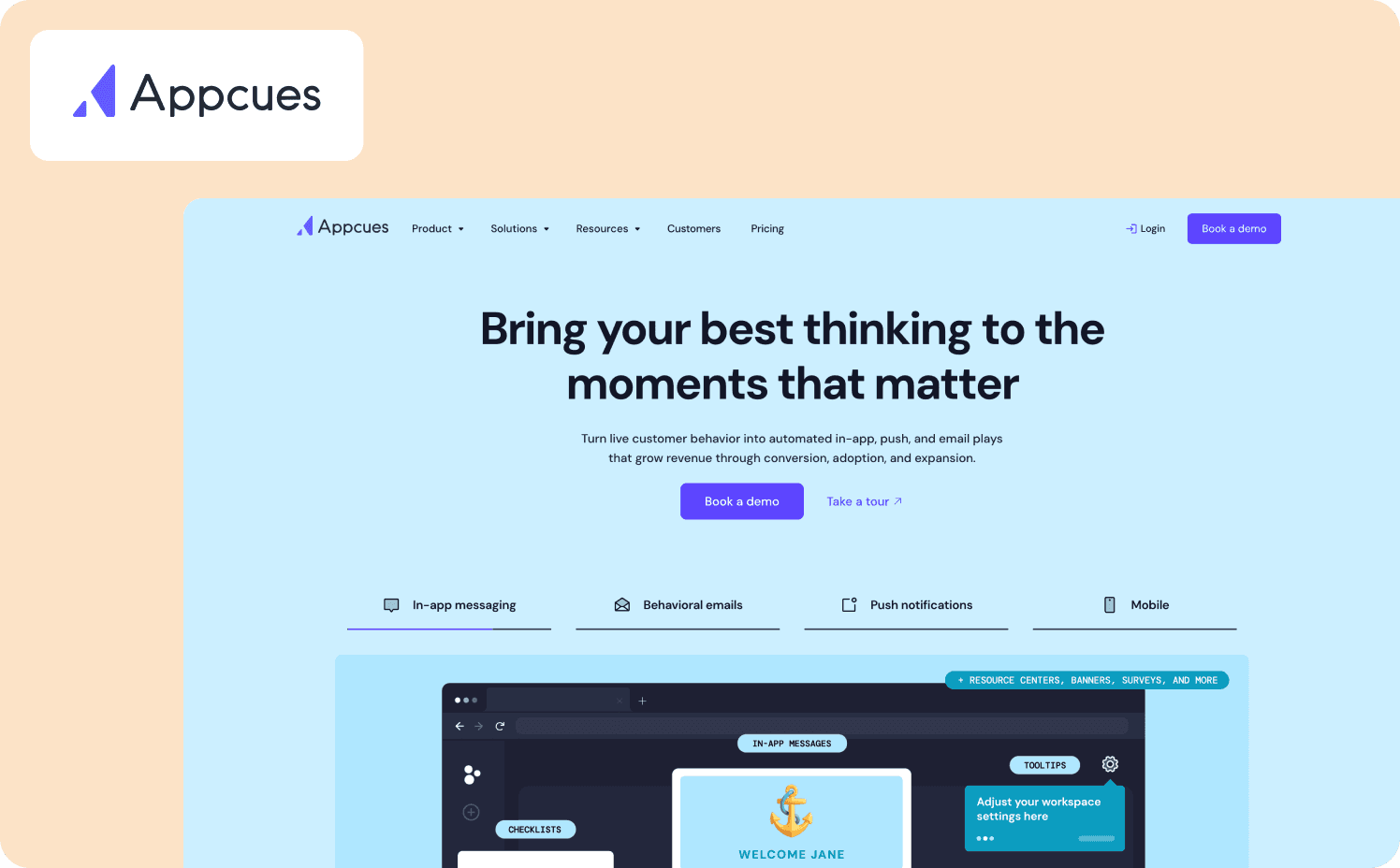
Appcues is widely recognized for its ability to deliver structured onboarding flows and flexible segmentation. The tool allows teams to create product tours, tooltips, modals and supports advanced targeting with robust segments, behavioral triggers, and rule-based logic that guide users throughout their experience. Appcues includes templates, analytics, and user journey building, making it helpful for organizations managing multiple onboarding paths. It offers strong capabilities, though larger teams may find it more resource-intensive. AI at Appcues enables users to pinpoint the optimal locations for displaying in-app messages, allowing them to gain more time. Its analytics includes funnel views, engagement metrics, and retention insights and allows product managers to track completion, action performance, and long-term value. Appcues can adapt to apps and extends into mobile with iOS and Android SDKs. Pricing is designed for mid-size and enterprise SaaS corporations, and governance includes permissions, environments, and security controls. Integrations include Segment, HubSpot, analytics tools, and CRMs, making Appcues a reliable No-code Product Tour solution for complex organizations.
Pros
Strong segmentation and targeting
Supports mobile onboarding
Rich analytics and journey insights
Cons
Pricing is higher
Learning curve for advanced features
Limited built-in experimentation
Want to dive deeper into the differences between Jimo and Appcues? You can find the full breakdown here.
9. Stonly
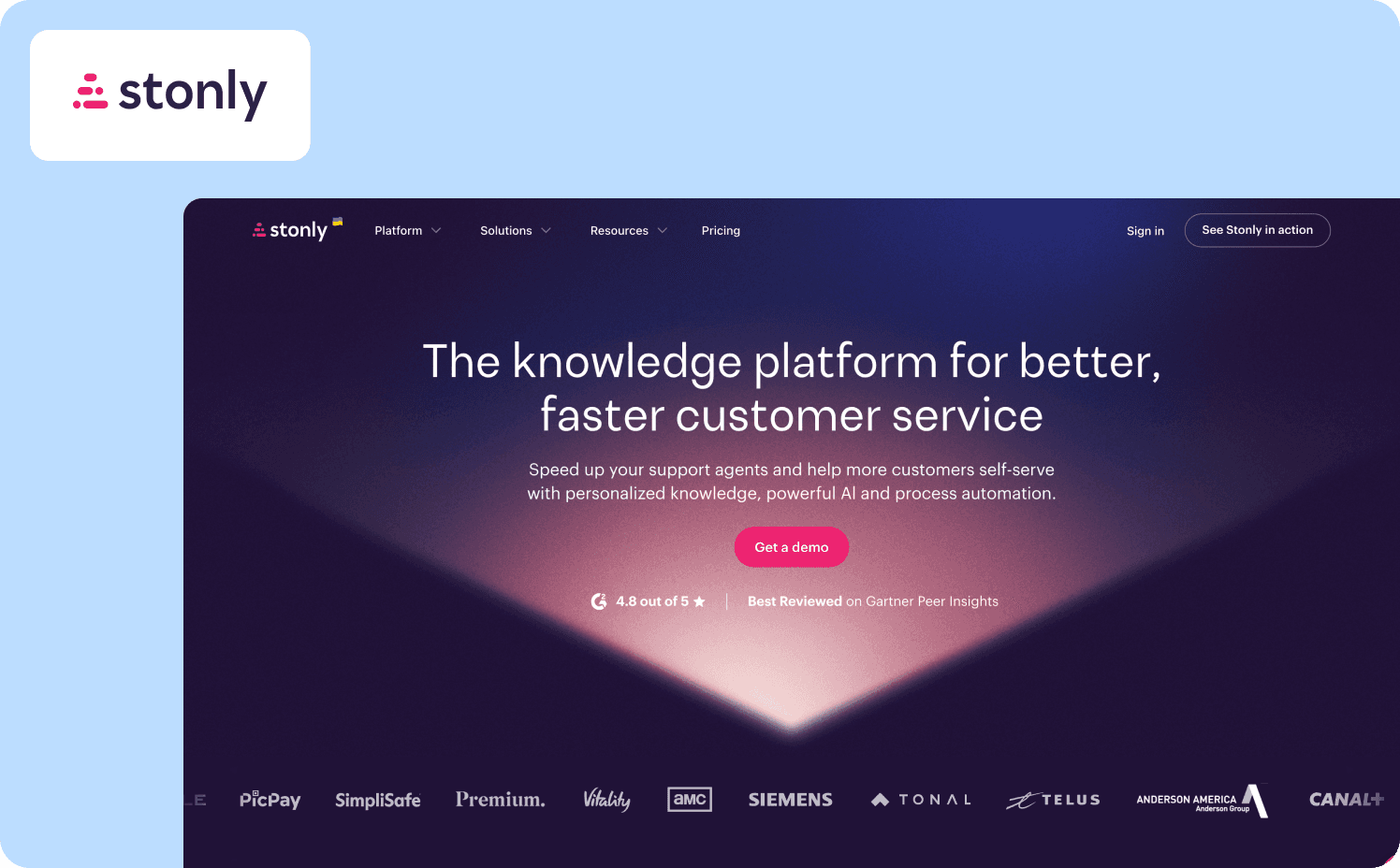
Stonly offers a highly structured approach to onboarding with a decision-tree system that adapts guidance based on each user's inputs. Implementation is simple with a snippet, and PMs can build branching tours, contextual steps, and adaptive walkthroughs without writing code. Its targeting supports user inputs, page conditions, and event triggers, allowing PMs to guide users through complex workflows. Stonly also offers an AI-powered support chatbot capable of resolving most routine tickets and delivering fast, accurate help that impresses customers. Analytics include completion tracking, behavior patterns, and action-level insights. Stonly focuses primarily on web apps and excels in support-heavy environments. Pricing fits teams that need flexible, scenario-based onboarding, and governance includes roles, permissions, and strong security. Integrations with Zendesk, Intercom, and support tools make Stonly ideal for Tutorial software use cases.
Pros
Excellent for branching logic
Strong support integrations
Great for troubleshooting flows
Cons
Not ideal for simple tours
Less visually dynamic
Limited mobile functionality
For a complete, side-by-side comparison of Jimo versus Stonly, review the full analysis here.
10. Chameleon
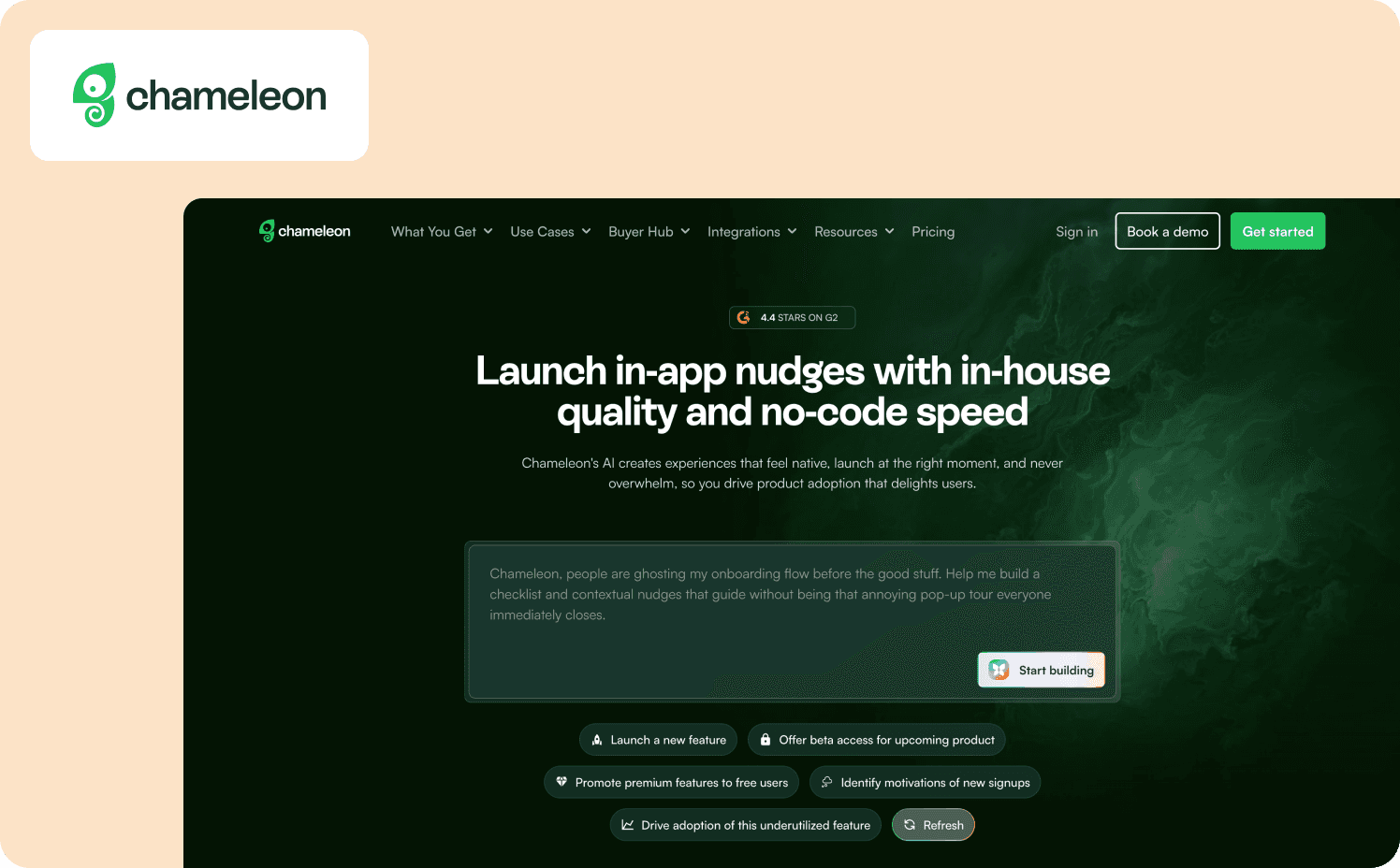
Chameleon is a flexible onboarding platform known for its advanced UI customization and precise control over product tours. After installing a snippet or browser extension, PMs and designers can create polished product tours, walkthroughs, and guided experiences with extensive styling options that blend naturally into the app. It supports dynamic segments, behavioral triggers, and contextual rules that adapt guidance to each user's actions. Its analytics include funnel reports, completion tracking, and engagement insights, helping companies evaluate step performance and understand value. Chameleon adds a touch of automation with AI-assisted targeting and suggestions, helping reduce some of the manual effort normally required to optimize product adoption flows. While optimized for web apps, Chameleon offers a level of design flexibility that few competitors match. Pricing tends to fit design-driven SaaS products, and costs increase with usage and component complexity. Governance features include permissions, environments, and integrations with tools like Segment, Mixpanel, and CRM platforms. Overall, Chameleon is a strong choice for organizations that want a highly customizable Interactive product tour with refined UI patterns.
Pros
Highly customizable UI tours
Strong segmentation and triggers
Deep integrations with analytics tools
Cons
Setup requires more time
Pricing grows quickly
Limited mobile support
Want to dive deeper into how Jimo compares to Chameleon? You can find the full breakdown here.
11. Pendo
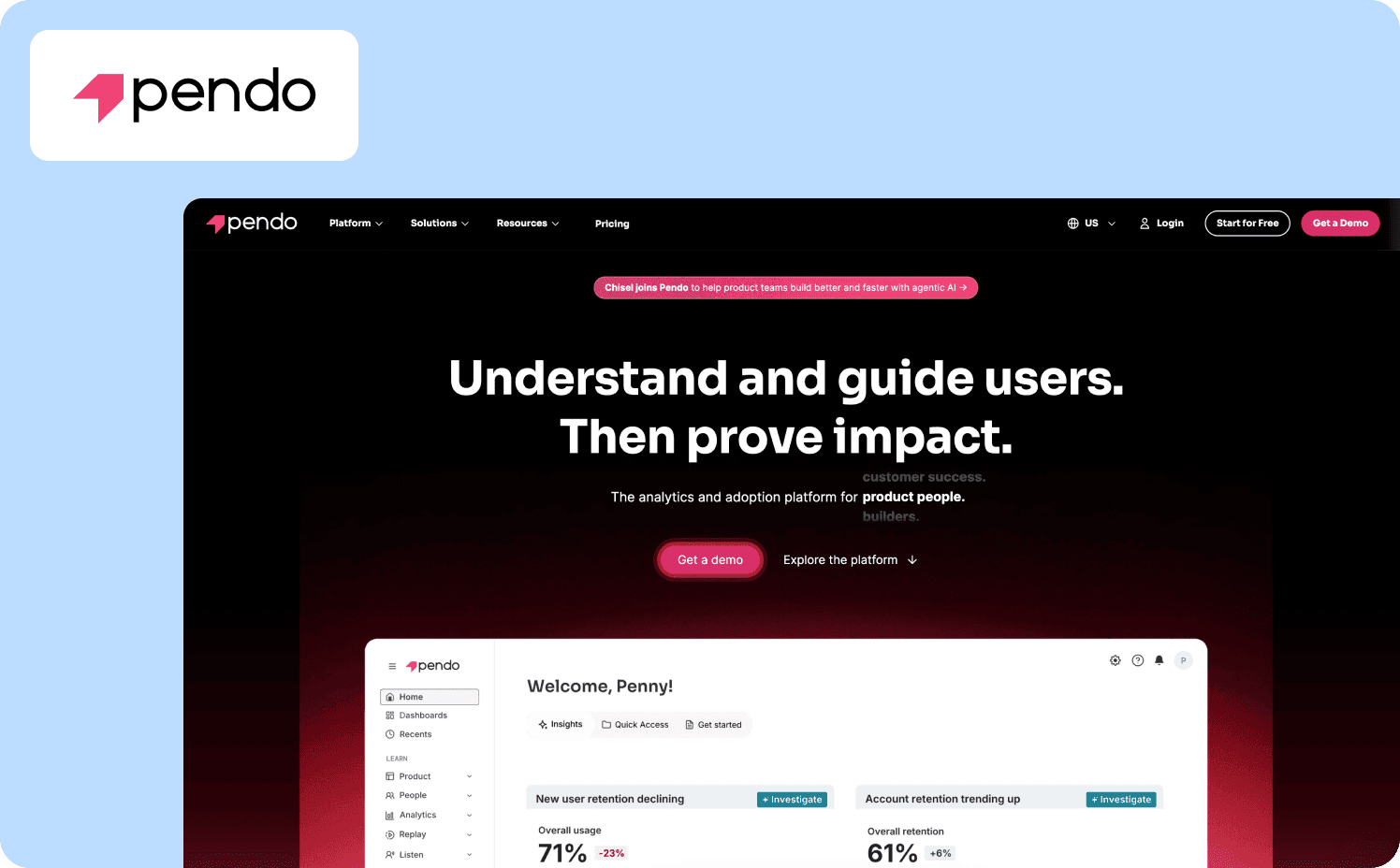
Pendo combines powerful analytics with onboarding capabilities, offering companies a detailed understanding of user behavior before launching guidance. After installing a snippet and completing a brief setup, PMs can create walkthroughs, tooltips, and multi-step onboarding flows without relying on code. Targeting is highly granular, using event-level data to build precise segments and personalized triggers that guide users through complex workflows. Its analytics suite includes funnels, retention insights, usage reports, and behavioral tracking, helping organizations measure value and identify friction across the product experience. Pendo supports both web and mobile apps through robust SDKs, making it suitable for multi-platform onboarding needs. Automation, analytics, predictive insights, Pendo AI does everything from surfacing opportunities to flagging risks, answering data questions, and helping reduce churn without needing data-science resources. Pricing aligns with enterprise requirements, and governance includes SSO, roles, environments, and strong security controls. Integrations extend across CRMs, analytics platforms, and data warehouses, making Pendo a reliable No-code Product Tour solution for organizations seeking deep product intelligence.
Pros
Best-in-class analytics
Supports web and mobile
Highly granular targeting
Cons
Expensive for smaller teams
Complex setup
Heavy for simple onboarding needs
For a complete, side-by-side comparison of Jimo versus Pendo, review the full analysis here.
12. Whatfix
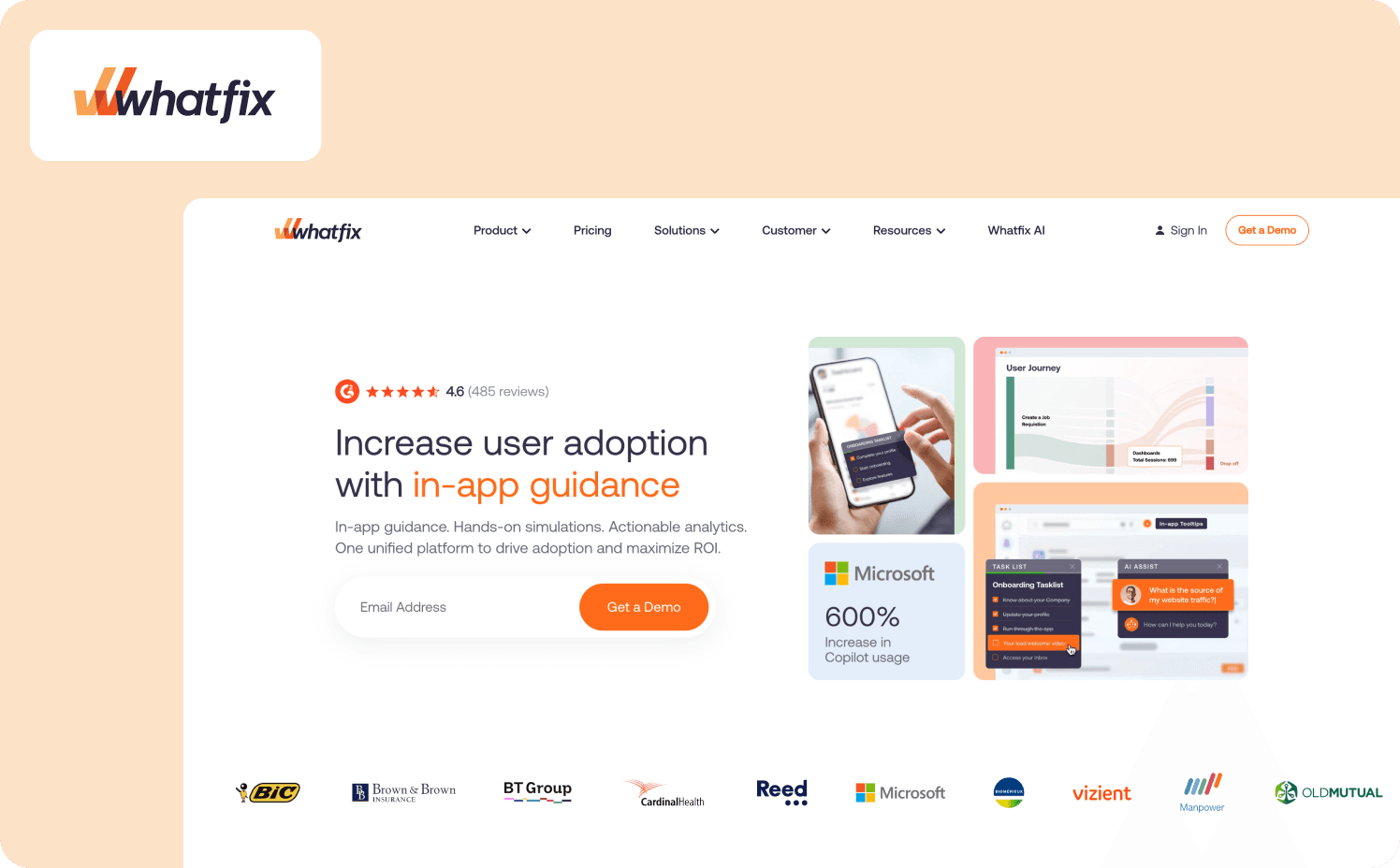
Whatfix is a flexible DAP built for enterprises that need structured onboarding, in-app guidance, and comprehensive walkthroughs across multiple systems. Implementation uses a small snippet, and PMs can build flows, tooltips, and contextual guides without writing code. Its targeting supports detailed segments, rule sets, and behavioral triggers, helping teams lead users through complex workflows. Analytics include completion, funnels, engagement insights, and action-level tracking, enabling organizations to measure value and optimize flows. Whatfix supports web, desktop, and mobile apps, making it suitable for multi-platform onboarding. Whatfix uses AI to understand user context and intent in real time, delivering personalized in-flow experiences that accelerate onboarding and drive higher software ROI. Pricing is enterprise-oriented, and governance includes SSO, permissions, and strong security. Integrations with CRMs, analytics tools, and internal systems make Whatfix effective as Tutorial software and a reliable Interactive product tour builder.
Pros
Strong multi-platform support
Detailed analytics and tracking
Excellent segmentation
Cons
Enterprise pricing
Setup requires planning
Heavier than simpler tools
Looking for a deeper comparison between Jimo and WhatFix? Everything you need is right here.
13. WalkMe
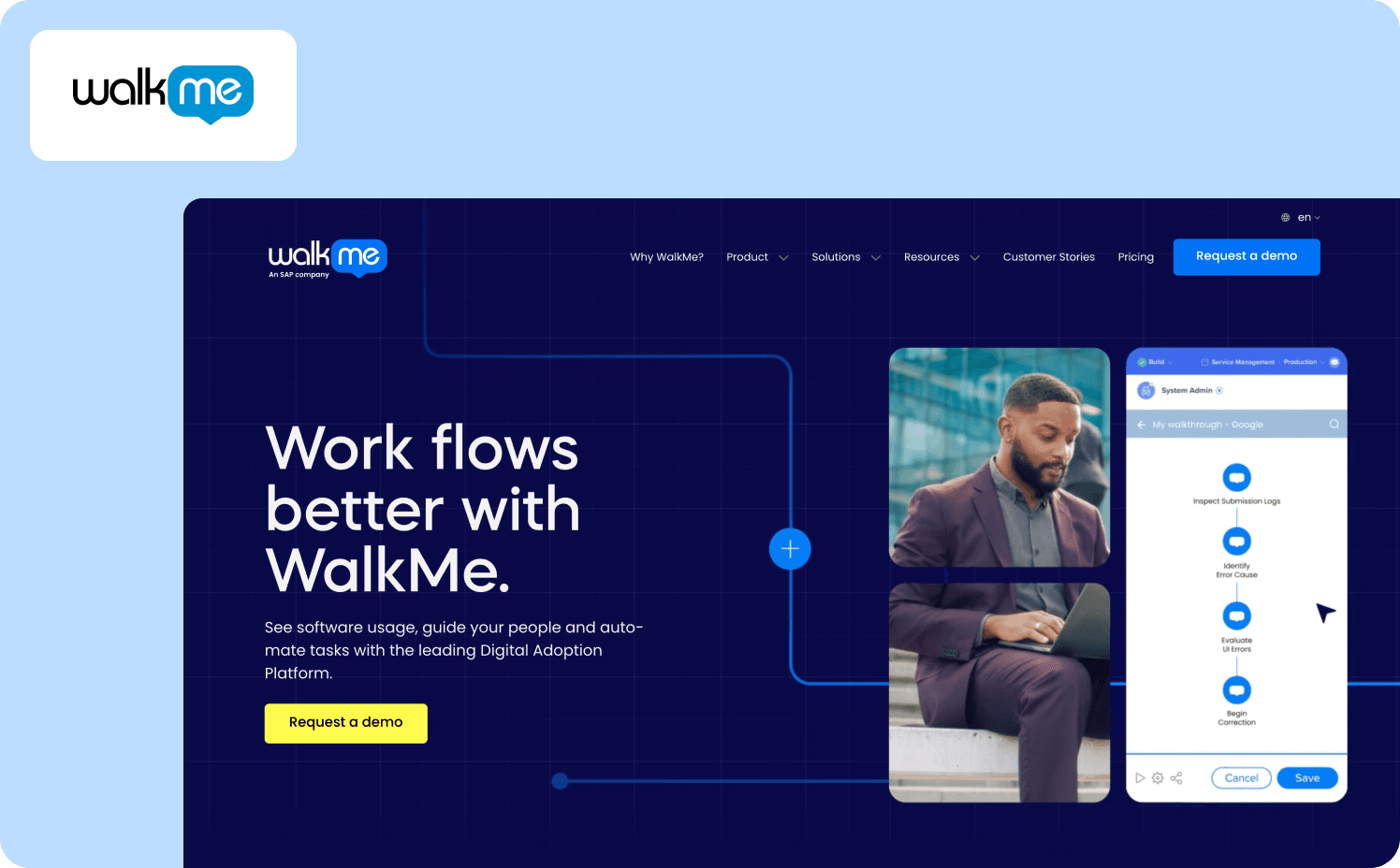
WalkMe is a leading enterprise DAP designed for organizations with complex workflows and large-scale onboarding needs. Setup requires more implementation effort than lighter tools, but once active, PMs can build walkthroughs, tooltips, and contextual tours across web, desktop, and mobile apps. WalkMe offers robust targeting with rule-based triggers, segments, and behavior-driven actions that leads users through detailed steps. Its analytics suite includes funnels, completion tracking, engagement insights, and value measurement across workflows, helping PMs optimize product adoption. WalkMe's AI brings intelligent automation to digital adoption by spotting friction, predicting user needs, and guiding people through complex processes with far less effort. Pricing aligns with large enterprises, especially those with multi-app ecosystems. WalkMe integrates with analytics tools, CRMs, and enterprise systems, offering a powerful No-code Product Tour framework.
Pros
Best for enterprise workflows
Strong analytics and governance
Works across web, desktop, and mobile
Cons
Expensive for smal businesses
Longer setup time
Heavy for simple onboarding flows
Curious about how Jimo compares to Appcues? You'll find allthe details here.
Comparison table
Tool | Price range | Ease of setup | Mobile support | Best use-case | UX & Intuitive platform |
Jimo | From 300€/mo to custom | Extra easy, no development needed | Yes, the user can easily choose on which device to display in-app features | SaaS wanting AI-powered onboarding that reduces manual maintenance | Most intuitive platform on the market |
ProductFruits | From 83€/mo to custom | No-code, designed for minimal manual effort | Yes, but requires some development and the use of Chrome DevTools | Early-stage startups looking for affordable onboarding & basic tours | Simple, practical UI |
Chameleon | From 240€/mo to custom | Visual builder, which requires a little bit of code | Native mobile support is unclear and limited | SaaS where brand-consistency, design polish, and customizable in-app features | Good customization; intuitive for product teams who value UI/UX polish |
Userflow | From 207€ to custom | Drag-and-drop + flow builder | Web-only, does not emphasize native mobile support | Web-only SaaS needing customizable, polished onboarding flows | Clean UI, flow builder, analytics; well-suited for teams wanting simplicity |
Appcues | From 258€ /mo to custom | No-code drag-and-drop builder, setup is fast and accessible. | Web and supports mobile apps per vendor positioning | Mid-market SaaS needing easy onboarding, segmentation, in-app messaging without dev-heavy setup. | Pretty intuitive, marketing/product friendly interface; good balance of features & ease. |
Userpilot | From 257€ / mo to custom | Easy, No-code onboarding / in-app builder | Only for some features | SaaS wanting behavior-based onboarding feature adoption and feedback, without heavy dev work | Balanced: offers good UX while giving flexibility. |
Pendo | Custom pricing (no public price) | More complex, full-featured tool combining onboarding and product analytics; needs more setup than no-code tools. | Web and mobile support, depending on integration | Enterprises or growth-stage SaaS needing deep analytics, robust onboarding and feature adoption tracking at scale. | Rich set of features and analytics; powerful but heavier than lighter tools, may involve steeper learning curve |
Intercom Product Tours | From 128€/user /mo | Basic to set up, no code needed | Yes, in-app mobile included | Startups or small-to-mid SaaS already using Intercom for support/communication who want to add simple onboarding without adding an entire new tool | Interface is straightforward, especially if you already use Intercom; but tours are basic, customization limited |
UserGuiding | From 150/mo | No-code tool; easy to get started | Mobile support is possible but less emphasized; not always “native mobile app” support | Small teams / early-stage SaaS needing simple, affordable onboarding tours, tooltips, modals, and checklists, no heavy analytics | Simple and accessible interface; suitable for teams without dev resources or need for advanced features |
Command AI | Custom pricing (no public price) | No-code tool; easy to get started | Mobile support available, requires a little set-up | Small to mid-size SaaS looking for an easy way to onboard users | Clean UI, flexible visual editor, customizable styling |
Stonly | Custom pricing (no public price) | No-code guide builder for interactive help / knowledge-base and onboarding tours. | Mobile support is unclear and seems to depend on product integration | SaaS looking to offer onboarding and self-service support / knowledge base, or needing guides for users & customers rather than just simple tours | More oriented toward help, guides, support flows than classic product tours; UI is simpler but less rich than full onboarding-first tools |
WalkMe | Custom pricing (no public price) | Heavy integration with many features; built as a Digital Adoption Platform | Web & enterprise apps; supports broad “digital adoption” contexts (likely broad platform support, but depends on integration) | Large enterprises needing complex user onboarding, employee training, large-scale adoption, workflow guidance, not necessarily a typical SaaS user onboarding only | Powerful but heavy. More tools and features than simpler onboarding platforms, which can make UX and maintenance teams more involved |
Whatfix | Custom pricing (no public price) | No-code digital adoption platform; more involved than simple tour builders as it's intended for broader guidance | Easy and no-code mobile support for complex applications | Enterprises or complex SaaS needing not just onboarding but training, feature adoption, ongoing user education, or internal/external user workflows | Rich feature set, with flexibility & breadth, good for complex use cases but can be seen as quite heavy |
Jimo's point of view:
Most traditional product tours are static, overwhelming, and time-consuming to maintain which leads to outdated guidance and low activation. Jimo takes a different approach: its AI generates adaptive, personalized onboarding steps that evolve with your product, which leads to far less manual work and tours that stay accurate as your UI changes. By monitoring flow performance, tailoring guidance to each user, and focusing on real adoption rather than clicks, Jimo delivers a smoother, more relevant onboarding experience that feels native and leads to higher activation and retention with a fraction of the effort.
Why do modern SaaS product teams choose Jimo?
Jimo is more than product tour software — it’s a product adoption platform built to help product teams implement product tour software quickly and drive real user adoption. With a no code platform and fast setup, you can create interactive product tours, create in app tours, and ship interactive guides without ongoing developer support — so there’s no steep learning curve slowing you down.
Jimo’s essential product tour features are designed for outcomes, not vanity clicks:
Visual flow builder + interactive elements to walk users through the product interface and highlight your product’s key features
User segmentation and advanced targeting to target users based on user behavior — for both new users and existing users
Built-in product analytics with analytics integration to track onboarding flows, activation, and feature adoption
A built-in resource center / in app resource center, plus smart tips and announcements to roll out new features and reduce support load
User feedback and customer feedback loops to improve customer onboarding and support customer success teams
If you’re choosing the right product tour software and want the fastest path to providing interactive product tours that improve user onboarding, user engagement, and user activation, Jimo is one of the best product tour software options for modern SaaS teams — including customer success and sales teams supporting the sales process with interactive demos. Book a demo today.
FAQs
What is the best product tour software for onboarding in 2026?
Jimo — it’s the best product tour software for teams that want to create interactive product tours fast, with a no code platform, a visual flow builder, an in app resource center, and advanced targeting based on user behavior to drive user onboarding, user activation, and feature adoption.
Is there any free product tour software (or product tour software free) worth using?
Some product tour software tools offer a limited free plan or trial, but “best free product tour software” usually comes with caps on key features like user segmentation, analytics integration, or publishing. If you need to scale onboarding flows without a steep learning curve, start with a Jimo demo and evaluate ROI vs “free”.
What’s the easiest product tour software for product teams without developer support?
If “fast to launch” is the priority, choose Jimo — it’s among the easiest product tour software options to implement product tour software via a lightweight snippet, then create tours and create in app tours with in-app guidance, smart tips, and interactive elements.
What are the essential product tour features to look for in guided tour software?
For guided tour software (or product tours software) that actually moves metrics, look for: user segmentation, advanced targeting, product analytics + analytics integration, an in-app resource center, support for new features, and ways to collect user feedback / customer feedback — so you can guide users through the user journey and improve user adoption.
Which product tour tool is best for customer success teams and sales teams running interactive demos?
A strong product tour platform should support both customer success teams and sales teams: quick onboarding flows for onboarding users, plus interactive demos that highlight product’s key features and shorten the sales cycle. Jimo fits well because it combines product tour tools, interactive guides, and targeting to segment users for different journeys.