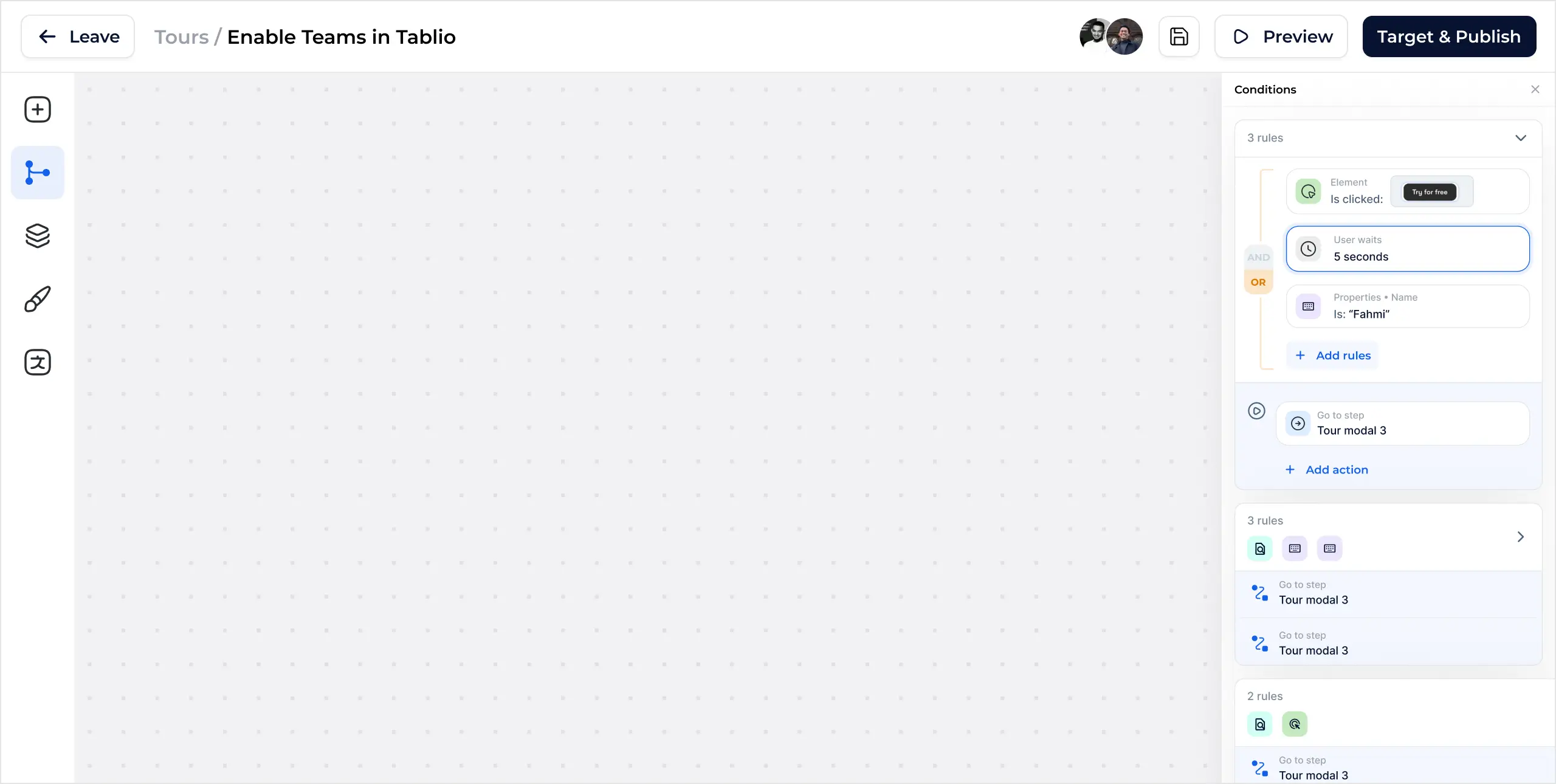

Customize your survey flow based on user responses. More context, more answers.

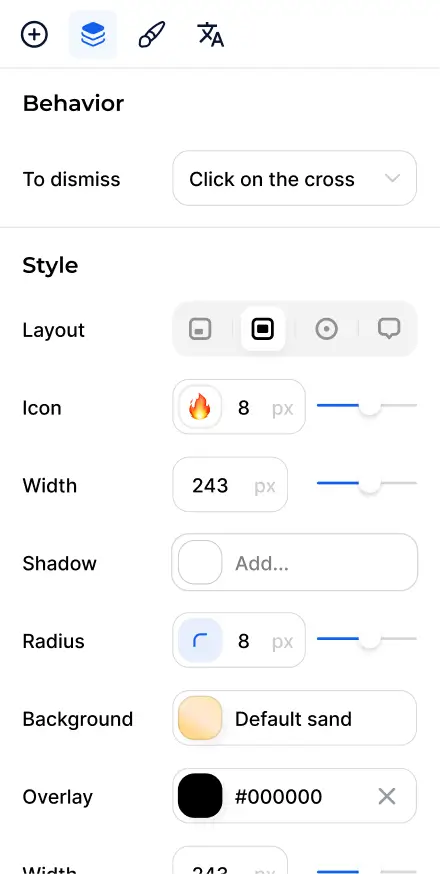





Automatically send survey responses to your Slack channels for seamless integration and real-time updates
Export responses

Slack
Share responses to a Slack channel. Learn more
















Frequently Asked Questions
How to install Jimo?
The setup is lightning-fast. Copy and paste a snippet of JavaScript to your product or integrate via Google Tag Manager. Either way, it’s super quick! Here is the link to our documentation.
Can I track and analyze survey responses?
Of course! Jimo provides a detailed analytics dashboard where you can track and analyze survey responses. You can also export this data as CSV or JSON, or use integrations to forward it externally. For more information, visit our Analytics documentation.
Can I create multi-language surveys with Jimo?
Yes, you have a translation management tab accessible in the builder that allows you to add languages and create alternative versions for any text elements within your steps. These alternatives can be automatically filled using our Smart Translate feature. The displayed language will then depend on the user's browser settings. For more information, visit our Multi-language documentation.
Is it possible to export my responses data?
Yes, it's possible to export data either as a CSV or a JSON file or by connecting to other tools like Zapier.
Are Jimo Surveys suitable for all types of products?
Yes, Jimo's Surveys and NPS features are versatile tools that can benefit a wide variety of applications in any industries, crucial for user-oriented product development and improvement.