

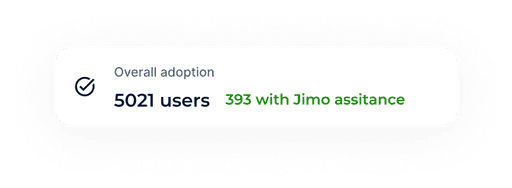
Employ funnel analysis to uncover drop-off and sticking points disrupting user activation and feature adoption
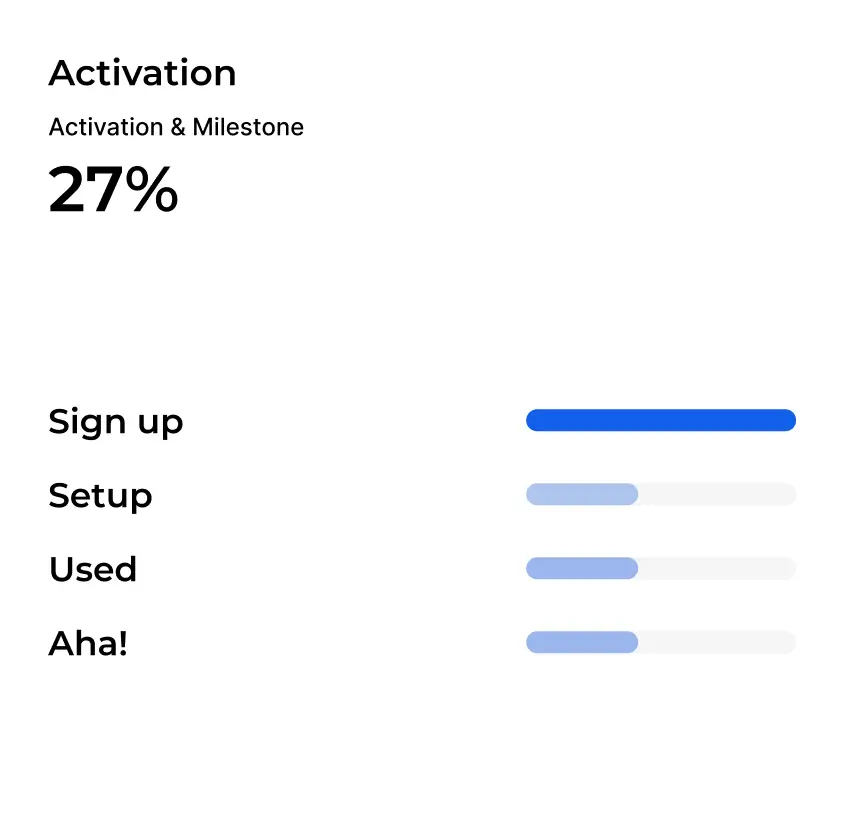
Milestone overview
Stacked
Cohort
100%
239 users converted
1
Sign up
71%
142 users converted
2
Setup
69%
132 users converted
3
Used
34%
67 users converted
4
Activated
71% converted to Setup
Create experience to increase user to Setup
+ Create experience
Self-Guided
Jimo-Assited
















Frequently Asked Questions
How to install Jimo?
The setup is lightning-fast. Copy and paste a snippet of JavaScript to your product or integrate via Google Tag Manager. Either way, it’s super quick! Here is the link to our documentation.
How do I set up the Success Tracker in Jimo?
To set up the Success Tracker in Jimo, navigate to the Success Tracker section in the Jimo dashboard. Click on "Create New Tracker" to start setting up your success metrics. Specify the metrics you want to track, such as user engagement, conversion rates, or other key performance indicators. Establish clear goals and milestones for each metric to monitor progress. Finally, set up alerts and notifications to stay updated on important changes or achievements. For detailed instructions, visit our Trackers documentation.
What metrics can I track with the Success Tracker?
With the Success Tracker in Jimo, you can track a variety of metrics including user engagement, conversion rates, feature adoption, retention rates, customer satisfaction through surveys and NPS scores, and task completion rates. For more information, check out our Events documentation.
Can I customize my Success Tracker dashboard?
Yes, you can customize your own Success Tracker dashboard in Jimo. You can tailor the dashboard to display the most relevant metrics for your needs, organize widgets, and set up custom views to monitor your key performance indicators effectively. For more details, visit our Success Tracker documentation.
How do I set goals and milestones with the Success Tracker?
To set goals and milestones with the Success Tracker in Jimo, create a new tracker, define the metrics you want to monitor, and establish clear goals for each metric. Break down these goals into smaller milestones and configure alerts to notify you when goals or milestones are achieved.