TL;DR
Choosing the best digital adoption platform for product onboarding requires understanding two distinct categories: legacy tools built for employee training on enterprise software, and modern platforms designed for SaaS product adoption. This guide compares 12 leading digital adoption solutions across pricing models, technical architecture, and activation mechanics. The key differentiator is whether tools measure passive engagement (tour views, clicks) or active outcomes (feature adoption, workflow completion). Activation-first platforms like Jimo prioritize measurable behavior change over vanity metrics, a distinction that matters for long-term ROI.
You bought the traffic. You shipped the features. But if your activation rate is flat, none of it matters.
For VPs of Product in 2026, the challenge isn't getting users into the product. It's getting them to value. Most Digital Adoption Platforms (DAPs) promise to fix this with tours and pop-ups, but often end up as expensive shelfware that users ignore.
This article evaluates the top 12 digital adoption platforms not by how many tooltips they can display, but by their measurable impact on activation, time-to-value, and revenue. We’re moving beyond engagement metrics to find the tools that drive real user adoption.
What is a digital adoption platform for product onboarding?
A digital adoption platform for product teams is an overlay software that integrates with your SaaS application to guide users toward meaningful outcomes. Unlike employee training tools designed to force compliance on internal software (like Salesforce), a product-focused DAP uses behavioral data to influence voluntary user behavior.
It combines in-app guidance (checklists, interactive walkthroughs, hints) with behavioral analytics to answer two critical questions:
Where are users dropping off before they reach value?
How can we intervene in real-time to get them back on track?
While standalone product analytics tools show you the problem, and customer success (CS) platforms alert you after the problem has occurred, a DAP allows you to act on that data inside the product. It closes the loop between seeing a drop-off and fixing it, turning your product into an automated activation engine that drives technology adoption.
How to choose the best digital adoption platform for product onboarding
Stop evaluating DAPs based on who has the prettiest tooltips. To drive ROI, VPs of product need to ask harder questions that expose whether a tool is built for activation or only decoration.
Use these three filters to separate the activation engines from the shelfware.
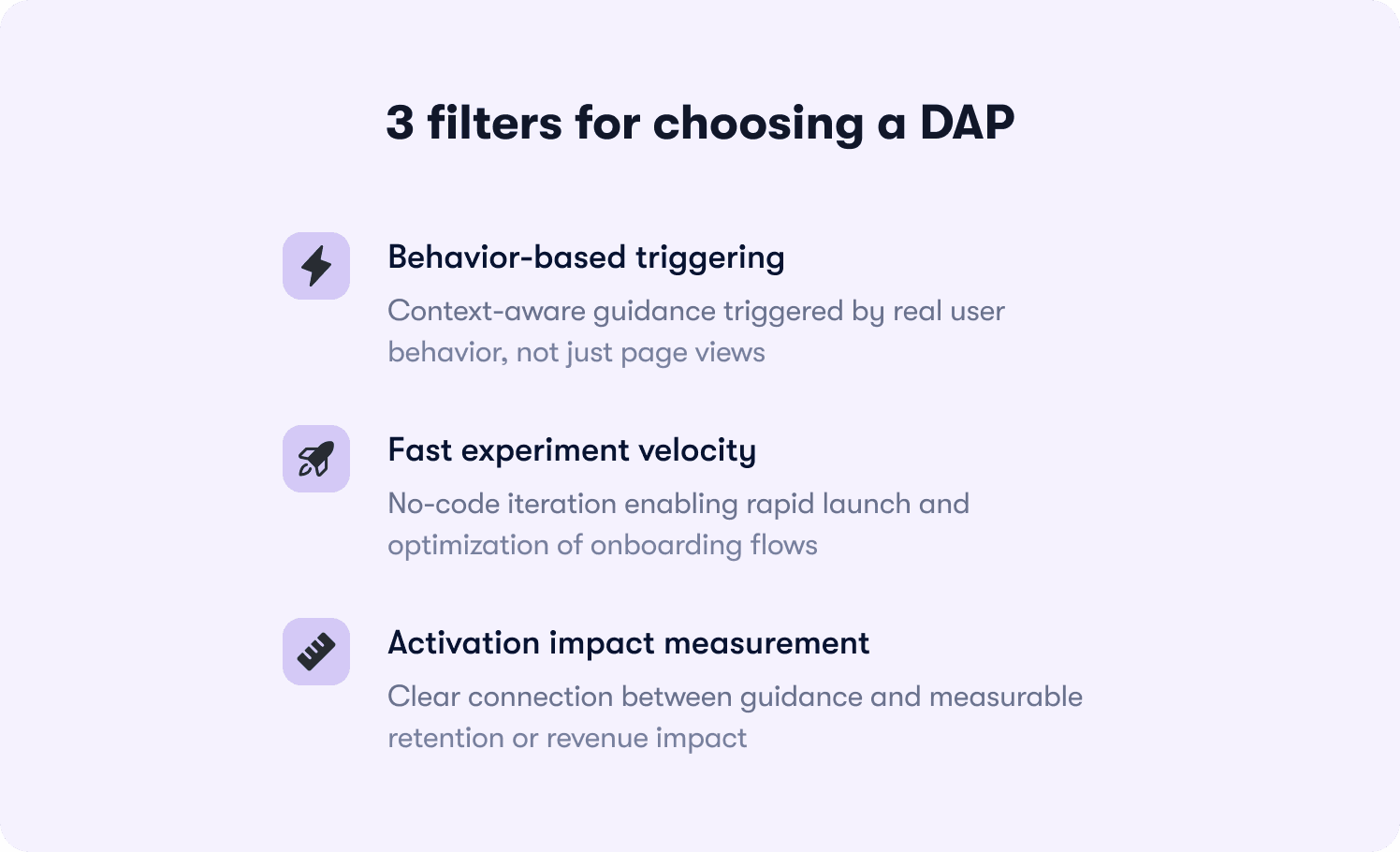
1. Does it trigger based on behavior, or only URL visits?
Most basic tools trigger a tour when a user lands on a page. But activation happens when users do things. Can the platform trigger a “Pro Tip” only after a user has failed a task three times? Can it hide a checklist item once the action is actually completed? If the guidance isn't context-aware, it's noise. Look for deep, bi-directional integration capabilities with your data stack that allow for right time, right message precision.
2. What is the "time-to-launch" for a new experiment?
Digital adoption is a game of iteration. If launching a new onboarding process requires a sprint from engineering or a week of implementation, you've already lost. The best digital adoption platforms for 2026 are truly no-code for product managers (PMs). You should be able to identify a drop-off point in the morning, ship a fix (like a modal or hint) by lunch, and measure the lift by dinner. And all of this should be accomplished without writing a single line of code or waiting for a deployment cycle.
3. Can you measure activation impact, not just tour completion?
Vanity metrics like “80% of users finished the tour” are dangerous if retention stays flat. Your digital adoption platform must connect guidance directly to business outcomes. Does it show you that users who saw the “Feature X walkthrough” had a 30% higher Day-30 retention rate? If the platform can't prove it drove revenue or retention with actionable reports, it’s a cost center rather than a growth lever.
Research from Jimo's analysis of 50+ SaaS onboarding processes reveals that new users who reach their “aha moment” in the first session are three times more likely to activate. Yet most teams still approach onboarding backwards.
When evaluating DAPs, prioritize tools that enable these five principles:
Wait for behavior, not signups
Show only the next step
Deliver help in context
Trigger guidance by behavior
Optimize workflows, not features
This framework explains why action-based DAPs outperform traditional tour-based tools. Learn more about effective onboarding tactics that implement these principles.
Top 12 digital adoption platforms at a glance
Tool Name | Best for | Core pain point solved | Pricing model | Action-based vs linear | Analytics depth | Setup ease | Watchout |
|---|---|---|---|---|---|---|---|
1. Jimo | SaaS activation | Closed-loop activation optimization | Value-based | Action-based | Deep + actionable | Fast (no-code) | Not for legacy employee training |
2. WalkMe | Employee training | Digital transformation compliance | Enterprise | Linear | Deep | Difficult | Heavy script slows down apps |
3. Pendo | Analytics-first teams | Unified data & guidance | MAU-based (Expensive scale) | Mostly linear | Deep | Moderate | Aggressive pricing hikes |
4. Appcues | Marketing / simple tours | Fast announcement | MAU-based | Linear | Basic | Moderate | Tours break easily |
5. Whatfix | Legacy app modernization | Updating old software UX | Custom Enterprise | Linear | Moderate | Difficult | Disjointed multi-product suite |
6. Userpilot | Mid-market growth | Growth experimentation | MAU-based | Hybrid | Moderate | Moderate | Stability & rendering bugs |
7. Chameleon | Design-obsessed teams | Native-looking integration | MAU-based | Linear | Basic | Difficult | Complex editor for non-devs |
8. Userflow | Lean startups | Speed & efficiency | Flat-ish (Starts $240/mo) | Linear | Basic | Fast | Lacks enterprise security |
9. Gainsight PX | Customer success teams | CS health score alignment | Enterprise Bundle | Linear | Deep | Difficult | Overkill if not using Gainsight CS |
10. Stonly | Support / troubleshooting | Ticket deflection | MAU-based | Decision trees | Basic | Fast | Not a true DAP (no overlays) |
11. Inline Manual | Budget enterprise | Cross-site workflows | MAU-based | Linear | Basic | Difficult | Dated UI & requires maintenance |
12. UserGuiding | Low budget / small teams | Cost | Cheap (Starts $89/mo) | Linear | Basic | Fast | Limited styling & reliability |
12 best digital adoption platforms for product onboarding
We evaluated 12 leading tools based on their ability to drive measurable activation, their ease of use for product teams, and their suitability for modern SaaS growth motions. All pricing notes are based on monthly costs.
1. Jimo — Best overall for product-led SaaS teams who need measurable activation impact
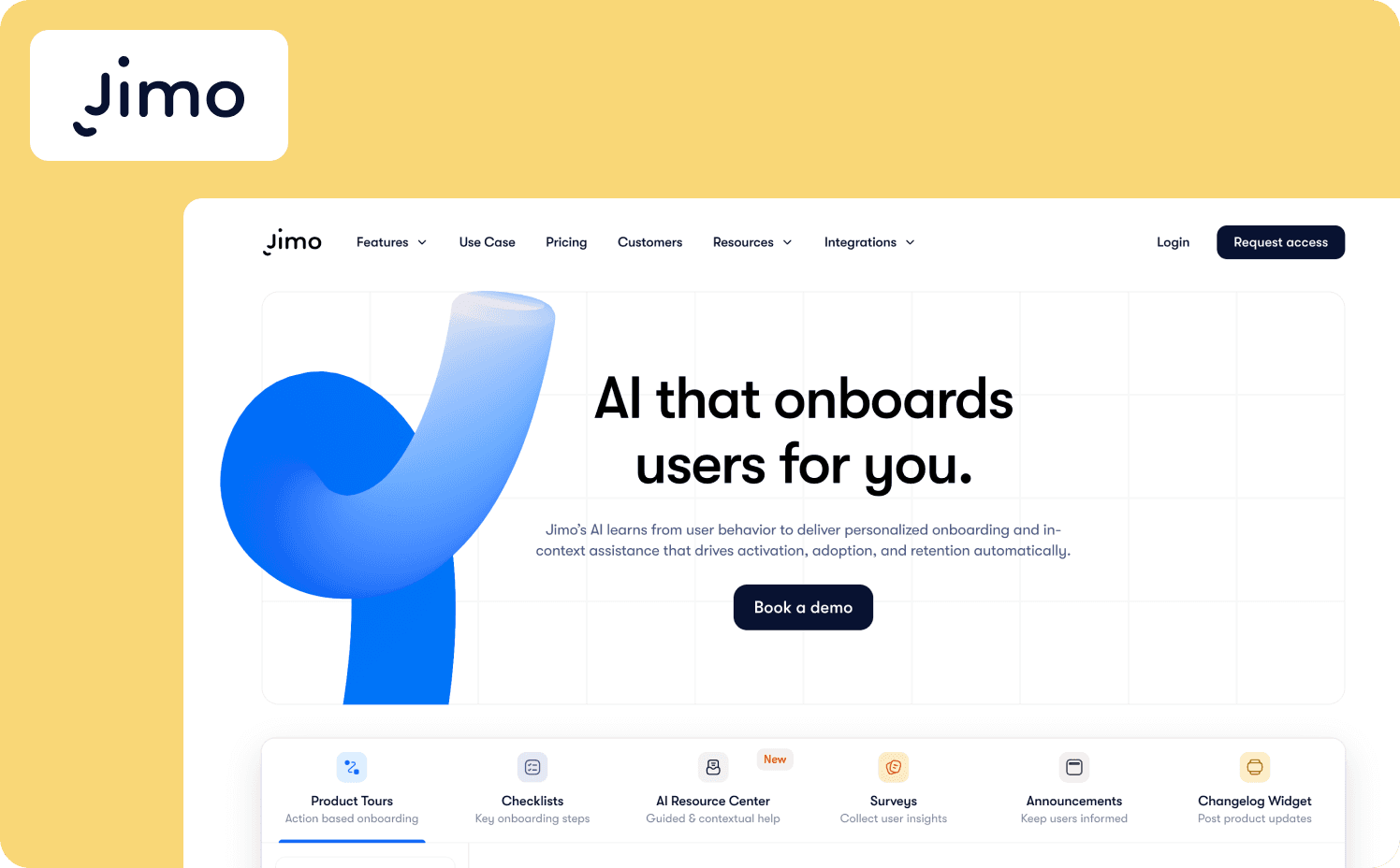
You launched a feature. Adoption didn't move. For most PMs, this is where the story ends. But for teams using Jimo, it’s where the real work begins. Jimo is the only digital adoption platform built specifically to close the loop between product analytics and user action, replacing “vanity tours” with a continuous activation engine.
Unlike legacy tools that measure success by “views,” Jimo’s Success Tracker lets you tag specific user segments and in-app events (like “clicked publish” or “invited teammate”) without code, so you can track true activation rates with retention insights. Its AI-powered Resource Center ingests your public documentation to auto-generate instant answers and walkthroughs with self-service docs, a feature that helped Customer Alliance drive a 970% spike in feature adoption.
Strengths:
Closed-loop activation: Detect a drop-off in your analytics and launch a targeted intervention (hint, modal, or tour) in minutes to fix it.
Action-based tours: Drive near-100% completion rates by gating guidance with real user tasks (like “Create project”) rather than passive “Next” clicks using feature walkthroughs.
True no-code velocity: PMs can build, style, and publish on-brand experiences without engineering support. AB Tasty cut their onboarding launch time from three months to two weeks using Jimo.
AI-native: The AI Resource Center and tour generator reduce content creation time by 90%, keeping help content always up-to-date.
Native look & feel: Guidance elements blend perfectly with your UI, avoiding the “clunky overlay” look of older DAPs.
Limitations: Jimo is laser-focused on modern SaaS web applications, meaning it is not designed for employee training on third-party software like Salesforce. Additionally, its architecture is optimized for web-based software, making it less suited for legacy on-premise desktop applications.
Starter: $449/mo (2,500 MAUs)
Growth: $824/mo (2,500 MAUs)
Enterprise: Custom
Note: Unlike enterprise competitors, Jimo publishes transparent pricing with no feature gating. Every plan includes the full platform. Your cost sales predictably as you grow, not exponentially.
2. WalkMe — Best for enterprise employee training & internal software adoption
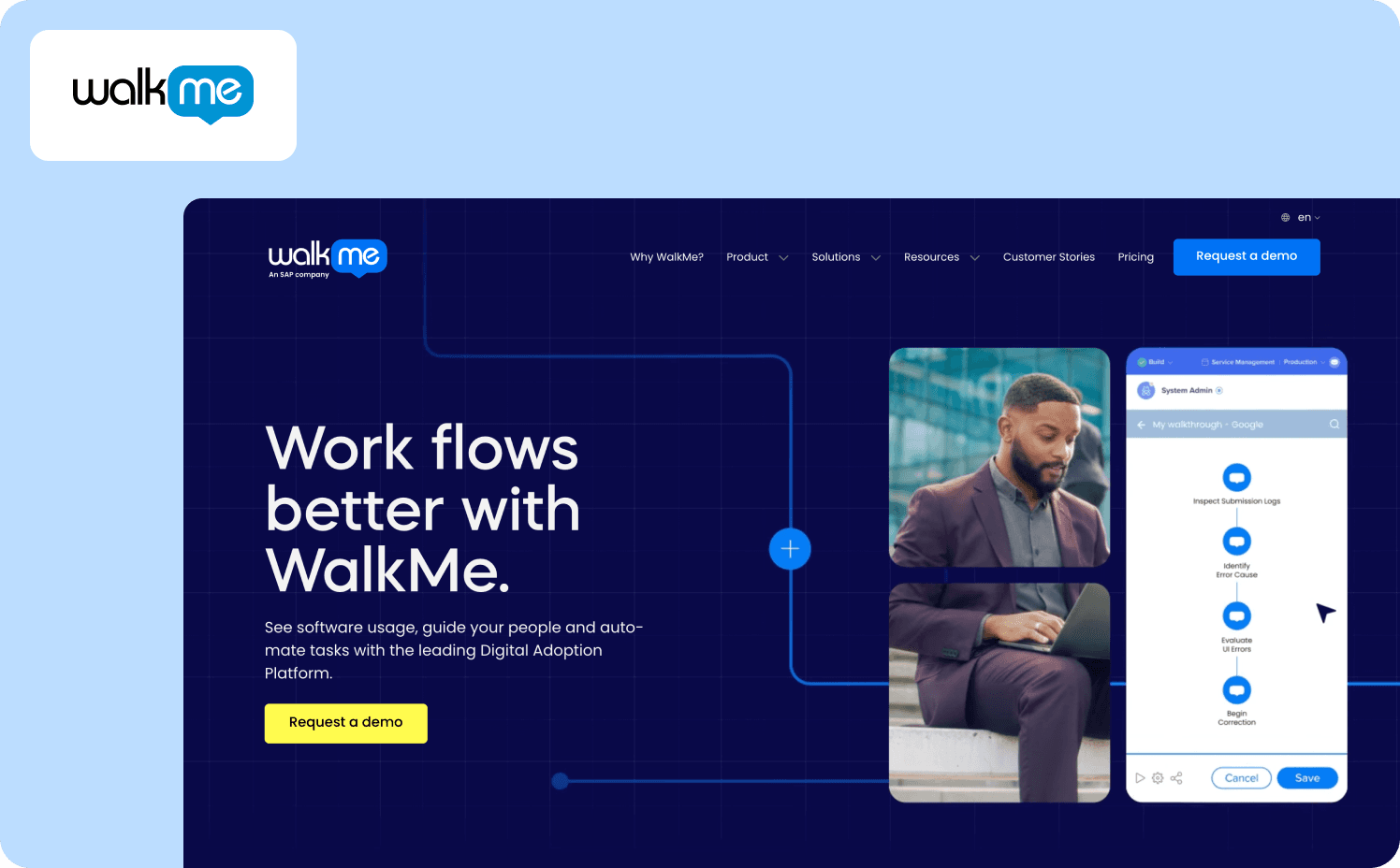
WalkMe is the heavyweight champion of the digital adoption category, but its strength lies in a different arena: internal employee enablement and employee onboarding. If you're a CIO trying to get 50,000 employees to use Salesforce or Workday correctly, WalkMe is the industry standard for digital transformation.
Strengths:
Cross-app orchestration: Can guide users across multiple applications (such as from Salesforce to Outlook) in one workflow.
Enterprise security: Meets the most stringent compliance requirements (FedRAMP, ISO, SOC2).
Deep analytics: Granular tracking of every click and hover, ideal for compliance auditing.
Limitations:
WalkMe's primary drawback is its heavy implementation, which often requires a dedicated “WalkMe Builder” or external agency to maintain. It also comes with a high total cost of ownership.
Pricing:
WalkMe for employees: Custom
WalkMe for customer: Custom
Note: Pricing is available upon request
3. Pendo — Best for enterprise teams prioritizing deep product analytics
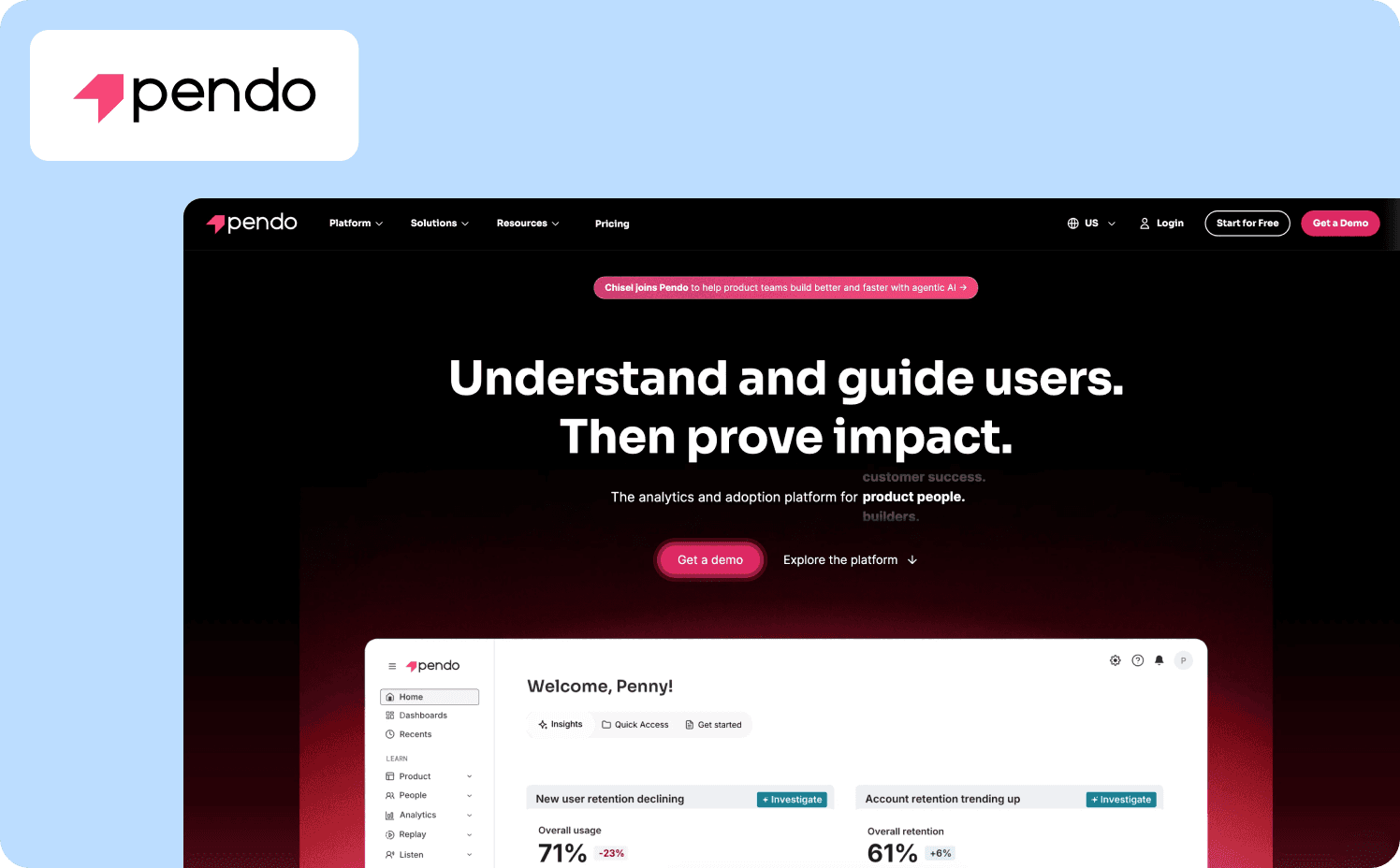
Pendo is known for combining deep product analytics with in-app guides. For teams that want a single source of truth for both data and adoption, Pendo is a strong contender among digital adoption tools.
Key features:
Retroactive analytics: Instantly view historical data for any click or page view without prior tagging.
Orchestrate: A cross-channel journey builder that coordinates in-app messages with emails to drive users back into the product.
Mobile support: Strong support for native mobile apps (iOS/Android), which many competitors lack.
Limitations: Pendo has aggressive pricing that scales rapidly with MAU, often forcing successful startups to switch tools as they grow. The sheer volume of advanced features can make the dashboard overwhelming for new users.
Pricing:
Free: For 500 MAU
Base: Custom
Core: Custom
Ultimate: Custom
Note: Pricing is available upon request
4. Appcues — Best for non-technical teams who need simple, linear tours
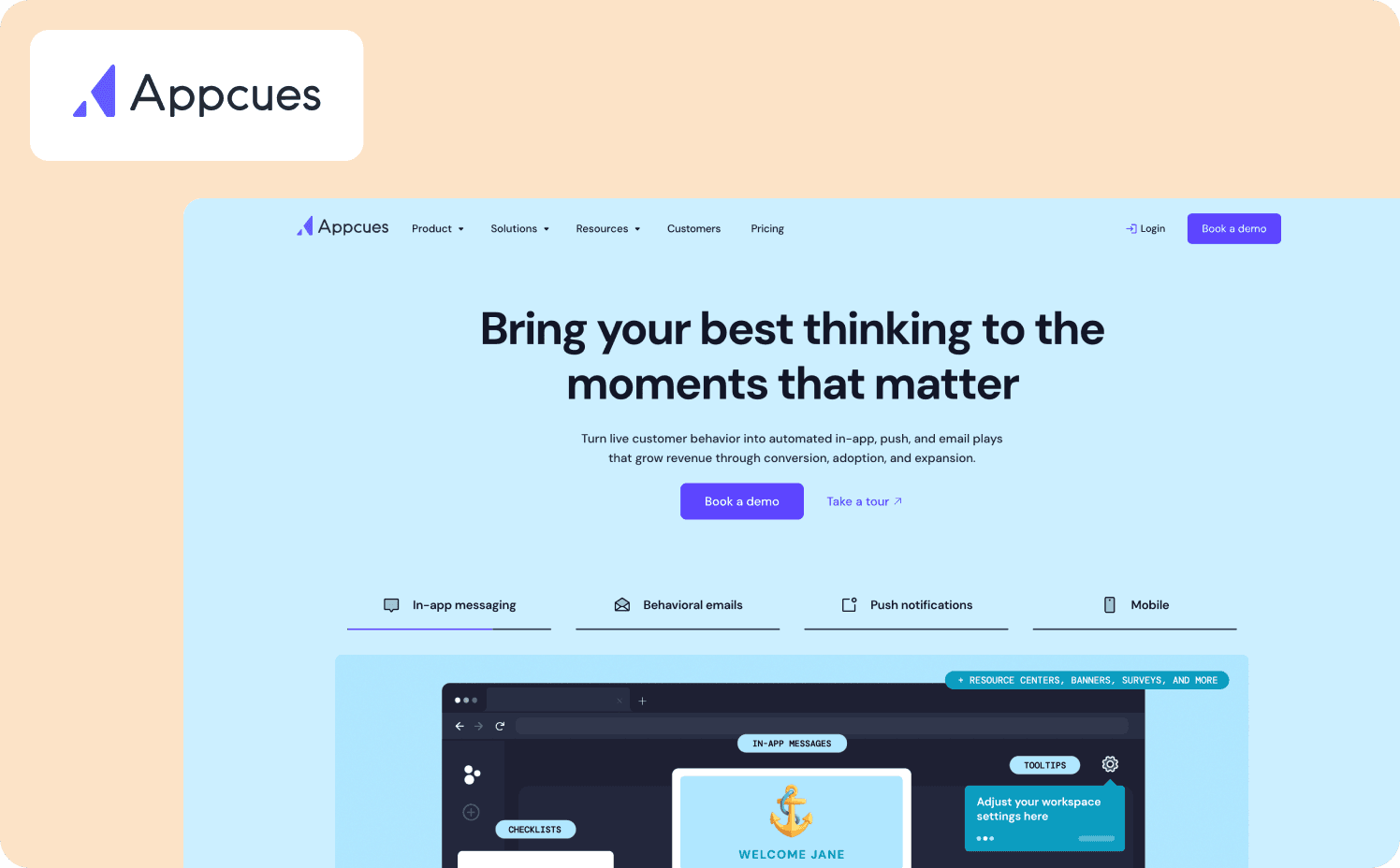
Launched in 2014, Appcues was one of the first tools to democratize the “no-code” onboarding promise. It excels at creating beautiful, linear product tours and modals. If your primary goal is to make a great-looking announcement modal or a simple “Next, Next, Next” tour, Appcues is a solid choice.
Strengths:
Ease of use: The “Builder” chrome extension is genuinely user-friendly for non-technical staff.
Beautiful templates: A vast library of pre-designed modals and slideouts that look great out of the box.
Third-party integrations: Strong integrations with tools like Segment, Amplitude, and Salesforce.
Limitations: Appcues struggles to handle dynamic, non-linear user behaviors. This can lead to lower completion rates compared to interactive, checklist-driven flows. Customizing the look and feel to perfectly match your brand often requires CSS, defeating the “no-code” purpose.
Pricing:
Grow: $750/mo for 1,000 MAUs
Enterprise: Custom pricing
5. Whatfix — Best for enterprise compliance & legacy software migration
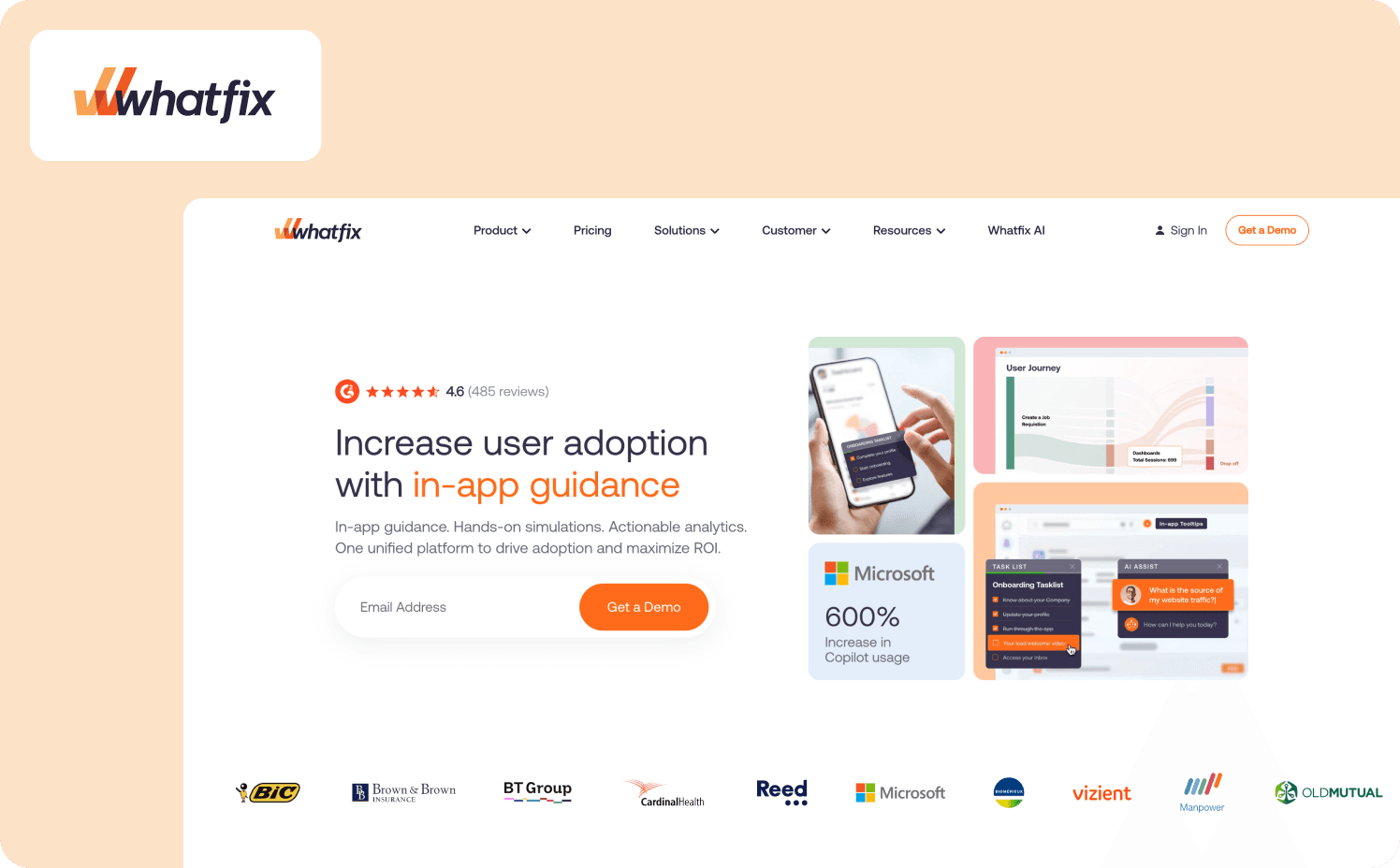
Whatfix is an enterprise-grade solution often used for internal employee training, but it has a growing footprint in customer-facing SaaS. It has also evolved into a three-product suite: DAP (in-app guidance), Product Analytics, and Mirror (simulation training). Its standout feature is its ability to handle complex compliance requirements and legacy software migrations.
Strengths:
AI agents: A suite of specialized agents (Guidance, Insight, and Authoring) that automate content creation and deliver contextual guidance and smart tips.
Multi-format content: Automatically converts walkthroughs into PDFs, videos, and slideshows for offline training.
Content aggregation: Can pull help articles from your existing knowledge base and display them in-app.
Limitations: Whatfix lacks the agility and activation focus needed for modern B2B SaaS product teams, feeling more like a compliance tool than a growth lever. Typical deployment takes months and often requires professional services, creating significant implementation drag during the digital transformation process.
Pricing:
Standard: Custom
Premium: Custom
Enterprise: Custom
Note: Product Analytics and Mirror are priced separately.
6. Userpilot — Best for mid-market teams wanting an “all-in-one” growth suite
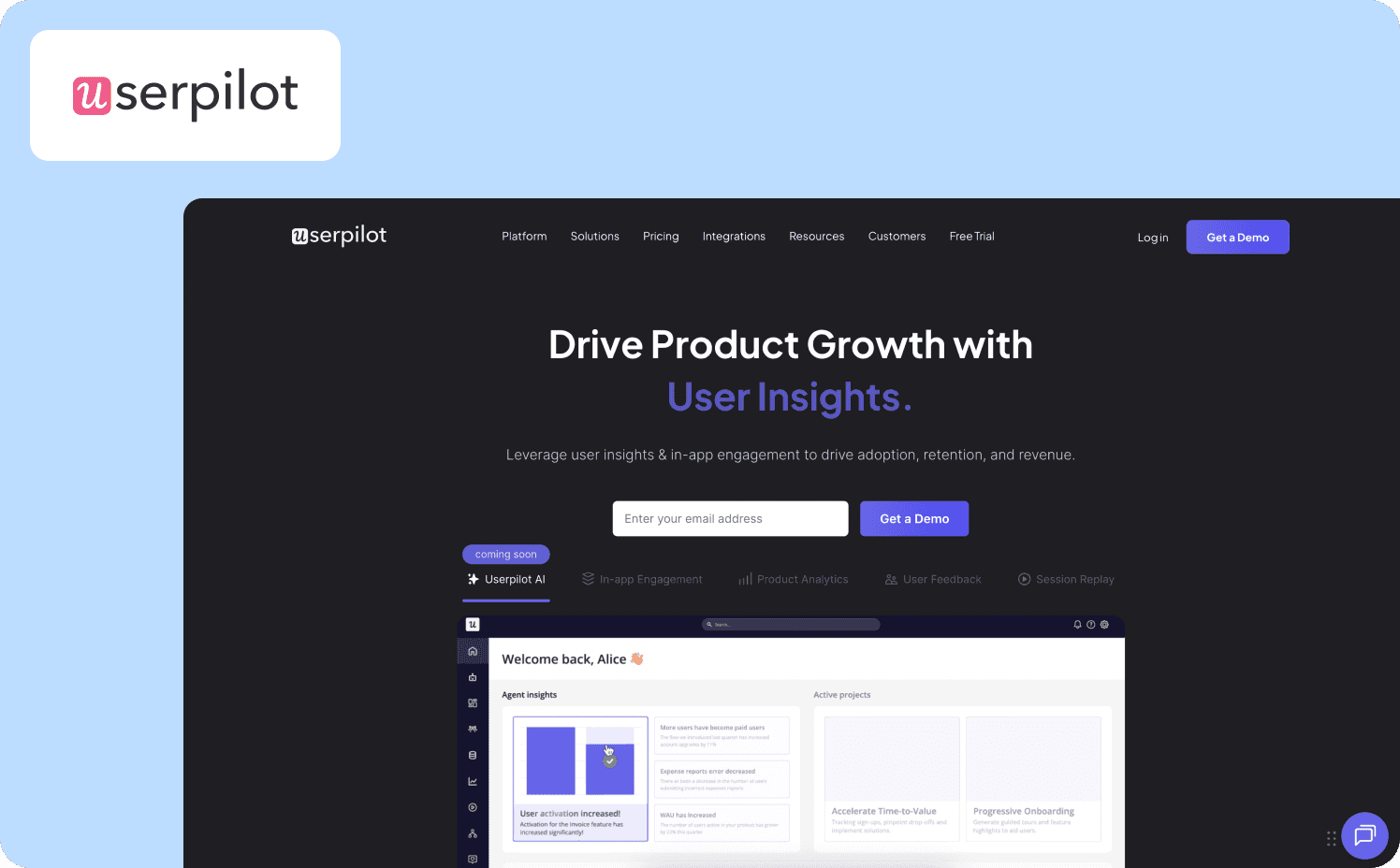
Userpilot positions itself as a complete product growth platform, bundling onboarding, analytics, and user feedback into one suite. It’s a direct competitor to Pendo, but aims to be more accessible and easier to use for mid-market companies.
Strengths:
Contextual triggering: Strong capabilities for triggering flows based on custom events and user properties.
Resource center: Includes a built-in help widget (on Growth plan) to centralize support docs.
Feedback loops: Native net promoter score (NPS) and in-app surveys help collect user feedback and capture user satisfaction alongside usage data.
Limitations: Users report that the flow builder interface frequently hangs and freezes, consuming excessive RAM and requiring users to redo work. Mobile app support is an add-on rather than core to the main offering. Additionally, the price jumps are steep, with the Starter plan capped at 2,000 MAUs and the Growth plan jumping significantly.
Pricing:
Starter: $299/mo (includes 2,000 MAUs)
Growth: Custom (includes 5,000 MAUs)
Enterprise: Custom (includes 10,000 MAUs)
7. Chameleon — Best for design-obsessed teams who want a native look
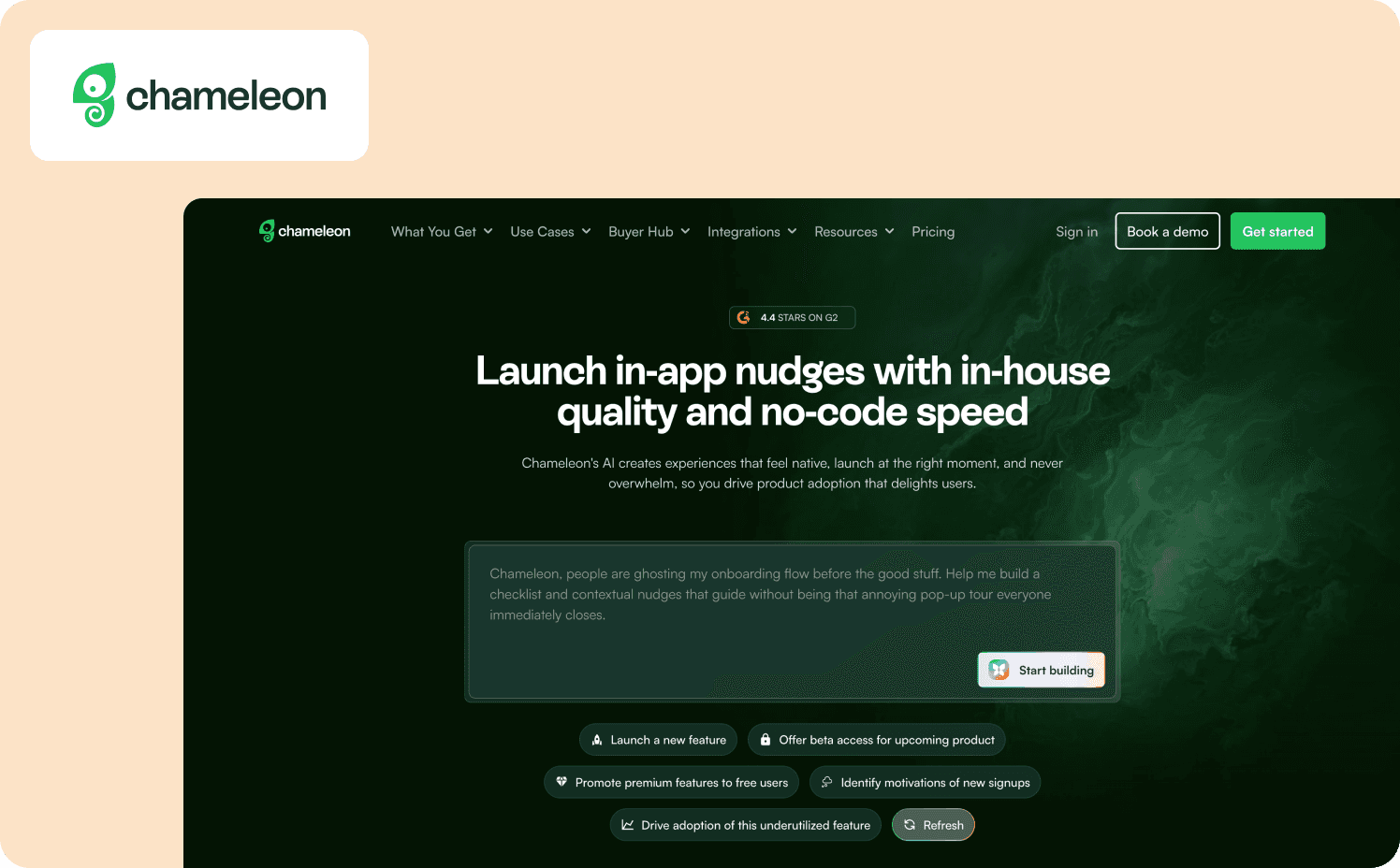
If your design team hates the look of onboarding overlays, Chameleon is the compromise they might accept. It markets itself as the deepest product adoption platform, allowing you to style every pixel of a tour to match your design system — provided you have the CSS skills to do it.
Strengths:
Embedded Cards: Inline content blocks that blend smoothly into your UI, avoiding the annoying popup problem.
Launcher widgets: Great checklist widgets that sit in your app and let users launch tours on demand.
Integrations: Strong two-way syncs with tools like HubSpot, Mixpanel, and Segment to track user behavior and monitor software usage patterns.
Limitations: To get the native-feeling value, you often need to write custom CSS, which creates technical overhead and slows down non-technical PMs. Pricing also scales sharply, with advanced features requiring a jump to the expensive Growth tier.
Pricing:
Free: Unlimited product-connected interactive demos
Startup: From $279/mo (1,000 MAUs)
Growth: From $15,000/year (1,000 MAUs)
Enterprise: Custom
8. Userflow — Best for lean startups who need speed over depth
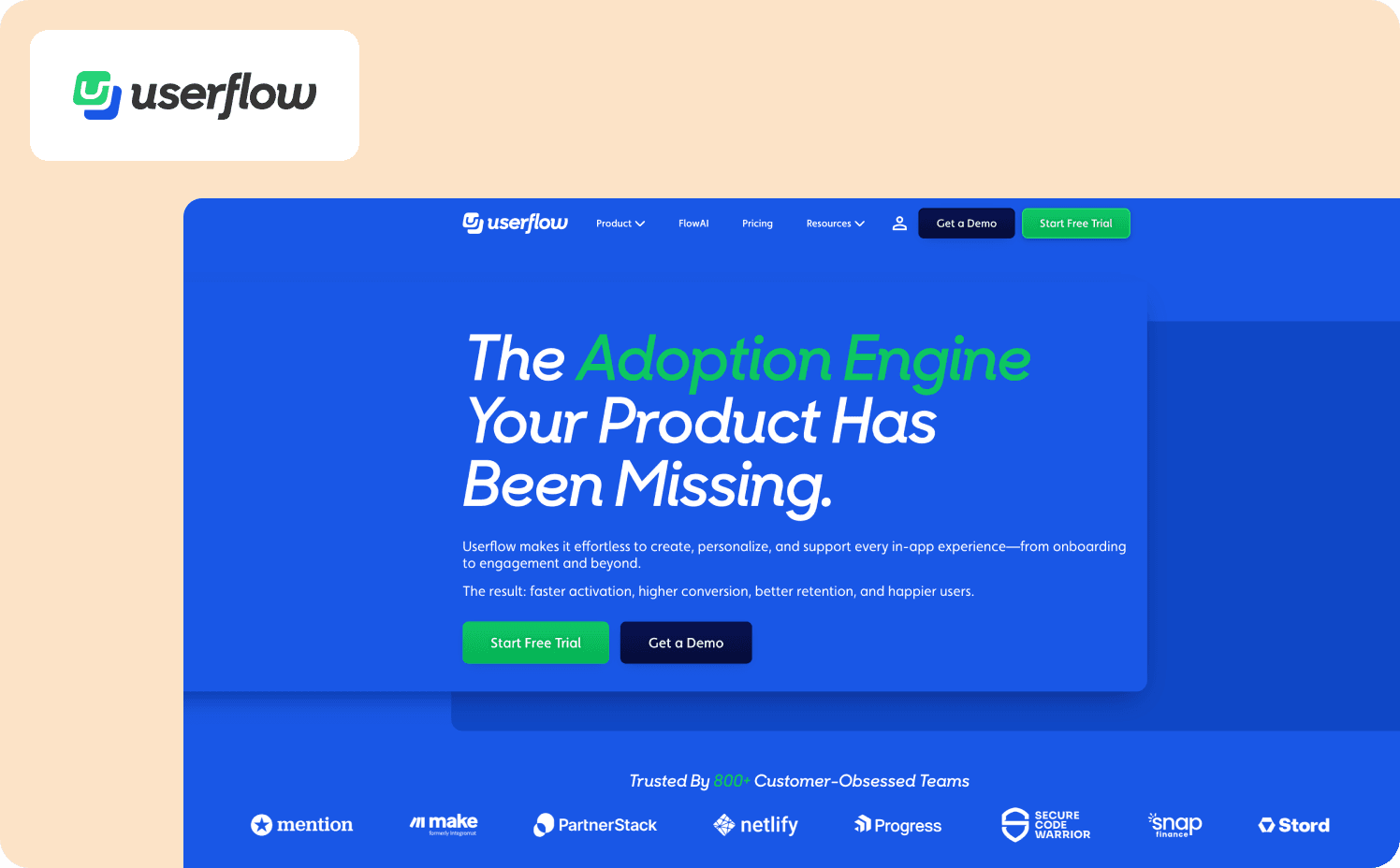
Userflow is built by a small, efficient team for other small, efficient teams. Its Flow Builder is a visual node-graph (like a flowchart) that makes it easy to visualize complex logic. It’s lightweight, snappy, and doesn't drag down your app's performance.
Strengths:
No-code Resource Center: A powerful self-service widget that houses checklists, docs, and AI chat without needing developer work.
AI assistant: A GPT-4o powered bot that can answer user questions directly from your docs and website content, providing real-time guidance.
Fast & lightweight: The script is tiny and won’t slow down your app.
Limitations: The trade-off to Userflow’s speed is depth. The platform struggles with complex, non-linear journeys. Userflow lacks deep role-based access control (RBAC) and enterprise security features, making it less suitable for large organizations. It also has a smaller ecosystem of native integration capabilities compared to established players like Pendo or Appcues.
Pricing:
Startup: From $240/mo (3,000 MAUs)
Pro: From $680/mo (10,000 MAUs).
Enterprise: Custom
9. Gainsight PX — Best for large enterprises already using Gainsight CS
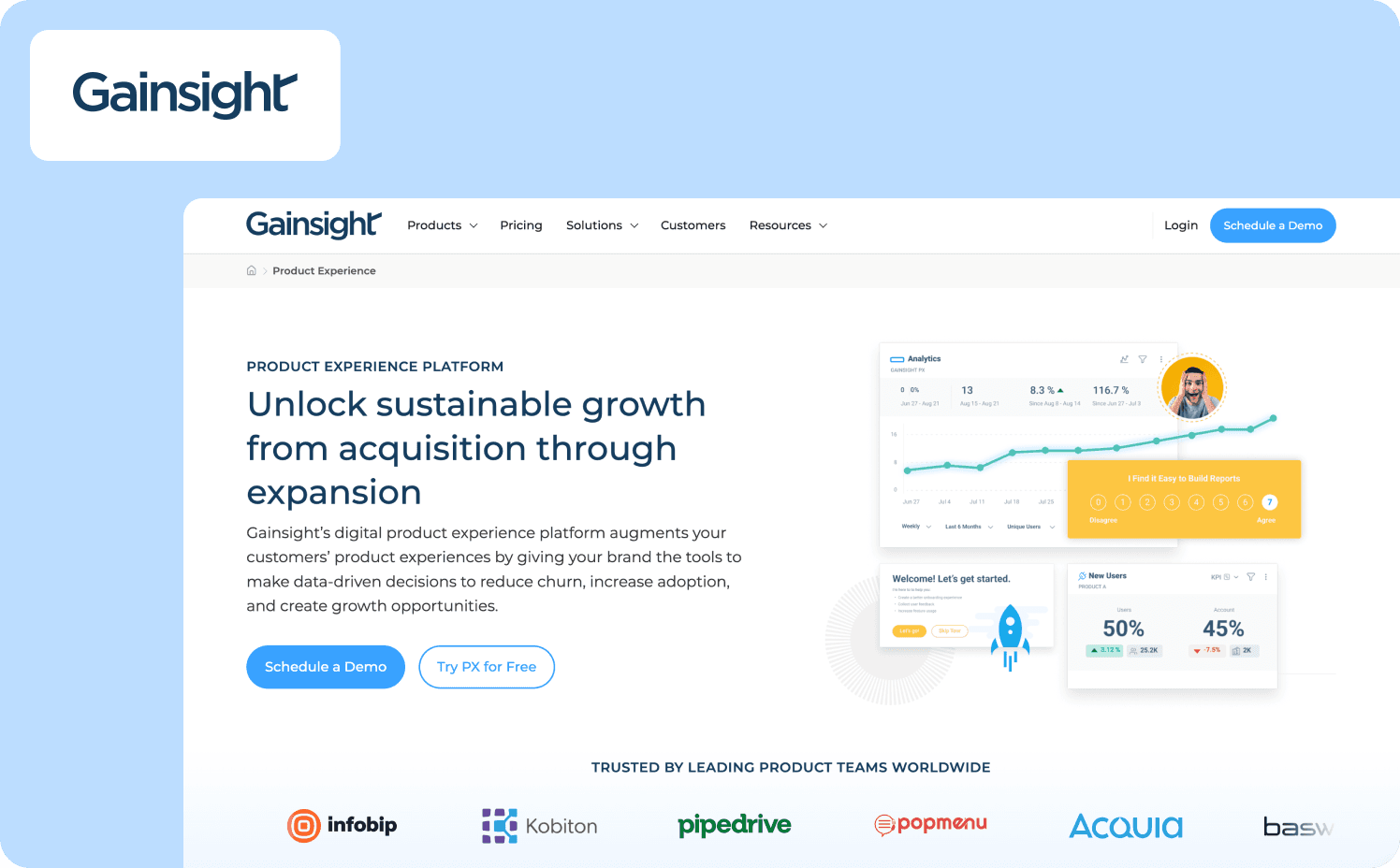
Gainsight PX (formerly Aptrinsic) is the product analytics arm of the Gainsight Customer Success giant. If your CS team already lives in Gainsight, PX feeds product usage data directly into their health scores.
Strengths:
Deep analytics: Retention analysis, path analysis, and funnel tracking.
CS alignment: Pushes product usage data into Gainsight CS for health scoring to improve employee productivity and customer outcomes.
Email integration: Can trigger emails based on in-app behaviors.
Limitations: Gainsight PX is a heavy, complex platform designed for the enterprise. Implementation is lengthy, the UI is dense, and the price point excludes most growth-stage companies. It’s a data tool first, and a guidance tool second. The builder interface might feel clunky compared to modern tools like Jimo or Userflow.
Pricing:
No published pricing
10. Stonly— Best for support-heavy teams who need interactive troubleshooting
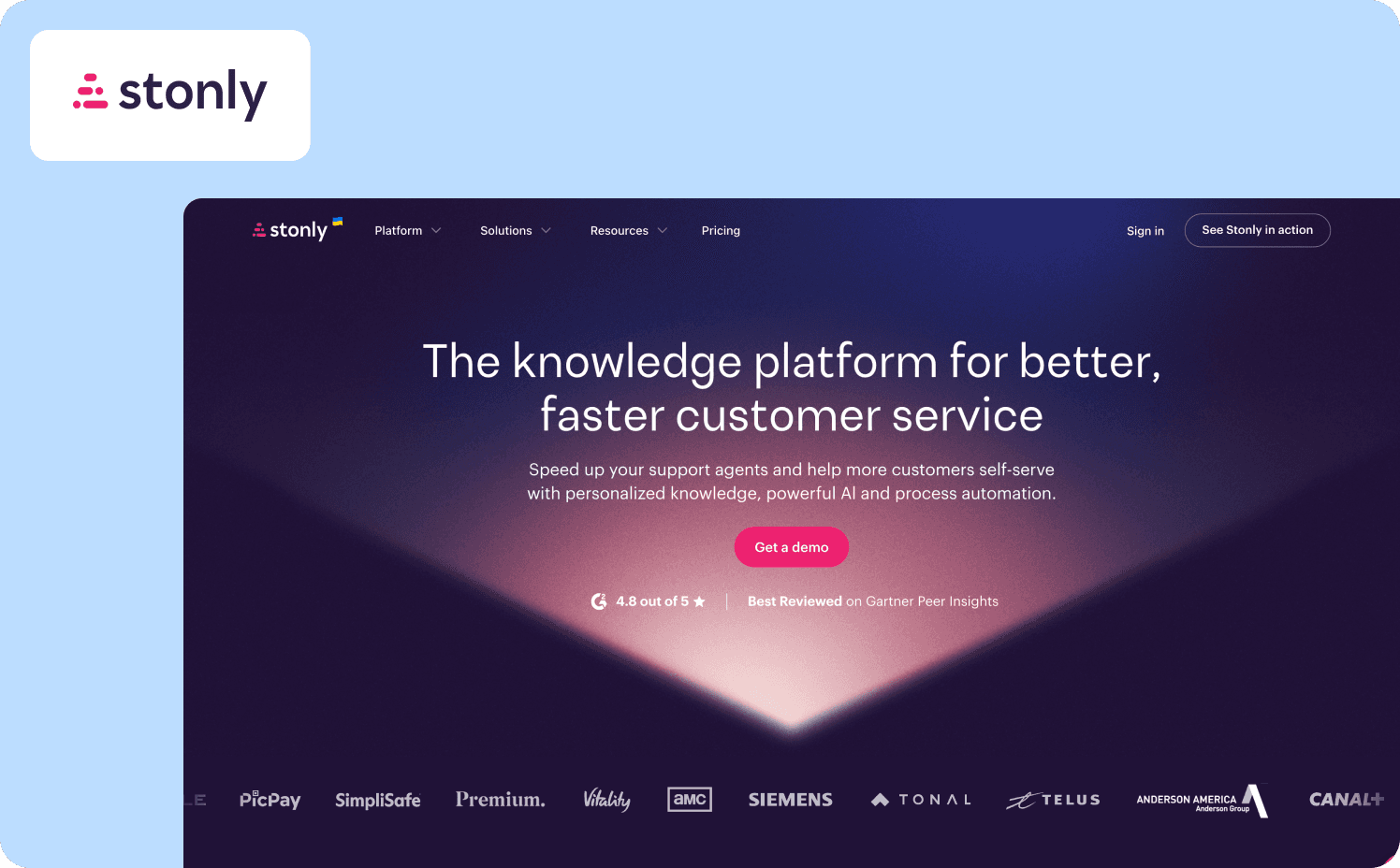
Stonly takes a radically different approach to onboarding. Instead of linear tours, it builds interactive decision trees that guide users based on their specific choices. Think of it as a "Choose Your Own Adventure" book for customer support.
Strengths:
Interactive decision trees: Excellent for guiding users through complex choices or troubleshooting steps.
Embed anywhere: Guides can be embedded directly into your blog, help center, or app easily.
AI-powered answers: Delivers instant, conversational resolutions using generative AI, reducing support tickets.
Limitations: Stonly is better at answering questions than driving proactive behavior changes, leading to passive activation. If you want to prompt users to try a new feature before they have a problem, Stonly’s widget-based approach can feel passive compared to the proactive Hints from Jimo or Appcues. The widget also has a distinct Stonly look that is hard to fully mask, making it feel like a third-party layer.
Pricing:
Small Business: Custom (For companies with less than 100 employees)
Enterprise: Custom
Ultimate: Custom
Note: Pricing is available upon request
11. Inline Manual — Best for complex enterprise workflows & employee training
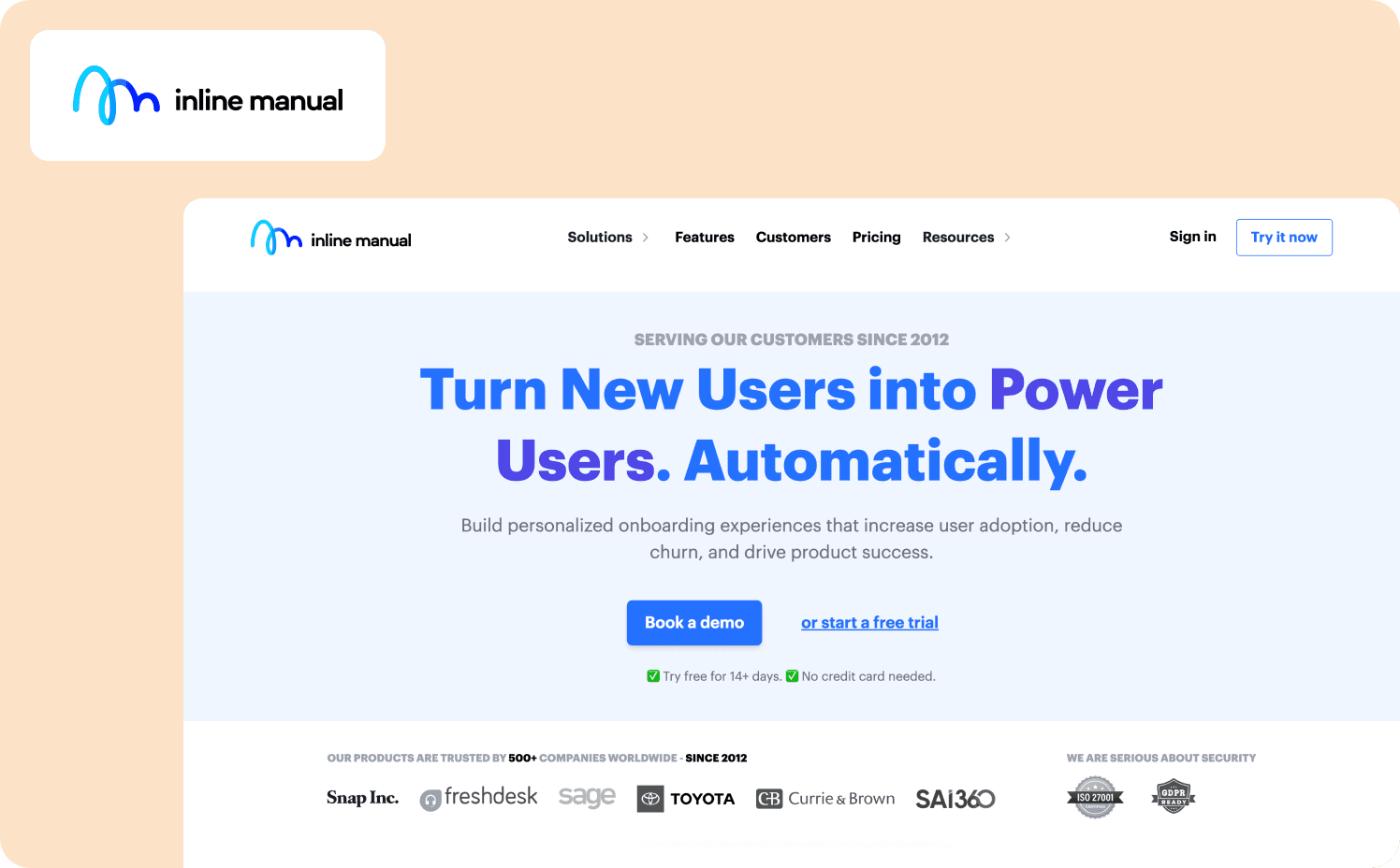
Inline Manual is a veteran in the space, often favored by enterprises for its strength in handling complex, multi-step workflows across legacy applications. It’s frequently used for internal employee training rather than consumer SaaS onboarding.
While powerful, the platform feels dated. It lacks a true "no-code" experience — maintenance often requires technical skills to fix broken selectors when your app updates. For modern SaaS teams used to the speed of Jimo or Userflow, Inline Manual can feel clunky and slow compared to these modern digital tools.
Strengths:
Cross-site tours: Can guide users across different domains and subdomains effectively.
Version control: Strong features for managing different versions of guides (staging vs production).
Branching logic: Capable of handling complex “if/then” scenarios within walkthroughs.
Limitations: Despite marketing itself as no-code, Inline Manual often requires technical maintenance. Selectors can be fragile and break easily when your UI changes, forcing you to fix guides manually. The builder interface also feels dated and less intuitive than modern competitors.
Pricing:
Standard Pro: Starts at $158/mo (250 MAUs)
Enterprise: Custom
12. UserGuiding— Best budget option for early-stage startups
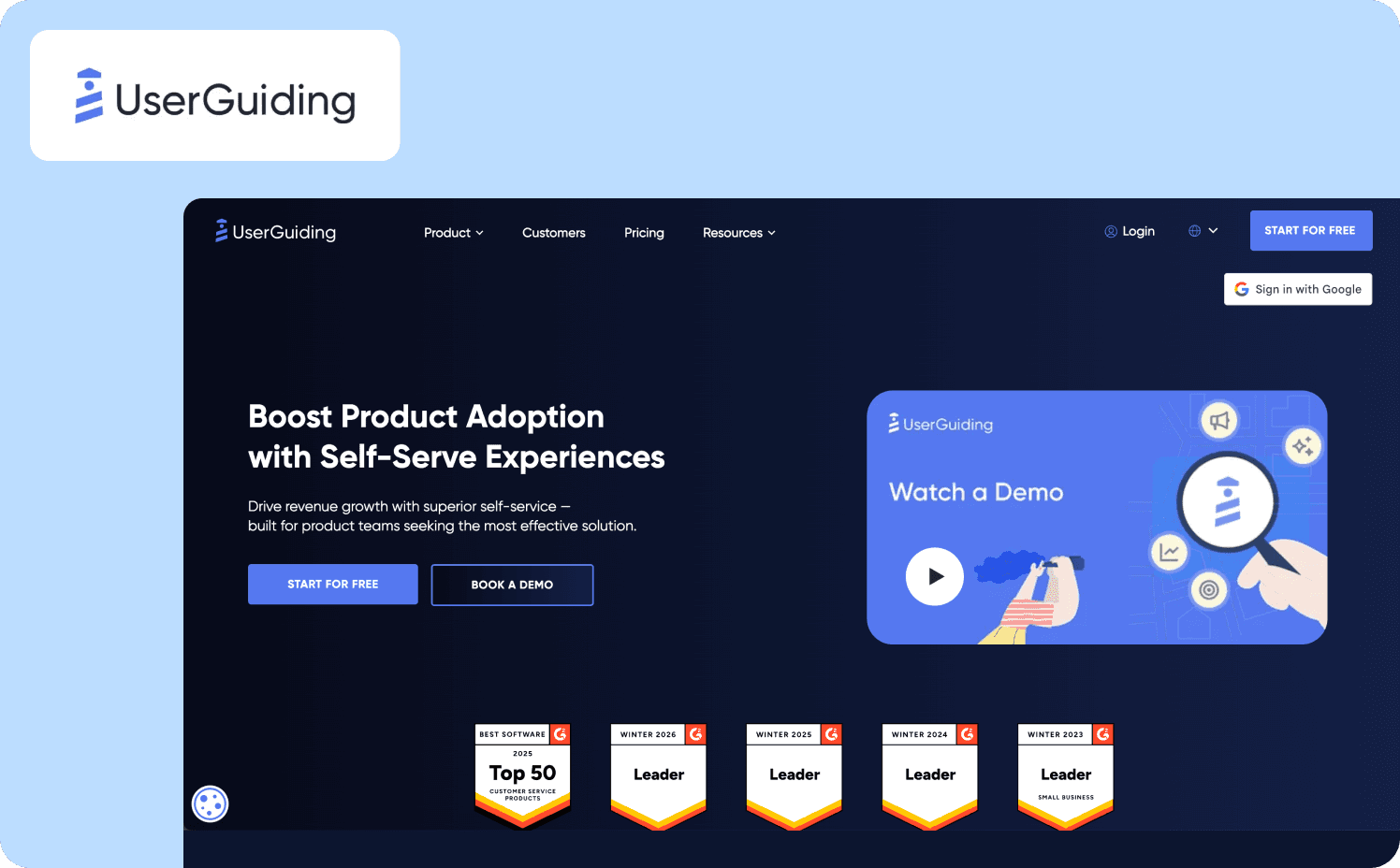
UserGuiding is the budget-friendly alternative in the market. It offers a solid suite of onboarding features like tours, checklists, resource centers, and NPS surveys. This comes at a price point that is accessible for pre-revenue or seed-stage startups.
Strengths:
Hotspots: Static info-boxes that expand when triggered to educate and engage users without disrupting the UX.
Onboarding checklists: Interactive widgets that track user progress and can trigger custom events, helping to gamify the onboarding experience.
Ease of use: Simple setup for basic, linear tours.
Limitations: The end-user experience can feel a bit generic and less premium than other tools, lacking polish. Analytic capabilities are basic. They’re good for tracking tour views, but not helpful for deep retention analysis.
Pricing:
Free
Starter: From $249/mo (2,000 MAUs)
Growth: From $499/mo (5,000 MAUs)
Enterprise: Custom
Pricing & scaling: The hidden costs of “cheap” DAPs
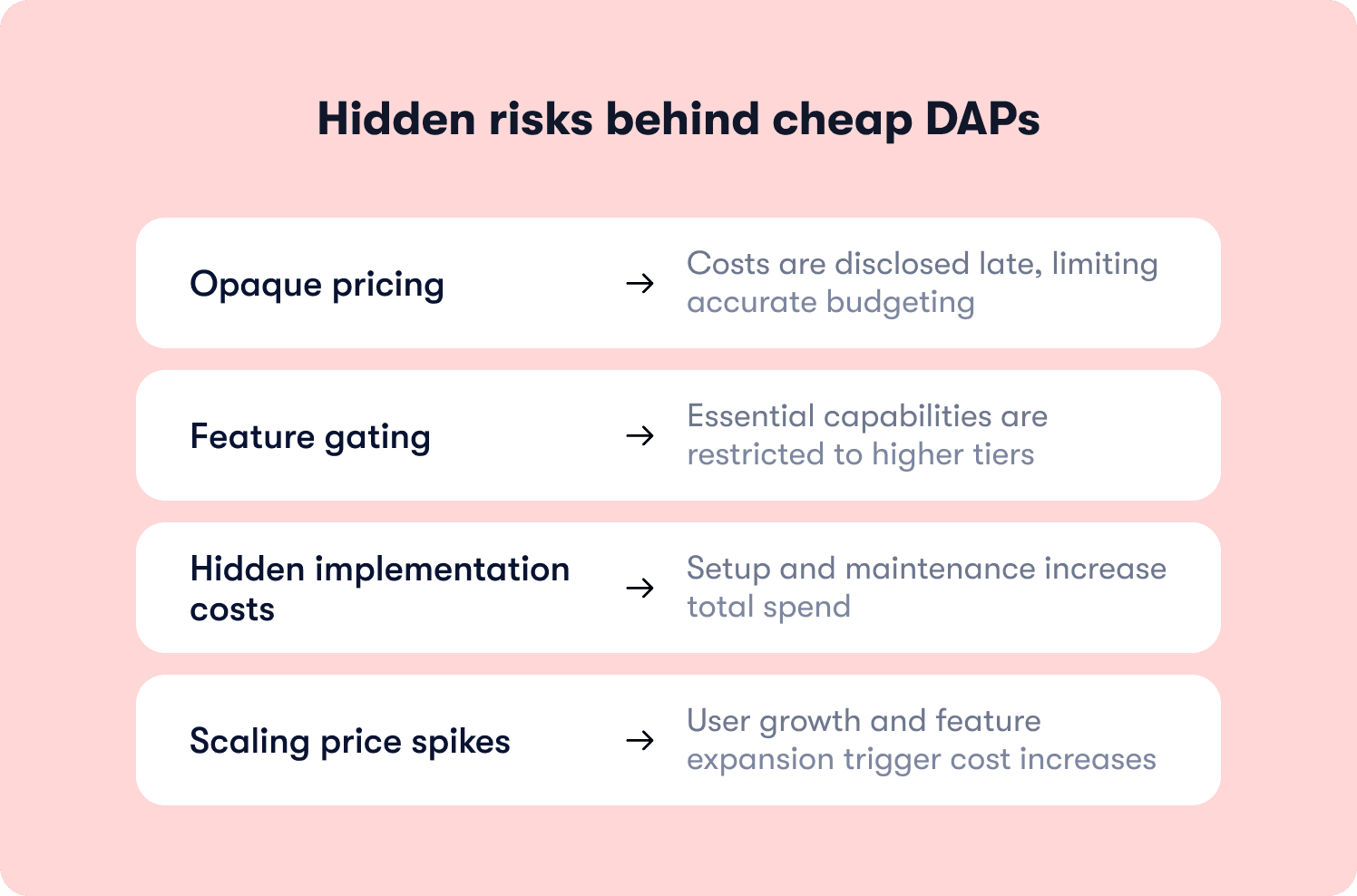
When evaluating DAPs, the sticker price is rarely the final price — and sometimes, you won’t even get the sticker price until after a demo. Necessary features are often locked behind expensive plans, and subscription costs aren’t the only fees you need to budget for.
The transparency problem
Many enterprise DAPs hide their pricing entirely. They require sales demos before revealing costs, making it impossible to budget accurately. When pricing finally arrives, it’s often much higher than competitors with transparent pricing.
Feature gating
Critical capabilities like A/B testing, role-based permissions, and custom branding are often locked behind higher tiers. The “starting at” price rarely includes the key features you will need at scale.
Hidden costs
Beyond subscription fees, budget for:
Implementation: Enterprise tools can sometimes require two to six months of setup with consultants ($20k-$100k+)
Engineering time: No-code tools frequently need CSS/JS customization
Maintenance: Selectors break as your product evolves (5-10 hours/month)
Multi-product suites: Some vendors (like Whatfix) sell DAP, analytics, and simulation separately
Where costs spike
Expect increases when you hit these triggers:
User volume spikes from launches or seasonal traffic
Feature unlocks as your team matures
Multi-environment support (staging/production/QA)
Upgrading to enterprise support channels
Budgeting advice
Calculate your three-year Total Cost of Ownership (TCO), not just year one. Model what happens at 2x, 5x, and 10x your current MAU. Ask software vendors for transparent pricing sheets showing tier breakpoints and feature gates when selecting the right digital adoption platform for your organization.
Why Jimo leads this list for product onboarding
The 11 other tools on this list excel at announcing features or pointing to buttons. Jimo excels at driving the actual behavior change that moves activation metrics. Here's how it solves the pain points that legacy DAPs ignore:
When features ship but adoption stays flat, visibility into tour views isn't enough. If 42% of new users abandon before creating their first project, you can trigger a contextual hint only after the third failed attempt — and measure whether that increases first-project creation rate within 24 hours. Jimo’s Success Tracker connects that intervention directly to activation, retention, and revenue impact.
When users complete onboarding but don't adopt workflows, passive tours create a gap between “saw it” and “used it.” Jimo's action-based mechanics require users to perform the actual task before advancing, ensuring they learn by doing—not just clicking “Next.” This approach supports power users while helping beginners get up to speed quickly through contextual guidance.
When you need to prove onboarding ROI, engagement metrics tell part of the story. Jimo's closed-loop analytics measure how specific tours affect activation rates, conversion, and retention, letting you demonstrate business outcomes alongside user engagement stats and prove business value to stakeholders with segmented responses.
When preventing churn matters more than reacting to it, early detection is critical. Jimo identifies warning signals when users stall mid-workflow, enabling CS to intervene proactively rather than waiting for risk scores to trigger.
The proof is in the activation
Leading SaaS companies like Zenchef used Jimo to reach 20x more users and drive a 970% spike in adoption by replacing static tooltips with targeted, action-based interventions. By launching experiences in minutes rather than weeks, teams move faster and iterate based on actual usage data. Explore more customer stories to see other real-world results.
For expanding SaaS companies, an activation-first evaluation that prioritizes time-to-value, closed-loop analytics, and action-based mechanics will always beat a generic feature checklist. Jimo isn't just a tool for showing users around. It's a platform for ensuring they stay and achieve successful digital adoption with growth tools that scale.
Jimo is built for growing B2B SaaS teams with a product-led or hybrid motion and a dedicated product team. If you're a sub-30 person startup or primarily service-led, lighter tools may be more appropriate. If activation is your growth bottleneck, see Jimo in action and evaluate how it connects onboarding directly to revenue.
FAQs
How do digital adoption platforms prove ROI and business impact?
The most effective digital adoption platforms connect in-app guidance directly to measurable outcomes by tracking how real-time guidance affects software usage patterns and completion of critical business processes. Look for platforms that measure activation rate improvements, time-to-value reduction, and increased user satisfaction scores. They should measure more than engagement metrics like tooltip views. The best tools demonstrate ROI within 30-90 days by showing correlation between specific guidance interventions and revenue-driving behaviors.
What's the best digital adoption platform for product onboarding?
The best adoption platform for product and user onboarding depends on your specific needs and digital adoption strategy. For modern SaaS teams prioritizing measurable activation, Jimo leads with its action-based tours and closed-loop analytics that connect guidance to business outcomes — driving successful digital adoption while reducing the steep learning curve typically associated with new software.
What's the difference between digital adoption platforms and product analytics tools?
Product analytics tools show you what users interact with and where they drop off by tracking user behavior, but they don't directly intervene. Digital adoption softwares use that behavioral data to create in-app experiences (tours, hints, checklists) that guide users in real-time, closing the loop by both identifying friction and fixing it through contextual guidance.
How long does it take to implement a digital adoption platform?
Implementation time varies by platform type. Modern, no-code digital adoption solutions can be launched in days. You simply install a snippet, build your first tour, and start guiding new users within hours. Enterprise-grade digital adoption platform software tools may require two to six months of professional services and stakeholder training, especially for complex digital transformation initiatives across multiple enterprise applications.