/
8 mins read

TL;DR
Most SaaS teams treat low-touch onboarding as an either/or choice: keep the human walkthroughs or automate everything and hope activation doesn't drop. Neither works once release velocity picks up. This guide covers what low touch actually means (redirecting CS time, not removing it), how to audit your current sessions to find what's genuinely repeatable, and how AI-native in-app guidance closes the gap that static tours can't: it adapts as your product changes instead of requiring a rebuild after every release.
Somewhere in every fast-growing SaaS company, a CS team is running the same onboarding call for the fifth time this week. Same intro. Same three features. Same questions about permissions and setup. The product ships a new capability every couple of weeks, and each one becomes one more thing to explain by hand.
This isn't a training problem. It's a scaling problem. Every new account added to the roster means more sessions, not fewer, and the release schedule that makes the product better also makes the manual process harder to sustain. Something has to give: either onboarding quality drops as CS stretches thinner, or the team spends its time on repetition instead of the accounts that actually need a human.
Low-touch onboarding is the model built to solve this. But the term gets used loosely, and most of what ranks for it either oversells full automation or undersells what modern in-app guidance can actually do. This guide is for the PM or product leader deciding how to scale onboarding and feature adoption without adding headcount, and it starts with getting the definition right.
Why CS-led onboarding stops scaling
Manual onboarding works fine at ten accounts. It works, with effort, at fifty. Past that, the math stops cooperating.
Every account added to the roster is a fixed unit of CS time: one call, one walkthrough, one set of setup questions answered from scratch. Headcount doesn't grow as fast as the account list does. The per-account time available keeps shrinking, and something has to absorb the gap. Usually it's onboarding quality.
There's a second problem underneath the first: expertise doesn't scale evenly.
A senior CSM who has run the onboarding call five hundred times has internalized shortcuts and anticipates questions before they're asked.
A CSM three weeks into the role hasn't built that instinct yet.
Two customers signing up in the same week can get meaningfully different onboarding experiences, depending entirely on who picked up the call.
Release velocity makes both problems worse at once. Each new feature is one more thing to fold into the walkthrough, one more update to the internal script, one more thing a newer CSM hasn't caught up on. A team shipping every couple of weeks is asking manual onboarding to keep pace with a moving target, using a headcount that isn't moving at the same rate.
This isn't a training or hiring problem. It's what happens when a manual process meets a growth curve. The fix isn't a better internal wiki. It's removing the parts of onboarding that don't actually need a human in the loop.
What "low touch" actually means (and doesn't)
Most guides on this topic stay vague here, and the wrong definition can quietly damage activation instead of protecting it.
Low touch does not mean no touch. Removing human support entirely tends to lower signup-to-paid conversion and raise the risk of users stalling before they reach real value, especially in a product with any complexity. Companies that strip out all human interaction usually see it show up first in activation, then in retention.
What low touch actually means is redirecting human time, not eliminating it. Some parts of onboarding are naturally repeatable:
The standard product walkthrough
The same handful of setup questions every account asks
First-session orientation
These are consistent by nature, which makes them a poor use of a CSM's time and a good fit for in-app guidance.
What stays human is everything that isn't repeatable: the strategic account conversation, the escalation when something's genuinely broken, the renewal or expansion discussion where relationship and context matter more than information transfer. A good low-touch model doesn't try to automate these. It protects CS time for them by removing everything else first.
This distinction is the difference between a low-touch model that improves onboarding and one that just makes it feel automated. The goal isn't fewer humans touching the account. It's the right humans touching the right moments.
How to map your current onboarding load to low-touch guidance
Before automating anything, you need an honest picture of where CS time actually goes. Most teams skip this step and end up automating the wrong things.
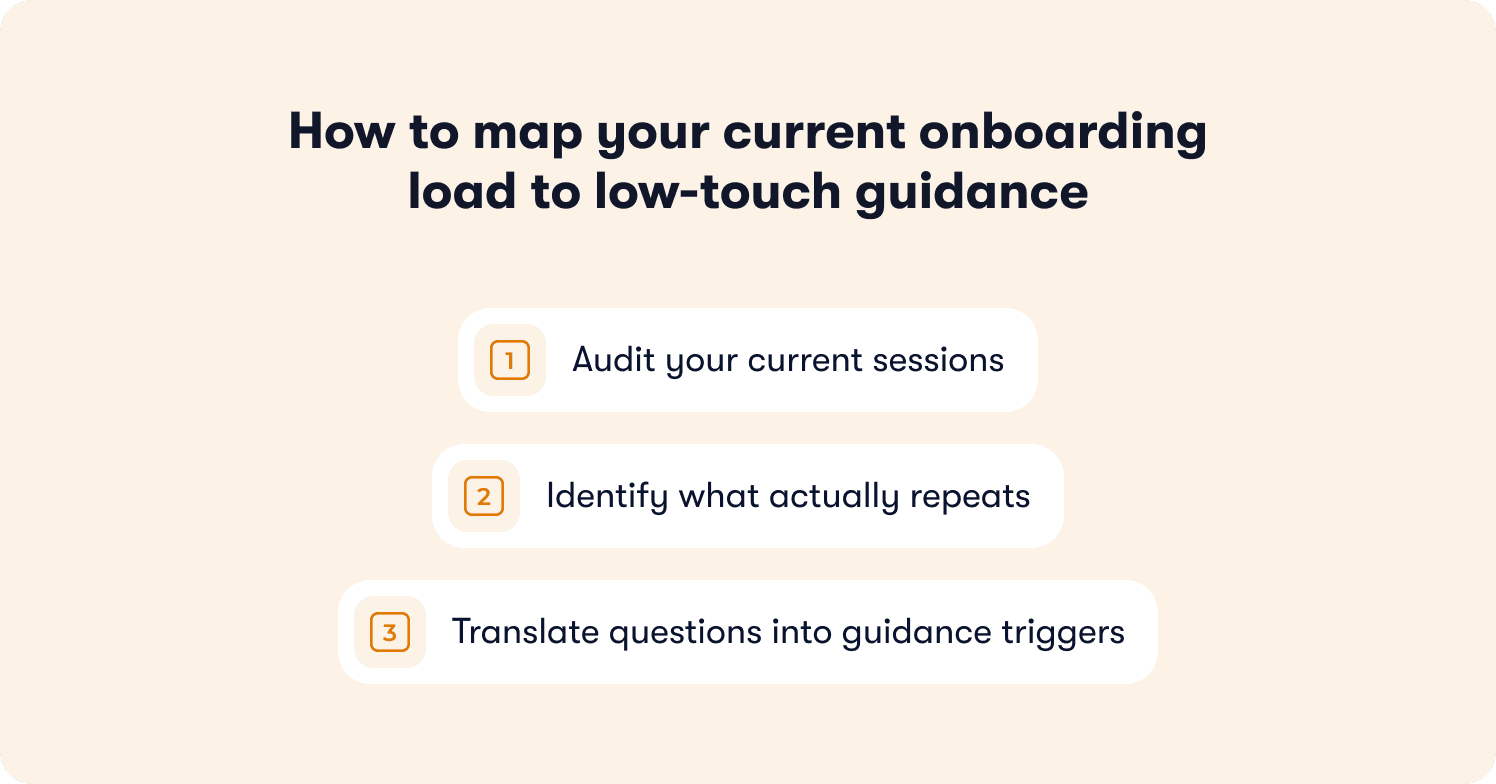
Audit your current sessions
Pull the last month of onboarding calls and log two things for each one: what got explained, and how many times you've explained that exact thing before. Most teams are surprised by how repetitive the list looks once it's written down.
A simple way to structure the audit:
Session type | How often it repeats | Requires judgment? |
Standard product walkthrough | Every account | No |
Permissions and setup questions | Nearly every account | No |
Feature-specific "how do I..." questions | High, especially post-release | No |
Integration or migration planning | Occasional | Yes |
Account-specific workflow design | Rare | Yes |
Escalation or something's broken | Rare | Yes |
Anything in the "no judgment required" rows is a candidate for guidance. Anything in the "requires judgment" rows should stay with a human, regardless of how automated the rest of onboarding becomes.
Identify what actually repeats
Not every recurring question is worth automating. Focus on the ones that meet two conditions:
The answer doesn't change based on the account
The question comes up often enough that fixing it saves real time, not just occasional time
A setup question every single new account asks is worth solving. A niche integration question that comes up twice a year isn't, even if it's technically repeatable. Chasing volume, not just repetition, keeps this exercise from turning into a project that automates everything and matters for nothing.
Translate questions into guidance triggers
Once you know what repeats, the translation is mechanical. Each recurring question becomes a trigger tied to a moment in the product, not a script tied to a call.
For example, a question about where to find a setting becomes a contextual prompt that appears the first time a user visits that screen. A question about how to invite teammates becomes a nudge that fires after account setup completes, not a line item in a kickoff call.
This step is worth doing regardless of which tool ends up handling it. The output, a list of trigger-mapped, formerly-manual explanations, is useful on its own and will matter more once the guidance behind it gets smarter, which is the next problem to solve.
How AI changes what low-touch guidance can do
Static guidance has been the default answer to this problem for years, and most PMs have already tried some version of it. A tour gets built, it ships, and it sits there unchanged until someone remembers to update it after the next release. That's usually the point where it stops being useful.
Where static tours fall short
Static, rule-based guidance works on a fixed script: if a user does X, show them Y. It doesn't know whether the user has seen this before, whether they're stuck on something the script didn't anticipate, or whether the feature it's explaining changed last sprint. Every product update means someone has to go back and manually rebuild the logic, which puts the maintenance burden right back on the team that low-touch onboarding was supposed to free up.
We've covered the mechanics of adaptive versus static guidance in more depth elsewhere; the short version is that adaptive systems read real user behavior in the moment rather than following a pre-set path.
What AI-native guidance does differently
The practical difference for a scaling team comes down to one thing: guidance that improves on its own instead of guidance that needs to be rebuilt by hand.
A walkthrough recorded once can be adapted and reused across every future user in that segment, without a CSM sitting on the call each time.
Guidance adjusts based on what a specific user is actually doing, not a generic path every account sees regardless of context.
When the product changes, the guidance layer adapts instead of silently going stale until someone notices.
This is the shift from onboarding as a maintenance task to onboarding as a system that compounds. Your product doesn't just sell itself. It activates itself, learning from every session instead of repeating the same static script until someone remembers to update it.
What this actually saves
Industry benchmarks suggest static, linear tours average around 27% completion. AI-powered, adaptive tours have shown completion rates closer to 44% in Jimo's analysis of product tour performance. That gap isn't just a vanity metric. Every percentage point of completion is one less account that ends up back on a CS call asking the question the tour was supposed to answer.
What good looks like: before and after
It's easier to see what this shift actually changes when it's laid out side by side, rather than described in the abstract.
Before: onboarding scales with headcount
In the CS-led model, growth and onboarding load move in lockstep. Every new account is another walkthrough, another set of setup questions, another slot on someone's calendar. The team's capacity for high-value work (the escalations, the expansion conversations, the accounts that actually need judgment) shrinks in direct proportion to how many repetitive sessions it's running.
A rough picture of what that looks like week to week:
Before: CS-led onboarding | |
New accounts onboarded per CSM per week | Fixed by calendar capacity |
Time per account on repeatable questions | Full walkthrough, every time |
Time available for strategic accounts | Whatever's left over |
Onboarding consistency across CSMs | Varies by tenure and experience |
What breaks first as accounts grow | Either quality or headcount budget |
After: guidance absorbs the repeatable load
Once the repeatable parts of onboarding move to adaptive in-app guidance, the same team's time gets reallocated rather than eliminated. Onboarding volume stops being a calendar constraint, and CS time concentrates where it actually changes outcomes.
After: low-touch onboarding | |
New accounts onboarded per week | Scales independently of CS headcount |
Time per account on repeatable questions | Handled by guidance, not a call |
Time available for strategic accounts | Recovered hours, redirected deliberately |
Onboarding consistency across CSMs | Same experience regardless of who's on the team |
What breaks first as accounts grow | Nothing structural, the guidance layer scales with volume |
What this looked like for one team
Zenchef cut onboarding time in half after moving the repeatable parts of their onboarding to Jimo's in-app guidance, and every metric they tracked afterward improved. As Florian Labadens described it, the shift wasn't about doing onboarding with fewer people. It was about the team no longer being the bottleneck for how many accounts could onboard well in a given week.
That's the outcome worth aiming for: not a smaller CS team, but a CS team whose time maps to where a human actually changes the result.
The team that scales, not the team that shrinks
Low-touch onboarding isn't about proving CS teams unnecessary. It's about admitting that a human explaining the same setup step for the hundredth time was never the best use of anyone's time, including the customer's.
The teams that get this right start with an honest audit of what's actually repeatable, move only that part to adaptive in-app guidance, and protect the rest deliberately. Static tours can absorb some of this, but only guidance that adapts as the product changes keeps pace with a team shipping every couple of weeks without turning into another maintenance task.
Scaling onboarding without scaling headcount isn't a question of removing people from the process. It's a question of finally putting them where they matter.
See how teams like yours have scaled onboarding without scaling their CS team: read from our customer stories.