/
10 mins read

TL;DR
Most tools marketed as a no-code onboarding tool vary widely in how much you can actually launch without a developer, and the gap between the claim and the reality is where this ranking does its work. This piece ranks eight platforms specifically on no-code depth, AI-assisted flow generation, and time-to-launch, not general feature breadth. Jimo generates a working first draft of your onboarding from a single recording of your product, so PMs ship guidance in minutes without writing code or filing a ticket.
It’s difficult to build a shortlist of no-code onboarding tools when nearly every tool in the category seems to be making that claim. A PM in the middle of an evaluation might have six or seven vendor tabs open. Every homepage says “no-code.” And every demo video shows someone dragging a tooltip onto a page. But the reader can’t tell which tools actually mean it and which ones still route back to a developer for anything beyond a basic tour.
The promise of no-code tools is that a non-technical PM can build, publish, and iterate without filing a ticket. The reality is messier, and the difference matters more than any feature comparison can capture. This ranking is built on no-code depth that goes beyond marketing language.
What actually makes an onboarding tool for SaaS “no-code”
Some platforms use the term “no-code” loosely. But product teams need a true no-code onboarding solution they can run without any technical expertise or custom code.

We’ve defined three criteria that make a tool genuinely no-code:
Visual, drag-and-drop building for flows, tours, checklists, and hints, no CSS, HTML, or JS required for standard use cases. If you need to open a code editor to build a standard onboarding flow, the tool is not no-code. It might be a low-code platform, which is a legitimate category, but it’s not what this ranking measures. User onboarding features should be accessible to a PM without touching custom logic.
Publish directly, no dev ticket or release-window dependency between building a flow and it going live. The moment you click publish, the flow should be live for your users. If you need to schedule a release, coordinate with engineering, or wait for a sprint cycle, the tool has failed the no-code test regardless of what its builder looks like.
Whether the tool requires engineering only for the edge cases (deep legacy integration, custom backend logic), not for everyday flow changes. A tool can call itself no-code in its marketing and still fail one or more of these three criteria in practice. That’s the gap this ranking is measuring. When integration complexity pushes routine changes back to the engineering team, the label doesn't hold.
The 8 best best no-code in-app onboarding tools for SaaS, ranked
The ranking order reflects no-code depth and launch speed specifically. Tools that require a developer for everyday flow changes rank lower, even if they’re strong on other axes.
1. Jimo: Best for PMs who want to ship onboarding in minutes without touching code
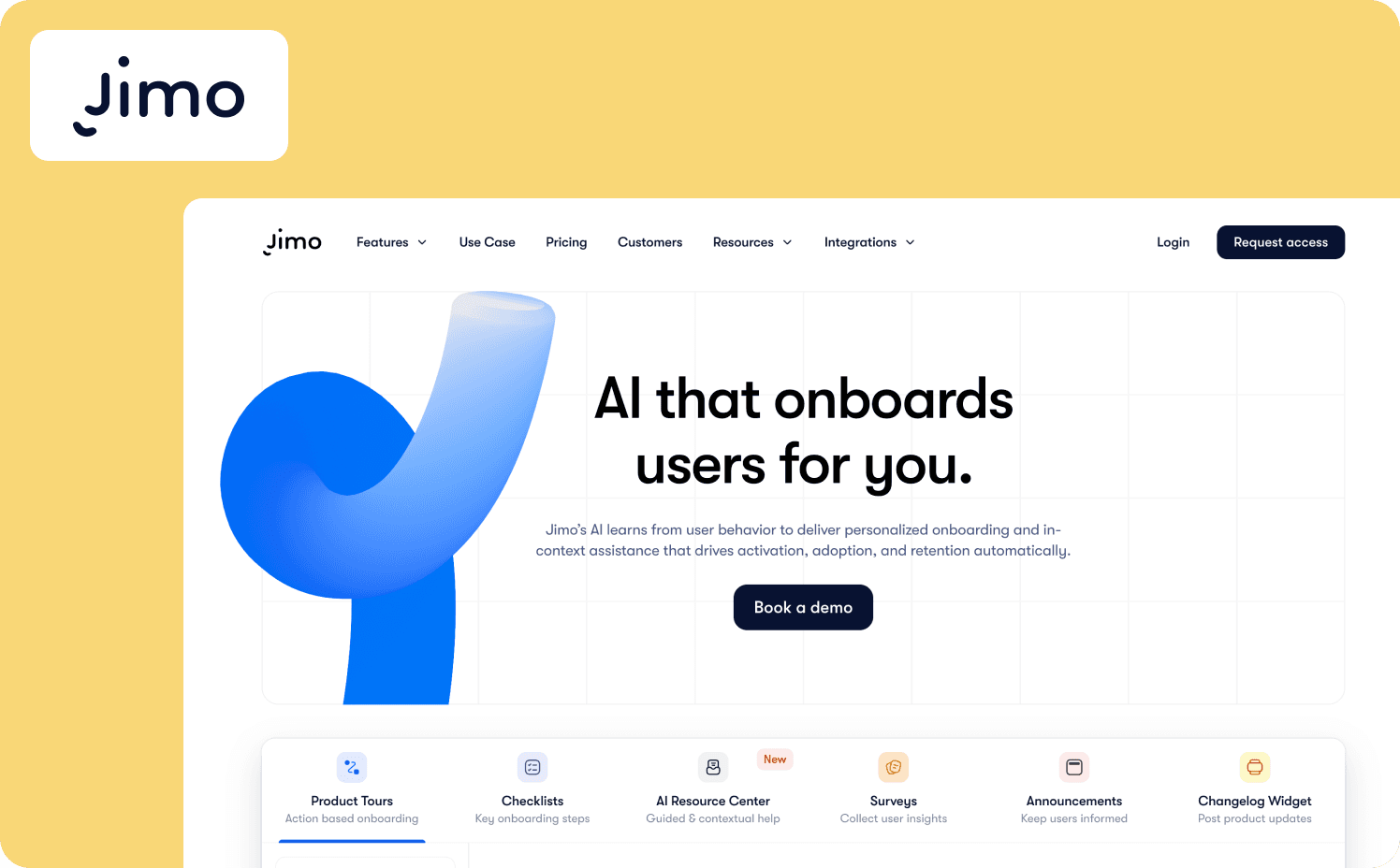
Jimo’s approach to no-code starts from a different premise than most other tools. Instead of a blank canvas where you drag components onto a page, Jimo turns a recording of your product into a working first draft. You click through a flow once, and Jimo AI builds the steps, the order, and the copy from what it saw, using your actual field names and screen sequence. What you get back is a live flow, not a skeleton you still have to flesh out. This lets you guide users through onboarding paths that adapt to user attributes and real user interactions, allowing new users to reach value faster.
Key features:
Record a walkthrough and Jimo AI produces a working draft of product tours, checklists, and hints with steps and copy already filled in.
Drag-and-drop editor for tweaking the generated draft, with no need to touch CSS, HTML, or JavaScript for standard flows.
Click publish and the flow is live immediately, with no sprint cycle or engineering handoff in between.
One-time setup via a JavaScript snippet or Google Tag Manager, after which PMs operate independently.
Success Tracker ties each flow to specific in-app events so you can see whether it moved users to activation.
Time to first flow: Jimo allows you to publish your first live experience in 15 minutes or less.
Limitations: User analytics capabilities don’t match what a robust product analytics platform offers. Jimo doesn’t fully support native mobile apps (yet).
Starter: From $249/mo (2,500–10,000 MAUs)
Growth: From $479/mo (2,500–100,000 MAUs)
Enterprise: Custom
2. Appcues: Best for non-technical teams who want a campaign-driven builder
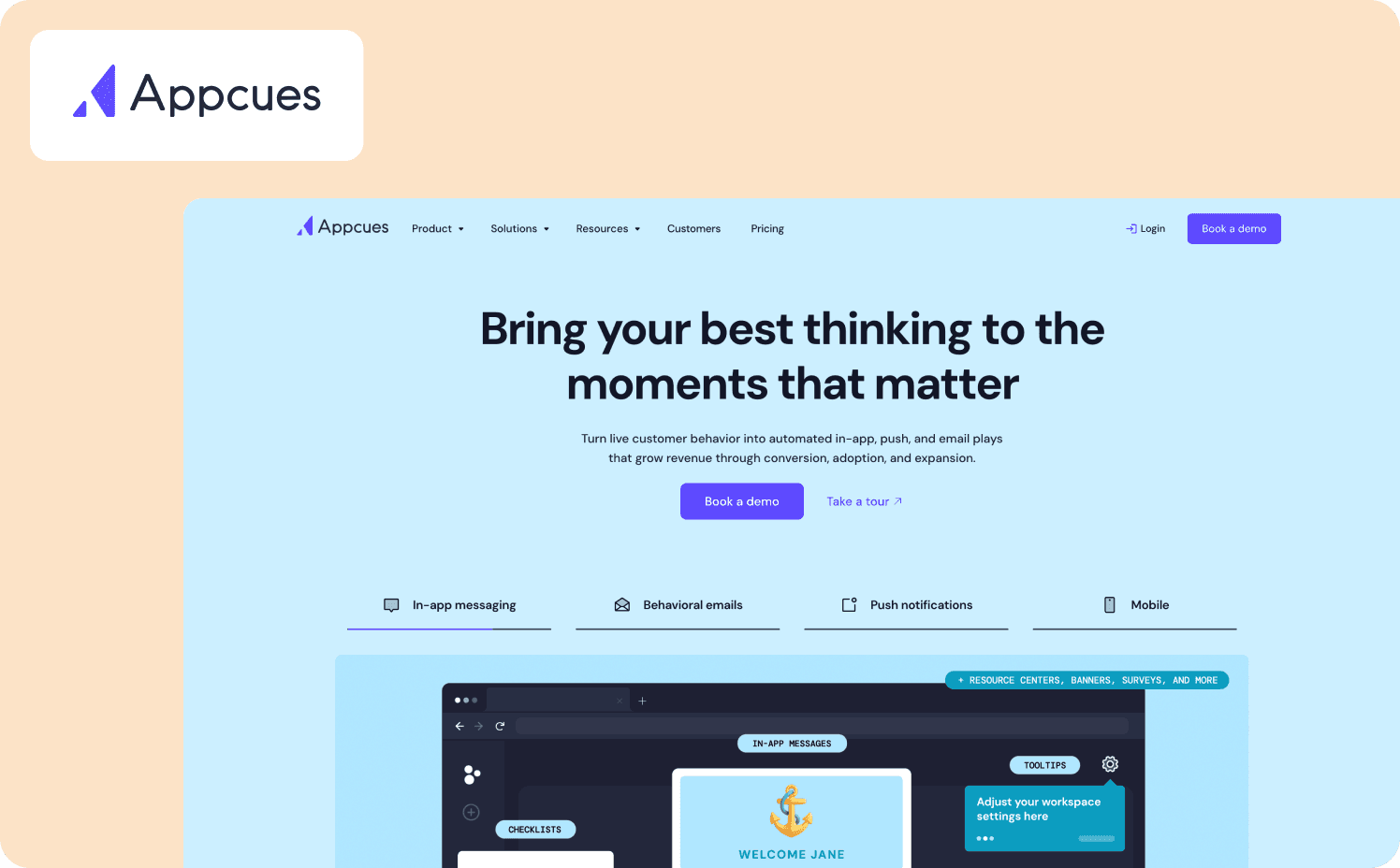
Appcues repositioned from a familiar DAP into an AI-powered customer engagement platform built around a campaign framework. Instead of shipping individual flows in isolation, you define a business outcome, build experiences aimed at it, and track whether they moved the metric. Appcues has a visual builder with conversational AI that lets you describe what you want in plain language and drafts experiences for your approval. This lets all teams, from customer success teams to IT teams engage users across the user journey without filing tickets.
Key features:
Visual builder for flows, checklists, launchpads, pins, banners, and in-app surveys with no code development required after installation.
Appcues AI analyzes product behavior, surfaces opportunities, and monitors published experiences for broken links with user-approved fixes.
AI-assisted flow generation through conversational UI, where you describe a goal in plain language and AI drafts experiences for your approval.
Time to first flow: Appcues says teams ship in days.
Limitations: The new platform is still rolling out, and existing customers are being migrated gradually, so some features may not be fully available yet. Pricing escalates quickly with monthly active user (MAU) growth, making it expensive for small teams that have outgrown the Spark plan.
Pricing:
Spark: $3,600/year + one-time $250 implementation fee (up to 1,000 MAUs)
Start: Custom (up to 3,000 MAUs)
Grow: Custom (starting at 3,000 MAUs)
Enterprise: Custom (custom MAUs)
3. Userpilot: Best for data-driven teams who want analytics and onboarding in one platform
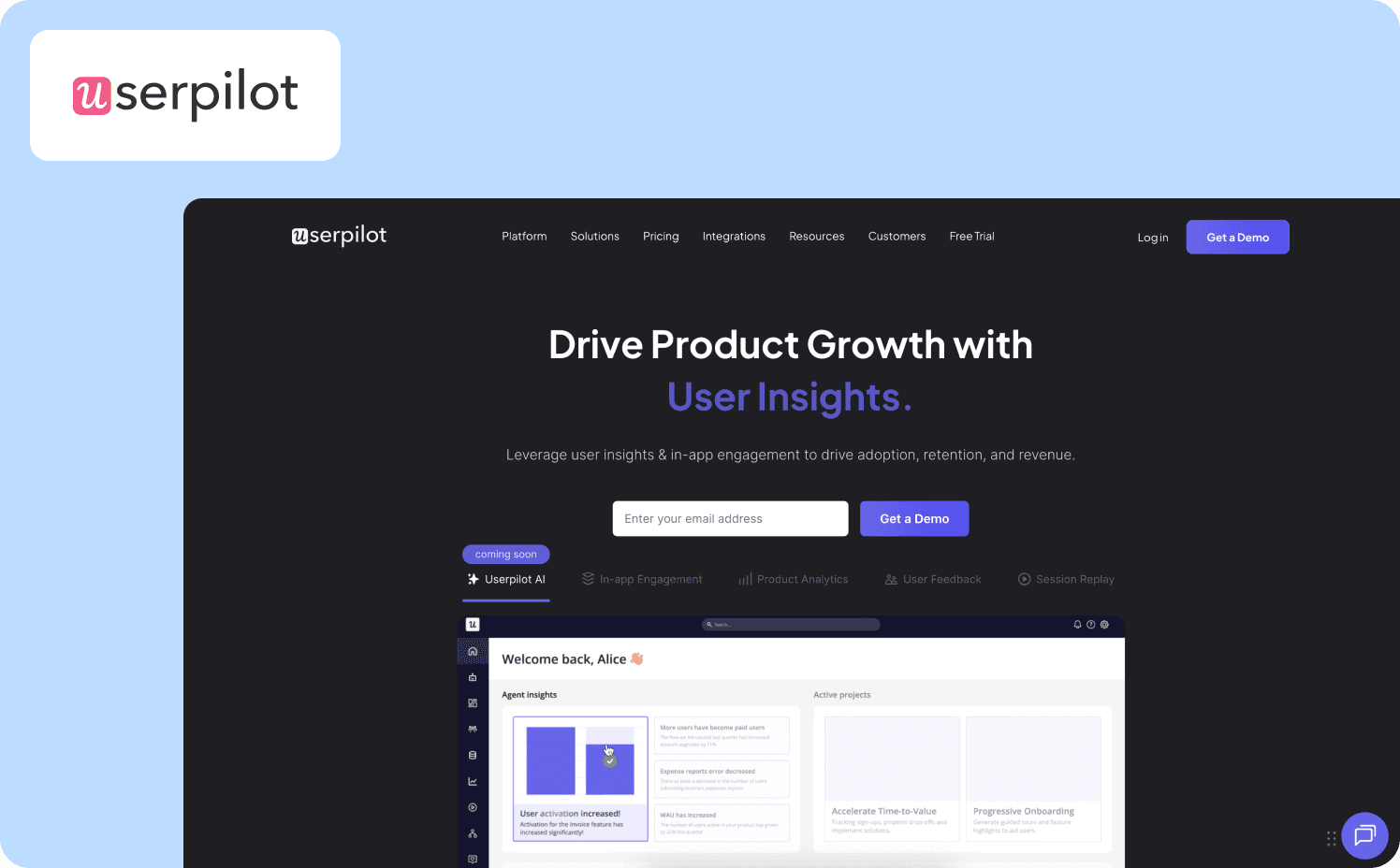
Userpilot brings a full analytics engine sitting alongside the builder. You construct tours, onboarding checklists, tooltips, and resource centers through a WYSIWYG Chrome extension with no code. But you also get funnel, retention, and cohort reports in the same platform.
Key features:
WYSIWYG builder via Chrome extension for tours, checklists, tooltips, banners, and resource centers without writing code.
Funnel, retention, and cohort reports built in, so you can connect a flow to a downstream outcome without leaving the platform.
User segmentation based on properties, events, and behavior.
Limitations: A chunk of the AI capability is still on the roadmap, and the intelligence layer is added to a conventional digital adoption platform rather than built AI-first. The MAU-based pricing model gets expensive as your user base grows.
Time to first flow: Userpilot does not claim any specific setup time.
Pricing:
Starter plan: From $299/mo (up to 2,000 MAUs)
Growth: From $849 (starts from 5,000 MAUs)
Enterprise: Custom pricing (custom MAUs)
4. Chameleon: Best for design-obsessed teams who want AI-assisted flows with pixel-perfect branding
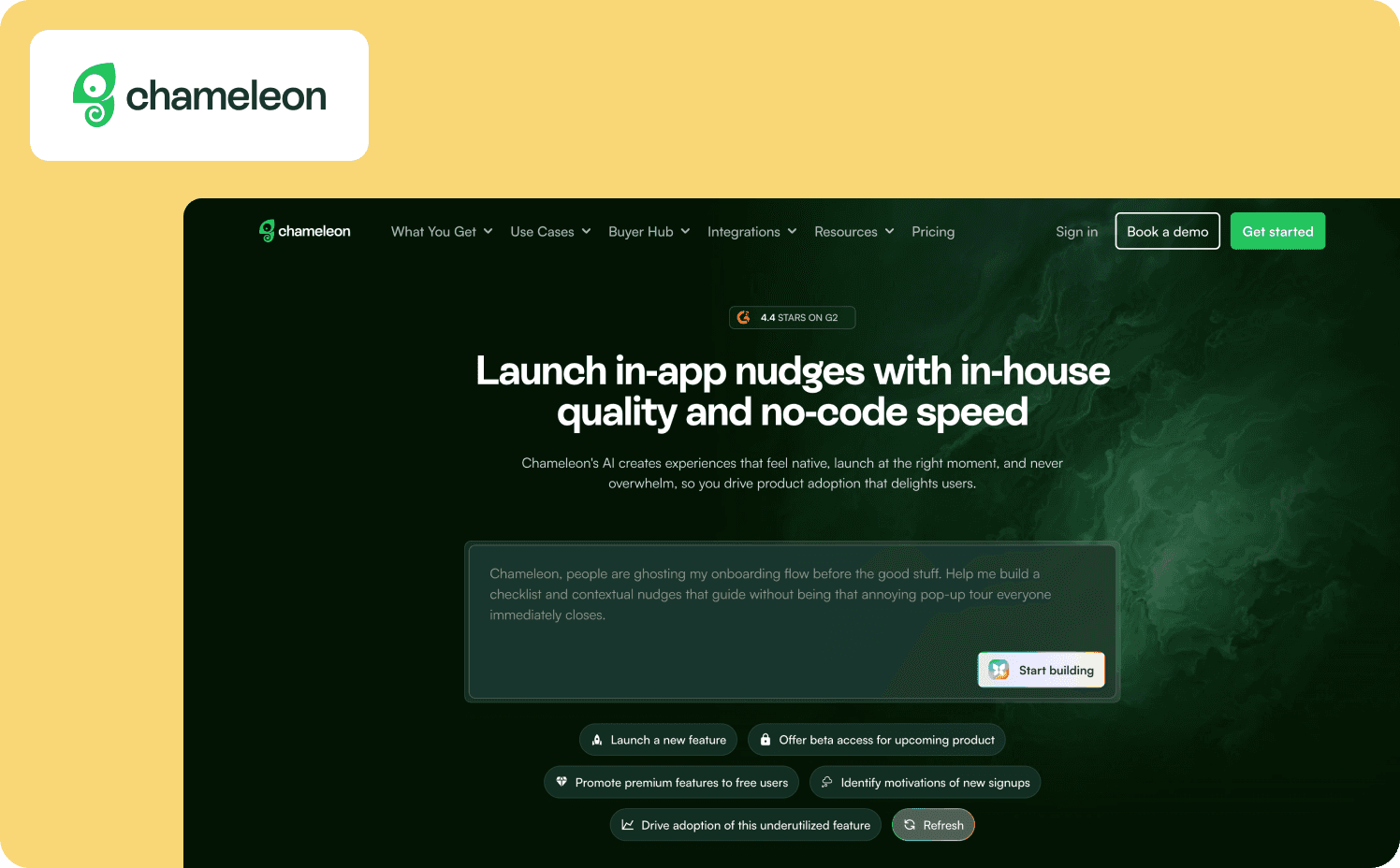
Chameleon repositioned recently from a digital adoption solution to a “self-improving product system” built on four AI agents. For no-code purposes, the relevant pieces are the Chrome extension builder and Copilot, which generates flows conversationally from a goal description. The builder is visual and self-serve.
Key features:
Chrome extension builder is visual and no-code, with no CSS or JS required for standard flows.
Self-serve publishing with no dev cycles required for everyday changes after one-time install.
Copilot AI generates flows conversationally from a goal description and creates AI variants.
Time to first flow: Chameleon claims installation takes minutes to an hour, with the ability to launch your first onboarding flow in under 30 minutes.
Limitations: If you want advanced feature customization, it’s not truly no-code. CSS or developer involvement is often required. Chameleon lacks native mobile support, limiting how users interact with guidance on the go.
Pricing:
Pro: From $750/mo (5,000–50,000MTUs)
Growth: From $1,750/mo (5,000–50,000MTUs)
Enterprise: Custom
5. Userflow: Best for lean teams who want AI-generated flows and an on-demand adoption agent
Userflow has relaunched as a product adoption engine powered by FlowAI, its intelligence layer that connects creation, guidance, and insight across the platform. The FlowAI Builder (Smartflow) generates full, editable onboarding flows with AI, and you can publish without code or engineering help after a one-time script tag install.
Key features:
Adoption Studio proactively deploys flows based on user segments, conditions, and journey stage with no end-user action required.
Adoption Agent reads user questions in chat, finds the relevant flow from your library, and guides the user through it with no targeting rules.
FlowAI Signals automatically surfaces friction and FlowAI Actions recommends interventions to fix and improve experiences.
Time to first flow: Per Userflow, you can have your first flow live in just minutes.
Limitations: Native analytics are basic, with retention and funnel analysis requiring external tools like Amplitude. There is no native mobile SDK, making it web-first only, and there is no free tier with steep MAU-based cost scaling.
Pricing:
Adoption Studio: From $500/mo (starting at 1,000 MAUs)
Adoption Agent: From $100/mo (starting at 500 credits)
6. Product Fruits: Best for teams who want AI-generated tours without manual rule configuration

Product Fruits shifted from a conventional onboarding vendor to an AI-first platform powered by its Elvin engine. The building experience is truly no-code. It has a visual canvas where everything is done by clicking, not coding, and changes go live the moment you save them after a one-time snippet install.
Key features:
Changes go live instantly after a one-time JS snippet, with no engineering ticket needed.
Elvin engine constructs tours through an annotation-teaching process instead of manual step authoring.
Two AI agents, one that assists users inside the app and one that helps admins configure.
Time to first flow: Product Fruits states that you can create an onboarding flow “in minutes.”
Limitations: The analytics layer is thin, with no documented way to tie guidance directly to activation or retention. The platform has no A/B testing or free tier.
Pricing:
Starter: From $149/mo (1,500–20,000 MAUs)
Pro: From $249/mo (1,500–20,000 MAUs)
Business: From $499/mo (1,500–20,000 MAUs)
7. UserGuiding: Best for budget-conscious teams who want fast setup without AI generation
UserGuiding is the most traditional no-code tool in this ranking. A point-and-click Chrome extension lets you build tours, checklists, and hints with no code, and one-click publishing means no dev ticket after the initial container-code install. UserGuiding claims you can have your first guide live in 5 minutes.
Key features:
Point-and-click Chrome extension with drag-and-drop components, no CSS, HTML, or JS required.
One-click publish with no dev ticket after one-time container-code install.
AI Assistant for in-app support and MCP Server for external tool integration.
Time to first flow: According to UserGuiding, there’s a one-time 15-minute setup and then you can create your first Guide in 5 minutes.
Limitations: UserGuiding has no AI-assisted flow generation, making it the weakest tool in this ranking on the AI axis. Custom CSS and localization are locked to Growth and Enterprise plans.
Pricing:
Starter: From $249/mo (from 2,000 MAUs)
Growth: From $499/mo (from 2,000 MAUs)
Enterprise: Custom (custom MAUs)
8. Frigade: Best for teams with a developer who want AI-native onboarding, not a visual builder
Frigade uses the no-code label for both of its products. The Assistant says “no code setup and maintenance,” and Engage claims “no-code after install.” Engage is built for developers, as flows are written in React and TypeScript, and there's no visual editor for assembling them. A PM without coding skills can’t create a flow from scratch.
Key features:
AI agent trains on your staging environment and produces guidance on demand, so there’s no builder interface to learn.
Collections allow non-technical teammates to push out ready-made announcements, banners, and tours without touching code.
A Claude skill can draft flow code and submit a pull request, easing the developer load for Engage.
Time to first flow: Frigade claims installation takes hours and first experiences go live within a day or two.
Limitations: Building flows in Frigade Engage requires code to get started. The entry price of $1,000 per month puts it out of reach for smaller teams, and the feature set is narrower than what established DAPs offer.
Pricing:
Assistant Growth: $1,000/mo
Assistant Enterprise: Custom
Engage Growth: $300/mo (2,500 MAUs)
Engage Enterprise: Custom
How to narrow down your choice of no-code onboarding platforms
Plenty of capable, no-code onboarding solutions exist. Once you’ve identified that as a must-have, consider your team’s personal situation to narrow your shortlist.
Team size and technical comfort
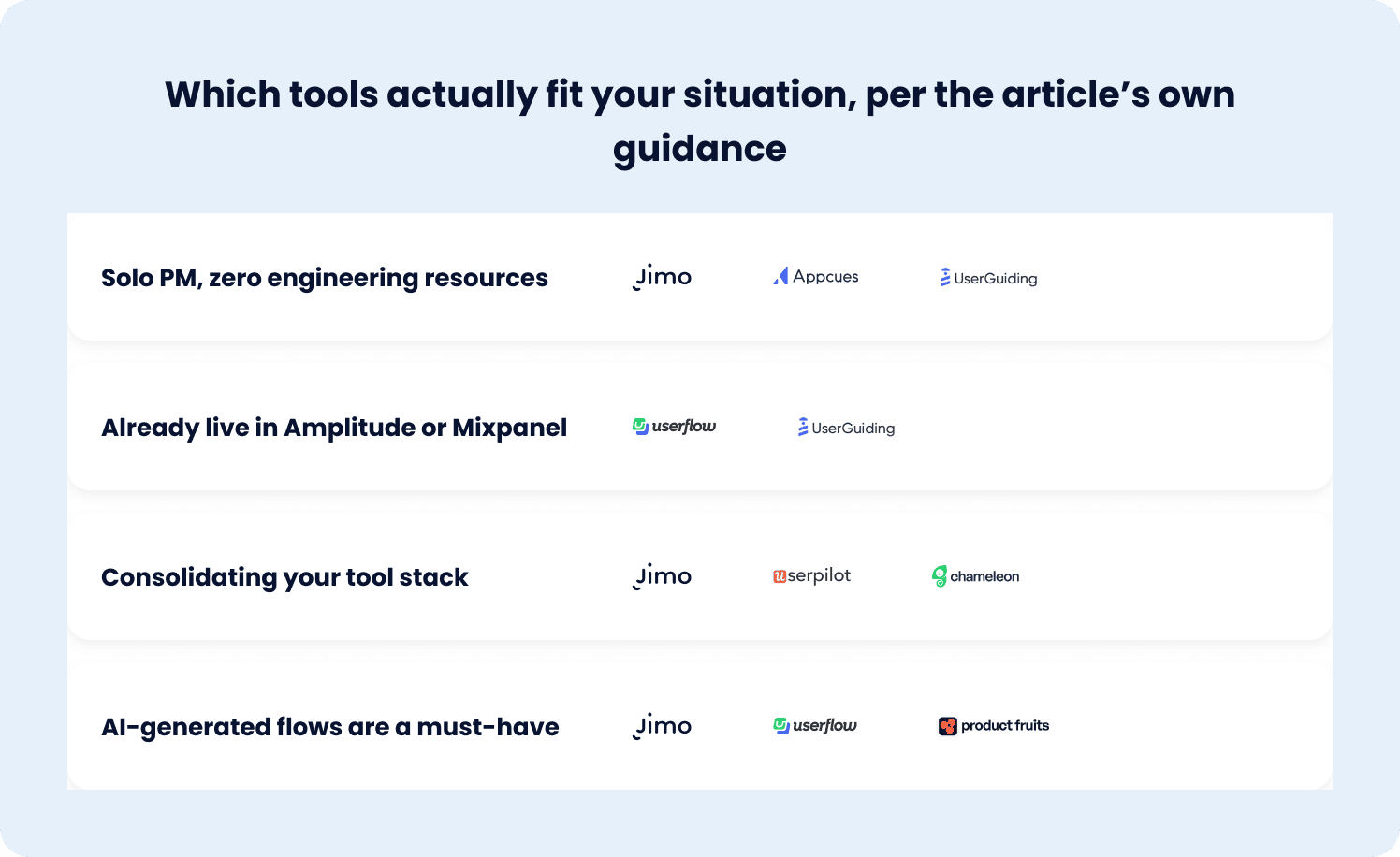
A solo PM with zero engineering resources needs a tool where the builder, publishing, and iteration are all truly no-code. Appcues, UserGuiding, and Jimo fit that profile for non-technical teams.
A team with light engineering availability can consider tools that blend no-code with code, like Frigade’s Engage, where a developer builds the initial flows and non-technical teammates launch variations.
No code solutions eliminate the sprint dependency that slows the development process for product teams. For a deeper framework on when no-code makes sense versus when code is the right call, our no-code vs code onboarding tools guide walks through that decision.
Existing tool stack and whether consolidation matters
If your team already lives in Amplitude or Mixpanel, Userpilot’s built-in analytics may be redundant, and a separate tool like Userflow or UserGuiding may be the better fit. If you’re consolidating, tools that combine onboarding, analytics, and user feedback in one platform reduce tool sprawl.
Jimo, Userpilot, and Chameleon each take a different approach to consolidation, and the right choice depends on which capabilities you’re actually replacing.
Whether AI-assisted flow generation is a requirement or a nice-to-have
Jimo, Userflow, and Product Fruits generate flows from recordings or annotations, which dramatically reduces the time from idea to live onboarding. Appcues and Chameleon offer AI-assisted generation through conversational builders. UserGuiding offers none.
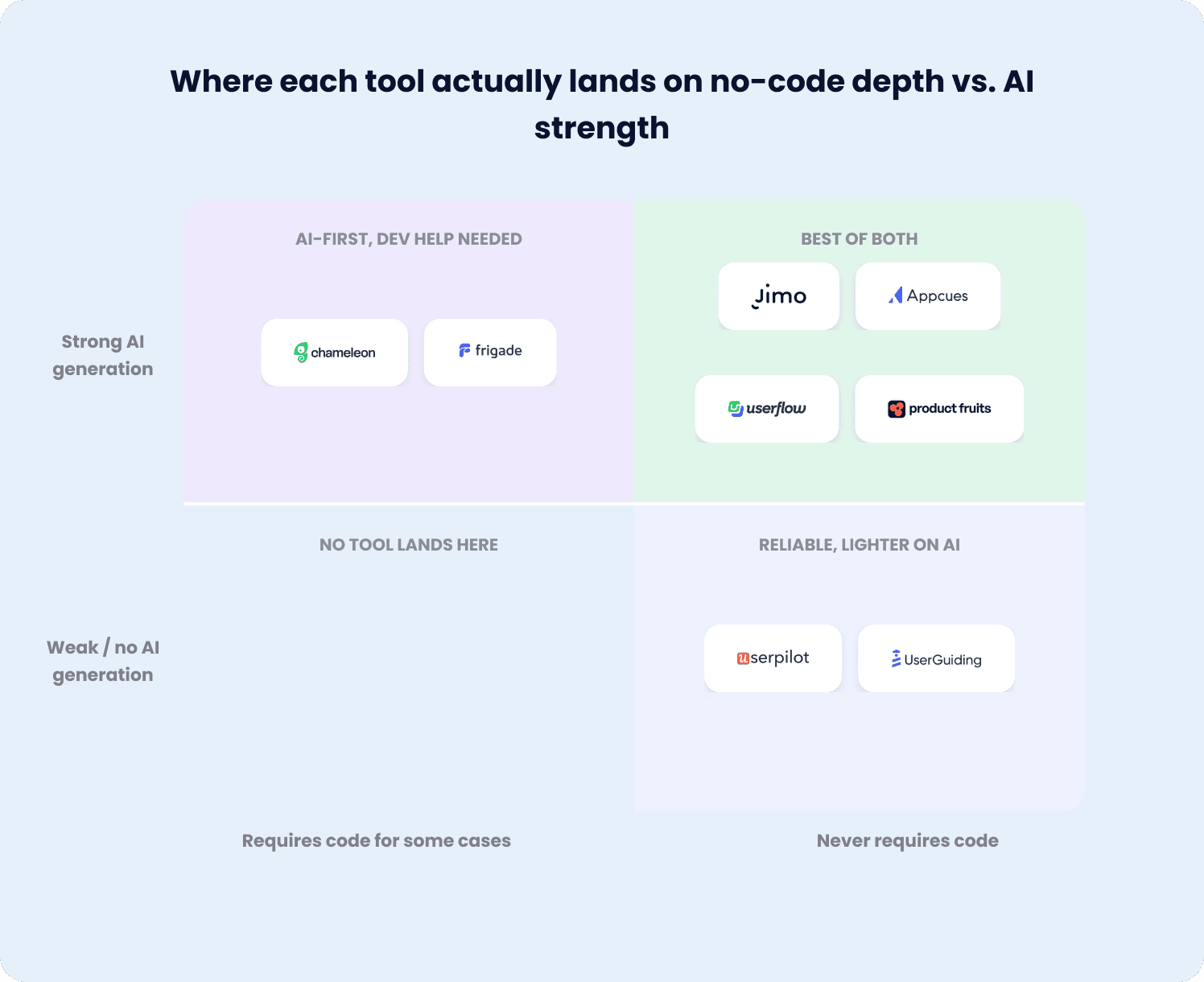
If your team ships onboarding changes weekly, AI generation compounds. If you ship quarterly, a traditional builder may be sufficient. Tools that automate workflows and extend functionality with AI let you build workflow automation around flow creation, freeing PMs to focus on strategy.
Pick the tool that launches without waiting on engineering
Often, onboarding iteration speed is capped by engineering availability, not by ideas. These eight tools let a non-technical PM build, publish, and iterate without a developer. Among those, the question is how fast you can go from idea to live flow, and whether the tool can prove the flow moved user activation and feature adoption.
Jimo’s record-to-generate approach produces a working first draft in minutes, and the Success Tracker measures whether it worked. If that's the standard your onboarding process needs to meet, book a demo to see Jimo's AI-assisted, no-code flow creation in action. For a broader comparison of product onboarding software beyond no-code specifically, Jimo’s product onboarding guide covers the full landscape.
FAQs
What actually makes an onboarding tool "no-code"?
A genuine no-code onboarding tool lets you build flows, tours, checklists, and hints through a visual builder with no CSS, HTML, or JS. You should be able to publish onboarding experiences directly without a dev ticket, and need engineering only for edge cases. A tool can market itself as no-code and still fail one or more of these criteria in practice.
Do no-code product onboarding tools work for complex products, or only simple ones?
Most no-code onboarding solutions handle complex products well for standard use cases like tours, checklists, and behavioral triggers across web and mobile apps. The rare exceptions are changes requiring deep legacy-system integration or compliance-driven backend logic, which still need engineering support regardless of which onboarding software you choose.
What's the difference between no-code tools and low-code onboarding platforms?
No code platforms let non-technical teams and business users build entirely through visual interfaces with zero programming knowledge, while low code tools add a scripting layer for edge cases that reduces but doesn't eliminate the need for developers. For most teams, a no code platform provides all the functionality needed without the complexity of a low code development platform.
Can I switch onboarding tools later without losing my existing flows?
Most user onboarding tools don't offer native migration, so switching means rebuilding your onboarding flows in the new platform. Some tools support export of flow content, but the targeting rules, segments, and ability to track user behavior typically need to be reconfigured, so plan for a rebuild rather than a port.
How do user onboarding tools improve the onboarding experience for SaaS companies?
The best user onboarding tools turn a fragmented user onboarding process into a guided journey that gets users to value faster. They let you build in-app flows, checklists, and hints without code, and collect feedback through surveys so you can refine the onboarding experience based on what users actually struggle with. For SaaS companies, the payoff is measurable: faster activation, fewer support tickets, and retention that compounds when users hit their aha moment sooner.
How can startups use no-code tools to test onboarding ideas?
Startups can spin up product tours, checklists, and in-app messaging in minutes without waiting on engineering, then iterate based on what new users actually do. Pair the builder with feedback tools like in-app surveys to learn where people stall, and watch whether guidance reduces customer support tickets before scaling the flow. The advantage is speed. Startups can test hypotheses across multiple tools or variations in a single sprint, keep what moves activation, and discard what doesn't, all without a developer in the loop.