TL;DR
This guide evaluates 11 Intercom alternatives split across two categories: customer service platforms (Zendesk, Help Scout, Freshdesk) for ticket management and multichannel support, and product adoption platforms (Jimo, Userpilot, Pendo, WalkMe, Chameleon, Whatfix, Product Fruits, Appcues) for eliminating activation drop-off. If your team is overwhelmed by support volume, choose helpdesk platforms. If users sign up but never activate, you need platforms that measure whether onboarding flows drive retention.
Your signups are growing. But paid conversion still sits at 12%, and 60% of activated users churn within 90 days. Users complete onboarding flows, click through product tours, and still never reach a meaningful outcome. Nothing changes in activation or revenue, even as your team keeps optimizing messaging and support workflows.
If you're searching for Intercom alternatives to replace live chat and ticketing systems, then tools like Zendesk, Front, and Help Scout are your options. But if your true bottleneck is activation drop-off because users sign up but never convert, then you need a product adoption platform that ties in-app guidance to revenue outcomes. It will solve the problems that a better messaging platform can't.
This guide covers 11 alternatives to Intercom across both categories. We'll explain the difference between support platforms and product adoption platforms, then help you identify which one is best for the problem you’re facing.
Support platform vs product adoption platform: Which solves your actual problem?
Rather than comparing feature lists, start with the biggest constraint in your funnel. Most teams face one of three problems:
Your support ticket volume is unsustainable and support agents can't keep pace with customer inquiries.
Users sign up but never activate, leaving revenue on the table despite growing top-of-funnel metrics.
Features ship but adoption doesn't move, meaning engineering builds what product teams specify but users ignore it.
If your bottleneck is support volume, you need a customer service platform optimized for ticket management, team collaboration, and multichannel support. These platforms deflect tickets through knowledge bases and live chat features with website visitors, reducing support team workload.
If your bottleneck is users exiting before the “aha” moment, you need a product adoption platform that connects user behavior to revenue outcomes. These tools measure whether users reach first value moments, not just whether they clicked through a tour.
If your bottleneck is feature adoption stalls, you need analytics-heavy platforms that identify where users drop off in complex workflows. These types of platforms excel at feature discovery but require longer implementation cycles.
The wrong category wastes months. Support platforms optimize ticket deflection but can't measure activation lift. Adoption platforms improve onboarding paths but won't replace your help desk. Teams replacing Intercom for activation problems need platforms built for behavior-driven guidance tied to retention and expansion metrics.
What to expect when you switch to an Intercom competitor
Most teams launch their first flows within days and complete full migration in 2-4 weeks, depending on how deeply Intercom was embedded into your product stack.
The JavaScript snippet installs in 10 minutes. Your first onboarding flow with a competitor of Intercom can go live same-day.
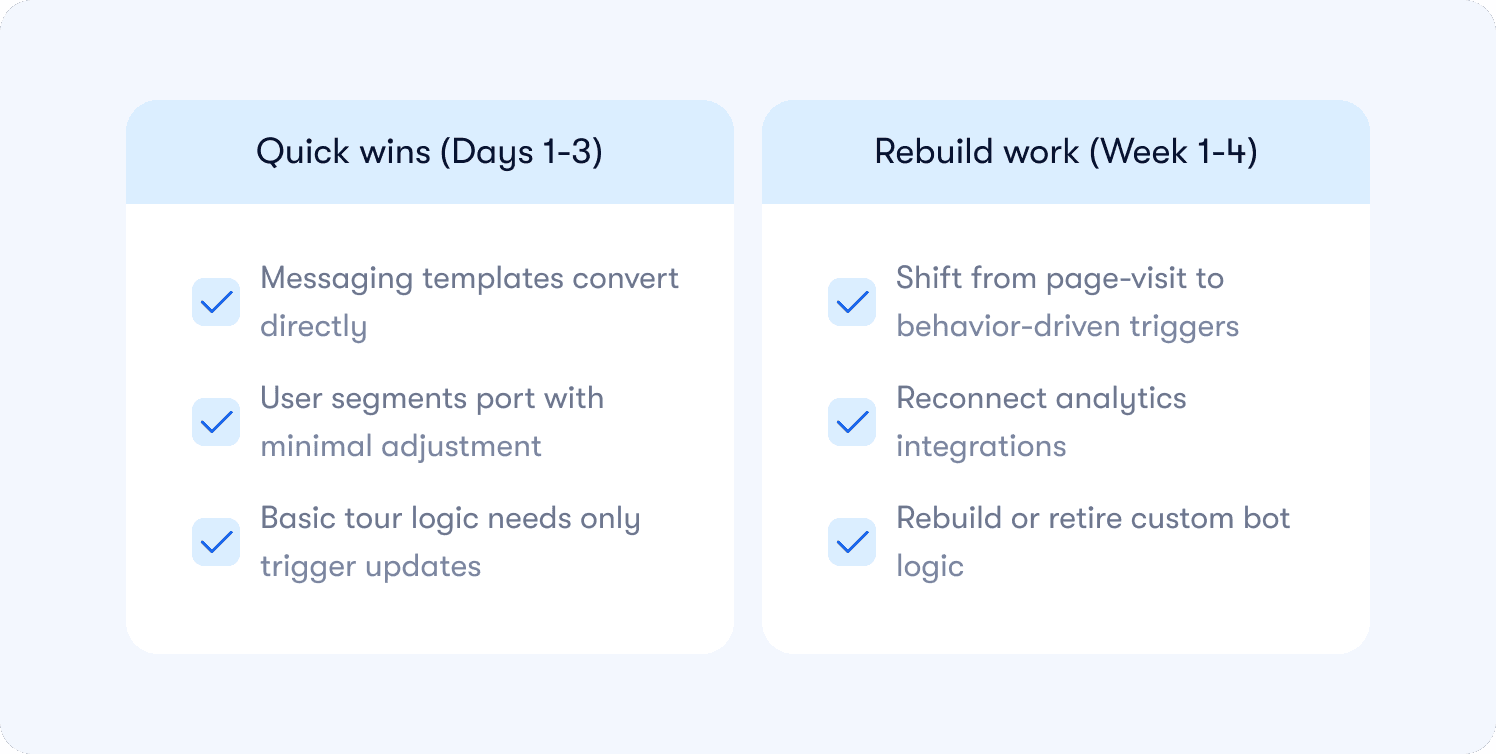
Quick wins (Days 1-3):
Messaging templates convert directly: Your existing Intercom messages contain most of the guidance language you need, so copy them into tour copy and tooltip content.
User segments port with minimal adjustment: Plan type, company size, usage thresholds work the same way across platforms.
Basic tour logic needs only trigger updates: “Show tour X after pageview Y” becomes “show tour X after pageview Y.” The condition logic stays identical
Rebuild work (Week 1-4):
Shift from page-visit to behavior-driven triggers: If Intercom fired automated messages when users opened the chat widget, rebuild as triggering when users complete their first project or hit activation milestones.
Reconnect analytics integrations: Most adoption platforms sync with Segment, Amplitude, or Mixpanel natively, but custom webhook setups require fresh implementation.
Rebuild or retire custom bot logic: Conversational flows either convert to structured checklists or stay in Intercom for support-specific interactions. Bot logic rarely ports directly between platforms.
That 2-4 week window accommodates rebuilding triggers, testing across segments, and training your team on the new analytics dashboard. The technical cutover is fast. The strategic work takes longer because you're redesigning how guidance connects to activation outcomes, not just moving content between platforms.
In the first 30 days, track one metric: activation rate for users who see your new onboarding versus those who don't. Run a holdout test. If the metric doesn't improve, the tool isn't the problem. Your flow design is. Users might complete every tour step but never reach the retention-predictive action that actually matters. Adoption platforms give you measurement. You still design the path to value.
Why teams are reconsidering Intercom in 2026
Teams wanting to improve their first-session success rates find themselves frustrated with Intercom.
Intercom reports high message open rates and tour completion percentages, but activation rates don't improve. This happens for a few reasons:
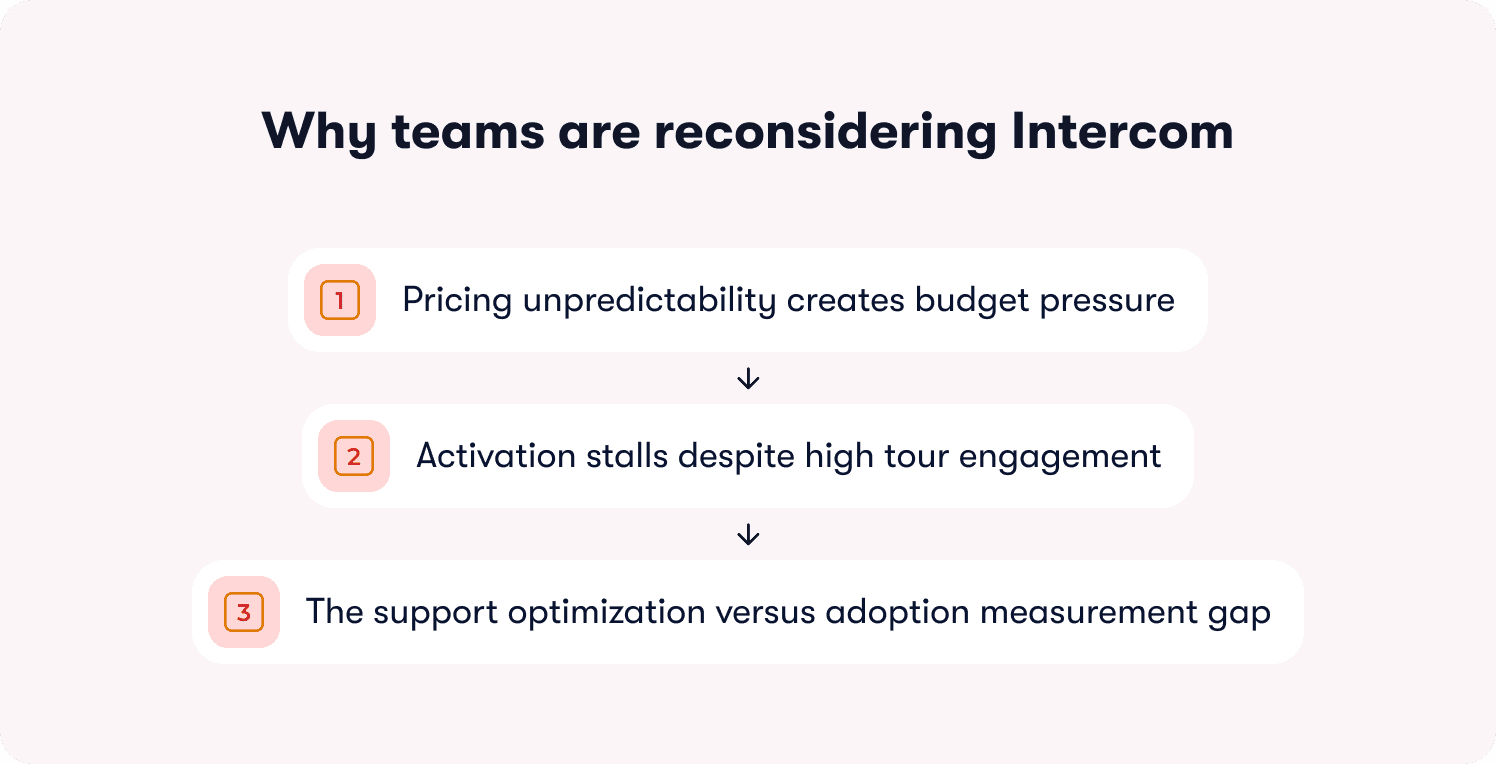
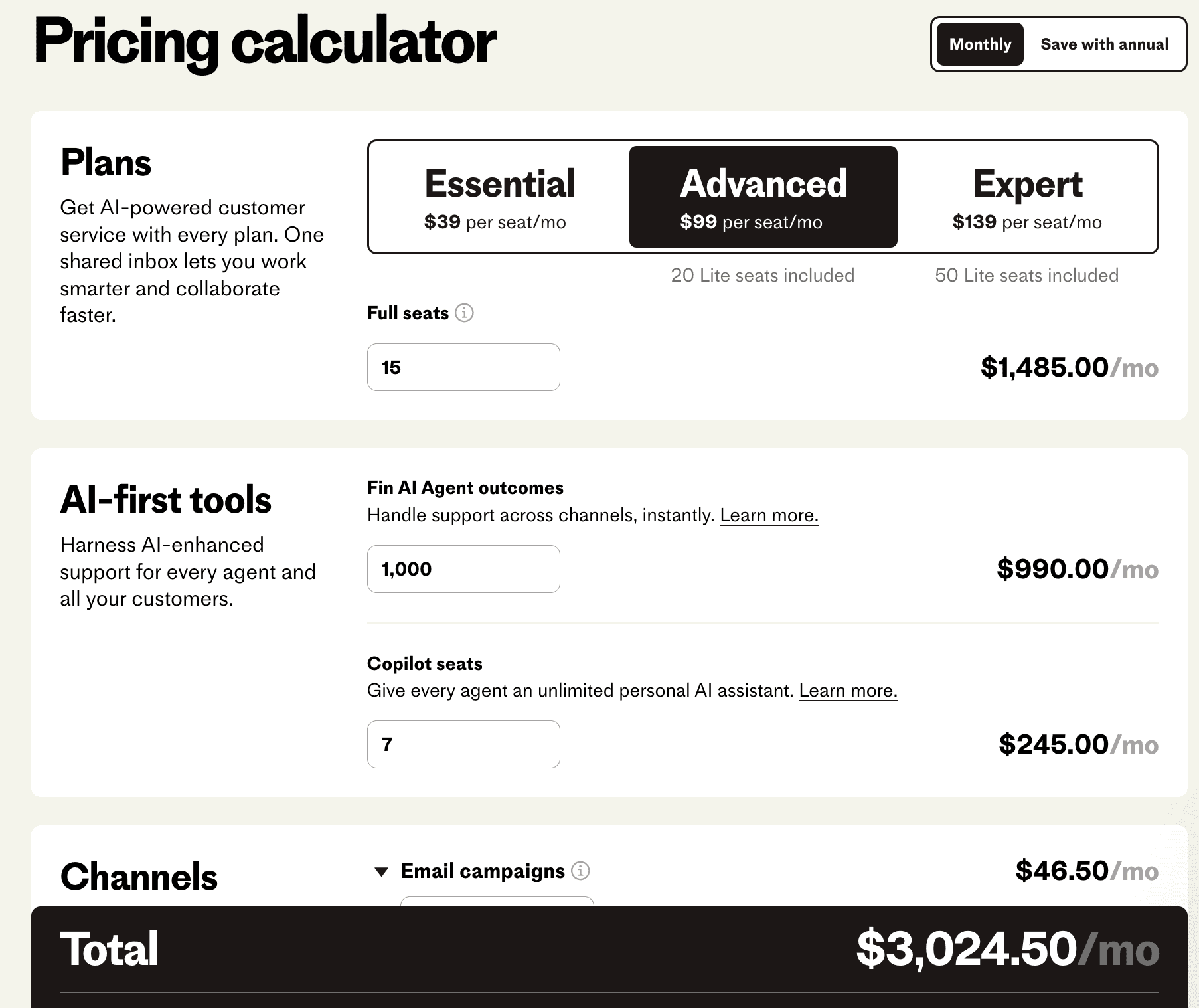
Pricing unpredictability creates budget pressure: Intercom's per-seat model means costs scale with team size, not customer value. “The per-resolution model can become expensive quickly, and it makes forecasting support costs harder,” says one G2 reviewer.
Activation stalls despite high tour engagement: Users might see three messages in their first session, mark them all as read, but never complete activation. Tours can trigger on behavior-based events, but require manual event setup rather than working out-of-the-box.
The support optimization versus adoption measurement gap: Workflows, AI agent, and inbox tools excel at support team efficiency. Product analytics module reports basic usage but doesn't connect guidance to activation outcomes.
Teams replacing Intercom for customer interactions should evaluate support platforms. Teams replacing Intercom because activation stalls despite high tour engagement need product adoption platforms built to measure revenue outcomes, not message performance.
Comparing the 11 best Intercom alternatives at a glance
The table below maps each customer service software and product adoption platform to its core strength and category positioning. Whether you're researching who are Intercom competitors or seeking the Intercom best alternative for your needs, use this to shortlist based on your actual bottleneck (support volume vs users not reaching first value), then read the detailed breakdowns for buyer profiles and specific limitations.
Tool | Category | Best for | Activation events | No-code iteration | Pricing model |
|---|---|---|---|---|---|
Jimo | Product adoption | Activation-to-revenue measurement | ✅ | ✅ | MAU-based, starts $249/mo |
Zendesk | Support platform | Omnichannel ticket management | ❌ | ❌ | Agent-based, starts $29/agent/mo |
Help Scout | Support platform | Email-first support teams | ❌ | ❌ | User-based, starts $30/user/mo |
Freshdesk | Support platform | Automated omnichannel support | ❌ | ❌ | Agent-based, starts $19/agent/mo |
Userpilot | Product adoption | No-code onboarding analytics | ✅ | ✅ | MAU-based, starts $299/mo |
Pendo | Product adoption | Analytics-heavy feature adoption | ✅ | ⚠️ | MAU-based, custom pricing |
WalkMe | Enterprise DAP | Enterprise digital transformation | ✅ | ❌ | Custom enterprise pricing |
Chameleon | Product adoption | Brand-native design flexibility | ✅ | ✅ | MAU-based, starts $279/mo |
Whatfix | Enterprise DAP | Cross-app training automation | ✅ | ⚠️ | Custom enterprise pricing |
Product Fruits | Product adoption | Fast AI-powered deployment | ⚠️ | ✅ | MAU-based, starts $149/mo |
Appcues | Product adoption | Experimentation-driven onboarding | ⚠️ | ✅ | MAU-based, starts $750/mo |
✅ = can fully do
⚠️ = can partially do
❌ = can’t do
11 Best Alternatives to Intercom
Each tool below solves a specific problem. While support platforms deflect tickets and route conversations, product adoption platforms eliminate activation friction and prove revenue impact.
1. Jimo — Best for activation drop-off connected directly to revenue outcomes
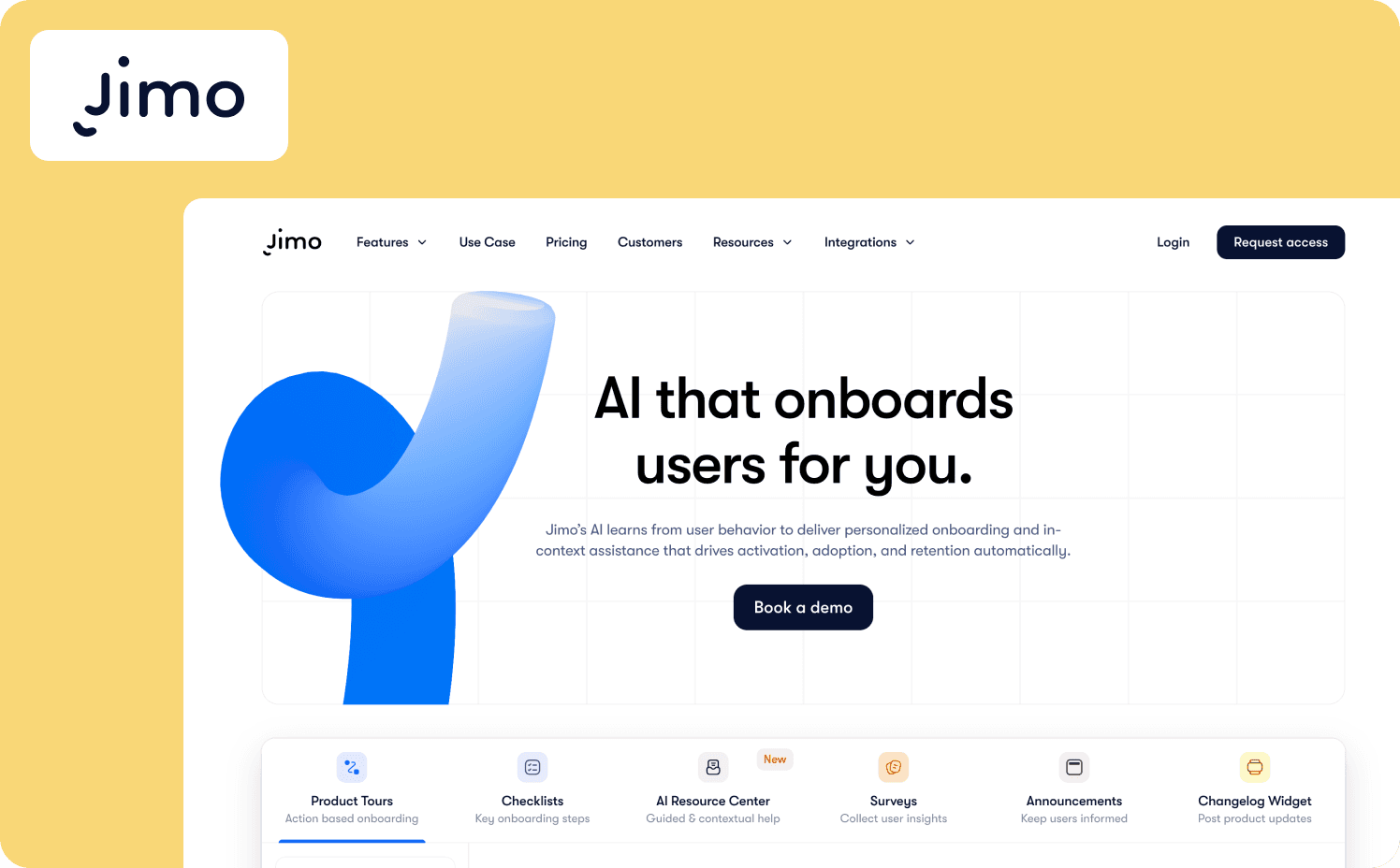
Jimo is the AI-native product adoption platform built for teams eliminating the gap between detecting activation friction and deploying the fix. The platform closes the loop between drop-off analytics and intervention execution in the same afternoon, with zero engineering dependency.
What it does well: Jimo’s Success Tracker enables product teams to tag features and visualize step-by-step drop-off without writing code. AI Builder records a user flow once and generates complete tours with steps, triggers, progression logic included in 30 seconds.
The platform's auto-progress logic advances tours based on actual user actions, not passive clicks, so completion equals activation rather than clickthrough. Jimo won't advance a tour until the user creates the project, invites the teammate, or completes the integration — the events that predict retention. Beyond tours, Jimo’s full activation toolkit includes tours, hints, announcements, checklists, surveys, changelog, and an AI Resource Center.
Standout capability: Jimo's gaming-inspired cursor mechanism directly addresses the incomplete activation paths hurting teams when users sign up but don't reach first value, or trial-to-paid conversion stalls below target. It replaces traditional button tours with visual guidance that shows users what to do rather than telling them.
Limitations: Organizations requiring complex workflow automation or enterprise-grade compliance frameworks should consider a dedicated enterprise DAP. Jimo is built for activation speed and measurement, not governance infrastructure.
Ideal buyer: CPOs and VPs of Product at B2B SaaS companies treating activation rate as a revenue metric rather than a UX metric.
Starter: $249/mo (2,500 MAUs)
Growth: $479/mo (2,500 MAUs)
Enterprise: Custom
2. Zendesk — Best for omnichannel support ticket management
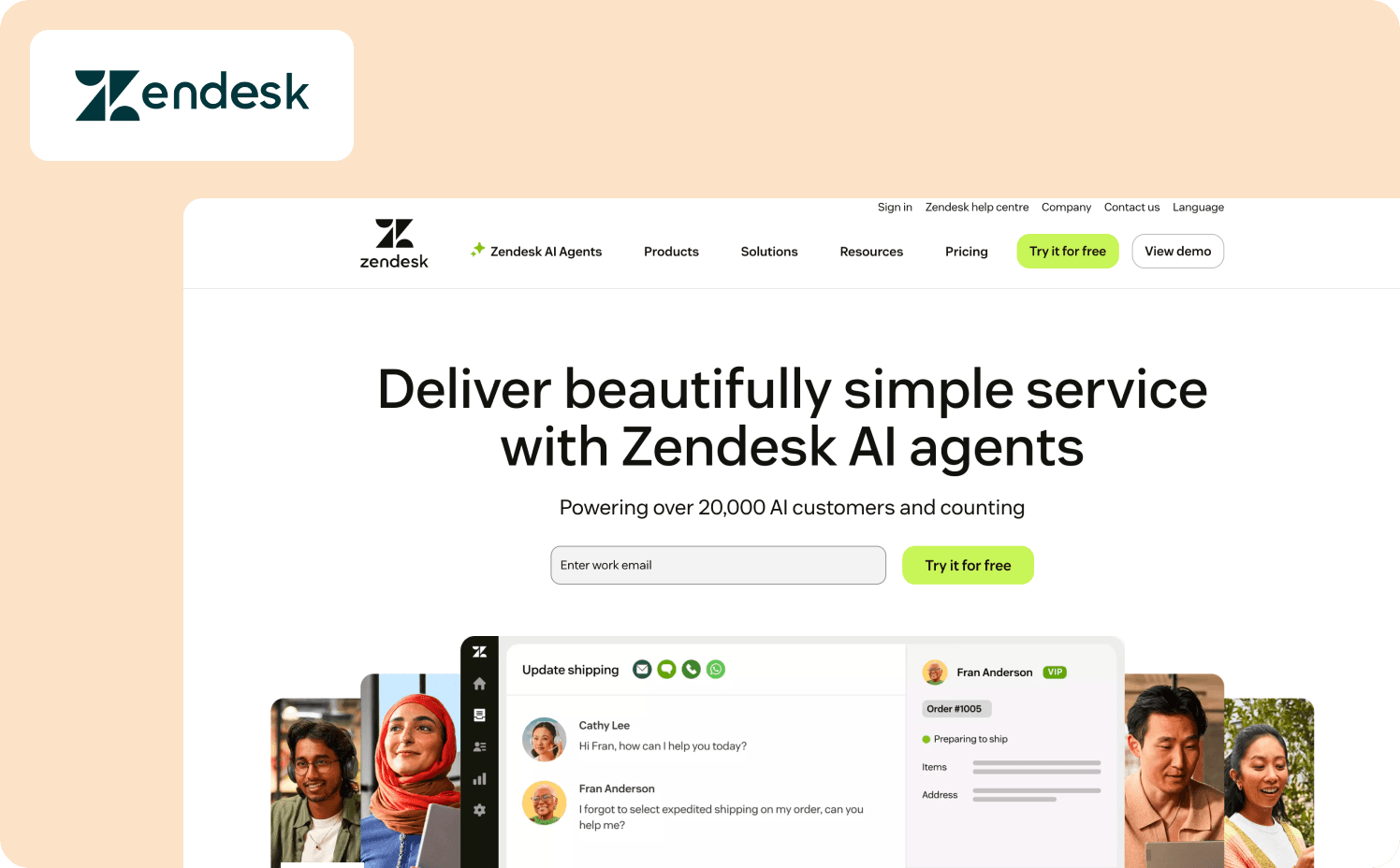
Zendesk is a customer service-focused customer relationship management platform built for managing support tickets across email, messaging, live chat software, voice, and social media channels. It consolidates customer interactions into a unified ticketing system with AI-powered routing, workflow automation, and agent collaboration tools.
What it does well: Zendesk ships with customer service best practices built in, enabling fast deployment. The desk solution supports quick migration timelines through standard export/import processes for historical conversation data. It also provides native support for various social media platforms including Facebook Messenger, WhatsApp, and Instagram, allowing customer support agents to manage customer interactions and respond to social media messages directly from the unified inbox.
Standout capability: Omnichannel support routing automatically assigns tickets to the most qualified support agents based on availability, skills, and workload across multiple channels. The pre-built automation workflows automate repetitive tasks like refund escalations and unattended ticket alerts without configuration.
Limitations: Zendesk measures ticket management and customer service performance but doesn't track the percentage of users reaching first value, retention cohort improvement, or which onboarding paths correlate with expansion revenue. Teams needing product adoption measurement will find Zendesk optimized for support volume, not first value moment completion.
Ideal buyer: Customer support teams drowning in customer inquiries across multiple channels needing a centralized ticketing system and automation for faster resolution.
Pricing:
Suite Team: $29/agent/month
Suite Growth: $59/agent/month
Suite Professional: $115/agent/month
Suite Enterprise: Custom
3. Help Scout — Best for small teams prioritizing email efficiency
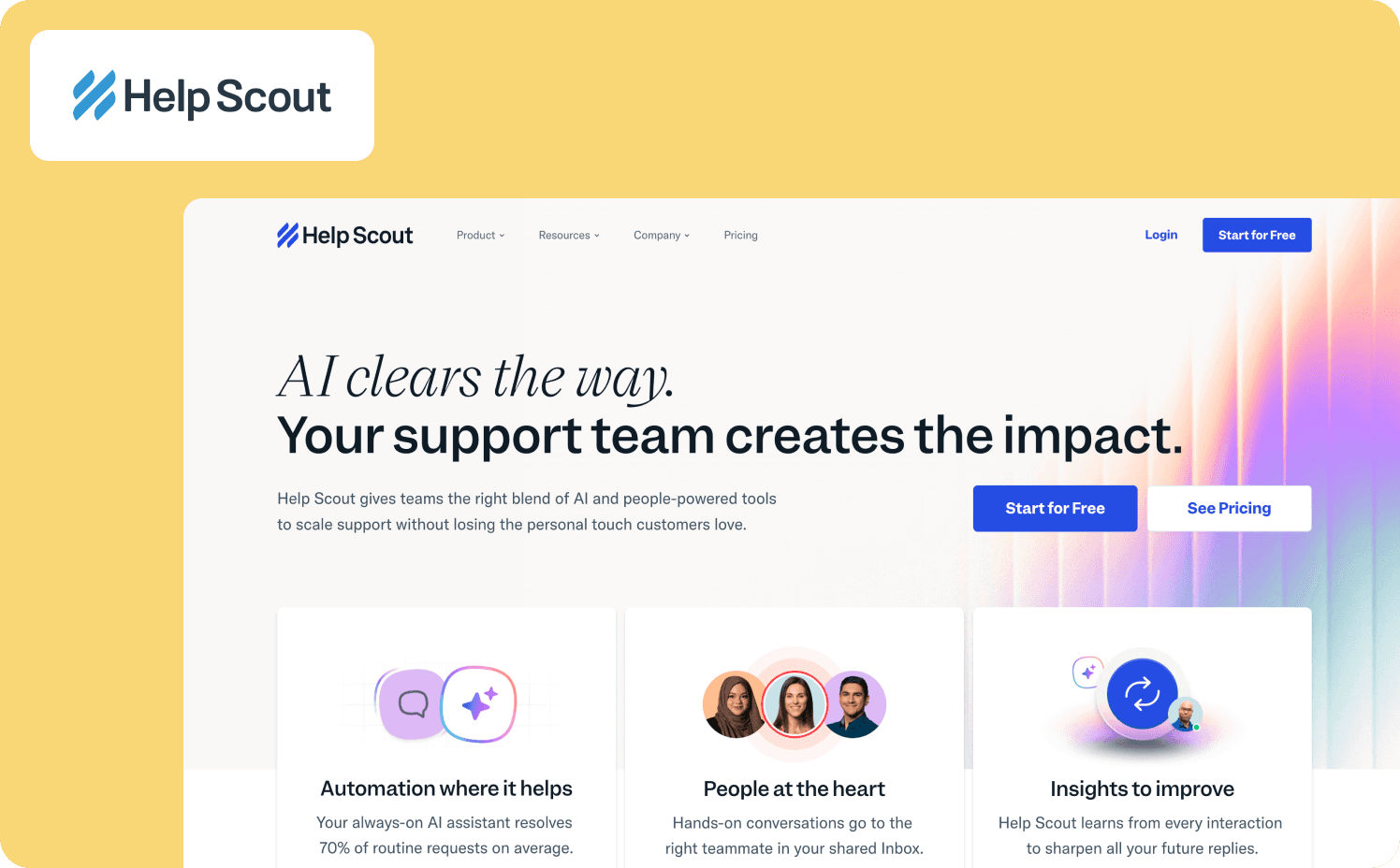
Help Scout is a cheap Intercom alternative customer service platform for shared inbox management across email, live chat, and social channels. The platform emphasizes ease of use and fast deployment for teams that want customer service software without complex configuration.
What it does well: Help Scout includes pre-built workflows for routing, tagging, and prioritization that reduce manual setup work. The platform integrates knowledge base articles directly into the inbox interface, allowing agents to insert help content into replies without switching tools. Migration is also straightforward through standard import processes for conversation history.
Standout capability: Beacon is Help Scout's embeddable support widget that combines AI-powered instant answers, access to previous conversations, and direct paths to live chat support or personalized support via email. The AI chatbot generates responses from knowledge base content and can handle complex customer questions 24/7.
Limitations: Help Scout measures support team efficiency and customer satisfaction but doesn't track activation rate improvements, retention cohort analysis, or how support interactions correlate with product adoption milestones. Teams needing to understand which behaviors actually generate revenue won't find activation measurement capabilities.
Ideal buyer: Small businesses and mid-sized customer support teams that prioritize email-first customer service and want a cheaper alternative to Intercom while still upholding exceptional support.
Pricing:
Standard: $30/user/mo
Plus: $54/user/mo
Pro: $90/user/mo
AI answers add-on: $0.75/resolution
4. Freshdesk — Best Intercom alternative for omnichannel support with strong automation
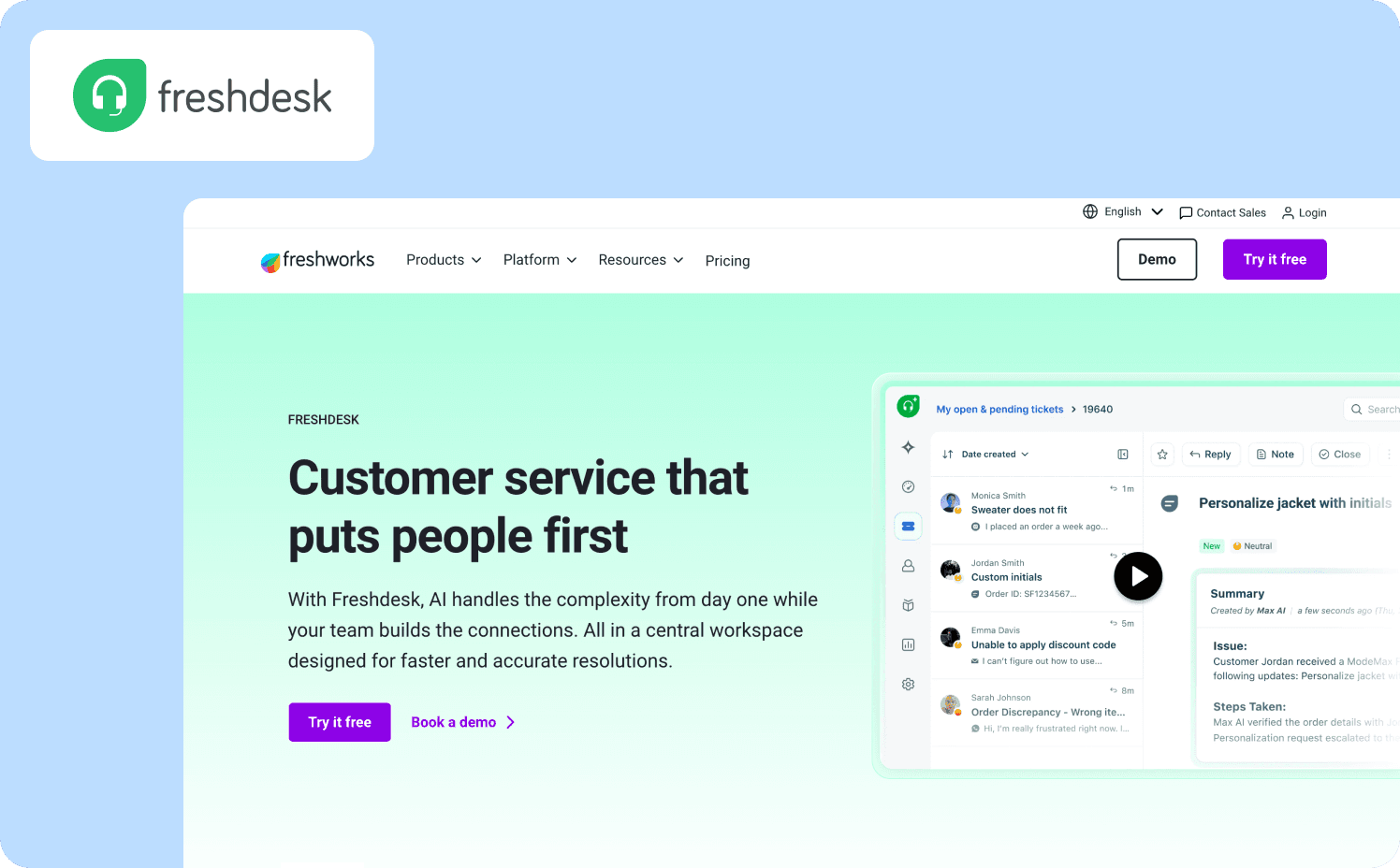
Freshdesk is an Intercom alternative customer service platform that combines an omnichannel ticketing system, AI automation, and a customer communication platform in a unified Command Center workspace. With rapid deployment and scalability, it’s well-suited for mid-market teams.
What it does well: Freshdesk ships with Vertical AI Agents and over 50 pre-built agentic workflows that handle routine queries and process requests without manual intervention. Teams can automate routing, tagging, and SLA management through customizable business rules.
Standout capability: Freddy AI provides three integrated customer support features. There’s an AI Agent for autonomous query resolution, AI Copilot for agent assistance with summaries and translations, and AI Insights for leadership visibility.
Limitations: Teams needing to tie in-app guidance to impact on retention and expansion won't find the right measurement capabilities. This is because Freshdesk tracks support efficiency and ticket resolution but not activation rate improvements or how customer service interactions connect to product adoption milestones. AI advanced features are not available in the basic plan, meaning teams need to spend more to access all the features.
Ideal buyer: Mid-market customer support teams requiring omnichannel management with strong automation, desk features, and AI capabilities at competitive price points.
Pricing:
Growth: $19/agent/mo
Pro: $55/agent/mo
Enterprise: $89/agent/mo
5. Userpilot — Best for no-code onboarding with integrated analytics
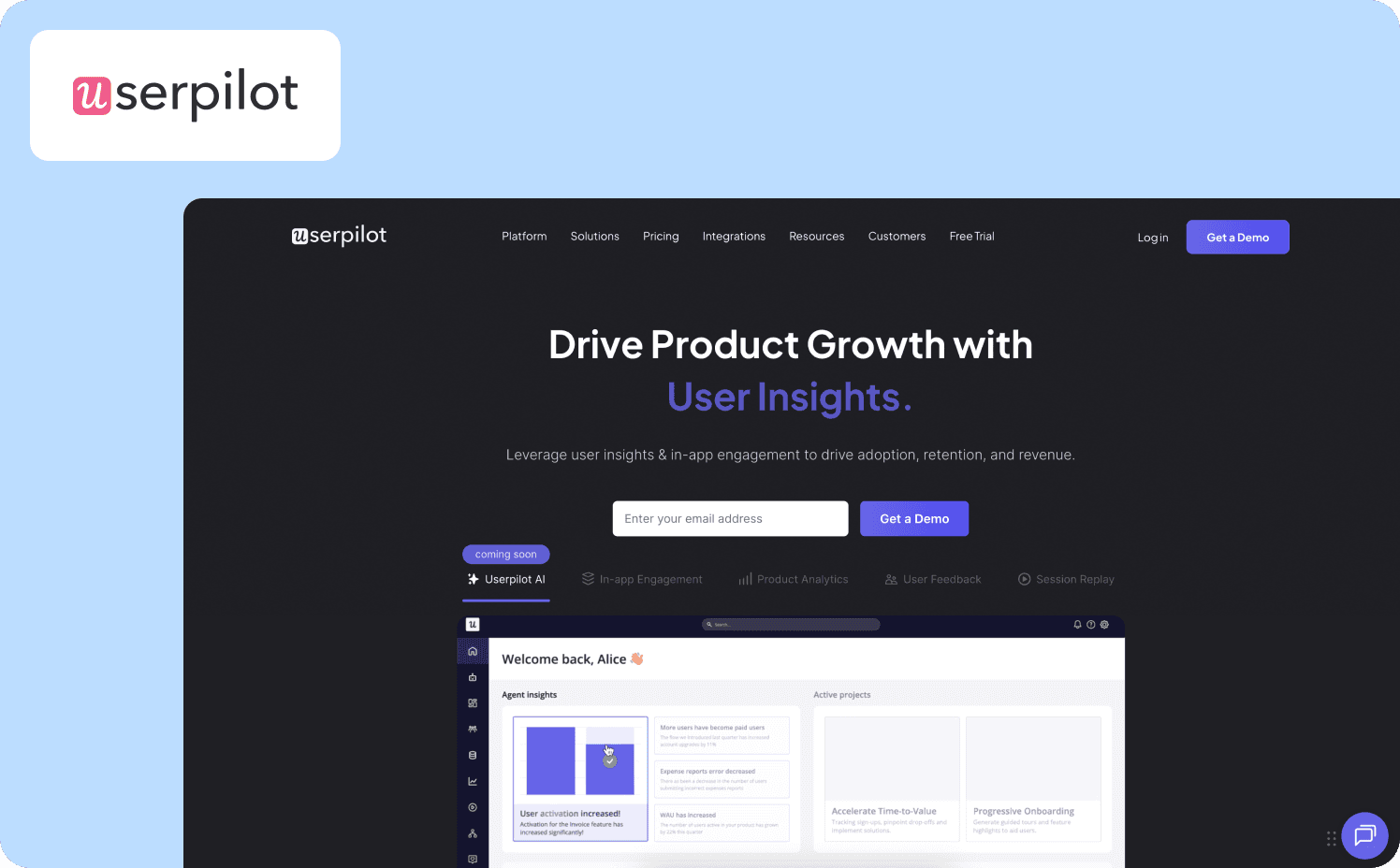
Userpilot is a product adoption platform built for SaaS teams that need to connect user engagement to activation and retention metrics. It combines in-app guidance, product analytics, and feedback collection in a single no-code platform.
What it does well: Userpilot provides retroactive event autocapture, allowing teams to analyze historical user behavior without prior instrumentation. Migration from messaging platforms requires rebuilding flows using Userpilot's visual builder, but the no-code interface enables fast iteration without engineering dependencies.
Standout capability: The platform combines user engagement tools (flows, checklists, resource center, banners) with integrated product analytics (funnels, retention, paths) in a unified workspace. Teams can create onboarding flows and immediately measure their impact on activation cohorts without switching between tools.
Limitations: While Userpilot tracks activation and retention metrics, it doesn't natively measure revenue correlation or expansion outcomes without external data connections. Teams needing direct activation-to-MRR measurement will need to connect Userpilot data to their data warehouse or revenue systems.
Ideal buyer: Product teams at PLG SaaS companies that need no-code onboarding tools with built-in analytics to measure activation and retention improvements.
Pricing:
Starter: $299/mo (includes 2,000 MAUs)
Growth: Custom (includes 5,000 MAUs)
Enterprise: Custom (includes 10,000 MAUs)
6. Pendo — Best for analytics-first adoption with retroactive event tracking
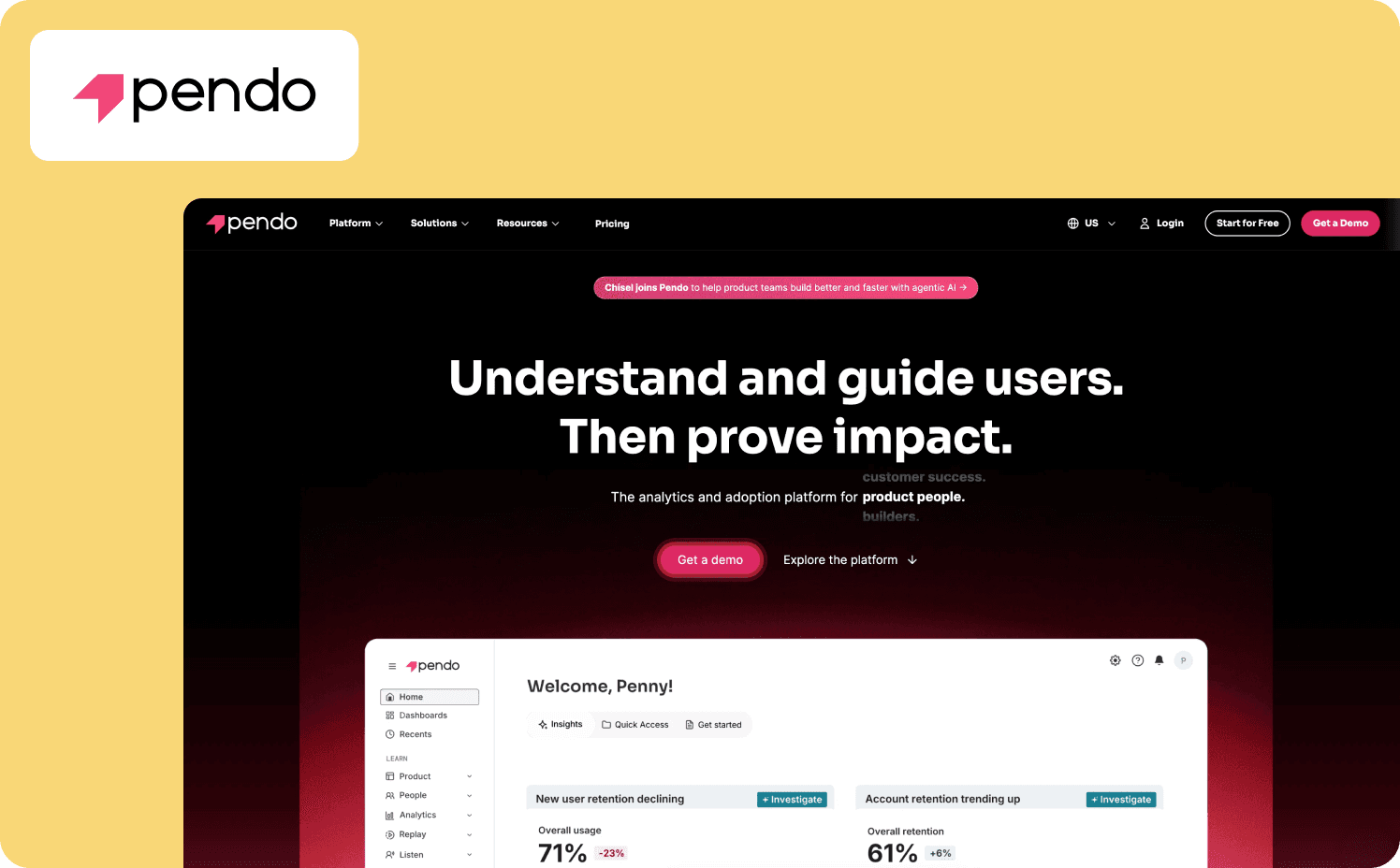
Pendo is a product experience platform that combines behavioral analytics, in-app guidance, and feedback collection. Through deep analytics, Pendo emphasizes understanding user behavior before deploying engagement interventions.
What it does well: Pendo's automatic event capture system tracks all customer interactions without requiring pre-configured event definitions. Teams can identify friction points in analytics, deploy targeted guides to address them, then measure impact on adoption metrics within the same platform.
Standout capability: The Product Engagement Score (PES) automatically generates a single quantitative metric measuring overall product health by combining three components: Adoption (how many features users engage with), Stickiness (how frequently users return), and Growth (how user engagement changes over time).
Limitations: Pendo excels at tracking usage analytics and engagement metrics but its feature depth creates a time-intensive setup and a difficult-to-learn UI.
Ideal buyer: Mid-market to enterprise product teams requiring deep behavioral analytics combined with engagement tools.
Pricing:
Free: For 500 MAU
Base: Custom
Core: Custom
Ultimate: Custom
7. WalkMe — Best for enterprise-scale digital transformation with deep integrations
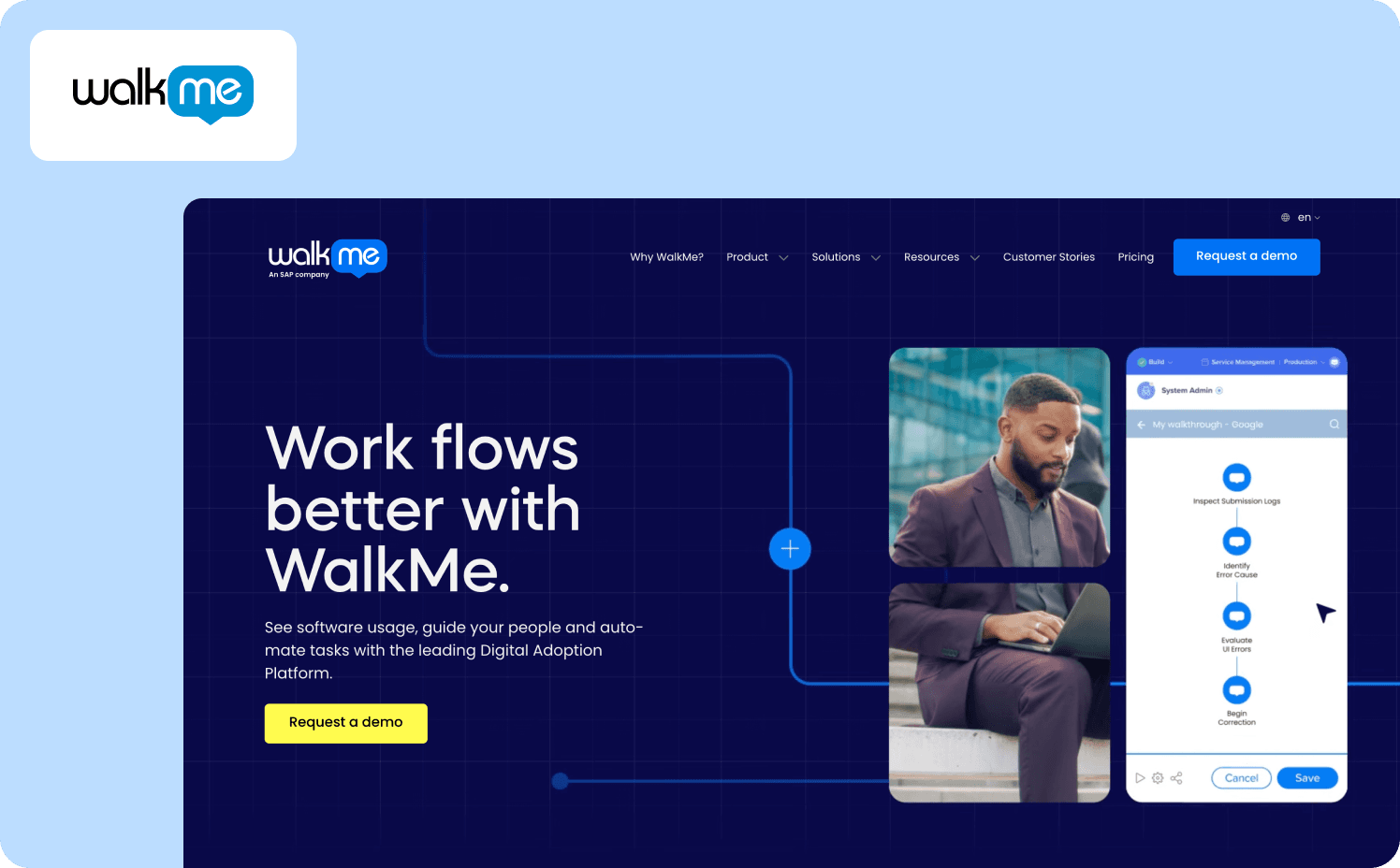
WalkMe is a digital adoption platform (DAP) built for large enterprises managing complex multi-application environments and digital transformation initiatives. The platform has workflow automation, cross-application guidance, and enterprise-grade security standards.
What it does well: WalkMe's proprietary DeepUI technology uses AI-based element recognition to automatically adapt guidance when underlying applications change. It also has deep integrations supporting SAP, Salesforce, Workday, and enterprise systems.
Standout capability: The WalkMe Workstation serves as a centralized employee productivity hub consolidating guidance, training resources, and workflow automation across an organization's entire application portfolio.
Limitations: Similar to Pendo, the enterprise depth of WalkMe means that technical complexity comes with setup despite no-code positioning. WalkMe also lacks transparent pricing.
Ideal buyer: Fortune 500 companies requiring enterprise governance, extensive integrations, and dedicated change management capabilities.
Pricing:
WalkMe for employees: Custom
WalkMe for customer: Custom
8. Chameleon — Best for design-first teams prioritizing brand-native experiences
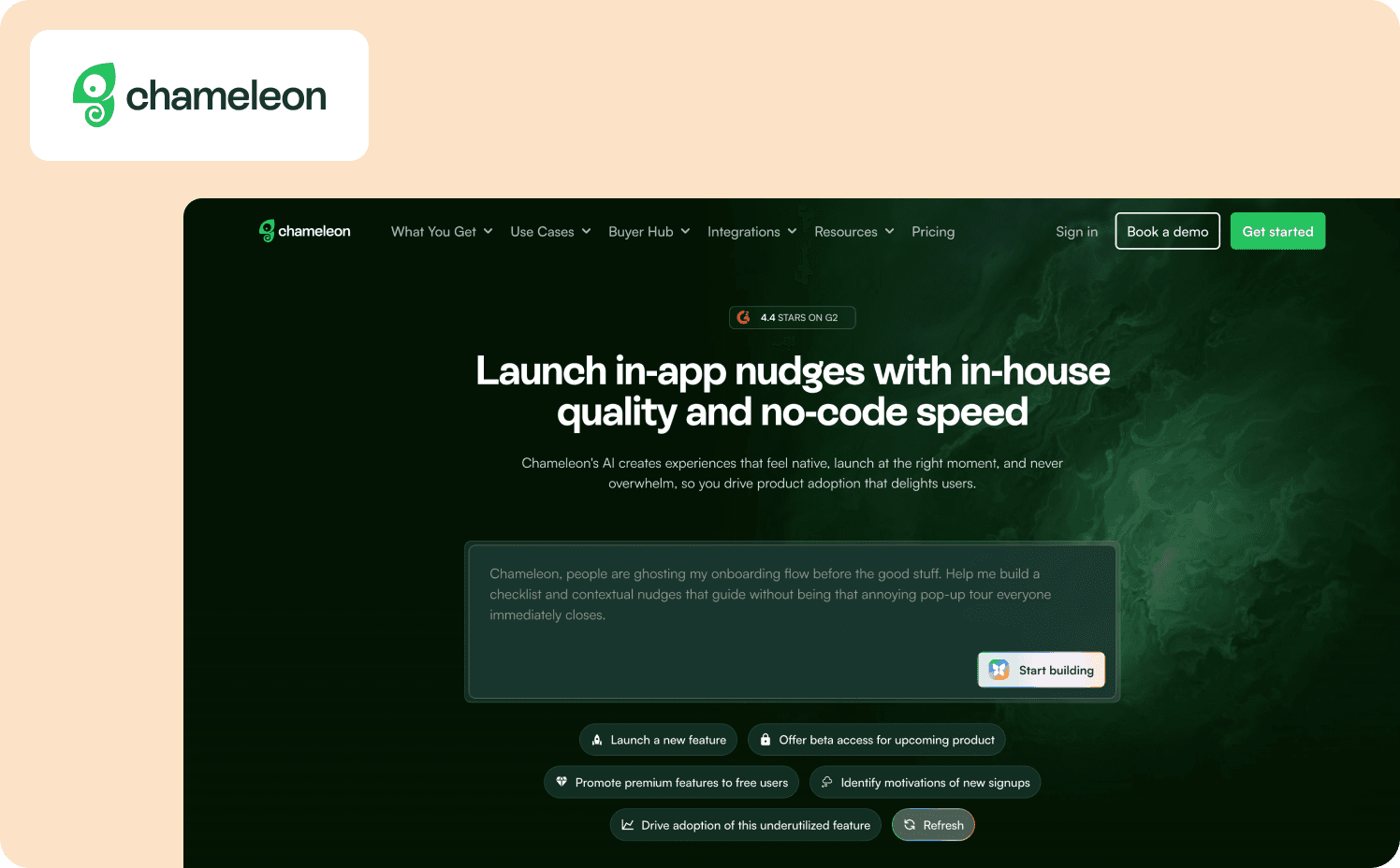
Chameleon is a product adoption platform built for SaaS teams that prioritize highly customized, brand-native in-app experiences. Design flexibility and visual customization take priority over analytics depth.
What it does well: Chameleon provides advanced custom CSS options and styling controls enabling teams to create in-app guidance that blends with their product's existing design system. At the same time, the platform includes product tours, tooltips, surveys, launchers, banners, checklists, and microsurveys.
Standout capability: The Launcher feature functions as an interactive onboarding checklist that combines progress tracking, resource access, and contextual guidance in a single persistent interface.
Limitations: Chameleon tracks engagement with its own experiences but provides minimal native product analytics capabilities. Teams needing funnel analysis, retention cohorts, or activation metrics must export customer data to third-party analytics platforms like Mixpanel, Amplitude, or Heap for deeper insights.
Ideal buyer: Design-conscious product teams at mid-market SaaS companies that have CSS expertise available for advanced customization.
Pricing:
Free plan: Unlimited product-connected interactive demos
Startup: From $279/mo (1,000 MAUs)
Growth: From $15,000/year (1,000 MAUs)
Enterprise plan: Custom
9. Whatfix — Best for enterprise training with cross-application workflow automation
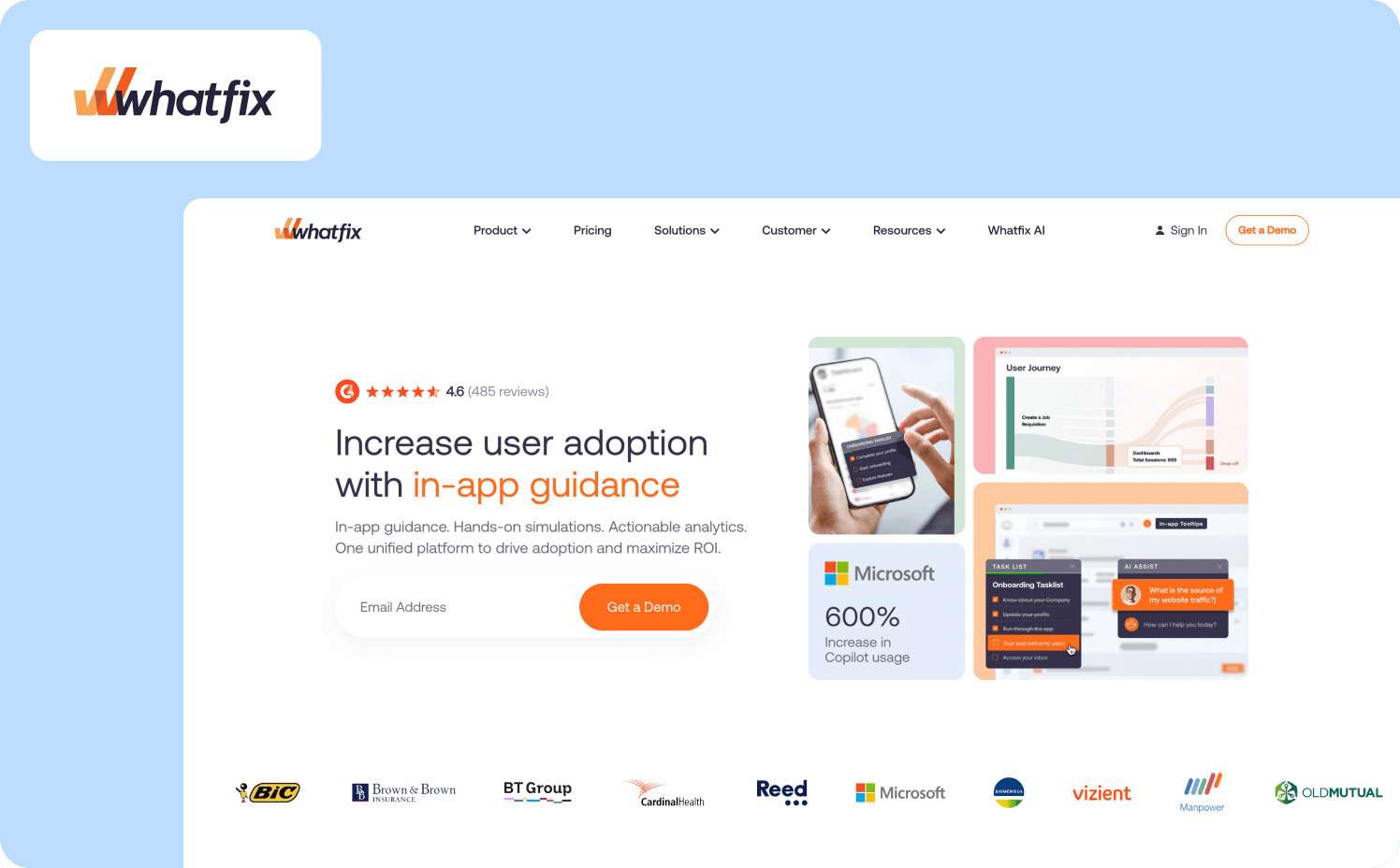
Whatfix is a DAP built for enterprises requiring guided training and process compliance across complex, multi-application environments. The product emphasizes automated workflow support and hands-on training capabilities.
What it does well: Whatfix provides unique cross-application workflow support that guides users through processes spanning multiple systems without disruption. The no-code content editor enables teams to create interactive content that can be exported as videos, slide decks, PDFs, and how-to articles for embedding into LMS platforms and knowledge bases.
Standout capability: Whatfix Mirror (a separate add-on) creates simulated application environments enabling hands-on, risk-free training. Teams can replicate production systems for practice scenarios, role-based assessments, and AI-powered roleplaying exercises.
Limitations: Setup is often complex, requiring IT involvement and resulting in steep learning curves. Content creation can also take upwards of 30 minutes per flow.
Ideal buyer: Large enterprises needing comprehensive training platforms with cross-application workflow automation.
Pricing:
Standard: Custom
Premium: Custom
Enterprise: Custom
10. Product Fruits — Best for fast deployment with AI-assisted content creation
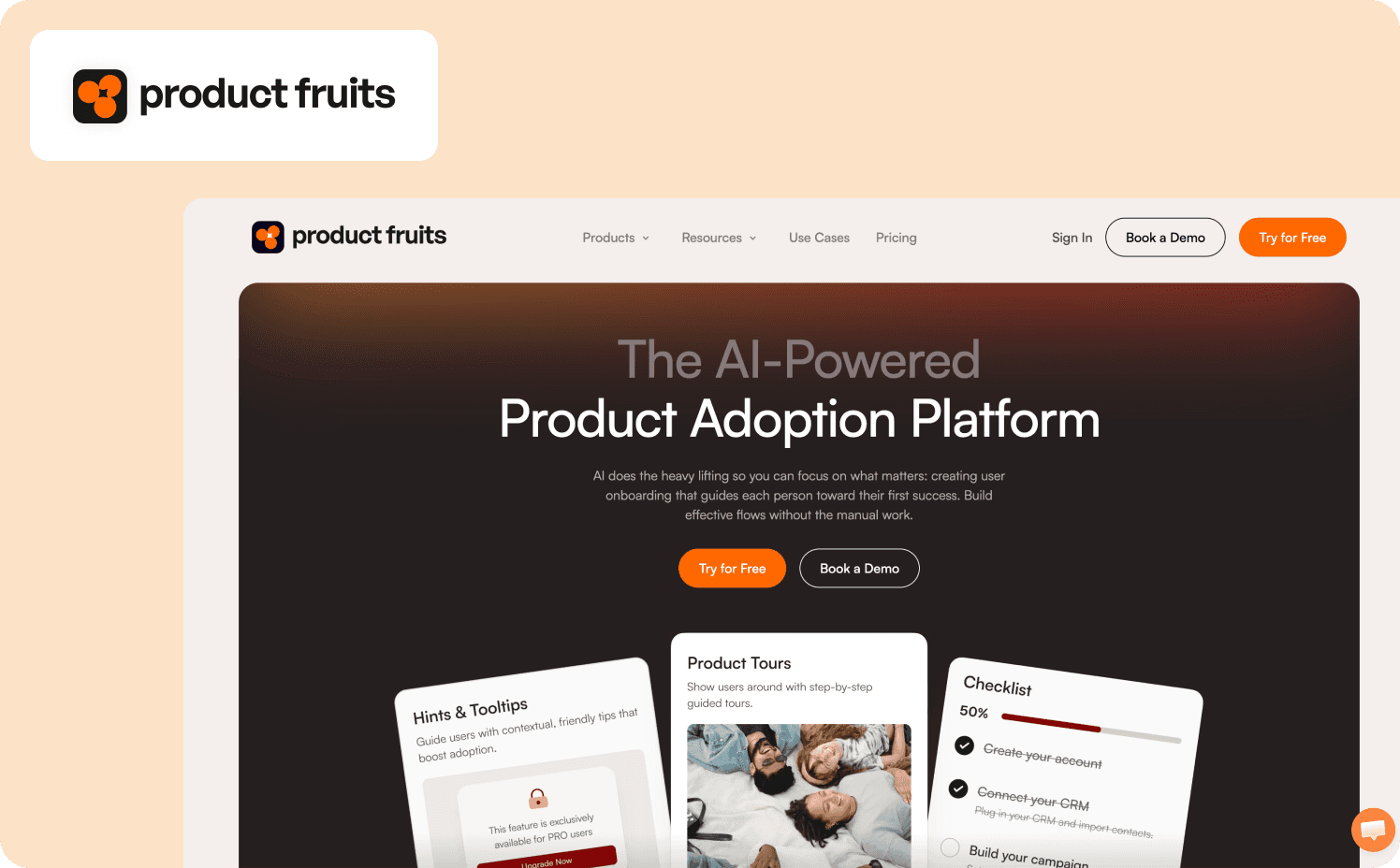
Product Fruits is a no-code product adoption platform built for teams prioritizing speed and simplicity over analytics depth. It reduces manual setup work with quick implementation.
What it does well: Teams can launch from idea to live onboarding in under an hour using the visual builder. Content can be exported as videos, integrated into existing workflows, and localized across multiple languages.
Standout capability: The Elvin Copilot AI agent automatically resolves repetitive support questions by analyzing conversations and providing contextual answers without human intervention.
Limitations: Product Fruits provides basic features for tracking but lacks comprehensive product analytics capabilities. Teams needing funnel analysis, retention cohorts, path analysis, or A/B testing must integrate with external analytics platforms.
Ideal buyer: Small to mid-market SaaS teams needing fast time-to-value with minimal technical setup, particularly those prioritizing AI-assisted content creation over deep analytics.
Pricing:
Starter: $149/mo (1,500 MAUs)
Pro: $249/mo (1,500 MAUs)
Business: $499/mo (1,500 MAUs)
11. Appcues — Best for experimentation-driven teams validating onboarding hypotheses
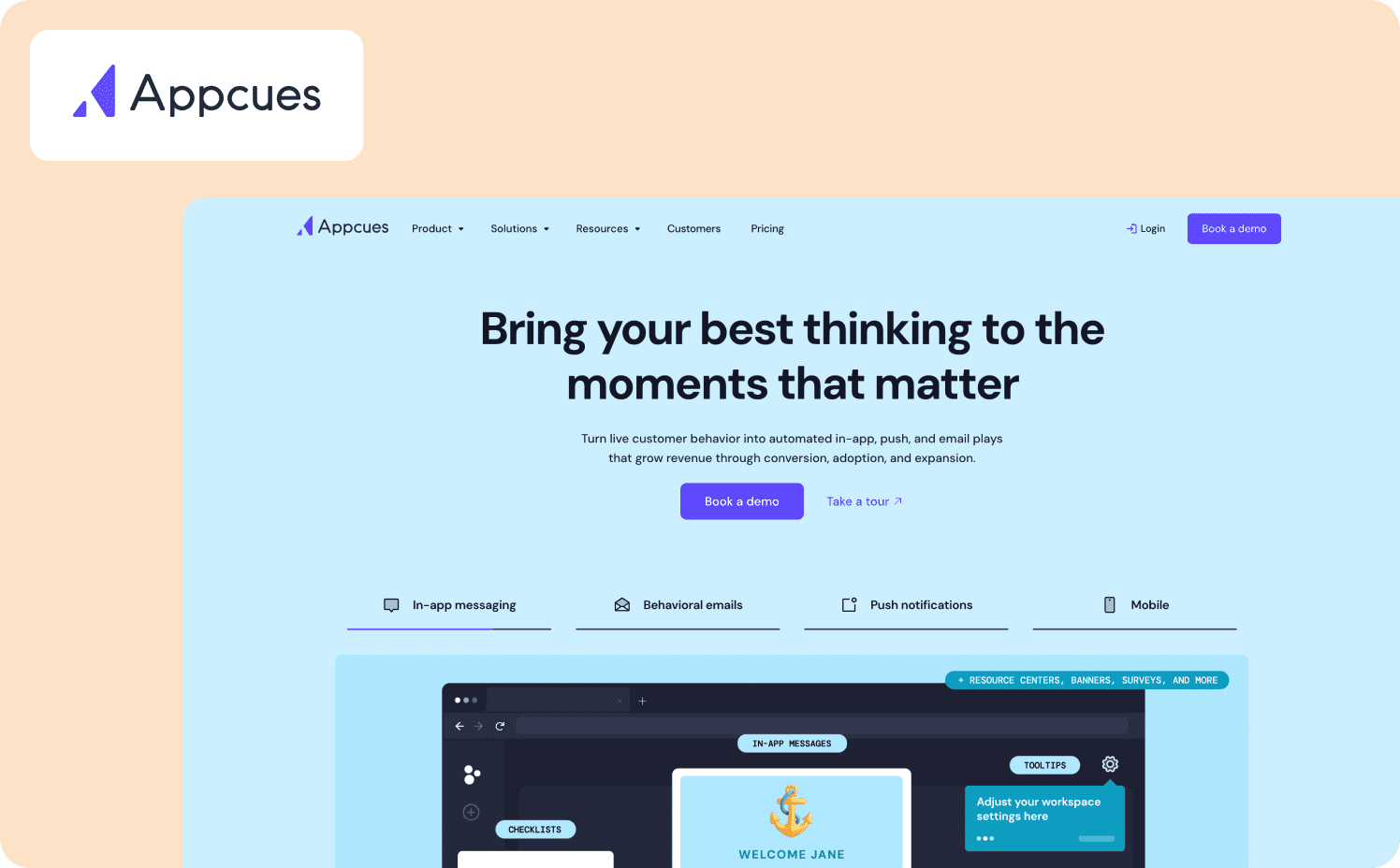
Appcues is a product adoption platform built for teams that treat onboarding as an iterative discipline requiring continuous testing. The platform prioritizes rapid experimentation over analytics depth.
What it does well: Appcues provides a Chrome extension builder for creating flows (modals, slideouts, tooltips, hotspots), onboarding checklists, launchpads, pins, banners, NPS surveys, and embeds. Teams can run flow-variation A/B tests and use the Audience Randomizer property to split traffic between variants.
Standout capability: Unlike platforms requiring external analytics tools for experimentation, Appcues runs tests natively and exports raw experiment data (user ID, group assignment, conversion times) for further analysis.
Limitations: Customers report Appcues interface as unintuitive, with concerns about cost as well as difficulty creating banners and hints.
Ideal buyer: Mid-market and enterprise teams running structured experimentation programs who value testing velocity over analytics depth.
Pricing:
Grow: $750/mo for 1,000 MAUs
Enterprise: Custom pricing
Making the Switch to an alternative for Intercom
The top Intercom alternative for you depends on where your point of friction lives. Is it in support volume, or is it in incomplete activation paths?
If your challenge is activation, where users sign up but don't reach value, or trial-to-paid conversion stalls below target, Jimo is built for that gap. You get onboarding flows that drive feature adoption, contextual nudges that surface upgrade paths, and user feedback loops that inform your product roadmap.
There’s no engineering dependency. No implementation lag. You ship experiences that accelerate conversion, expansion, and retention without waiting on dev sprints or wrestling with complex integrations.
If your challenge is support volume in the form of ticket deflection, faster resolution times, or automated follow-ups, then traditional helpdesk platforms remain the right fit. But if activation is the bottleneck holding back growth, Jimo delivers what Intercom's product tours promise at a fraction of the cost and complexity. See Jimo in action to learn how the platform can turn activation into your growth lever.
FAQ
Can I use Intercom for support and a separate tool like Jimo for onboarding?
Yes, many teams run Intercom as their customer service software and ticketing system while using Jimo for customer onboarding and activation. This hybrid approach lets customer support handle customer inquiries through Intercom's live chat functionality and knowledge base, while product teams deploy behavior-driven tours and measure activation lift through Jimo's customer engagement tools without engineering coordination.
Are there free Intercom alternatives?
While free Intercom alternatives exist, they typically lack the more advanced features needed for efficient service delivery. Free desk software often caps customer requests at low volumes, excludes proactive messaging and immediate support capabilities, and removes critical features like complex support routing. This forces small businesses to choose between poor customer experience or upgrading before they're ready, without allowing customer support to scale properly.
How long does it take to migrate from Intercom to a product adoption platform?
Many teams launch their first flows within days, depending on migration depth, and complete migration in 2-4 weeks. The JavaScript snippet installs in 10 minutes, messaging templates convert directly into tour copy, and user segments port with minimal adjustment. The technical cutover is fast, allowing customer service to maintain continuity while product teams rebuild behavior-driven triggers.
Will I lose my historical conversation data if I switch away from Intercom?
No, you can export historical conversation data through Intercom's standard export processes before migration. However, if you're replacing Intercom specifically for activation problems because you have excellent customer support, most customer conversations history relates to support tickets, not product adoption—meaning the data you lose isn't what you're trying to measure anyway.
How do I know if my problem is customer support volume or early-stage user friction?
Check two metrics: support ticket growth rate versus trial-to-paid conversion rate. If customer inquiries are growing faster than your customer support can handle, you need a customer service platform. If signups are growing but paid conversion stays flat despite high tour completion rates, you need a product adoption platform that measures whether users reach retention-predictive actions, not just clickthrough rates.
What should I ask any vendor before committing to an Intercom alternative?
Ask how the platform measures activation-to-revenue correlation, not just customer engagement metrics. Request specific examples of how customer success teams proved onboarding changes improved 90-day retention or CAC payback periods. Verify whether analytics are built-in or require external integrations, and confirm implementation timeline expectations—free trials reveal usability but rarely expose measurement limitations that emerge after full deployment.