
TL;DR
Userpilot’s core limitations come down to four problems: flows that break after product updates, analytics that track completions but not activation outcomes, pricing that jumps sharply as you scale, and a steep learning curve that slows non-technical teams down. This article compares six alternatives mapped to those specific gaps. Jimo is the strongest fit for PLG and hybrid B2B SaaS teams who need AI-maintained tours, behavioral triggers, and activation measurement in one platform. Pendo fits enterprise analytics needs. Appcues and Userflow fit teams prioritizing speed and simplicity.
Product managers leave Userpilot for reasons that show up in sprint planning, not vendor comparison spreadsheets. Flows break after every product update and need manual rebuilding. The analytics track tour completions but can't answer whether those completions drove activation or revenue, leaving PMs unable to justify the platform cost to leadership. Pricing jumps sharply past 2,000 MAUs, forcing budget conversations mid-quarter. The flow builder often hangs and freezes, meaning work gets redone that shouldn’t need doing twice.
Userpilot is a tool that made sense at an earlier stage but now creates more friction than it removes. This article compares six credible alternatives using a framework built for product teams who own activation rate as a metric. Each alternative is mapped to the specific Userpilot limitation it solves, so the comparison is useful whether you’re leaving because of maintenance burden, analytics gaps, pricing opacity, or implementation complexity.
Why teams look for Userpilot alternatives
Teams don’t switch platforms on a whim. They switch when the tool starts costing more time than it saves. These are the four most common reasons product teams evaluate Userpilot alternatives, ordered by how often they come up in actual switch conversations.
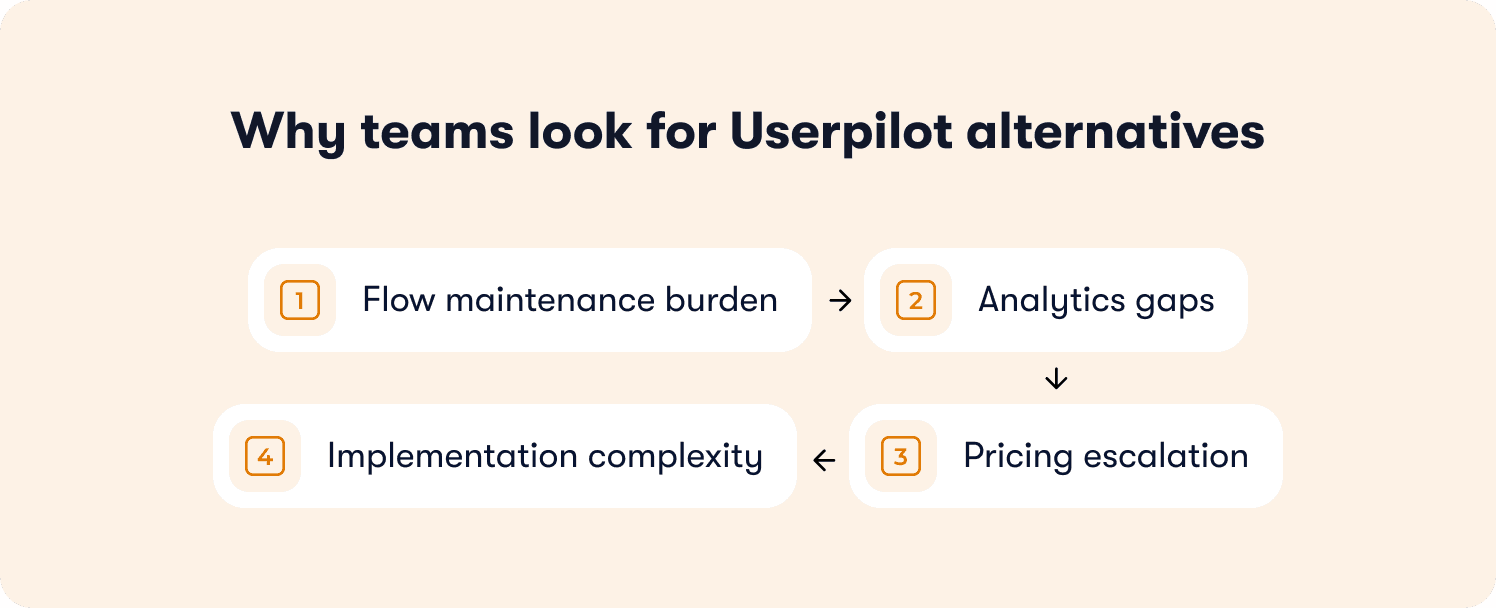
Flow maintenance burden
The pattern shows up repeatedly in Userpilot reviews: teams build flows, ship a product update, and discover the flows are broken. Sometimes silently.
One G2 reviewer describes the core problem directly: “One of the biggest challenges we face is with broken flows when an in-app element changes on our side. Because of this, some steps in a flow can silently stop working. It would be incredibly helpful to receive proactive alerts or diagnostics when something breaks, as it’s not realistic for us to manually re-check all flows after each product release.”
That last point is the real issue. At any shipping cadence above monthly, manually auditing every flow after every release isn’t a process. It’s a second job.
The flow builder itself adds to this. A G2 user at a mid-market company notes: “The flow builder can be a bit finicky sometimes. I find that if I have a few steps in my flow across multiple pages and modals the flow will break. I haven’t gotten to a point where I am confident in a multi-step flow showing to my users.”
Confidence in your own onboarding flows is table stakes. When the tool erodes that confidence, teams start evaluating alternatives with self-healing selectors or AI-driven tour updates.
Analytics gaps
Userpilot shows you how many users clicked through a flow. It doesn’t show you whether those users activated at a higher rate or converted to paid.
When leadership asks “Did the new onboarding flow move our activation rate?” the answer requires manually stitching data across multiple platforms. Teams end up building attribution models in spreadsheets instead of reading a dashboard. Onboarding runs. Performance stays unknown.
The ask from users is consistent. “More granular event tracking and clearer funnel visualizations would make it easier to understand user behavior in depth,” says one G2 reviewer. “Adding more customization options for reports and the ability to compare different onboarding flows would also be valuable.”
Another reviewer echoes the same gap from a business outcomes angle: “The reporting and analytics, while useful, could be more robust. Sometimes I want deeper insights or more customizable reporting to tie campaign performance more directly to business outcomes.”
A third user adds that even basic data slicing falls short: “I oftentimes feel that I can’t slice and dice data exactly as I would like to.”
Teams that need to prove ROI from onboarding find this gap unsustainable quickly.
Pricing escalation
Userpilot starts at $299/month for 2,000 MAUs. That sounds manageable until you grow past it. The Growth and Enterprise tiers are custom-quoted, making it impossible to model costs as your user base scales. The 2,000 MAU cap on the Starter plan functions as a forcing mechanism to upgrade, and advanced targeting and key integrations are locked behind higher tiers.
Users feel this directly. One G2 reviewer says: “The charging model where charges are based on all monthly active users on the platform can lead to high costs, especially for those who interact with Userpilot flow.”
Another G2 user at a mid-market company flags the scaling problem specifically: “I would like to see more flexible pricing tiers for scaling startups to make it more accessible as usage grows.”
The timing is what makes this painful. Userpilot’s pricing forces a tool switch at exactly the moment when changing platforms is most disruptive, when you’re growing fast and have no bandwidth to migrate.
Implementation complexity
Despite the no-code marketing, Userpilot has a steep learning curve. 108 G2 reviewers specifically flag difficulty with learning the platform, citing event filtering and custom properties configuration as friction points that slow non-technical teams down.
Engineering is often required for initial setup. The retroactive event auto-capture feature adds complexity that delays time-to-value. PMs who need to iterate without developer dependency find themselves filing tickets for changes that should be self-service, which defeats the purpose of a no-code tool entirely.
One G2 reviewer says, “For more complex multi-step flows, setup can sometimes feel slightly technical.” A mid-market G2 user is more direct: “I think that the UI is a bit clunky given how feature rich Userpilot is. There is also a learning curve when trying to set up complex flows.”
Which of these describes your situation?
The answer determines which alternative fits. Flow maintenance problems need a platform where AI handles tour updates automatically. Analytics gaps need native activation measurement without external integrations. Pricing issues need transparent MAU scaling with no surprise jumps. Implementation friction needs a tool that’s genuinely no-code for product teams, not just marketed that way.
The rest of this article maps alternatives to these four situations, not a generic feature grid.
How we evaluated these alternatives
This comparison uses six criteria built specifically for teams outgrowing Userpilot. Each one maps directly to a gap that triggers the switch conversation.
No-code deployment speed. How fast can a PM go from identifying a drop-off to publishing a live flow, without filing an engineering ticket? This includes initial setup and how quickly you can iterate when your product ships or your activation hypothesis changes.
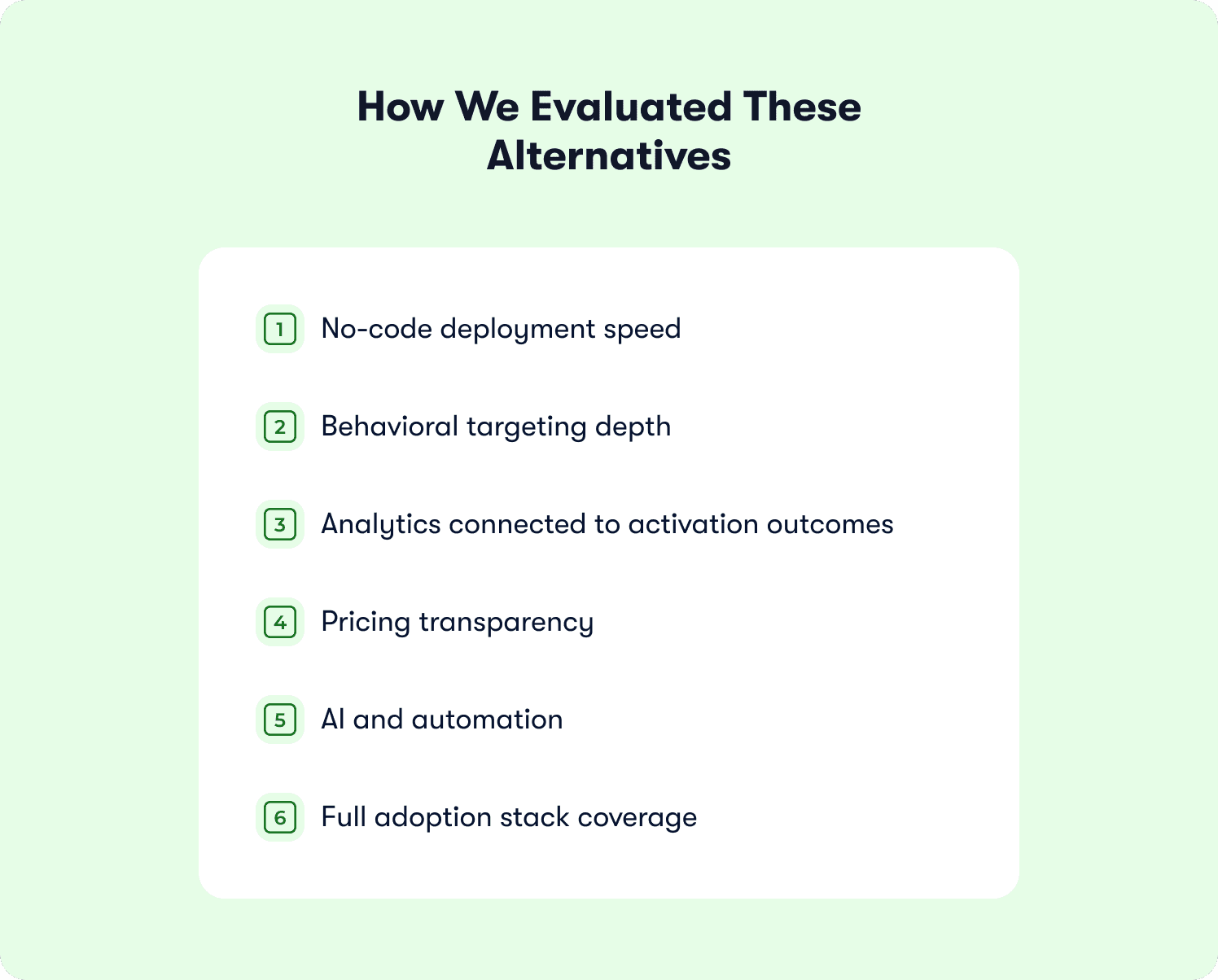
Behavioral targeting depth. Does the platform trigger flows based on what users actually do, or just what page they’re on? The best tools make behavioral triggers accessible to teams without technical resources, SQL, or custom instrumentation.
Analytics connected to activation outcomes. Product tour completion rates don’t tell you whether your onboarding tool is working. The platforms that solve this answer one question natively: Did users who completed this flow convert at a higher rate than users who didn’t?
Pricing transparency. Can you model costs at 5,000, 10,000, and 20,000 MAUs without a sales call? For teams building a business case, pricing predictability determines whether the tool stays in the stack as the company grows.
AI and automation. Does the platform reduce the manual work of building and maintaining flows? The strongest alternatives generate tour structures automatically, adapt to real-time behavior, or self-heal when UI elements change.
Full adoption stack coverage. Product tours, tooltips, checklists, announcements, in-app surveys, resource centers. In one place, without feature gating that forces tool sprawl across product managers, customer success teams, and marketing teams.
An overview of the best Userpilot alternatives
This table qualifies your situation in 30 seconds. The rest of this article explains the operational reality behind each positioning statement.
Tool | Best for | Standout features | Key limitations | Starting price |
Jimo | PLG teams needing activation measurement without engineering dependency | AI tour generation + Success Tracker with cohort-level causation proving onboarding drives paid conversion | Not for mobile-first products, internal training, or legacy desktop apps | $249/mo for 2,500 MAUs |
Pendo | Enterprise teams (200+ employees) consolidating product analytics and guidance | Retroactive analytics + replaces standalone analytics tools with unified product health metrics | 3-6 month implementation timeline, enterprise pricing only | Custom |
Appcues | Teams needing native mobile onboarding (iOS/Android) | Fast setup with templates + cross-channel orchestration (in-app, email, push) | Linear tours only with no behavioral adaptation | $750/mo for 1,000 MAUs |
Chameleon | Design-conscious teams requiring pixel-perfect UI customization | CSS-level control + reusable themes for pixel-perfect brand consistency | Requires CSS expertise and developer resources to maintain custom styling | $279/mo for 1,000 MAUs |
Whatfix | Enterprise teams with complex cross-application workflows | Cross-application workflows + Mirror sandbox for hands-on training without touching live systems | Months-long implementation requiring professional services | Custom |
Userflow | Speed-focused startups needing fast deployment | Visual node-graph builder + fast deployment | Basic analytics only with no mobile support or session replay | $240/mo for 3,000 MAUs |
The 6 best Userpilot alternatives for SaaS in 2026

These six tools cover the full range of reasons teams leave Userpilot, from flow maintenance burden and analytics gaps to pricing opacity and implementation complexity. Each review covers what the tool does well, where it fits, and where it doesn’t.
1. Jimo — Best for PLG teams who need behavioral onboarding with activation measurement
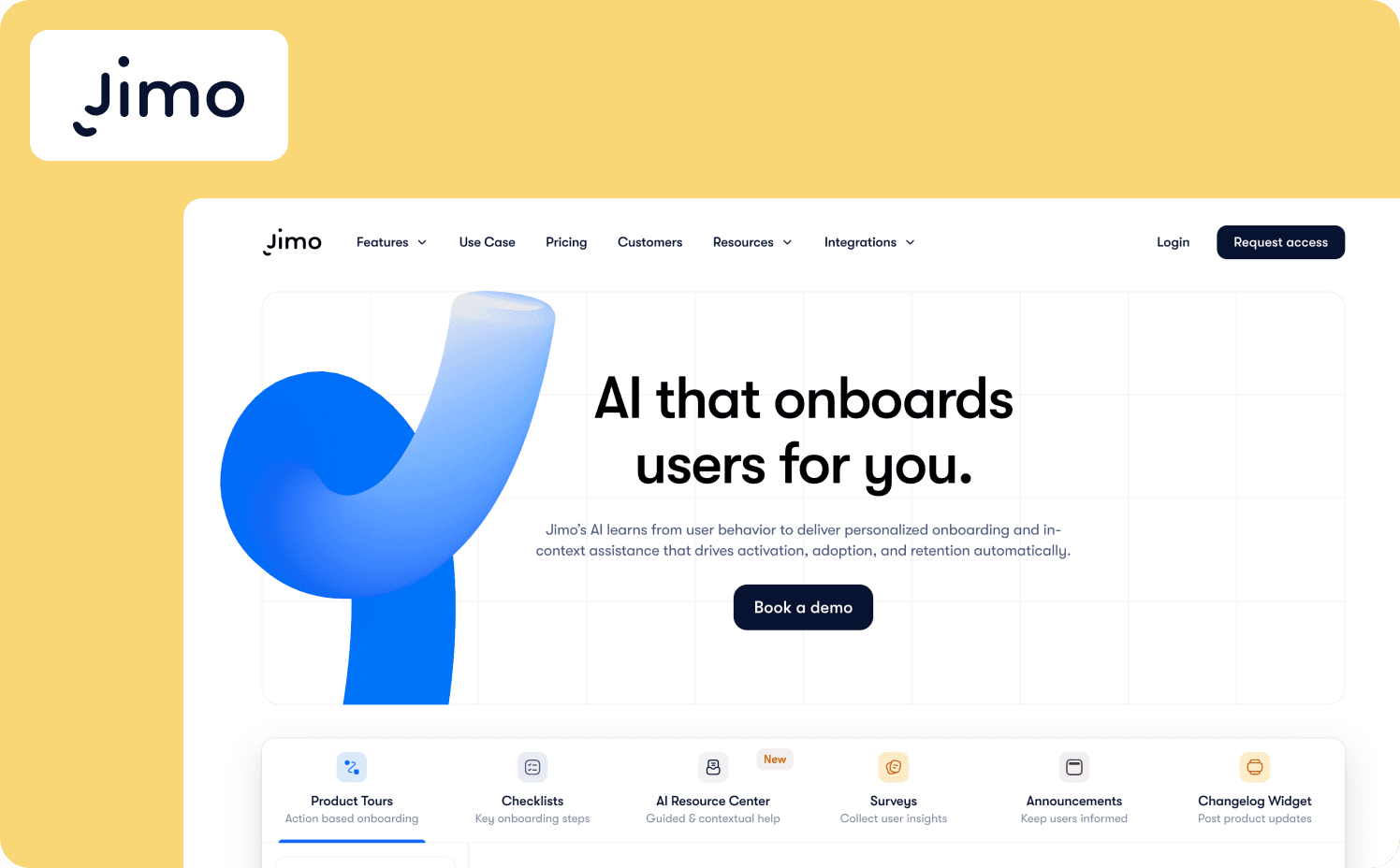
Jimo is an AI-powered digital adoption platform built for product teams who treat activation rate as a revenue metric. It consolidates five tools product teams typically buy separately: tour builder, analytics platform, survey tool, help center, and AI assistant. Every plan includes the full platform with no feature gating, and 90% of teams ship guidance without developer assistance.
Jimo directly addresses all four reasons teams leave Userpilot.
On flow maintenance: Jimo’s AI generates complete tour structures from a single recorded flow, including steps, triggers, and progression logic. Tours are built in 30 seconds, not 30 minutes. When your UI changes, you’re not manually auditing broken selectors. The platform handles it.
On analytics gaps: The Success Tracker connects onboarding completions to activation outcomes natively. You can answer whether users who completed this flow convert to paid at a higher rate without exporting data or building spreadsheet models.
On pricing: Jimo starts at $249/month for 2,500 MAUs with fully transparent tier pricing. Features aren’t locked behind custom tiers, which is the case with Userpilot.
On implementation complexity: The Chrome extension gets you from zero to a live flow in minutes. No engineering dependency for setup or ongoing iteration.
Key differentiators: Where Jimo stands out beyond Userpilot’s gaps is its action-based tour mechanic. Tours progress only when users complete real product actions like a click, a form submission, an invite sent. Jimo’s own data across 1,025 tours shows AI-powered tours complete at 44% on average, roughly double the standard 27%. Zenchef used this approach to cut onboarding time by 53%.
When to consider Jimo over Userpilot:
Your flows break after every product update and you need AI to handle tour maintenance automatically, without manual rebuilds every release cycle.
You need to prove onboarding ROI to leadership with cohort-level attribution, without exporting data to external tools.
You want behavioral triggers your product team can own without SQL or engineering dependency.
Where it falls short: Jimo is built for modern SaaS web applications. It’s not designed for internal training on third-party software like Salesforce, legacy desktop apps, or mobile-first products. Teams in heavily regulated industries needing audit trails and role-based approval workflows should look at enterprise-grade alternatives.
Starter: $249/mo (2,500 MAUs)
Growth: $479/mo (2,500 MAUs)
Enterprise: Custom
2. Pendo — Best for enterprise teams who want analytics and guidance unified at scale
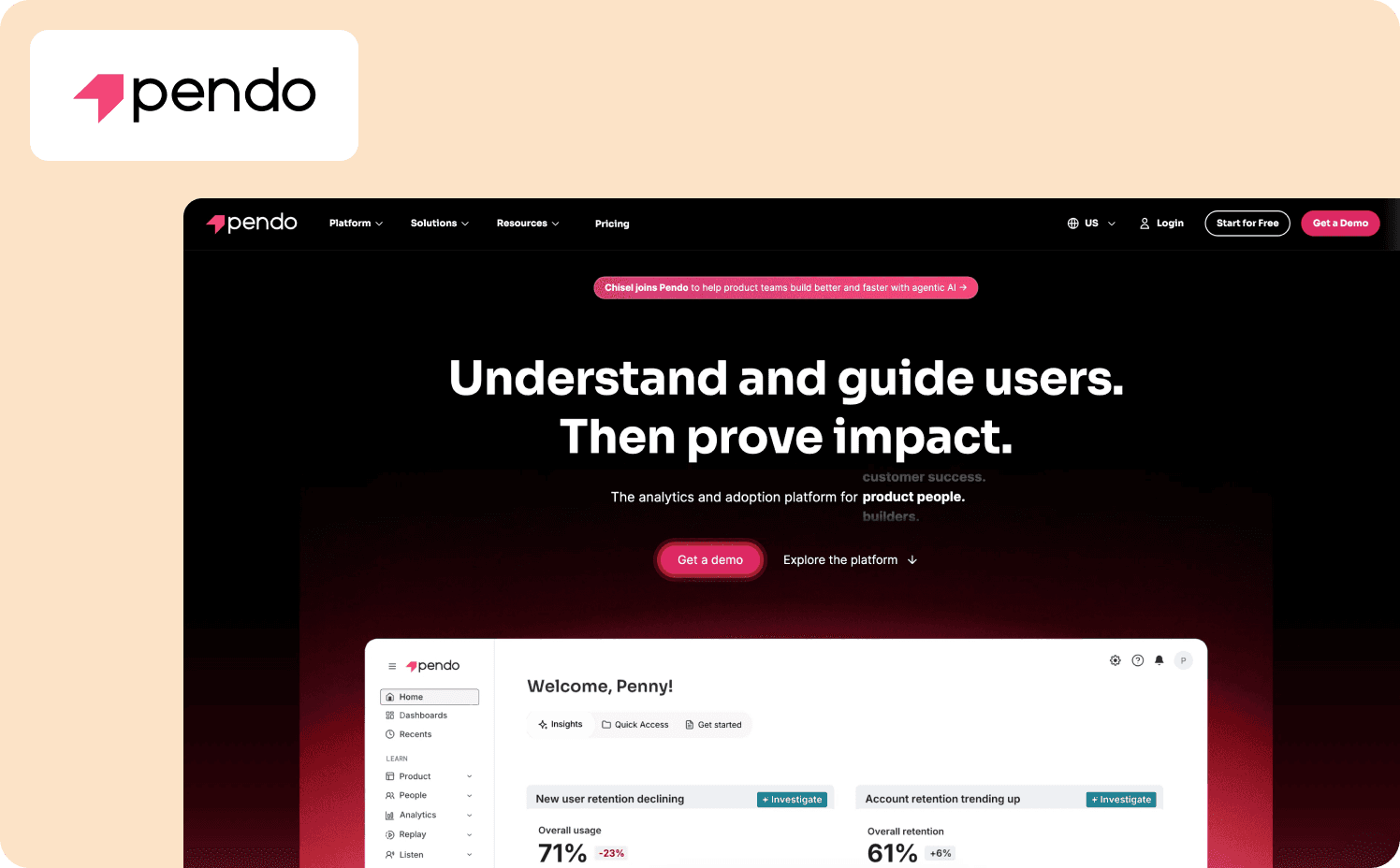
Pendo is a product experience platform that bundles analytics, in-app guidance, and user feedback into one system. Where Userpilot tracks tour completions, Pendo measures actual product milestones like retention curves, funnel drop-offs, and path analysis. Its retroactive analytics surface historical behavior for any click or page view without prior tagging, which removes a common instrumentation bottleneck entirely.
The platform also covers ground Userpilot doesn’t. Native iOS/Android support, cross-channel journey orchestration, and the ability to replace your standalone analytics tool (Mixpanel, Amplitude, Heap) with one unified platform.
Key differentiators: Pendo replaces both Userpilot and your separate product analytics tool with one unified system. The retroactive analytics mean you can investigate behavior that happened before you thought to instrument it. And the Product Engagement Score gives leadership a single, defensible metric for product health that Userpilot’s dashboards can’t match.
When to consider Pendo over Userpilot:
You’re already spending $14,000+ on Userpilot and need deeper behavioral analytics: cohorts, funnels, paths, retention analysis, without stitching together multiple tools.
Your product serves both web and mobile apps and you need guidance that works across both.
You have a dedicated product ops team, 3 to 6 months for implementation, and a budget that supports $20,000+ annually.
Where it falls short: If you’re leaving Userpilot because of technical setup or opaque pricing, Pendo solves neither. It amplifies both in exchange for enterprise advanced analytics that mid-market teams often don’t need yet. Pricing is fully opaque beyond a 500 MAU free plan, with all paid tiers requiring custom quotes.
Pricing:
Free: For 500 MAU
Base: Custom
Core: Custom
Ultimate: Custom
3. Appcues — Best for non-technical teams who need fast deployment for simple tours
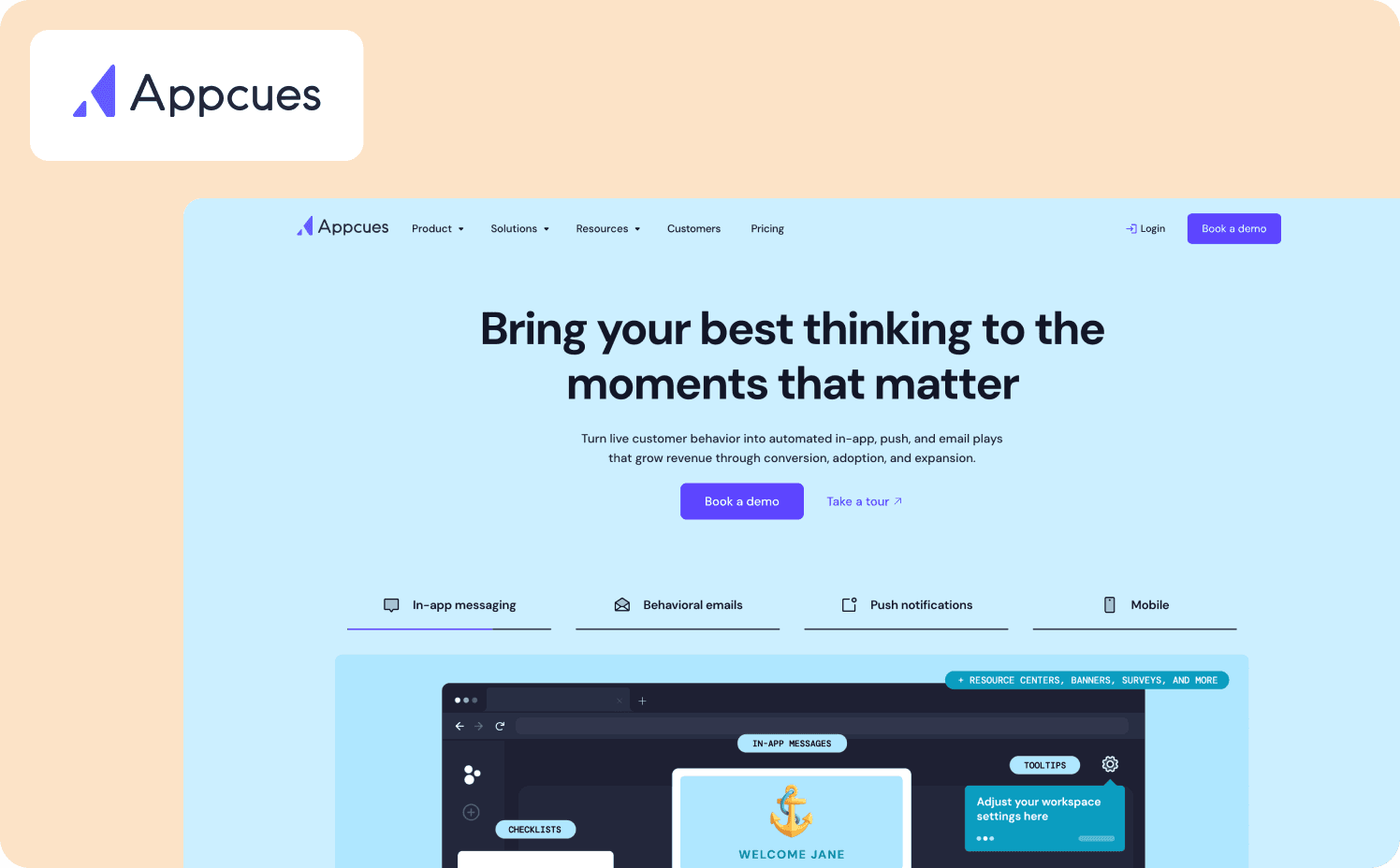
Appcues is a product onboarding tool built for speed. Non-technical teams can build modals, tooltips, onboarding checklists, and surveys using a Chrome extension builder, launch from pre-designed templates, and go live without filing an engineering ticket.
The platform’s workflow orchestration connects in-app messages, behavioral emails, and mobile push notifications in automated sequences, eliminating the need for separate messaging tools. If the primary goal is a polished announcement modal or a straightforward linear tour, Appcues gets you there faster than Userpilot.
Key differentiators: Appcues is faster to set up than Userpilot for straightforward linear flows where you don’t need complex branching or behavioral triggers. The template library is genuinely strong, and the builder is more intuitive than Userpilot’s for non-technical teams. If Userpilot’s learning curve is the bottleneck and your use case is simple tours, Appcues removes that friction without replacing it with new complexity.
When to consider Appcues over Userpilot:
You need to launch simple linear tours quickly, without complex branching logic or behavioral adaptation.
Your primary use case is feature announcements and cross-channel campaigns where Appcues’ workflow orchestration (in-app, email, push) consolidates tools.
You’re a non-technical team frustrated by Userpilot’s interface and want polished templates without CSS work.
Where it falls short: Tours are linear by default with no behavioral adaptation based on what users actually do. Analytics stay at the surface level. You get flow performance metrics, not product health data. Customizing look and feel to match your brand often requires CSS, and advanced targeting and premium integrations are gated behind higher tiers. This might cause teams to consider Appcues alternatives.
Pricing:
Start: Custom pricing
Grow: Custom pricing
Enterprise: Custom pricing
4. Chameleon — Best for design-conscious teams who want in-app experiences to feel native
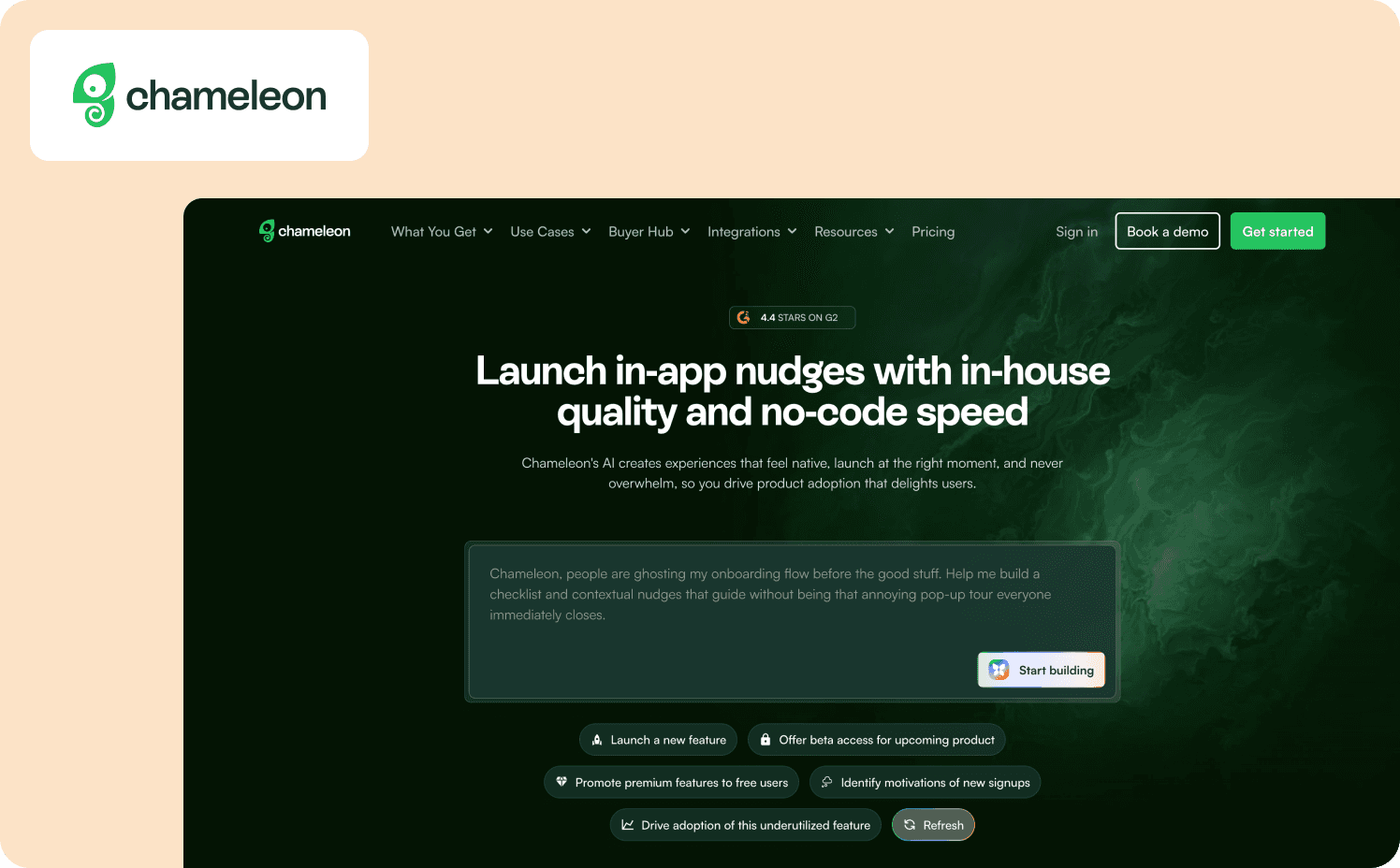
Chameleon is a customization-first digital adoption platform for product teams who want in-app experiences that feel native rather than obviously overlaid. The platform gives teams CSS-level control, account-wide design rules, and reusable themes that let designers create brand-consistent experiences once and reuse them across multiple flows.
Chameleon’s Copilot AI agent builds production-ready campaigns through conversational prompts, handling research, strategy, experience building, and targeting configuration. Two-way analytics integrations with product analytics platforms like Mixpanel, Amplitude, Heap, and FullStory consolidate data without manual exports.
Key differentiators: Chameleon gives technical PMs and design-focused teams the CSS-level control and API-first architecture that Userpilot’s visual builder can’t match. If pixel-perfect brand alignment is the primary requirement and you have front-end resources to maintain custom styling, Chameleon delivers customization depth Userpilot simply can’t reach.
When to consider Chameleon over Userpilot:
You have CSS expertise and developer resources, and need pixel-perfect brand matching that Userpilot’s template builder can’t achieve without extensive workarounds.
Your product has a sophisticated design system and you need guidance that blends seamlessly into your existing UI rather than looking like generic overlays.
You want API-first architecture and webhook integrations for custom event tracking and advanced use cases where Userpilot’s visual builder becomes a limitation.
Where it falls short: Achieving Chameleon’s deep customization typically requires CSS knowledge, which defeats the no-code purpose for teams without those skills. There’s no native mobile SDK for iOS or Android, and no built-in product analytics, so cohort analysis and feature adoption tracking require external tools. If you’re leaving Userpilot because non-technical PMs can't iterate fast, Chameleon won’t solve that problem.
Pricing:
Free: Unlimited product-connected interactive demos
Startup: From $279/mo (1,000 MAUs)
Growth: From $15,000/year (1,000 MAUs)
Enterprise: Custom
5. Whatfix — Best for enterprises needing cross-application guidance spanning multiple systems
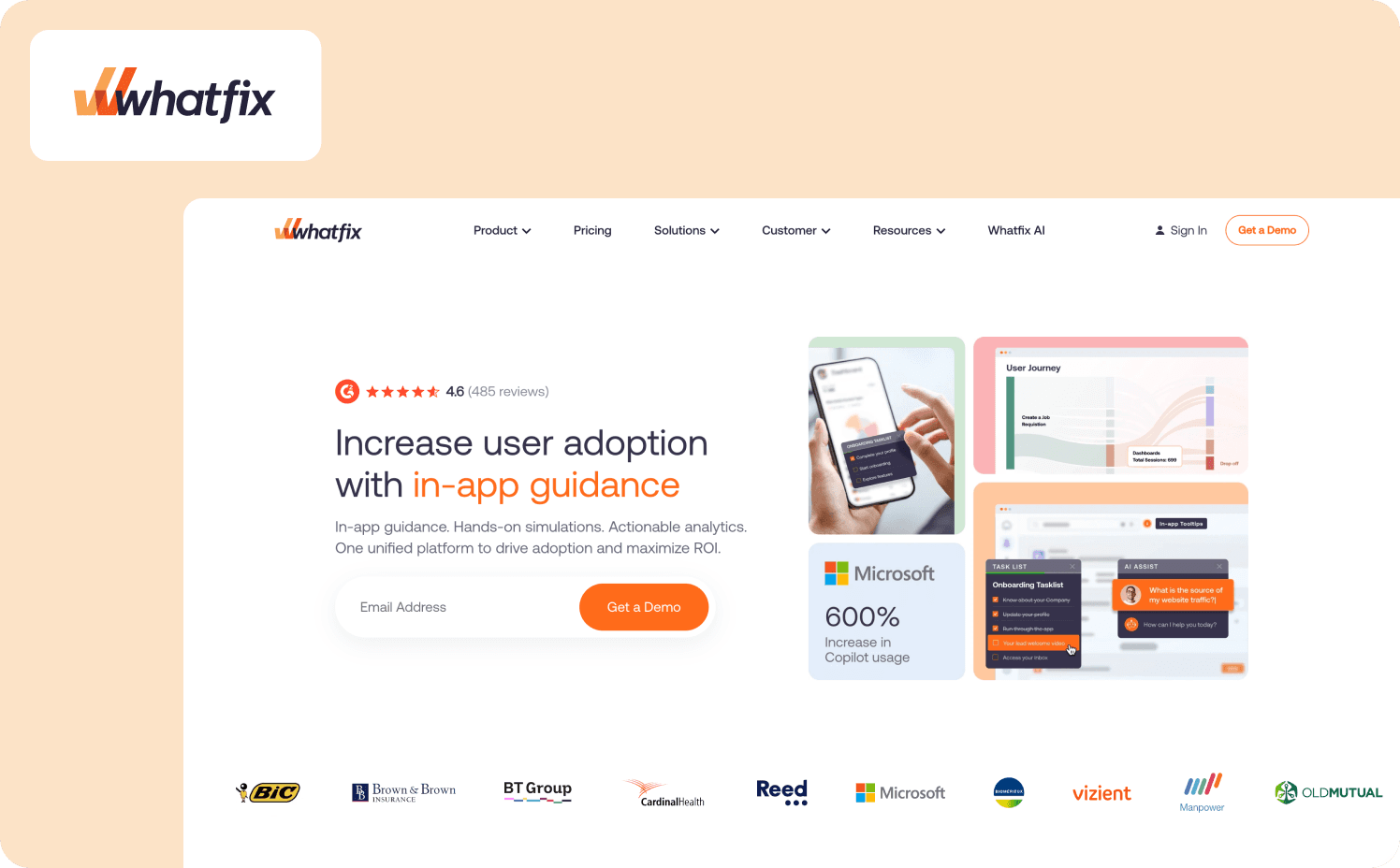
Whatfix is a three-product enterprise suite covering in-app guidance, product analytics, and simulation training. Where most DAPs focus on a single product, Whatfix guides users through workflows that span multiple enterprise systems simultaneously, without disruption.
The platform’s Mirror product creates sandbox replicas for hands-on training, where employees can practice workflows with AI roleplay scenarios and adaptive assessments, without touching live systems. It’s the only platform in this comparison that bridges employee training on internal software and customer onboarding for your own product within a single system.
Key differentiators: Whatfix is purpose-built for cross-application workflows spanning multiple tools like Salesforce, SAP, and Workday alongside your own product. The Mirror sandbox environment for hands-on training has no equivalent in Userpilot or most Whatfix alternatives. If your users need guidance across multiple enterprise systems rather than a single SaaS product, Whatfix is built specifically for that complexity.
When to consider Whatfix over Userpilot:
Your use case spans multiple applications, not just a single SaaS product.
You need both employee training on internal enterprise software and customer onboarding in one platform.
You’re a large enterprise (500+ employees) with dedicated implementation resources, a six-figure budget, and 3 to 6 months available for professional services-led deployment.
Where it falls short: Implementation takes months and typically requires professional services. Pricing is opaque and complex, with separate quotes required for each product. Users report heavy scripts slowing down apps and bugs on complex sites. If you’re leaving Userpilot because of $14,000+ annual costs and a complex setup, Whatfix represents a significant increase on both dimensions. It’s an enterprise digital transformation platform, not a product adoption tool for scaling SaaS teams.
Pricing:
Standard: Custom
Premium: Custom
Enterprise: Custom
6. Userflow — Best for lean startups prioritizing speed and lightweight performance
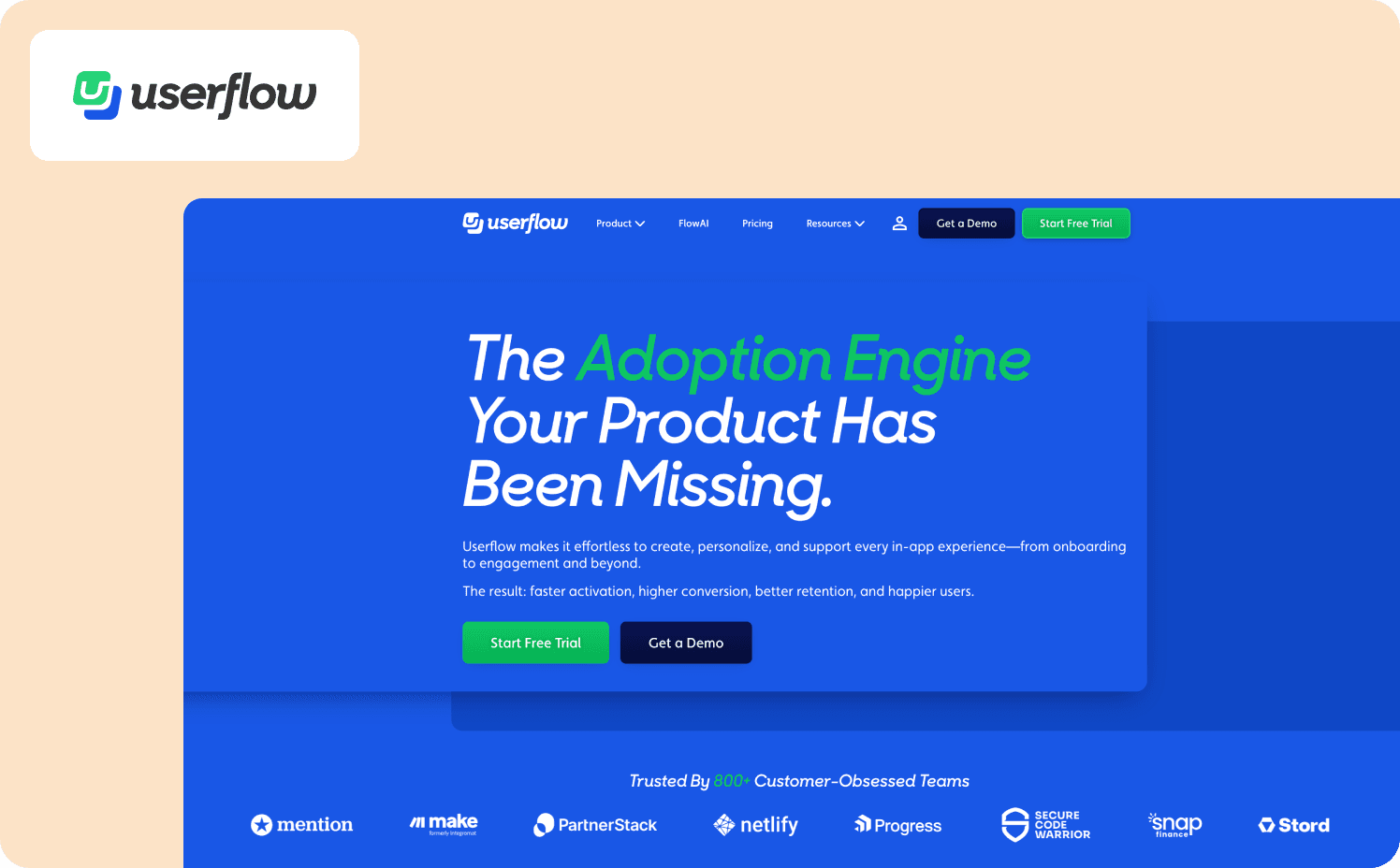
Userflow is a lightweight product onboarding platform built for speed. Its visual node-graph Flow Builder makes complex logic easy to map and understand. FlowAI generates editable onboarding flows from prompts, rephrases content for clarity, and translates experiences across languages.
Pricing starts at $240/month for 3,000 MAUs, lower than most competitors, with a transparent model you can plan around without a sales call. The platform supports conditional flows, event-based triggers, and custom events for customer lifecycle targeting, and is built to work harmoniously with existing tools rather than replacing them.
Key differentiators: Userflow is the fastest platform to deploy in this comparison, with the cleanest, most intuitive builder interface that prioritizes developer-friendliness and performance over advanced feature breadth. If you’re leaving Userpilot because the flow builder interface hangs and freezes, Userflow’s lightweight footprint solves that specific problem.
When to consider Userflow over Userpilot:
You’re an early-stage startup prioritizing implementation speed over key features, and need onboarding flows live in days rather than weeks.
Your product is web-only and you value lightweight performance over built-in product analytics or session replay.
You’re comfortable streaming events to external analytics tools like Mixpanel or Amplitude rather than needing an all-in-one analytics dashboard.
Where it falls short: Analytics are limited to basic flow completion metrics, with no native dashboard for aggregate data. Advanced analytics like funnels, user paths, and retention cohorts require external integrations. There’s no mobile app support, no session replay or heatmaps, and no enterprise security features like RBAC. If you’re leaving Userpilot for deeper analytics or more sophisticated behavioral triggers, Userflow moves in the opposite direction.
Pricing:
Startup: From $240/mo (3,000 MAUs)
Pro: From $680/mo (10,000 MAUs).
Enterprise: Custom
How to choose the right Userpilot alternative for your team
The right alternative depends on which Userpilot limitation is your primary bottleneck.
If flow maintenance burden is the issue: Jimo is the only platform where AI automatically rebuilds product tour logic after product changes.
If analytics gaps are the issue: Jimo’s Success Tracker proves cohort-level causation for mid-market teams. Pendo consolidates comprehensive analytics and user adoption at enterprise scale with retroactive event capture and Product Engagement Score.
If pricing escalation is the issue: Userflow ($240/month for 3,000 MAUs) and Jimo offer transparent pricing with published tier boundaries.
If implementation complexity is the issue: Appcues launches simple linear tours in hours with pre-built templates. Userflow ships flows in days with the cleanest builder and 5-10x faster script loading, though both trade feature depth for speed.
If customization control is the issue: Chameleon gives you CSS-level control and API-first architecture for pixel-perfect brand matching, but requires front-end resources and premium pricing ($15,000/year Growth tier).
If cross-application workflows are the issue: Whatfix guides users across multiple enterprise systems (your product plus Salesforce, SAP, integrations), but costs 5-10x more than Userpilot with 3-6 month implementations.
Good tools solve the problem you have today. Jimo solves the one you'll have next quarter.
The right alternative depends on what’s actually broken, and the section above maps each gap to the tools built to solve it.
For PLG and hybrid B2B SaaS teams who ship frequently enough that static flow maintenance has become a real operational cost, and who need onboarding to compound over time rather than require constant rebuilding, the fit is specific and the differences are structural, not marginal.
Jimo's Figma-like editor is where this becomes operationally concrete. PMs drag, resize, style, and position any element with full design flexibility. There’s no CSS, no engineering tickets, no template constraints. Where Appcues locks you into pre-built templates, Chameleon requires CSS expertise to customize, and Pendo gives you a rigid builder, Jimo gives you sprint-free iteration speed. See how it works by booking a demo.
FAQs
What is the best Userpilot alternative for PLG SaaS companies?
Jimo is the strongest fit for PLG teams who need more than basic functionality and basic analytics. It combines product usage insights with behavioral triggers and AI-maintained product tours in one platform, without engineering dependency. The Success Tracker connects onboarding completions directly to activation outcomes, answering the ROI question Userpilot leaves open.
Is there a cheaper digital adoption platform alternative to Userpilot?
Yes. Userflow starts at $240/month for 3,000 MAUs with transparent pricing and a clean onboarding tool that ships flows fast. It trades some depth for price accessibility, so the right choice depends on whether basic analytics and linear tours cover your use case or whether you need robust analytics and behavioral triggers.
What is the main limitation of Userpilot for fast-shipping customer success teams?
Flows break silently after product updates, and there’s no proactive alert when it happens. For teams shipping weekly, this means manually auditing every flow after every release, which is the opposite of what a no-code onboarding tool should require. Support teams and product managers end up spending time on maintenance instead of running activation experiments.
How do Userpilot competitors handle onboarding analytics?
It depends on the tool. Jimo’s Success Tracker provides robust analytics that connect product tours to paid conversion rates using cohort-level attribution, without exporting data to external tools. Pendo goes further for enterprise teams, combining product usage insights with retroactive event capture and funnel analysis across web and mobile app onboarding. Most other alternatives in this comparison cover basic analytics only and require external integrations for anything deeper.
Which Userpilot alternatives support mobile app onboarding?
Mobile app onboarding is a genuine gap for most tools in this comparison. Pendo is the strongest option, with native iOS and Android support alongside full analytics across web and mobile user sessions. Appcues covers key features for mobile through its cross-channel workflow orchestration. Jimo is optimized for web-based SaaS and isn’t the right choice if native mobile support is a primary requirement.