22 Product Tour Examples That Drive Adoption in 2026
22 Product Tour Examples That Drive Adoption in 2026
22 Product Tour Examples That Drive Adoption in 2026
/
8 mins read
TL:DR
Most product tour examples stop at the UI layer — showing what’s new without explaining what changed for the business. The ones worth studying trace a full chain: user behavior to activation event to measurable retention lift. Three proof points separate the strong from the forgettable: time-to-launch, feature-level adoption lift, and first-session completion rate. Segment-specific tours, by role, plan tier, or geography, are what give teams the ability to prove that lift rather than approximate it. By the end of this article, you’ll have a concrete framework for identifying which tour patterns fix first-session drop-off, how to build segment-specific launch playbooks, and how to connect every tour you ship to a metric that actually moves.
Your team ships a feature. The release notes go out, the changelog gets updated, maybe an email lands in a few inboxes. And then: nothing moves. Activation stays flat. Support tickets trickle in. The feature is live, but users never found the UI paths where the actual value lives.
That slow bleed is what keeps Product Marketing Managers up at night. The doubt that the work your team poured into a release simply evaporated somewhere between deployment and the user’s first session. You can’t point to a single moment of failure. The feature worked. The comms went out. And yet adoption data tells a different story, one where most users quietly bounced before they ever reached the workflow you built the thing around. Generic tours compound the damage: one flow for every persona means inconsistent first-session experiences, unpredictable activation rates, and zero visibility into where exactly users fell off the path. This post cuts through that with 22 product tour examples evaluated through one lens: which actions matter, and where do users drop off before they get there?
What Makes a Product Tour Example Worth Studying
Most product tour examples you’ll find online have the same problem: they show you the UI without ever telling you what changed for the business. You get a screenshot, a flow diagram, maybe a brief description of the tooltip sequence. What you don’t get is whether any of it moved an activation rate, reduced first-session drop-off, or improved 30-day retention for the cohort that saw it. That’s not inspiration. That’s a gallery.
A useful product tour example answers three questions:
What activation event was the tour designed to reach?
What step sequence guided users there?
What measurable outcome followed?
The best product tour examples aren’t defined by how polished they look. They’re defined by whether you can trace the mechanism from user behavior to activation, and from activation to a downstream metric that someone in your organization actually cares about. The evaluation question to hold onto as you read: which actions matter in your product’s first session, and where do users stop taking them?
22 Product Tour Examples That Drive Adoption in 2026
Every example below is organized around the activation problem it solves, not the brand name or the UI aesthetic. For each one, the question to ask is the same: does this tour connect a user behavior to an activation event, and can you see the outcome it was designed to produce?
Onboarding Tours
The best onboarding tours don’t try to show users everything. They identify the single action that predicts whether a new user will stay, and they build the entire first session around making that action unavoidable.
1. Slack
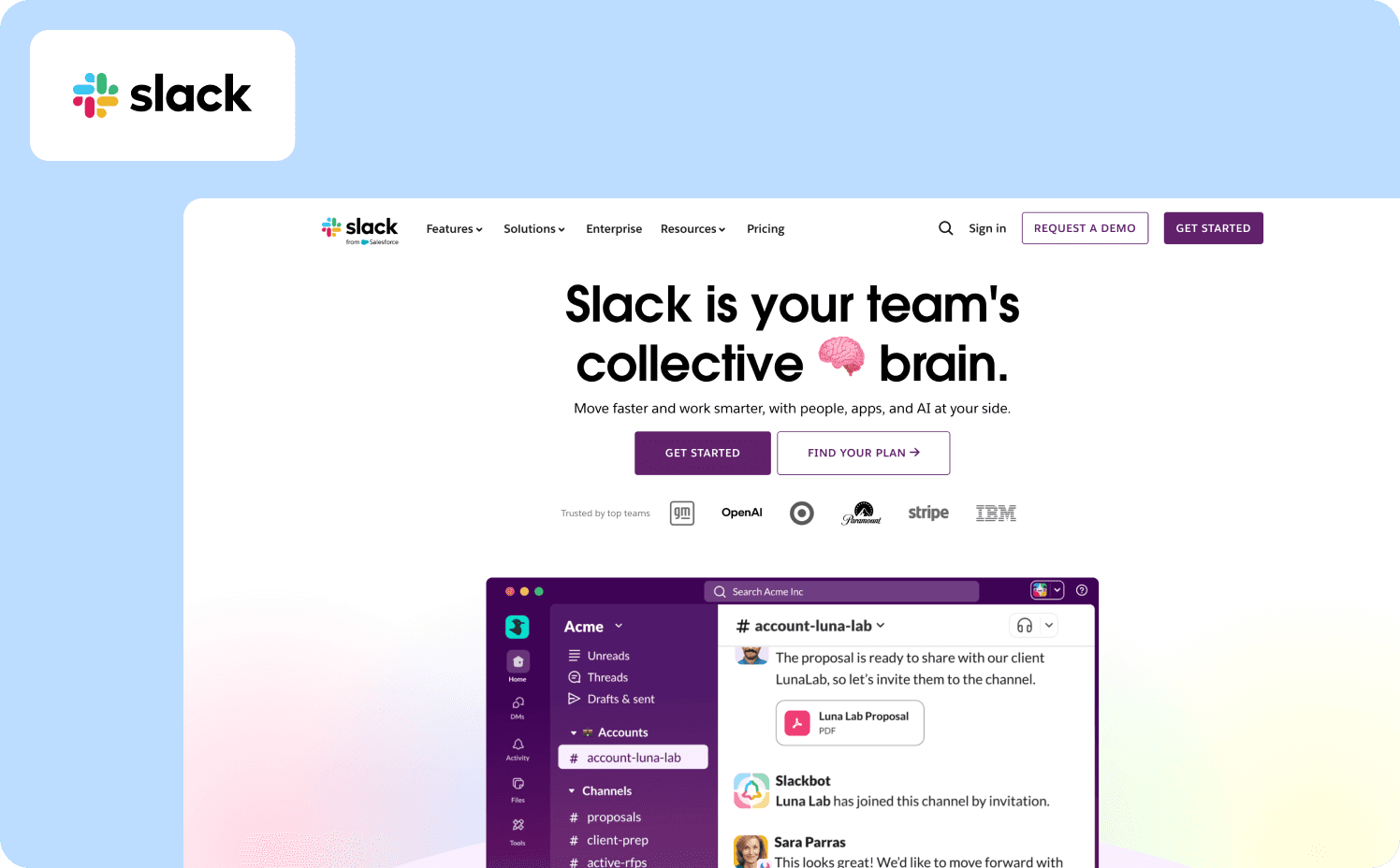
Slack‘s onboarding is built around one conviction: a user who has never sent a message with a colleague has not experienced the product. The flow opens by collecting a team name and a project topic before the user sees the workspace at all. By the time someone lands in the main UI, the environment already feels like theirs. A four-card tour then walks users through key menu items, but the activation event, inviting at least one colleague and creating a channel, is where the sequence is pointed from the start. The result is a workspace that never feels empty, because it isn’t empty by the time the tour ends.
Activation target: First team message sent with at least one invited colleague
Key mechanics: Pre-onboarding workspace setup, four-card interactive tour, immediate collaboration prompt
What to copy: Collect setup data before the user sees the product, so the UI feels populated and personal from the first login
2. Notion
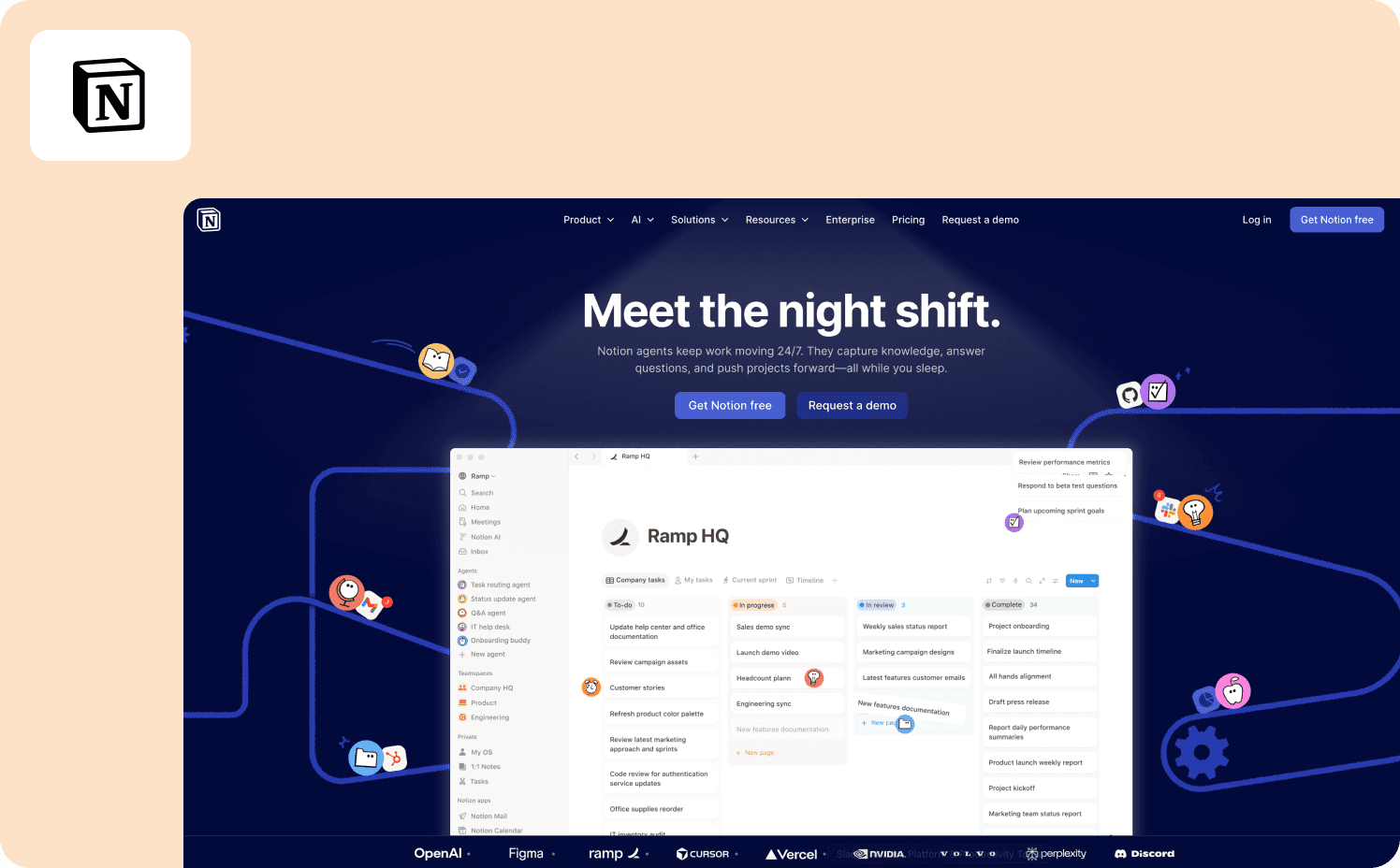
Notion‘s onboarding doesn’t hand users a tour; it drops them into a checklist that lives directly in their workspace. Each item introduces a core action — creating a page, setting up a database, sharing content — in a way that also builds a real artifact the user will return to. The checklist isn’t a demo. It’s the product, showing itself through use. What makes it worth studying is the absence of passive instruction: there are no slides to click through, no walkthrough to watch. Users build competence by doing, which means the activation event and the learning experience are the same thing.
Activation target: First page created and shared with another user
Key mechanics: In-workspace checklist, empty states pre-filled with guidance prompts, self-paced progression
What to copy: Make the onboarding artifact something users will keep. If the output of the tour has value beyond the session, completion rates improve significantly
3. Loom
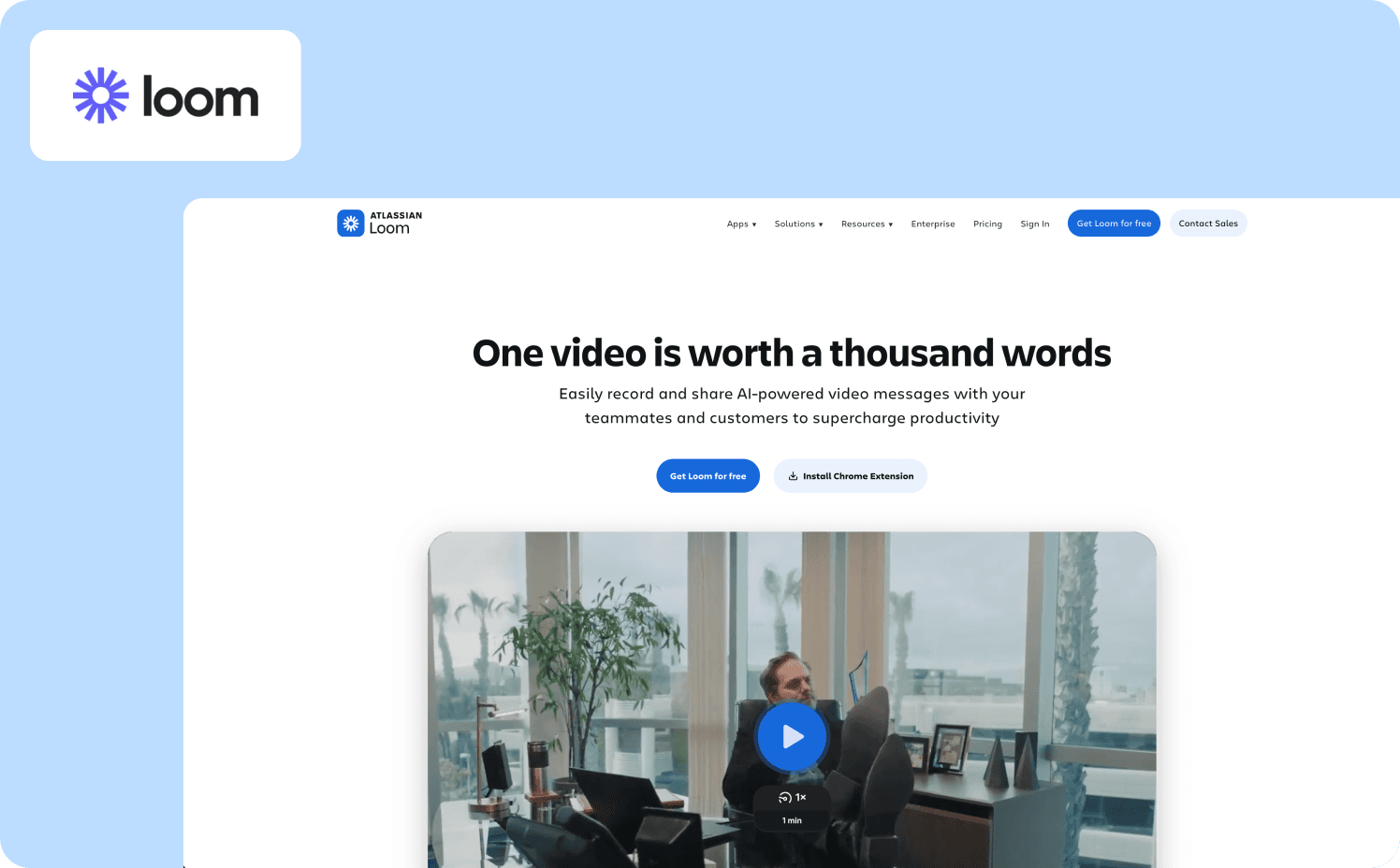
Loom‘s onboarding is a study in ruthless time-to-value reduction. The goal isn’t to explain what Loom does — it’s to get users to record and share a video before they’ve had time to second-guess the product. One click to record, one click to share. No settings configuration, no feature overviews, no tutorial modal to dismiss. The tour highlights core recording actions — pause, resume, edit — with embedded short videos that demonstrate rather than describe. Loom’s onboarding flow gets users to record and share a video in under 60 seconds, with 70% of users activating on day one.
Activation target: First video recorded and shared
Key mechanics: Embedded video walkthroughs, one-click action flows, knowledge base surfaced after first activation rather than before
What to copy: Delay feature education until after the first value moment. Users who have already succeeded are far more receptive to learning what else the product can do
4. Zenchef
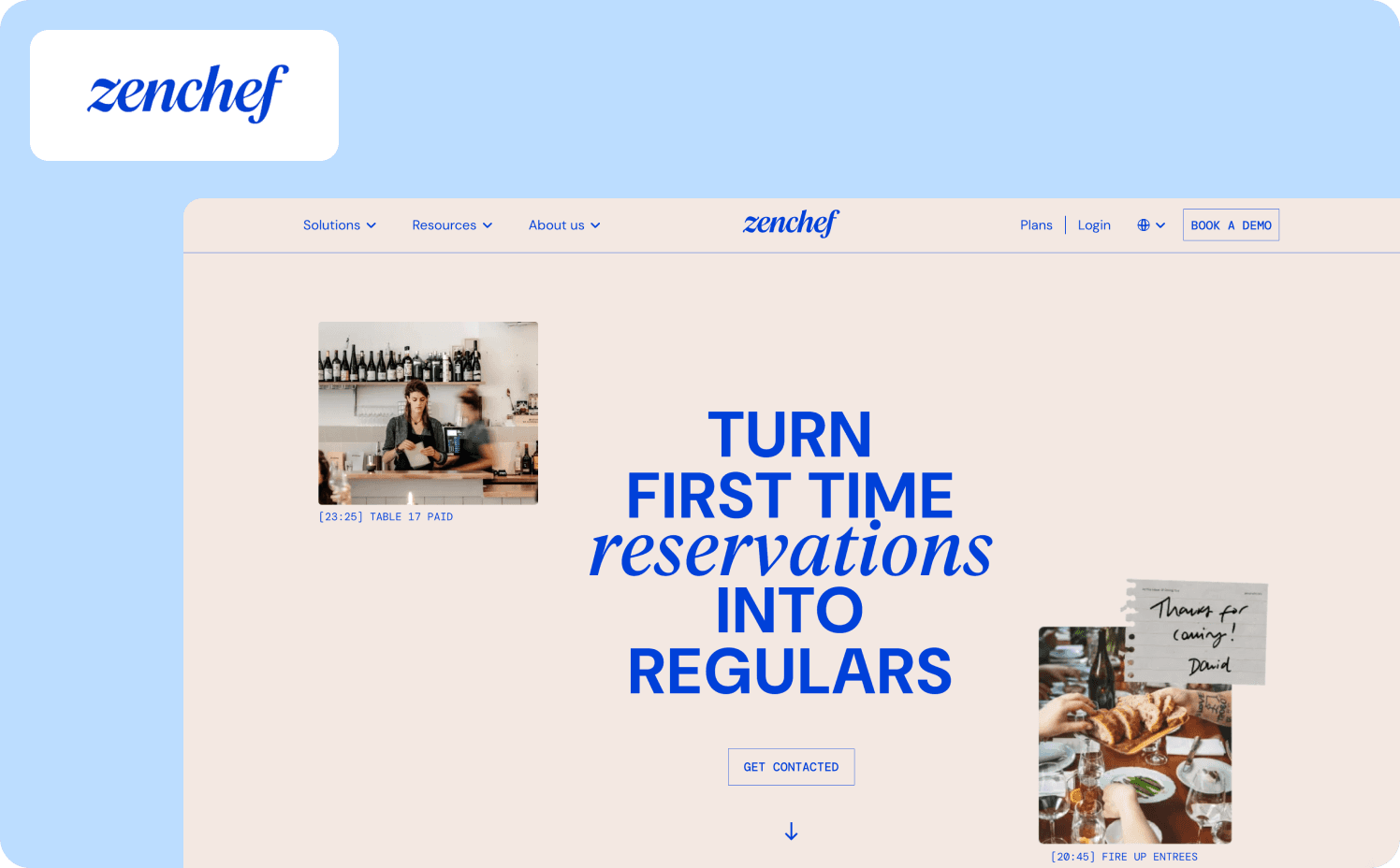
Zenchef is a restaurant reservation platform operating across five European markets. Before they restructured their onboarding, the process took up to 30 days — and their own data showed that when onboarding exceeded that threshold, they were twice as likely to lose the customer within six months. The tour they built uses guided walkthroughs, contextual tooltips, and a structured onboarding checklist to walk restaurant operators through the platform’s core workflows across five languages simultaneously. The activation event is reaching a point of self-sufficiency: users can manage reservations, access the dashboard, and navigate core features without CSM involvement.
Activation target: First self-service session completed without manual support
Key mechanics: Multilingual guided tours, structured checklists, changelog triggers for feature discovery
What to copy: Define the activation event as the point where CSM involvement becomes optional, not as tour completion. These are not the same milestone
Read Zenchef’s success story with Jimo.
5. Customer Alliance
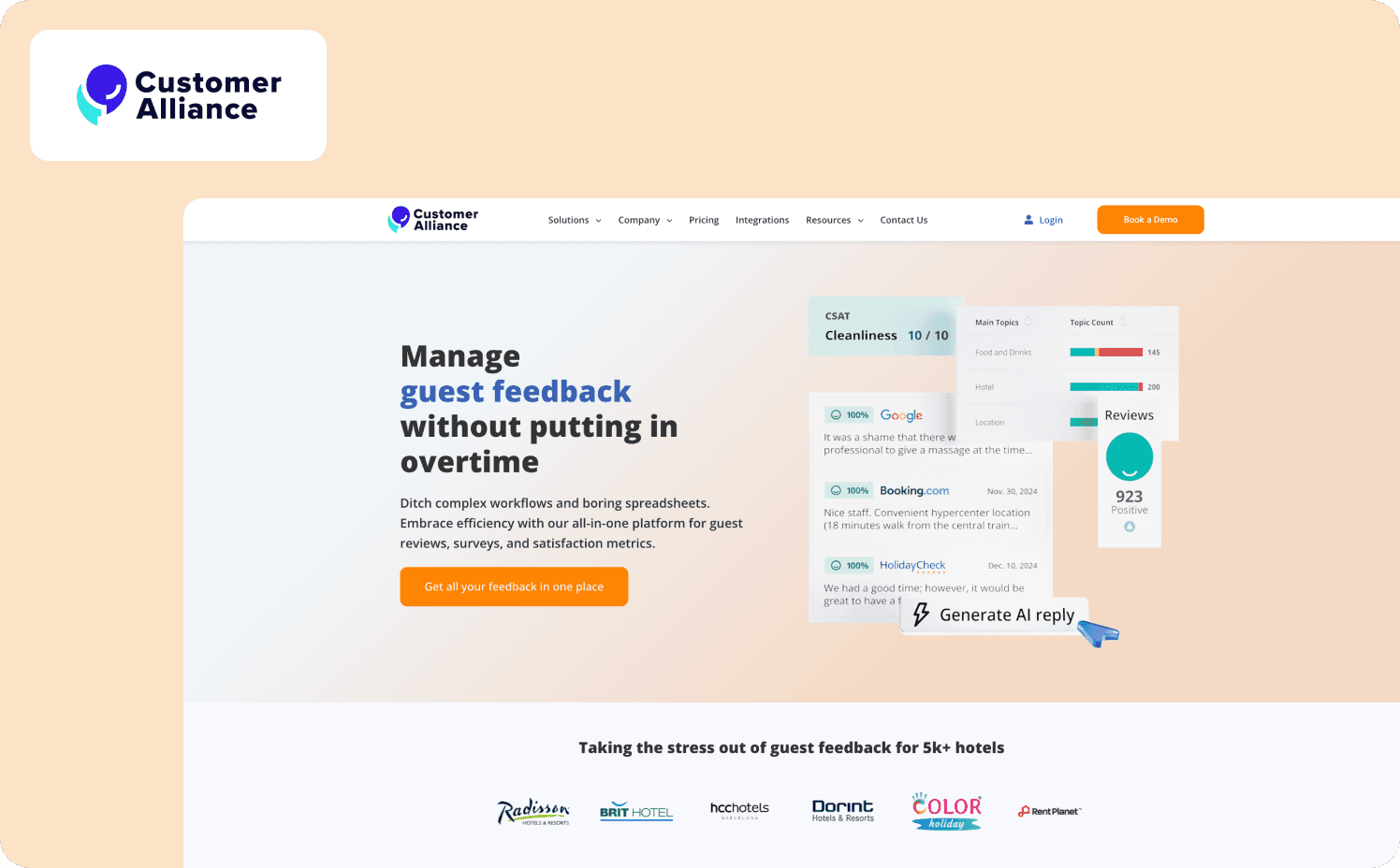
Customer Alliance, a cloud-based feedback management platform, was caught in a loop familiar to many scaling SaaS teams: their no-touch customer segment was churning quietly, email campaigns weren’t reaching anyone at the right moment, and the CSM team couldn’t grow fast enough to close the gap. Their onboarding tour replaced the email-first model entirely — guiding new users through the left-hand navigation with contextual tooltips and a full product walkthrough designed to eliminate the need for CSM involvement in low-touch accounts. The onboarding flow was their first implementation precisely because it was the area consuming the most CS time. CSMs who tested the new process reported that customers found it “very clear and informative.” No-touch onboarding was removed from the CS workload entirely.
Activation target: First self-guided session completed without CSM touchpoint
Key mechanics: Contextual tooltip navigation, complete product walkthrough, health score data used to segment and trigger relevant guidance
What to copy: Use health score and behavioral data to trigger in-product guidance at the exact moment a user needs it, not on a fixed post-signup schedule
Feature Launch Tours
Onboarding gets users to first value. Feature launch tours solve a different problem: they get existing users to second value, third value, and beyond. Most teams treat feature releases as a communications exercise. The product tour examples below treat them as an activation challenge.
Learn more about Customer Alliance success with Jimo.
6. AB Tasty
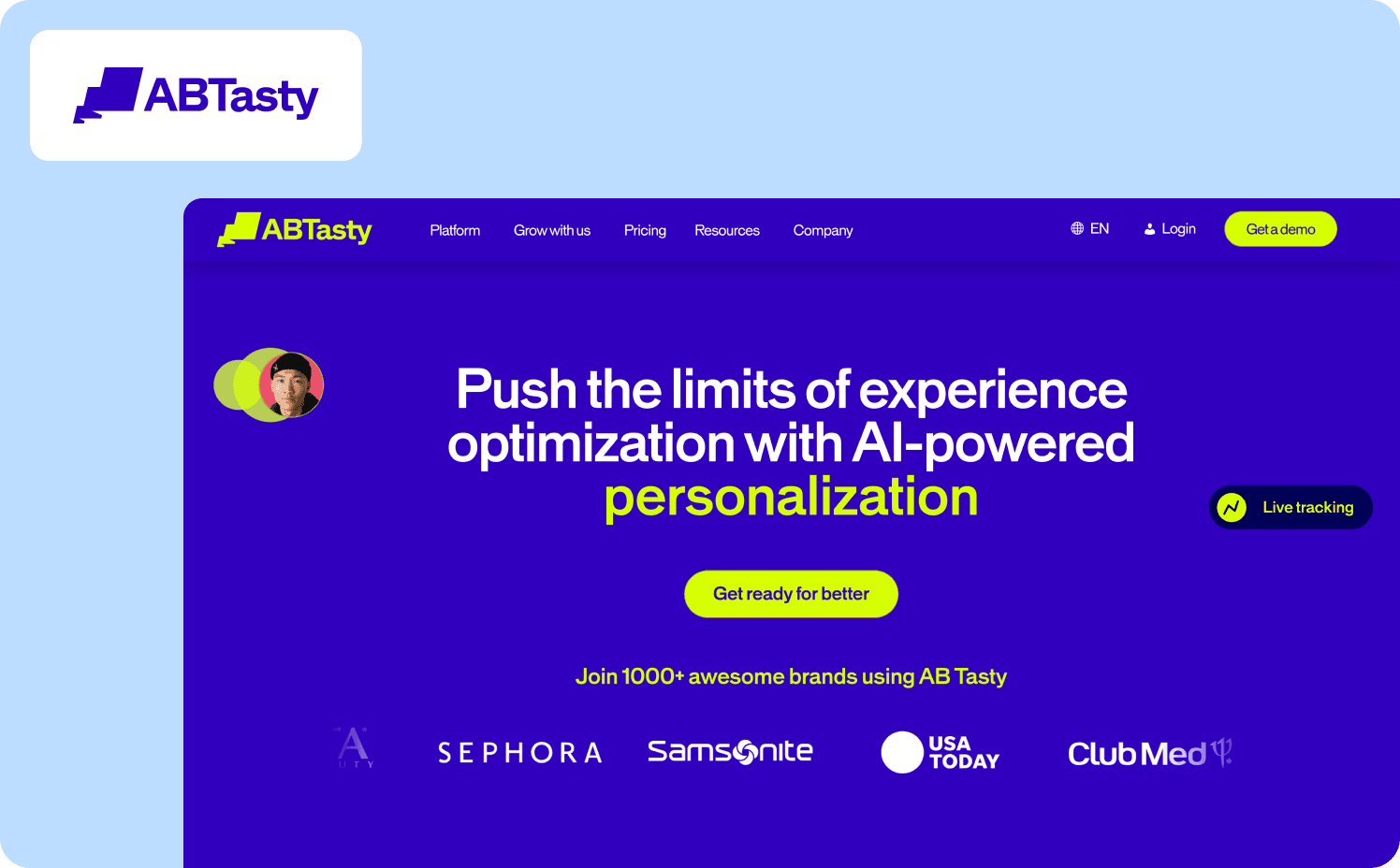
AB Tasty is an A/B testing and conversion optimization platform serving over 4,000 active users. Their feature launch process had stalled badly: it took up to three months from design to deployment, UX improvements were routinely deprioritized in development queues, and CSAT survey response rates had fallen to near-zero. Morgane Ruaud, who leads a team of six product designers across AB Tasty’s three products, described watching “carefully crafted user experiences gather digital dust in endless development queues.” The shift to in-product guided tour launches gave the design team direct ownership over feature education for the first time. Tours became mandatory for every new feature release, process was standardized across surveys, tours, and changelog communications, and the launch cycle compressed from three months to two weeks. In the first week of one in-product survey launch, over 2,000 users responded — a result Morgane’s team had to double-check before believing.
Activation target: Feature discovered and engaged with at release, without relying on email
Key mechanics: Mandatory tour template per feature type, in-product survey paired with launch, standardized Jira-tracked comms workflow
What to copy: Make feature tours non-optional for every release. When tours become a step in the launch checklist rather than a nice-to-have, adoption consistency improves immediately
Read more about AB Tasty’s journey with Jimo.
7. Canva
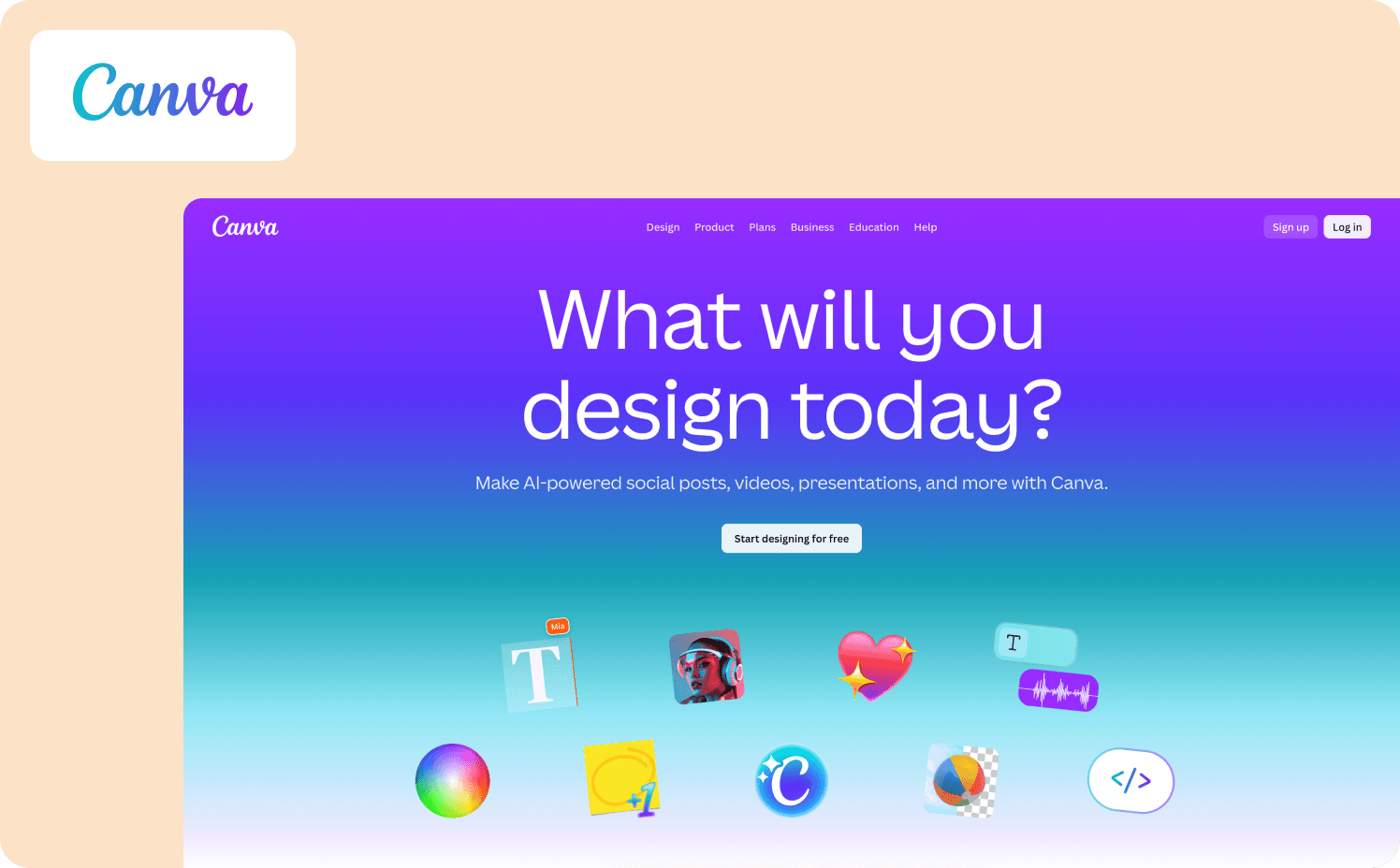
Canva‘s approach to feature launches is inseparable from their onboarding philosophy: every experience should be shaped by what the user said they came to do. After signup, a short survey asks what the user plans to design — social media, presentations, marketing materials. That single answer filters every subsequent feature suggestion, template recommendation, and tour trigger the user receives. When Canva releases a new design feature, it doesn’t broadcast to the entire user base. It surfaces to the segment whose stated intent makes the feature relevant. Canva introduces users to key features by embedding education directly into the product, using pre-built design files that double as interactive guides.
Activation target: New feature used to produce a design within the user’s stated use case
Key mechanics: Intent-based segmentation from signup survey, template-first feature introduction, progressive feature disclosure by use case
What to copy: The survey at signup isn’t just UX polish — it’s the segmentation infrastructure that makes every subsequent feature launch more targeted and every adoption rate more predictable
8. Loom (AI Feature Modal)
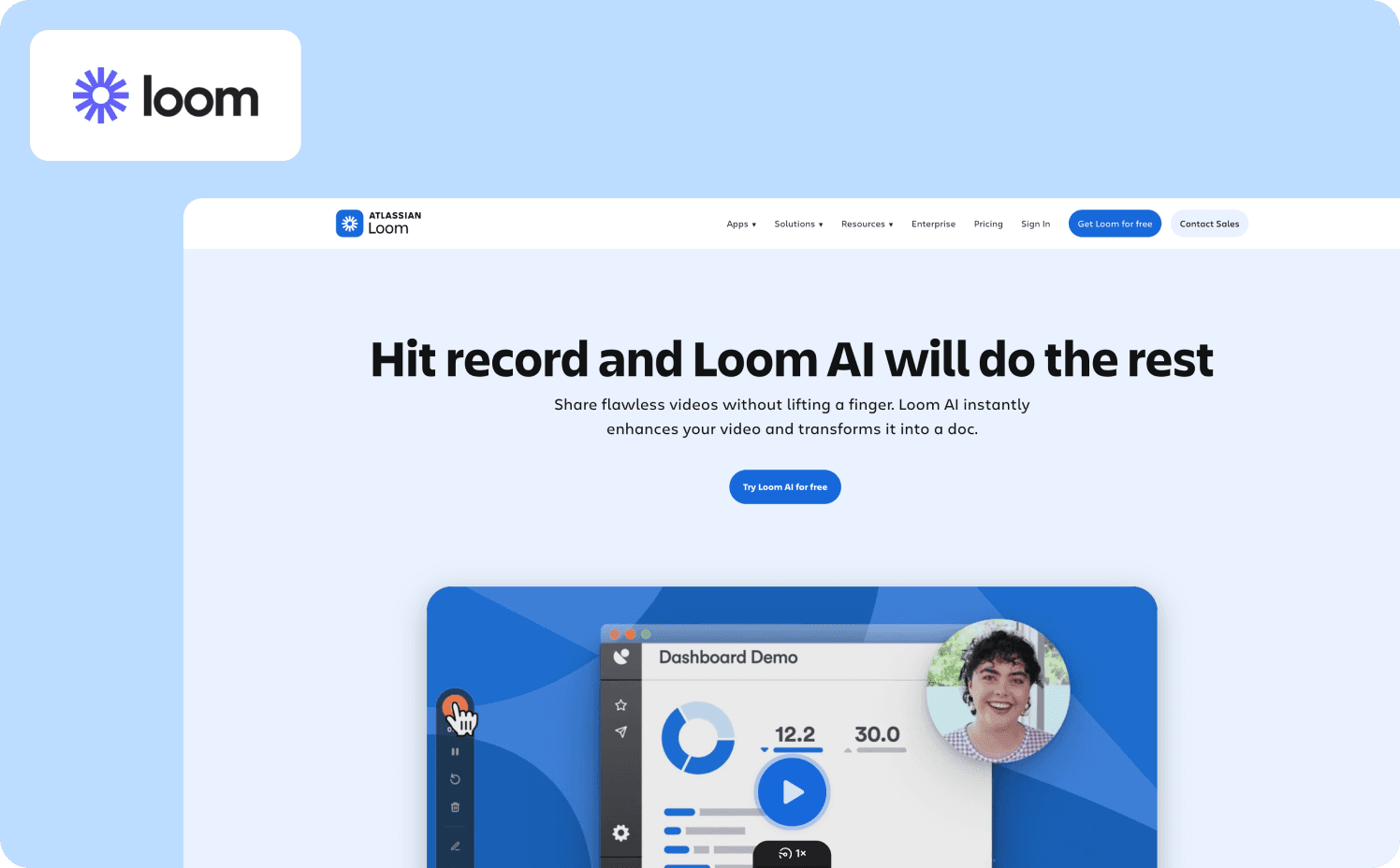
When Loom introduced its AI writing and workflow feature, the launch tour was designed for users who were already in the product and working on tasks where AI assistance was immediately relevant. A modal appeared to explain the feature’s benefits and pricing, then guided users through a contextual flow with tooltips and supporting information. The timing was deliberate: the tour triggered in context, not at login, and it directed users to the specific actions — creating a document, logging an issue, sharing a message — where AI assistance would produce visible output before the session ended. When introducing its new AI feature, Loom used a modal to quickly explain its benefits and pricing, then invited users to upgrade, leading them through a guided flow with contextual tips.
Activation target: First AI-assisted document or workflow completed
Key mechanics: Contextual modal triggered by task relevance, not by login date; upgrade flow integrated into the guided tour
What to copy: Feature launch tours for premium capabilities should trigger when the user is doing the task the feature is built for — not as a day-one announcement
9. ChatGPT (GPT-4 Launch)
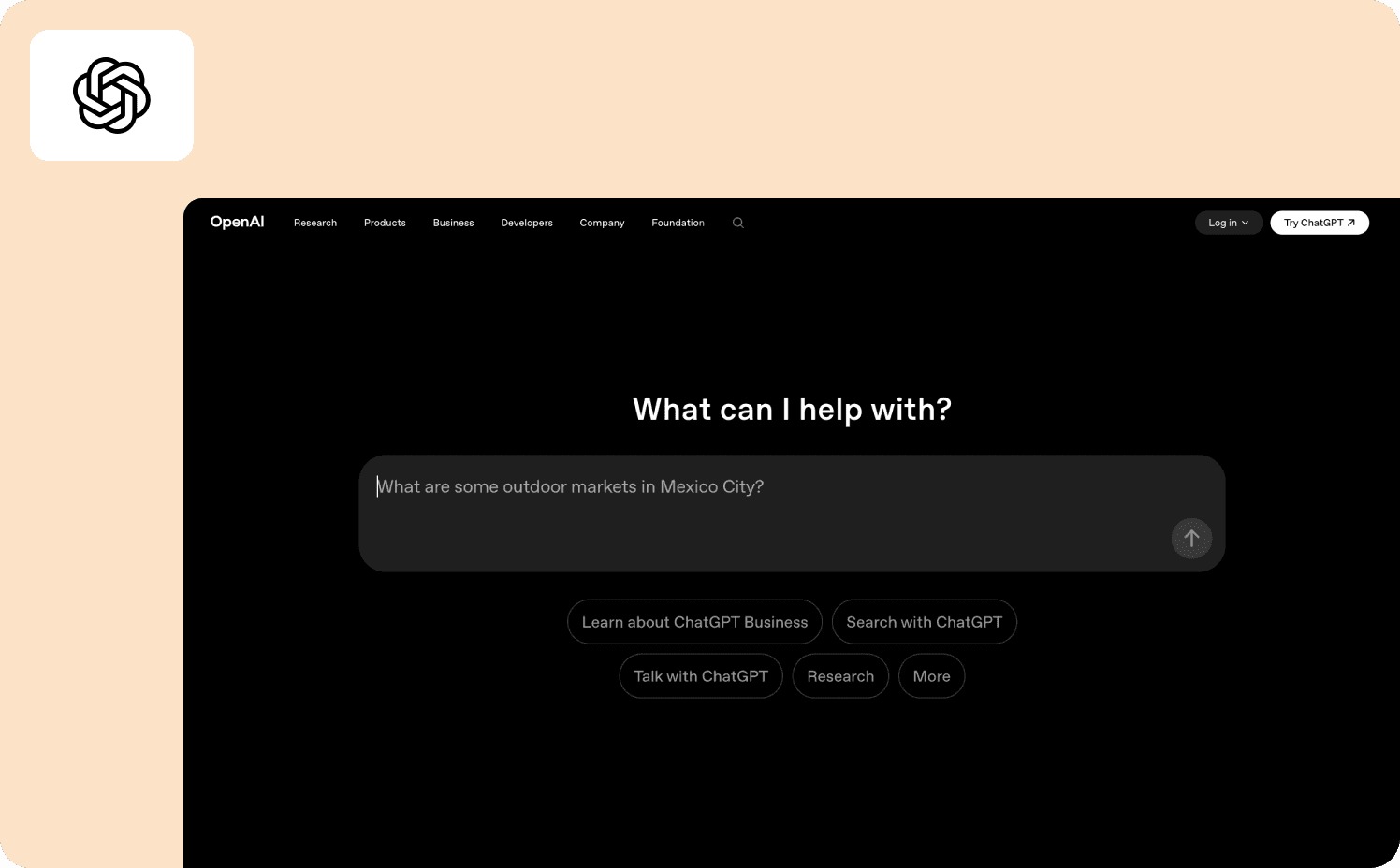
When OpenAI launched GPT-4 within ChatGPT, the announcement appeared as a modal on page load — before the user had started a task, not in the middle of one. A single “Try it now” button triggered a tooltip that let users test the new model immediately, with minimal copy and no feature overview to read through. The tour didn’t explain GPT-4 in depth. It gave users one clear action and let the model demonstrate itself. ChatGPT promoted the new model with a modal that shows up when you open the website and not when you’re in the middle of a task — a low-pressure invite with a “Try it now” action button that triggers a tooltip.
Activation target: First conversation completed using the new model
Key mechanics: Page-load modal timed to session start, single-action CTA, self-demonstrating product format
What to copy: For capability upgrades where the product can demonstrate itself, keep the tour to a single action. The feature is the proof point — the tour just needs to create the conditions for it to land
10. Grammarly
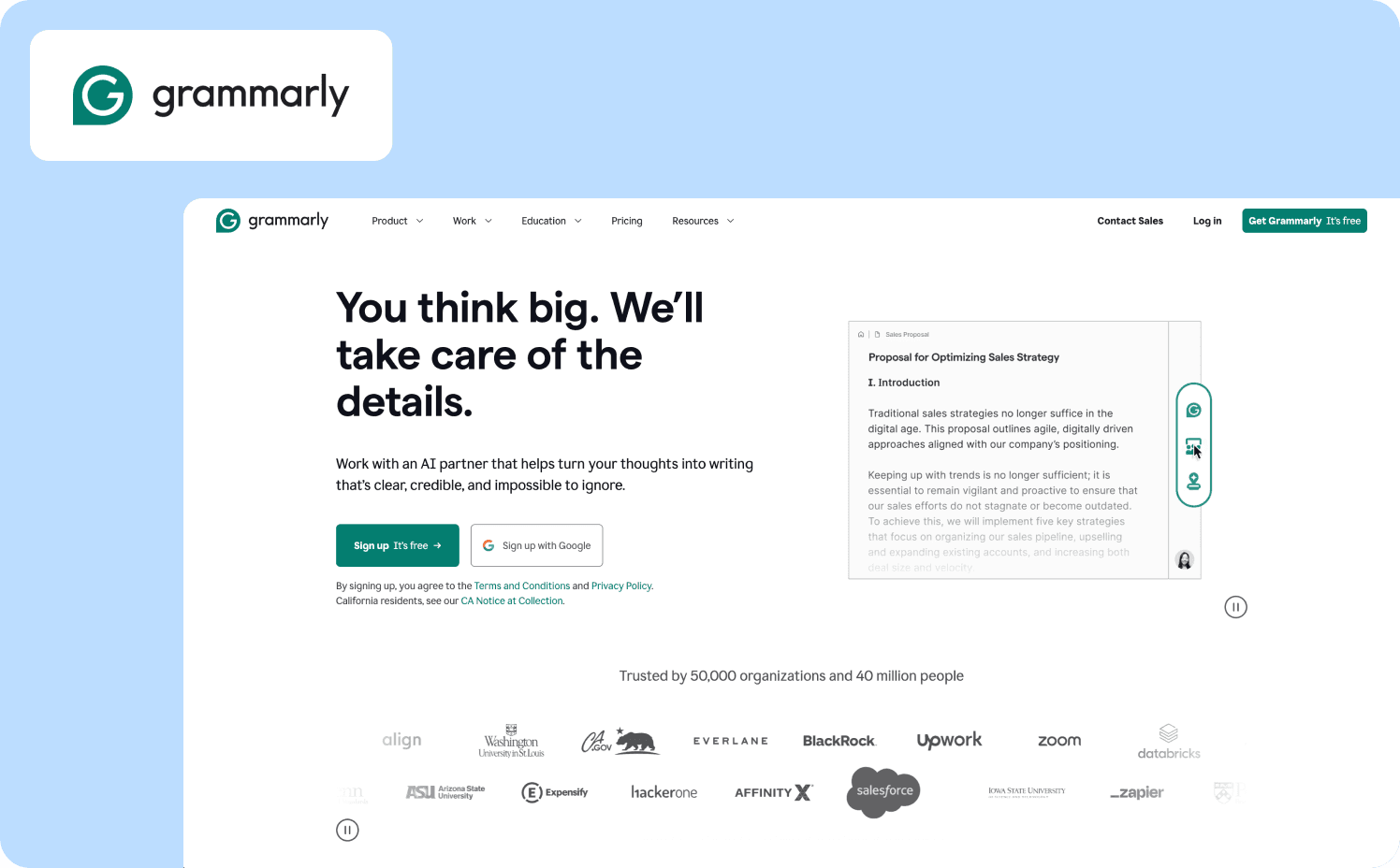
Grammarly‘s feature launch and onboarding strategy share the same foundation: personalization at the intent level. On signup, users specify their writing context — professional emails, academic papers, casual writing — and the entire feature experience adapts to that goal. When Grammarly releases a new capability, it appears in the context of the writing task the user declared they care about. Grammarly’s tour adapts based on the user’s experience level, offering more detailed instructions for beginners while allowing advanced users to dive into more complex tasks. The activation event isn’t “saw the feature” — it’s “used the feature to improve a piece of writing in the category the user identified as meaningful.”
Activation target: First writing improvement made using the new feature, within the user’s declared writing context
Key mechanics: Goal-based segmentation at signup, experience-level adaptive tour depth, real-time feature demonstration on live user content
What to copy: Feature tours that demonstrate value on the user’s own content outperform those that use demo content. The difference between “this feature works” and “this feature works for me” is the gap between engagement and adoption
Role-Specific Tours
Generic tours assume all users need the same path to value. They rarely do. An admin configuring a workspace for 50 teammates has a completely different first session than the end user who shows up on day one to complete a task. Tours that ignore that distinction don’t just underperform — they actively erode trust, because they signal that the product doesn’t know who it’s talking to.
11. Figma
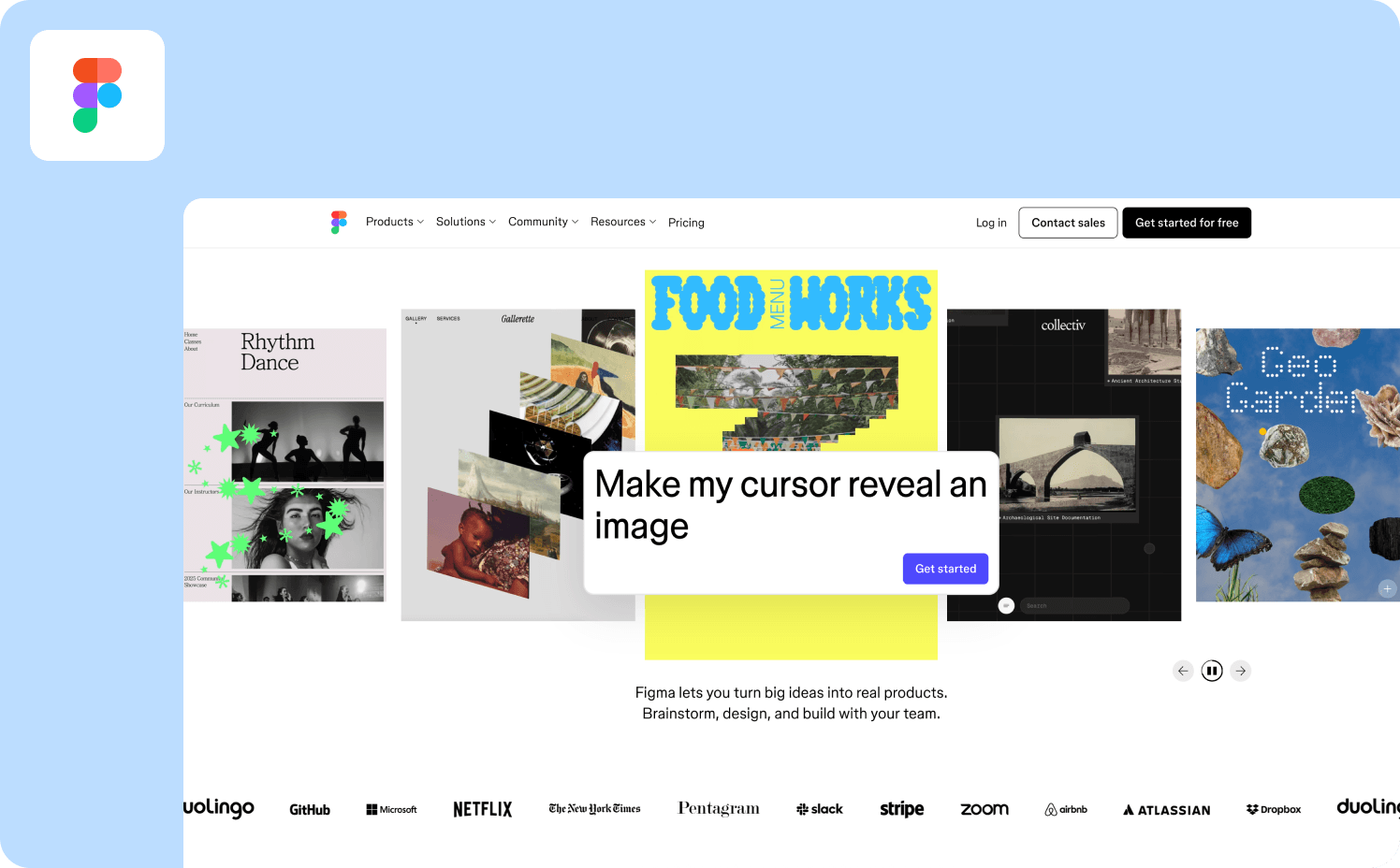
Figma‘s role-specific approach starts before the user sees the product. A welcome survey asks what the user wants to do first: design in Figma or whiteboard in FigJam. That single branch determines which tour follows. Designers land in a pre-populated workspace with demo content already loaded — frames, layers, components — so there’s never an empty state to stare at. Figma prompts a 10-step walkthrough upon users choosing to start designing, with short copy per step supported by visuals, making the process feel manageable despite its length. Each tooltip includes a “learn more” option for complex steps, so experienced users can skip, while newer users can go deeper without the tour forcing them down a single path.
Activation target: First design file created and shared with a collaborator
Key mechanics: Intent-based branching at signup, demo content in workspace, GIF-supported tooltips, optional depth per step
What to copy: Demo content beats empty states every time. Users who land in a populated workspace are faster to act and less likely to bounce before reaching the activation event
12. Asana
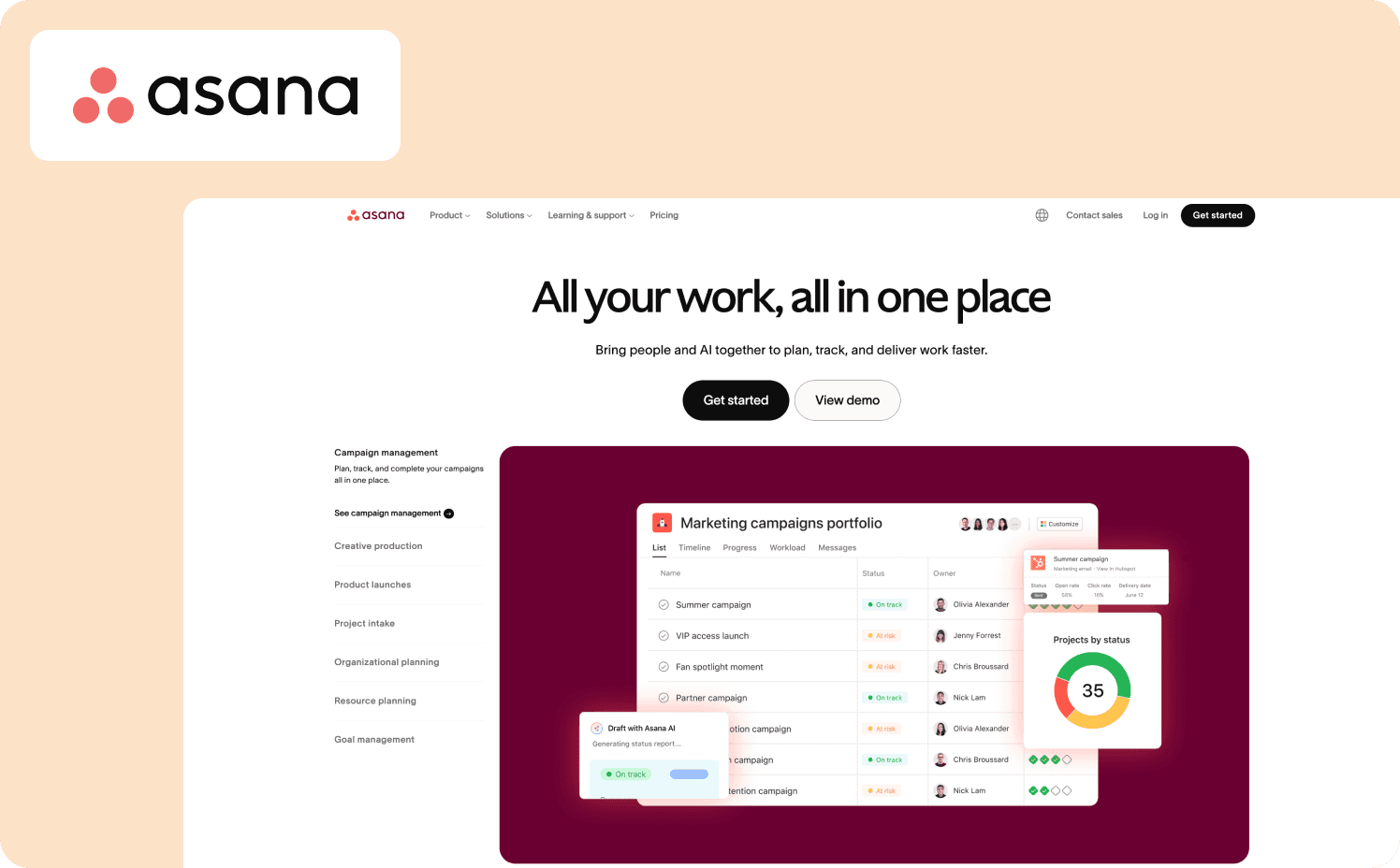
Asana‘s tour separates two fundamentally different user types from the start: the person setting up the workspace and the person joining a workflow someone else built. Asana’s onboarding is structured to help users get to task completion fast, focusing on reducing the steps between signup and first task completion, while gently introducing collaboration. Admins are guided through creating a team project, assigning tasks, and setting deadlines. End users enter a workspace that’s already structured and are prompted immediately to contribute to the team’s workflow — not their individual one. That distinction matters: team activity has the greatest leverage in Asana because it can be used to drive retention for the whole team, not just for the individual trying the product out.
Activation target: First task created and assigned to a team member
Key mechanics: Role-branched onboarding, hotspots on key UI elements, contextual tooltips tied to real task actions, team-oriented workspace setup
What to copy: For collaborative tools, design the activation event around team behavior, not solo behavior. A user who has tagged a colleague is stickier than a user who has only completed tasks for themselves
13. HubSpot
HubSpot‘s product tour operates inside a demo account, which is a deliberate decision worth studying. New users don’t configure a live CRM before they understand what they’re configuring. Instead, they’re handed a pre-built environment populated with sample contacts, deals, and campaigns, and the tour walks them through a real-world workflow using that data. HubSpot onboards new users through a demo account where they can learn how to use the CRM’s key features without worrying about making mistakes, walking users through a real-world campaign workflow with tooltips that emphasize segmentation and customization. The activation event isn’t completing the tour — it’s understanding, in a consequence-free environment, what the product is actually for.
Activation target: First campaign workflow understood and replicated in a live account
Key mechanics: Demo account with pre-populated data, tooltip-guided workflow walkthrough, minimal copy per step with pulsating highlights on key UI elements
What to copy: When the learning curve is steep, lower the cost of early mistakes before asking users to commit to a live environment. Confidence built in a sandbox transfers to the real product
14. Salesforce
Salesforce‘s tour accounts for experience level explicitly, not just role. The tour adapts based on the user’s experience level, offering more detailed instructions for beginners while allowing advanced users to dive straight into more complex tasks, guiding users through real tasks like setting up dashboards and managing contacts so they can immediately apply what they’ve learned. An experienced CRM user and a first-time admin receive different step depths for the same interface. This is meaningful because Salesforce is a product where a misconfigured field can have downstream consequences across an entire organization — the stakes of getting onboarding wrong are higher than in most tools, and the tour is designed accordingly.
Activation target: First dashboard configured with live data from the user’s own account
Key mechanics: Experience-level branching, hands-on task completion within the tour, real data setup encouraged from session one
What to copy: Where misconfiguration has real consequences, tour depth should scale with stakes. A beginner and a power user should not receive the same level of guidance on a high-stakes action
Plan-Specific Tours
Plan-specific tours solve a conversion and expansion problem that most teams treat as a sales problem. When a free user doesn’t upgrade, or a trial user doesn’t convert, the instinct is to trigger an email sequence. The more effective move is to show that user, inside the product, exactly what they’re missing and exactly how close they are to unlocking it.
15. Canva (Reverse Trial)
Canva‘s plan-specific tour doesn’t wait for a user to discover paid features organically. From day one of signup, free users are placed on a reverse trial of Canva Pro — they experience the full premium feature set before being asked to pay for it. Canva starts with frictionless SSO login, followed by a quick survey that personalizes the dashboard, then comes a reverse trial, letting users test Canva Pro from day one and a great way to nudge upgrades. The activation event for the plan-specific tour isn’t signing up — it’s using a Pro feature meaningfully enough that the downgrade to free creates felt friction. The tour guides users toward exactly those features.
Activation target: First Pro-tier feature used to complete a design task
Key mechanics: Reverse trial from signup, intent-based dashboard personalization, progressive feature disclosure tied to upgrade nudges
What to copy: Users who experience premium features before being asked to pay for them convert at higher rates than users who are shown a feature comparison table. Let the product make the case
16. Lucidchart (Premium Subscriber Tours)
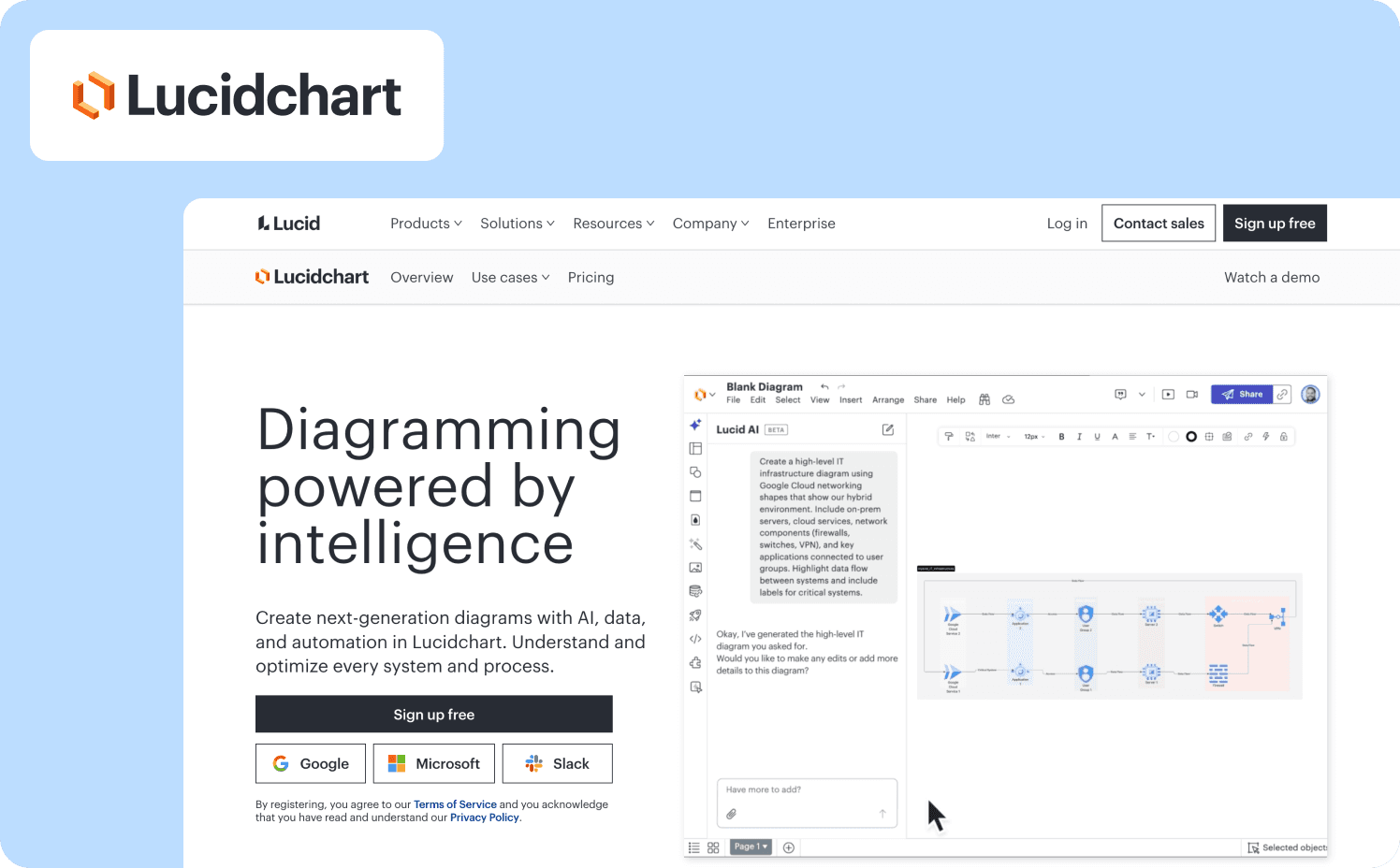
Lucidchart takes a deliberately hands-off approach for free users — on-demand tips, optional walkthroughs, minimal interruption. The moment a user upgrades to a premium plan, the experience shifts. Premium subscribers receive a tailored onboarding experience that showcases the added value of the features included in their subscription. The tour triggered post-upgrade is designed around the features that justify the subscription cost: advanced diagramming, integrations, collaboration permissions. It confirms the upgrade decision rather than selling it, which is a meaningful distinction — the user has already converted, and the tour’s job is to ensure they reach the activation event that makes renewal feel obvious.
Activation target: First advanced feature used after upgrade that wasn’t accessible on the free tier
Key mechanics: Free tier: on-demand, non-intrusive guidance. Paid tier: tailored tour triggered immediately post-upgrade, focused on premium-exclusive capabilities
What to copy: Design separate tour tracks for pre- and post-conversion users. The job of a pre-conversion tour is to create felt friction around free limitations. The job of a post-conversion tour is to confirm the upgrade was the right call
17. HubSpot (Free to Paid Pathway)
HubSpot‘s free CRM is genuinely capable — and that’s precisely what makes the plan-specific tour challenging. The activation event for a free user is getting real value from the free tier. The activation event for conversion is encountering a limitation that matters enough to pay to remove. HubSpot’s in-product guidance surfaces paid-tier features contextually: when a free user attempts an action that requires automation, reporting depth, or multi-pipeline management, the product shows what’s available at the next tier and guides them toward the upgrade decision with supporting context. Within HubSpot, administrators can define user roles and permissions and establish limitations for free users while providing enhanced capabilities to those who upgrade, creating a visible distinction between what free and paid users can access.
Activation target: First meaningful interaction with a paid-tier feature, either through upgrade or trial
Key mechanics: Feature gating surfaced contextually at the point of attempted use, role and permission visibility as a conversion signal, plan comparison surfaced in context rather than on a pricing page
What to copy: Free-to-paid conversion tours work best when they surface at the moment of genuine intent. A user who just hit a feature gate is already motivated — the tour only needs to lower the friction between that moment and the upgrade decision
Contextual In-App Tours
Contextual in-app tours don’t launch at login. They appear when the user is already inside a workflow — when they hover over a feature, attempt an action, or hit a moment where guidance would remove friction rather than create it. The examples below share one defining trait: the tour trigger and the user’s intent arrive at the same moment. That alignment is why they work.
18. Tolstoy
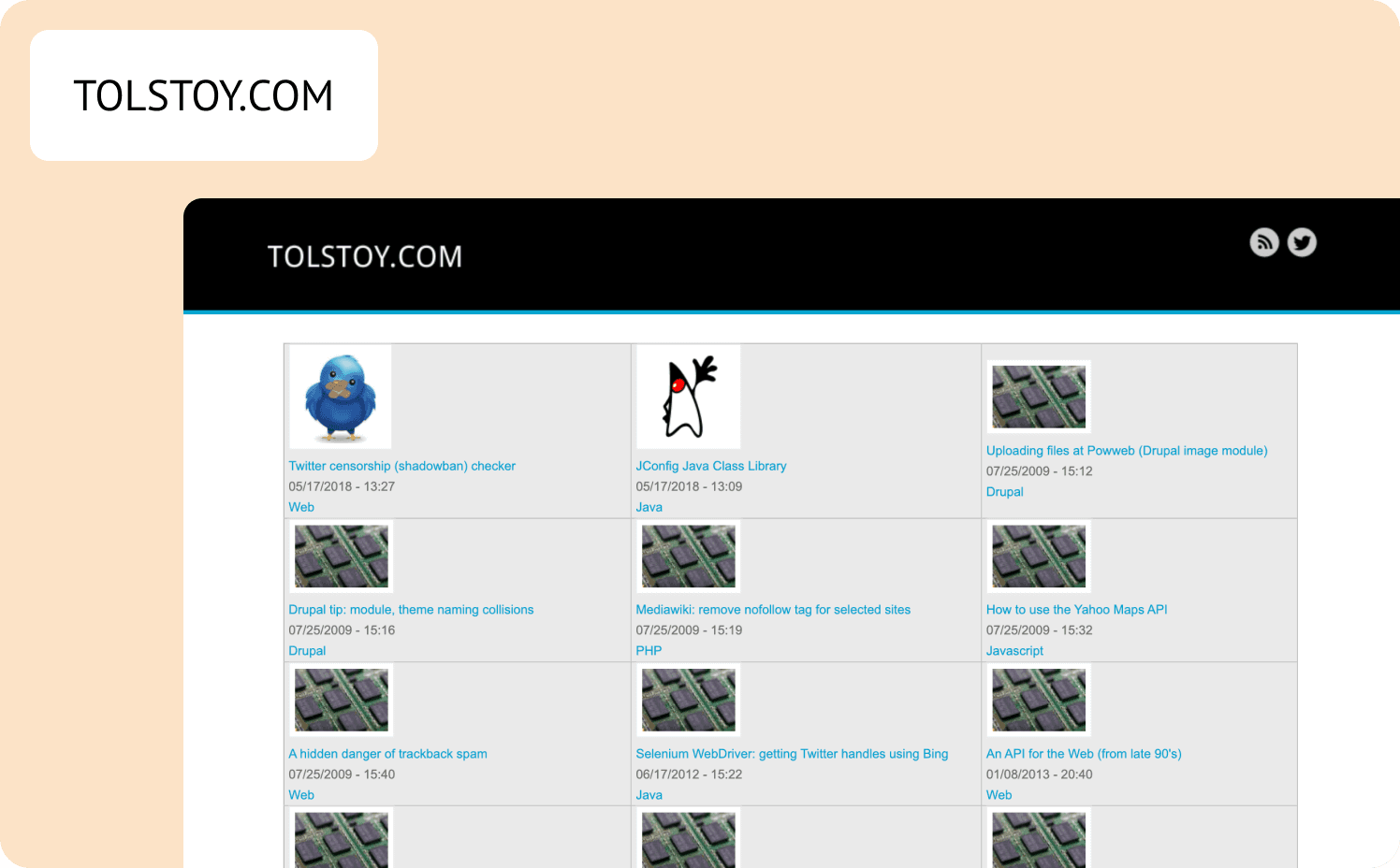
Tolstoy is a video creation platform which creates an obvious design constraint. A text-based onboarding tour for a video product is a missed opportunity to demonstrate the product’s own thesis. Tolstoy resolves this by using their own product as the delivery mechanism for in-app guidance. As users move through the platform, short personal videos from real team members appear at each new stage of the journey. The tour isn’t linear or mandatory. When a user engages, a full library opens each video fronted by a human face and brief microcopy and the user chooses which path to take next. The format is its own proof point: the guidance itself demonstrates what Tolstoy is for.
Activation target: First video recorded and published within the platform
Key mechanics: Page-level video triggers, branched choose-your-own-path format, human-fronted content as both guide and product demonstration
What to copy: When your product’s core value involves a specific content format, your in-app guidance should demonstrate that format. A video platform that onboards with tooltips is arguing against its own value proposition
19. Airtable
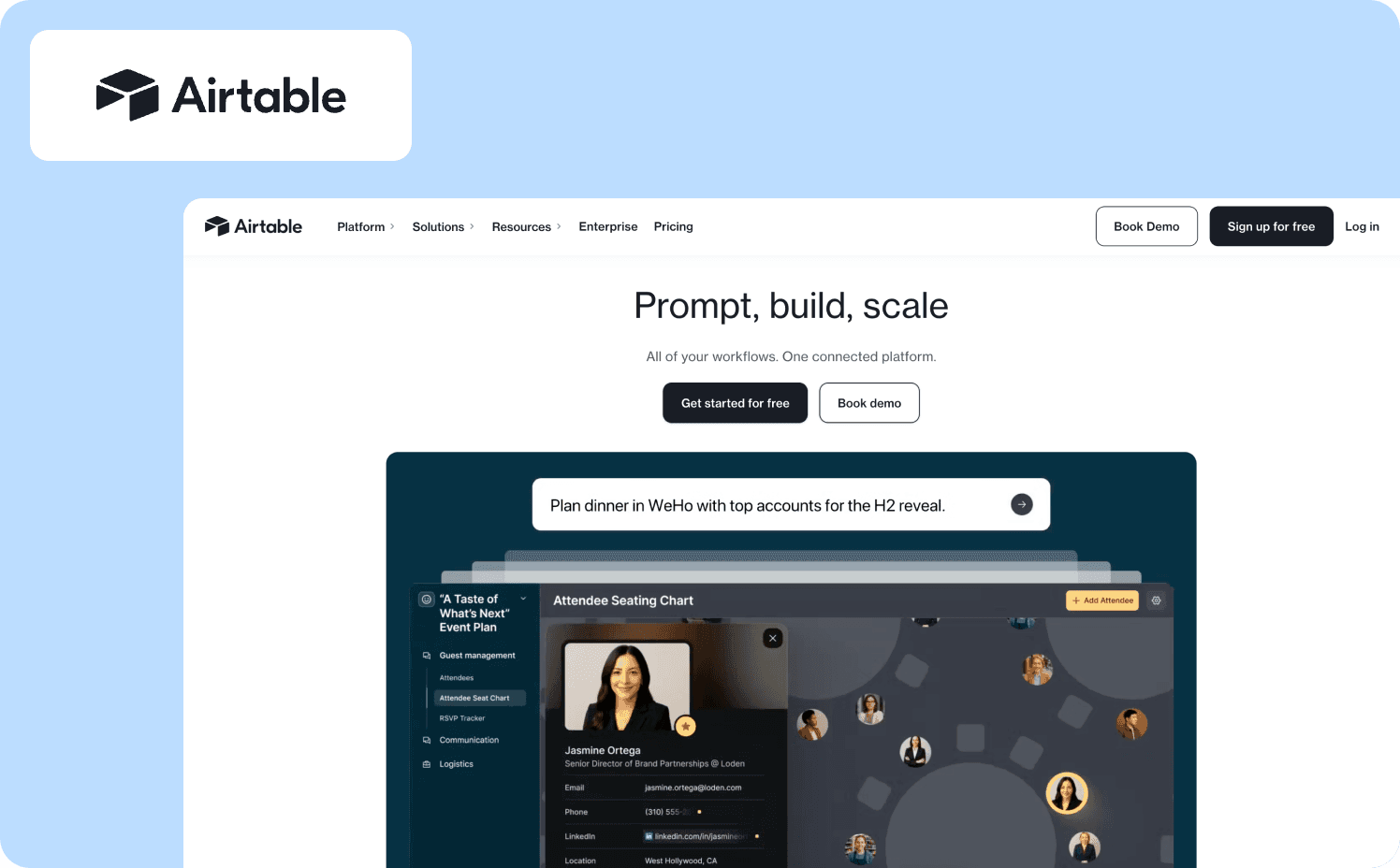
Airtable occupies a genuinely unusual product category: it has the power of a relational database and the surface of a spreadsheet. That gap between surface complexity and underlying depth is exactly what its contextual tour has to bridge. Rather than loading a single walkthrough at first login, Airtable uses a mix of hotspot icons, tooltips, GIF-animated modals, and slideouts — each triggered when the user navigates to the part of the UI where the feature lives. A row of color-coded icons in the interface represents different tour segments; hovering reveals a feature, clicking goes deeper. Users can skip or backtrack freely. Airtable’s guided onboarding wizard drove a 20% lift in activation rates by splitting the screen — one side for building, one for previewing — while asking users questions that actively shaped the workflow being constructed.
Activation target: First self-built workflow or base created using a feature introduced in the tour
Key mechanics: Hotspot icons with hover-reveal, GIF-supported modals, user-skippable and backtrackable sequence, split-screen wizard for live preview
What to copy: For complex products, separate the guidance layer from the product layer. Users who can see their work being built in real time as they answer onboarding questions are more invested in reaching the end of the flow
20. Miro
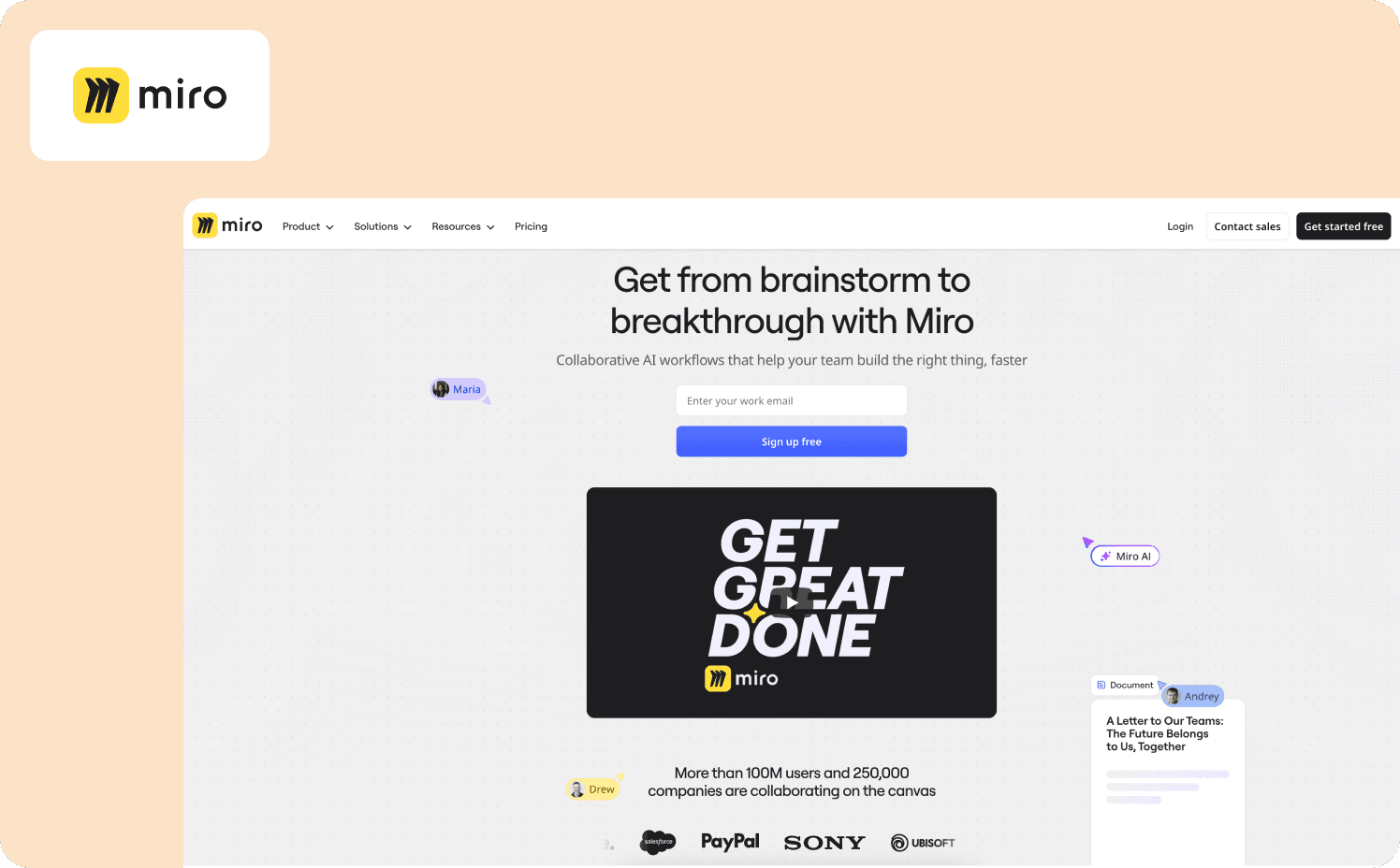
Miro opens the first session with an onboarding survey to establish use case, then drops users into an interactive walkthrough tailored to their inputs. For a visual collaboration product, the challenge is mechanical as well as conceptual: users need to understand zooming, panning, and frame navigation before they can engage with content. The walkthrough handles this by adapting guidance to device type — mouse instructions differ from trackpad. But where Miro’s contextual approach becomes most instructive is post-onboarding. Miro triggers contextual tooltips about feature capabilities when the user is already interacting with the relevant feature, or at the menu where that feature lives. Premium feature tooltips surface exactly at the moment a user hovers over a paid-tier tool, showing the benefit and a direct upgrade CTA without interrupting any other workflow.
Activation target: First collaborative board created and shared with a team member
Key mechanics: Use case survey at signup, device-adaptive interactive walkthrough, post-onboarding contextual tooltips triggered by feature proximity, premium upgrade prompts at moment of intent
What to copy: Design two distinct tour layers: one for first-session activation, one for ongoing feature discovery. The second layer does more for retention because it surfaces at exactly the moment users are already motivated to act
21. Jira
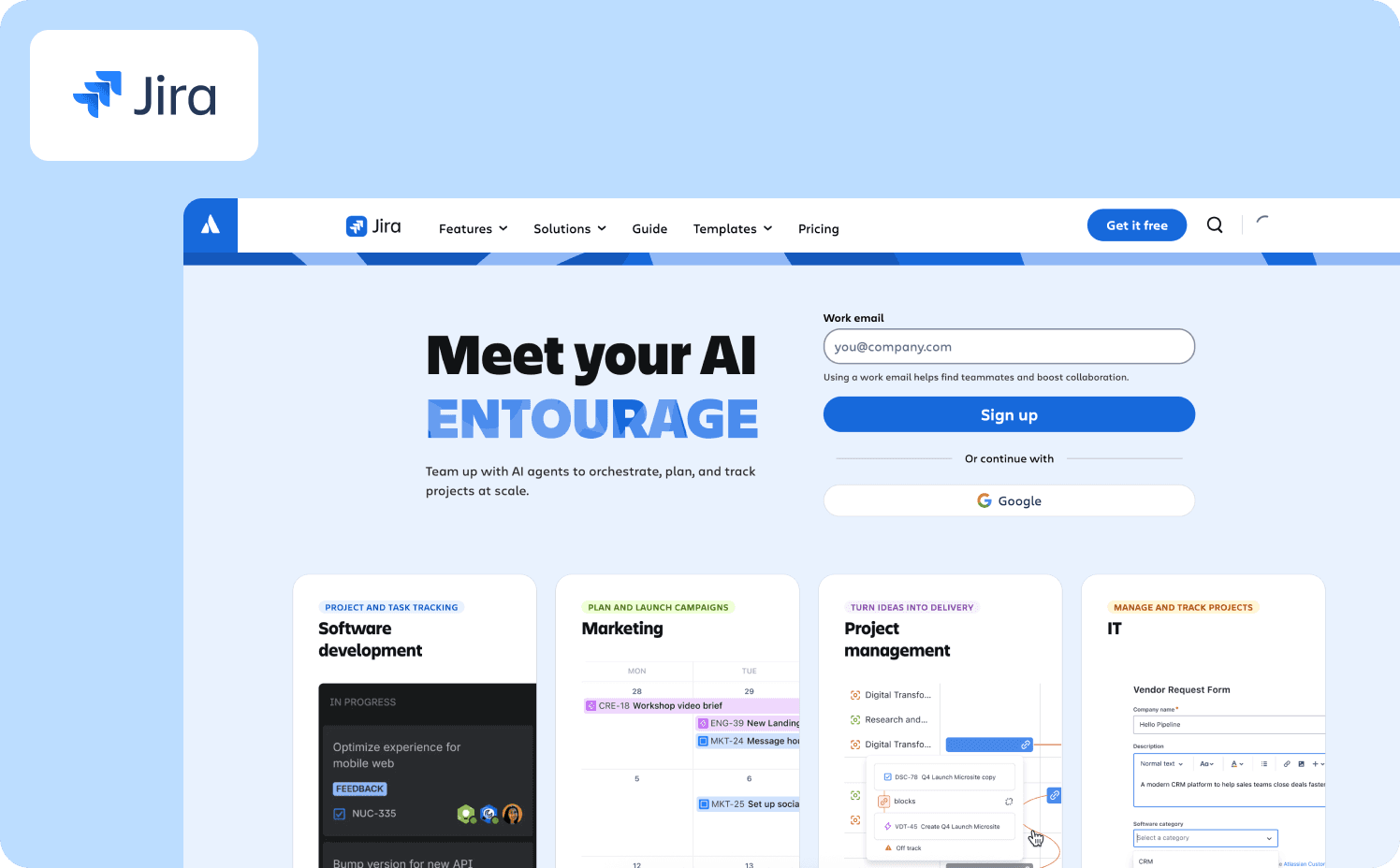
Jira‘s “Quickstart” menu is one of the cleaner implementations of the on-demand contextual tour pattern. Rather than forcing a linear walkthrough, the Quickstart menu slides in from the interface edge — available at any point in the session, visible without being intrusive. Users can deep-dive into specific features when they need to, skip guidance that isn’t relevant to their current task, and return to the menu if they hit friction later. Jira’s slideout product tour offers contextual tips throughout the interface, allowing users to deep dive into specific features when they need to, without being overloaded with information that’s unnecessary for doing their jobs. For a product where misconfiguration creates downstream problems across engineering workflows, the on-demand model serves users better than a front-loaded walkthrough — it puts guidance where users are already working, not where the product assumes they’ll start.
Activation target: First sprint board configured with real tickets assigned to active team members
Key mechanics: Persistent Quickstart slideout, user-triggered access rather than auto-launch, contextual tips scoped to the UI section where user is currently active
What to copy: On-demand guidance consistently outperforms auto-launched tours for users who already have product context. The Quickstart model — always available, never in the way — serves returning users and power users without penalizing them for not needing hand-holding on session one
22. Wrike
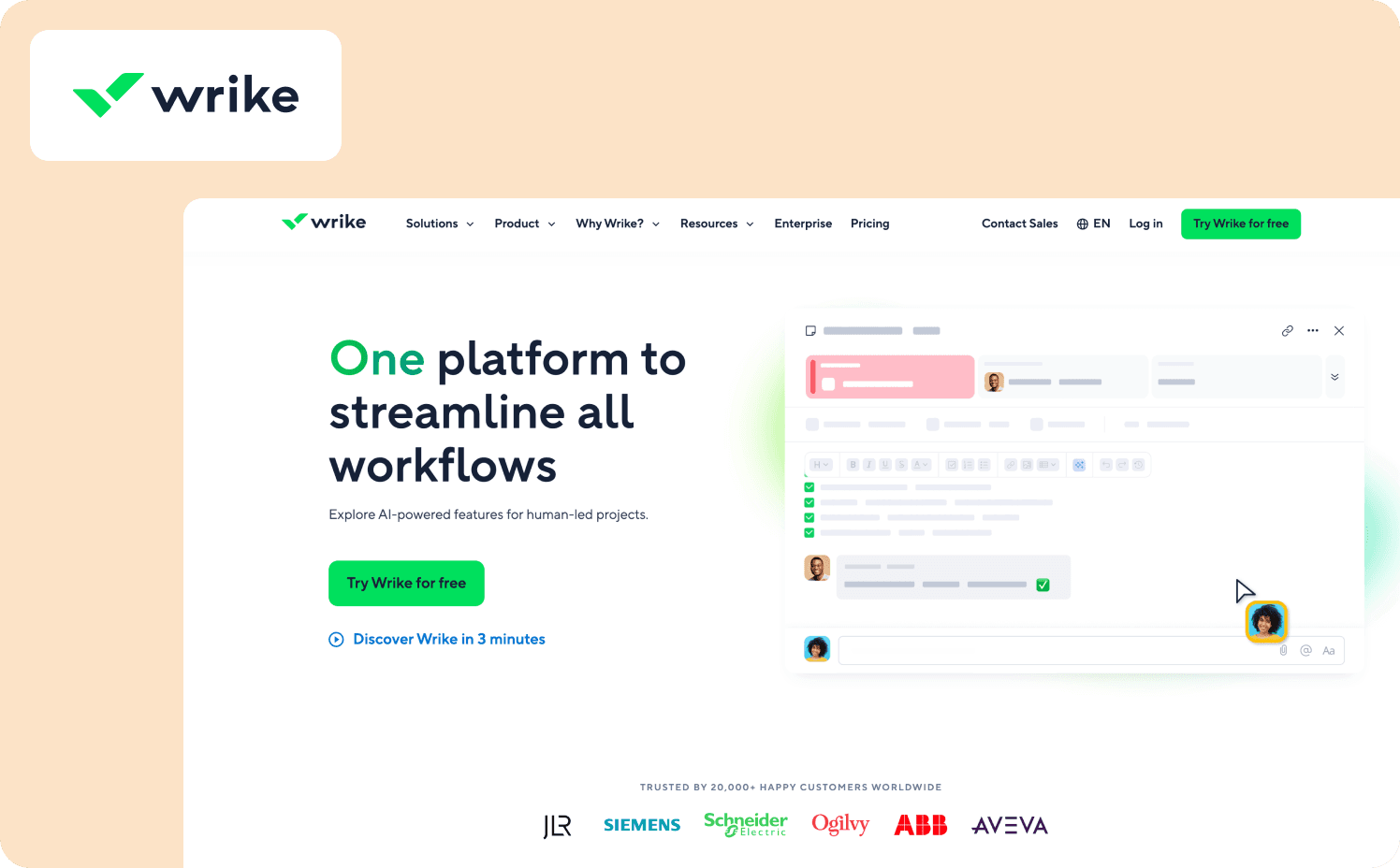
Wrike ran a controlled experiment on their trial funnel, specifically targeting creative professionals inside marketing teams — a segment with distinct workflow patterns that generic project management onboarding had never served well. Using contextual interactive tours tailored to the jobs-to-be-done for that specific user type, Wrike embedded the guidance directly into the onboarding rather than layering it over the top. Users encountered an incentivized 9-item checklist on their home screen; each task was accompanied by a contextual demo showing exactly what completing it would look like. New users who engaged with an onboarding tour converted to paid at a 65% higher rate. What made the result replicable wasn’t the checklist format — it was the decision to build separate tour paths for distinct user types rather than defaulting to a single flow, and to match the guidance format to the user’s stated workflow context before asking them to do anything.
Activation target: First project created and task assigned using the workflow pattern relevant to the user’s declared role
Key mechanics: Segment-specific tour paths for distinct user types, checklist with contextual demo per task, role-selected on signup to determine which tour the user enters
What to copy: A single trial onboarding flow for all user types is a hypothesis that has rarely held. Wrike’s 65% conversion lift came from building one additional tour path for a specific segment. That’s the ROI math worth running before assuming one flow is enough
Action-Driven Tours vs “Next Button” Tours
Most product tours share a structural flaw: they ask users to read, not act. A tooltip appears, the user clicks “Next,” another tooltip appears, the user clicks “Next” again. By step five, no one remembers step two, and nothing has changed in the product because the user hasn’t touched it.
Action-driven tours require users to complete the described action before the sequence advances. There’s no “Next” button on a step that asks you to invite a colleague. The tour waits. That waiting is the mechanism. It means the user has to do the thing, not just acknowledge that the thing exists.
The behavioral difference is measurable. Jimo customer data shows up to 34% higher completion rates with action-based tours, and users who complete action-based tours show 52% better 30-day retention than those who click through passive sequences. The gap isn’t about engagement for its own sake. It’s about whether the user leaves the tour having done something or merely having seen something.
There are cases where passive tours are appropriate: announcing a minor UI change, walking enterprise users through a compliance acknowledgment, providing orientation to a complex dashboard before asking users to configure anything. But these are the exceptions. For any tour designed to drive activation, the sequence should require action at every step that matters.
A useful test before publishing any tour: remove every “Next” button and ask whether the tour still works. If it doesn’t, the steps are informational, not behavioral. That’s the gap worth closing.
Tour Library Playbook for Feature Launches
Most teams build tours reactively. A feature ships. Someone assembles a walkthrough. It gets pushed to everyone. Then the team moves on.
Six months later, the “tour library” is just a graveyard of announcements. The flows were built for launches, not outcomes. There is no segmentation logic, no activation criteria, and no clarity around which tour should show to which user or why.
An intentional tour library is built around activation states, not release dates.
It starts with a segmentation matrix. For every new feature, define:
Which user segments actually need guidance
What behavior defines successful adoption for each segment
What prior context each segment already has
This shifts the structure immediately. Instead of one generic launch tour, you create shorter, context-specific flows mapped to different starting points. A power user upgrading plans does not need the same guidance as a new mid-market admin encountering the feature for the first time.
The goal is not feature awareness. The goal is segment-specific activation.
AB Tasty operationalized this by making tours mandatory for every release and standardizing ownership across teams. The impact was not just faster production. It eliminated ambiguity. Designers knew what activation looked like, which segment they were building for, and what trigger logic governed the flow. Tour creation became a structured launch input rather than an ad hoc marketing add-on.
That is the difference between a tour library and an adoption system.
The Operational Structure of a Feature Launch Tour Library
A tour library becomes an adoption system only when it has structure, ownership, and maintenance built in. Without those elements, even well-designed tours drift into inconsistency over time.
The following five components turn feature tours from launch assets into a repeatable activation framework. Each one addresses a specific failure mode that causes adoption efforts to decay.
1. Segment-Level Tours
One flow per meaningful segment, whether defined by role, plan tier, lifecycle stage, or behavioral cluster. Never a single universal flow.
Each flow should map to a clearly defined activation event. If the activation milestone differs by segment, the tour must differ as well.
2. Behavioral Trigger Logic
Tours deploy based on context, not timing. A user already active in adjacent functionality receives a condensed tour that assumes baseline knowledge. A new user in the same pricing tier receives foundational guidance.
Triggering by lifecycle stage or behavior prevents redundancy and preserves credibility. Nothing erodes trust faster than forcing experienced users through beginner flows.
3. Persistent In-Product Changelog
Launch tours are ephemeral. Discovery is not. Users who ignore a tour at launch still need a way to find what changed later. A structured, searchable in-product changelog ensures releases remain accessible beyond the announcement window. This turns a missed launch into self-serve discovery.
4. Paired Adoption Signal
Every tour should generate feedback. A brief in-product survey at the end of the flow should answer two activation questions:
Did the user understand the value?
What blocked them from using it?
Without this loop, teams measure completion rates instead of adoption impact. With it, the tour library becomes an experimentation layer.
5. Versioning and Audit Cadence
Tours are not launch assets. They are living activation mechanisms. Without iteration, they decay. Screenshots break. UI references drift. Positioning changes. Step-level drop-off patterns flatten.
Schedule a quarterly tour audit:
Review step-level drop-off data and time-to-complete metrics
Retire tours with flat or declining adoption curves
Update tours affected by UI or positioning changes
Consolidate overlapping flows created during rapid release cycles
Assign ownership. If no one owns the audit, the library will degrade. A tour that never updates eventually becomes friction.
How to Measure Tour Impact
Completion rate is the metric most teams track first. It is also the metric least correlated with whether a tour actually moved business outcomes. A tour can have an 80% completion rate and produce no measurable change in feature adoption if users clicked through without acting.
The metrics worth tracking are further downstream:
Time to activation: How long does it take from first login to the activation event the tour was designed to reach? Users who go through a well-designed tour should reach that event faster than users who don’t. If they don’t, the tour isn’t shortening the path.
Feature adoption rate by cohort: Compare 30-day feature usage between users who saw the tour and users who didn’t, within the same segment. This is the clearest signal of whether the tour is working. AB Tasty saw 2,000+ users respond to an in-product survey in its first week, providing adoption signal at a scale email had never achieved.
Support ticket volume: Tours designed to explain complex workflows should reduce tickets related to those workflows. Zenchef saw a measurable reduction in support ticket volume for self-onboarded clients after deploying guided tours. That reduction is a cost metric, not just a product metric.
Trial-to-paid conversion rate: For plan-specific and reverse-trial tours, conversion rate is the clearest proof point. Wrike’s segment-specific onboarding tour produced a 65% higher conversion rate among users who engaged with it, compared to users who went through generic onboarding.
Step-level drop-off: Completion rate at the tour level hides where users actually leave. Step-level analytics show exactly which prompt loses users, which is the only data that lets you fix a failing tour rather than just knowing it’s failing.
Track these five metrics for every tour, not as a reporting exercise, but as the input to tour iteration. A tour library without analytics is an archive. A tour library with step-level data and cohort comparisons is an adoption system.
Common Tour Failure Modes
The 22 examples in this article share patterns worth copying. The following failure modes are equally instructive, because they appear across companies that invest in tours and still don’t see results:
Launching too early: Tours that appear before a user has any product context produce low completion rates and no activation. The tour arrives before the user has a reason to care. Loom’s approach is the counter-model: the tour triggers after the user has already taken one meaningful action, when they’re far more receptive to learning what else the product can do.
One tour for all users: A single flow for a 50-person enterprise team and a solo founder is a flow optimized for neither. Segment before building. Role, plan tier, and behavioral signals are the three most reliable segmentation variables for tour targeting.
Copy that describes instead of directing: “This is where you manage your team’s projects” is a description. “Add your first project here” is a direction. Tours that describe features produce passive users. Tours that assign tasks produce active ones.
No activation event defined: If the team can’t name the specific user action the tour is designed to reach before building it, the tour will be a feature overview rather than an activation driver. The activation event should be defined first. The tour sequence is built backward from it.
Tours that never update: A tour built for a feature at launch is usually wrong within 90 days. The UI changes, the user segment shifts, the activation data shows a different drop-off point. Tours require the same iteration cycle as the features they support. AB Tasty standardized tour updates as part of every feature release precisely because letting tours go stale was costing them adoption.
Ready to build tours that move metrics? See Jimo in action today.
FAQs
How do I build a business case for investing in product tours when leadership is focused on acquisition?
Frame it as a conversion rate problem, not an onboarding quality problem. Acquisition spend has a clear cost. If 1,000 users sign up this month and 15% convert to paid, the implied cost per conversion is fixed. A guided onboarding tour that moves conversion from 15% to 20% produces 33% more revenue from the same acquisition spend without touching the acquisition budget. That’s the math that lands with a CPO or CFO. Wrike’s segment-specific tours produced a 65% higher conversion rate among users who engaged with them. Zenchef’s onboarding restructure cut their average onboarding time from 30 days to 14, with every downstream retention metric improving. Those are acquisition-equivalent arguments made from the product side of the funnel.
Our CS team is overwhelmed with onboarding support for low-touch accounts. Can product tours actually reduce that load?
Yes, and this is one of the clearest ROI cases for in-product guidance. Customer Alliance removed no-touch onboarding entirely from their CS team’s workload after deploying a guided tour that replaced the email-first model. Zenchef used the same approach to reduce support ticket volume for self-onboarded clients. The key distinction is designing the tour to reach self-sufficiency as the activation event, not tour completion. A user who has completed a tour but still can’t navigate the product independently hasn’t been onboarded. A user who has reached the point where CSM involvement is optional has. Build the tour toward that outcome specifically, and track the reduction in low-touch support tickets as the proof point.
Our PM team wants to own onboarding iteration but every fix requires a dev sprint. How do others solve this?
This is one of the most common reasons onboarding stagnates. Drop-off data exists, the fix is obvious, and it still takes four weeks to ship because it’s in the engineering queue. The teams that break this cycle separate onboarding infrastructure from product infrastructure. Guided tours, tooltips, checklists, and in-product announcements built in a no-code layer can be iterated on in hours, not sprints. The PM can test a new tour sequence, check step-level completion data, revise the copy, and redeploy without touching the codebase. That speed is what transforms onboarding from a one-time launch asset into a system that improves continuously.
My trial signups are growing but paid conversion isn’t moving. Could poor onboarding tours be the cause?
Almost certainly a contributing factor. The most common pattern: users sign up, receive a one-size-fits-all tour or no tour at all, never reach the activation event that predicts conversion, and churn quietly before the trial ends. The activation event is the variable most teams underestimate. It’s not completing the tour. It’s a specific user action — inviting a colleague, creating a first artifact, connecting an integration that correlates with long-term retention. If your current tour doesn’t point users toward that event and require them to reach it, the tour is informational rather than behavioral. Audit which action your retained users took in session one that churned users didn’t. Build the tour backward from that action.
TL:DR
Most product tour examples stop at the UI layer — showing what’s new without explaining what changed for the business. The ones worth studying trace a full chain: user behavior to activation event to measurable retention lift. Three proof points separate the strong from the forgettable: time-to-launch, feature-level adoption lift, and first-session completion rate. Segment-specific tours, by role, plan tier, or geography, are what give teams the ability to prove that lift rather than approximate it. By the end of this article, you’ll have a concrete framework for identifying which tour patterns fix first-session drop-off, how to build segment-specific launch playbooks, and how to connect every tour you ship to a metric that actually moves.
Your team ships a feature. The release notes go out, the changelog gets updated, maybe an email lands in a few inboxes. And then: nothing moves. Activation stays flat. Support tickets trickle in. The feature is live, but users never found the UI paths where the actual value lives.
That slow bleed is what keeps Product Marketing Managers up at night. The doubt that the work your team poured into a release simply evaporated somewhere between deployment and the user’s first session. You can’t point to a single moment of failure. The feature worked. The comms went out. And yet adoption data tells a different story, one where most users quietly bounced before they ever reached the workflow you built the thing around. Generic tours compound the damage: one flow for every persona means inconsistent first-session experiences, unpredictable activation rates, and zero visibility into where exactly users fell off the path. This post cuts through that with 22 product tour examples evaluated through one lens: which actions matter, and where do users drop off before they get there?
What Makes a Product Tour Example Worth Studying
Most product tour examples you’ll find online have the same problem: they show you the UI without ever telling you what changed for the business. You get a screenshot, a flow diagram, maybe a brief description of the tooltip sequence. What you don’t get is whether any of it moved an activation rate, reduced first-session drop-off, or improved 30-day retention for the cohort that saw it. That’s not inspiration. That’s a gallery.
A useful product tour example answers three questions:
What activation event was the tour designed to reach?
What step sequence guided users there?
What measurable outcome followed?
The best product tour examples aren’t defined by how polished they look. They’re defined by whether you can trace the mechanism from user behavior to activation, and from activation to a downstream metric that someone in your organization actually cares about. The evaluation question to hold onto as you read: which actions matter in your product’s first session, and where do users stop taking them?
22 Product Tour Examples That Drive Adoption in 2026
Every example below is organized around the activation problem it solves, not the brand name or the UI aesthetic. For each one, the question to ask is the same: does this tour connect a user behavior to an activation event, and can you see the outcome it was designed to produce?
Onboarding Tours
The best onboarding tours don’t try to show users everything. They identify the single action that predicts whether a new user will stay, and they build the entire first session around making that action unavoidable.
1. Slack
Slack‘s onboarding is built around one conviction: a user who has never sent a message with a colleague has not experienced the product. The flow opens by collecting a team name and a project topic before the user sees the workspace at all. By the time someone lands in the main UI, the environment already feels like theirs. A four-card tour then walks users through key menu items, but the activation event, inviting at least one colleague and creating a channel, is where the sequence is pointed from the start. The result is a workspace that never feels empty, because it isn’t empty by the time the tour ends.
Activation target: First team message sent with at least one invited colleague
Key mechanics: Pre-onboarding workspace setup, four-card interactive tour, immediate collaboration prompt
What to copy: Collect setup data before the user sees the product, so the UI feels populated and personal from the first login
2. Notion
Notion‘s onboarding doesn’t hand users a tour; it drops them into a checklist that lives directly in their workspace. Each item introduces a core action — creating a page, setting up a database, sharing content — in a way that also builds a real artifact the user will return to. The checklist isn’t a demo. It’s the product, showing itself through use. What makes it worth studying is the absence of passive instruction: there are no slides to click through, no walkthrough to watch. Users build competence by doing, which means the activation event and the learning experience are the same thing.
Activation target: First page created and shared with another user
Key mechanics: In-workspace checklist, empty states pre-filled with guidance prompts, self-paced progression
What to copy: Make the onboarding artifact something users will keep. If the output of the tour has value beyond the session, completion rates improve significantly
3. Loom
Loom‘s onboarding is a study in ruthless time-to-value reduction. The goal isn’t to explain what Loom does — it’s to get users to record and share a video before they’ve had time to second-guess the product. One click to record, one click to share. No settings configuration, no feature overviews, no tutorial modal to dismiss. The tour highlights core recording actions — pause, resume, edit — with embedded short videos that demonstrate rather than describe. Loom’s onboarding flow gets users to record and share a video in under 60 seconds, with 70% of users activating on day one.
Activation target: First video recorded and shared
Key mechanics: Embedded video walkthroughs, one-click action flows, knowledge base surfaced after first activation rather than before
What to copy: Delay feature education until after the first value moment. Users who have already succeeded are far more receptive to learning what else the product can do
4. Zenchef
Zenchef is a restaurant reservation platform operating across five European markets. Before they restructured their onboarding, the process took up to 30 days — and their own data showed that when onboarding exceeded that threshold, they were twice as likely to lose the customer within six months. The tour they built uses guided walkthroughs, contextual tooltips, and a structured onboarding checklist to walk restaurant operators through the platform’s core workflows across five languages simultaneously. The activation event is reaching a point of self-sufficiency: users can manage reservations, access the dashboard, and navigate core features without CSM involvement.
Activation target: First self-service session completed without manual support
Key mechanics: Multilingual guided tours, structured checklists, changelog triggers for feature discovery
What to copy: Define the activation event as the point where CSM involvement becomes optional, not as tour completion. These are not the same milestone
Read Zenchef’s success story with Jimo.
5. Customer Alliance
Customer Alliance, a cloud-based feedback management platform, was caught in a loop familiar to many scaling SaaS teams: their no-touch customer segment was churning quietly, email campaigns weren’t reaching anyone at the right moment, and the CSM team couldn’t grow fast enough to close the gap. Their onboarding tour replaced the email-first model entirely — guiding new users through the left-hand navigation with contextual tooltips and a full product walkthrough designed to eliminate the need for CSM involvement in low-touch accounts. The onboarding flow was their first implementation precisely because it was the area consuming the most CS time. CSMs who tested the new process reported that customers found it “very clear and informative.” No-touch onboarding was removed from the CS workload entirely.
Activation target: First self-guided session completed without CSM touchpoint
Key mechanics: Contextual tooltip navigation, complete product walkthrough, health score data used to segment and trigger relevant guidance
What to copy: Use health score and behavioral data to trigger in-product guidance at the exact moment a user needs it, not on a fixed post-signup schedule
Feature Launch Tours
Onboarding gets users to first value. Feature launch tours solve a different problem: they get existing users to second value, third value, and beyond. Most teams treat feature releases as a communications exercise. The product tour examples below treat them as an activation challenge.
Learn more about Customer Alliance success with Jimo.
6. AB Tasty
AB Tasty is an A/B testing and conversion optimization platform serving over 4,000 active users. Their feature launch process had stalled badly: it took up to three months from design to deployment, UX improvements were routinely deprioritized in development queues, and CSAT survey response rates had fallen to near-zero. Morgane Ruaud, who leads a team of six product designers across AB Tasty’s three products, described watching “carefully crafted user experiences gather digital dust in endless development queues.” The shift to in-product guided tour launches gave the design team direct ownership over feature education for the first time. Tours became mandatory for every new feature release, process was standardized across surveys, tours, and changelog communications, and the launch cycle compressed from three months to two weeks. In the first week of one in-product survey launch, over 2,000 users responded — a result Morgane’s team had to double-check before believing.
Activation target: Feature discovered and engaged with at release, without relying on email
Key mechanics: Mandatory tour template per feature type, in-product survey paired with launch, standardized Jira-tracked comms workflow
What to copy: Make feature tours non-optional for every release. When tours become a step in the launch checklist rather than a nice-to-have, adoption consistency improves immediately
Read more about AB Tasty’s journey with Jimo.
7. Canva
Canva‘s approach to feature launches is inseparable from their onboarding philosophy: every experience should be shaped by what the user said they came to do. After signup, a short survey asks what the user plans to design — social media, presentations, marketing materials. That single answer filters every subsequent feature suggestion, template recommendation, and tour trigger the user receives. When Canva releases a new design feature, it doesn’t broadcast to the entire user base. It surfaces to the segment whose stated intent makes the feature relevant. Canva introduces users to key features by embedding education directly into the product, using pre-built design files that double as interactive guides.
Activation target: New feature used to produce a design within the user’s stated use case
Key mechanics: Intent-based segmentation from signup survey, template-first feature introduction, progressive feature disclosure by use case
What to copy: The survey at signup isn’t just UX polish — it’s the segmentation infrastructure that makes every subsequent feature launch more targeted and every adoption rate more predictable
8. Loom (AI Feature Modal)
When Loom introduced its AI writing and workflow feature, the launch tour was designed for users who were already in the product and working on tasks where AI assistance was immediately relevant. A modal appeared to explain the feature’s benefits and pricing, then guided users through a contextual flow with tooltips and supporting information. The timing was deliberate: the tour triggered in context, not at login, and it directed users to the specific actions — creating a document, logging an issue, sharing a message — where AI assistance would produce visible output before the session ended. When introducing its new AI feature, Loom used a modal to quickly explain its benefits and pricing, then invited users to upgrade, leading them through a guided flow with contextual tips.
Activation target: First AI-assisted document or workflow completed
Key mechanics: Contextual modal triggered by task relevance, not by login date; upgrade flow integrated into the guided tour
What to copy: Feature launch tours for premium capabilities should trigger when the user is doing the task the feature is built for — not as a day-one announcement
9. ChatGPT (GPT-4 Launch)
When OpenAI launched GPT-4 within ChatGPT, the announcement appeared as a modal on page load — before the user had started a task, not in the middle of one. A single “Try it now” button triggered a tooltip that let users test the new model immediately, with minimal copy and no feature overview to read through. The tour didn’t explain GPT-4 in depth. It gave users one clear action and let the model demonstrate itself. ChatGPT promoted the new model with a modal that shows up when you open the website and not when you’re in the middle of a task — a low-pressure invite with a “Try it now” action button that triggers a tooltip.
Activation target: First conversation completed using the new model
Key mechanics: Page-load modal timed to session start, single-action CTA, self-demonstrating product format
What to copy: For capability upgrades where the product can demonstrate itself, keep the tour to a single action. The feature is the proof point — the tour just needs to create the conditions for it to land
10. Grammarly
Grammarly‘s feature launch and onboarding strategy share the same foundation: personalization at the intent level. On signup, users specify their writing context — professional emails, academic papers, casual writing — and the entire feature experience adapts to that goal. When Grammarly releases a new capability, it appears in the context of the writing task the user declared they care about. Grammarly’s tour adapts based on the user’s experience level, offering more detailed instructions for beginners while allowing advanced users to dive into more complex tasks. The activation event isn’t “saw the feature” — it’s “used the feature to improve a piece of writing in the category the user identified as meaningful.”
Activation target: First writing improvement made using the new feature, within the user’s declared writing context
Key mechanics: Goal-based segmentation at signup, experience-level adaptive tour depth, real-time feature demonstration on live user content
What to copy: Feature tours that demonstrate value on the user’s own content outperform those that use demo content. The difference between “this feature works” and “this feature works for me” is the gap between engagement and adoption
Role-Specific Tours
Generic tours assume all users need the same path to value. They rarely do. An admin configuring a workspace for 50 teammates has a completely different first session than the end user who shows up on day one to complete a task. Tours that ignore that distinction don’t just underperform — they actively erode trust, because they signal that the product doesn’t know who it’s talking to.
11. Figma
Figma‘s role-specific approach starts before the user sees the product. A welcome survey asks what the user wants to do first: design in Figma or whiteboard in FigJam. That single branch determines which tour follows. Designers land in a pre-populated workspace with demo content already loaded — frames, layers, components — so there’s never an empty state to stare at. Figma prompts a 10-step walkthrough upon users choosing to start designing, with short copy per step supported by visuals, making the process feel manageable despite its length. Each tooltip includes a “learn more” option for complex steps, so experienced users can skip, while newer users can go deeper without the tour forcing them down a single path.
Activation target: First design file created and shared with a collaborator
Key mechanics: Intent-based branching at signup, demo content in workspace, GIF-supported tooltips, optional depth per step
What to copy: Demo content beats empty states every time. Users who land in a populated workspace are faster to act and less likely to bounce before reaching the activation event
12. Asana
Asana‘s tour separates two fundamentally different user types from the start: the person setting up the workspace and the person joining a workflow someone else built. Asana’s onboarding is structured to help users get to task completion fast, focusing on reducing the steps between signup and first task completion, while gently introducing collaboration. Admins are guided through creating a team project, assigning tasks, and setting deadlines. End users enter a workspace that’s already structured and are prompted immediately to contribute to the team’s workflow — not their individual one. That distinction matters: team activity has the greatest leverage in Asana because it can be used to drive retention for the whole team, not just for the individual trying the product out.
Activation target: First task created and assigned to a team member
Key mechanics: Role-branched onboarding, hotspots on key UI elements, contextual tooltips tied to real task actions, team-oriented workspace setup
What to copy: For collaborative tools, design the activation event around team behavior, not solo behavior. A user who has tagged a colleague is stickier than a user who has only completed tasks for themselves
13. HubSpot
HubSpot‘s product tour operates inside a demo account, which is a deliberate decision worth studying. New users don’t configure a live CRM before they understand what they’re configuring. Instead, they’re handed a pre-built environment populated with sample contacts, deals, and campaigns, and the tour walks them through a real-world workflow using that data. HubSpot onboards new users through a demo account where they can learn how to use the CRM’s key features without worrying about making mistakes, walking users through a real-world campaign workflow with tooltips that emphasize segmentation and customization. The activation event isn’t completing the tour — it’s understanding, in a consequence-free environment, what the product is actually for.
Activation target: First campaign workflow understood and replicated in a live account
Key mechanics: Demo account with pre-populated data, tooltip-guided workflow walkthrough, minimal copy per step with pulsating highlights on key UI elements
What to copy: When the learning curve is steep, lower the cost of early mistakes before asking users to commit to a live environment. Confidence built in a sandbox transfers to the real product
14. Salesforce
Salesforce‘s tour accounts for experience level explicitly, not just role. The tour adapts based on the user’s experience level, offering more detailed instructions for beginners while allowing advanced users to dive straight into more complex tasks, guiding users through real tasks like setting up dashboards and managing contacts so they can immediately apply what they’ve learned. An experienced CRM user and a first-time admin receive different step depths for the same interface. This is meaningful because Salesforce is a product where a misconfigured field can have downstream consequences across an entire organization — the stakes of getting onboarding wrong are higher than in most tools, and the tour is designed accordingly.
Activation target: First dashboard configured with live data from the user’s own account
Key mechanics: Experience-level branching, hands-on task completion within the tour, real data setup encouraged from session one
What to copy: Where misconfiguration has real consequences, tour depth should scale with stakes. A beginner and a power user should not receive the same level of guidance on a high-stakes action
Plan-Specific Tours
Plan-specific tours solve a conversion and expansion problem that most teams treat as a sales problem. When a free user doesn’t upgrade, or a trial user doesn’t convert, the instinct is to trigger an email sequence. The more effective move is to show that user, inside the product, exactly what they’re missing and exactly how close they are to unlocking it.
15. Canva (Reverse Trial)
Canva‘s plan-specific tour doesn’t wait for a user to discover paid features organically. From day one of signup, free users are placed on a reverse trial of Canva Pro — they experience the full premium feature set before being asked to pay for it. Canva starts with frictionless SSO login, followed by a quick survey that personalizes the dashboard, then comes a reverse trial, letting users test Canva Pro from day one and a great way to nudge upgrades. The activation event for the plan-specific tour isn’t signing up — it’s using a Pro feature meaningfully enough that the downgrade to free creates felt friction. The tour guides users toward exactly those features.
Activation target: First Pro-tier feature used to complete a design task
Key mechanics: Reverse trial from signup, intent-based dashboard personalization, progressive feature disclosure tied to upgrade nudges
What to copy: Users who experience premium features before being asked to pay for them convert at higher rates than users who are shown a feature comparison table. Let the product make the case
16. Lucidchart (Premium Subscriber Tours)
Lucidchart takes a deliberately hands-off approach for free users — on-demand tips, optional walkthroughs, minimal interruption. The moment a user upgrades to a premium plan, the experience shifts. Premium subscribers receive a tailored onboarding experience that showcases the added value of the features included in their subscription. The tour triggered post-upgrade is designed around the features that justify the subscription cost: advanced diagramming, integrations, collaboration permissions. It confirms the upgrade decision rather than selling it, which is a meaningful distinction — the user has already converted, and the tour’s job is to ensure they reach the activation event that makes renewal feel obvious.
Activation target: First advanced feature used after upgrade that wasn’t accessible on the free tier
Key mechanics: Free tier: on-demand, non-intrusive guidance. Paid tier: tailored tour triggered immediately post-upgrade, focused on premium-exclusive capabilities
What to copy: Design separate tour tracks for pre- and post-conversion users. The job of a pre-conversion tour is to create felt friction around free limitations. The job of a post-conversion tour is to confirm the upgrade was the right call
17. HubSpot (Free to Paid Pathway)
HubSpot‘s free CRM is genuinely capable — and that’s precisely what makes the plan-specific tour challenging. The activation event for a free user is getting real value from the free tier. The activation event for conversion is encountering a limitation that matters enough to pay to remove. HubSpot’s in-product guidance surfaces paid-tier features contextually: when a free user attempts an action that requires automation, reporting depth, or multi-pipeline management, the product shows what’s available at the next tier and guides them toward the upgrade decision with supporting context. Within HubSpot, administrators can define user roles and permissions and establish limitations for free users while providing enhanced capabilities to those who upgrade, creating a visible distinction between what free and paid users can access.
Activation target: First meaningful interaction with a paid-tier feature, either through upgrade or trial
Key mechanics: Feature gating surfaced contextually at the point of attempted use, role and permission visibility as a conversion signal, plan comparison surfaced in context rather than on a pricing page
What to copy: Free-to-paid conversion tours work best when they surface at the moment of genuine intent. A user who just hit a feature gate is already motivated — the tour only needs to lower the friction between that moment and the upgrade decision
Contextual In-App Tours
Contextual in-app tours don’t launch at login. They appear when the user is already inside a workflow — when they hover over a feature, attempt an action, or hit a moment where guidance would remove friction rather than create it. The examples below share one defining trait: the tour trigger and the user’s intent arrive at the same moment. That alignment is why they work.
18. Tolstoy
Tolstoy is a video creation platform which creates an obvious design constraint. A text-based onboarding tour for a video product is a missed opportunity to demonstrate the product’s own thesis. Tolstoy resolves this by using their own product as the delivery mechanism for in-app guidance. As users move through the platform, short personal videos from real team members appear at each new stage of the journey. The tour isn’t linear or mandatory. When a user engages, a full library opens each video fronted by a human face and brief microcopy and the user chooses which path to take next. The format is its own proof point: the guidance itself demonstrates what Tolstoy is for.
Activation target: First video recorded and published within the platform
Key mechanics: Page-level video triggers, branched choose-your-own-path format, human-fronted content as both guide and product demonstration
What to copy: When your product’s core value involves a specific content format, your in-app guidance should demonstrate that format. A video platform that onboards with tooltips is arguing against its own value proposition
19. Airtable
Airtable occupies a genuinely unusual product category: it has the power of a relational database and the surface of a spreadsheet. That gap between surface complexity and underlying depth is exactly what its contextual tour has to bridge. Rather than loading a single walkthrough at first login, Airtable uses a mix of hotspot icons, tooltips, GIF-animated modals, and slideouts — each triggered when the user navigates to the part of the UI where the feature lives. A row of color-coded icons in the interface represents different tour segments; hovering reveals a feature, clicking goes deeper. Users can skip or backtrack freely. Airtable’s guided onboarding wizard drove a 20% lift in activation rates by splitting the screen — one side for building, one for previewing — while asking users questions that actively shaped the workflow being constructed.
Activation target: First self-built workflow or base created using a feature introduced in the tour
Key mechanics: Hotspot icons with hover-reveal, GIF-supported modals, user-skippable and backtrackable sequence, split-screen wizard for live preview
What to copy: For complex products, separate the guidance layer from the product layer. Users who can see their work being built in real time as they answer onboarding questions are more invested in reaching the end of the flow
20. Miro
Miro opens the first session with an onboarding survey to establish use case, then drops users into an interactive walkthrough tailored to their inputs. For a visual collaboration product, the challenge is mechanical as well as conceptual: users need to understand zooming, panning, and frame navigation before they can engage with content. The walkthrough handles this by adapting guidance to device type — mouse instructions differ from trackpad. But where Miro’s contextual approach becomes most instructive is post-onboarding. Miro triggers contextual tooltips about feature capabilities when the user is already interacting with the relevant feature, or at the menu where that feature lives. Premium feature tooltips surface exactly at the moment a user hovers over a paid-tier tool, showing the benefit and a direct upgrade CTA without interrupting any other workflow.
Activation target: First collaborative board created and shared with a team member
Key mechanics: Use case survey at signup, device-adaptive interactive walkthrough, post-onboarding contextual tooltips triggered by feature proximity, premium upgrade prompts at moment of intent
What to copy: Design two distinct tour layers: one for first-session activation, one for ongoing feature discovery. The second layer does more for retention because it surfaces at exactly the moment users are already motivated to act
21. Jira
Jira‘s “Quickstart” menu is one of the cleaner implementations of the on-demand contextual tour pattern. Rather than forcing a linear walkthrough, the Quickstart menu slides in from the interface edge — available at any point in the session, visible without being intrusive. Users can deep-dive into specific features when they need to, skip guidance that isn’t relevant to their current task, and return to the menu if they hit friction later. Jira’s slideout product tour offers contextual tips throughout the interface, allowing users to deep dive into specific features when they need to, without being overloaded with information that’s unnecessary for doing their jobs. For a product where misconfiguration creates downstream problems across engineering workflows, the on-demand model serves users better than a front-loaded walkthrough — it puts guidance where users are already working, not where the product assumes they’ll start.
Activation target: First sprint board configured with real tickets assigned to active team members
Key mechanics: Persistent Quickstart slideout, user-triggered access rather than auto-launch, contextual tips scoped to the UI section where user is currently active
What to copy: On-demand guidance consistently outperforms auto-launched tours for users who already have product context. The Quickstart model — always available, never in the way — serves returning users and power users without penalizing them for not needing hand-holding on session one
22. Wrike
Wrike ran a controlled experiment on their trial funnel, specifically targeting creative professionals inside marketing teams — a segment with distinct workflow patterns that generic project management onboarding had never served well. Using contextual interactive tours tailored to the jobs-to-be-done for that specific user type, Wrike embedded the guidance directly into the onboarding rather than layering it over the top. Users encountered an incentivized 9-item checklist on their home screen; each task was accompanied by a contextual demo showing exactly what completing it would look like. New users who engaged with an onboarding tour converted to paid at a 65% higher rate. What made the result replicable wasn’t the checklist format — it was the decision to build separate tour paths for distinct user types rather than defaulting to a single flow, and to match the guidance format to the user’s stated workflow context before asking them to do anything.
Activation target: First project created and task assigned using the workflow pattern relevant to the user’s declared role
Key mechanics: Segment-specific tour paths for distinct user types, checklist with contextual demo per task, role-selected on signup to determine which tour the user enters
What to copy: A single trial onboarding flow for all user types is a hypothesis that has rarely held. Wrike’s 65% conversion lift came from building one additional tour path for a specific segment. That’s the ROI math worth running before assuming one flow is enough
Action-Driven Tours vs “Next Button” Tours
Most product tours share a structural flaw: they ask users to read, not act. A tooltip appears, the user clicks “Next,” another tooltip appears, the user clicks “Next” again. By step five, no one remembers step two, and nothing has changed in the product because the user hasn’t touched it.
Action-driven tours require users to complete the described action before the sequence advances. There’s no “Next” button on a step that asks you to invite a colleague. The tour waits. That waiting is the mechanism. It means the user has to do the thing, not just acknowledge that the thing exists.
The behavioral difference is measurable. Jimo customer data shows up to 34% higher completion rates with action-based tours, and users who complete action-based tours show 52% better 30-day retention than those who click through passive sequences. The gap isn’t about engagement for its own sake. It’s about whether the user leaves the tour having done something or merely having seen something.
There are cases where passive tours are appropriate: announcing a minor UI change, walking enterprise users through a compliance acknowledgment, providing orientation to a complex dashboard before asking users to configure anything. But these are the exceptions. For any tour designed to drive activation, the sequence should require action at every step that matters.
A useful test before publishing any tour: remove every “Next” button and ask whether the tour still works. If it doesn’t, the steps are informational, not behavioral. That’s the gap worth closing.
Tour Library Playbook for Feature Launches
Most teams build tours reactively. A feature ships. Someone assembles a walkthrough. It gets pushed to everyone. Then the team moves on.
Six months later, the “tour library” is just a graveyard of announcements. The flows were built for launches, not outcomes. There is no segmentation logic, no activation criteria, and no clarity around which tour should show to which user or why.
An intentional tour library is built around activation states, not release dates.
It starts with a segmentation matrix. For every new feature, define:
Which user segments actually need guidance
What behavior defines successful adoption for each segment
What prior context each segment already has
This shifts the structure immediately. Instead of one generic launch tour, you create shorter, context-specific flows mapped to different starting points. A power user upgrading plans does not need the same guidance as a new mid-market admin encountering the feature for the first time.
The goal is not feature awareness. The goal is segment-specific activation.
AB Tasty operationalized this by making tours mandatory for every release and standardizing ownership across teams. The impact was not just faster production. It eliminated ambiguity. Designers knew what activation looked like, which segment they were building for, and what trigger logic governed the flow. Tour creation became a structured launch input rather than an ad hoc marketing add-on.
That is the difference between a tour library and an adoption system.
The Operational Structure of a Feature Launch Tour Library
A tour library becomes an adoption system only when it has structure, ownership, and maintenance built in. Without those elements, even well-designed tours drift into inconsistency over time.
The following five components turn feature tours from launch assets into a repeatable activation framework. Each one addresses a specific failure mode that causes adoption efforts to decay.
1. Segment-Level Tours
One flow per meaningful segment, whether defined by role, plan tier, lifecycle stage, or behavioral cluster. Never a single universal flow.
Each flow should map to a clearly defined activation event. If the activation milestone differs by segment, the tour must differ as well.
2. Behavioral Trigger Logic
Tours deploy based on context, not timing. A user already active in adjacent functionality receives a condensed tour that assumes baseline knowledge. A new user in the same pricing tier receives foundational guidance.
Triggering by lifecycle stage or behavior prevents redundancy and preserves credibility. Nothing erodes trust faster than forcing experienced users through beginner flows.
3. Persistent In-Product Changelog
Launch tours are ephemeral. Discovery is not. Users who ignore a tour at launch still need a way to find what changed later. A structured, searchable in-product changelog ensures releases remain accessible beyond the announcement window. This turns a missed launch into self-serve discovery.
4. Paired Adoption Signal
Every tour should generate feedback. A brief in-product survey at the end of the flow should answer two activation questions:
Did the user understand the value?
What blocked them from using it?
Without this loop, teams measure completion rates instead of adoption impact. With it, the tour library becomes an experimentation layer.
5. Versioning and Audit Cadence
Tours are not launch assets. They are living activation mechanisms. Without iteration, they decay. Screenshots break. UI references drift. Positioning changes. Step-level drop-off patterns flatten.
Schedule a quarterly tour audit:
Review step-level drop-off data and time-to-complete metrics
Retire tours with flat or declining adoption curves
Update tours affected by UI or positioning changes
Consolidate overlapping flows created during rapid release cycles
Assign ownership. If no one owns the audit, the library will degrade. A tour that never updates eventually becomes friction.
How to Measure Tour Impact
Completion rate is the metric most teams track first. It is also the metric least correlated with whether a tour actually moved business outcomes. A tour can have an 80% completion rate and produce no measurable change in feature adoption if users clicked through without acting.
The metrics worth tracking are further downstream:
Time to activation: How long does it take from first login to the activation event the tour was designed to reach? Users who go through a well-designed tour should reach that event faster than users who don’t. If they don’t, the tour isn’t shortening the path.
Feature adoption rate by cohort: Compare 30-day feature usage between users who saw the tour and users who didn’t, within the same segment. This is the clearest signal of whether the tour is working. AB Tasty saw 2,000+ users respond to an in-product survey in its first week, providing adoption signal at a scale email had never achieved.
Support ticket volume: Tours designed to explain complex workflows should reduce tickets related to those workflows. Zenchef saw a measurable reduction in support ticket volume for self-onboarded clients after deploying guided tours. That reduction is a cost metric, not just a product metric.
Trial-to-paid conversion rate: For plan-specific and reverse-trial tours, conversion rate is the clearest proof point. Wrike’s segment-specific onboarding tour produced a 65% higher conversion rate among users who engaged with it, compared to users who went through generic onboarding.
Step-level drop-off: Completion rate at the tour level hides where users actually leave. Step-level analytics show exactly which prompt loses users, which is the only data that lets you fix a failing tour rather than just knowing it’s failing.
Track these five metrics for every tour, not as a reporting exercise, but as the input to tour iteration. A tour library without analytics is an archive. A tour library with step-level data and cohort comparisons is an adoption system.
Common Tour Failure Modes
The 22 examples in this article share patterns worth copying. The following failure modes are equally instructive, because they appear across companies that invest in tours and still don’t see results:
Launching too early: Tours that appear before a user has any product context produce low completion rates and no activation. The tour arrives before the user has a reason to care. Loom’s approach is the counter-model: the tour triggers after the user has already taken one meaningful action, when they’re far more receptive to learning what else the product can do.
One tour for all users: A single flow for a 50-person enterprise team and a solo founder is a flow optimized for neither. Segment before building. Role, plan tier, and behavioral signals are the three most reliable segmentation variables for tour targeting.
Copy that describes instead of directing: “This is where you manage your team’s projects” is a description. “Add your first project here” is a direction. Tours that describe features produce passive users. Tours that assign tasks produce active ones.
No activation event defined: If the team can’t name the specific user action the tour is designed to reach before building it, the tour will be a feature overview rather than an activation driver. The activation event should be defined first. The tour sequence is built backward from it.
Tours that never update: A tour built for a feature at launch is usually wrong within 90 days. The UI changes, the user segment shifts, the activation data shows a different drop-off point. Tours require the same iteration cycle as the features they support. AB Tasty standardized tour updates as part of every feature release precisely because letting tours go stale was costing them adoption.
Ready to build tours that move metrics? See Jimo in action today.
FAQs
How do I build a business case for investing in product tours when leadership is focused on acquisition?
Frame it as a conversion rate problem, not an onboarding quality problem. Acquisition spend has a clear cost. If 1,000 users sign up this month and 15% convert to paid, the implied cost per conversion is fixed. A guided onboarding tour that moves conversion from 15% to 20% produces 33% more revenue from the same acquisition spend without touching the acquisition budget. That’s the math that lands with a CPO or CFO. Wrike’s segment-specific tours produced a 65% higher conversion rate among users who engaged with them. Zenchef’s onboarding restructure cut their average onboarding time from 30 days to 14, with every downstream retention metric improving. Those are acquisition-equivalent arguments made from the product side of the funnel.
Our CS team is overwhelmed with onboarding support for low-touch accounts. Can product tours actually reduce that load?
Yes, and this is one of the clearest ROI cases for in-product guidance. Customer Alliance removed no-touch onboarding entirely from their CS team’s workload after deploying a guided tour that replaced the email-first model. Zenchef used the same approach to reduce support ticket volume for self-onboarded clients. The key distinction is designing the tour to reach self-sufficiency as the activation event, not tour completion. A user who has completed a tour but still can’t navigate the product independently hasn’t been onboarded. A user who has reached the point where CSM involvement is optional has. Build the tour toward that outcome specifically, and track the reduction in low-touch support tickets as the proof point.
Our PM team wants to own onboarding iteration but every fix requires a dev sprint. How do others solve this?
This is one of the most common reasons onboarding stagnates. Drop-off data exists, the fix is obvious, and it still takes four weeks to ship because it’s in the engineering queue. The teams that break this cycle separate onboarding infrastructure from product infrastructure. Guided tours, tooltips, checklists, and in-product announcements built in a no-code layer can be iterated on in hours, not sprints. The PM can test a new tour sequence, check step-level completion data, revise the copy, and redeploy without touching the codebase. That speed is what transforms onboarding from a one-time launch asset into a system that improves continuously.
My trial signups are growing but paid conversion isn’t moving. Could poor onboarding tours be the cause?
Almost certainly a contributing factor. The most common pattern: users sign up, receive a one-size-fits-all tour or no tour at all, never reach the activation event that predicts conversion, and churn quietly before the trial ends. The activation event is the variable most teams underestimate. It’s not completing the tour. It’s a specific user action — inviting a colleague, creating a first artifact, connecting an integration that correlates with long-term retention. If your current tour doesn’t point users toward that event and require them to reach it, the tour is informational rather than behavioral. Audit which action your retained users took in session one that churned users didn’t. Build the tour backward from that action.

Level-up your onboarding in 30 mins
Discover how you can transform your product with experts from Jimo in 30 mins

Level-up your onboarding in 30 mins
Discover how you can transform your product with experts from Jimo in 30 mins
Level-up your onboarding in 30 mins
Discover how you can transform your product with experts from Jimo in 30 mins
Level-up your onboarding in 30 mins
Discover how you can transform your product with experts from Jimo in 30 mins
Keep Reading

Product Discovery
How to Measure Product-Market Fit in SaaS in 2026

Thomas Moussafer
Co-Founder @Jimo

Product Discovery
The Feature Launch Checklist PMs Actually Use in 2026

Raphaël Alexandre
CPO @Jimo

Product Discovery
In-app surveys: best practices and examples for 2026

Fahmi Dani
Product Designer @Jimo
Product Discovery
How to Measure Product-Market Fit in SaaS in 2026
Thomas Moussafer
Co-Founder @Jimo
Product Discovery
The Feature Launch Checklist PMs Actually Use in 2026
Raphaël Alexandre
CPO @Jimo
Product Discovery
In-app surveys: best practices and examples for 2026
Fahmi Dani
Product Designer @Jimo

Product Discovery
How to track feedback impact in product development in 2026
Fahmi Dani
Product Designer @Jimo