/
8 mins read

TL;DR
Product teams evaluating Chameleon alternatives typically hit one of four constraints: CSS requirements that slow down non-technical PMs, pricing that jumps from $279/month to $15,000/year for advanced features, analytics that can't connect onboarding to activation outcomes, or tours break silently after releases. This article maps six alternatives to those specific constraints. Jimo is the strongest fit for teams needing design-quality onboarding without CSS dependency. Userpilot fits analytics-first teams. Appcues fits mobile. Pendo fits enterprise. Userflow, Jimo, and UserGuiding fit budget and speed.
Most teams look for Chameleon alternatives because the platform was built for a different version of their team. When you have front-end resources, CSS-level control is a big advantage. There’s also in-app experiences that feel native, account-wide design rules that maintain brand consistency, reusable themes that scale across dozens of flows. For design-heavy teams with the technical depth to leverage it, Chameleon delivers.
The friction starts when that profile shifts. Engineering tickets for product tour updates that should take minutes. No native answer when leadership asks whether onboarding is driving activation. And a pricing cliff from $279/month to $15,000/year.
This article compares six alternatives across the constraints that actually drive the switch: editor accessibility for non-technical PMs, tour maintenance overhead, activation outcome measurement, and pricing transparency at scale. Each tool is mapped to a specific situation rather than ranked by feature count, because the right answer depends entirely on which of Chameleon's limitations is costing your team the most.
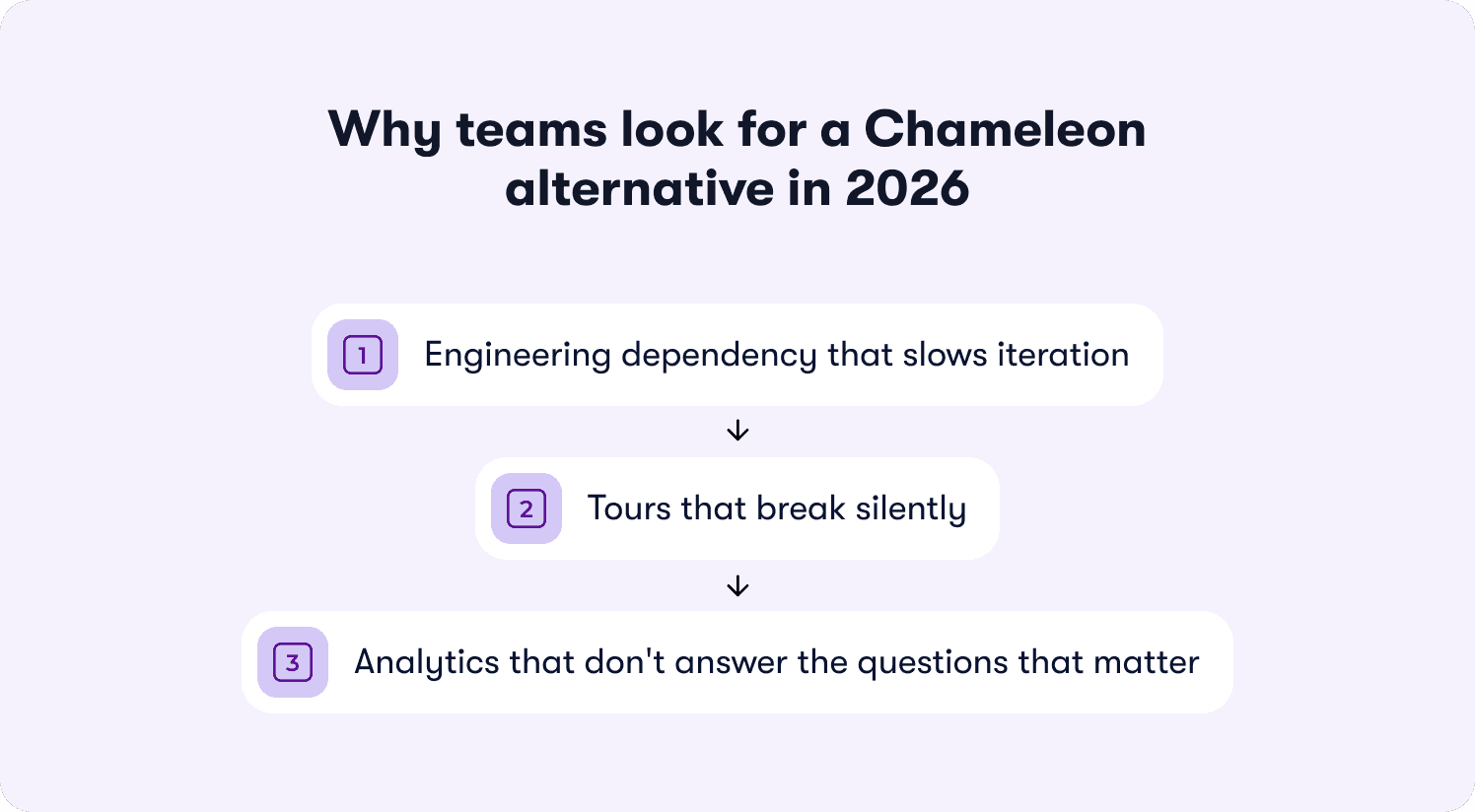
Why teams look for a Chameleon alternative in 2026
Chameleon is a great tool for what it was built for. Account-wide design rules, reusable themes, and CSS-level control let design-heavy teams create in-app experiences that feel native rather than overlaid. For teams with front-end resources, that customization depth is a big strength.
The friction starts when team composition shifts.
Engineering dependency that slows iteration
Product managers who initially appreciated Chameleon's design control find themselves writing CSS or filing engineering tickets for tour updates. The editor has a steeper learning curve than most alternatives, and advanced capabilities require CSS knowledge that most PMs don't have.
“Setting up more complex flows isn't always very intuitive at first,” says a G2 user. “Chameleon could improve by making advanced features easier to understand with better in-app guidance, templates, or step-by-step setup for complex flows.”
Another G2 reviewer adds: “Creating complex or highly customized tours can sometimes take quite a bit of time, especially when trying to cover different user scenarios or multiple product versions.”
Tours that break silently
When UI elements change, tours break and require developer intervention to fix selectors. The bigger problem is that breakage often goes undetected. One G2 user describes this problem firsthand: “For some reason, flows and links break. I think it would be helpful if there was an indicator that stated that. Today I learned that an experience tour was not functioning properly. Had I not clicked into it, I would not have known.”
Another reviewer echoes the monitoring burden: “Tours can also occasionally break if an element is missing or changed in the app, which requires additional monitoring and adjustments.” At any shipping cadence above monthly, that's not a process. It's a second job.
Analytics that don't answer the questions that matter
Chameleon's analytics cover the basics, but teams that need to analyze user interactions beyond tour completions consistently hit the same ceiling. One G2 reviewer puts it plainly: “The analytics are helpful, but I wish they offered more detailed, granular insights so I could better understand user behavior and know exactly where improvements are needed.”
Accessing what data does exist adds friction of its own. “Showing more info on the analytics tab would be helpful instead of hiding it in a CSV file which I have to wait for in an email,” notes a G2 user. For teams trying to prove activation outcomes to leadership, this gap becomes the primary reason to look elsewhere.
Advanced key features are paywalled behind the Growth plan, as a G2 reviewer describes: “Some unnecessary paywalls for non-growth plans like webhooks and a limited number of CDP tracked events are frustrating.” Teams needing custom triggers and deeper user behavior data hit these limits before they hit the monthly tracked user caps.
How to evaluate a Chameleon alternative
Evaluating Chameleon alternatives requires looking beyond feature lists to operational realities that surface three months after implementation. The right platform depends on whether your constraint is technical resources, speed to iterate, or proving activation outcomes to leadership.
Five criteria separate tools that solve Chameleon's problems from those that trade one set of limitations for another.
Editor accessibility and PM autonomy. Can a product manager build, style, publish, and iterate on onboarding flows without CSS knowledge or engineering tickets? Chameleon's editor assumes technical fluency at every stage, from initial setup to ongoing maintenance. The strongest alternatives give PMs full ownership of the onboarding lifecycle without a developer in the loop.
Behavioral triggering depth. Does the platform respond to what users actually do inside your product, or just which URL they land on? Chameleon supports event-based triggers but configuring custom triggers often requires developer involvement. Look for platforms where PMs set behavioral conditions through user-friendly interfaces, without writing code or waiting on engineering.
Activation outcome measurement. Does the platform connect onboarding completions to downstream revenue outcomes, or does it stop at flow engagement metrics? Chameleon doesn’t offer detailed product analytics, so proving whether onboarding drove trial-to-paid conversion requires stitching data across external tools. The right alternative answers that question natively.
Pricing transparency. Can finance model costs at 5,000, 10,000, and 20,000 monthly active users without a sales conversation? Chameleon's jump from $279/month to $15,000/year creates a budget cliff that forces procurement conversations before teams are ready for them. Look for published tier boundaries with predictable scaling.
Maintenance overhead. How much PM or engineering time gets consumed keeping tours functional after product updates? Chameleon tours can break when UI elements change and require manual CSS fixes to restore. Platforms with self-healing selectors or AI-driven adaptation reduce that burden to near zero.
6 best Chameleon alternatives for product tours in 2026
These six tools cover the full range of reasons teams leave Chameleon, from CSS dependency and tour maintenance burden to analytics gaps and pricing cliffs. Jimo leads because it directly addresses all three structural limitations. The remaining tools are ordered by how closely they map to the mid-market SaaS teams most likely outgrowing Chameleon.
1. Jimo — Best for product teams needing design control without CSS expertise
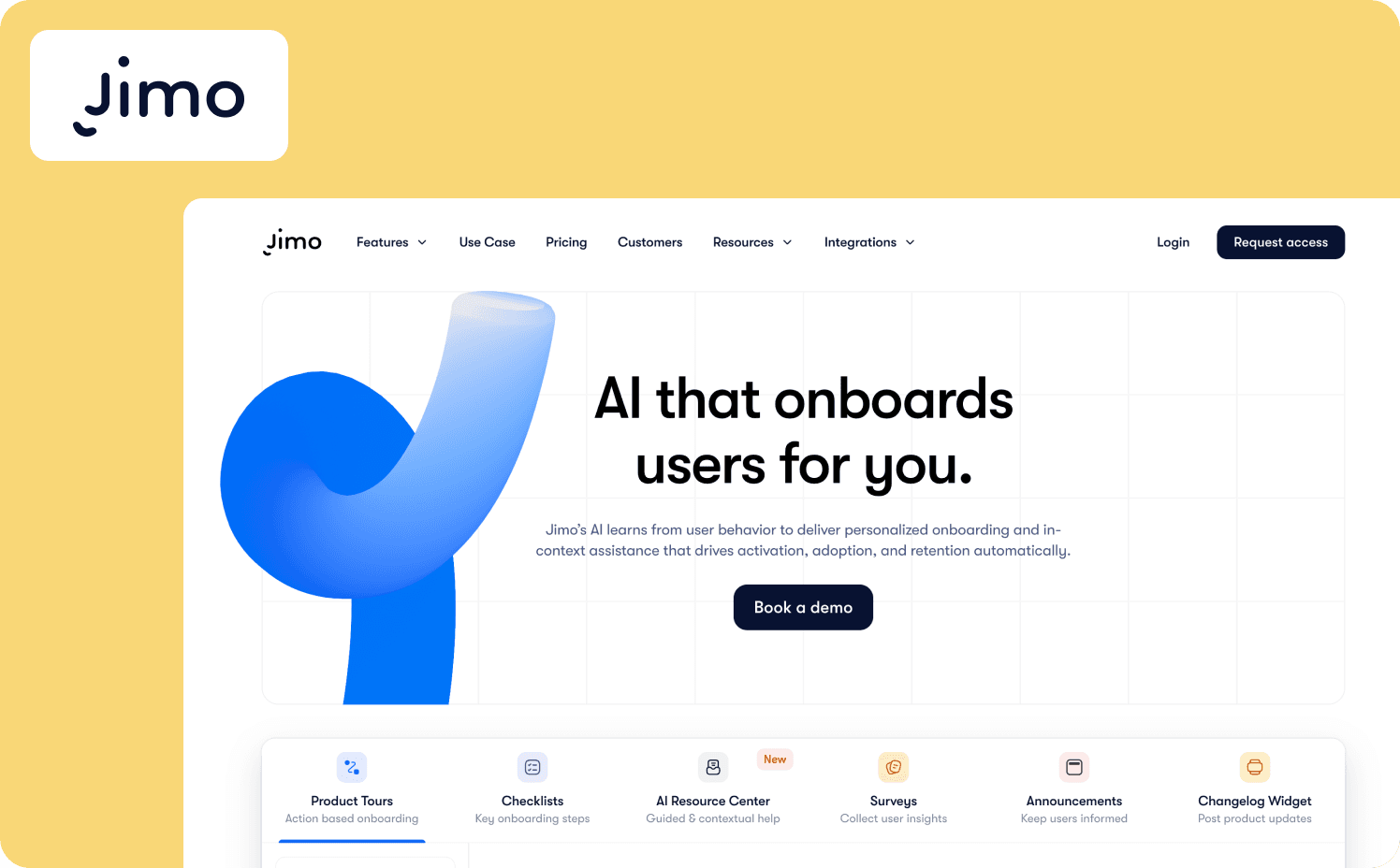
Jimo is an AI-powered digital adoption platform that delivers Chameleon's design quality without the CSS dependency. The Figma-like visual editor lets PMs drag, resize, style, and position any element with full design flexibility, creating on-brand in-app experiences without writing a line of CSS or filing an engineering ticket.
Record a walkthrough once and Jimo's AI builds the full tour structure, including steps, triggers, and progression logic, in under 30 seconds. Behavioral triggers work the same way. Set conditions like “visited feature X but didn't use it in 7 days” and deploy a nudge to specific user segments in minutes. There’s no event instrumentation required to get started.
The Success Tracker closes the analytics gap Chameleon leaves open. It connects tour completions directly to activation milestones without manual CRM mapping, so PMs can show leadership: “Users who completed this tour had 2.3x higher activation and faster time-to-paid.”
The full adoption stack covers tours, checklists, banners, surveys, hints, changelogs, and an AI resource center in one platform, eliminating the tool sprawl that Chameleon's tour-only focus creates.
Key differentiators: Chameleon's customization is powerful but requires CSS knowledge and engineering involvement to maintain. Jimo delivers equivalent design flexibility through a no-code editor, eliminates the maintenance burden with self-healing selectors, and adds the activation analytics and full adoption stack Chameleon can't provide without external tools.
When to consider Jimo over Chameleon:
Your team needs design-quality onboarding but lacks CSS expertise or front-end resources, and engineering tickets are slowing iteration to weeks instead of days.
Tours break after every product update and the maintenance cycle is consuming PM and engineering time that should go toward activation experiments.
You need to prove to leadership that onboarding changes drove paid conversions, not just tour completions.
Where it falls short: Neither Jimo nor Chameleon supports native iOS/Android mobile apps, so if mobile guidance is a core requirement, both tools have the same gap and you should consider Appcues instead. Teams in heavily regulated industries needing audit trails and role-based approval workflows should look at enterprise-grade alternatives.
Starter: $249/mo (2,500–10,000 MAUs)
Growth: $479/mo (2,500–100,000 MAUs)
Enterprise: Custom
2. Userpilot — Best for non-technical PMs frustrated by Chameleon's developer requirements
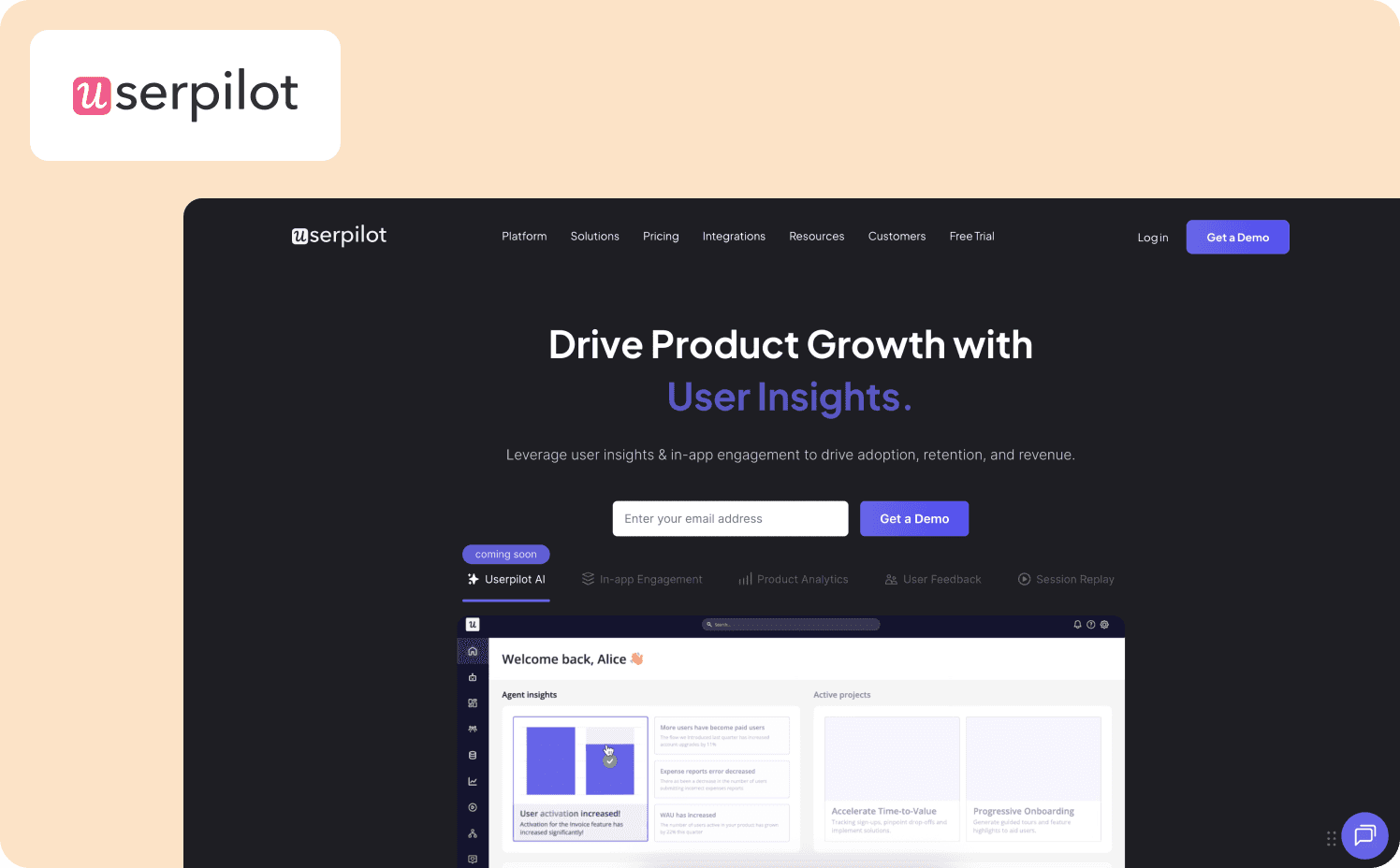
Userpilot is an all-in-one product growth platform that consolidates onboarding, analytics, and user feedback into a single suite. It trades Chameleon's CSS-level design control for something non-technical PMs often need more: A builder they can actually operate without engineering support, with analytics built in rather than bolted on.
The Visual Labeler lets PMs define trackable events by clicking any UI element, removing the instrumentation bottleneck that Chameleon's custom event configuration creates. Retroactive event auto-capture tracks historical user behavior without prior instrumentation. Built-in funnels, cohorts, user retention analysis, and NPS surveys answer the activation questions that Chameleon's analytics gap forces teams to solve with external tools.
Key differentiators: Where Chameleon focuses on tour design and outsources analytics entirely, Userpilot treats measurement as a core feature. The Visual Labeler and retroactive event capture eliminate the instrumentation work Chameleon requires, and post-onboarding capabilities like feature adoption tracking and customer feedback collection cover ground Chameleon doesn't attempt.
When to consider Userpilot over Chameleon:
You need a no-code builder with analytics included, without running a separate product analytics tool alongside your onboarding platform.
Your primary bottleneck is understanding user behavior after onboarding, where Userpilot's funnels, cohorts, and retention analysis replace the manual data stitching Chameleon forces.
You want one platform covering initial onboarding through feature adoption and user feedback collection, rather than Chameleon's tour-only focus.
Where it falls short: Userpilot trades Chameleon's CSS dependency for its own friction: a steep learning curve and flows that also break silently. Mobile app support is an add-on rather than core to the base plan. If you're leaving Chameleon because of pricing opacity, Userpilot doesn't solve that problem. And unlike Jimo, it doesn't address tour maintenance when UI elements change.
Pricing:
Starter: $299/mo (1–2,000 MAUs)
Growth: Custom (5,000–100,000 MAUs)
Enterprise: Custom (from 10,000 MAUs)
3. Appcues — Best for teams needing native mobile app support across iOS and Android
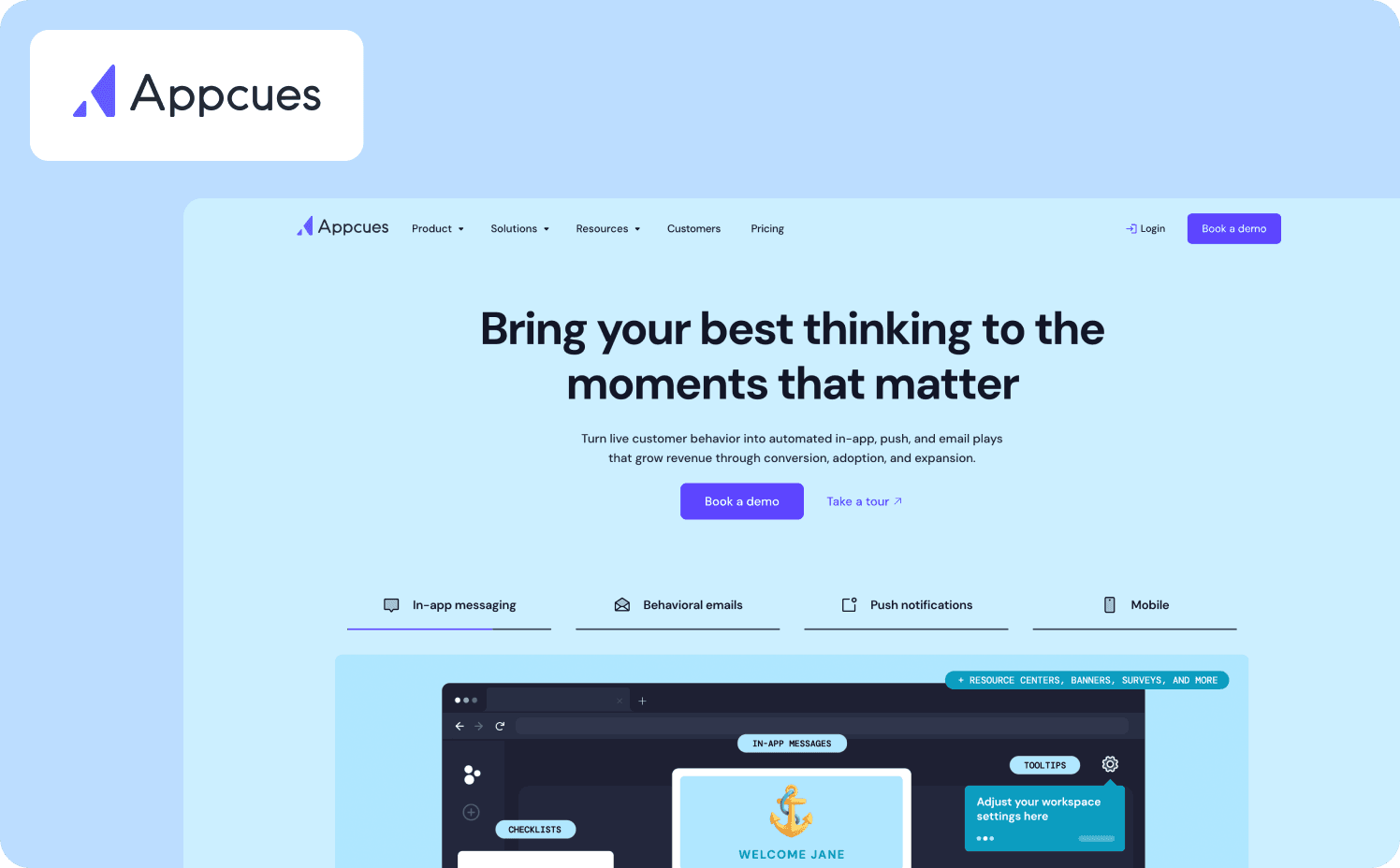
Appcues is a no-code product adoption platform best known for being one of the few tools in this comparison with native iOS and Android SDKs. For teams where mobile app onboarding is the gap, Appcues solves it.
Beyond mobile, the platform's workflow orchestration connects in-app messaging, behavioral emails, and push notifications in automated sequences, enabling cross-channel campaigns that Chameleon's web-only focus can't deliver. The Chrome extension builder is genuinely intuitive for non-technical teams, with pre-built templates that get simple linear tours live faster than Chameleon's complex workflow editor.
Key differentiators: Appcues is the only platform in this comparison with native mobile app support, making it the right call when mobile onboarding is a core requirement. The multi-channel orchestration across in-app, email, and push also covers ground that Chameleon's tour-only approach can't reach.
When to consider Appcues over Chameleon:
Native mobile app onboarding for iOS and Android is a core requirement and you need cross-platform guidance that Chameleon can't deliver.
You need workflow orchestration connecting in-app guidance with behavioral emails and push notifications without managing separate messaging tools.
Your use case is straightforward linear tours where Appcues' fast setup and pre-built templates deliver value faster than Chameleon's CSS-dependent customization.
Where it falls short: Tours break when your app updates, which is the same maintenance burden Chameleon has. Customizing beyond the templates often requires CSS, so the no-code promise has the same ceiling as Chameleon for design-heavy use cases. There’s only custom pricing across all Appcues tiers, making it difficult to model costs without a sales conversation.
Pricing:
Start: Custom pricing (up to 3,000 MAUs)
Grow: Custom pricing (up to 50,000 MAUs)
Enterprise: Custom pricing (custom MAUs)
4. Pendo — Best for enterprise teams consolidating analytics and guidance at 200+ employee scale
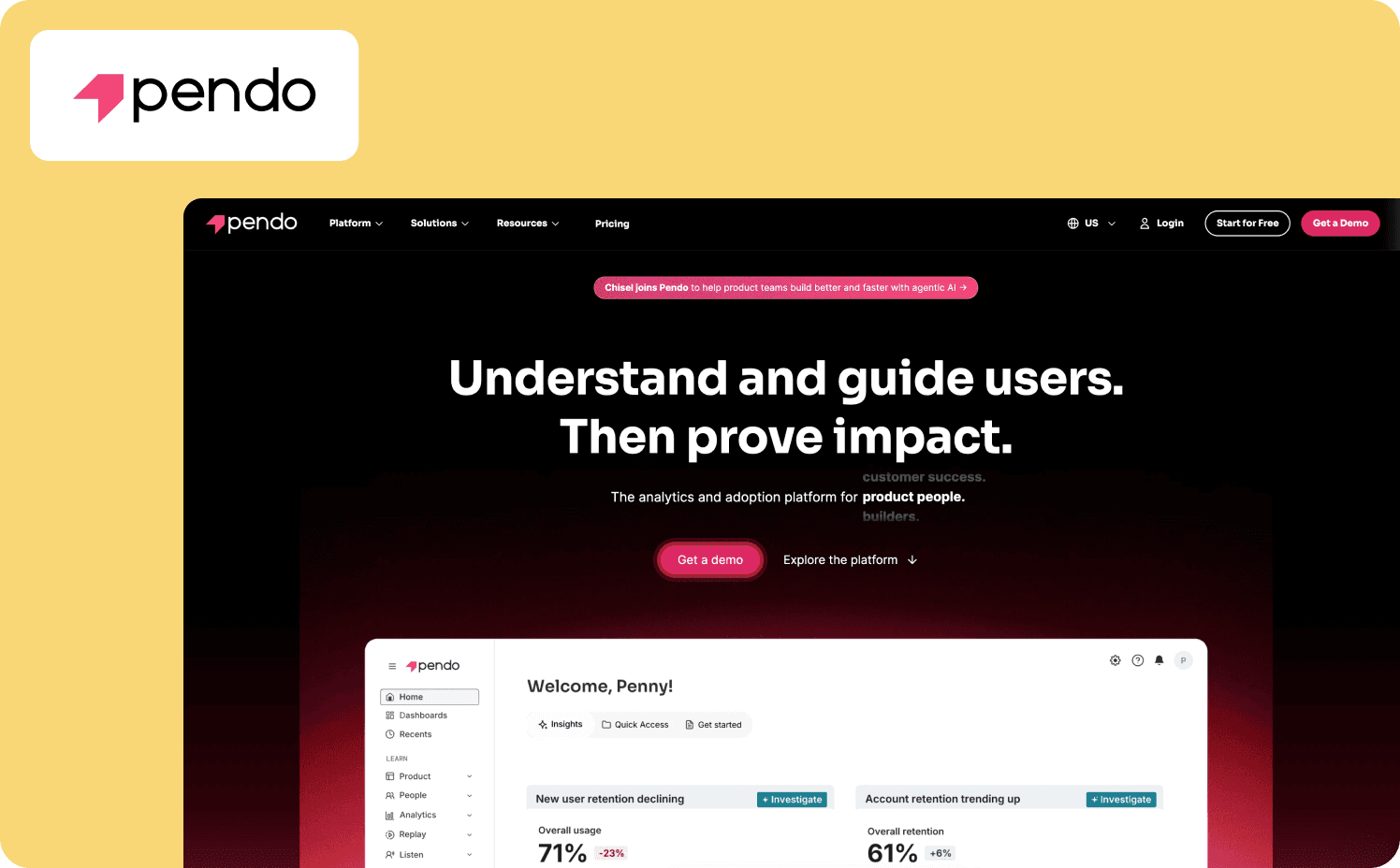
Pendo is an enterprise digital adoption platform that bundles comprehensive analytics, in-app guidance, and user feedback tools into one unified system. It's the furthest from Chameleon’s ICP, but it's the right answer for large enterprises with dedicated product ops teams who need to consolidate analytics and guidance at scale.
Where Chameleon lacks analytic depth, Pendo goes deep with retroactive event capture, retention analysis, path analysis, funnel tracking, and a Product Engagement Score. Native iOS and Android support covers the mobile gap that Chameleon can't address. For teams currently running Chameleon alongside Mixpanel or Amplitude, Pendo replaces both.
Key differentiators: Pendo consolidates guidance and enterprise-grade product analytics in one system. The retroactive analytics mean you can investigate user behavior that happened before you thought to instrument it, and the Product Engagement Score gives leadership a single defensible metric that Chameleon's analytics can't produce even with external integrations.
When to consider Pendo over Chameleon:
You're a large enterprise (200+ employees) with dedicated product ops, a 3 to 6 month implementation runway, and budget for $20,000+ annually, replacing both Chameleon and a separate analytics stack.
Mobile app guidance across iOS and Android is required alongside web, with cross-channel user journey orchestration coordinating in-app messages and emails.
Analytics depth at enterprise scale matters more than deployment speed or pricing transparency.
Where it falls short: If you're leaving Chameleon because of pricing opacity, Pendo amplifies that problem rather than solving it. All paid tiers require custom quotes and implementation typically takes months and often requires professional services. Fast-growing SaaS teams under 200 employees rarely have the implementation runway or budget to justify it.
Pricing:
Free: Up to 500 MAU
Base: Custom
Core: Custom
Ultimate: Custom
5. Userflow — Best for design-conscious teams wanting modern builder without CSS complexity
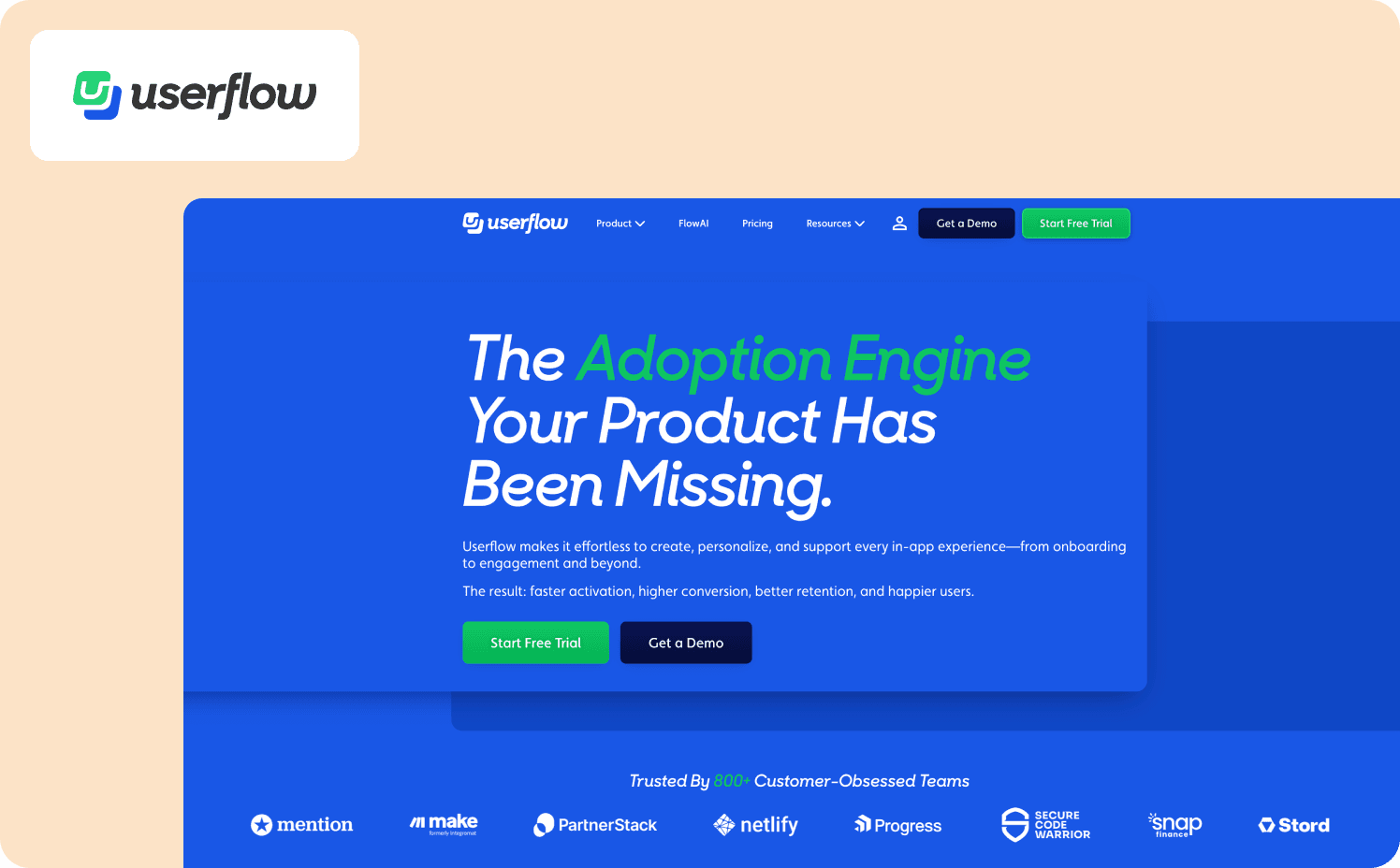
Userflow is a lightweight product adoption platform built for teams that want beautiful, modern tours without the CSS overhead that makes Chameleon operationally expensive. Its visual node-graph Flow Builder makes complex logic easy to map, FlowAI generates editable flows from prompts without manual configuration, minimizing impact on application performance.
Transparent pricing starts at $240/month for 3,000 MAUs, which directly solves the budget cliff Chameleon creates at $15,000/year. For teams leaving Chameleon because the pricing jump is unsustainable and the editor is too complex, Userflow is the most direct replacement on both dimensions.
Key differentiators: Userflow sits between Chameleon's CSS-heavy customization and fully template-based tools. It gives design-conscious teams a clean, intuitive builder without requiring front-end resources, and transparent pricing without procurement surprises. The performance footprint is a genuine differentiator for teams where Chameleon's scripts add overhead to page load times.
When to consider Userflow over Chameleon:
You want design-quality tours without CSS expertise, and need the most intuitive builder interface for rapid iteration without engineering dependency.
Application performance matters and lightweight scripts that load 5 to 10x faster than competitors outweigh Chameleon's customization depth.
Transparent pricing that scales predictably from 3,000 to 10,000 MAUs matters more than CSS-level brand control.
Where it falls short: Analytics are limited to basic flow completion metrics, with no native dashboard for aggregate data. There's no mobile app support, no session replays or heatmaps, and no enterprise security features like RBAC. If you're leaving Chameleon specifically because of analytics gaps or the need for more sophisticated behavioral triggers, Userflow moves in the wrong direction. It trades CSS complexity for deployment speed, not analytical depth.
Pricing:
Startup: From $240/mo (3,000–300,000 MAUs)
Pro: From $680/mo (3,000–300,000 MAUs).
Enterprise: Custom
6. UserGuiding — Best for budget-constrained smaller teams needing basic tours
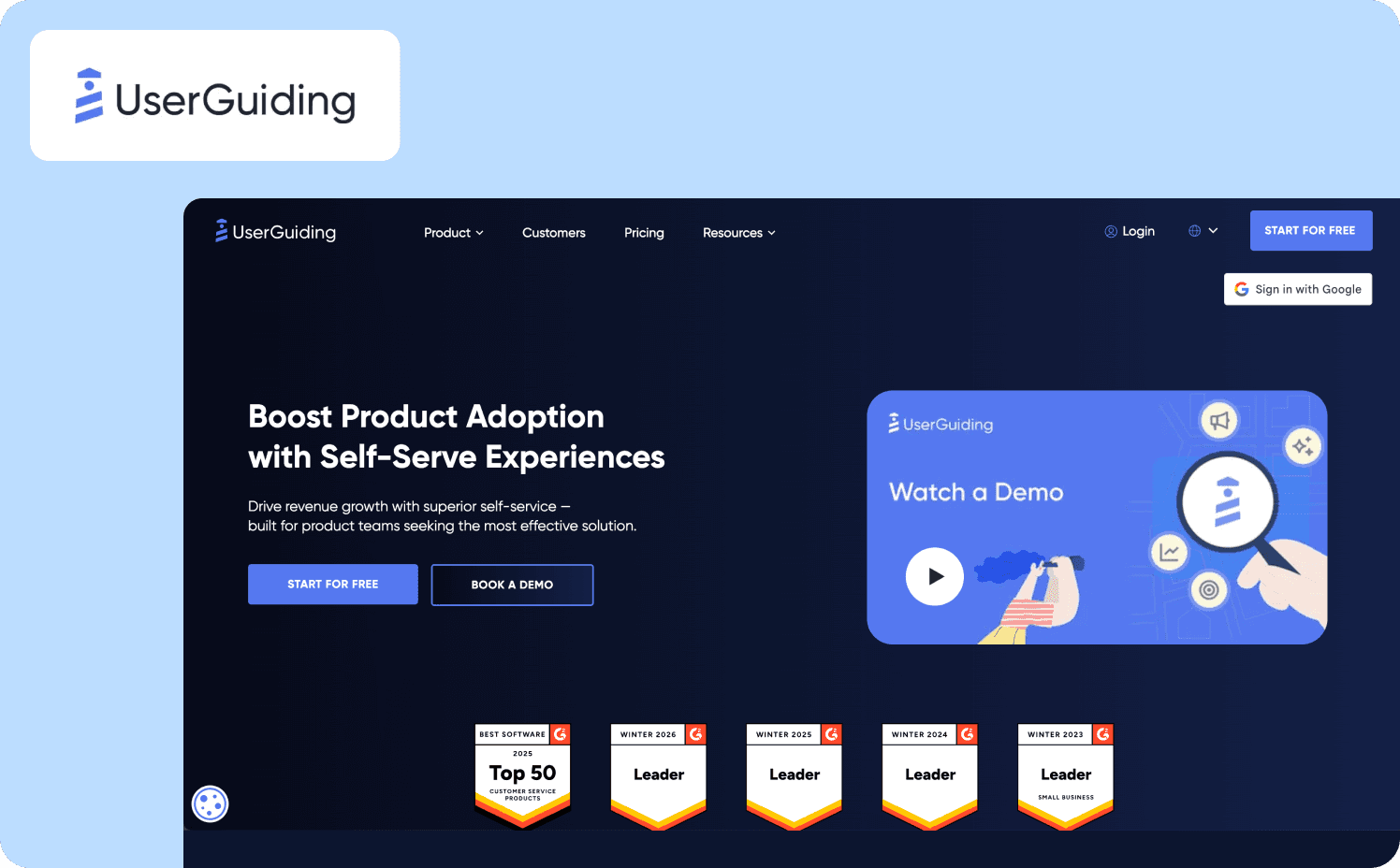
UserGuiding is a no-code onboarding tool that makes digital adoption accessible for early-stage startups and small teams who can't justify Chameleon's price point. Starting at $249/month for 1,500 MAUs with monthly billing available, it's a budget-friendly entry point in this comparison.
The no-code editor is intuitive, setup is fast, and there's no annual lock-in forcing commitment before the platform proves its value.For teams needing straightforward linear tours without Chameleon's design complexity or premium pricing, UserGuiding delivers fast time-to-value.
Key differentiators: For small teams where Chameleon's $279/month jumping to $15,000/year is simply inaccessible, UserGuiding makes structured onboarding viable at a price that fits an early-stage budget. Monthly billing and transparent pricing eliminate the procurement friction Chameleon creates at every tier boundary.
When to consider UserGuiding over Chameleon:
Budget is the binding constraint and you need basic product tours at $249/month rather than Chameleon's pricing cliff.
Your use case is straightforward linear flows without complex branching, behavioral triggers, or sophisticated user segmentation.
Monthly billing flexibility matters and you want to test onboarding tooling with a free plan and without annual commitment risk.
Where it falls short: UserGuiding offers linear in-app guides only, with no conditional branching and no behavioral adaptation. Analytics track only elements created within the platform, with no cohort analysis or funnel tracking. Teams leaving Chameleon for more sophisticated user onboarding will find UserGuiding moves in the opposite direction.
Pricing:
Free plan
Starter: From $249/mo (2,000–10,000 MAUs)
Growth: From $499/mo (5,000–10,000 MAUs)
Enterprise: Custom
Is switching the right move? Three questions to answer first
Before committing to a Chameleon alternative, pause on three questions that separate tool problems from process problems. Some teams switch platforms and solve nothing because the friction was organizational, not technical.
Is the problem the tool, or the process?
Every platform on this list will produce tours that break if your team has no process for reviewing onboarding flows after product updates. Some teams discover mid-evaluation that their real gap isn't a DAP problem at all, it's that user onboarding is being handled reactively through Intercom conversations rather than proactively through structured in-app guidance.
Ask whether you have a defined owner for user onboarding, whether that's a product manager or a customer success professional. Do you have a cadence for auditing tours after UI changes, and a metric that tells you when flows have gone stale? If not, moving to Jimo or Userpilot shifts the CSS dependency but won't close the operational gap. Fix the process first, then evaluate whether the tool still needs replacing.
Are you optimizing for aesthetics or activation outcomes?
Chameleon attracts teams that care deeply about how onboarding looks. That's valid, but it's not an activation strategy. Before switching, check your actual data. Where do users drop off in current tours, and does the alternative give better visibility into why?
If you can't answer that with Chameleon's existing analytics, no tool on this list will deliver better activation outcomes. The problem isn't the measurement tool. It's the absence of a measurement baseline. Define what “better” means in user engagement metrics before choosing a new platform.
What does success look like in 90 days?
A tool migration has real cost. You have to rebuild user onboarding flows, re-establish analytics baselines, and retrain product teams. That cost is worth paying if the new platform closes a specific named gap. It isn't worth paying if your team runs the same static tours on a different architecture.
Define one concrete outcome before switching, whether that’s activation rate up X%, support tickets down Y%, or PM hours spent on tour maintenance reduced by N%. Use that outcome as the filter for the evaluation framework above.
How to choose the right Chameleon alternative for your team
If your bottleneck is... | Best fit | Why |
CSS requirements slowing non-technical PMs | Jimo or Userpilot | Jimo's Figma-like editor provides design control without CSS Userpilot's Visual Labeler eliminates engineering dependency for event tracking |
Tours breaking when your app updates | Jimo | Self-healing selectors and AI-driven tour adaptation eliminate maintenance overhead where Chameleon tours require CSS fixes after UI changes |
Lack of activation analytics | Pendo or Jimo | Pendo consolidates analytics and guidance for enterprise teams Jimo's Success Tracker proves cohort-level causation |
Mobile app onboarding (iOS/Android) | Appcues or Pendo | Native mobile SDKs for iOS/Android where Chameleon has no mobile support |
Pricing cliff ($279→$15K jump) | Jimo, Userflow, or UserGuiding | Jimo at $249/mo for 2,500 MAUs Userflow at $240/mo for 3,000 MAUs Userguiding at $249/mo for 2,000 MAUs |
The right alternative depends on which Chameleon limitation is your primary bottleneck when building product tours. If that's CSS dependency, tour maintenance, or proving activation ROI, book a demo to see Jimo in action.
FAQ
What is the best Chameleon competitor for SaaS companies?
Jimo is the strongest Chameleon competitor for SaaS teams that need design-quality interactive product tours without CSS expertise or engineering dependency. The Figma-like editor gives non-technical PMs full control over custom onboarding flows, while self-healing selectors eliminate the maintenance burden that makes Chameleon operationally expensive. For teams that also need to prove activation ROI, the Success Tracker connects onboarding completions to paid conversions without manual data exports.
What are the main reasons teams switch from Chameleon?
Three friction points drive most switches: CSS requirements that slow non-technical PMs, tours that break silently after product updates, and analytics that can't answer whether onboarding drove activation outcomes. Teams that start with Chameleon for its design quality find that maintaining custom onboarding flows at any shipping cadence above monthly requires engineering involvement that defeats the no-code purpose. The pricing cliff from $279/month to $15,000/year for advanced capabilities tends to force the decision.
Which is the best alternative to Chameleon for product analytics?
Pendo provides the most comprehensive advanced product analytics among Chameleon alternatives, with retroactive event capture, retention analysis, funnel tracking, and a Product Engagement Score, but it's built for enterprises with $20,000+ budgets and months-long implementation timelines. For mid-market SaaS teams, Jimo's Success Tracker provides the activation-focused analytics that matter most: cohort-level attribution connecting interactive walkthroughs to trial-to-paid conversion without external integrations. Userpilot sits in the middle, offering built-in funnels, cohorts, and retention analysis at a more accessible scale than Pendo.
Is Appcues a good alternative to Chameleon for mobile apps?
Yes, it's the strongest option in this comparison specifically for mobile. Appcues provides native iOS and Android SDKs where Chameleon has no mobile support, plus workflow orchestration connecting in-app messaging, behavioral emails, and push notifications to engage users across channels. If native mobile app onboarding is a core requirement, Appcues is the right call, though teams also needing advanced product analytics or behavior-driven interactive product tours will still need additional tools alongside it.
How is Jimo different from Chameleon?
Chameleon requires CSS and engineering involvement to build and maintain in-app experiences. Jimo replaces that with a Figma-like no-code editor and AI that generates complete tour structures in under 30 seconds, so product managers can own the entire onboarding strategy without developer dependency. The other fundamental difference is measurement: Chameleon's analytics stop at tour engagement, while Jimo's Success Tracker proves whether interactive walkthroughs drove activation and paid conversion at the cohort level.








