/
8 mins read
TL;DR
Product teams evaluate product walkthrough software backward. They end up scanning feature checklists across dozens of lookalike platforms, with no way to tell which capabilities actually change activation outcomes. This creates analysis paralysis where you shortlist five tools and still can't justify the choice to your CFO. This guide ranks 15 platforms by their proven ability to drive the user behaviors that convert trials to revenue. We map tools to activation models and ignore vanity metrics like tour views. You'll shortlist in under an hour.
If your product tours have a “Next” button, they're already feeling dated. Users want to skip those buttons, not click through them. Linear tours force users through predetermined sequences regardless of what they need to accomplish. Action-based guidance auto-progresses when users perform actual product behaviors that trigger activation events. One approach produces sub-par completion rates. The other delivers near-100% because it ties each step to real user actions.
Most comparison guides ignore this distinction. They list features without explaining which ones actually move activation rates. This guide ranks 13 product walkthrough platforms by their proven ability to drive the user behaviors that convert trials to revenue.
You'll learn which tools match your activation model, why action-based architecture outperforms linear sequencing, and which four red flags signal a platform won't deliver activation lift.
What is a product walkthrough tool?
Product tour software creates interactive guidance that shows users how to complete tasks inside your product. Interactive product tour software delivers step-by-step tutorials, contextual smart tips, checklists, and instructions that appear when and where users need them. The guidance lives in your product interface across desktop and mobile apps, not in help docs or video libraries.
The category gets confused with three things it's not. Interactive demos simulate your product for prospects before signup. Video tutorials are async education content users watch outside your app. Knowledge bases are static help centers.
Product tour tools guide users through live product interactions in real time, helping users discover core features and allowing users to learn at their own pace.
These tools solve four critical problems:
They support customer onboarding by guiding new users to their first value moment without drowning them in documentation.
They launch new features so existing users actually discover and adopt what you built, driving user engagement and customer retention.
They deflect support tickets by educating users contextually before they get stuck.
They drive user activation behaviors that convert trial users into paid accounts by targeting key activation points and user segments.
How to choose the best product walkthrough software
Provide a decision framework that helps readers eliminate poor-fit options quickly and identify finalists based on their activation model, team size, and technical constraints.
Decision framework by activation model
Your go-to-market motion determines which product tour features matter.
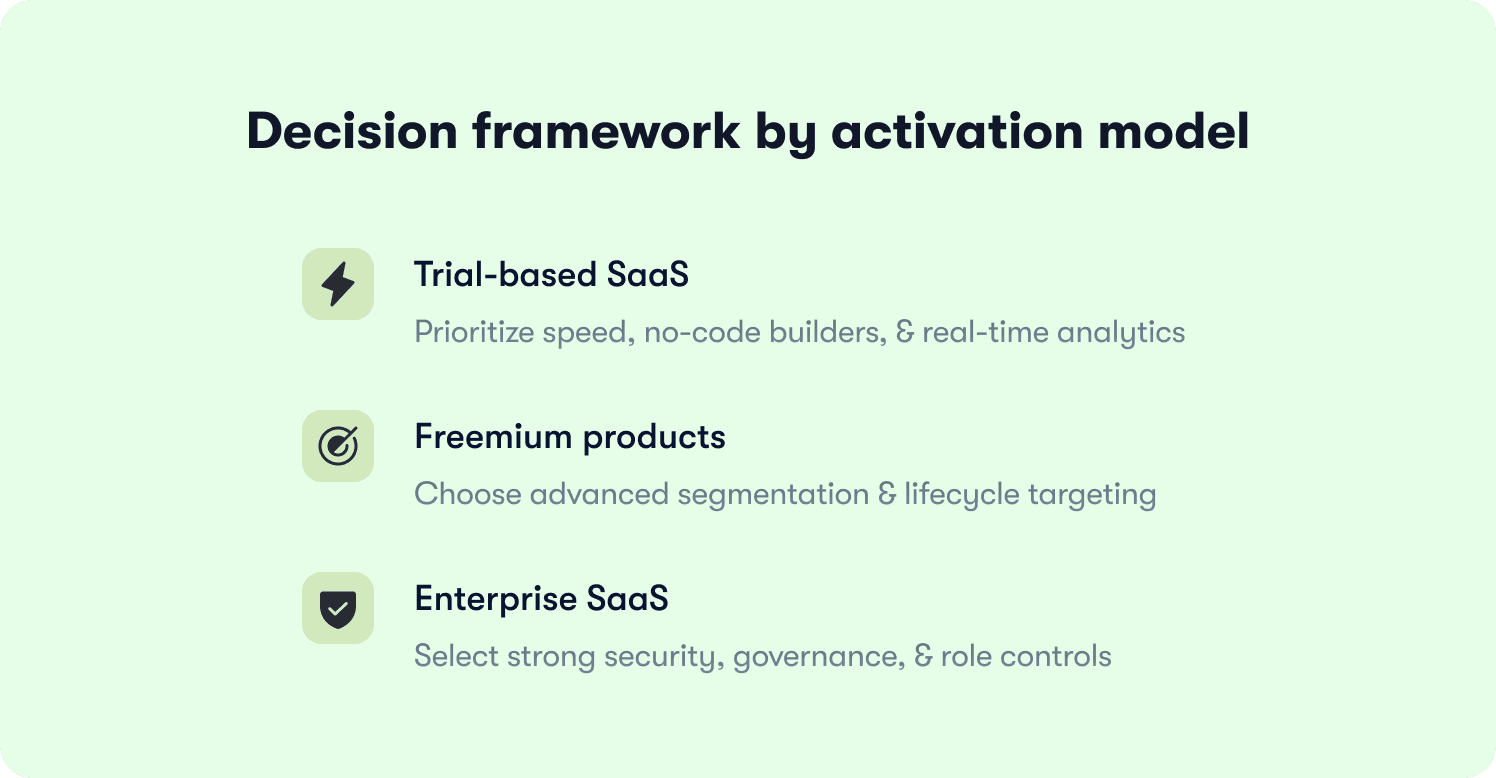
Trial-based SaaS needs no-code builders, fast iteration, and funnel analytics. Your users have seven to 14 days to activate. If your PM can't launch a walkthrough in under an hour and see completion data by end-of-day, the tool can't keep pace. Prioritize visual builders and real-time analytics that connect tour interactions to trial conversions.
Freemium products require sophisticated segmentation and lifecycle targeting. Free users need guidance toward paid features. Paying customers need advanced functionality tours. Churned users need win-back flows. Look for tools that target based on user properties, behavior history, and account tier.
Enterprise SaaS demands governance, security, and multi-role support. You need SAML SSO, role-based permissions, and compliance certifications. Prioritize platforms with enterprise-grade security and admin controls that deploy walkthroughs across customer organizations.
Activation model | Must-have capabilities | Priority features | Speed requirement |
|---|---|---|---|
Trial-based SaaS | No-code builder, visual editor, funnel analytics | Real-time tour performance data, fast iteration cycles, trial conversion tracking | PM launches walkthrough in under 1 hour |
Freemium | Advanced segmentation, lifecycle targeting, behavioral triggers | Free-to-paid nudges, feature discovery for paying users, win-back flows for churned accounts | Target by user properties, plan tier, usage history |
Enterprise SaaS | SAML SSO, role-based permissions, compliance certifications | Enterprise-grade security, centralized admin controls, multi-org deployment | Governance at scale across customer accounts |
Core evaluation criteria
Five product tour capabilities separate tools that drive activation from tools that create overhead:
No-code vs dev-required: Can PMs build and iterate without coding skills or engineering tickets? Guided walkthrough software with no-code builders means your PM ships a new onboarding flow Tuesday morning with minimal effort and without waiting for the next sprint.
Segmentation and targeting: Can you segment users and show different walkthroughs to specific user segments? Real segmentation matches guidance to user context, role, plan tier, and activation stage while analyzing usage patterns to acquaint users with relevant capabilities.
Measurement and analytics: Does the tool connect walkthrough interactions to business outcomes? The platform must provide user insights showing which guidance drives activation events that predict retention and expansion revenue, keeping users engaged throughout their journey.
Instrumentation accuracy: How does the tool handle UI changes? Durable instrumentation adapts to minor CSS and layout changes automatically without manual updates, essential for complex software systems and complex software environments.
Integration capabilities: Does it connect to your analytics stack, CRM, and CS platforms? You need walkthrough data flowing into Mixpanel, Segment, or Amplitude to measure impact on activation and revenue.
Red flags to avoid
Four warning signs mean the tool won't deliver measurable activation lift.
Linear tours: Rigid sequences that force users through every screen result in poor completion rates. Users abandon when they can't skip to the task they need.
Generic onboarding for all users: Flows that show identical guidance to everyone ignore segmentation reality. Enterprise customers need integration help. Self-serve users need quick wins. Same tour guarantees neither activates efficiently.
Vanity metrics without outcome tracking: Platforms that report tour views but can't connect guidance to paid conversions let you optimize the wrong metrics while activation stays flat.
Implementation exceeding four weeks: Setup requiring months of engineering work means you can't iterate based on user behavior fast enough to improve activation rates.
"Classic tours have a fundamental problem: They feel like interruptions. A modal pops up, you click 'Next' five times, and by step three you've already forgotten step 1. Users don't want to be lectured." (Thomas Moussafer - Co-Founder of Jimo)
13 product walkthrough software comparison
Tool Name | Best for | Walkthrough approach | Typical team size | Setup ease |
|---|---|---|---|---|
Jimo | Product-led SaaS teams driving measurable activation | Action-based | 10-200 people | Fast |
Userpilot | Product-led growth teams prioritizing fast iteration | Action-based | 10-100 people | Fast |
Userflow | Lightweight SaaS teams needing fast deployment | Conditional branching & event-based | 5-50 people | Fast |
Chameleon | Design-focused teams needing advanced customization | Behavior-triggered | 25-200 people | Moderate |
Appcues | Feature announcements and simple onboarding flows | Linear | 10-50 people | Moderate |
UserGuiding | Small teams needing affordable quick-start onboarding | Linear | 5-50 people | Fast |
Product Fruits | AI-assisted onboarding at accessible pricing | Linear | 10-100 people | Fast |
Inline Manual | Role-based segmentation and branching guidance | Branching logic & conditional flows | 20-200 people | Moderate |
Pendo | Teams wanting unified analytics and guidance | Behavior-triggered | 50-500 people | Difficult |
Stonly | Decision-tree knowledge bases with embedded guidance | Decision-tree with branching paths | 20-500 people | Moderate |
Gainsight PX | Product teams needing unified customer success analytics | Rules-based triggering & conditional | 100-1,000+ people | Difficult |
Whatfix | AI-driven employee training and application simulation | Linear | 100-1,000+ people | Difficult |
WalkMe | Enterprise employee training and complex workflow automation | Linear | 500+ people | Difficult |
13 product walkthrough software tools ranked by activation impact
The following reviews evaluate each platform's ability to drive measurable activation, not feature count. We examine walkthrough architecture, implementation speed, limitations, and pricing plans, so you can shortlist tools that match your activation model.
1. Jimo — Best overall for product-led SaaS teams
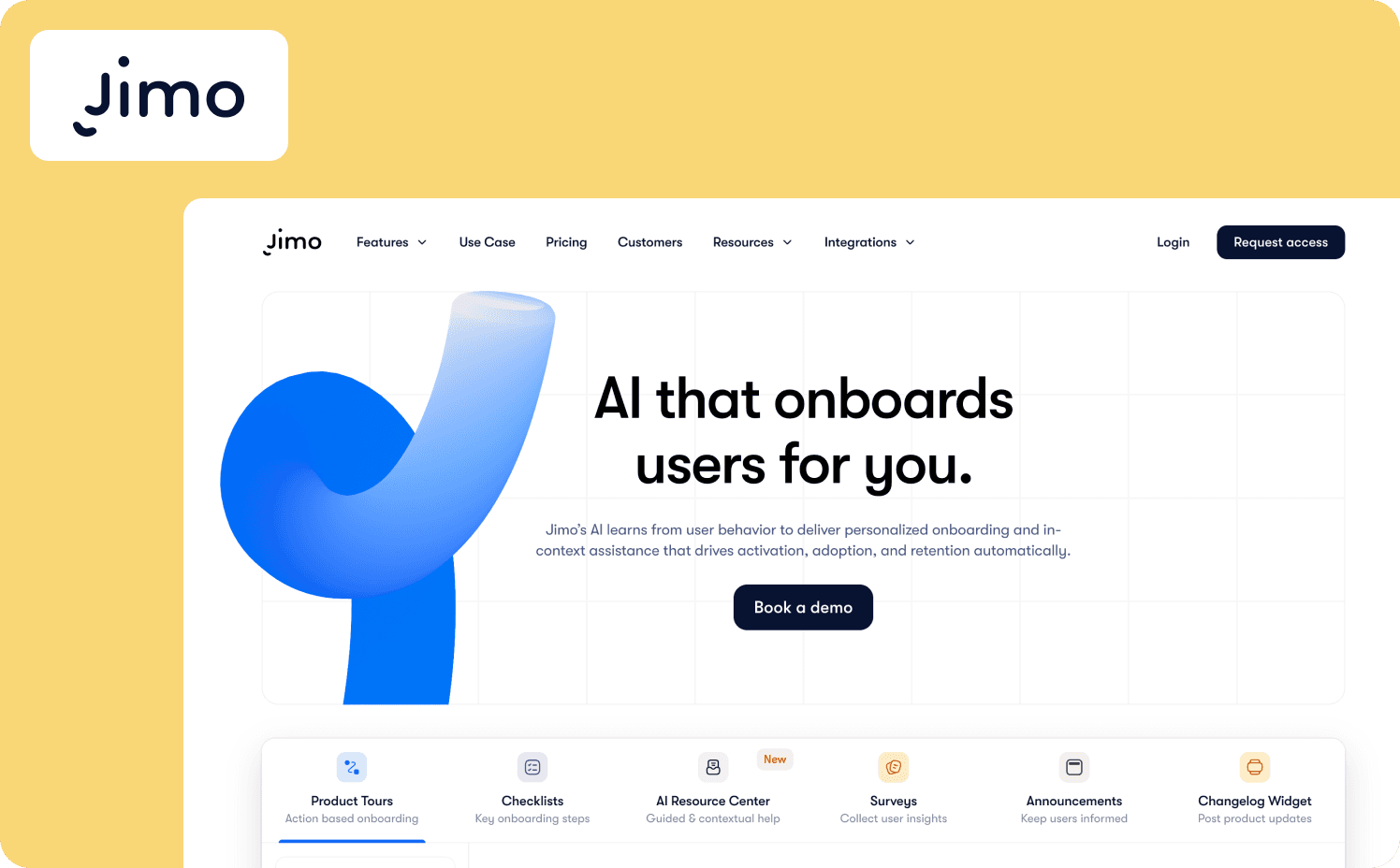
Jimo is an AI-powered digital adoption platform built specifically for B2B SaaS product teams who need to transform trial signups into activated users without engineering dependency. The platform distinguishes itself through action-based product tours that eliminate the traditional “Next” button, replacing linear click-through sequences with event-driven progression tied to real user behaviors.
Strengths:
Action-based logic builder: Tours auto-progress based on user interactions rather than following a strictly linear order, ensuring near-100% completion by tying each step to actual product actions like element clicks, page navigations, or form submissions.
Integrated Success Tracker: No-code instrumentation lets PMs define and measure custom activation events through visual interface without engineering sprints.
AI Builder and Copilot layer: Instantly generate tours from recorded user flows or highlighted elements, then refine with contextual AI assistance that answers user questions, improves microcopy, and suggests next steps.
Fast PM-led iteration: 90% of teams ship guidance without developers, with 95% reduction in AI feature build time and six times faster feature launches compared to custom development.
Adaptive learning: The platform learns what works and improves automatically by analyzing behavior patterns, with onboarding that gets better over time rather than requiring manual optimization.
Limitations: Jimo focuses on web applications rather than native app walkthrough software for iOS and Android, making it less suitable for mobile-first products. GDPR and SSO exist on higher tiers but lack the audit trails and role-based approval workflows required by heavily regulated industries.
Starter: $449/mo (2,500 monthly active users (MAUs))
Growth: $824/mo (2,500 MAUs)
Enterprise: Custom
2. Appcues — Best for feature announcements and simple onboarding flows
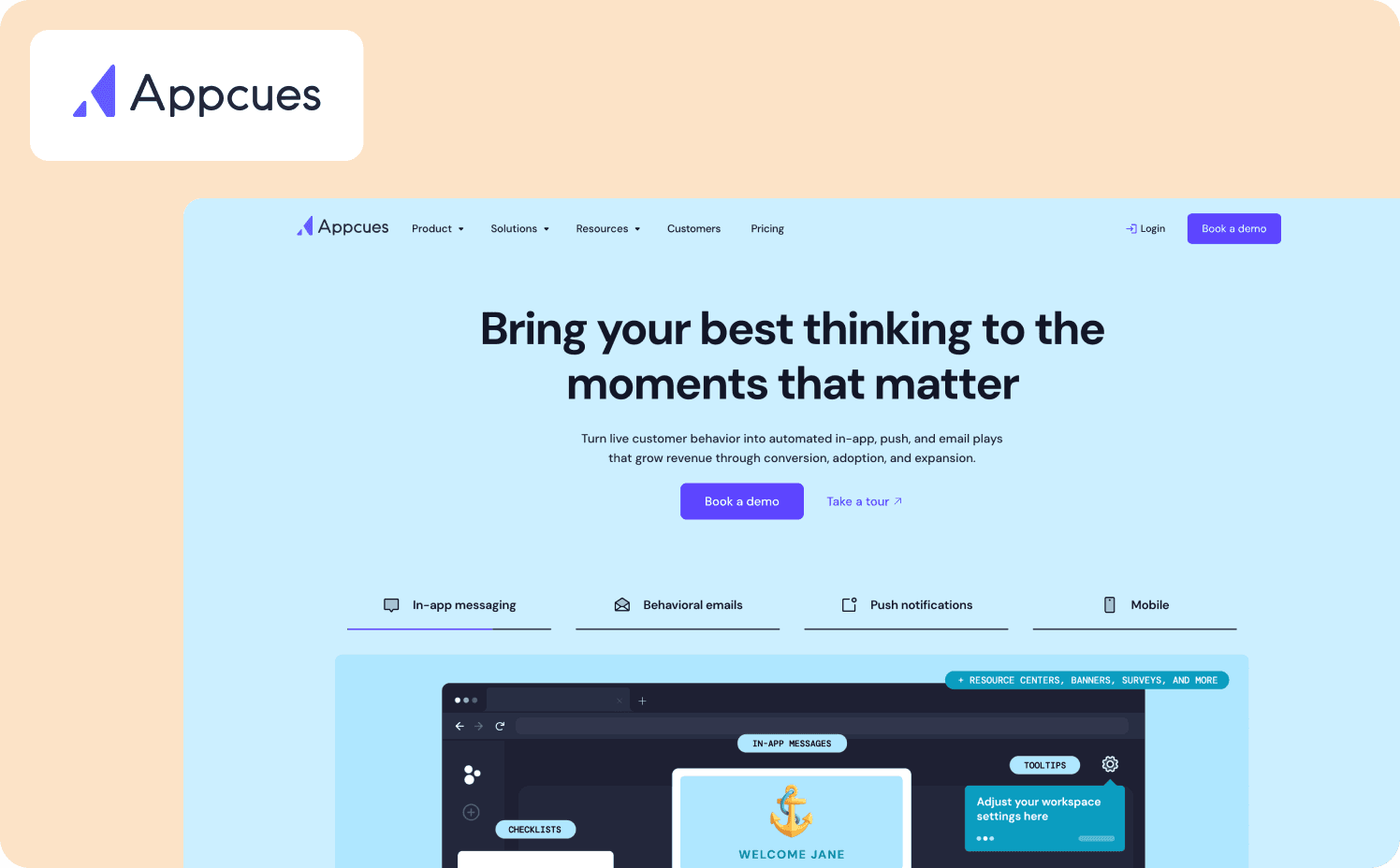
Appcues is a no-code platform for creating product tours, tooltips, checklists, and NPS surveys across web and mobile. The drag-and-drop builder lets non-technical teams design onboarding experiences and feature announcements without developer support.
Strengths:
Intuitive no-code builder: Non-technical product and marketing teams can design and launch flows quickly using the visual editor and pre-built templates.
Multi-channel engagement: Create experiences across web, mobile apps, behavioral emails, and push notifications from a unified platform.
Native analytics integrations: Two-way connections with major analytics tools let you trigger flows based on user behavior and measure downstream impact.
Limitations: Appcues relies on linear tours that force users through predetermined sequences instead of letting them navigate to the exact task they need to complete. Setup often requires developer assistance despite the no-code promise, with one customer stating, “The implementation REQUIRED us to hire JS Developers.”
Pricing:
Grow: $750/mo for 1,000 MAUs
Enterprise: Custom pricing
3. WalkMe — Best for enterprise employee training and complex workflow automation
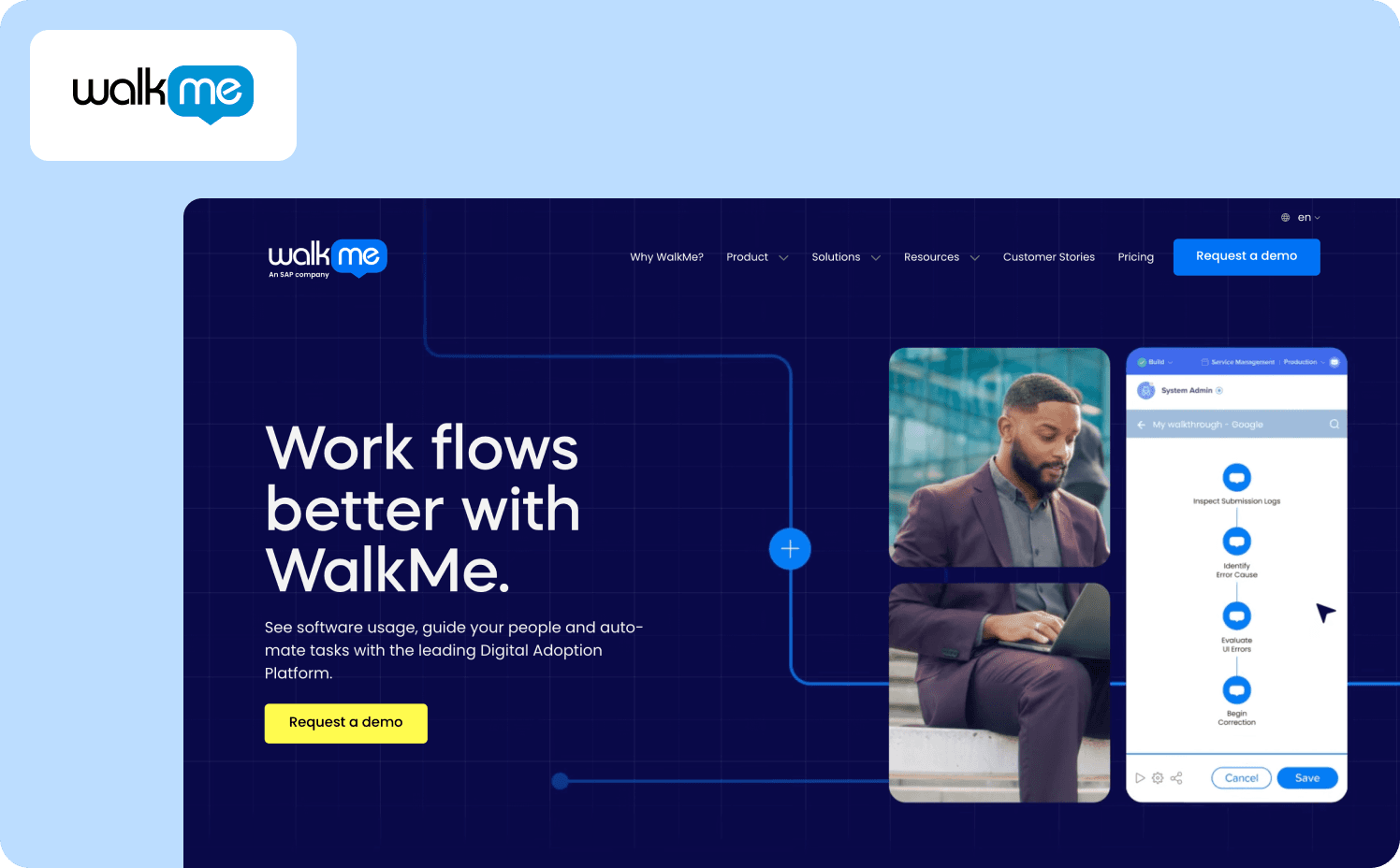
WalkMe is a DAP for enterprises that combines interactive walkthroughs, task automation, and AI-powered DeepUI element recognition technology across web, desktop, and mobile. The platform targets large-scale employee onboarding and change management with strong security controls, session recording, extensive integration capabilities, and workflow automation capabilities.
Strengths:
Enterprise-grade security and governance: SAML SSO, role-based permissions, compliance certifications, and centralized admin controls let you deploy guidance at scale across customer accounts and internal teams.
DeepUI adaptive element recognition: AI-based technology automatically adapts walkthroughs when underlying applications change, reducing maintenance overhead from UI updates and product releases.
Workflow automation and analytics: Automates repetitive tasks, syncs data across applications, and provides deep analytics into user journeys and adoption patterns.
Limitations: WalkMe's linear walkthrough approach forces users through predetermined sequences rather than contextual, task-based guidance. Users report a buggy platform for more complex sites. The steep learning curve and resource-heavy maintenance make it unsuitable for lean teams needing fast iteration.
Pricing:
WalkMe for employees: Custom
WalkMe for customer: Custom
4. Userpilot — Best for product-led growth teams prioritizing fast iteration
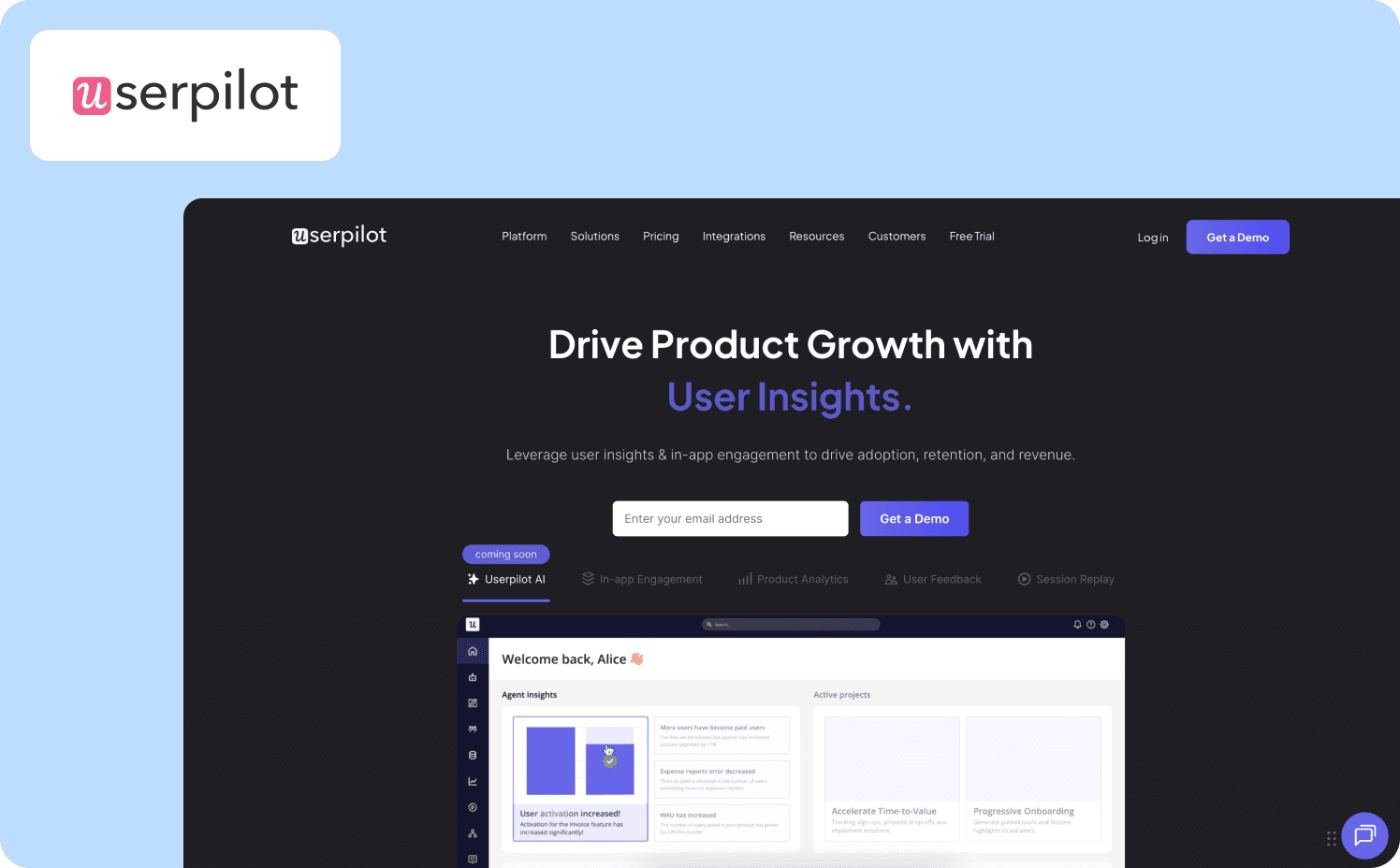
Userpilot is a no-code product experience platform that enables behavior-driven onboarding through interactive walkthroughs with branching paths, real-time personalization, and contextual triggers. The visual builder supports modals, tooltips, checklists, spotlights, and driven actions across web and mobile.
Strengths:
Action-based contextual guidance: Behavior-triggered flows and branching paths deliver personalized experiences based on user actions, roles, and segments.
Integrated product analytics: Built-in funnel analysis, custom event tracking, and session replay connect walkthrough interactions directly to activation metrics without third-party tools.
Fast time-to-value: WYSIWYG editor and pre-built templates let product managers launch onboarding experiences in hours.
Limitations: The analytics dashboard feels disjointed and unintuitive, with users reporting difficulty finding survey data and limited flexibility in custom reports. 95 G2 users also say Userpilot has a steep learning curve, making it difficult to take advantage of all its advanced features.
Pricing:
Starter: $299/mo (includes 2,000 MAUs)
Growth: Custom (includes 5,000 MAUs)
Enterprise: Custom (includes 10,000 MAUs)
5. Chameleon — Best for design-focused teams needing advanced customization
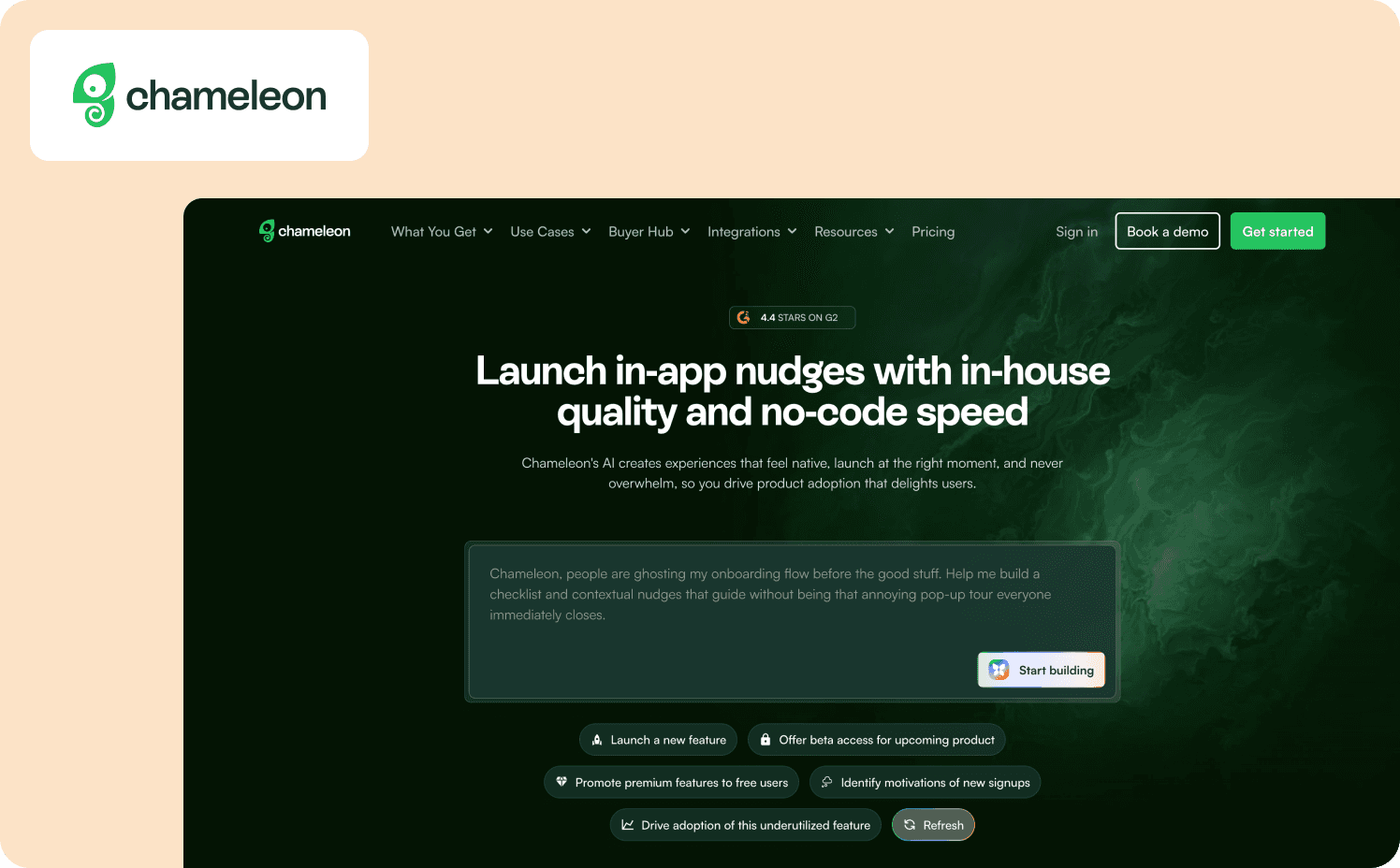
Chameleon is a behavior-triggered product adoption platform that enables product teams to create contextual in-app experiences activated by clicks, hovers, page views, or smart delays. The visual builder supports tours, tooltips, surveys, launchers, HelpBar, banners, checklists, and microsurveys with extensive CSS customization.
Strengths:
Advanced design customization: Supports CSS control, brand consistency tools, GIF and video embedding, so design teams can achieve pixel-perfect brand alignment.
Sophisticated targeting and triggering: Deep segmentation by user attributes, behavioral triggers activated by specific actions, smart delays, and rate limiting deliver contextual experiences.
Integrations: Integrations with analytics tools like Mixpanel, Heap, and Amplitude connect guidance to business outcomes.
Limitations: Chameleon lacks native mobile app support and built-in product analytics, forcing teams to rely on external tools for cohort analysis and feature adoption tracking. One user says, “Tours can also occasionally break if an element is missing or changed in the app.”
Pricing:
Free: Unlimited product-connected interactive demos
Startup: From $279/mo (1,000 MAUs)
Growth: From $15,000/year (1,000 MAUs)
Enterprise: Custom
6. Pendo — Best for teams wanting unified analytics and guidance
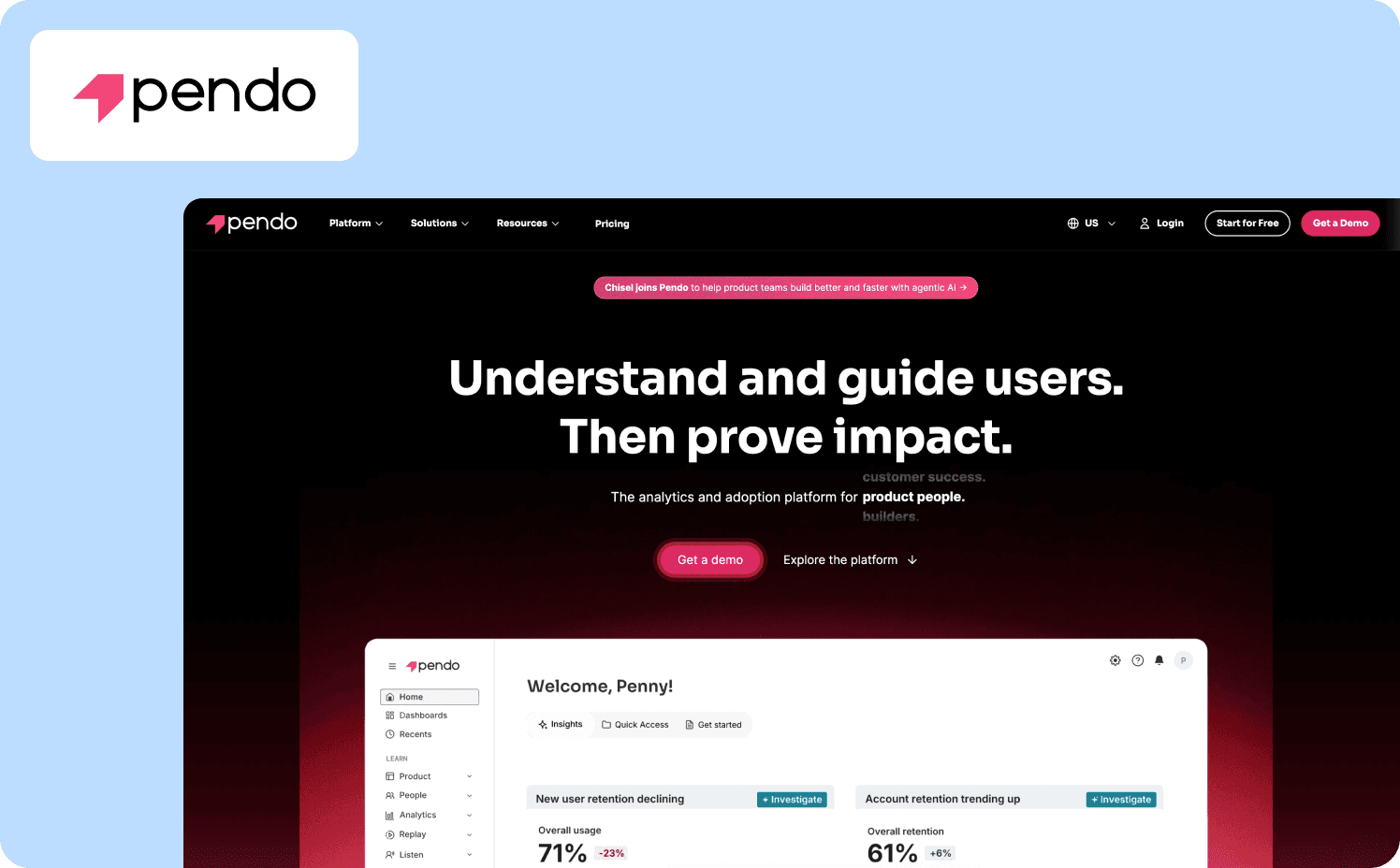
Pendo is an all-in-one product experience platform that combines automatic usage tracking, in-app walkthroughs, and user feedback collection without manual event tagging. The drag-and-drop visual studio creates behavior-triggered guides with multi-step logic and personalization across web and mobile.
Strengths:
Automatic analytics without event tagging: Retroactive analysis captures clicks, page views, and user paths without predefining what to track, enabling teams to investigate behavior after the fact.
All-in-one platform consolidation: Analytics, in-app guides, feedback collection, session replay, and resource center combined in a single tool eliminate the need for multiple point solutions.
AI-assisted guide creation: Generate multi-step walkthroughs from simple prompts using built-in AI, accelerating content creation and reducing time to launch.
Limitations: Pendo requires significant technical setup. Survey capabilities are limited, with reviewers reporting only one follow-up question allowed after NPS surveys and restricted question types that make detailed customer feedback collection difficult.
Pricing:
Free: For 500 MAU
Base: Custom
Core: Custom
Ultimate: Custom
7. Whatfix — Best for AI-driven employee training and application simulation
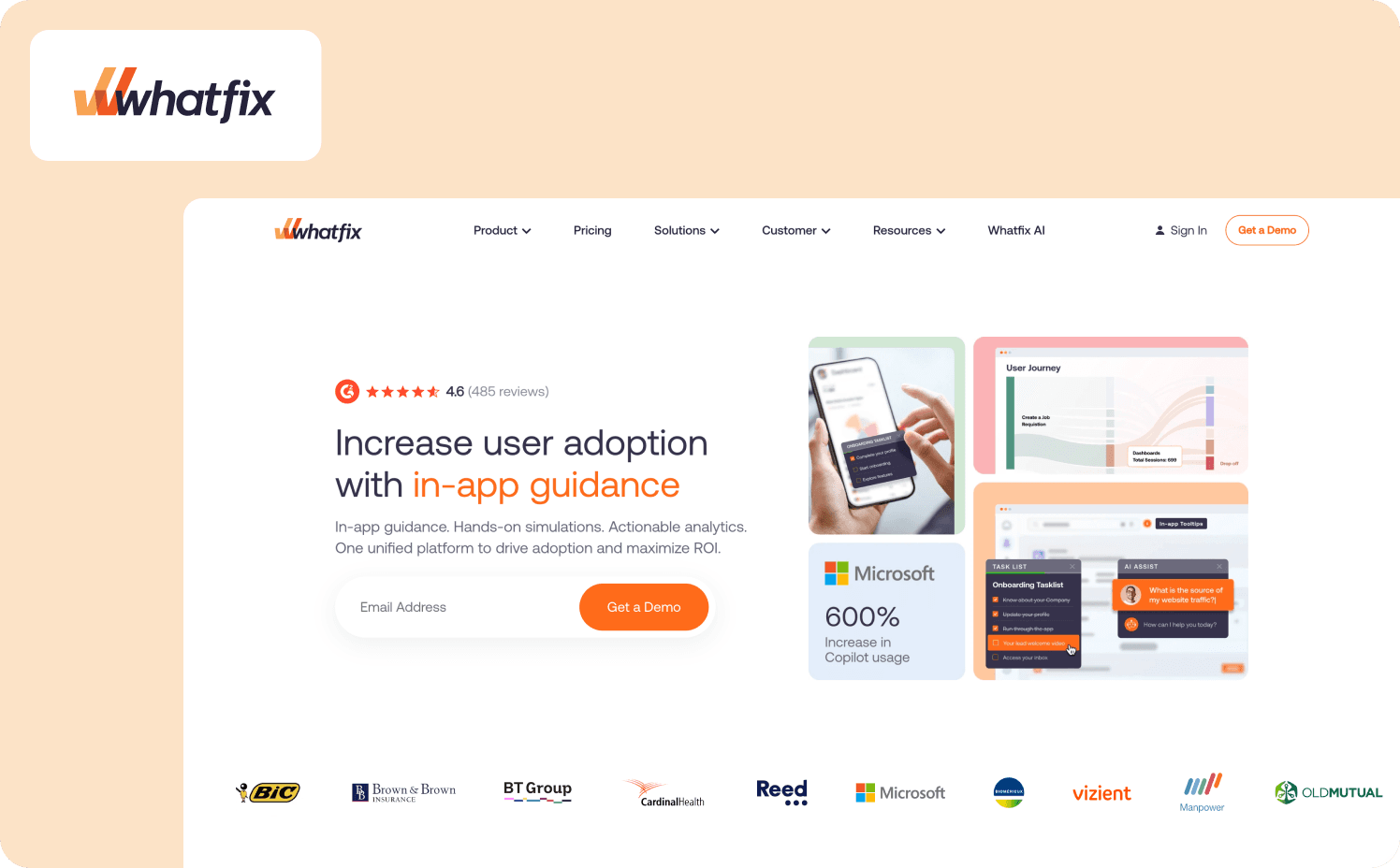
Whatfix is a three-product digital adoption suite combining DAP (flows, tooltips, task lists), Product Analytics, and Mirror (application sandbox). The Authoring Agent converts plain-text prompts into guided flows and auto-updates content when applications change, while the Guidance Agent provides real-time AI-generated responses and the Insights Agent surfaces adoption friction through natural language queries across web, mobile, and desktop environments.
Strengths:
AI-powered content automation: ScreenSense technology automatically generates walkthroughs from prompts, updates content when applications change, and surfaces insights through conversational analytics without manual configuration.
Mirror sandbox training environment: Risk-free application replicas enable employees to practice workflows with AI roleplay scenarios and adaptive assessments.
Enterprise-ready scalability: SSO, multi-language translation, auto-testing, data entry automation, and Adoption Health Dashboard support large-scale deployments across global organizations.
Limitations: Whatfix uses traditional linear walkthroughs that guide users through predetermined sequences rather than adapting to individual user actions. Implementation can take months while pricing is opaque and complex.
Pricing:
Standard: Custom
Premium: Custom
Enterprise: Custom
8. Userflow- Best for lightweight SaaS teams needing fast deployment
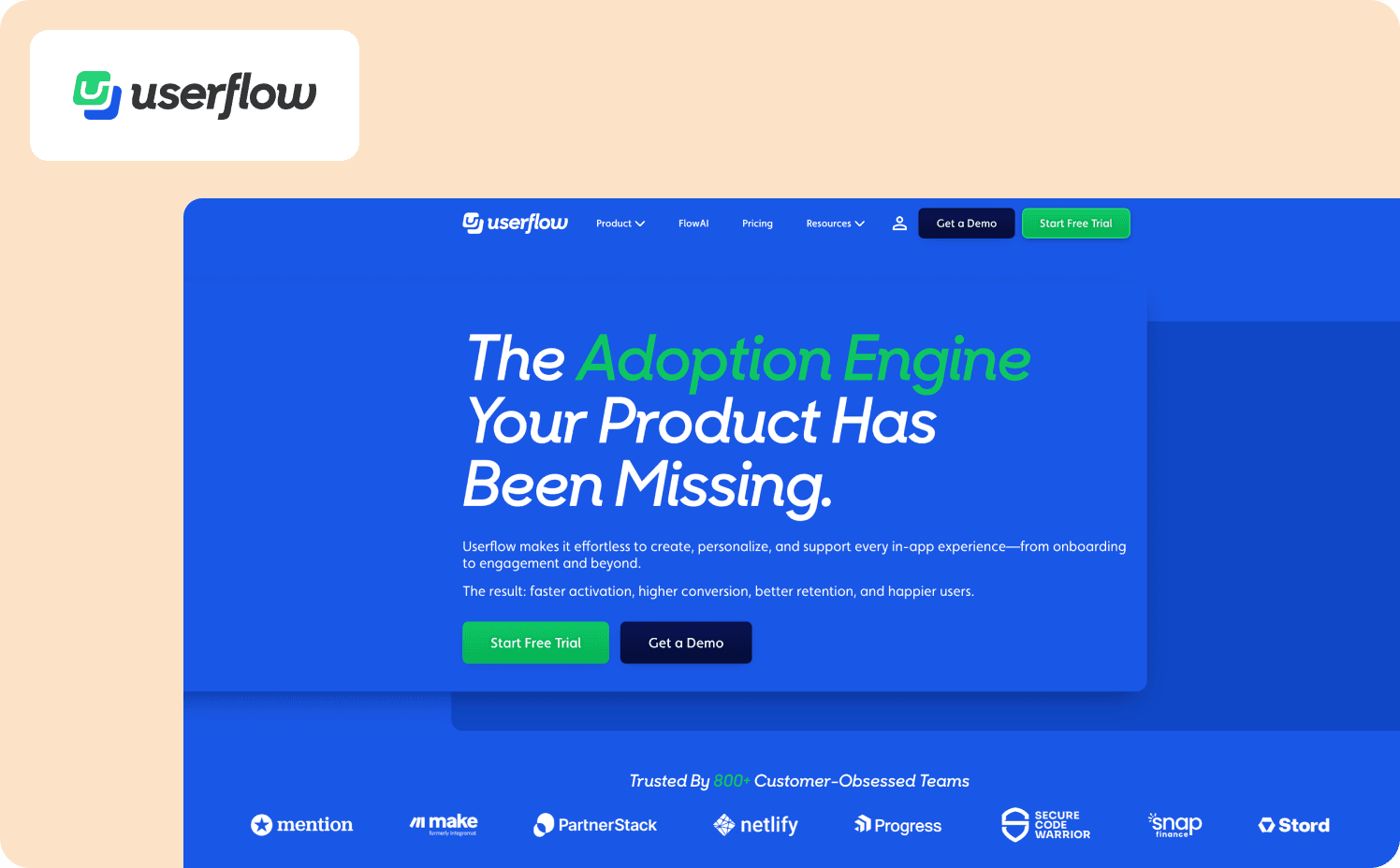
Userflow is a no-code onboarding platform built for product-led SaaS teams that delivers interactive flows with conditional branching and event-based triggers. The platform supports custom events, lifecycle targeting, multi-environment testing (staging and production), FlowAI generation, AI translation and rephrasing, and integrations with Segment, HubSpot, Salesforce, Amplitude, and Intercom while maintaining GDPR and SOC 2 Type II compliance.
Strengths:
Lightweight performance footprint: Script loads five to ten times faster than competing platforms, minimizing impact on application performance and page load times.
Multi-environment workflow: Build and test flows in staging environments before replicating to production from a single account, enabling safe iteration without affecting live users.
FlowAI automation: AI-powered content generation, translation, rephrasing, and FlowAI Insights surface adoption patterns and optimization recommendations without manual analysis.
Limitations: Userflow lacks a native analytics dashboard, forcing teams to open each flow individually for metrics. The platform offers no mobile app support and no session replay or heatmaps.
Pricing:
Startup: From $240/mo (3,000 MAUs)
Pro: From $680/mo (10,000 MAUs).
Enterprise: Custom
9. Product Fruits — Best for AI-assisted onboarding at accessible pricing
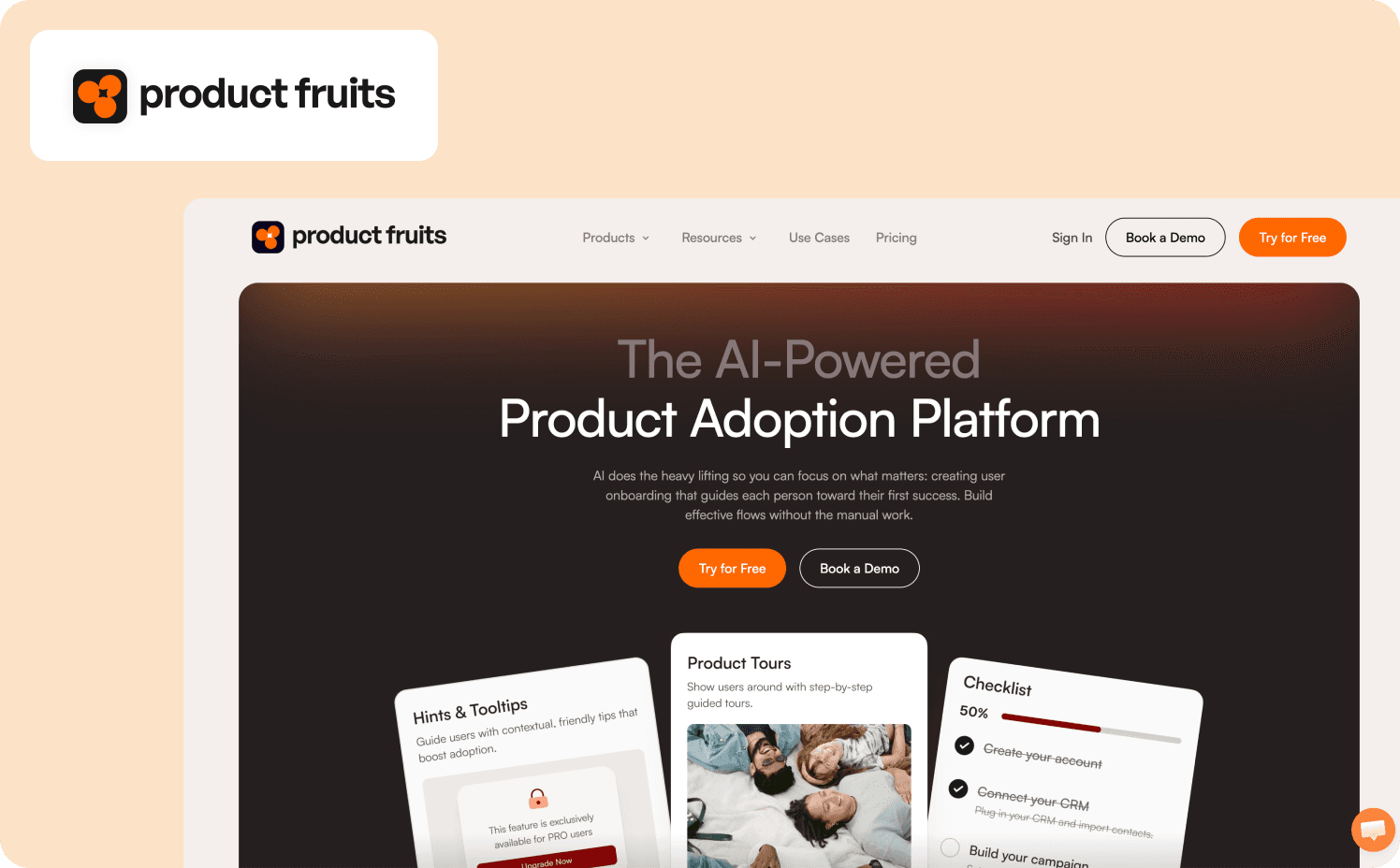
Product Fruits is an AI-powered product adoption platform that delivers interactive walkthroughs, onboarding checklists, tooltips and hints through a drag-and-drop visual editor. It integrates with HubSpot, Segment, Intercom, and Google Analytics.
Strengths:
AI-powered tour generation with Elvin: AI assistant drafts entire onboarding segments automatically from natural language prompts while providing contextual user guidance and team engagement insights.
Comprehensive adoption toolkit: Product tours, checklists, announcements, surveys, feedback widgets, help center, and knowledge base combined in a single platform eliminate the need for multiple point solutions.
Quick implementation and setup: Visual drag-and-drop editor with content mapping tools helps non-technical teams organize onboarding resources and publish flows without developer involvement.
Limitations: Product Fruits uses standard linear tour flows without action-based progression or sophisticated behavioral triggering. The editor can feel clunky and unresponsive, “especially when managing multiple walkthroughs or updating existing ones,” says one customer.
Pricing:
Starter: $149/mo (1,500 MAUs)
Pro: $249/mo (1,500 MAUs)
Business: $499/mo (1,500 MAUs)
10. Inline Manual — Best for role-based segmentation and branching guidance
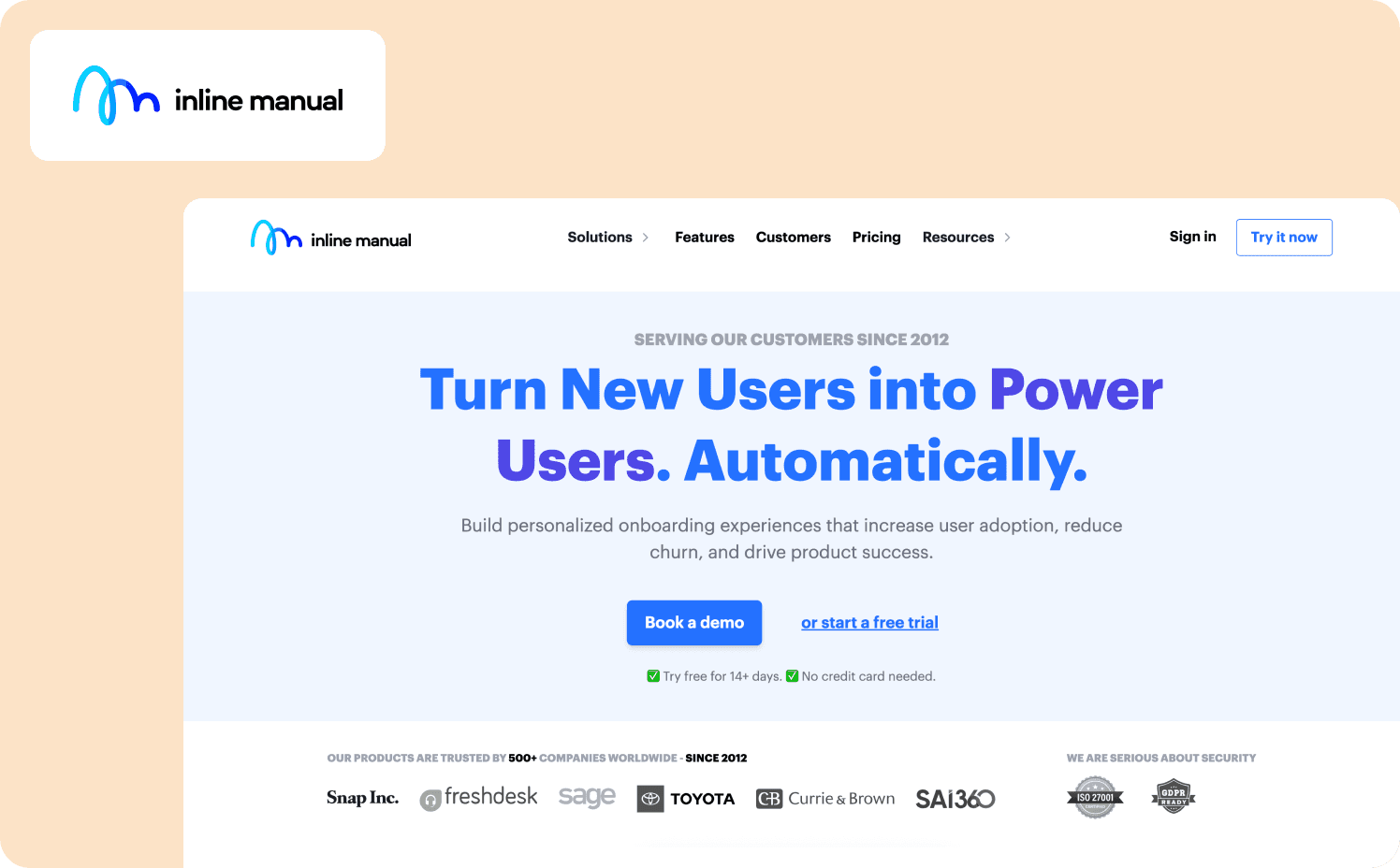
Inline Manual is a DAP that creates interactive walkthroughs with branching logic and conditional flows for user onboarding, employee training, and change management. The platform supports advanced CSS customization and detailed analytics tracking content performance, user-level progress, and product bottlenecks across integrations with third-party analytics solutions.
Strengths:
Role-based segmentation: Create user segments based on permissions, company, plan tier, or custom parameters.
Point-and-click authoring: Visual authoring tool builds walkthroughs directly on top of applications without code.
Multilingual support: Advanced multilingual capabilities let users learn in their preferred language.
Limitations: The analytics dashboard lacks depth compared to competing DAPs. Users report the backend feeling slow, “It's hard to QA iterative design of tutorials because it feels like I need 15 minutes to make sure [I’ve] seen the most up to date results.”
Pricing:
Standard Pro: Starts at $158/mo (250 MAUs)
Enterprise: Custom
11. Stonly — Best for decision-tree knowledge bases with embedded guidance
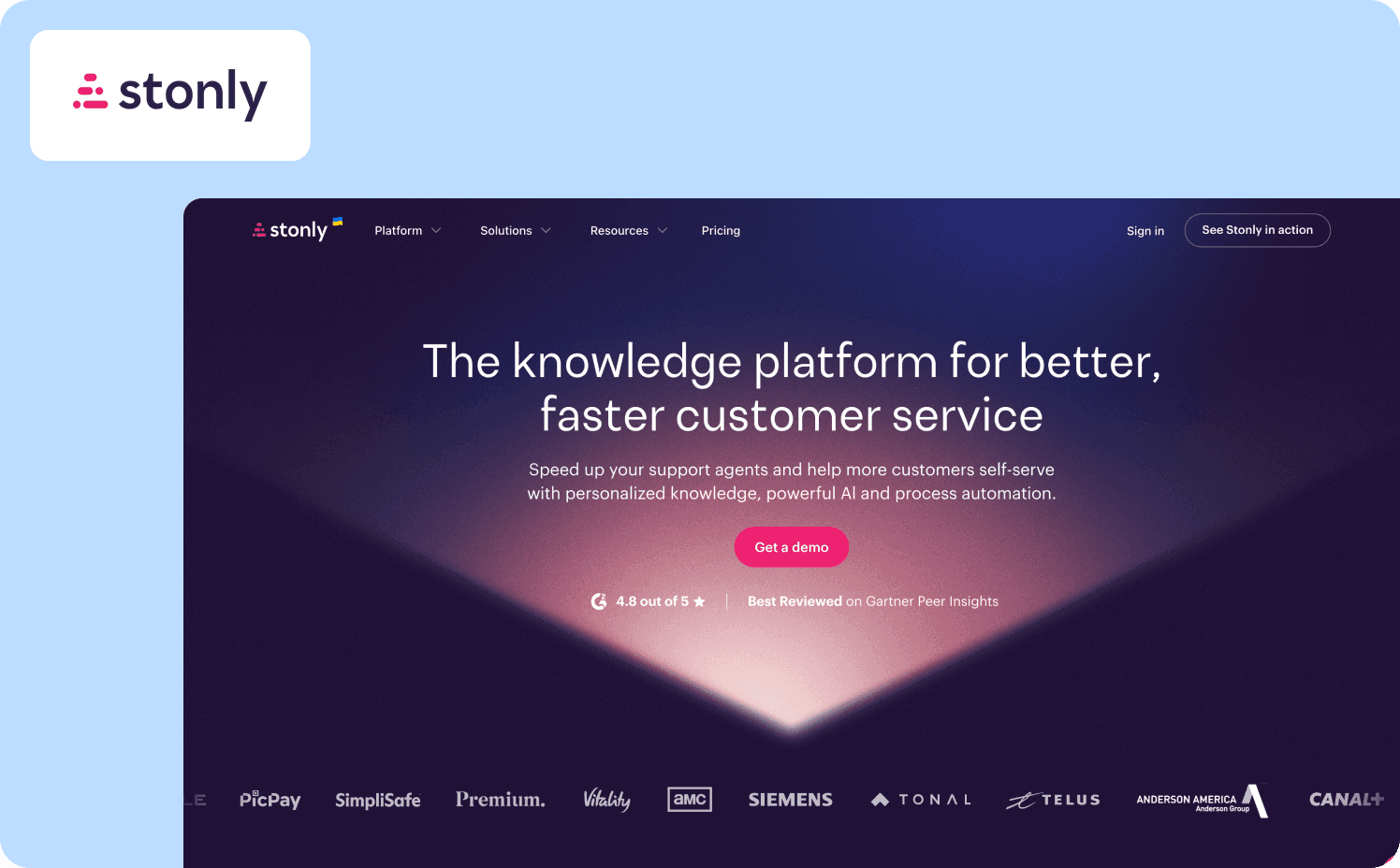
Stonly is a no-code knowledge base platform that creates interactive decision-tree guides with branching paths and conditional logic. The drag-and-drop editor supports multimedia content, conditional logic, and adaptive personalization. The platform has integrations for Zendesk, Salesforce, Freshworks, and ServiceNow.
Strengths:
Decision-tree guide architecture: Interactive guides branch based on user choices and behavior, delivering personalized paths through complex troubleshooting or onboarding scenarios.
Knowledge base-first design: Advanced search functionality, AI-enhanced results, and content that adapts to user context provide strong self-service support and documentation.
CRM and helpdesk integrations: Native integrations embed guides directly into Zendesk and Salesforce, letting support agents serve knowledge without context switching and syncing ticket data to CRM platforms.
Limitations: The platform offers limited UI customization and branding options, with restricted design flexibility beyond basic styling despite CSS access. Users say that guided tours are difficult to develop and ultimately slow down your browser. “We thought guided tours would be amazing but in practice are tricky to develop and slow down your browser.”
Pricing:
Small Business: Custom (For companies with less than 100 employees)
Enterprise: Custom
12. UserGuiding — Best for small teams needing affordable quick-start onboarding
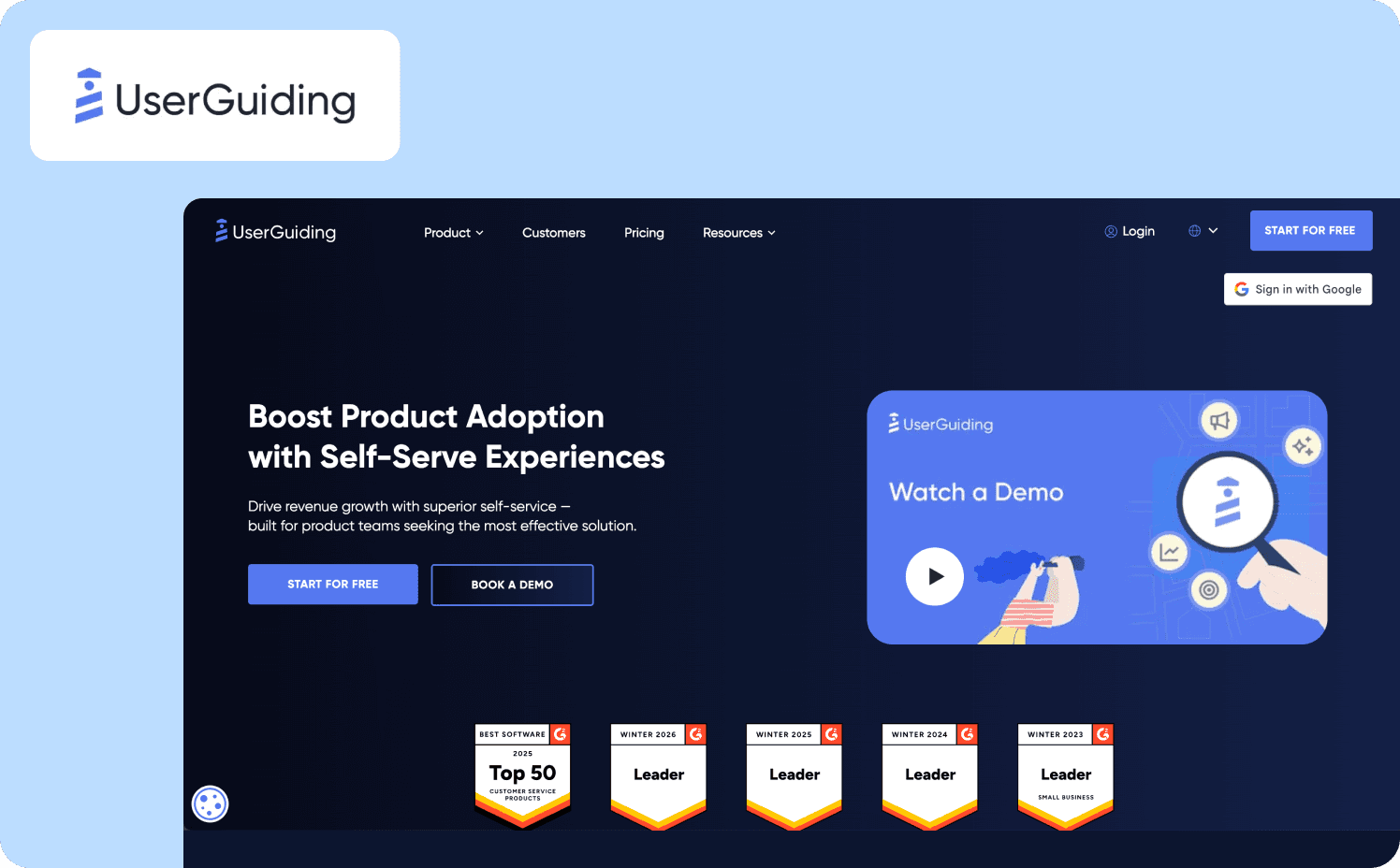
UserGuiding is a no-code product adoption platform that creates interactive product tours with AI assistants through a Chrome extension and visual builder. The platform supports custom user segmentation, personalized content targeting, multilingual guides, and one-click publishing.
Strengths:
Chrome extension for rapid deployment: Builds entire onboarding flows directly on top of web applications using the Chrome extension.
Transparent pricing: Pricing scales predictably with a MAU calculator on pricing page to dissolve budget uncertainty.
Quick time-to-value: Intuitive interface and pre-built templates let non-technical teams create and launch product tours in minutes.
Limitations: The platform offers linear guides only with no conditional branching logic, making complex use cases impossible. Customization is extremely limited and users often complain about the restricted features in lower plans.
Pricing:
Free
Starter: From $249/mo (2,000 MAUs)
Growth: From $499/mo (5,000 MAUs)
Enterprise: Custom
13. Gainsight PX — Best for product teams needing unified customer success analytics
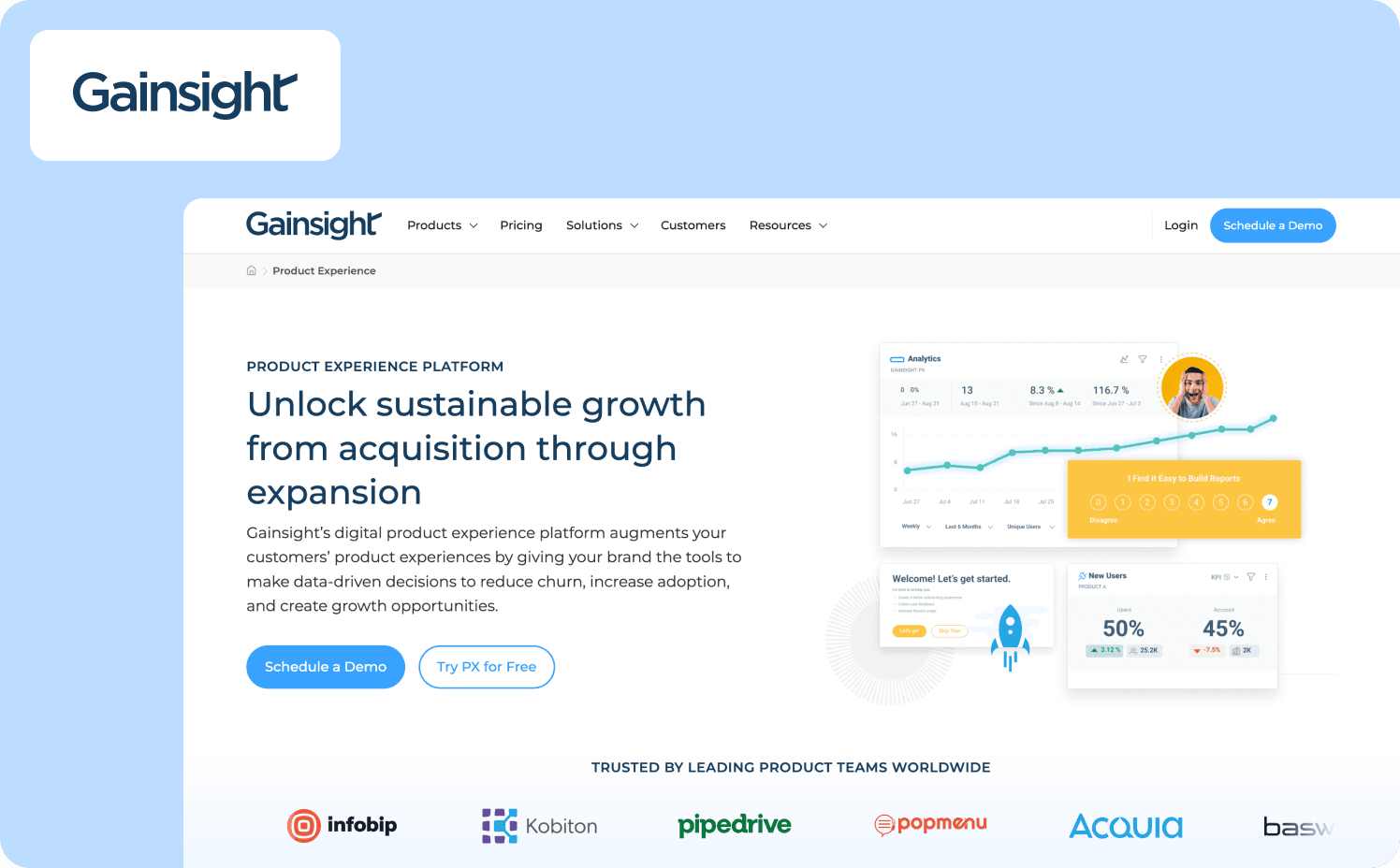
Gainsight PX is a product experience platform that combines advanced product analytics with in-app engagement tools to drive adoption, retention, and expansion within customer-facing applications. The platform delivers multi-page interactive guides with rules-based triggering and conditional progression.
Strengths:
Deep product analytics and segmentation: Advanced retention analysis at feature and custom event level, cohort segmentation beyond simple login dates, and automatic product mapping.
Unified customer success integration: Native connection to Gainsight CS creates a single source of truth combining product usage, engagement metrics, and customer health data.
Multi-page guide capabilities with advanced triggering: Supports complex workflows spanning multiple pages with auto-scrolling, conditional progression, and sophisticated rules-based triggers.
Limitations: Gainsight PX suffers from steep learning curve with unintuitive UI requiring significant cross-team training. One customer highlights the extremely long implementation timeline, saying, “PX has been an 18+ month implementation due to our products being web applications and not websites.”
Pricing:
Grow: $750/mo for 1,000 MAUs
Enterprise: Custom pricing
Why Jimo is the best product walkthrough software for your business
Most walkthrough tools look similar. Few connect guidance to revenue. Choose tools that connect guidance directly to activation outcomes rather than stopping at tour views and completion percentages. Your activation strategy dictates which capabilities matter most.
Jimo ranks first for product-led SaaS teams because it solves three critical constraints. Smart Cursors produce two times as many conversions versus traditional tours by auto-advancing based on actual user behaviors triggering activation events.
The AI generation layer creates complete tours in 30 seconds, letting teams that spent weeks building tours manually now ship 20+ in two hours. The integrated Success Tracker connects guidance to custom activation events that predict revenue.
And what if your onboarding could feel like playing a game instead of reading a manual? Games teach through doing, explaining 970% feature adoption spikes and users reaching their “aha” moment in first sessions activating at three times higher rates.
For product-led SaaS teams, Jimo delivers measurement rigor proving which guidance drives conversions plus velocity to iterate weekly. Jimo fits poorly for very early-stage startups validating product-market fit, companies building native mobile apps, or teams needing Chrome extension onboarding. See Jimo in action and discover how teams move from trial signups to activated accounts in minutes rather than weeks.
FAQs
What's the difference between action-based and linear walkthroughs?
Action-based walkthroughs using interactive walkthrough software auto-progress when users complete actual product tasks like clicking elements or submitting forms, ensuring near-100% completion by tying guidance to real behaviors. Linear walkthroughs force users through predetermined Next-button sequences regardless of their needs, resulting in 12-18% completion rates as users abandon when they can't skip to relevant tasks.
What's the best product walkthrough software for SaaS?
Jimo ranks as the best product tour software for product-led SaaS teams because its action-based architecture connects in-app messaging and guidance directly to measurable activation events without engineering dependency. The platform connects action-based tours, AI generation, and activation tracking in one system.
How do product tours differ from interactive demos?
Product tour tools guide users through live interactions inside your actual product interface, helping users discover features they can immediately use while tracking real usage patterns and activation behaviors. Interactive demos and offline demos simulate your product experience for prospects before signup, serving as marketing materials rather than actual onboarding tools that educate users within the product.
What key features should I look for in product walkthrough software?
Prioritize best product tour software with no-code builders requiring zero coding skills, action-based or behavior-triggered guidance keeping users engaged, ability to segment users by role and behavior, multi-language support for global teams, and analytics showing user insights on activation and retention. Essential capabilities include security features for enterprise compliance, integration with other tools in your stack, and in-app messaging to reach user segments with targeted guidance.
Can product walkthrough software work with complex enterprise applications?
Yes, interactive product tour software designed for complex software systems includes advanced capabilities like DeepUI element recognition, workflow automation, and role-based permissions that help sales teams and employees navigate complex software environments. Enterprise platforms provide key benefits including SAML SSO, compliance certifications, and centralized admin controls for digital transformation initiatives, though they require more implementation time and minimal effort is rarely achievable for new software deployments at scale.








