/
7 mins read
TL;DR
Most trial users complete onboarding checklists but never activate. Generic tours route everyone through identical steps regardless of role or intent, optimizing for completion theater instead of revenue-predictive actions. Personalized onboarding software fixes this by routing users based on behavioral signals to activation milestones that actually drive paid conversion. Modern AI services for personalized onboarding use machine learning to adapt flows in real-time based on user behavior rather than forcing predetermined sequences. This guide evaluates 12 platforms across five criteria. We then cover how to measure onboarding impact through a four-step framework connecting flow performance to trial-to-paid conversion rates.
A marketing manager and a data engineer sign up for the same product. But if they get the same onboarding, it’s likely that neither activates.
When onboarding setups ignore user intent, they treat every user the same, even when their goals, context, and paths to value are completely different. Completion isn’t the goal. Activation is.
Personalized onboarding addresses this by routing users based on behavior. Based on what they click, where they hesitate, and what they’re trying to achieve, the experience is adapted in real time.
We’ll take a look at the best personalized onboarding tools for SaaS product onboarding in 2026. We evaluate them based on how effectively they move users from signup to first value.
Personalized client onboarding software versus client onboarding versus employee onboarding
Onboarding software means three completely different things depending on whether you’re activating trial users, coordinating client kickoffs, or processing new employee paperwork. Here’s a table to clear things up.
Category | Purpose | Example tools | This article |
|---|---|---|---|
SaaS product onboarding | Guide end users through product features to drive activation and trial-to-paid conversion | Jimo, Pendo, Userpilot, Appcues, Chameleon | ✓ Covered here |
Client onboarding | Coordinate multi-step project kickoffs between sales/CS/client teams | OnRamp, Arrows, Rocketlane | Not covered |
Employee/HR onboarding | Automate new hire paperwork, compliance training, and internal system access | Gusto, BambooHR, Rippling, Workday | Not covered |
This guide covers only the top row. If you need to activate trial users in a web application, you’re in the right place.
Why generic onboarding fails (and what personalization fixes)
Most users reach the end of demo chapters and click “Onboarding Complete” but never activate. Your dashboard shows 92% completion rates while trial-to-paid conversion sits at 12%. The checklist gets finished. The activation milestone never gets reached.
Static product tours force everyone through identical steps. A marketing manager signing up for your analytics tool sees the same walkthrough as a data engineer. The engineer needs API documentation. The marketer needs pre-built templates. Both complete the tour. Neither reaches their first value action because the guidance was the same for different target audiences.
Behavioral personalization routes users based on signals they already emit. When someone selects “Marketing Manager” during signup, enters through a campaign-specific landing page, or spends 3+ minutes on the integrations page without clicking anything, your onboarding software detects intent and adjusts the path. The marketing manager sees template galleries first. The data engineer gets API quickstart guides. The integration-focused user receives connector setup flows with pre-configured options, reducing the number of unqualified demos.
Gaming mechanics take this further. Cursor animations guide attention to the next action. Interactive progress indicators show “2 of 5 key setup steps complete.” Contextual rewards appear at milestones. This approach can achieve up to 2x user conversion compared to classic tours. Users actively complete actions that drive activation. Onboarding becomes a behavioral routing engine connecting trial signup to first value delivery.
How to evaluate personalized onboarding software
Five criteria determine whether your PM team can iterate fast enough to impact activation rates without engineering dependency.
Activation measurement (not completion tracking)
Your platform needs to connect onboarding milestones to first value actions. Can you see which flows drive trial-to-paid conversion? Most tools report how many users completed an onboarding process without revealing whether completers converted. You need insights like “Tour A: 34% trial-to-paid vs 19% control.” Look for platforms that let you define custom activation events visually and show which paths drive those events.
No-code iteration speed
Your PM should be able to ship a new flow variation this morning and see results tomorrow. Visual builders with drag-and-drop logic eliminate the need for dev tickets. Modern demo automation tools with AI personalization and fast onboarding reduce onboarding times compared to manually mapping every step. When iteration requires engineering work, you run quarterly tests instead of daily experiments. Your learning velocity collapses.
Segment targeting depth
Basic targeting uses plan tier and job role. Advanced targeting reads first-session intent, feature reach patterns, and lifecycle stage signals. When someone spends five minutes exploring your integrations page without connecting anything, your platform should route them to connector setup flows. Behavioral signals create paths that match actual user jobs.
A/B testing capability
You need native split testing with conversion tracking. Run a linear walkthrough against an action-based progression and compare activation outcomes. The testing infrastructure should let you define hypotheses, allocate traffic, and measure results without exporting data to external platforms to continuously improve onboarding experiences.
Time to launch
JS snippet integration takes minutes. SDK integration requires engineering cycles spanning days or weeks. The faster you launch, the faster you discover which flows move activation metrics.
Use this framework to evaluate any tool. The best personalized onboarding software gives PMs autonomy to define activation events, build flows, run tests, and measure conversion impact.
Criterion | What to look for | Why it matters |
|---|---|---|
Activation measurement | Tracks conversions, not completions | Connects onboarding to revenue |
No-code iteration speed | Visual builders + AI assistance | Daily testing vs quarterly |
Segment targeting depth | Intent signals + behavioral routing | Matches paths to user jobs |
A/B testing | Native split testing with conversion data | Optimization based on outcomes |
Time to launch | JS snippet vs NPM package | Learning velocity |
How to measure onboarding impact on activation
Proving onboarding ROI requires connecting flow completion to activation outcomes. This framework helps you justify investment with revenue-linked metrics.
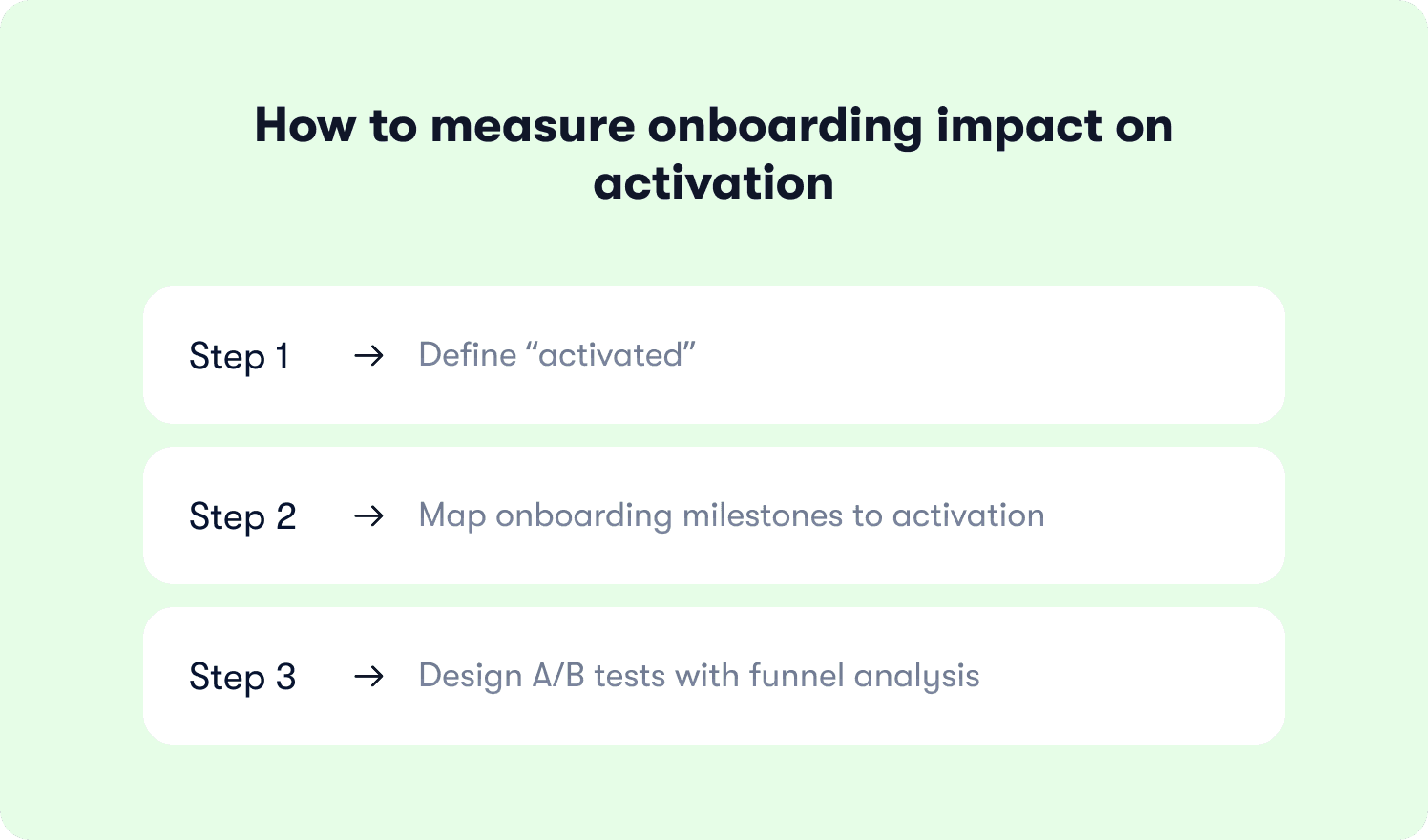
Step 1. Define “activated”
Activation means reaching a specific action that predicts retention and paid conversion. Generating a report is an activation event. Completing onboarding tours or video demos measures engagement without predicting revenue.
Activation can be broken into five levels:
Account created (everyone)
Onboarding completed (high rates, low signal)
First value delivered (user got something useful)
“Aha” moment (80%+ conversion rate)
Habit formed (repeated usage)
Most onboarding platforms measure level 2. You need to optimize for levels 3-4, where user actions correlate with trial-to-paid conversion. Based on Jimo self-reported data, users who reach Level 4 during the trial convert at over 80%+. Users who don't stay below 10%.
Step 2. Map onboarding milestones to activation
Build the funnel connecting signup to your activation event. For example, Signup → Profile setup → First project created → First file uploaded → First teammate invited (activation).
Track drop-off at each step. If 78% complete profile setup but only 34% create their first project, there’s your bottleneck. Your onboarding flow needs behavioral triggers at that stall point that say “You’ve set up your profile. Create your first project in 30 seconds.” The guidance should appear when users stall, triggered by inactivity patterns.
Step 3. Design A/B tests with funnel analysis
Test flow variations addressing your bottleneck and measure drop-off reduction. Also test segment-specific paths where different roles receive different sequencing.
Track drop-off reduction at bottleneck steps and conversion lift to your activation event. If Flow B reduces project creation drop-off from 66% to 48% and increases activation rate from 34% to 52%, you’ve proven impact.
The best personalized onboarding software makes this measurement native, not bolted on.
12 best personalized onboarding tools for 2026
Here’s a quick comparison table showcasing each tool’s ideal use case, install method, time to first flow, and pricing model. Use it to shortlist a couple of tools, then read their detailed descriptions below.
Tool | Best for | Install method | Time to first flow | Pricing model |
|---|---|---|---|---|
Jimo | PLG teams with activation drop-off | JavaScript snippet | Hours | Transparent, starting at $249/mo |
Appcues | Mid-market teams needing quick setup | JavaScript snippet or NPM | Days | Transparent, starting at $750/mo |
Userpilot | Mid-market PLG all-in-one consolidation | JavaScript snippet | Days | Transparent, starting at $299/mo |
Chameleon | Teams needing pixel-perfect brand control | JavaScript snippet, GTM, or NPM | Days | Transparent, starting at $279/mo |
Pendo | Enterprise analytics-first teams | JavaScript snippet or NPM | Weeks | Contact sales |
WalkMe | Enterprise cross-application employee training | JavaScript snippet, GTM, or extension | Weeks to months | Contact sales |
Whatfix | Enterprise sandbox environments | JavaScript snippet or extension | Weeks to months | Contact sales |
Userflow | Lean startups prioritizing deployment speed | JavaScript snippet or NPM | Days to weeks | Transparent, starting at $240/mo |
Product Fruits | Budget-conscious teams needing AI tours | JavaScript snippet or NPM | Days | Transparent, starting at $149/mo |
UserGuiding | Early-stage startups needing affordability | JavaScript snippet or GTM | Minutes | Transparent, starting at $249/mo |
Userlane | Enterprise standardized employee training | JavaScript snippet | Days | Contact sales |
Heap | Existing Heap users adding guidance | JavaScript snippet | Days to weeks | Contact sales |
1. Jimo — Best for PLG teams where trial users complete onboarding but never reach activation milestones
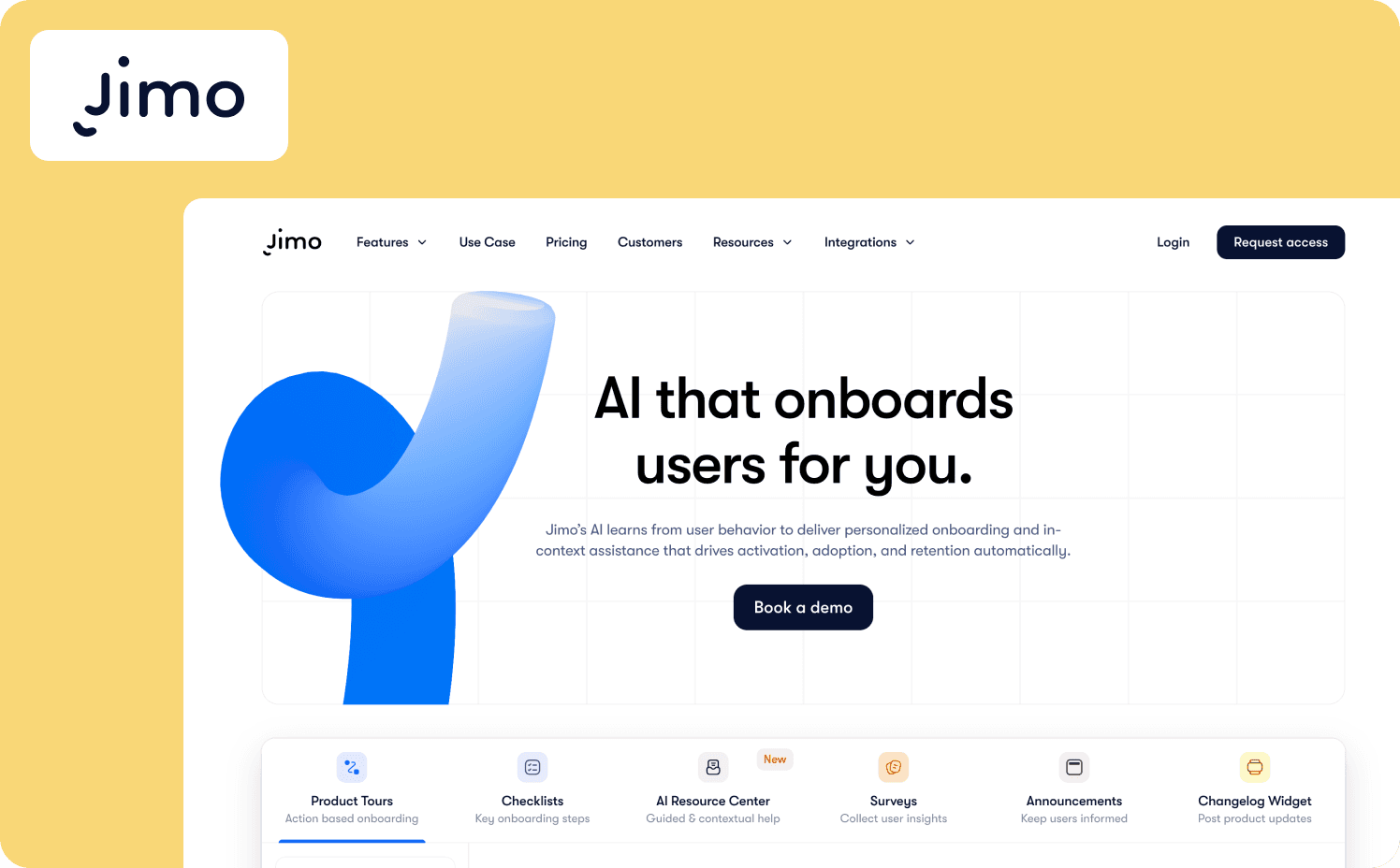
Jimo is an AI-powered personalized onboarding platform that replaces traditional tooltip tours with action-based flows using visual cursor animations and gaming-inspired mechanics. The platform connects onboarding completion to revenue outcomes by measuring which paths drive first value actions instead of checklist finishes.
Key features:
Activation measurement (Success Tracker and gaming-inspired mechanics): Users watch an animated cursor guide them to each action. Tours only advance when users complete the actual behavior. Success Tracker tags these activation events visually and measures which flows drive first integration connected instead of just tour completed.
No-code iteration speed (AI generation + visual builder): Describe your flow in natural language and AI generates targeting logic, tooltip placement, and progression rules. The Figma-style visual editor builds flows by dragging elements and setting behavioral triggers without CSS or code.
Segment targeting depth (behavioral routing): Routes users based on role, plan tier, first-session actions, and feature reach patterns. Creates paths matching actual user jobs instead of generic flows. Enables the segment targeting depth criterion by reading intent signals beyond basic demographics.
A/B testing capability (native split testing): Create multiple flow variations, allocate traffic percentages, and compare activation outcomes directly in Jimo. Test different sequencing or segment paths without external analytics tools.
Limitations: Jimo is built for web applications only. The platform does not support mobile-first products, legacy enterprise systems requiring extensive customization, or employee training workflows.
Install methods: JavaScript snippet
Time to first flow: Under 10 minutes
Starter: $249/month
Growth: $479/month
Enterprise: Custom pricing
2. Appcues — Best for mid-market teams needing template-based tours with quick Chrome extension deployment
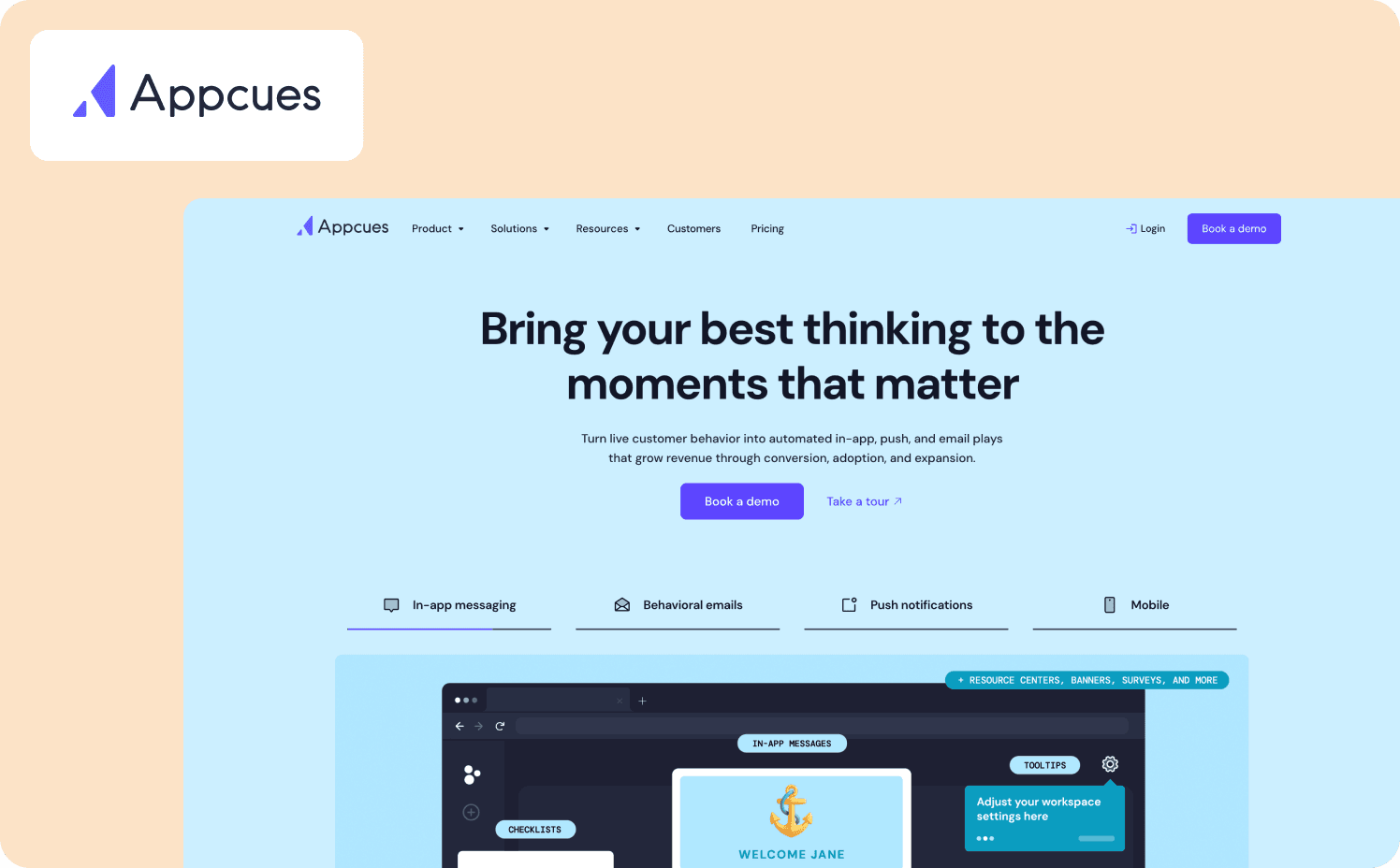
Appcues is a user onboarding platform that delivers in-app guidance through pre-designed templates. Product teams can create linear walkthroughs, checklists, and tooltips without writing code.
Key features:
Pre-designed templates provide starting points for common onboarding patterns
Multi-channel orchestration extends guidance beyond the product to email and push notifications, creating touchpoints across the user journey.
A/B testing via Audience Randomizer splits traffic between flow variations and tracks completion metrics.
Limitations: Appcues supports generic, linear onboarding processes. The platform also lacks advanced behavioral routing and action-based progression mechanics.
Install methods: JavaScript snippet or NPM package
Time to first flow: Days
Pricing:
Grow: $750/mo for 1,000 MAUs
Enterprise: Custom pricing
3. Userpilot — Best for mid-market PLG teams wanting engagement and analytics without vendor sprawl
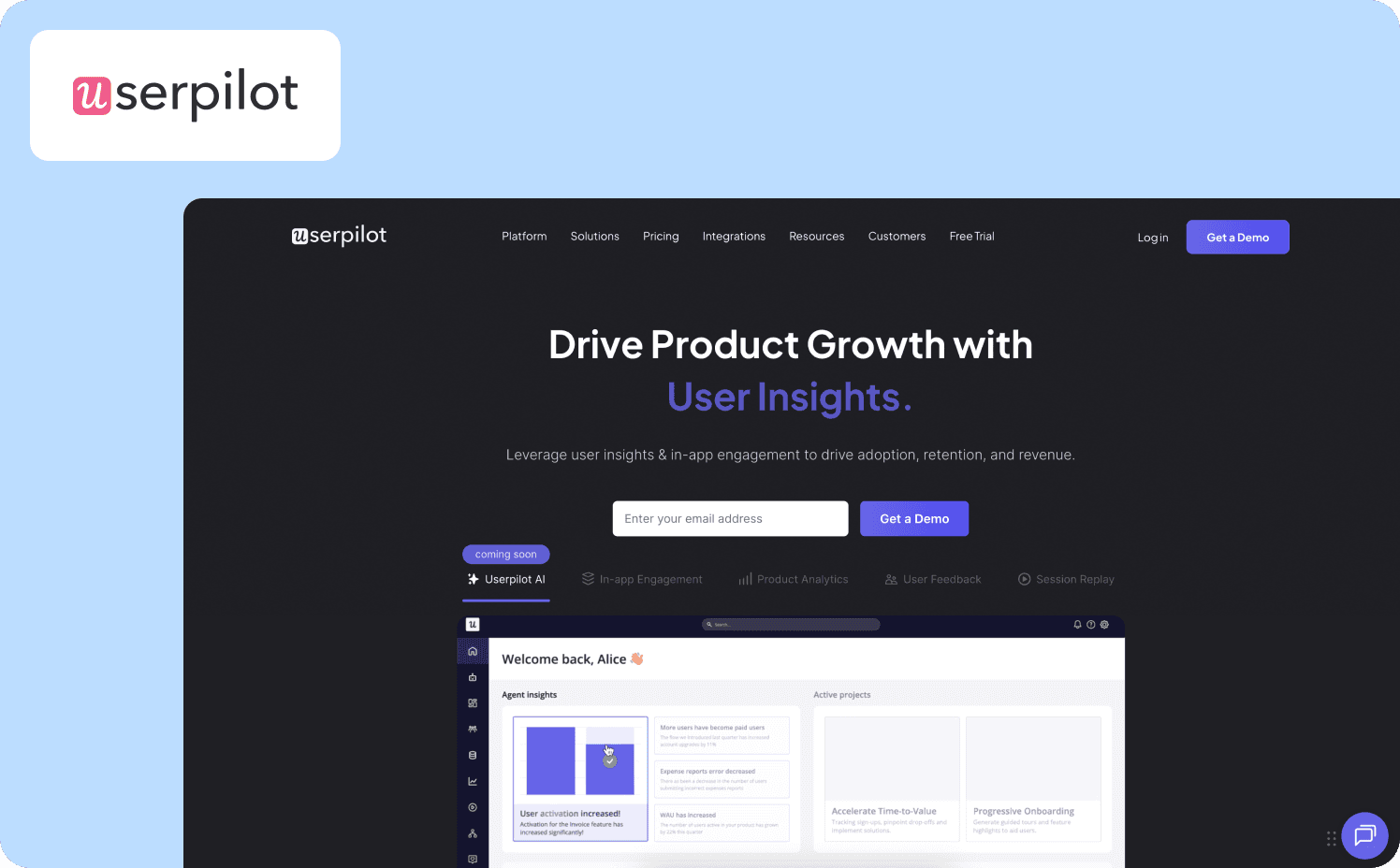
Userpilot is an all-in-one product growth platform combining user onboarding, in-app engagement, product analytics, and session replay for web and mobile applications. Product teams use it to guide users through activation milestones and measure impact without switching between separate tools for engagement and analytics.
Key features:
Built-in analytics with autocapture track custom events, funnels, retention cohorts, and feature usage with retroactive data.
Action-based flows with branching logic route users based on behavior, enabling segment-specific paths beyond linear tours.
Native A/B testing validates which flow variations improve activation rates directly in the platform.
Limitations: Though you can set up your first personalized experience quickly, Userpilot has a steeper learning curve than some other competitors due to its more advanced features.
Install methods: JavaScript snippet, GTM, or NPM package
Time to first flow: Days
Pricing:
Starter: $299/mo (includes 2,000 MAUs)
Growth: Custom (includes 5,000 MAUs)
Enterprise: Custom (includes 10,000 MAUs)
4. Chameleon — Best for teams that need complete brand control without writing custom code
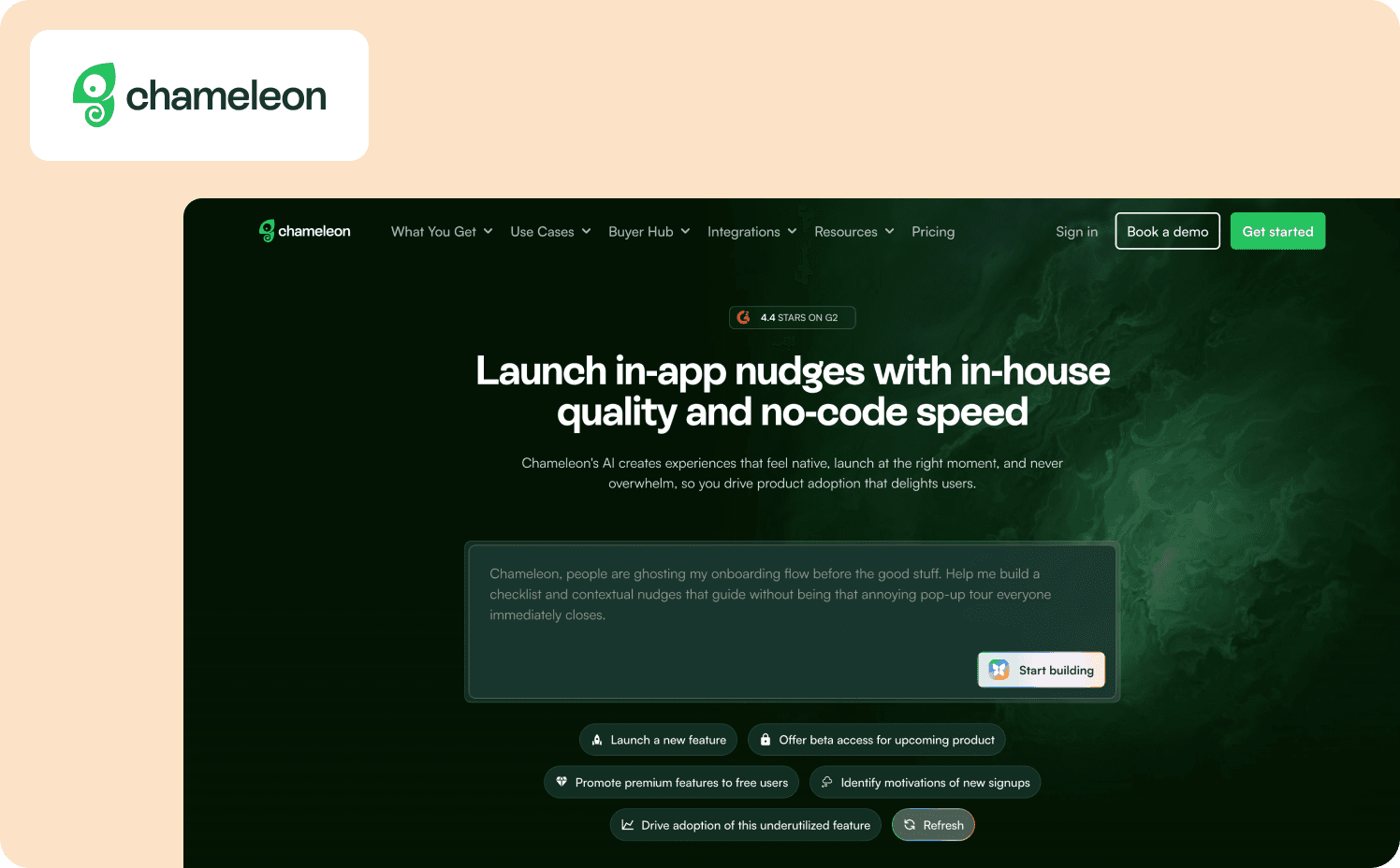
Chameleon is a user onboarding platform that replaces generic tooltip libraries with fully customizable in-app experiences. Teams use it when their product’s visual identity requires precise styling control but they lack the engineering bandwidth to maintain custom-built guidance systems.
Key features:
Copilot AI agent creates production-ready campaigns with AI-powered insights through conversational prompts and natural language processing.
Embedded cards and launcher widgets blend into existing UI rather than layering disruptive popups over the interface.
Ability to create interactive demos to enable product education.
Limitations: Chameleon’s deep customization requires CSS knowledge. The platform also lacks native mobile app support and built-in product analytics.
Install method: JavaScript snippet, Google Tag Manager, or NPM package
Time to first flow: Days
Pricing:
Free: Unlimited product demos
Startup: From $279/mo (1,000 MAUs)
Growth: From $15,000/year (1,000 MAUs)
Enterprise: Custom
5. Pendo — Best for enterprise teams prioritizing deep product analytics alongside basic onboarding guidance
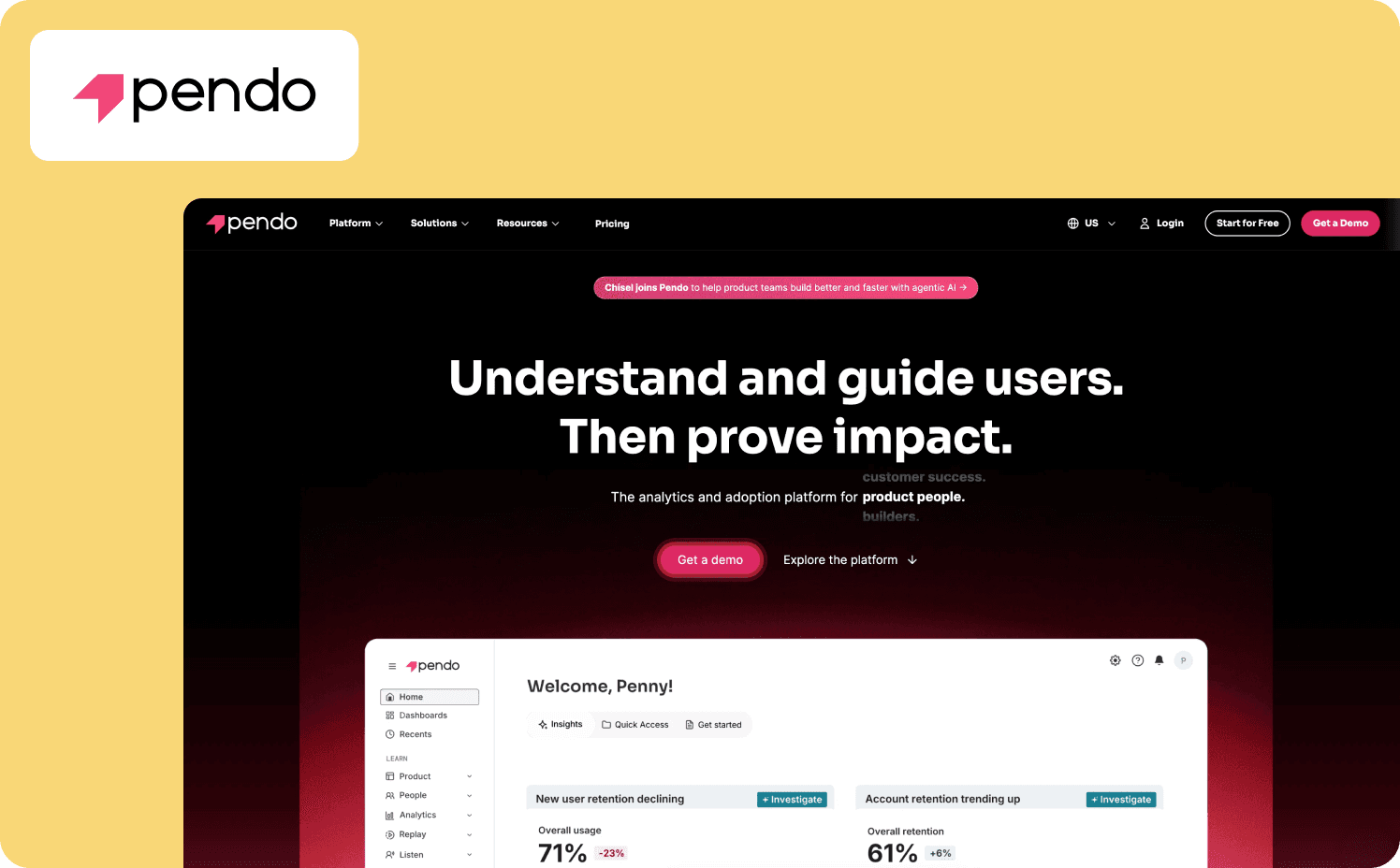
Pendo is a product analytics platform that combines retroactive usage tracking with guided experiences including tours, tooltips, checklists, and in-app messaging. It captures every user interaction automatically without requiring manual event tagging.
Key features:
Retroactive analytics let you define events after the fact and see historical data without prior instrumentation.
Orchestrate journey builder coordinates multi-channel campaigns across in-app messages, email, and other touchpoints through visual workflow logic.
Product Engagement Score provides a metric tracking feature adoption, stickiness, and growth.
Limitations: Pendo’s dashboard can be overwhelming and complex for smaller teams and the implementation timelines can reach up to weeks.
Install methods: JavaScript snippet, or NPM package
Time to first flow: Weeks
Pricing:
Free: For 500 MAU
Base: Custom
Core: Custom
Ultimate: Custom
6. WalkMe — Best for enterprises managing employee training across multiple internal applications
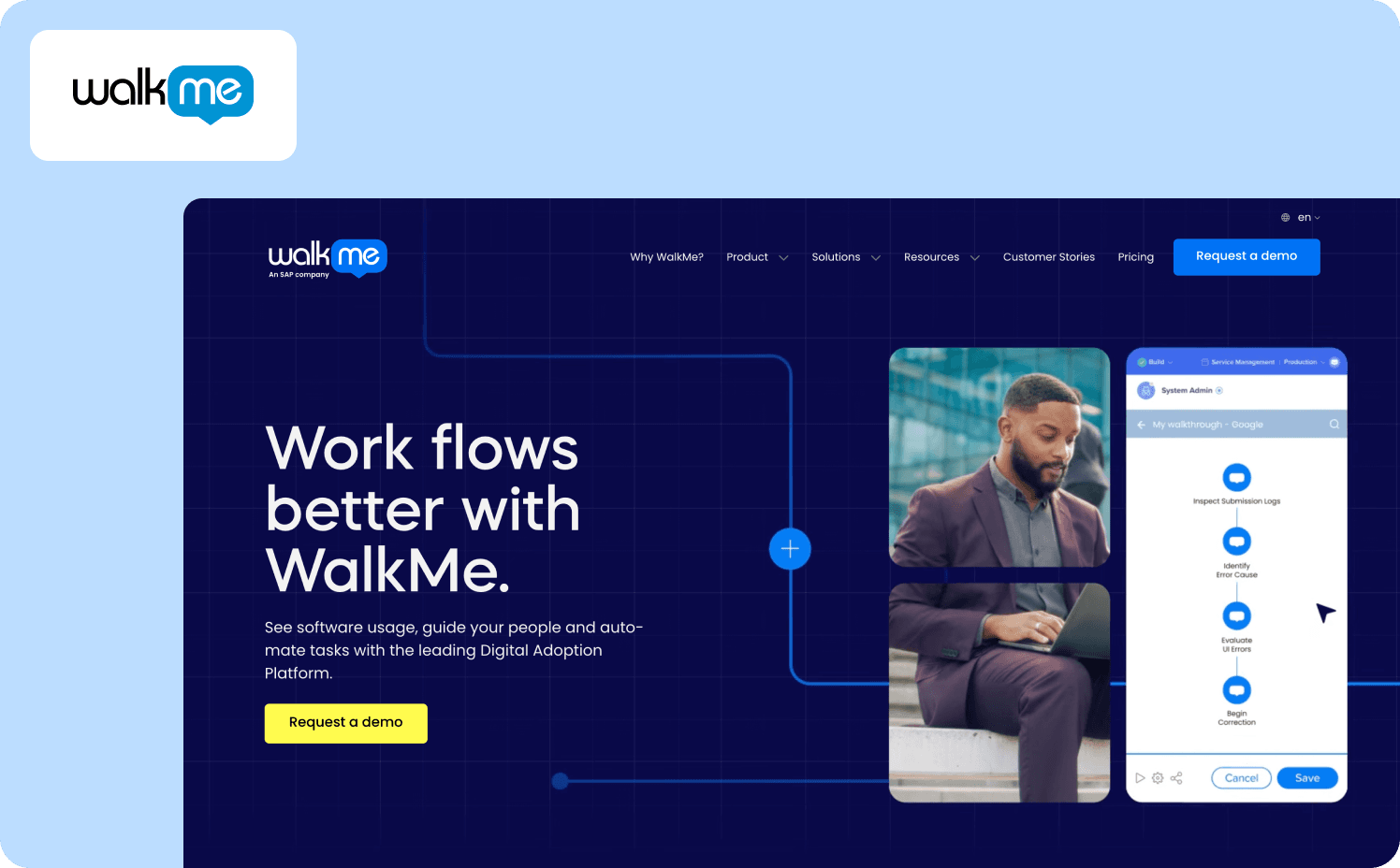
WalkMe is an enterprise digital adoption platform that guides employees through complex workflows spanning different software systems. Organizations deploy it when they need centralized training infrastructure for SAP, Salesforce, Workday, and other enterprise applications for new hire experiences.
Key features:
DeepUI adaptive element recognition uses AI to prevent walkthroughs from breaking when underlying applications change.
ActionBot automates repetitive tasks, pre-fills embedded forms, and triggers actions based on user context without API integration.
WalkMe Workstation creates a centralized employee productivity hub consolidating guidance, training resources, and workflow automation across an organization’s entire application portfolio.
Limitations: WalkMe requires dedicated builder resources or external agencies to maintain content. The platform follows linear walkthrough sequences rather than contextual, task-based guidance, and time to first flow is much longer than other tools.
Install method: JavaScript snippet or Google Tag Manager
Time to first flow: Months
Pricing:
WalkMe for employees: Custom
WalkMe for customer: Custom
7. Whatfix — Best for enterprises requiring safe training environments
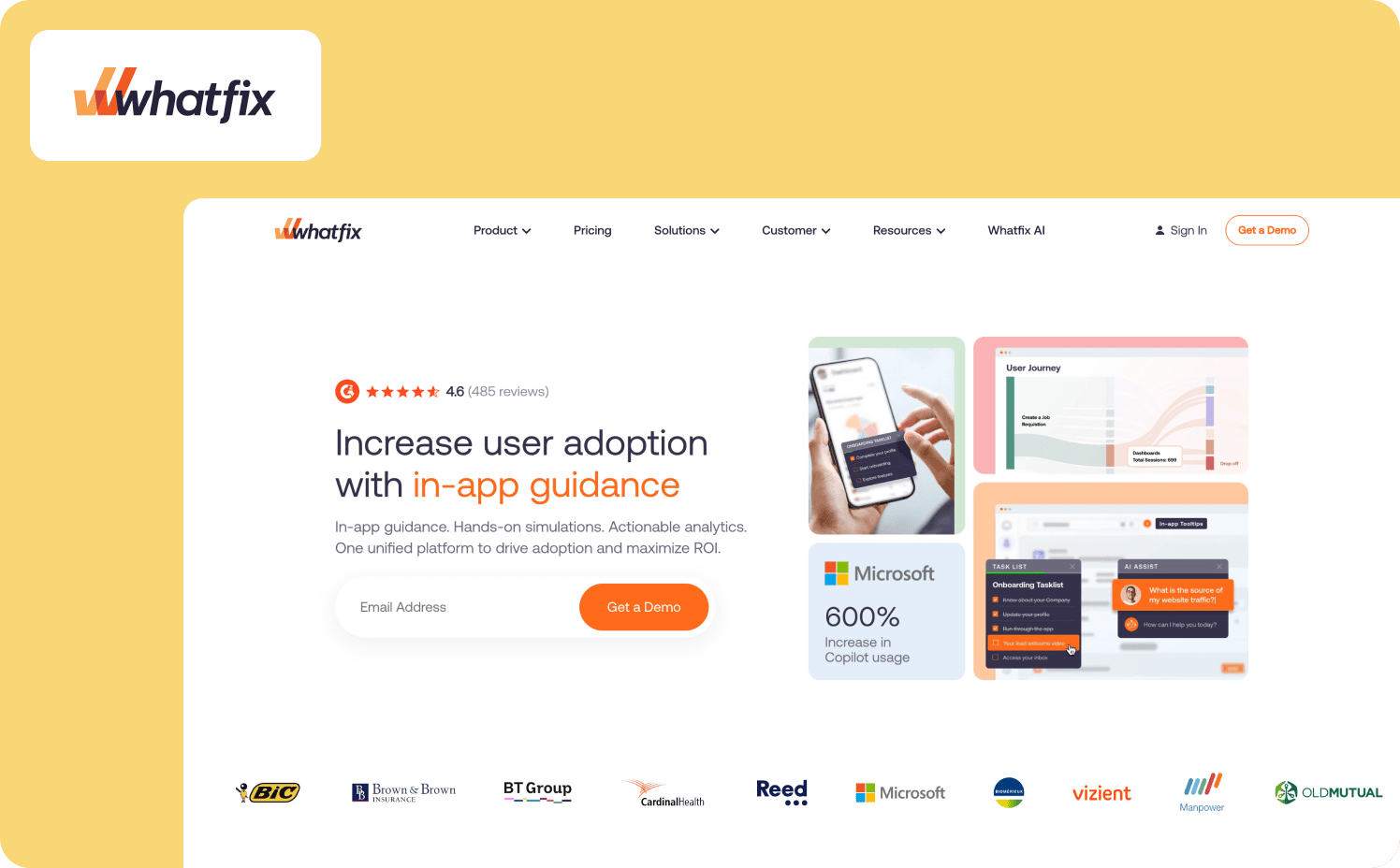
Whatfix is a digital adoption platform combining in-app guidance with simulation training environments that let employees practice workflows in application replicas before working with live data.
Key features:
Three-product suite (DAP, Product Analytics, Mirror) delivers guidance, measurement, and training within a single platform.
Dual-market positioning serves both employee training on internal apps and customer onboarding on external products.
Desktop application support enables guidance on legacy on-premise systems that browser tools cannot reach.
Limitations: Whatfix requires months of deployment and feels more like a compliance system than an agile growth tool for product teams. Pricing complexity also requires separate quotes for DAP, Analytics, and Mirror.
Install method: JavaScript snippet
Time to first flow: Months
Pricing:
Standard: Custom
Premium: Custom
Enterprise: Custom
8. Userflow — Best for lean startups that need to launch onboarding flows quickly without sacrificing visual polish
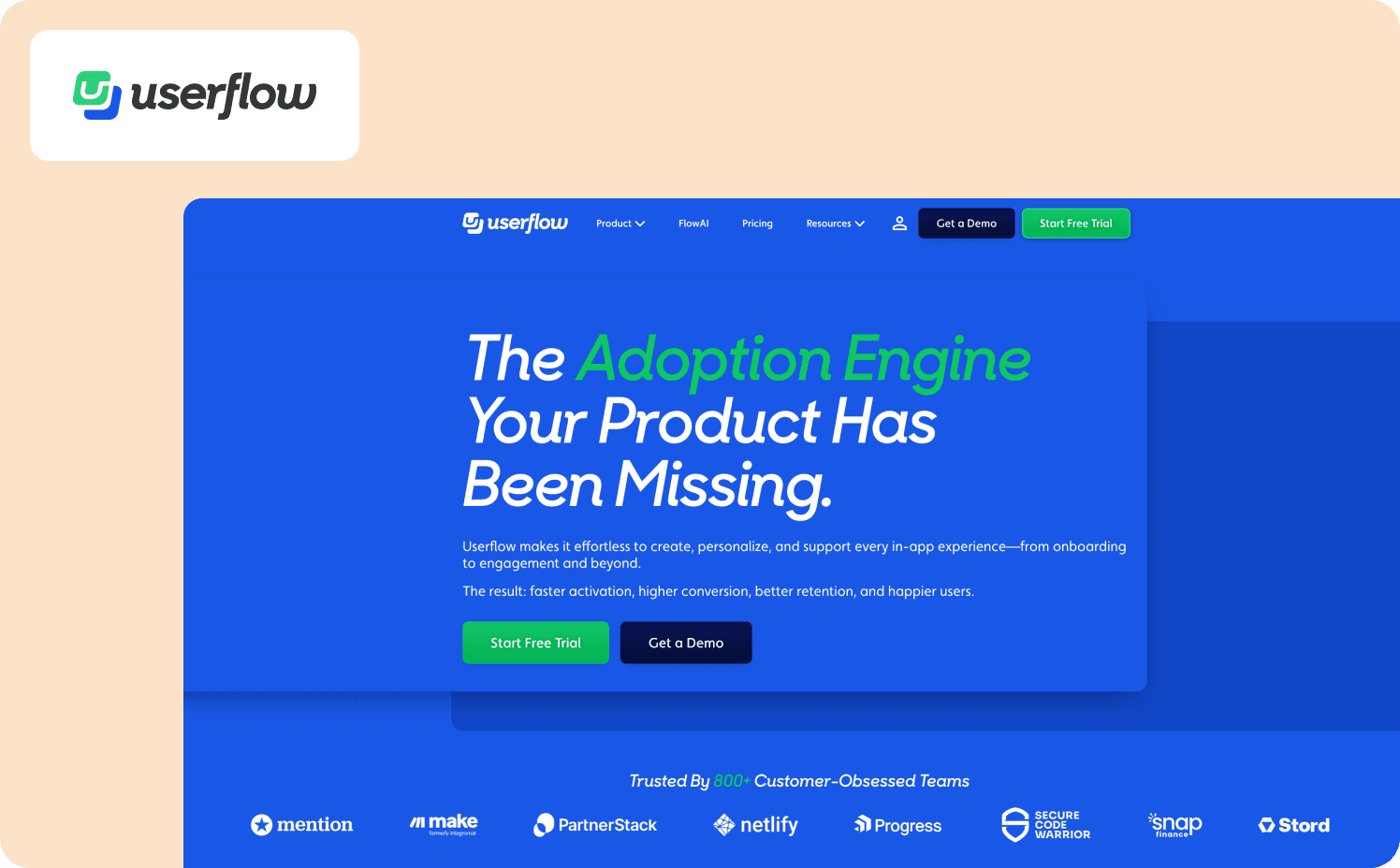
Userflow is a user onboarding platform built for speed and developer-friendliness. Startups use it when they need professional onboarding experiences running in production within a week rather than waiting months for enterprise platforms to deploy.
Key features:
FlowAI generates editable onboarding flows from prompts, rephrases content for clarity, and translates experiences across languages.
Visual node-graph Flow Builder structures complex logic like a flowchart, making branching and conditional paths easier to design than linear step editors.
No-code Resource Center consolidates checklists, documentation, and AI chat in a self-service widget that requires no developer configuration.
Limitations: Userflow prioritizes speed over depth, lacking enterprise security features like deep role-based access control. Analytics are limited to basic flow-completion metrics without comprehensive product analytics dashboards.
Install method: JavaScript snippet or NPM package
Time to first flow: Days
Pricing:
Startup: From $240/mo (3,000 MAUs)
Pro: From $680/mo (10,000 MAUs).
Enterprise: Custom
9. Product Fruits — Best for budget-conscious teams needing AI-generated tours without manual content generation overhead
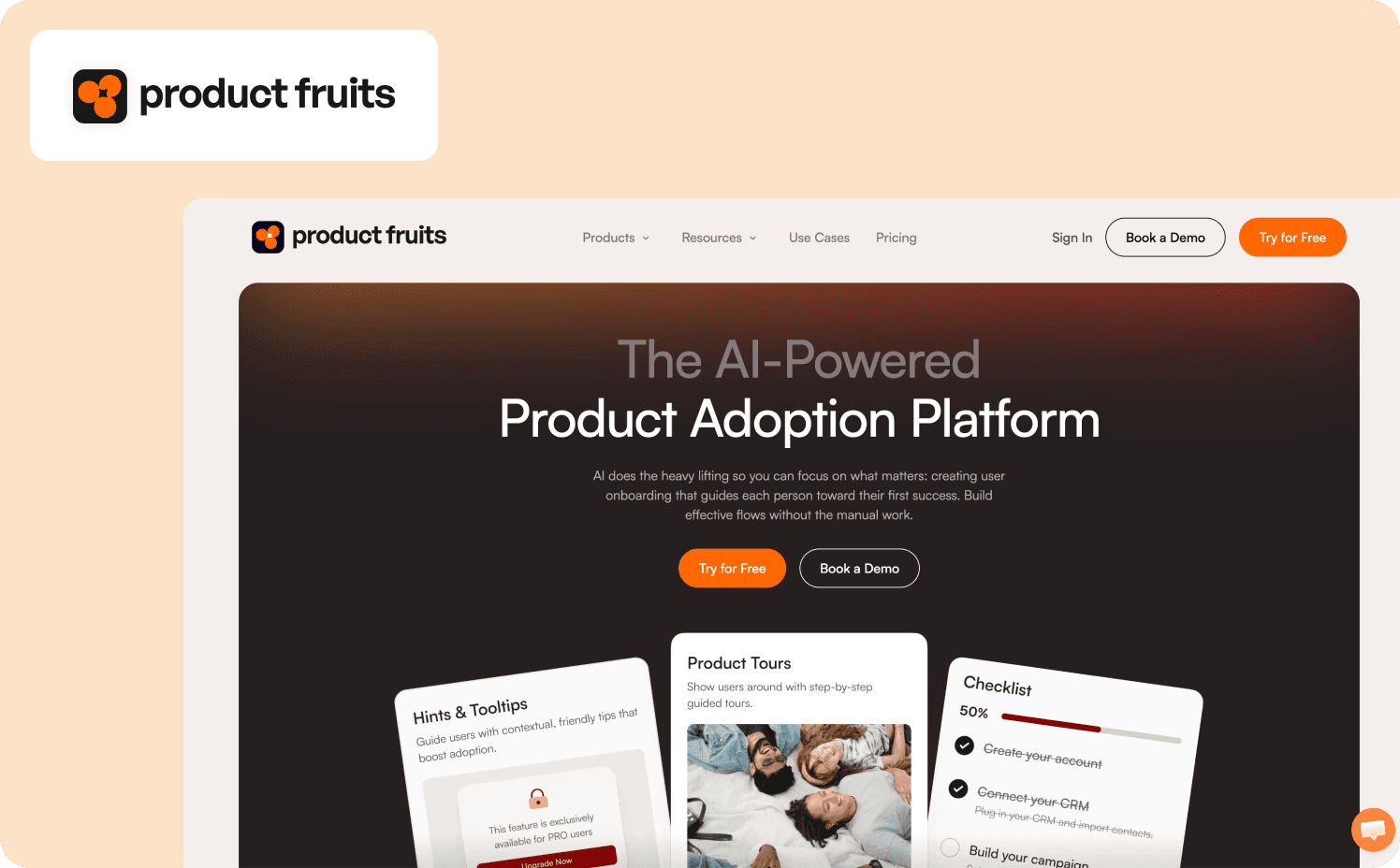
Product Fruits is a user onboarding software designed for rapid deployment at accessible pricing. Teams choose it when they need professional onboarding experiences operational within days at a fraction of enterprise platform costs.
Key features:
Elvin AI learns product structure from single annotations and generates contextual, personalized demos tailored to each user’s goals and current state.
Conversational AI copilot answers common queries before they escalate to support tickets.
The adoption toolkit consolidates product tours, checklists, announcements, surveys, widgets to collect feedback, help center, and a knowledge base.
Limitations: Product Fruits’ analytics provide basic reporting on Product Fruits content interactions without comprehensive product usage insights. You need external tools like Google Analytics or Mixpanel for complete behavioral data.
Install method: JavaScript snippet, Google Tag Manager, or NPM package
Time to first flow: Days
Pricing:
Starter: $149/mo (1,500 MAUs)
Pro: $249/mo (1,500 MAUs)
Business: $499/mo (1,500 MAUs)
10. UserGuiding — Best for early-stage startups needing affordable onboarding
UserGuiding is a no-code onboarding platform designed for teams that need to onboard users with professional experiences at accessible pricing. It’s the right tool when budget constraints prevent enterprise platform adoption but professional onboarding remains critical.
Key features:
Chrome extension enables rapid deployment by building entire onboarding flows directly on top of web applications.
Interactive onboarding checklists track user progress and trigger custom events, gamifying the onboarding experience.
Pre-built templates accelerate setup for common onboarding patterns.
Limitations: UserGuiding offers linear guides only without conditional branching logic, making complex personalized onboarding unrealistic. The customization options are also extremely limited compared to platforms like Chameleon or Jimo.
Install method: JavaScript snippet or Google Tag Manager
Time to first flow: Hours
Pricing:
Free
Starter: From $249/mo (2,000 MAUs)
Growth: From $499/mo (5,000 MAUs)
Enterprise: Custom
11. Userlane — Best for enterprises standardizing employee training across multiple internal systems
Userlane is an enterprise digital adoption platform built specifically for internal employee training and employee onboarding. The tool’s focus is consistent training frameworks and standardized adoption measurement across complex enterprise systems rather than customer-facing product experiences.
Key features:
HEART Analytics framework provides a standardized model to measure digital adoption success across enterprise applications.
Consistent adoption measurement methodology delivers uniform metrics across diverse enterprise systems.
Standardized training framework enables organizations to implement uniform training practices across multiple applications.
Limitations: Userlane prioritizes enterprise employee training over product-led growth mechanics. It’s unsuitable for SaaS teams focused on customer activation.
Install method: JavaScript snippet
Time to first flow: Days
Pricing:
No published pricing
12. Heap — Best for product teams that already use Heap for analytics and only want to add lightweight in-app guidance
Heap is an analytics-first digital adoption platform designed for teams that prioritize behavioral analytics depth over in-app guidance sophistication. Organizations choose it when they already rely on Heap for product analytics and want basic onboarding capabilities without adopting a separate DAP.
Key features:
Retroactive event capture automatically records every click, tap, swipe, pageview, and form submission without manual event tagging.
AI-powered alerts monitor feature adoption trends and send automatic notifications when usage declines week-over-week.
Built-in session replay and heatmaps provide visual context for user behavior without requiring separate tool integrations.
Limitations: Teams whose primary need is in-app onboarding flows should choose dedicated DAPs like Jimo or Appcues instead. Plus, all paid plans require custom quotes.
Install method: JavaScript snippet
Time to first flow: Days to weeks
Pricing:
Free: Up to 10k monthly user sessions
Growth: Custom
Pro: Custom
Premier: Custom
What switching to personalized onboarding actually looks like
Most teams complete migration in two to four weeks. The technical implementation takes three to seven business days and involves installing the tracking snippet, mapping user properties to create meaningful segments, and testing your triggering logic to ensure flows fire at the right moments. The longer timeline reflects the strategic work required to redesign flows around behavioral signals rather than copying over static tours.
Your success metric appears during the first month after launch. Run a comparison between users who experience personalized routing and those who move through generic flows. If the new system drives activation rates XYZ percentage points higher, the migration delivered tangible results. If activation rates remain flat, you surfaced an execution issue rather than a platform limitation. Either outcome provides clarity before you cancel existing contracts to ensure a smooth transition.
When you know you should make the switch
The right personalized onboarding software connects onboarding completion to activation outcomes rather than vanity metrics. Trial users report high satisfaction scores while activation rates remain stuck. Net Promoter Scores climb while revenue stalls. Onboarding complete percentages reach 90% while first-value-action completion sits at 18%. That disconnect between completion metrics and revenue outcomes signals the need for behavioral routing rather than additional tooltips.
Jimo addresses this gap for teams where activation drop-off blocks growth. The platform uses AI-powered experience creation to generate contextual flows from product screenshots in minutes rather than requiring manual tour building through demo automation tools. Gaming-inspired interaction mechanics transform onboarding into active gameplay rather than passive tooltip sequences. The Figma-like editor lets product teams ship activation experiments without waiting for engineering resources to save time. These AI capabilities represent fundamental architectural choices that prioritize measurable revenue outcomes over completion theater metrics to improve customer success and higher retention.
See Jimo in action to learn how the platform can turn activation into your growth lever.
FAQs
What’s the difference between onboarding completion and activation?
Onboarding completion measures whether users finished your checklist or tour, while activation measures whether they reached a value milestone that predicts retention. Completing a checklist doesn’t guarantee users experienced value as they might click through step-by-step guidance without performing actions that drive retention. Activation-focused personalized onboarding software routes users to revenue-predictive actions like “first report generated” or “first integration connected” rather than optimizing for generic task completion rates that don’t correlate with customer success.
How long does it take to implement personalized onboarding software?
Implementation speed depends on platform complexity and your tech stack requirements. Fast-launch platforms like Jimo and Userflow deploy within days using a JavaScript snippet and Chrome extension, enabling product teams to build interactive product demos and guided walkthroughs within hours. Enterprise platforms like WalkMe require months for cross-application integration, user roles configuration, and training your customer success teams on advanced features. Choose based on whether you need immediate iteration velocity or comprehensive infrastructure across multiple applications for employee onboarding and mandatory training.
Can I run A/B tests on onboarding flows without engineering?
Yes, modern onboarding software provides no-code A/B testing that lets product managers create flow variations, allocate traffic, and measure conversion outcomes without developer involvement. Platforms like Jimo and Userpilot include visual builders that create interactive experiences using drag-and-drop logic, then track which variants drive activation through automated workflows. You define your hypothesis Tuesday morning, launch the test Tuesday afternoon, and monitor progress Wednesday through built-in analytics. This enables continuous improvement cycles and rapid iteration on onboarding experiences to save time and drive higher retention without filing tickets or waiting on sprints.
What should I track to measure onboarding ROI?
Focus on activation metrics that predict long-term retention rather than completion rates. Track progress on revenue-predictive actions like first workflow completed, first team member invited, first integration connected, or first report generated. Measure whether users who complete personalized onboarding experiences reach these milestones faster than self-guided users. Calculate support tickets avoided through self-serve onboarding via resource centers and AI assistants. Compare trial-to-paid conversion between onboarding variants to build a compelling case for continued investment. The goal is to prove onboarding effectiveness drives customer journey outcomes leadership cares about — activation lift, higher retention, and offer acceptance rates.
Is personalized onboarding software the same as client onboarding software?
No, personalized onboarding software guides end users through SaaS product features to drive activation in web applications, using product tours, interactive demos, and step by step guidance to help new customers reach value milestones. Client onboarding software coordinates multi-stakeholder project kickoffs between sales teams, CS teams, and enterprise clients, managing setup steps, document collection, and smooth transition timelines for high value clients. The distinction matters because product onboarding optimizes self-service activation for SaaS teams, while client onboarding orchestrates white-glove implementation for enterprise deals involving decision-makers and coordinated sales cycle activities.








