TL;DR
This Pendo vs WalkMe comparison covers what each tool does well and where both fall short. Pendo prioritizes deep analytics for tracking user behavior in your software. WalkMe specializes in enterprise employee training across internal apps. Both carry hidden costs as teams grow, including months-long rollouts, opaque pricing that scales with usage, and dependencies on specialists to make small changes. For product teams running onboarding for a single app, that infrastructure overshoots the problem. An AI-native platform built for product teams running onboarding for a single app becomes the practical next step. This is where Jimo enters the conversation.
Pendo and WalkMe are the two names that dominate every digital adoption platform shortlist, which makes the choice feel obvious until you truly start comparing them.
One is built for analytics on your own product. The other is built for training employees on someone else’s software. This article covers the straight comparison, what each tool does well, and where a lighter third option like Jimo fits for product teams who need something entirely different.
Where Pendo wins
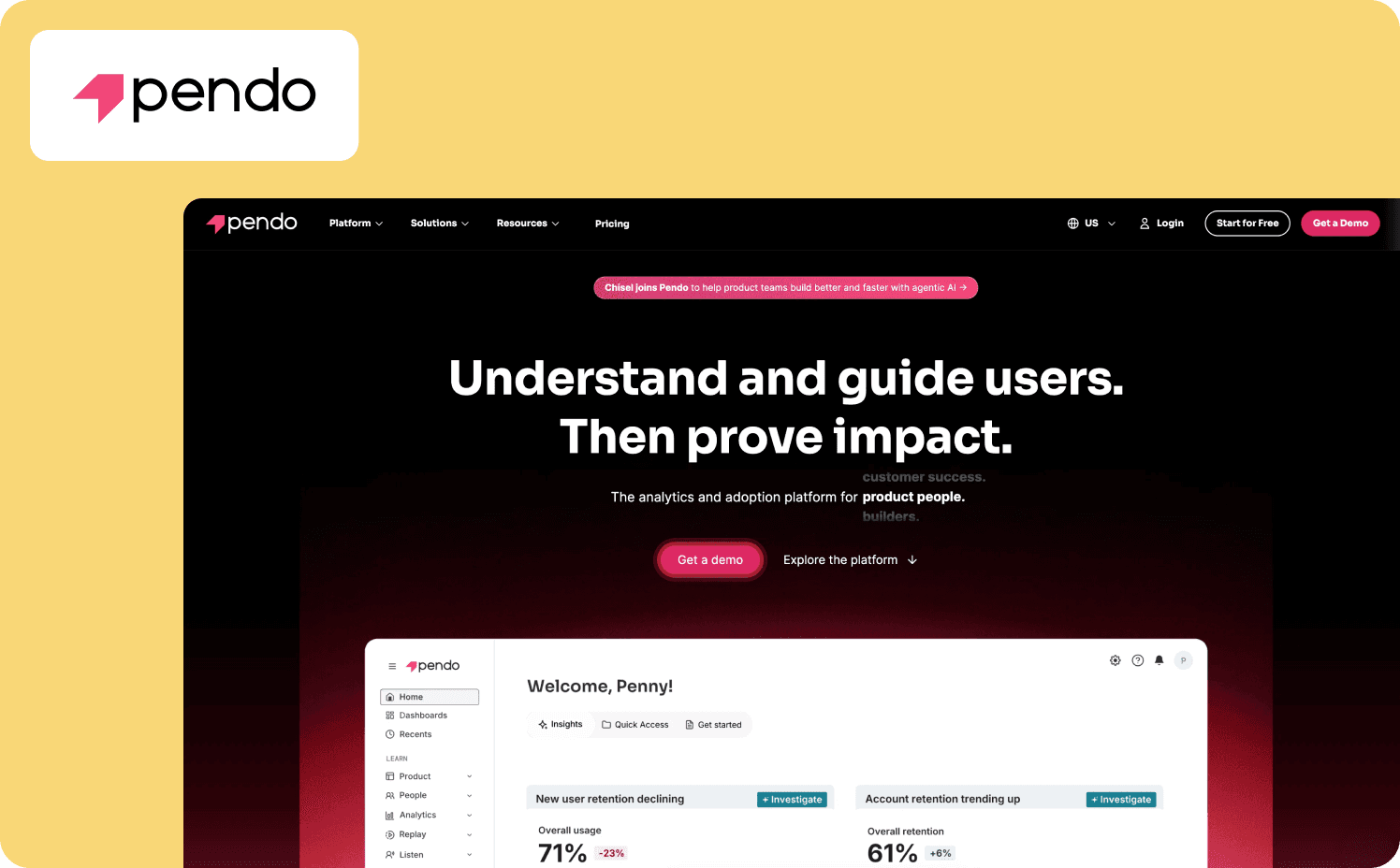
One of Pendo’s biggest strengths is its product analytics depth. As a result, guidance can suffer, though.
According to Pendo, it affirms that its platform retains raw event data for 7 years (84 months), one of the longest retentions in the category. Even on the free plan, raw data is kept for the full seven years, though UI access to that data is limited on lower-tier plans.
Native mobile support
Pendo also has native mobile SDKs for iOS, Android, Jetpack Compose, React Native, and Flutter. The SDKs collect analytics even when users are offline and sync automatically on reconnect. For teams with mobile apps, this is a big differentiator that a lot of DAP competitors can’t match.
Unified analytics and guidance
The unified analytics-to-guidance loop ties everything together. You can:
See where users interact with your product
Build user segments based on real product usage data
Target in-app guidance to those segments without switching tools
The Product Engagement Score combines adoption, stickiness, and growth into a single metric that helps product managers track product health over time. Product usage analytics and user behavior analytics are where Pendo delivers valuable insights that pure guidance tools can’t match.
For teams that need to analyze user behavior at depth and want historical data they can trust, Pendo is the strongest analytics-first option among product adoption tools. Its feedback capabilities, including NPS and sentiment surveys, round out the user analytics picture so teams can connect what users do with how they feel.
Where WalkMe wins
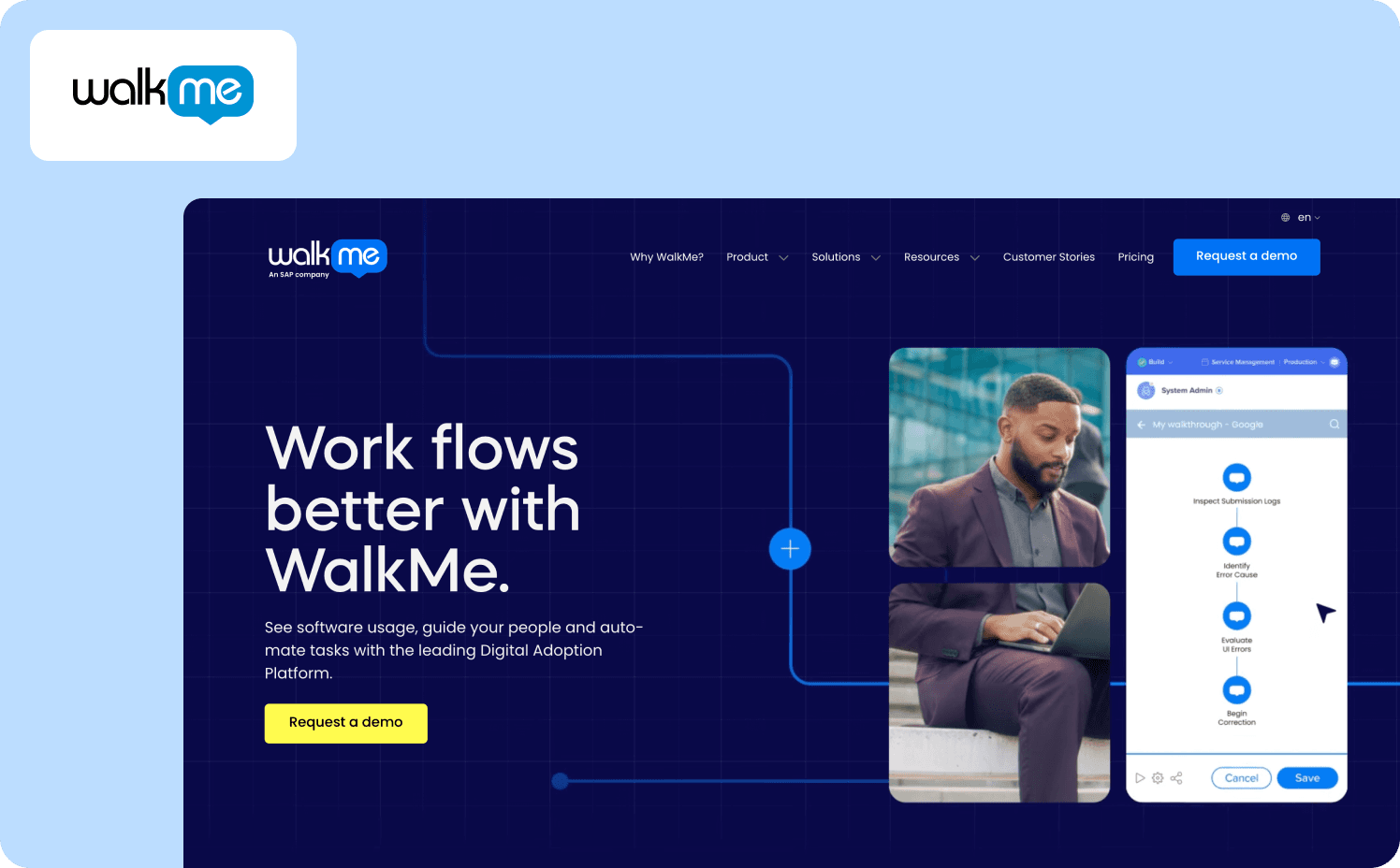
WalkMe’s strength is enterprise-scale workflow automation across multiple applications. Its cross-application workflow orchestration is best-in-class. The platform guides users through processes that span multiple enterprise systems, maintaining guidance even when users navigate between different software.
For enterprise IT teams that need to streamline complex workflows across Salesforce, Workday, Oracle, and custom internal tools, this is a capability no other DAP matches at the same scale.
DeepUI adaptive element recognition
The patented DeepUI technology is WalkMe’s most unique advantage. It understands application context and automatically adapts guidance when underlying UIs change, which eliminates the manual maintenance that other DAPs require after every software update. This means on-screen guidance stays accurate without someone needing to manually fix broken selectors.
Enterprise security and compliance
WalkMe’s security and compliance depth is unmatched. It’s the only DAP with FedRAMP Ready status and StateRAMP participation, plus SOC 2 Type 2 across all five principles, HIPAA, ISO, and GDPR. For regulated industries and public sector organizations that need process compliance built into their adoption tooling, WalkMe is the only option that clears the bar.
The Learning Arc feature embeds microlearning, simulations, and reinforcement directly into workflows, which turns adoption into a training capability rather than a one-time setup. For employee adoption at scale, this is where WalkMe focuses its real value. WalkMe was built to automate workflows for thousands of employees across enterprise tools and web apps.
WalkMe focuses on employee onboarding and internal tool adoption, and for that use case, it delivers personalized guidance that helps increase user satisfaction across the workforce.
The pattern behind every Pendo and WalkMe switch
Both tools carry the same underlying cost structure for a single-product SaaS team. Pendo and WalkMe are both doing exactly what they were built to do.
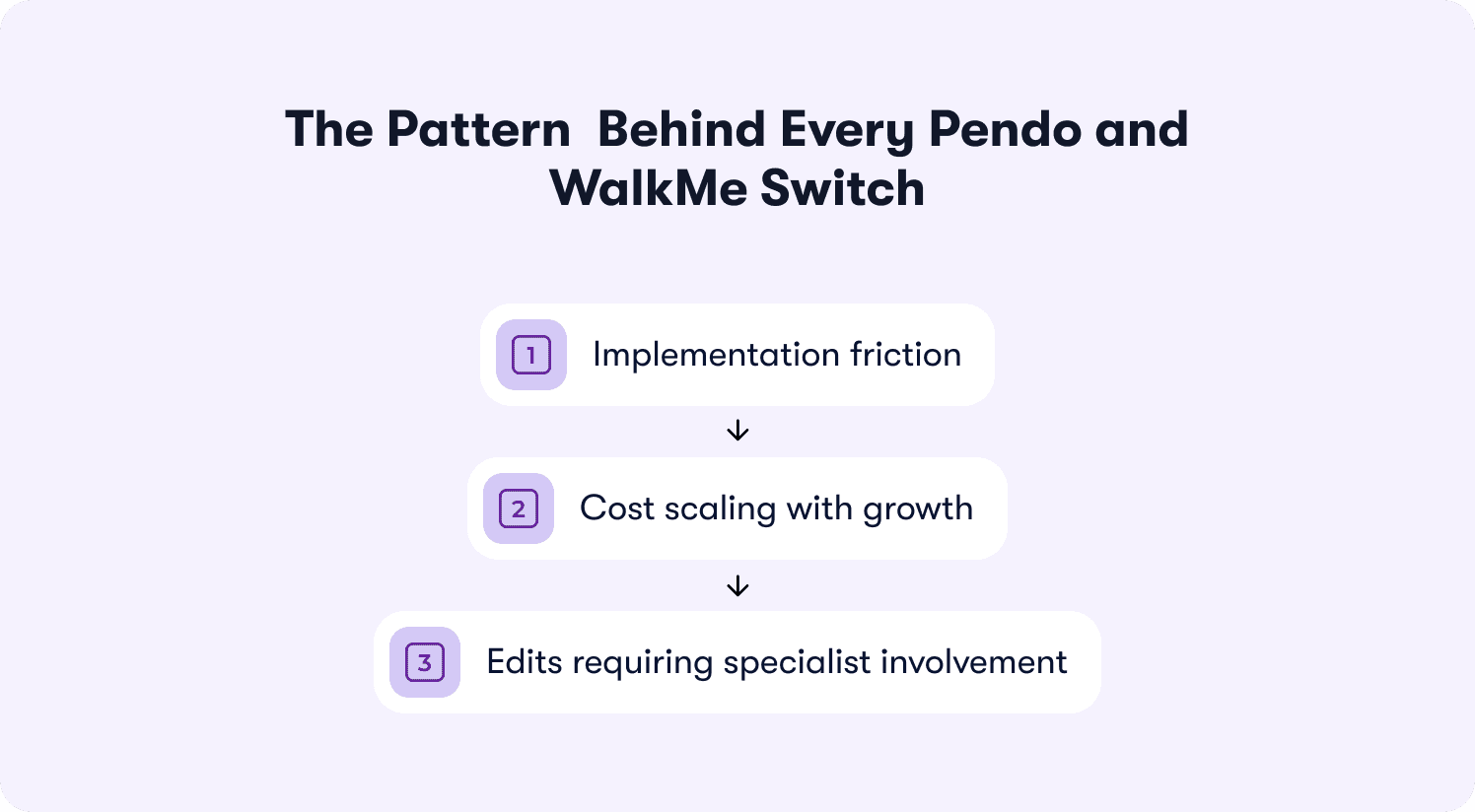
The mismatch is on the buyer’s side. Both Pendo and WalkMe were architected for organizations that can absorb a multi-month rollout, a dedicated implementation role, and pricing that scales with growth rather than with what you actually use.
Implementation friction
The first recurring theme in G2 reviews for both platforms is how long it takes to get up and running.
Pendo users describe a steep learning curve. “Pendo might be OK for you if you have the time to learn it,” notes one Trustpilot reviewer. “However, if time is precious to you and you have a lot of tight deadlines you may want to look elsewhere.”
WalkMe users echo the same pattern. “It would have required weeks of time for our most technical resources, and it ended up I couldn't allocate that much time just for WalkMe,” says a G2 user. “And it's too complicated (in my opinion) for any non-technical person to actually set up correctly.”
For a product team that needs to ship onboarding tasks this quarter, not next quarter, that timeline is the first signal that these tools weren’t built for their pace.
Cost scaling with growth
Costs for both platforms also quickly climb as teams grow. Pendo users flag that “The cost of Pendo being per application can be difficult to justify,” especially when a company is constantly building new features and apps. Features like session replay and heat maps aren’t included in basic tiers, which makes the pricing plans harder to defend.
WalkMe users report that “pricing can scale quickly depending on the number of users, applications, and products you deploy,” which makes it “a hard conversation with mid-market clients.” Both platforms use custom pricing with no published rates, so budgeting is guesswork until you’re already in a sales conversation. Customer success teams at product-led growth companies feel this most prominently, since their budgets need to scale predictably with active users rather than spike with every new app or integration.
Edits requiring specialist involvement
The last common complaint is what happens after implementation, when you need to make changes. “It is very difficult to know how to set the rules. I have to get a rep or a colleague to help me. When I try to set it up on my own, I always feel that I'm not setting it up correctly, and thus, will receive inaccurate data,” says a G2 user about Pendo.
“There's conditional logic that requires a fair amount of technical understanding, especially if you need to have the WalkMe logic look at the underlying HTML to know where elements should go.” reports a G2 reviewer. In both cases, editing an onboarding flow or adjusting targeting rules means pulling someone with specialized technical resources away from other work. For a lean product team, that dependency is the difference between iterating daily and iterating monthly.
This pattern doesn’t apply to WalkMe’s employee-training customers. The mismatch only applies to teams using either tool for their own product’s customer-facing onboarding. Product managers at SaaS companies are usually the first to feel the strain, since they need to iterate on user onboarding fast and can’t wait for a specialist to make changes.
For a deeper look at each tool’s competitive landscape, see our guides to Pendo competitors and WalkMe competitors.
If you’re using WalkMe for customer-facing onboarding
WalkMe primarily serves employee onboarding and internal software adoption. But some use it for their own product’s customer onboarding, which is what we’re talking about here.
The conditional logic WalkMe requires is a mismatch for product onboarding. WalkMe technically supports branching and splits, but its own best practices recommend building linear flows and breaking complex paths into separate walkthroughs rather than handling every deviation. The Condition Builder and rule engine add a layer of technical knowledge that most product teams don’t have on hand.
For new users trying to reach core value in your product, you need to iterate on guidance fast, and the complexity of building conditional flows in WalkMe slows that iteration down. Action-based progression, where tours advance when users complete real actions without manual branching setup, is what product teams typically need instead.
Even after implementation, measuring impact is difficult. One G2 reviewer wished “analytics and reporting were a bit easier to navigate so I could quickly see how people are interacting with the guidance.” For a product team that needs to connect onboarding changes to user engagement outcomes, that disconnect between building guidance and measuring its effect is where WalkMe’s enterprise architecture works against you. The user experience of maintaining WalkMe flows for a single product also falls short, since the platform’s builder is designed for complex workflows across multiple apps, not for iterating quickly on one product’s onboarding.
There’s also the SAP factor. SAP completed its acquisition of WalkMe in September 2024, which adds another layer of uncertainty for non-SAP buyers. If you’re already questioning whether WalkMe’s infrastructure fits your product onboarding use case, the acquisition adds another reason to evaluate lighter WalkMe alternatives.
If you’re using Pendo for product onboarding
If you bought Pendo to fix onboarding for your own product, a few things typically break as your team grows. Feature-gating behind higher tiers is the first pressure point. While Pendo advertises “no gated features” when you sign up for a plan, features like session replay and sentiment surveys sit on higher-tier plans. Pricing plans aren’t published, so you can’t model what it costs until you’re in a sales conversation.
Engineering dependency is the second frustration. Mobile SDK implementation requires developer involvement, and custom guide layouts need engineering resources to get right. Even the reporting layer creates friction. One G2 reviewer noted that “it can take time to understand where to find specific insights” in Pendo’s dashboards. Onboarding analytics that should help you iterate faster instead create a bottleneck that compounds as the team grows.
This is where a lighter no-code platform removes the friction, and why many users start considering Pendo competitors. Jimo lets product teams launch onboarding experiences without code, track their performance against activation rate, and iterate without developer tickets. An onboarding checklist goes live in minutes, not weeks.
One G2 reviewer put the contrast plainly: “[With Jimo,] there’s no dependency on ongoing development, thus eliminating any roadblocks.”
See our product tours page for more on how action-based guidance works.
What switching actually looks like
The biggest objection to switching is migration cost. That includes both the actual price tag and the work needed to migrate everything over. Here’s what can carry over and what needs rebuilding.
What carries over
Your segment definitions, basic flow logic, and event triggers transfer to the new platform. If you’ve mapped user attributes and behaviors in Pendo or WalkMe, those definitions inform how you build segments and target in-app guidance in the new tool.
What needs rebuilding
Your actual onboarding flows need to be recreated. This is less painful than it sounds. If you’re switching to a no-code platform like Jimo, teams typically rebuild their core flows in days rather than weeks. The JavaScript snippet deploys in minutes, and the first experiences go live the same day.
Verify your integrations carry over
Before you commit to the switch, audit which integrations your current tool connects to. Pendo and WalkMe both integrate with CRMs, data warehouses, and analytics platforms, and your new platform needs to cover the same ground. If your onboarding tool feeds data into Salesforce, Segment, or HubSpot, confirm the new platform supports those connections so you don't lose data flows mid-migration.
A realistic week-one timeline
On day one, install the snippet and connect your product. For days two through three, you rebuild your most critical onboarding flow. Days four through five include launching it to a segment of new users and measuring the impact. By the end of week one, you have a live flow and baseline data to compare against your previous tool.
Run both in parallel
Don’t cancel your existing tool on day one. Run the new platform alongside Pendo or WalkMe for 30 days, measure user engagement and activation rate on the new flows, and compare. If the new platform moves the metric, you have your answer. If it doesn’t, you haven’t lost anything yet.
WalkMe vs Pendo vs Jimo: Quick comparison
If everything in this article has resonated so far, then Jimo might be worth a consideration. Here’s how the three platforms stack up against each other.
Feature | Pendo | WalkMe | Jimo |
Implementation time | Weeks (snippet plus SDK) | Months (professional services) | Minutes (JavaScript snippet) |
Pricing model | MAU-based, custom | Custom enterprise | Transparent pricing, from $249 to $499 per month |
Engineering dependency | Required for SDK | Required for implementation | No-code |
Mobile support | Native SDKs (5 frameworks) | Cross-platform | Web only |
Analytics depth | Deep (retroactive, 7-year retention) | Workflow analytics | Activation-focused (Success Tracker) |
Customer-facing focus | Yes | Secondary (primary is employee training) | Yes |
Employee-training focus | No | Yes (primary focus) | No |
G2 rating | 4.4/5 | 4.5/5 | 4.6/5 |
Pick the tool that matches your problem
Pendo is analytics-first for your own product. WalkMe is employee enablement for internal systems. If you’re a product team running onboarding for one SaaS product, you’re carrying infrastructure sized for something much bigger than your actual problem.
When you’re evaluating Pendo vs WalkMe for product-led growth, the real question isn’t which has more agent analytics or onboarding analytics features. It’s which one lets your team ship, measure, and iterate before the quarter ends.
Pendo, WalkMe, and Jimo have similar features including interactive guides, audience targeting, and user segmentation. The key difference is in how fast you can deploy them, how much they cost as you grow, and whether you need a specialist to make changes.
If your bottleneck is analytics depth and you have the developer resources to support Pendo’s SDK, Pendo is the right pick.
If your bottleneck is guiding employees through complex workflows across multiple enterprise systems, WalkMe is the right pick.
If your bottleneck is customer-facing onboarding for a single SaaS product and you need to move fast without engineering support, book a demo to see if Jimo fits your team.
“[Jimo] understands the challenges product teams face when it comes to user engagement and feature discovery,” says a G2 reviewer.
You can also browse customer stories to learn how teams like AB Tasty and Zenchef drove product adoption with behavior-based guidance.
FAQs
Is Pendo or WalkMe better for SaaS product onboarding?
Pendo and WalkMe serve different primary use cases. Pendo is better for SaaS companies that need deep product analytics alongside in-app guidance for their own product. WalkMe is better for enterprise IT teams guiding employees through internal software. Neither Pendo nor WalkMe is optimized for fast, no-code customer onboarding on a single SaaS product, which is where lighter alternatives like Jimo come in.
How much do Pendo and WalkMe cost compared to each other?
Both Pendo and WalkMe use custom pricing with no published rates. WalkMe requires customers to request a quote. Neither offers transparent pricing, so you need a sales call to get any sort of pricing idea. Jimo publishes pricing starting at $249/month for comparison, with user feedback and feedback capabilities built into every plan.
Can WalkMe be used for customer-facing onboarding instead of employee training?
WalkMe can technically be used for customer-facing onboarding, but it’s not specifically built for that use case. WalkMe’s primary business is employee onboarding and internal tool adoption across multiple applications. The implementation timeline, technical knowledge required, and pricing model are all sized for enterprise IT, not product teams running onboarding for a single SaaS product.
What happens to existing tours and data when switching from Pendo or WalkMe?
When you migrate, segment definitions, basic flow logic, and event triggers carry over to the new platform. The actual onboarding flows need rebuilding, but with a no-code platform like Jimo, teams typically rebuild core flows in days. Running both tools in parallel for 30 days lets you measure user engagement and activation rate on the new flows before canceling the old one.
What’s a lighter alternative to Pendo and WalkMe for smaller B2B SaaS teams?
Jimo is a no-code digital adoption platform built for Saas companies that need to ship onboarding tasks and in-app engagement without months of implementation. It offers transparent pricing starting from $249/month, deploys via JavaScript snippet in minutes, and lets product managers launch and iterate without engineering tickets.