
TL;DR
This guide breaks down the 10 best product-led growth tools for SaaS in 2026 across four categories: onboarding and activation, product analytics, session replay and behavior insights, and customer data infrastructure. Rather than listing every tool you could use, it maps each one to the specific job it does, so you can pick the right 3-5 for your current bottleneck instead of installing everything and hoping it works.
Your product-led growth (PLG) stack has a sprawl problem. You started with an analytics tool, added an onboarding platform, bolted on a session recorder, connected a CDP, and somewhere along the way you lost track of what each tool does and which ones you still need.
Most “best PLG tools” roundups make this worse. They list 15 tools with no framework for deciding which ones matter for your team. Instead, this article is a disciplined map of what a product-led growth stack actually needs, organized by function, so each tool earns its place rather than filling a checkbox on someone else's list.
What actually counts as a PLG tool
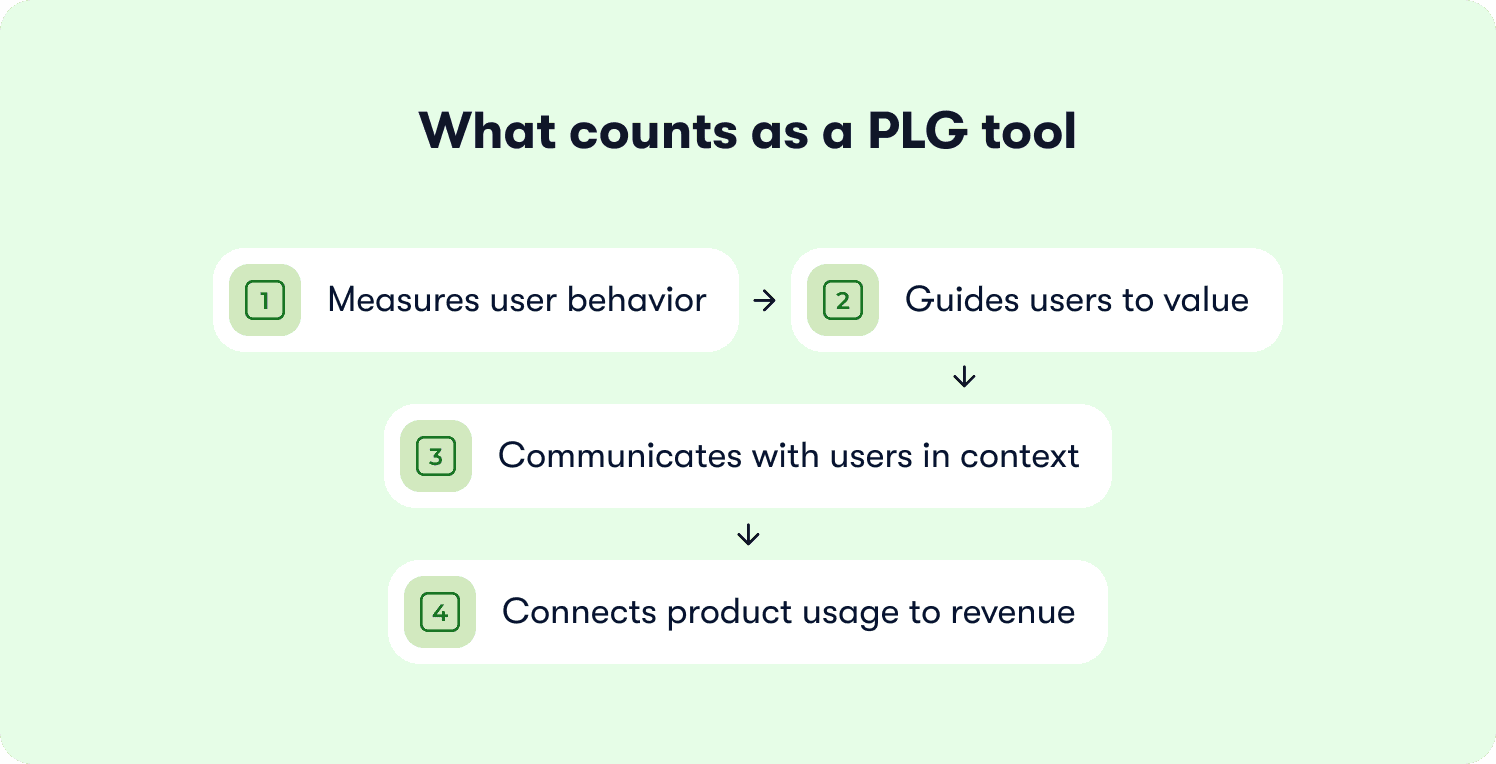
A genuine PLG tool does one of a few specific jobs:
Measures user behavior
Guides users to value
Communicates with users in context
Connects product usage to revenue
General-purpose SaaS tools like CRM, project management, documentation, and help desk software don’t belong on this list even if PLG teams use them daily.
They support the business, but they don’t drive the product-led motion.
How PLG changes your go-to-market model
PLG flips the traditional sales model. Instead of sales reps pushing products through sales conversations, the product itself drives customer acquisition. Free users try the product, experience core value, and convert to paying customers at their own pace without human intervention. This lowers customer acquisition costs and changes the go-to-market strategy from outbound to product-led. Product-led growth requires a different tool stack than sales led growth or marketing led growth because the product, not the sales teams, is the primary driver of customer acquisition.
That shifts the business model significantly. Software companies that adopt PLG stop selling to large enterprise buyers through cold outreach and start letting the product do the selling. Product-led sales teams engage with product-qualified leads who’ve already demonstrated buying intent through usage patterns. Account executives don’t cold-call anymore. They step in when existing users hit usage thresholds that signal readiness to buy. The marketing team and marketing tool stack also change, focusing on product-led growth examples and in-product activation rather than lead capture forms.
“The product has to carry the first experience. If activation doesn't happen, there's nothing for sales to accelerate. That's why the tools in your PLG stack matter more than the tools in your sales stack.” - Thomas Moussafer - Co-founder of Jimo
When sales teams engage in a PLG model, they work with warm leads who have already experienced the product’s core functionality. That’s a fundamentally different conversation from traditional sales, where reps pitch to prospects who haven’t touched the product. The measurable advantages include shorter sales cycles, higher conversion rates, and further growth from existing accounts that expand naturally as users discover more value.
The four categories of product-led growth software tools
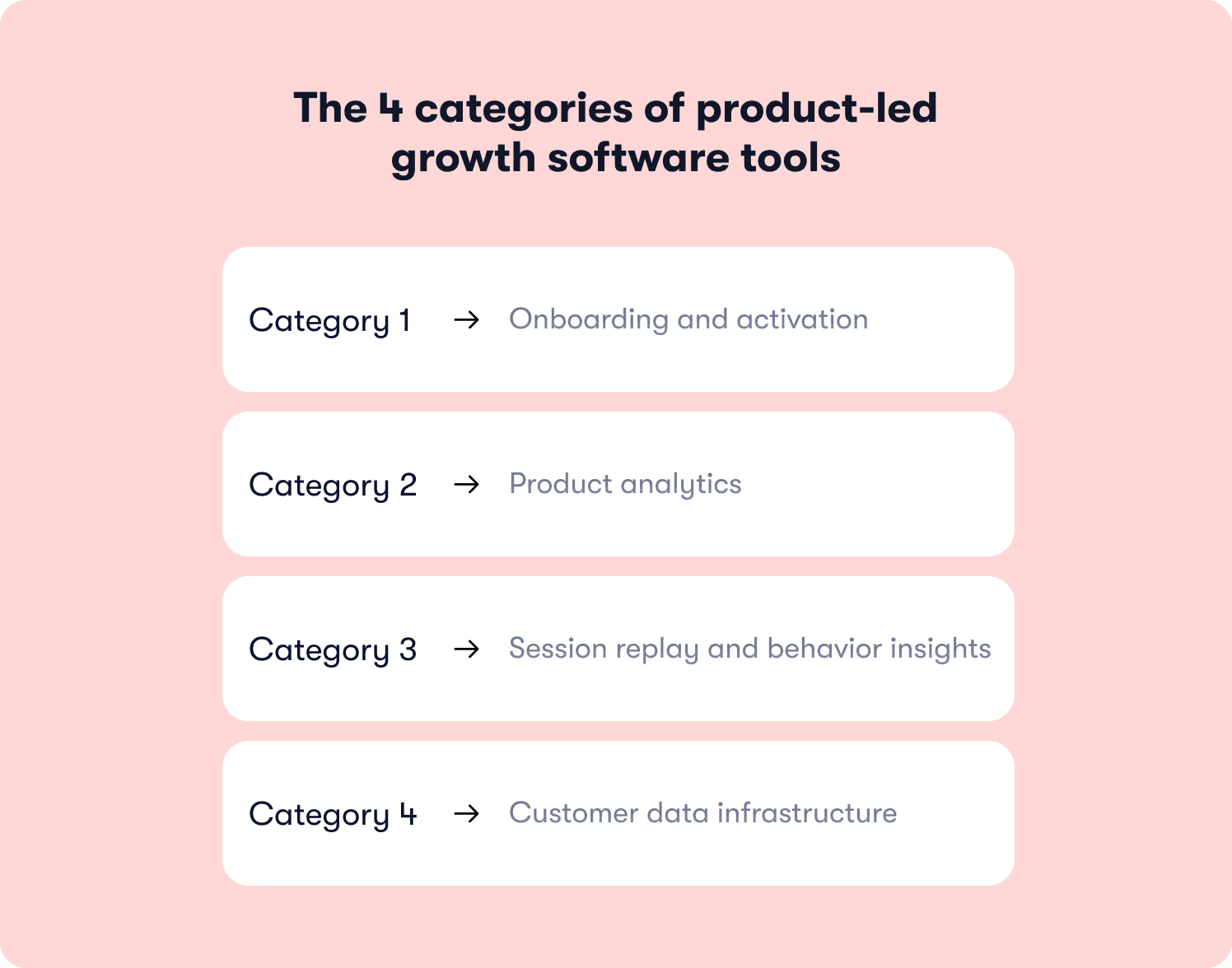
The PLG tools that make this work fall into four categories:
Onboarding and activation: Guides users to value and measures activation rate
Product analytics: Tracks behavioral analytics and product analytics
Session replay and behavior insights: Shows where user experience breaks down
Customer data infrastructure: Routes behavioral data and product usage data across your stack
These are the SaaS tools for product-led growth that deserve a place in your stack. Everything else is supporting infrastructure.
PLG tools comparison table
Here’s the at-a-glance view of all 10 product-led growth tools before we get into the detailed breakdown.
Tool | Category | Best for | Starting price |
Jimo | Onboarding and activation | Behavior-based onboarding | $249/mo (2,500–10,000 MAUs) |
Appcues | Onboarding and activation | Cross-channel web & mobile | Custom |
Userflow | Onboarding and activation | AI-native onboarding | $500/mo (starting at 1,000 MAUs) |
Amplitude | Product analytics | Behavioral analytics + experimentation | Free (2M events) |
Mixpanel | Product analytics | Self-serve AI insights | Free (1M events) |
Heap | Product analytics | Auto-capture analytics | Free (10K sessions) |
PostHog | Session replay | All-in-one analytics + replay | Free (1M events) |
FullStory | Session replay | Deep session replay + search | Free (30K sessions) |
Segment | Customer data infrastructure | Unified data routing | Free (1,000 visitors) |
RudderStack | Customer data infrastructure | Warehouse-native, developer-first | Free (250k events) |
The 10 best PLG tools, by category
These are the tools that do the four jobs a PLG stack actually needs. Each category below covers what the tools in it do, who they fit, and where they fall short, so you can judge fit for your own product-led growth strategies.
Onboarding and activation
This is where PLG lives or dies. If users never reach their first “aha” moment, nothing else in the stack matters. These tools guide users to that moment and measure whether they got there.
1. Jimo: Best for closing the loop between onboarding and activation
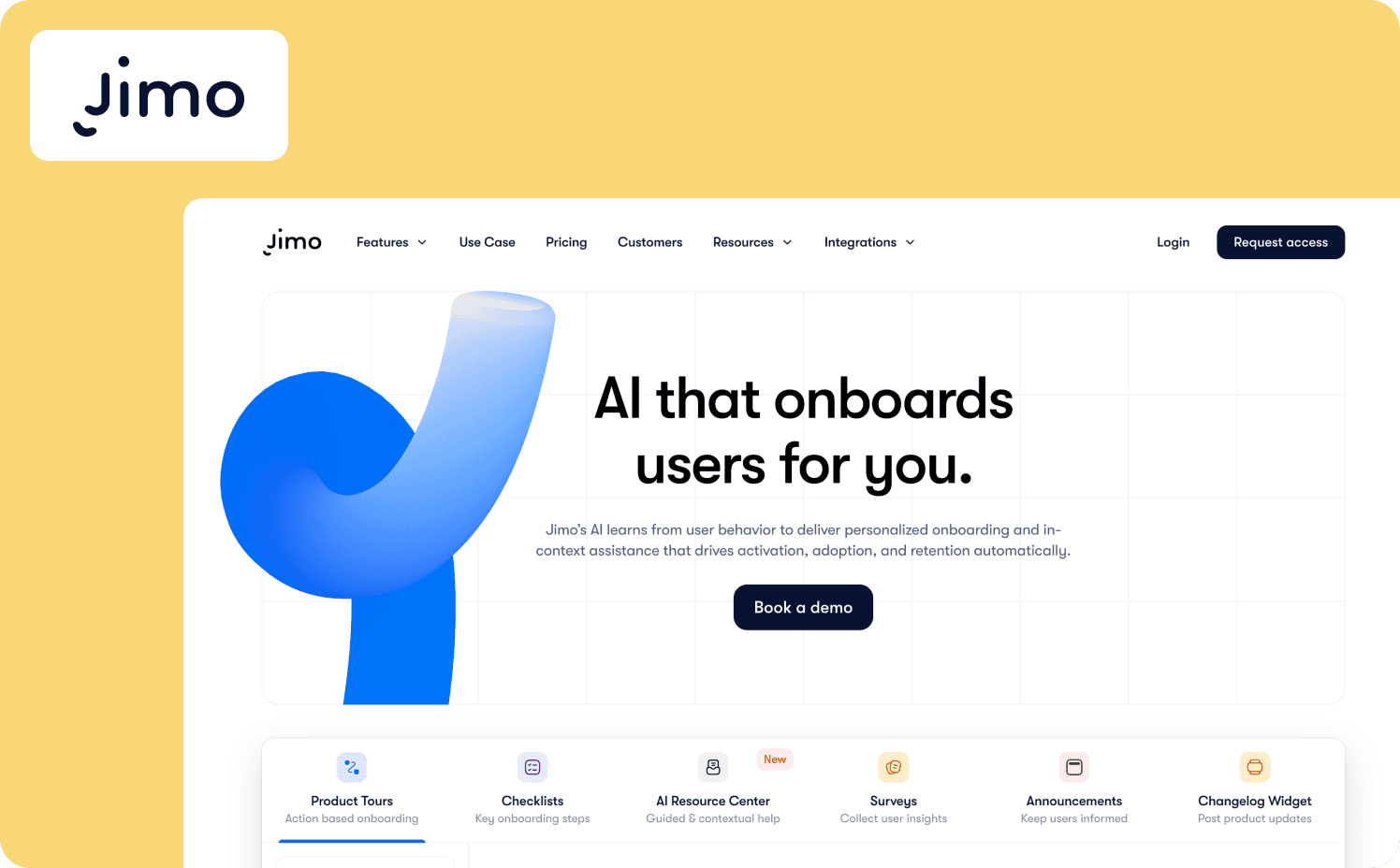
Jimo is an AI-powered digital adoption platform that treats onboarding as a measurable growth lever, not a set-and-forget checklist. Tours auto-progress based on real-time user interactions, so a user who completes a step moves forward automatically while a user who stalls gets redirected, no manual branching required.
The Success Tracker ties every onboarding flow to activation rate by tracking no-code feature usage, funnel drop-off, and completion rates in one view. This allows teams to see which guidance moves users toward value.
An AI copilot covers every stage of the user journey. Guide walks users through adaptive tours, Assist pulls answers from your knowledge base so users get help without leaving the app or filing a ticket, and Execute takes on repetitive multi-step workflows. Users can describe what they need in plain language and the copilot handles the rest.
Key differentiators:
Product tours auto-progress based on real-time user interactions, so guidance advances the moment a user completes an action rather than waiting for a page load or a click.
The Success Tracker tags features for tracking without code, then runs funnel analysis to uncover the drop-off points disrupting feature adoption and activation.
Checklists publish segment-specific onboarding experiences tailored to user attributes, with real-time progress tracking and CSV data export for deeper analysis.
A/B testing is built into the onboarding flow itself, so teams can test different message formats, content, and timing to find what resonates and improve trial conversion.
Where it falls short: Jimo focuses on web-based SaaS and doesn’t support native mobile apps yet, which rules it out for teams running mobile-first PLG products. The platform also assumes a certain user volume to justify the investment, so early-stage teams with under a few hundred monthly active users may not see enough signal from the Success Tracker to make it worthwhile.
Starter: From $249/mo (2,500–10,000 MAUs)
Growth: From $499/mo (2,500–100,000 MAUs)
Enterprise: Custom
2. Appcues: Best for orchestrating cross-channel lifecycle messaging across web and mobile
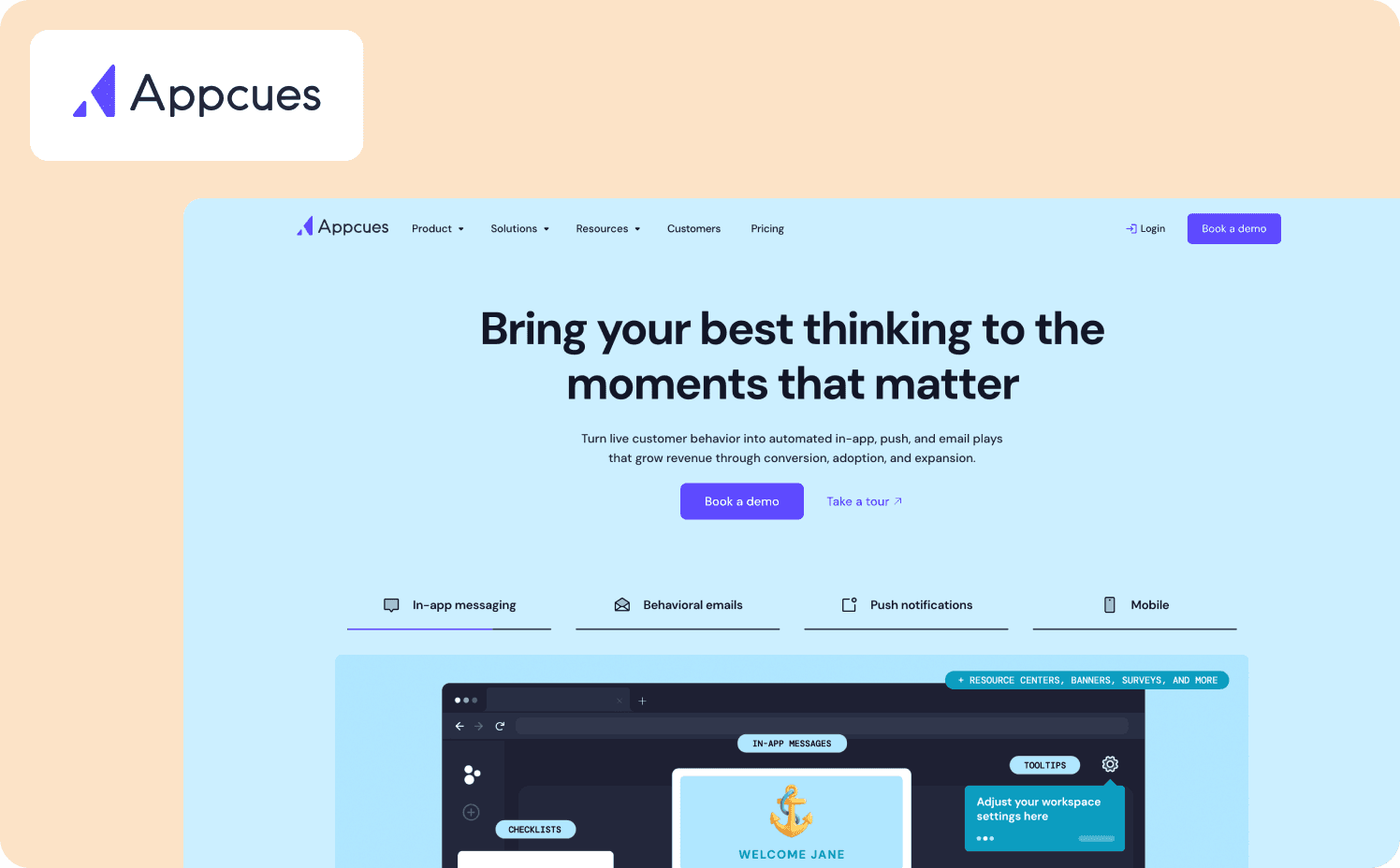
For PLG teams whose activation journey spans more than one channel, in-app guidance alone isn't enough. Appcues fills that gap by coordinating onboarding, feature announcements, and retention messaging across web and mobile from a single builder, so a user who skips an in-app nudge gets a follow-up through a different channel instead of falling out of the funnel entirely.
Key differentiators:
Advanced segmentation controls delivery by audience attributes, behaviors, and frequency rules, which lets teams tailor activation paths for different user cohorts without code.
Appcues AI infuses in-app experiences with dynamic, personalized content that’s also compatible for mobile.
Pulse checks and sentiment tracking are native, so teams can track how users feel about experiences over time and connect performance to business goals.
Where it falls short: Appcues is built for mid-market and enterprise teams, so smaller PLG startups may find the custom pricing and MAU-based model harder to justify at low volumes. If that sounds like you, explore some Appcues alternatives. The flow builder leans on a visual editor that works well for standard onboarding sequences but can feel rigid when you need highly conditional, behavior-driven paths that adapt to individual users in real time.
Pricing:
Start: Custom pricing (up to 3,000 MAUs)
Grow: Custom pricing (starting at 3,000 MAUs)
Enterprise: Custom pricing (custom MAUs)
3. Userflow: Best for AI-native adoption with a closed-loop feedback system

For lean PLG teams without the headcount to staff a support queue, the Adoption Agent is what earns Userflow its spot in this stack: it turns a user's question into a completed task by launching a contextual walkthrough straight from chat, no ticket, no CSM, no detour to external docs. That closed loop, flow creation, guidance, and friction detection in one continuous cycle, is what makes it fit self-service products with multiple user paths.
Key differentiators:
FlowAI Signals continuously analyzes in-app experiences to surface friction, drop-offs, and opportunities automatically, so teams know what to fix or double down on without manual funnel analysis.
FlowAI Actions recommends and launches the right in-app response based on real behavior, turning signals into walkthroughs, checklists, or contextual guidance in one click.
FlowAI Builder generates complete onboarding flows directly from the live product, auto-applies brand styles, and lets teams refine or localize copy on the fly without a design sprint.
Where it falls short: Userflow is built for lean teams that want to move fast, and that focus shows in what’s missing. The platform doesn’t include a full analytics suite, so teams need a separate tool for funnels, retention cohorts, and deep behavioral analysis. Flow creation is AI-driven and fast, but the resulting flows are page-state based rather than goal-based, which limits how much you can adapt guidance to individual user contexts.
Pricing:
Adoption Studio: From $500/mo (starting at 1,000 MAUs)
Adoption Agent: From $100/mo (starting at 500 credits)
Product analytics
If onboarding gets users to value, analytics tells you whether they stayed. These tools measure what users do inside your product, where they drop off, and which behaviors predict conversion and retention.
4. Amplitude: Best for behavioral analytics and AI-powered experimentation
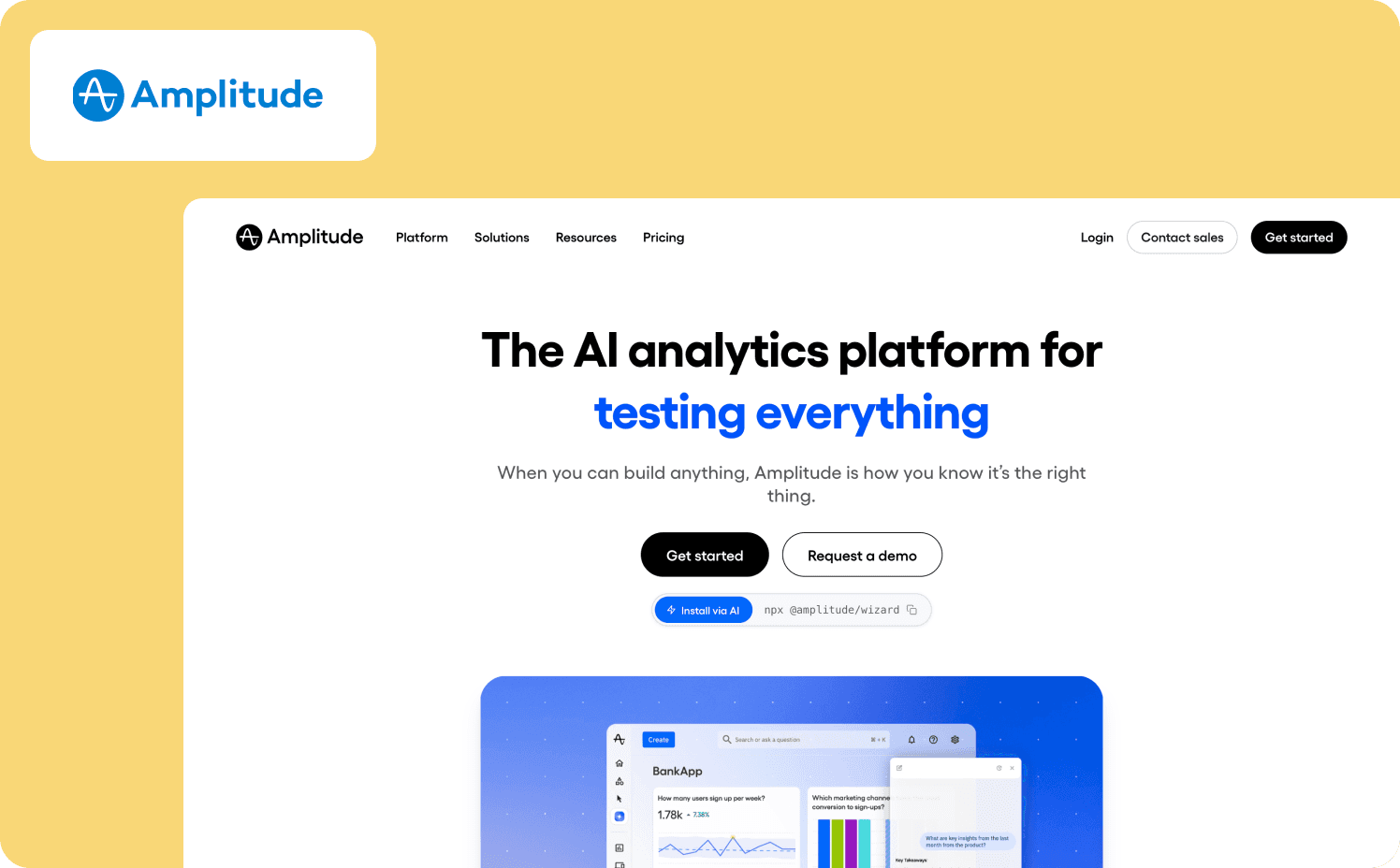
Amplitude is an AI analytics platform that helps product teams detect friction, launch experiments, and measure impact without building dashboards or writing SQL.
The platform combines product analytics, session replay, feature experimentation, and guides and surveys in one unified system. Its AI Agents connect to Claude, Cursor, and other AI tools via MCP, so teams can prompt insights in natural language and get answers from their data.
Key differentiators:
AI Agents sense, analyze, and optimize data-driven issues, and the MCP connection lets teams query product data from Claude, Cursor, or any MCP-compatible tool.
Behavioral analytics with behavioral cohorts, funnel analysis, and experimentation are built-in, so teams can identify friction, test fixes, and measure outcomes without stitching together separate tools.
The free plan includes 2 million monthly events with no time limit and no credit card required.
Where it falls short: Amplitude is analytics-only. It doesn’t include in-app guidance, onboarding flows, or engagement tools, so teams need a separate adoption platform for that layer. The platform’s breadth can be overwhelming for teams that only need basic event tracking. It’s also difficult to predict budget based on the pricing model.
Pricing:
Free: Free (Up to 2M events)
Plus: From $0/mo (Up to 700k MTUs)
Growth: Custom (custom MTUs)
Enterprise: Custom (custom MTUs)
5. Mixpanel: Best for self-serve analytics with AI-driven insights
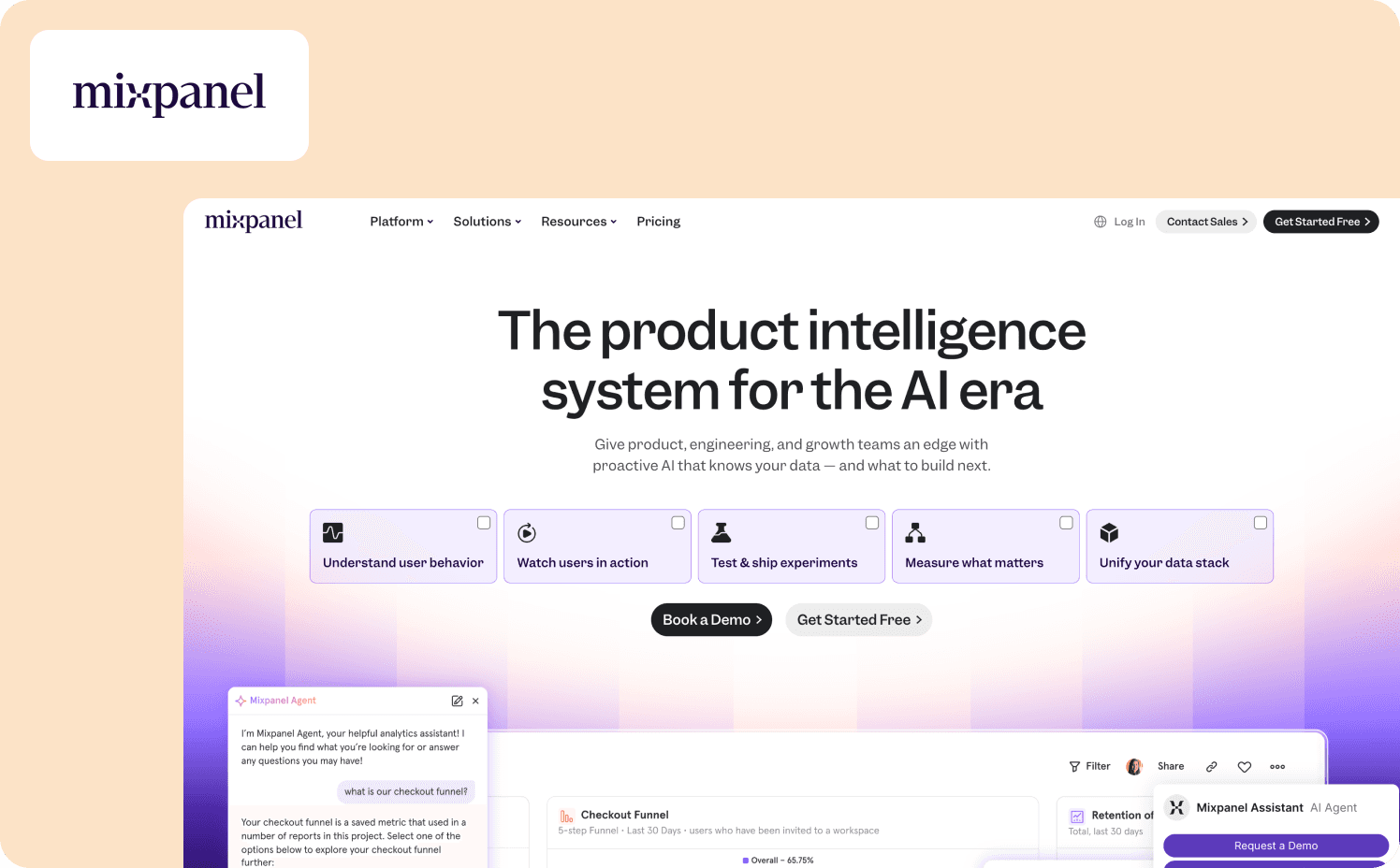
Mixpanel is an AI-powered digital analytics platform that helps product, engineering, and growth teams understand user behavior without a data team.
The platform tracks events, builds funnels, analyzes retention, and segments data through a self-serve interface.
Key differentiators:
Self-serve querying lets teams explore user behavior, conversion trends, and retention patterns in seconds without SQL or a data team.
Mixpanel AI proactively surfaces insights, diagnoses problems, and recommends next steps, reducing manual analysis work for teams tracking key metrics.
A/B testing and feature flags are built in, so teams can test against real product analytics without disconnected tools.
Where it falls short: Mixpanel is analytics-only with no in-app guidance or onboarding capabilities. Advanced features like anomaly detection, root cause analysis, and experiment reporting are add-ons or limited on lower tiers. The platform requires investment in event taxonomy and data governance to get reliable insights.
Pricing:
Free: Capped at 1M monthly events
Growth: Starts at $140/mo for 1.5M events
Enterprise: Custom
6. Heap: Best for auto-capture analytics without manual event tagging
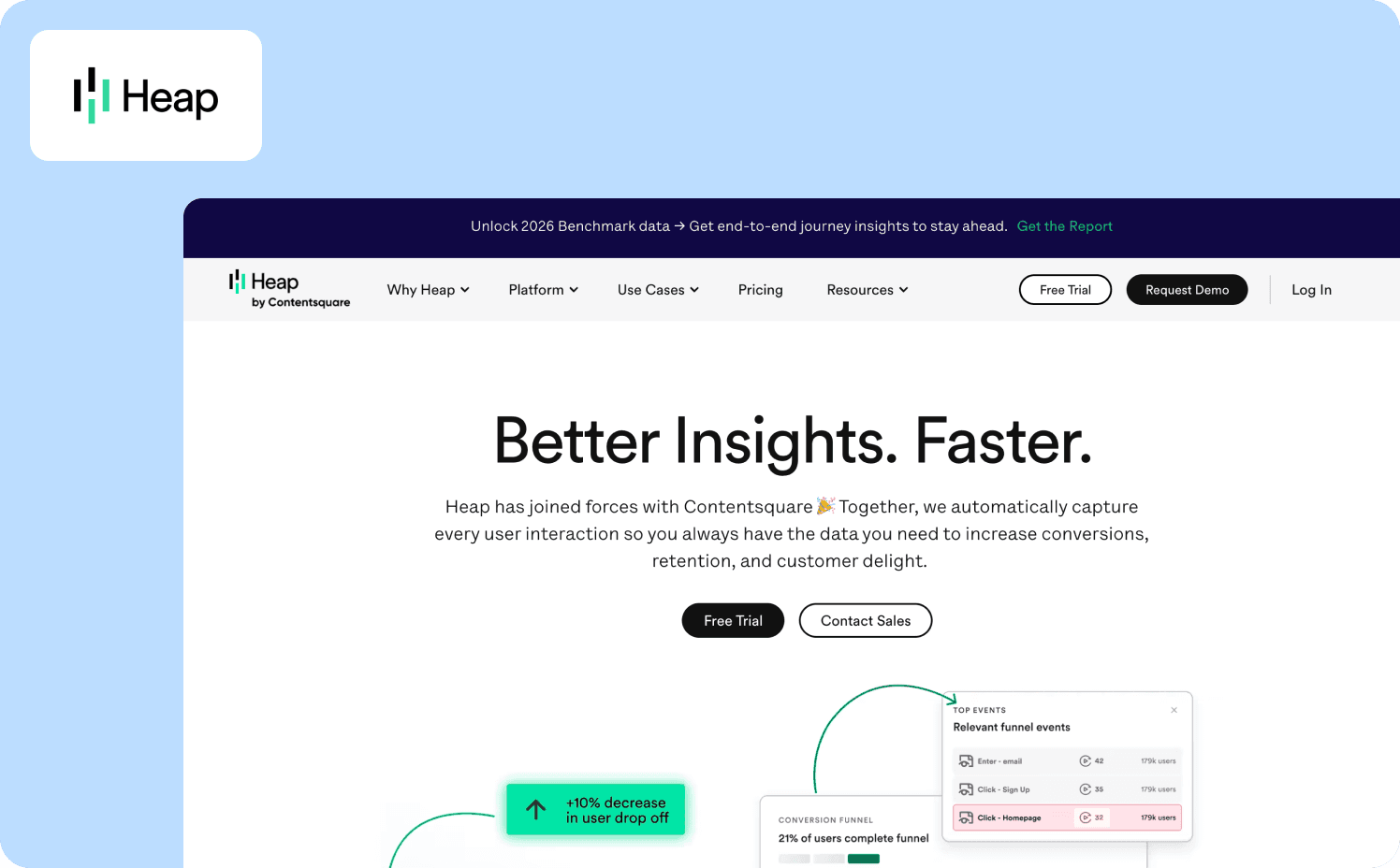
Heap is a product analytics platform that automatically captures every user interaction with a single snippet, no engineering required. Now part of Contentsquare, Heap combines auto-capture with digital experience analytics.
Teams get a relatively complete dataset, with data science capabilities that alert you to friction and opportunity even on behaviors you haven’t been following.
Key differentiators:
Auto-capture with a single snippet means every user interaction is tracked from day one, with no manual event tagging or engineering tickets.
Integrated session replay directs teams to the exact point in a session that matters, combining quantitative and qualitative insights in one tool.
Retroactive analysis lets teams define events after they’ve been captured and query historical data without prior instrumentation.
Where it falls short: Heap also lacks in-app guidance and an engagement layer, so teams need a separate tool for onboarding and user communication. Auto-capture generates massive data volumes that can make it harder to isolate meaningful signals without careful filtering. Session replay is an add-on on Pro and Premier tiers rather than included by default.
Pricing:
Free: Up to 10k monthly user sessions
Growth: Custom
Pro: Custom
Premier: Custom
Session replay and behavior insights
Numbers tell you what’s happening. Session replay shows you why. These tools record real user sessions so you can watch exactly where friction occurs and fix it.
7. PostHog: Best for all-in-one analytics, replay, and experimentation in one open-source platform
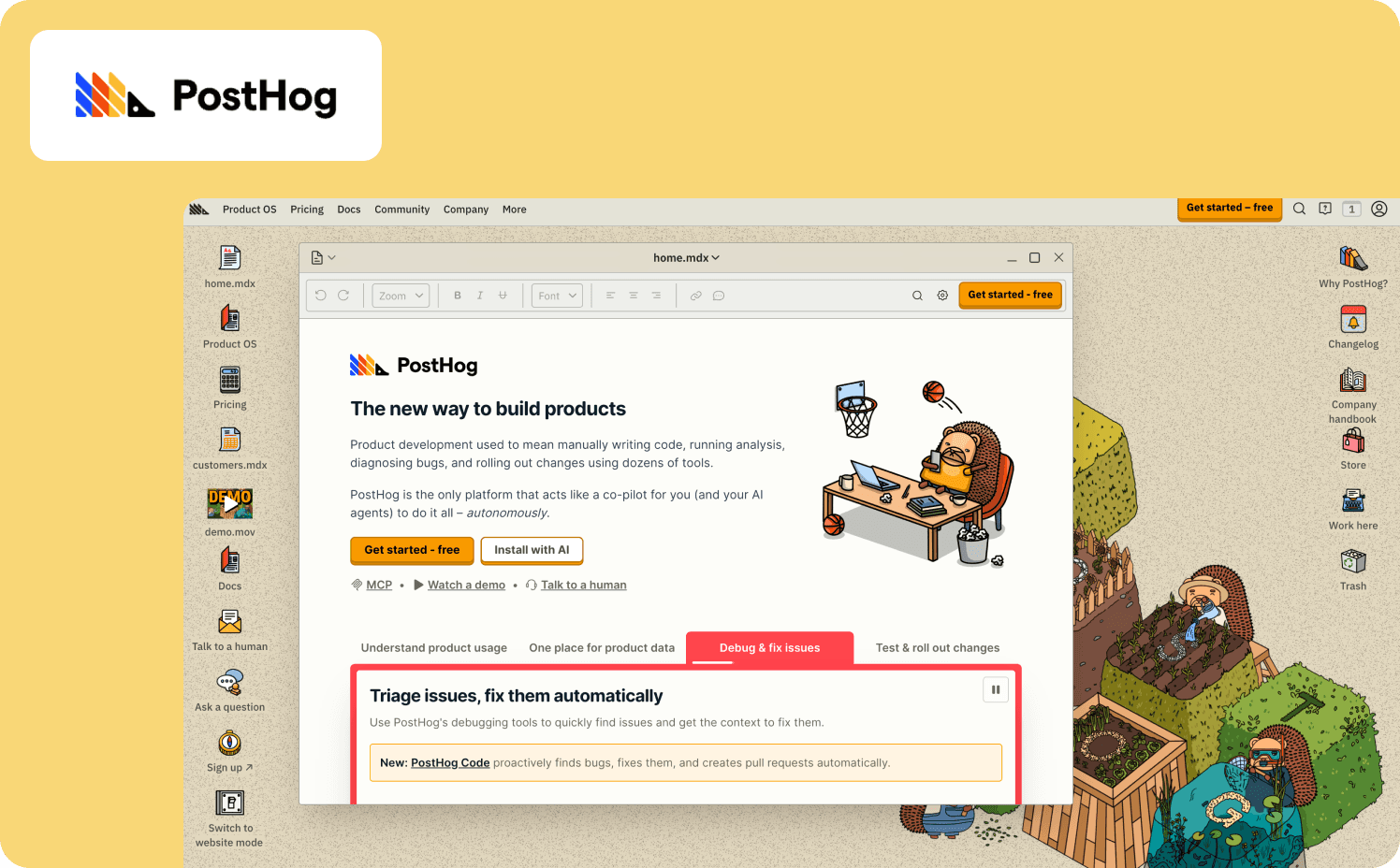
PostHog is an open-source product platform that bundles product analytics, session replay, feature flags, A/B testing, surveys, and error tracking into a single tool.
For PLG teams that want to consolidate their stack, PostHog’s native integration means you can jump from a funnel graph to a session recording to see exactly why a metric moved, without switching tools.
Key differentiators:
Session replay, feature flags, and A/B testing are natively integrated with product analytics, so teams can run an experiment, watch the replay to understand the result, and roll back instantly if a feature underperforms.
Built-in surveys let teams collect user feedback directly in the product, so they can correlate qualitative responses with behavioral data without a separate survey tool.
The free tier includes 1 million analytics events, 5,000 session replays, and 1 million feature flag requests per month with no credit card required.
Where it falls short: PostHog is built for engineering-led teams, so non-technical product managers may find the setup and querying steeper than more polished self-serve tools. The open-source self-hosting option requires significant infrastructure investment to maintain.
Pricing:
Free
Pay-as-you-go: Starts at $0.00005 per event
Add-ons: Enterprise add-on $2,000/mo, Scale add-on $750/mo, Boost add-on $250/mo
8. FullStory: Best for deep session replay with retroactive behavioral search
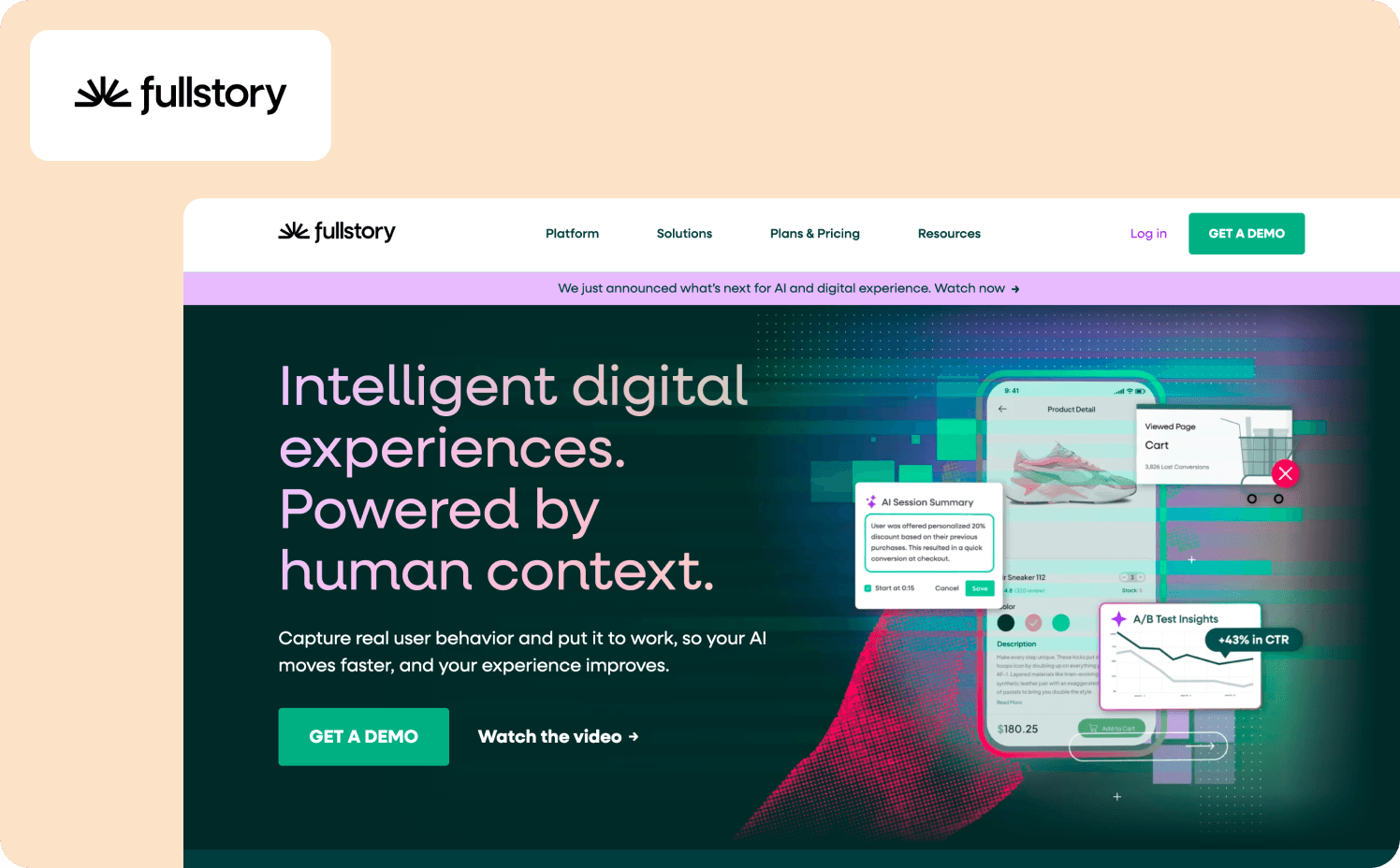
FullStory is an intelligent digital experience platform that captures every user interaction with privacy-first session replay and AI-driven behavioral analytics.
For PLG teams that need to understand exactly where users struggle and why, FullStory provides the depth that basic replay tools can’t match.
Key differentiators:
FullCapture delivers a complete, privacy-first record of every interaction, so teams can move faster and build AI on a foundation they can trust.
OmniSearch enables retroactive search across all captured sessions by any user action, behavioral pattern, or error, which no basic replay tool offers.
StoryAI turns behavioral data into decision-ready insights using AI agents that help teams make smarter decisions and ship faster.
Where it falls short: FullStory is replay-only with no in-app guidance, onboarding flows, or engagement layer, so teams need separate tools for those categories. The depth of features creates a learning curve for teams used to simpler tools.
Pricing:
FullStoryFree: Free for 30,000 monthly sessions
Business: Custom
Advanced: Custom
Enterprise: Custom
Customer data infrastructure
This is the connective tissue of your stack. These tools collect, clean, and route customer data so your analytics, onboarding, and engagement tools all work from the same source of truth.
9. Segment (Twilio): Best for unified customer data routing across your entire stack
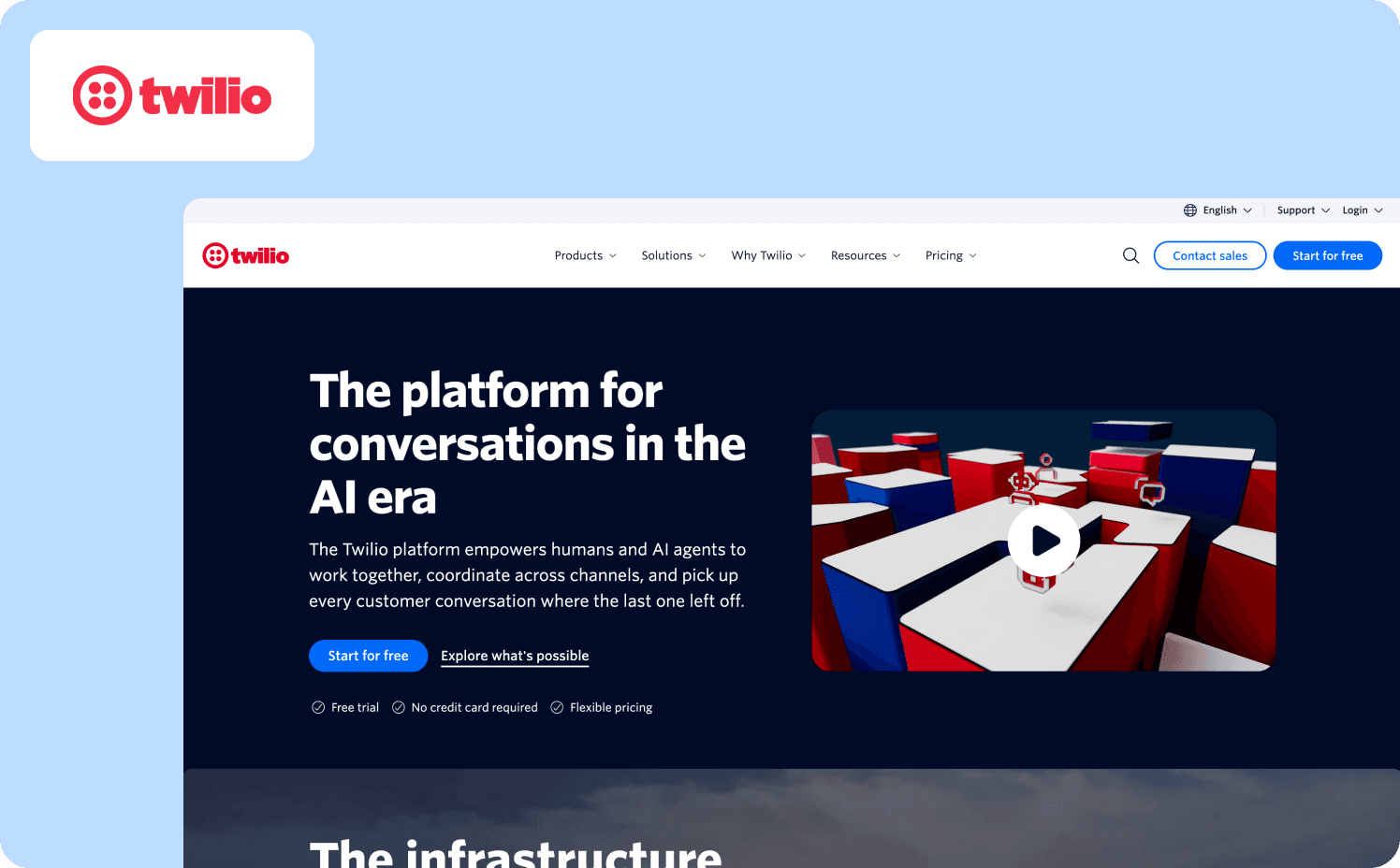
Segment (now part of Twilio) is a customer data platform that collects, cleans, and activates first-party customer data from every touchpoint and routes it to 550-plus downstream destinations. It’s the plumbing layer that makes the rest of your PLG stack talk to each other.
Rather than instrumenting events separately in each tool, teams collect user events once in Segment and route them to analytics, engagement, support, and data warehouse tools.
Key differentiators:
The CDP creates unified, identity-resolved profiles by combining events and warehouse data, so teams can build advanced audiences and orchestrate real-time journeys across the customer lifecycle.
Modular add-ons for data quality, warehouse enrichment, and AI-driven recommendations let teams extend capabilities without replacing their stack.
Segment connects to your existing data warehouse and pipes in data collected from sources, eliminating the need to manage ETL infrastructure.
Where it falls short: Segment is infrastructure, not a growth-facing tool that teams interact with directly. It requires technical resources to define event schemas and manage data governance. Advanced features like Protocols, Unify, and Twilio Engage are separate add-ons or higher-tier plans, which adds complexity for teams that want an all-in-one solution.
Pricing:
Free: For 1,000 visitors per month
Team: From $120/mo for 10,000 visitors
Business: Custom
10. RudderStack: Best for developer-first, warehouse-native customer data infrastructure
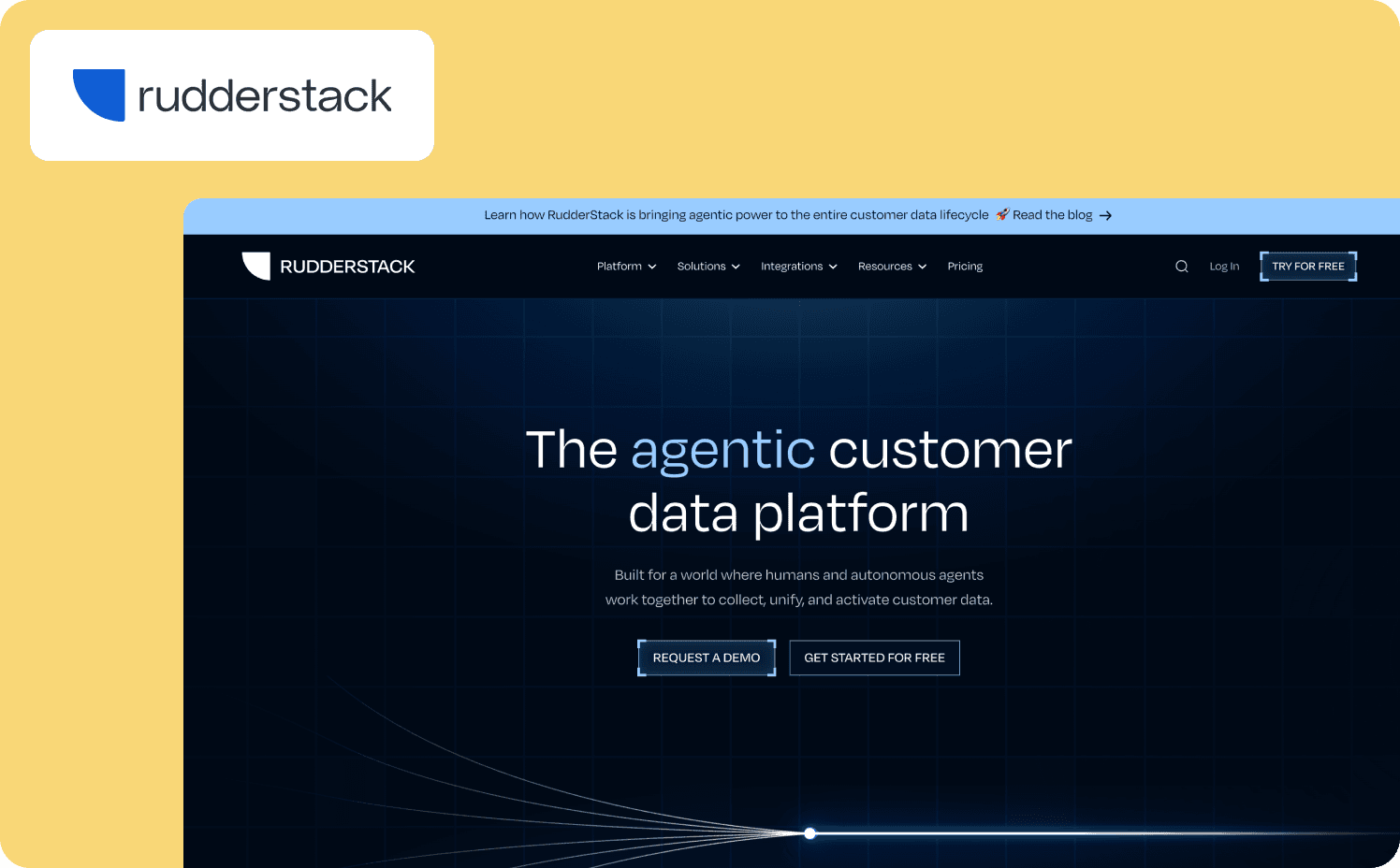
RudderStack is a warehouse-first, open-source customer data platform that helps engineering and data teams collect, unify, and activate customer data on top of their own data warehouse.
Unlike Segment, which processes data in its own infrastructure, RudderStack’s warehouse-first approach means your product data stays in your own warehouse, not a vendor silo.
Key differentiators:
The warehouse-first architecture means customer data stays in your own data warehouse, giving teams full control and auditability over behavioral data.
MCP and CLI access lets teams build custom agents and applications with their preferred AI tools, with built-in safety guardrails for agentic workflows.
The self-hosted open-source option lets teams run the core data processing layer on their own infrastructure.
Where it falls short: RudderStack is built for developers and data engineers, so non-technical teams will find setup and configuration more complex than Segment’s more polished interface. The free tier has significant limits, including three-hour warehouse sync times and only 5 transformations.
Pricing:
Free: Free for 250k events
Growth: From $265/mo (starting at 1M events)
Enterprise: Custom
Building a PLG stack that doesn’t sprawl
Most SaaS companies need 3–5 tools to run a PLG motion. There’s one for onboarding, one for analytics, one for engagement, and one for data infrastructure. Session replay is optional but useful for diagnosing friction.
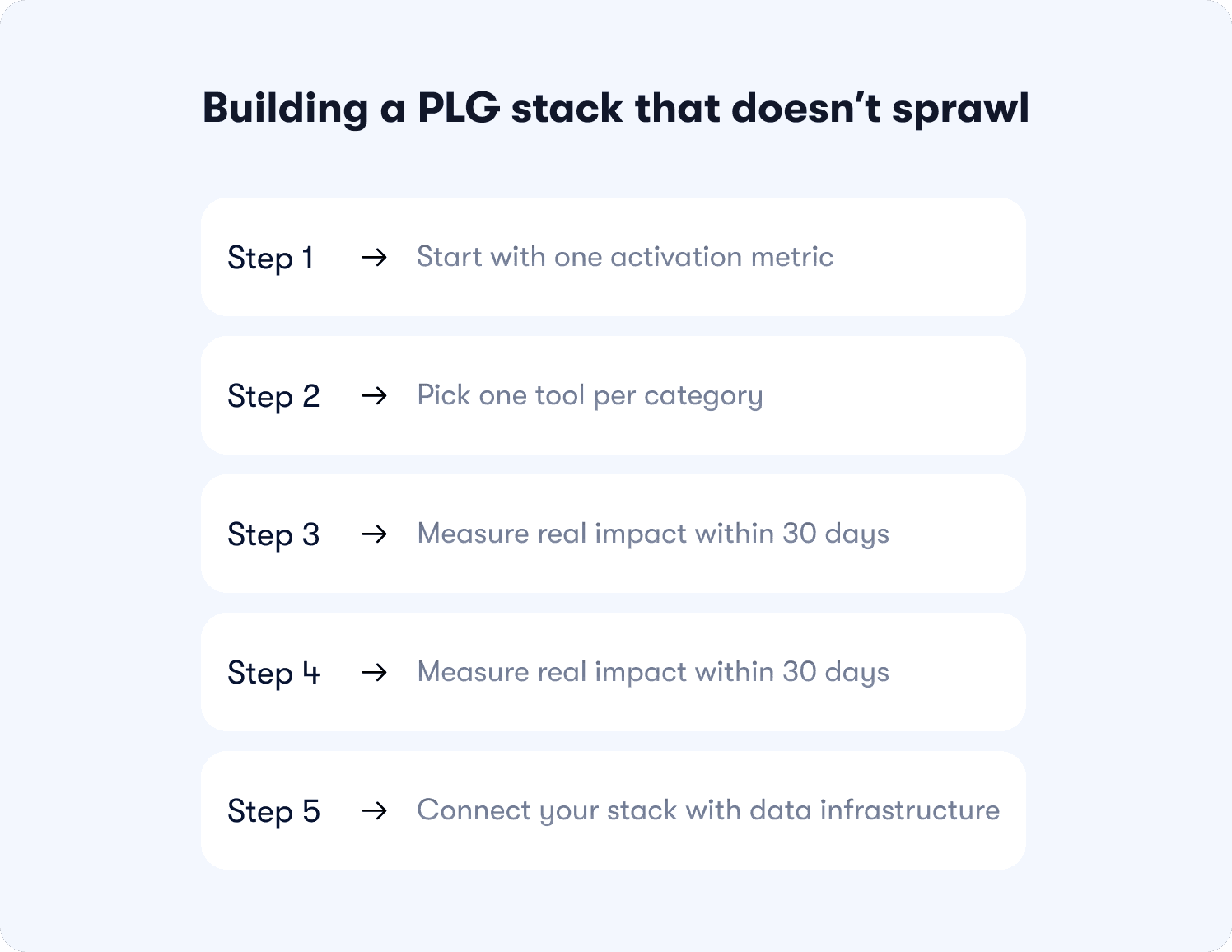
That’s it. Four categories, four tools, one metric. Anything beyond that is sprawl. The result is scalable growth powered by a lean growth engine that compounds measurable advantages over time.
Start with one activation metric
Before you evaluate a single tool, identify the one metric that tells you a user has reached core value in your product. It might be completing a key workflow, inviting a teammate, or integrating with a third-party tool. This is your activation rate, and every tool decision should trace back to it.
Pick one tool per category
You don’t need two analytics platforms or two onboarding tools. Pick the one that addresses your current bottleneck. If users drop off during self-service onboarding, start with an onboarding tool.
If you can’t see where users struggle, start with analytics or session replay. If your data is siloed across tools, start with a CDP. Only one tool per category, no exceptions.
Measure real impact within 30 days
Before adding anything else, give each tool 30 days to move your activation metric. If onboarding flows improved feature adoption but didn’t move activation, the problem might be elsewhere. Use the feedback loop between analytics and onboarding to iterate, then decide whether you need another tool or whether you need to fix your flows.
Connect your stack with data infrastructure
The tools above only work together if product usage data flows between them. A CDP like Segment or RudderStack ensures your analytics, onboarding, and engagement tools all see the same behavioral data, so you’re not making decisions from fragmented signals.
For a deeper look at how to consolidate your product experience tools and reduce integration overhead, read our guide on product experience management software for B2B SaaS.
Pick what matches your bottleneck
The right product-led growth tools depend on your actual bottleneck, not on working through this list top to bottom.
If your free users aren’t converting? Your problem is onboarding and activation.
If you can’t see where users drop off? Your problem is analytics.
If your existing customers and existing accounts aren’t expanding? Your problem is engagement.
If your data is fragmented across tools? Your problem is infrastructure.
How many new users you acquire matters less than how many of them reach core value and stay for the customer lifetime value. The teams that win at PLG aren’t the ones with the biggest stack. They’re the ones who pick tools that address their specific bottleneck and iterate fast.
Explore how Jimo handles the onboarding and activation layer of your PLG stack. Book a demo to find out if it fits your team, or browse customer stories to learn how teams like AB Tasty and Humanlinker drove feature adoption with behavior-based guidance.
FAQs
What’s the difference between product-led growth tools and traditional sales tools?
Product-led growth tools work inside the product to help new users reach core value on their own, while traditional sales tools work outside the product to manage outbound pipelines and sales conversations. A PLG tool guides user behavior, measures activation rate, or routes product data. A sales-teams tool manages contacts, sequences, and pipeline forecasts. The two stacks rarely overlap, and a tool that doesn’t touch the in-product experience doesn’t belong in your PLG stack.
Do I need all of these tools, or can I start with fewer?
No, start with the one category that addresses your current problem, measure impact for 30 days, and add from there. Most teams begin with self-service onboarding and product analytics to measure activation rate and key metrics, then layer in session replay or a CDP only when those tools stop answering the questions you need answered. Adding tools before you’ve measured impact from the first ones creates sprawl and fragments your product data.
What are the best AI tools for identifying key KPIs in product-led growth?
Amplitude, Mixpanel, and Jimo are the strongest AI tools for surfacing metrics in a PLG stack. Amplitude’s AI Agents analyze behavioral analytics 24/7 and connect to Claude and Cursor via MCP for natural-language querying. Mixpanel AI proactively diagnoses problems and recommends next steps from your product analytics data. Jimo’s Success Tracker ties feature adoption and activation rate to onboarding flows, so you can see which guidance actually moves the metrics that matter.
What’s the best onboarding tool for a product-led growth motion?
The best onboarding tool depends on your product and team. Jimo is the strongest pick for web-based SaaS that needs behavior-based onboarding flows and in app guidance tied to activation rate. Appcues is the pick for teams that need native mobile support alongside web. Userflow is the pick for lean teams that want AI-native onboarding with minimal configuration and fast self-service deployment.
How much does a full PLG tool stack typically cost?
A typical PLG stack costs between $500 and $2,000 per month for early-stage teams, depending on which categories you need. Many PLG software tools offer free tiers, so you can start with Amplitude’s free analytics plan and Jimo’s trial before committing. As active users grow and you add tools for expansion revenue and customer lifetime value tracking, costs scale with usage. The goal is to let the product drive growth through free-to-paid conversion instead of hiring more sales teams. Customer success teams can then focus on existing customers who need help reaching further growth rather than chasing cold leads.
TL;DR
This guide breaks down the 10 best product-led growth tools for SaaS in 2026 across four categories: onboarding and activation, product analytics, session replay and behavior insights, and customer data infrastructure. Rather than listing every tool you could use, it maps each one to the specific job it does, so you can pick the right 3-5 for your current bottleneck instead of installing everything and hoping it works.
Your product-led growth (PLG) stack has a sprawl problem. You started with an analytics tool, added an onboarding platform, bolted on a session recorder, connected a CDP, and somewhere along the way you lost track of what each tool does and which ones you still need.
Most “best PLG tools” roundups make this worse. They list 15 tools with no framework for deciding which ones matter for your team. Instead, this article is a disciplined map of what a product-led growth stack actually needs, organized by function, so each tool earns its place rather than filling a checkbox on someone else's list.
What actually counts as a PLG tool
A genuine PLG tool does one of a few specific jobs:
Measures user behavior
Guides users to value
Communicates with users in context
Connects product usage to revenue
General-purpose SaaS tools like CRM, project management, documentation, and help desk software don’t belong on this list even if PLG teams use them daily.
They support the business, but they don’t drive the product-led motion.
How PLG changes your go-to-market model
PLG flips the traditional sales model. Instead of sales reps pushing products through sales conversations, the product itself drives customer acquisition. Free users try the product, experience core value, and convert to paying customers at their own pace without human intervention. This lowers customer acquisition costs and changes the go-to-market strategy from outbound to product-led. Product-led growth requires a different tool stack than sales led growth or marketing led growth because the product, not the sales teams, is the primary driver of customer acquisition.
That shifts the business model significantly. Software companies that adopt PLG stop selling to large enterprise buyers through cold outreach and start letting the product do the selling. Product-led sales teams engage with product-qualified leads who’ve already demonstrated buying intent through usage patterns. Account executives don’t cold-call anymore. They step in when existing users hit usage thresholds that signal readiness to buy. The marketing team and marketing tool stack also change, focusing on product-led growth examples and in-product activation rather than lead capture forms.
“The product has to carry the first experience. If activation doesn't happen, there's nothing for sales to accelerate. That's why the tools in your PLG stack matter more than the tools in your sales stack.” - Thomas Moussafer - Co-founder of Jimo
When sales teams engage in a PLG model, they work with warm leads who have already experienced the product’s core functionality. That’s a fundamentally different conversation from traditional sales, where reps pitch to prospects who haven’t touched the product. The measurable advantages include shorter sales cycles, higher conversion rates, and further growth from existing accounts that expand naturally as users discover more value.
The four categories of product-led growth software tools
The PLG tools that make this work fall into four categories:
Onboarding and activation: Guides users to value and measures activation rate
Product analytics: Tracks behavioral analytics and product analytics
Session replay and behavior insights: Shows where user experience breaks down
Customer data infrastructure: Routes behavioral data and product usage data across your stack
These are the SaaS tools for product-led growth that deserve a place in your stack. Everything else is supporting infrastructure.
PLG tools comparison table
Here’s the at-a-glance view of all 10 product-led growth tools before we get into the detailed breakdown.
Tool | Category | Best for | Starting price |
Jimo | Onboarding and activation | Behavior-based onboarding | $249/mo (2,500–10,000 MAUs) |
Appcues | Onboarding and activation | Cross-channel web & mobile | Custom |
Userflow | Onboarding and activation | AI-native onboarding | $500/mo (starting at 1,000 MAUs) |
Amplitude | Product analytics | Behavioral analytics + experimentation | Free (2M events) |
Mixpanel | Product analytics | Self-serve AI insights | Free (1M events) |
Heap | Product analytics | Auto-capture analytics | Free (10K sessions) |
PostHog | Session replay | All-in-one analytics + replay | Free (1M events) |
FullStory | Session replay | Deep session replay + search | Free (30K sessions) |
Segment | Customer data infrastructure | Unified data routing | Free (1,000 visitors) |
RudderStack | Customer data infrastructure | Warehouse-native, developer-first | Free (250k events) |
The 10 best PLG tools, by category
These are the tools that do the four jobs a PLG stack actually needs. Each category below covers what the tools in it do, who they fit, and where they fall short, so you can judge fit for your own product-led growth strategies.
Onboarding and activation
This is where PLG lives or dies. If users never reach their first “aha” moment, nothing else in the stack matters. These tools guide users to that moment and measure whether they got there.
1. Jimo: Best for closing the loop between onboarding and activation
Jimo is an AI-powered digital adoption platform that treats onboarding as a measurable growth lever, not a set-and-forget checklist. Tours auto-progress based on real-time user interactions, so a user who completes a step moves forward automatically while a user who stalls gets redirected, no manual branching required.
The Success Tracker ties every onboarding flow to activation rate by tracking no-code feature usage, funnel drop-off, and completion rates in one view. This allows teams to see which guidance moves users toward value.
An AI copilot covers every stage of the user journey. Guide walks users through adaptive tours, Assist pulls answers from your knowledge base so users get help without leaving the app or filing a ticket, and Execute takes on repetitive multi-step workflows. Users can describe what they need in plain language and the copilot handles the rest.
Key differentiators:
Product tours auto-progress based on real-time user interactions, so guidance advances the moment a user completes an action rather than waiting for a page load or a click.
The Success Tracker tags features for tracking without code, then runs funnel analysis to uncover the drop-off points disrupting feature adoption and activation.
Checklists publish segment-specific onboarding experiences tailored to user attributes, with real-time progress tracking and CSV data export for deeper analysis.
A/B testing is built into the onboarding flow itself, so teams can test different message formats, content, and timing to find what resonates and improve trial conversion.
Where it falls short: Jimo focuses on web-based SaaS and doesn’t support native mobile apps yet, which rules it out for teams running mobile-first PLG products. The platform also assumes a certain user volume to justify the investment, so early-stage teams with under a few hundred monthly active users may not see enough signal from the Success Tracker to make it worthwhile.
Starter: From $249/mo (2,500–10,000 MAUs)
Growth: From $499/mo (2,500–100,000 MAUs)
Enterprise: Custom
2. Appcues: Best for orchestrating cross-channel lifecycle messaging across web and mobile
For PLG teams whose activation journey spans more than one channel, in-app guidance alone isn't enough. Appcues fills that gap by coordinating onboarding, feature announcements, and retention messaging across web and mobile from a single builder, so a user who skips an in-app nudge gets a follow-up through a different channel instead of falling out of the funnel entirely.
Key differentiators:
Advanced segmentation controls delivery by audience attributes, behaviors, and frequency rules, which lets teams tailor activation paths for different user cohorts without code.
Appcues AI infuses in-app experiences with dynamic, personalized content that’s also compatible for mobile.
Pulse checks and sentiment tracking are native, so teams can track how users feel about experiences over time and connect performance to business goals.
Where it falls short: Appcues is built for mid-market and enterprise teams, so smaller PLG startups may find the custom pricing and MAU-based model harder to justify at low volumes. If that sounds like you, explore some Appcues alternatives. The flow builder leans on a visual editor that works well for standard onboarding sequences but can feel rigid when you need highly conditional, behavior-driven paths that adapt to individual users in real time.
Pricing:
Start: Custom pricing (up to 3,000 MAUs)
Grow: Custom pricing (starting at 3,000 MAUs)
Enterprise: Custom pricing (custom MAUs)
3. Userflow: Best for AI-native adoption with a closed-loop feedback system
For lean PLG teams without the headcount to staff a support queue, the Adoption Agent is what earns Userflow its spot in this stack: it turns a user's question into a completed task by launching a contextual walkthrough straight from chat, no ticket, no CSM, no detour to external docs. That closed loop, flow creation, guidance, and friction detection in one continuous cycle, is what makes it fit self-service products with multiple user paths.
Key differentiators:
FlowAI Signals continuously analyzes in-app experiences to surface friction, drop-offs, and opportunities automatically, so teams know what to fix or double down on without manual funnel analysis.
FlowAI Actions recommends and launches the right in-app response based on real behavior, turning signals into walkthroughs, checklists, or contextual guidance in one click.
FlowAI Builder generates complete onboarding flows directly from the live product, auto-applies brand styles, and lets teams refine or localize copy on the fly without a design sprint.
Where it falls short: Userflow is built for lean teams that want to move fast, and that focus shows in what’s missing. The platform doesn’t include a full analytics suite, so teams need a separate tool for funnels, retention cohorts, and deep behavioral analysis. Flow creation is AI-driven and fast, but the resulting flows are page-state based rather than goal-based, which limits how much you can adapt guidance to individual user contexts.
Pricing:
Adoption Studio: From $500/mo (starting at 1,000 MAUs)
Adoption Agent: From $100/mo (starting at 500 credits)
Product analytics
If onboarding gets users to value, analytics tells you whether they stayed. These tools measure what users do inside your product, where they drop off, and which behaviors predict conversion and retention.
4. Amplitude: Best for behavioral analytics and AI-powered experimentation
Amplitude is an AI analytics platform that helps product teams detect friction, launch experiments, and measure impact without building dashboards or writing SQL.
The platform combines product analytics, session replay, feature experimentation, and guides and surveys in one unified system. Its AI Agents connect to Claude, Cursor, and other AI tools via MCP, so teams can prompt insights in natural language and get answers from their data.
Key differentiators:
AI Agents sense, analyze, and optimize data-driven issues, and the MCP connection lets teams query product data from Claude, Cursor, or any MCP-compatible tool.
Behavioral analytics with behavioral cohorts, funnel analysis, and experimentation are built-in, so teams can identify friction, test fixes, and measure outcomes without stitching together separate tools.
The free plan includes 2 million monthly events with no time limit and no credit card required.
Where it falls short: Amplitude is analytics-only. It doesn’t include in-app guidance, onboarding flows, or engagement tools, so teams need a separate adoption platform for that layer. The platform’s breadth can be overwhelming for teams that only need basic event tracking. It’s also difficult to predict budget based on the pricing model.
Pricing:
Free: Free (Up to 2M events)
Plus: From $0/mo (Up to 700k MTUs)
Growth: Custom (custom MTUs)
Enterprise: Custom (custom MTUs)
5. Mixpanel: Best for self-serve analytics with AI-driven insights
Mixpanel is an AI-powered digital analytics platform that helps product, engineering, and growth teams understand user behavior without a data team.
The platform tracks events, builds funnels, analyzes retention, and segments data through a self-serve interface.
Key differentiators:
Self-serve querying lets teams explore user behavior, conversion trends, and retention patterns in seconds without SQL or a data team.
Mixpanel AI proactively surfaces insights, diagnoses problems, and recommends next steps, reducing manual analysis work for teams tracking key metrics.
A/B testing and feature flags are built in, so teams can test against real product analytics without disconnected tools.
Where it falls short: Mixpanel is analytics-only with no in-app guidance or onboarding capabilities. Advanced features like anomaly detection, root cause analysis, and experiment reporting are add-ons or limited on lower tiers. The platform requires investment in event taxonomy and data governance to get reliable insights.
Pricing:
Free: Capped at 1M monthly events
Growth: Starts at $140/mo for 1.5M events
Enterprise: Custom
6. Heap: Best for auto-capture analytics without manual event tagging
Heap is a product analytics platform that automatically captures every user interaction with a single snippet, no engineering required. Now part of Contentsquare, Heap combines auto-capture with digital experience analytics.
Teams get a relatively complete dataset, with data science capabilities that alert you to friction and opportunity even on behaviors you haven’t been following.
Key differentiators:
Auto-capture with a single snippet means every user interaction is tracked from day one, with no manual event tagging or engineering tickets.
Integrated session replay directs teams to the exact point in a session that matters, combining quantitative and qualitative insights in one tool.
Retroactive analysis lets teams define events after they’ve been captured and query historical data without prior instrumentation.
Where it falls short: Heap also lacks in-app guidance and an engagement layer, so teams need a separate tool for onboarding and user communication. Auto-capture generates massive data volumes that can make it harder to isolate meaningful signals without careful filtering. Session replay is an add-on on Pro and Premier tiers rather than included by default.
Pricing:
Free: Up to 10k monthly user sessions
Growth: Custom
Pro: Custom
Premier: Custom
Session replay and behavior insights
Numbers tell you what’s happening. Session replay shows you why. These tools record real user sessions so you can watch exactly where friction occurs and fix it.
7. PostHog: Best for all-in-one analytics, replay, and experimentation in one open-source platform
PostHog is an open-source product platform that bundles product analytics, session replay, feature flags, A/B testing, surveys, and error tracking into a single tool.
For PLG teams that want to consolidate their stack, PostHog’s native integration means you can jump from a funnel graph to a session recording to see exactly why a metric moved, without switching tools.
Key differentiators:
Session replay, feature flags, and A/B testing are natively integrated with product analytics, so teams can run an experiment, watch the replay to understand the result, and roll back instantly if a feature underperforms.
Built-in surveys let teams collect user feedback directly in the product, so they can correlate qualitative responses with behavioral data without a separate survey tool.
The free tier includes 1 million analytics events, 5,000 session replays, and 1 million feature flag requests per month with no credit card required.
Where it falls short: PostHog is built for engineering-led teams, so non-technical product managers may find the setup and querying steeper than more polished self-serve tools. The open-source self-hosting option requires significant infrastructure investment to maintain.
Pricing:
Free
Pay-as-you-go: Starts at $0.00005 per event
Add-ons: Enterprise add-on $2,000/mo, Scale add-on $750/mo, Boost add-on $250/mo
8. FullStory: Best for deep session replay with retroactive behavioral search
FullStory is an intelligent digital experience platform that captures every user interaction with privacy-first session replay and AI-driven behavioral analytics.
For PLG teams that need to understand exactly where users struggle and why, FullStory provides the depth that basic replay tools can’t match.
Key differentiators:
FullCapture delivers a complete, privacy-first record of every interaction, so teams can move faster and build AI on a foundation they can trust.
OmniSearch enables retroactive search across all captured sessions by any user action, behavioral pattern, or error, which no basic replay tool offers.
StoryAI turns behavioral data into decision-ready insights using AI agents that help teams make smarter decisions and ship faster.
Where it falls short: FullStory is replay-only with no in-app guidance, onboarding flows, or engagement layer, so teams need separate tools for those categories. The depth of features creates a learning curve for teams used to simpler tools.
Pricing:
FullStoryFree: Free for 30,000 monthly sessions
Business: Custom
Advanced: Custom
Enterprise: Custom
Customer data infrastructure
This is the connective tissue of your stack. These tools collect, clean, and route customer data so your analytics, onboarding, and engagement tools all work from the same source of truth.
9. Segment (Twilio): Best for unified customer data routing across your entire stack
Segment (now part of Twilio) is a customer data platform that collects, cleans, and activates first-party customer data from every touchpoint and routes it to 550-plus downstream destinations. It’s the plumbing layer that makes the rest of your PLG stack talk to each other.
Rather than instrumenting events separately in each tool, teams collect user events once in Segment and route them to analytics, engagement, support, and data warehouse tools.
Key differentiators:
The CDP creates unified, identity-resolved profiles by combining events and warehouse data, so teams can build advanced audiences and orchestrate real-time journeys across the customer lifecycle.
Modular add-ons for data quality, warehouse enrichment, and AI-driven recommendations let teams extend capabilities without replacing their stack.
Segment connects to your existing data warehouse and pipes in data collected from sources, eliminating the need to manage ETL infrastructure.
Where it falls short: Segment is infrastructure, not a growth-facing tool that teams interact with directly. It requires technical resources to define event schemas and manage data governance. Advanced features like Protocols, Unify, and Twilio Engage are separate add-ons or higher-tier plans, which adds complexity for teams that want an all-in-one solution.
Pricing:
Free: For 1,000 visitors per month
Team: From $120/mo for 10,000 visitors
Business: Custom
10. RudderStack: Best for developer-first, warehouse-native customer data infrastructure
RudderStack is a warehouse-first, open-source customer data platform that helps engineering and data teams collect, unify, and activate customer data on top of their own data warehouse.
Unlike Segment, which processes data in its own infrastructure, RudderStack’s warehouse-first approach means your product data stays in your own warehouse, not a vendor silo.
Key differentiators:
The warehouse-first architecture means customer data stays in your own data warehouse, giving teams full control and auditability over behavioral data.
MCP and CLI access lets teams build custom agents and applications with their preferred AI tools, with built-in safety guardrails for agentic workflows.
The self-hosted open-source option lets teams run the core data processing layer on their own infrastructure.
Where it falls short: RudderStack is built for developers and data engineers, so non-technical teams will find setup and configuration more complex than Segment’s more polished interface. The free tier has significant limits, including three-hour warehouse sync times and only 5 transformations.
Pricing:
Free: Free for 250k events
Growth: From $265/mo (starting at 1M events)
Enterprise: Custom
Building a PLG stack that doesn’t sprawl
Most SaaS companies need 3–5 tools to run a PLG motion. There’s one for onboarding, one for analytics, one for engagement, and one for data infrastructure. Session replay is optional but useful for diagnosing friction.
That’s it. Four categories, four tools, one metric. Anything beyond that is sprawl. The result is scalable growth powered by a lean growth engine that compounds measurable advantages over time.
Start with one activation metric
Before you evaluate a single tool, identify the one metric that tells you a user has reached core value in your product. It might be completing a key workflow, inviting a teammate, or integrating with a third-party tool. This is your activation rate, and every tool decision should trace back to it.
Pick one tool per category
You don’t need two analytics platforms or two onboarding tools. Pick the one that addresses your current bottleneck. If users drop off during self-service onboarding, start with an onboarding tool.
If you can’t see where users struggle, start with analytics or session replay. If your data is siloed across tools, start with a CDP. Only one tool per category, no exceptions.
Measure real impact within 30 days
Before adding anything else, give each tool 30 days to move your activation metric. If onboarding flows improved feature adoption but didn’t move activation, the problem might be elsewhere. Use the feedback loop between analytics and onboarding to iterate, then decide whether you need another tool or whether you need to fix your flows.
Connect your stack with data infrastructure
The tools above only work together if product usage data flows between them. A CDP like Segment or RudderStack ensures your analytics, onboarding, and engagement tools all see the same behavioral data, so you’re not making decisions from fragmented signals.
For a deeper look at how to consolidate your product experience tools and reduce integration overhead, read our guide on product experience management software for B2B SaaS.
Pick what matches your bottleneck
The right product-led growth tools depend on your actual bottleneck, not on working through this list top to bottom.
If your free users aren’t converting? Your problem is onboarding and activation.
If you can’t see where users drop off? Your problem is analytics.
If your existing customers and existing accounts aren’t expanding? Your problem is engagement.
If your data is fragmented across tools? Your problem is infrastructure.
How many new users you acquire matters less than how many of them reach core value and stay for the customer lifetime value. The teams that win at PLG aren’t the ones with the biggest stack. They’re the ones who pick tools that address their specific bottleneck and iterate fast.
Explore how Jimo handles the onboarding and activation layer of your PLG stack. Book a demo to find out if it fits your team, or browse customer stories to learn how teams like AB Tasty and Humanlinker drove feature adoption with behavior-based guidance.
FAQs
What’s the difference between product-led growth tools and traditional sales tools?
Product-led growth tools work inside the product to help new users reach core value on their own, while traditional sales tools work outside the product to manage outbound pipelines and sales conversations. A PLG tool guides user behavior, measures activation rate, or routes product data. A sales-teams tool manages contacts, sequences, and pipeline forecasts. The two stacks rarely overlap, and a tool that doesn’t touch the in-product experience doesn’t belong in your PLG stack.
Do I need all of these tools, or can I start with fewer?
No, start with the one category that addresses your current problem, measure impact for 30 days, and add from there. Most teams begin with self-service onboarding and product analytics to measure activation rate and key metrics, then layer in session replay or a CDP only when those tools stop answering the questions you need answered. Adding tools before you’ve measured impact from the first ones creates sprawl and fragments your product data.
What are the best AI tools for identifying key KPIs in product-led growth?
Amplitude, Mixpanel, and Jimo are the strongest AI tools for surfacing metrics in a PLG stack. Amplitude’s AI Agents analyze behavioral analytics 24/7 and connect to Claude and Cursor via MCP for natural-language querying. Mixpanel AI proactively diagnoses problems and recommends next steps from your product analytics data. Jimo’s Success Tracker ties feature adoption and activation rate to onboarding flows, so you can see which guidance actually moves the metrics that matter.
What’s the best onboarding tool for a product-led growth motion?
The best onboarding tool depends on your product and team. Jimo is the strongest pick for web-based SaaS that needs behavior-based onboarding flows and in app guidance tied to activation rate. Appcues is the pick for teams that need native mobile support alongside web. Userflow is the pick for lean teams that want AI-native onboarding with minimal configuration and fast self-service deployment.
How much does a full PLG tool stack typically cost?
A typical PLG stack costs between $500 and $2,000 per month for early-stage teams, depending on which categories you need. Many PLG software tools offer free tiers, so you can start with Amplitude’s free analytics plan and Jimo’s trial before committing. As active users grow and you add tools for expansion revenue and customer lifetime value tracking, costs scale with usage. The goal is to let the product drive growth through free-to-paid conversion instead of hiring more sales teams. Customer success teams can then focus on existing customers who need help reaching further growth rather than chasing cold leads.

Level-up your onboarding in 30 mins
Discover how you can transform your product with experts from Jimo in 30 mins

Level-up your onboarding in 30 mins
Discover how you can transform your product with experts from Jimo in 30 mins
Level-up your onboarding in 30 mins
Discover how you can transform your product with experts from Jimo in 30 mins
Level-up your onboarding in 30 mins
Discover how you can transform your product with experts from Jimo in 30 mins
Keep Reading

SaaS
What Counts as a Product Qualified Lead

Fahmi Dani
Product Designer @Jimo

SaaS
Product Usage as an Early Customer Health Score

Thomas Moussafer
Co-founder of Jimo, an AI-powered digital adoption platform that helps B2B SaaS companies drive user activation and feature adoption at scale. @Jimo

SaaS
AI for Product Managers in 2026: What Actually Changes for Product Adoption

Raphaël Alexandre
CPO @Jimo
SaaS
What Counts as a Product Qualified Lead
Fahmi Dani
Product Designer @Jimo
SaaS
Product Usage as an Early Customer Health Score
Thomas Moussafer
Co-founder of Jimo, an AI-powered digital adoption platform that helps B2B SaaS companies drive user activation and feature adoption at scale. @Jimo
SaaS
AI for Product Managers in 2026: What Actually Changes for Product Adoption
Raphaël Alexandre
CPO @Jimo

SaaS
Enterprise SaaS Onboarding Strategies That Scale in 2026
Raphaël Alexandre
CPO @Jimo