/
8 mins read
TL;DR
Product managers outgrow Userflow when they realize static tours fail to drive revenue. Linear logic, superficial analytics, constant maintenance, and aggressive volume pricing force teams to seek better alternatives. This guide explores the five best Userflow alternatives for 2026. It highlights how platforms built for Intelligence-Led Growth (ILG), like Jimo, use action-based logic to adapt to individual user behavior in real time. Whether you need deep design control, consolidated analytics, or a budget friendly toolkit, this breakdown helps you choose an architecture that actually improves activation rates.
Most product managers start looking for a Userflow alternative when they realize their onboarding flows are completely disconnected from actual revenue. You spend hours building the perfect product tour, but users still drop off before reaching the “aha” moment. It’s not an issue with your product. Static user onboarding software forcing everyone down the same rigid path is what causes the disconnect.
When your user base diversifies, a one-size-fits-all approach stops working. You end up with a cluttered interface and a frustrated customer success team trying to figure out why trial to paid conversion remains flat.
Beamer’s acquisition of Userflow also signals a shift in product momentum and roadmap priorities, making this a natural time to reevaluate your onboarding stack. Finding the right replacement means looking beyond basic feature lists and template libraries. You need a platform that actually analyzes user behavior and adapts in real time. This guide breaks down the top five options on the market today so you can choose a solution that drives genuine activation rather than just tracking empty clicks.
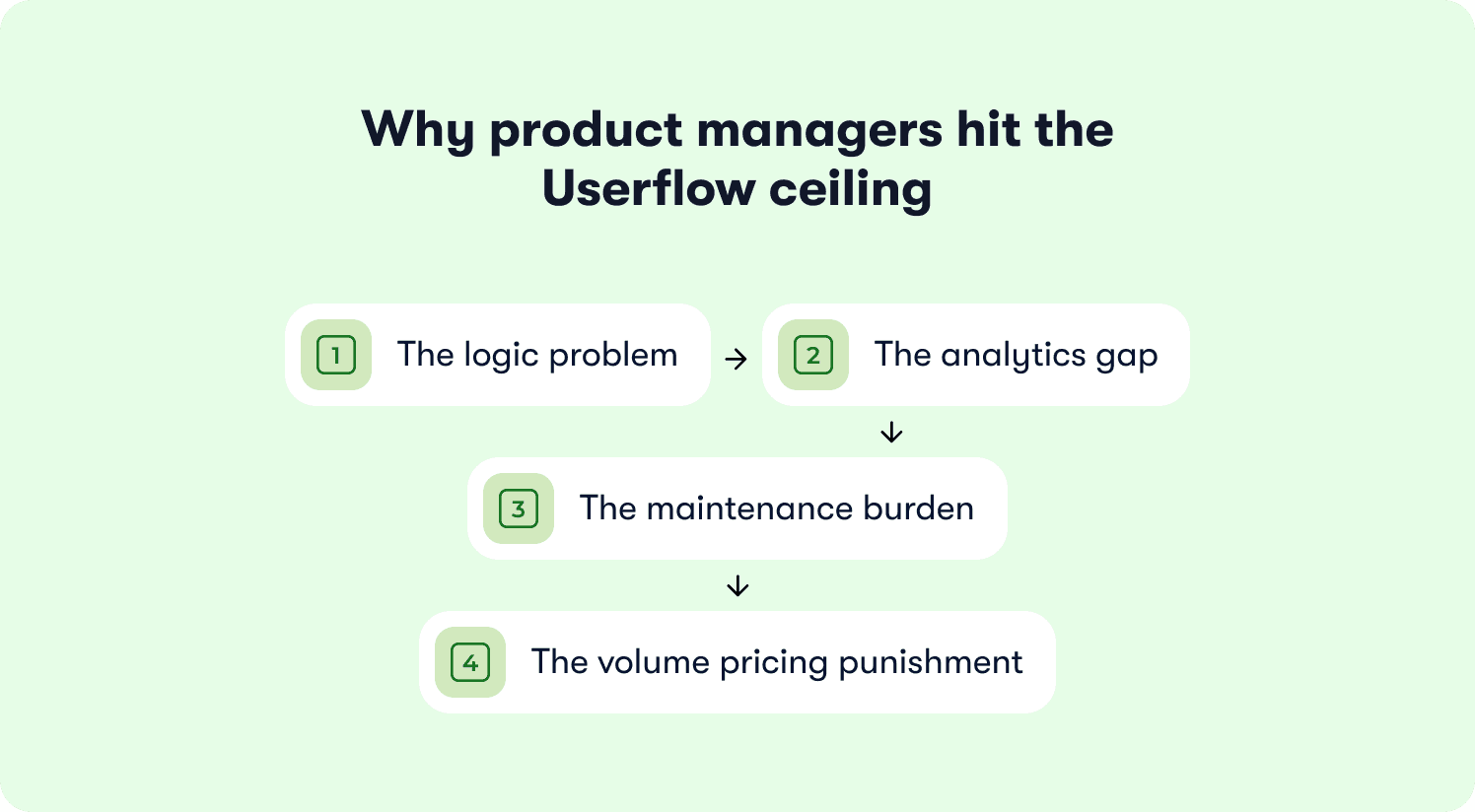
Why product managers hit the Userflow ceiling
Userflow makes it easy to ship a tour, see completion rates, and hand off the information to customer success. But then you try to build something that works only if a user hasn't connected an integration yet. Or that adapts based on which plan tier they're on. Or that tells you whether completing the flow actually changed their activation rate. That's where Userflow's architecture shows its limits.
The logic problem
Userflow progresses on page state, not on user goals. A product manager who needs conditional branching based on real user behavior will hit this wall quickly. This isn't a failure of the tool itself. Rather, it's a limitation of the entire Product-Led Growth (PLG) era of static digital adoption platforms.
They follow rigid scripts, but real users don't. Good user flow design requires decision points that respond to what a user takes action on, not just which screen they land on. When you need a tour to adapt dynamically to what a user has actually accomplished, location-based triggering falls short. Because everything is hyper-manual, product teams have to anticipate and build every single scenario themselves.
Teams lose efficiency trying to predict every user path. The reality is that traditional, forced product tours create a Christmas tree effect of popups everywhere. These are outdated and intrusive. They push information at users rather than empowering users to pull information when they actually need it. Users need autonomy over their learning curve without a cluttered interface full of hardcoded tooltips.
The analytics gap
Completion rates aren't activation rates. Userflow shows you exactly where users dropped off in a flow, but it can’t tell you whether completing that flow correlated with trial-to-paid conversion or long-term retention.
As one Reddit user notes regarding the promise of end-to-end customer journey tracking in these legacy tools: “Do their products actually deliver on that much bigger promise? In my experience, not really, and it's really superficial.”
This gap often leads teams into common activation pitfalls, like confusing profile setup with actual value discovery, or overwhelming users with seven-step tours when completion rates drop off a cliff after step three.
The maintenance burden
Tours break after UI changes, and they often do so without altering you. At any shipping cadence above monthly, this turns into an architectural problem. Building product tours internally adds massive overhead, and maintaining them across an ever-changing UI is exhausting.
As one founder on Reddit says, “I got so fed up with the prices and the amount of work I had to do to maintain them as a PM with ever-changing UI.”
Another G2 user echoes this reality: “It can also be quite a lot of work to test and validate flows to make sure they still work correctly because if you have a product that is regularly updated, things may be moved, and you'll need to keep reviewing and testing.”
The volume pricing punishment
Userflow's pricing scales aggressively based on monthly active users (MAU). What starts as an affordable tool quickly becomes a massive line item as your product grows.
One product manager on Reddit summarizes the frustration: “They've gotten insanely expensive. I love the features: onboarding, tooltips, surveys, etc. But nobody should have to pay $500+/month for this stuff - my founders don't want to.”
When you're only using 20% of the platform's capabilities but paying enterprise rates, the ROI equation breaks down.
How to evaluate a Userflow alternative
When you move away from Userflow, you aren't just swapping one onboarding tool for another. You're choosing an architecture that either supports Intelligence-Led Growth or keeps you trapped in the old model of static product tours. Here’s how to make the right pick from the user’s perspective.
Action-based vs linear tour logic
The main reason product managers look for a Userflow competitor is the triggering mechanism. If a tool only activates when a user lands on a specific URL, you’re building a linear script. Real users make their own user journey. They jump around and explore.
You need a platform that guides users based on real user actions. Action-based logic means the onboarding flow advances only when a user completes a specific task. This is the core of Intelligence-Led Growth. It ensures your onboarding process adapts to real user behavior rather than forcing everyone through the same generic sequence.
How many tools does it replace
Stack consolidation is a massive factor for customer-obsessed teams and product managers. If you buy new user onboarding software but still need separate subscriptions for product analytics, in app surveys, and a resource center, the sprawl problem remains. Genuine consolidation means one data model across all your user engagement efforts. When your tools are fragmented, your ability to identify areas of friction and streamline your user journey is fragmented too.
Does it connect onboarding to activation
Having an analytics dashboard isn't enough. The question isn't whether the platform tracks tour completions. The question is whether it can answer if a specific flow drove paid conversion or improved customer retention. Most customer onboarding platforms stop at the engagement layer. You need a platform that closes the loop. For example, Jimo's Success Tracker connects guidance directly to activation outcomes so you can prove exactly which interventions move the needle.
Can product managers iterate without engineering
A true no-code platform means you never have to file a Jira ticket to track an event or publish a flow. Can product managers iterate onboarding task flows without filing engineering tickets? More importantly, can you measure whether those interventions improved activation rate? If you need a developer to add JavaScript snippets every time you want to track a new feature click, the ownership problem hasn’t been solved. It’s just been relocated.
Does pricing scale without MAU punishment
Userflow's MAU escalation from $240 per month to $680 per month is the buyer's reference point and a common breaking point. You need a pricing model that doesn't punish you for acquiring new users. Predictability is essential when you're scaling a B2B SaaS product and need to manage your budget effectively while building personalized onboarding experiences.
Userflow alternatives at a glance
These five platforms solve different problems at different price points. The table below maps each tool across the criteria that actually predict activation. ILG-readiness means the platform adapts guidance to individual user behavior in real time, connects that guidance to downstream activation outcomes, and can complete tasks on the user's behalf rather than showing them a pre-written sequence and hoping they follow it.
Tool | Best for | Action-based logic | Activation analytics | No-code for PM | ILG-ready | Pricing starts at |
Jimo | Activation-to-revenue measurement | ✅ | ✅ | ✅ True no-code | ✅ | $249/mo (2,500 MAUs) |
Userpilot | Consolidated analytics and engagement | ✅ | ✅ | ⚠️ Visual builder lags | ❌ | $299/mo (2,000 MAUs) |
Chameleon | Pixel-perfect CSS design control | ⚠️ | ⚠️ | ⚠️ Requires CSS | ❌ | $279/mo (1,000) MAUs |
UserGuiding | Budget-conscious early-stage startups | ❌ | ❌ | ✅ Simple setup | ❌ | $249/mo (2,000 MAUs) |
Product Fruits | Fastest complete onboarding toolkit | ❌ | ❌ | ⚠️ CSS issues at scale | ❌ | $149/mo (1,500 MAUs) |
The 5 best Userflow alternatives for onboarding in 2026
Choosing the right platform means looking past basic feature lists that other articles highlight and focusing instead on what actually drives activation. Here are the five best options on the market to help you move beyond static tours and build an onboarding experience that adapts to real user behavior.
1. Jimo — Best for PMs making the shift to Intelligence-Led Growth
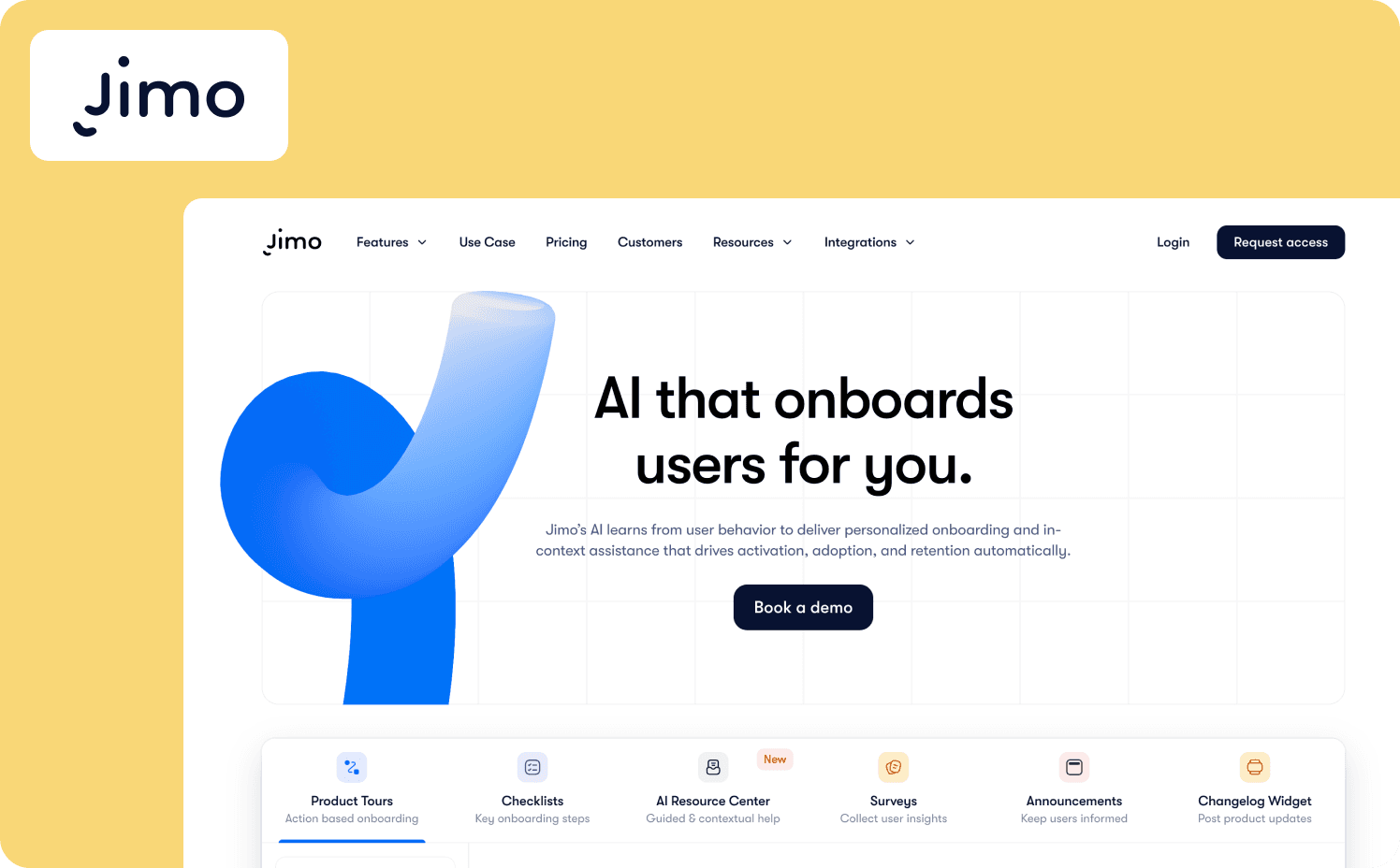
Jimo is an AI-native digital adoption platform built to give every user a personal copilot that guides, assists, and executes on their behalf. Deployed in days by product teams rather than engineers, it serves as the ILG upgrade to Userflow's static flow architecture. It’s designed specifically for B2B SaaS teams that need their user onboarding software to adapt to individual behavior in real time.
Key differentiators: Jimo’s architecture fundamentally differs from Userflow because its Guide module delivers adaptive walkthroughs that respond to what users have actually done rather than predetermined steps or clicks. The platform also features Assist and Execute capabilities, providing context-aware answers trained on your product's knowledge base and allowing users to complete complex multi-step workflows using natural language.
Finally, Jimo's Success Tracker closes the analytics gap by connecting flow completions directly to activation milestones, letting you prove that users who completed a specific user flow activated at significantly higher rates without manual CRM stitching.
When to consider over Userflow:
Your product tour needs to branch based on what a user has actually done rather than which page they are on, and Userflow's linear logic has become a maintenance bottleneck.
You need to prove to leadership that onboarding changes drove paid conversions rather than just tour completions.
Your team needs to iterate flows weekly without filing engineering tickets.
Where it falls short: Jimo is built exclusively for web applications and doesn’t support native iOS or Android mobile apps. If mobile guidance is a core requirement for your product, you’ll need to consider mobile-first onboarding platforms. Jimo also isn’t suited for enterprises requiring cross-application guidance, complex audit trails, or employee onboarding across third-party software.
Starter: $249/mo (2,500–10,000 MAUs)
Growth: $479/mo (2,500–100,000 MAUs)
Enterprise: Custom
2. Userpilot — Best for analytics-first teams who need activation insight built in
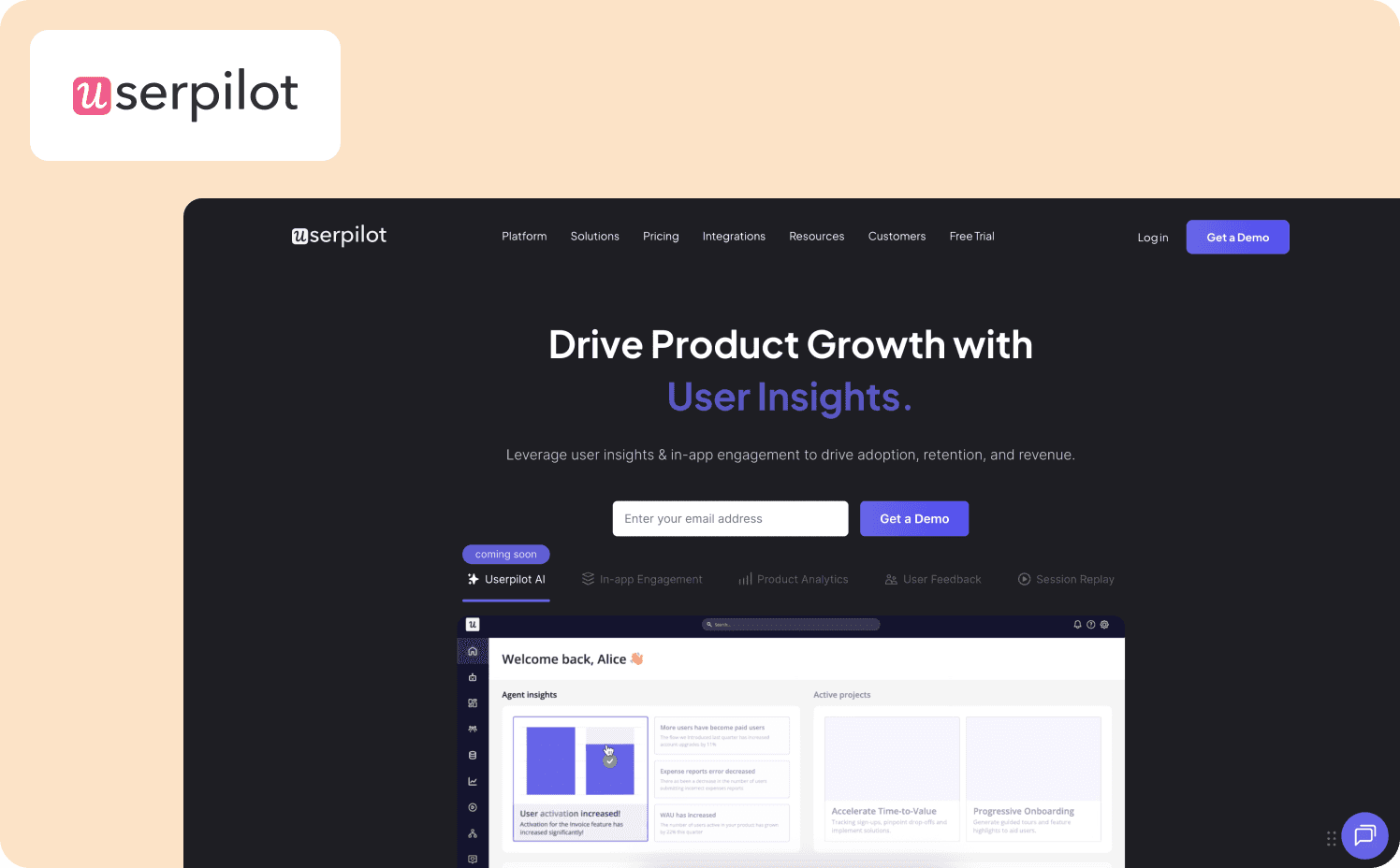
Userpilot is a comprehensive product growth platform designed for mid-market SaaS companies that want analytics and engagement tools in one place. It combines user onboarding, product analytics, and in-app feedback to help teams drive feature adoption. This makes it a solid alternative to userflow for teams that want to understand user behavior and act on it without switching between different applications.
Key differentiators: Userpilot excels at providing built-in product analytics that allow teams to track feature usage and user sentiment alongside their onboarding flows. It has a powerful Chrome extension builder that lets product managers create and preview in-app experiences directly over their application without writing code. The platform also supports advanced user segmentation, though unlimited segments and compound behavioral conditions are locked behind the Growth tier.
When to consider over Userflow:
You want product analytics and user onboarding software consolidated into a single platform.
You need to trigger user flows based on complex behavioral segments and feature usage data.
You prefer building and testing in-app experiences directly over your live application using a visual editor.
Where it falls short: While Userpilot offers a broad suite of tools, its analytics capabilities are not as deep as dedicated platforms like Mixpanel or Amplitude, meaning enterprise teams might still need external integrations. Users also frequently report that the visual builder can become laggy or buggy when managing a large volume of complex flows across multiple environments.
Pricing:
Starter: $299/mo (up to 2,000 MAUs)
Growth: Custom pricing (starts from 5,000 MAUs)
Enterprise: Custom pricing (custom MAUs)
3. Chameleon — Best for design-driven teams who need CSS-level control Userflow can't deliver
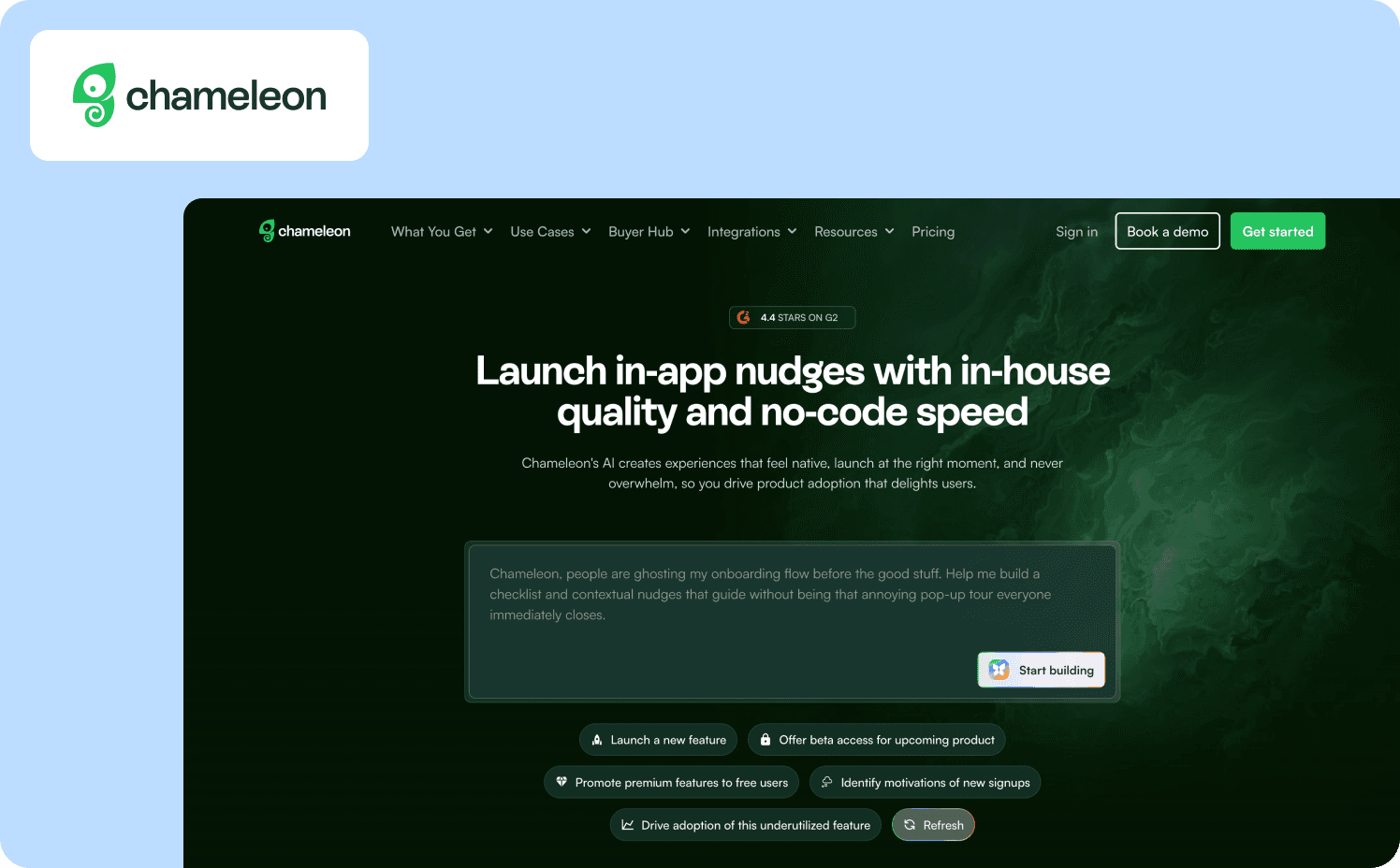
Chameleon is a highly customizable digital adoption platform built for SaaS teams that prioritize brand consistency and deep control of the design process. It allows product and design teams to build in-app guidance that looks and feels like a native part of their application. This makes it a strong Userflow alternative for organizations where the design team has veto power over third-party overlays.
Key differentiators: Chameleon stands out by offering CSS-level control and custom coding options that go far beyond standard template editors, ensuring your onboarding flows match your brand perfectly. It also offers a wide variety of UI patterns, from subtle tooltips to embedded launchers, giving product managers the flexibility to design highly specific user experiences that begin the moment a user starts a specific task.
When to consider over Userflow:
Your UX designers require pixel-perfect control over every onboarding element and reject standard overlays.
You need advanced environment management to test complex flows before pushing them to production.
You want a wider variety of highly customizable UI patterns to blend seamlessly into your product.
Where it falls short: The deep customization options mean Chameleon has a steeper learning curve and often requires CSS knowledge or developer assistance to unlock its full potential. The pricing tiers are also less accessible for early-stage startups looking for a simple, out-of-the-box solution.
Pricing:
Startup: From $279/mo (1,000 MAUs)
Growth: From $15,000/year (1,000 MAUs)
Enterprise: Custom (custom MAUs)
4. UserGuiding — Best for budget-conscious teams needing a faster, simpler Userflow replacement
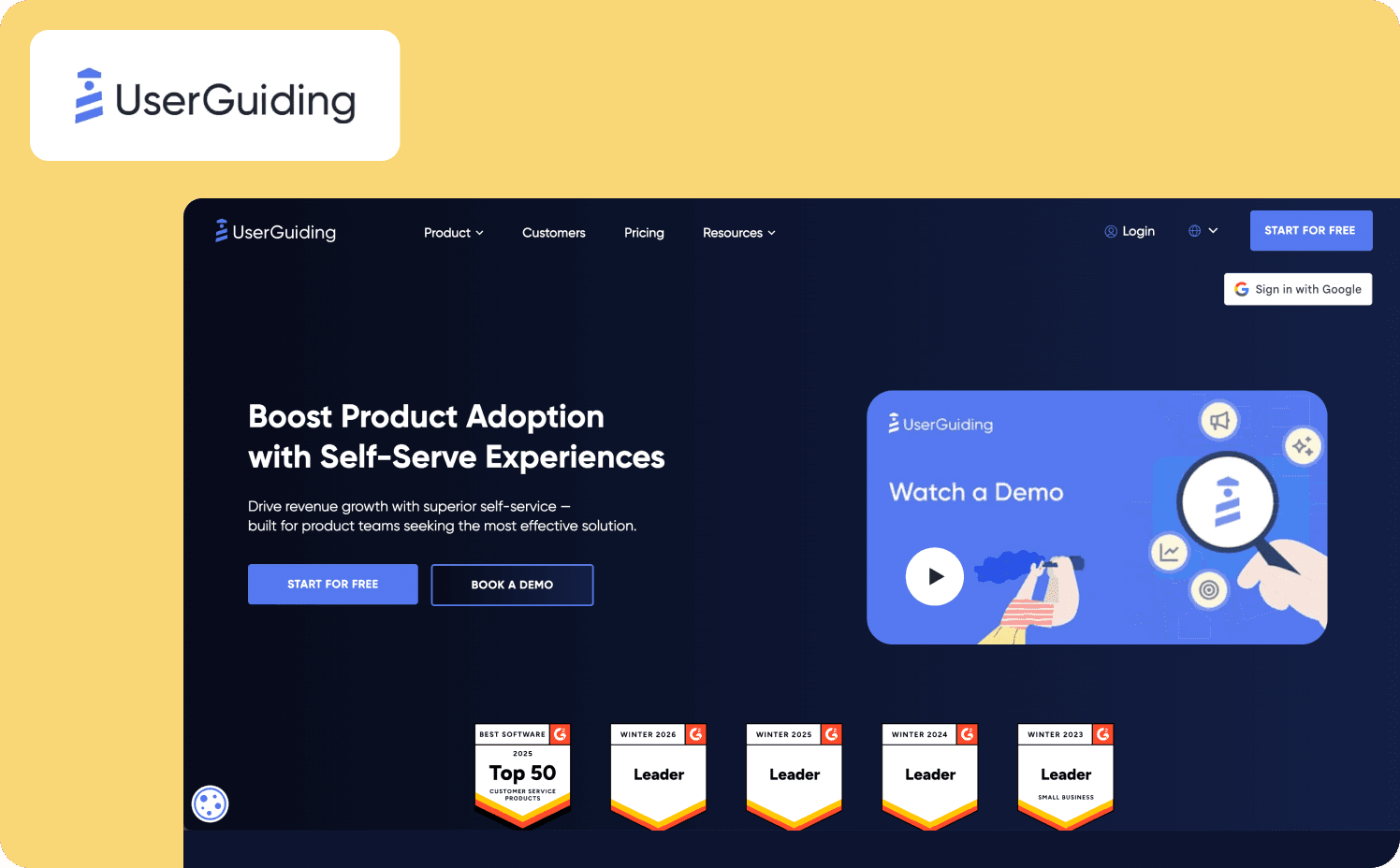
UserGuiding is a lightweight, budget-friendly user onboarding tool built for early-stage startups and lean product teams. It provides all the essential features needed to create product tours, checklists, and resource centers quickly. It serves as a highly accessible userflow competitor for teams that need functional coverage immediately without a massive financial commitment.
Key differentiators: UserGuiding is incredibly fast to set up, allowing teams to launch their first product tours in a matter of hours with zero technical knowledge. It offers a straightforward, intuitive interface that strips away unnecessary complexity, making it easy for anyone on the team to manage. The platform also includes a built-in resource center and NPS surveys, providing a complete basic toolkit for early-stage customer success teams.
When to consider over Userflow:
You are an early-stage startup with a limited budget and cannot justify Userflow's high MAU costs.
You need to launch basic product tours and checklists immediately without a steep learning curve.
You want a simple, all-in-one toolkit that covers the basics of user onboarding and feedback.
Where it falls short: UserGuiding lacks the advanced branching logic and deep behavioral triggering required for complex, enterprise-grade onboarding sequences. Its customization options are also quite limited, meaning your flows will likely look like third-party overlays rather than native components of your interface. Teams looking to usability testing-grade personalization will find it falls short quickly.
Pricing:
Free plan
Starter: From $249/mo (2,000 MAUs+)
Growth: From $499/mo (2,000 MAUs+)
Enterprise: Custom
5. Product Fruits — Best for lean teams wanting the fastest path to a complete onboarding toolkit
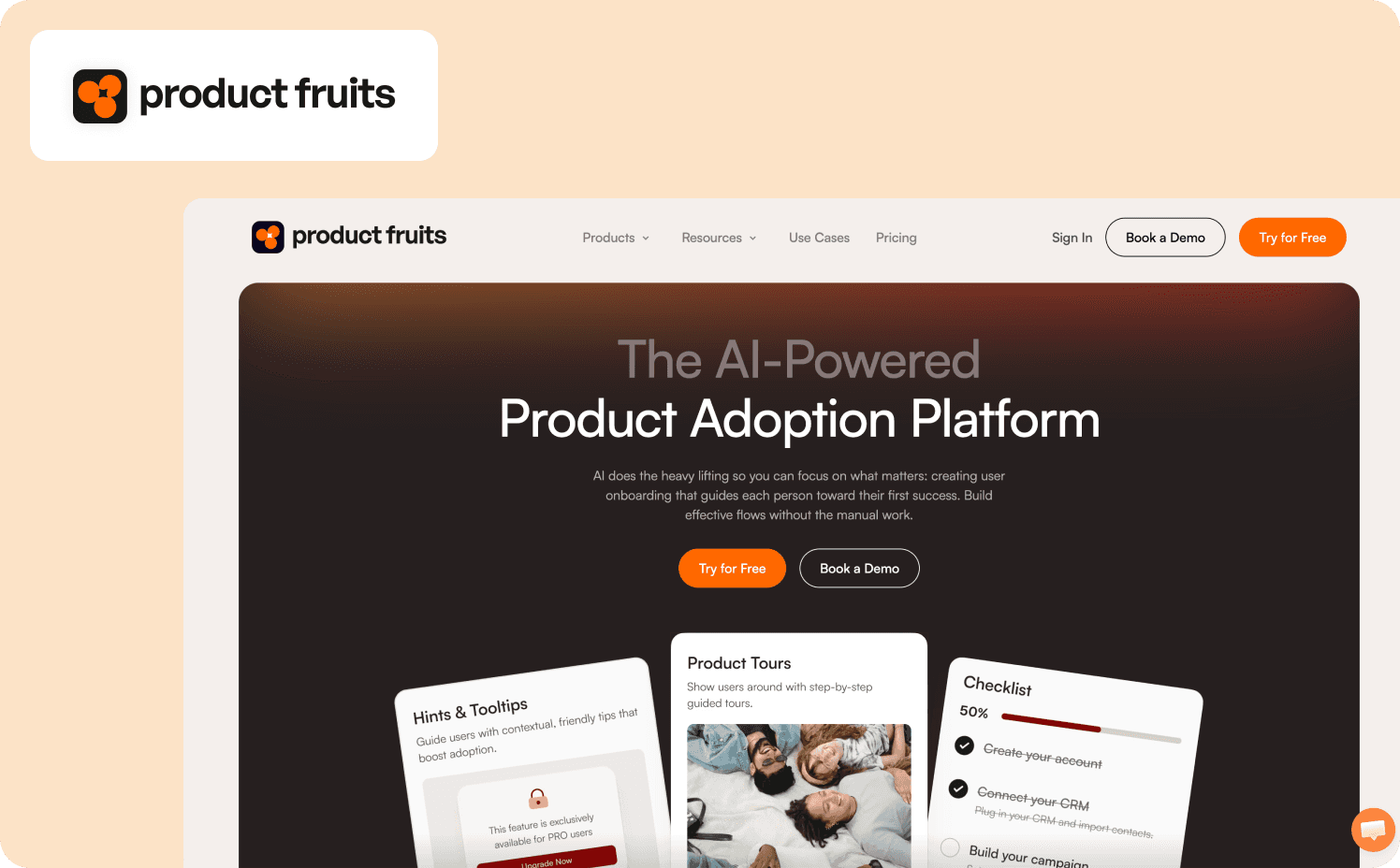
Product Fruits is an all-in-one digital adoption platform that gives lean product teams a fast path to a complete onboarding toolkit. It covers everything from interactive tours and hints to a knowledge base and feedback widgets. This makes it a practical userflow alternative for teams that want to deploy a wide range of onboarding features quickly without juggling multiple vendors.
Key differentiators: Product Fruits provides an exceptionally broad feature set out of the box, allowing teams to deploy tours, checklists, and a help center from a single dashboard. It has an AI-powered tour generator that helps reduce the initial build time by drafting basic flow structures automatically.
When to consider over Userflow:
You want the fastest possible path to deploying a complete suite of onboarding tools, including a knowledge base and feedback widgets.
You want to leverage basic AI generation to speed up the creation of your initial product tours.
Your lean product team needs an all in one toolkit that works out of the box.
Where it falls short: As product teams scale and their personas become more complex, Product Fruits struggles with compound segmentation and deep behavioral targeting. Reviewers also consistently note that the editor can experience lag and element detection issues when managing a large number of flows across a frequently changing UI.
Pricing:
Starter: From $149/mo (1,500–20,000 MAUs)
Pro: From $249/mo (1,500–20,000 MAUs)
Business: From $499/mo (1,500–20,000 MAUs)
Three questions to answer before you switch
Maybe you’ve been convinced by one of the tool reviews above. Before you switch, though, it’s important to make sure you have a plan. Ask yourselves these three questions before investing in a Userflow competitor.
Is the problem the tool or the process?
Every platform on this list can produce tours that break if your team personally lacks a process for reviewing flows after product releases. Before switching your user onboarding software, check whether you have a defined owner for your customer onboarding process and a metric that signals when flows go stale.
Moving to Jimo or Userpilot shifts your logic architecture, but it won't fix an absent process. You need a strict cadence for auditing tours to ensure your onboarding efforts actually drive results.
Are you optimizing for tour aesthetics or activation outcomes?
Userflow attracts teams that want clean and modern flow UI. That's a valid desire, but it isn't an activation strategy. Before migrating, check your actual data to see exactly where users drop off and ask if your alternative gives better visibility into why. If you can't answer that with Userflow's existing analytics, you need to define your baseline first. You must connect your onboarding efforts to real behavior metrics to understand what actually drives retention.
What does success look like in 90 days?
A tool migration carries real costs like rebuilt flows, reestablished analytics baselines, and team retraining. That cost is only worth it if the new platform closes a specific named gap in your customer onboarding process.
Define one concrete outcome before switching, such as increasing activation rate by 20 percent or reducing PM hours on tour maintenance by half. If that outcome requires the product to understand users individually and act proactively, the answer is an AI native platform built for ILG. If you just need a cleaner tour UI, a static DAP rebuild might be sufficient.
Which Userflow alternative fits your team
What are your team’s specific operational realities and growth stage? Here is an honest look at which tool fits which bottleneck.
Your primary bottleneck | Recommended tool |
Your PLG motion is plateauing and you need the product to activate users individually through ILG | Jimo |
You need to prove onboarding changes drive paid conversions and retention rather than just tour completions | Jimo |
Your design team requires pixel-perfect CSS control over all in app guidance | Chameleon |
You want product analytics and user onboarding software consolidated into a single mid-market platform | Userpilot |
You are an early-stage startup with a limited budget needing basic functional coverage immediately | UserGuiding |
You want the fastest path to deploying a complete onboarding toolkit including a knowledge base and feedback widgets | Product Fruits |
If you are ready to move past static tours and build an onboarding experience that adapts to real user behavior, book a demo with Jimo.
FAQs
What is the best alternative to Userflow for SaaS teams?
The best alternative depends on what the best product teams want to achieve with their onboarding system. If you need to move beyond static tours and adapt to individual user behavior in real time, Jimo is the strongest choice. If your design team requires pixel-perfect CSS control, Chameleon is a better fit.
What are the main reasons teams switch from Userflow?
Product managers typically outgrow Userflow due to its linear tour logic, limited activation analytics, and aggressive volume pricing. Teams often find that maintaining static tours becomes a massive burden while developing new functionality. They also struggle to prove the ROI of their onboarding efforts to stakeholders because the analytics stop at completion rates.
Is there an alternative to Userflow with a more affordable entry-point?
UserGuiding and Product Fruits both offer more affordable entry points for early stage startups looking to add basic guidance to their website or app. Jimo's Growth plan covers up to 100,000 MAUs at a fixed $479/month. There’s no per-user overage charges within your band, so you aren't penalized for acquiring new users the way Userflow's escalating tiers do.
How do you design a good user flow without relying on static tours?
Many teams map out complex user flow diagrams only to realize that real users rarely follow those exact paths. Instead of forcing users through a rigid sequence, you should use an action based platform that triggers guidance based on what users actually do. This ensures your onboarding adapts naturally to individual behavior.
How is Jimo different from Userflow?
Userflow relies on static scripts that trigger based on page location. Jimo is an AI native platform built for ILG that uses an action based architecture to adapt to what users actually do. It provides a personal copilot that guides users, executes tasks on their behalf, and answers questions in context to reduce support tickets.