TL;DR
The best UserGuiding alternatives depend on what’s pushing you away from UserGuiding in the first place. If you need behavior-based tours and AI-powered guidance, Jimo is the strongest pick for teams that have outgrown UserGuiding. If mobile is your gap, Appcues delivers native iOS and mobile apps support. If you need deep enterprise analytics, Pendo is the category leader but comes with enterprise pricing. If budget is your priority, Kompassify offers UserGuiding’s model at a lower price with a free tier. This list of UserGuiding alternatives is for teams that have outgrown UserGuiding, not teams choosing their first onboarding tool.
Most teams don’t go looking for UserGuiding alternatives on a whim. They go looking the day a custom trigger breaks and someone has to file a Jira ticket to fix it. Or the day a rebrand reveals that one customized theme isn't enough across two domains. Or the day a developer points out that the API can't push a knowledge base article without manual workarounds.
UserGuiding got you live fast and cheap, and for a while that was enough. Now something specific is capping you. If that sounds familiar, this list is for you. You can also compare tools side by side on our UserGuiding alternative comparison page.
Why teams look for a UserGuiding alternative
UserGuiding still does its core job well. The browser extension makes it easy to build basic product tours, the pricing is transparent, and the intuitive interface lets non-technical teams get live quickly. For teams choosing their first user onboarding tools, it’s a solid choice.
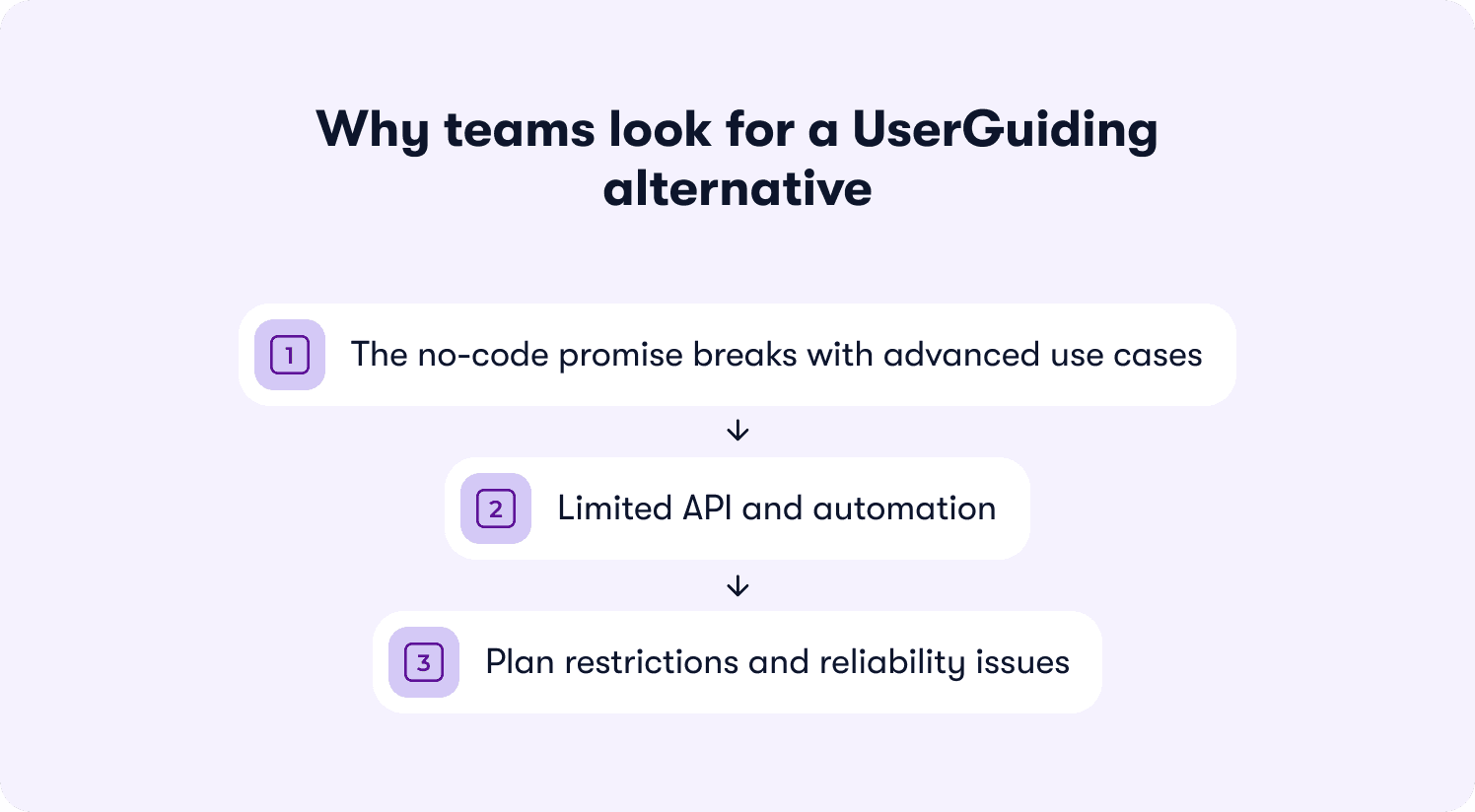
But the gap between what UserGuiding promises and what growing teams need is real, and it shows up in three specific ways.
The no-code promise breaks with advanced use cases
The appeal of UserGuiding is speed. Getting the basics working is, as one G2 reviewer put it, “super easy.”
But that ease fades when you push beyond simple flows. The same reviewer found that “custom triggers were a little tricky to set up and required code changes on our side,” and that “additional customization will require more code changes.” For a platform sold on its no-code promise, that's a frustrating discovery.
The complexity extends beyond triggers. Another user flagged that placing tooltips on elements that aren’t always visible is “complex to implement,” and that translation management becomes difficult once localization is enabled. Editing the default language requires updating CSV files for each language manually.
“The initial setup of UserGuiding wasn't easy, which may complicate the onboarding process for new users,” says a third G2 reviewer.
Limited API and automation hold back technical teams
For teams that want to connect UserGuiding to their broader tech stack, the API is a recurring frustration.
“There is no API endpoint available to pull or submit articles to the knowledge base,” reports a user. “Additionally, there is no API endpoint to manage notifications or to add articles to the sidebar.”
Another user echoed the same theme. “It [doesn’t] have a good API [to] automate processes like add users in a segment or update [an] article in my Knowledge Base. I want to insert, read and update every section of UserGuiding using automations!”
Teams that have invested in automated workflows, data pipelines, and connected tools hit a wall when UserGuiding can't participate. The resource center and knowledge base exist as features, but they’re largely closed off from programmatic access. For product teams that treat their tools as part of an integrated system, that isolation becomes a reason to look elsewhere.
Plan restrictions and reliability issues frustrate growing teams
Even when features exist, plan tiers and reliability issues get in the way. “Some features are restricted in the lower plans that make it harder to use, such as number of domains and customization,” says a reviewer. “We are in the middle of a large rebrand so having only one customized theme means we can't use UserGuiding for both the old and new at the same time.”
A single theme across all domains is a real limitation for teams managing multiple products or going through a visual identity change.
Reliability adds another layer of frustration. One user found it “difficult to test user guides with UserGuiding, as the connection tends to feel finicky. Sometimes it seems like our UserGuiding is set up correctly, but then it doesn't work for some users, and troubleshooting these issues has been challenging.”
“Its user interface occasionally feels a bit clunky, especially when dealing with more intricate workflows,” says another G2 reviewer. “There have been moments where changes I made didn't reflect immediately, which disrupted my process.”
The 8 best UserGuiding alternatives
None of the above complaints mean UserGuiding isn’t worth using. But they do mean there’s often a scope mismatch. UserGuiding is built for teams getting started with user onboarding, not teams that have outgrown it. If you’re hitting those walls, here are eight alternatives worth your time.
1. Jimo: Best for teams that have outgrown UserGuiding but don’t want enterprise pricing
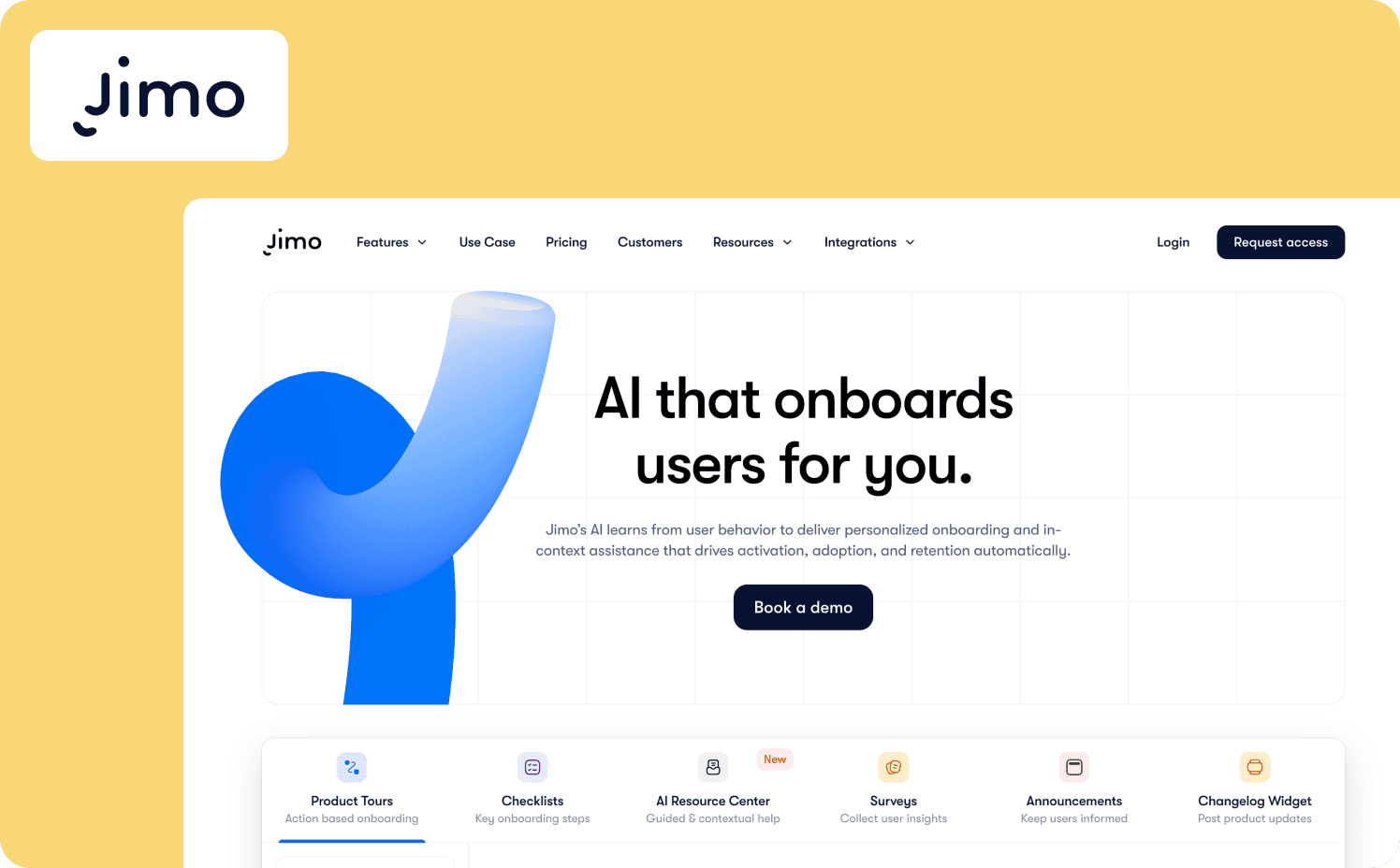
Jimo is an AI-native product adoption platform designed for growing SaaS companies that need behavior-based guidance to drive product adoption without the overhead of enterprise digital adoption platforms.
Instead of static, step-by-step tours, Jimo’s AI-powered product tours respond to what users actually do inside your app, delivering the right guidance at the right moment. The Success Tracker automatically captures feature adoption and identifies where users drop off, so you can tie onboarding flows directly to activation outcomes and drive adoption without manual reporting.
Key differentiators:
Jimo’s behavior-based targeting delivers guidance based on real user behavior rather than predetermined steps, which eliminates the need for custom code when setting up complex triggers.
AI product tours achieve a 44% completion rate compared to 27% for standard tours, based on Jimo's study of 1,025 product tours across web applications.
Jimo’s AI copilot works across three modes: Guide delivers adaptive walkthroughs that respond to context, Assist answers user questions using your knowledge base so users never have to leave the app or open a support ticket, and Execute completes complex multi-step workflows in natural language so users describe what they want and the copilot does it.
The Success Tracker provides product analytics that go beyond basic flow completion, capturing feature adoption metrics and drop-off points so teams can make data-driven decisions.
No-code integrations sync custom events from your CRM, analytics, and help desk to power live-signal triggers without engineering involvement.
Where it falls short: Jimo is built for web-based SaaS applications and doesn't currently support native mobile apps, though that’s on the roadmap. It’s also not the cheapest entry point. Teams looking for a bare-bones budget option may find better value elsewhere.
When Jimo wins over UserGuiding:
Jimo’s behavior-based tours eliminate the need for code changes when setting up custom triggers, directly addressing UserGuiding’s no-code gap.
The Success Tracker provides product analytics that go beyond UserGuiding’s basic flow-completion metrics, giving teams visibility into actual feature adoption and drop-off.
AI-powered tour generation reduces manual setup time, which addresses the implementation complexity that UserGuiding users report.
Starter: From $249/mo (2,500–10,000 MAUs)
Growth: From $499/mo (2,500–100,000 MAUs)
Enterprise: Custom
2. Userpilot: Best for mid-market teams that want built-in analytics and AI-driven workflows
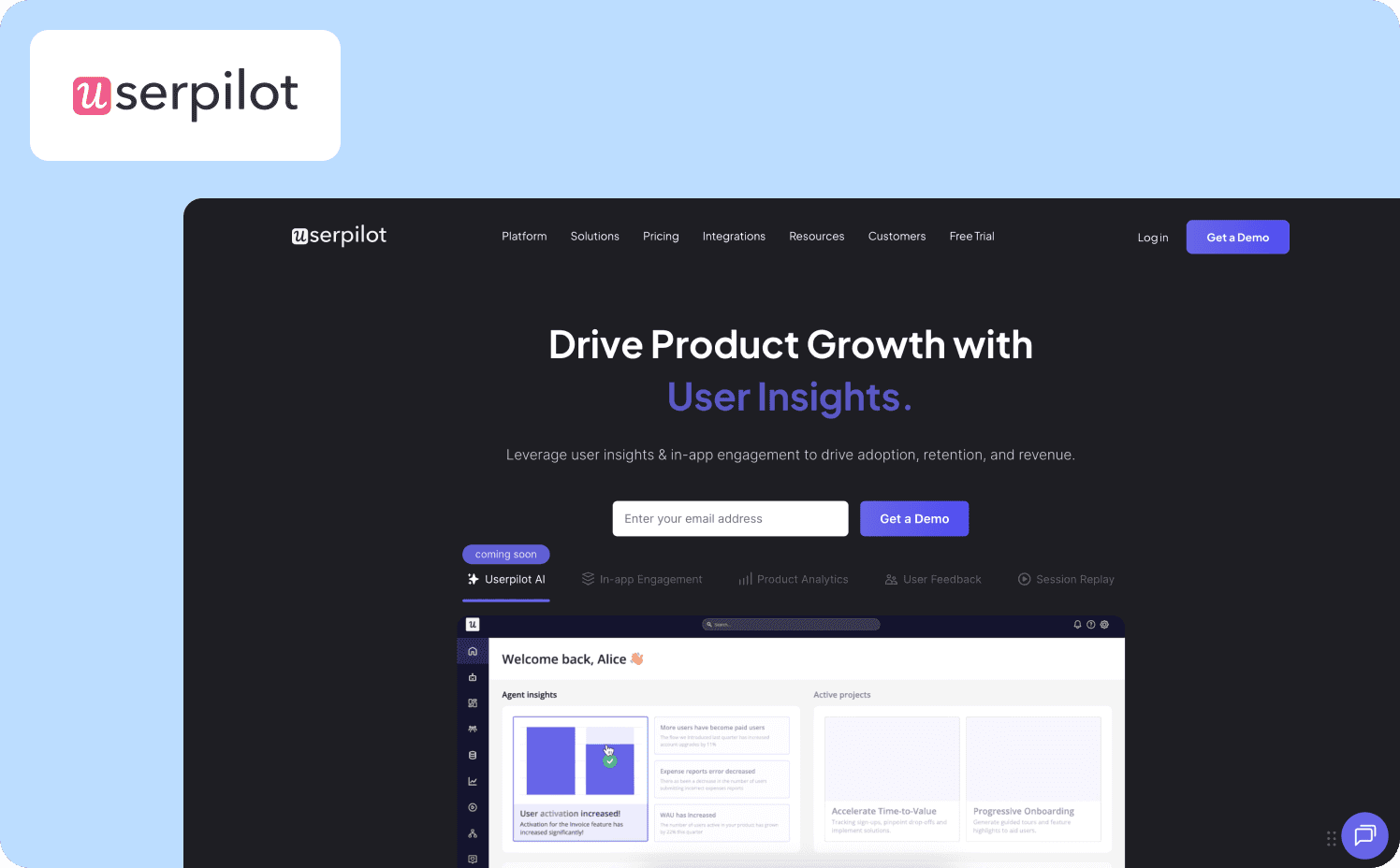
Userpilot is a product adoption platform that bundles onboarding flows, analytics, session replay, and surveys into one suite, built for product teams that treat product onboarding as a continuous discipline rather than a one-time setup.
Where UserGuiding requires manually updating CSV files to manage translations, Userpilot's Visual Labeler lets a product manager click any UI element and define it as a trackable event directly, without filing an engineering ticket.
Key differentiators:
Built-in analytics include funnels, trends, paths, retention, and cohort analysis on the Growth tier and above, so teams can analyze user behavior without connecting external tools.
The MCP Server connects Userpilot data to AI tools like Claude and ChatGPT, enabling teams to query flows and collect feedback through in app surveys in natural language.
Advanced segmentation with sophisticated targeting based on custom events and user properties lets teams deliver personalized experiences without code.
Where it falls short: At its core, UserPilot is a static DAP. Users report flows breaking silently after product updates. The flow builder can hang and freeze, and the learning curve is similarly steep.
When Userpilot wins over UserGuiding:
The MCP Server and Agent Analytics provide AI-driven automation that UserGuiding’s limited API can't match.
Userpilot’s analytics go far beyond UserGuiding’s basic flow-completion reporting.
Pricing:
Starter plan: $299/mo (up to 2,000 MAUs)
Growth: Custom pricing (starts from 5,000 MAUs)
Enterprise: Custom pricing (custom MAUs)
3. Appcues: Best for teams that need cross-channel engagement and native mobile support
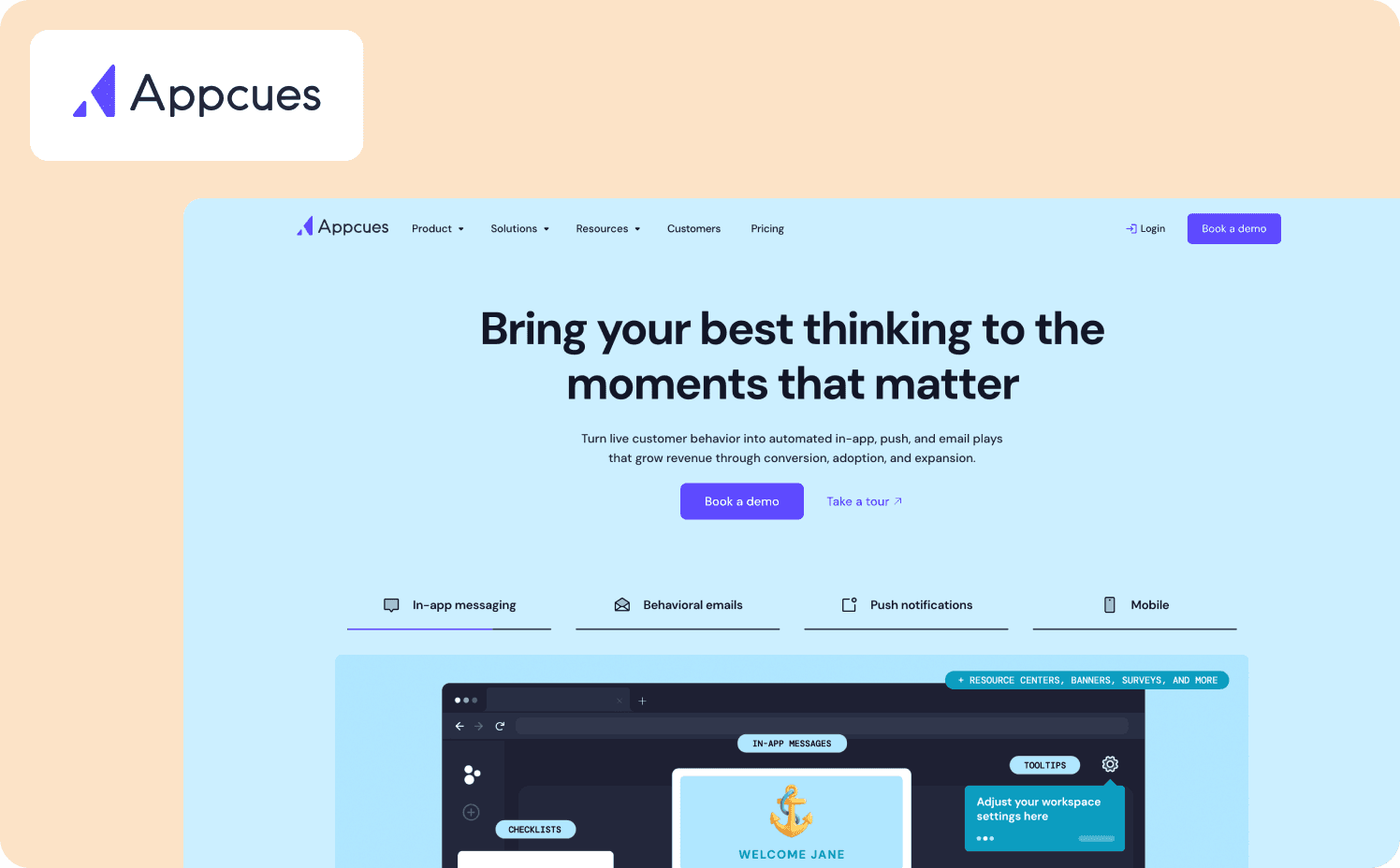
Appcues is an AI-powered product adoption platform that lets non-technical teams launch in-app experiences across web and mobile apps without developer dependency. Every plan includes all the features from day one, unlike UserGuiding, which restricts domains and customization to higher-tier plans.
The platform's cross-channel workflows coordinate in-app messages, email, and push notifications to increase user engagement, announce new features, and push feature announcements directly inside your app.
Key differentiators:
Native iOS and Android support means teams can deliver onboarding experiences across web and mobile apps from a single platform.
Appcues AI builds publish-ready mobile experiences on command and provides real-time troubleshooting, which reduces the setup complexity that frustrates UserGuiding users.
The public API and webhooks let teams build automated workflows programmatically, which directly addresses UserGuiding's API limitations.
Where it falls short: Appcues struggles with dynamic, non-linear user behaviors, leading to lower completion rates compared to interactive, checklist-driven flows. Pricing is custom which causes teams to look for Appcues alternatives.
When Appcues wins over UserGuiding:
Native mobile support for iOS and Android gives teams cross-channel reach that UserGuiding’s web-only platform can't match.
Including all the features from day one eliminates the plan-restriction frustration that UserGuiding users report with the basic plan.
Pricing:
Start: Custom pricing (up to 3,000 MAUs)
Grow: Custom pricing (starting at 3,000 MAUs)
Enterprise: Custom pricing (custom MAUs)
4. Chameleon: Best for design-driven teams that need brand-perfect customization
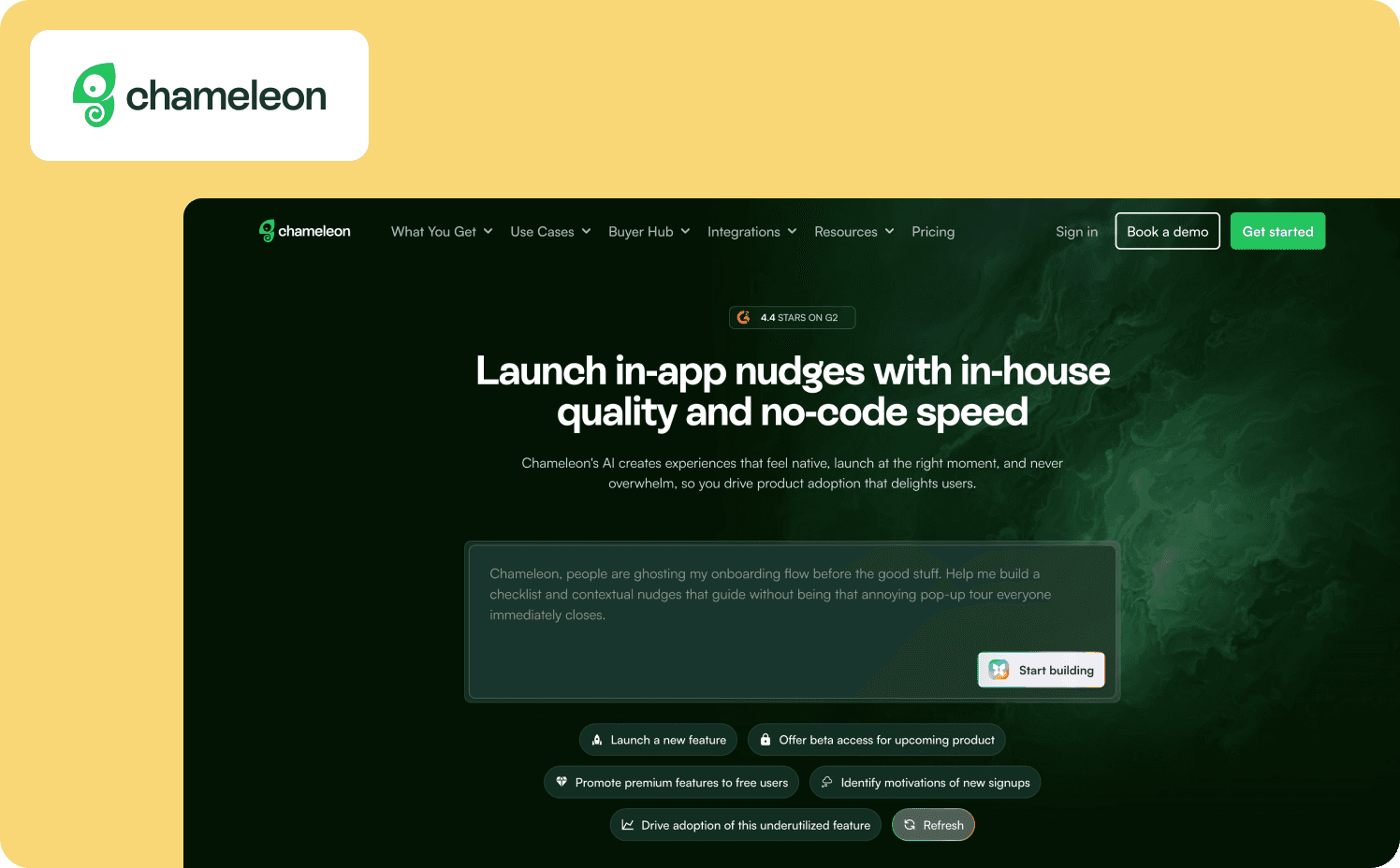
Chameleon is an AI-powered adoption platform that prioritizes embedded, context-aware elements over disruptive pop-ups, built for teams that want app experiences that feel native to their product rather than obviously overlaid.
Where UserGuiding limits accounts to a single customized theme across all domains, Chameleon gives design teams organization-wide theme settings alongside custom CSS and 50-plus pre-made templates that speed up the build process.
Key differentiators:
Custom css with account-wide design rules and reusable themes lets teams create onboarding elements that match their brand.
AI governance with rate limits and alert systems gives teams confidence to move quickly without risking bad UX, a feature no other tool in this list offers.
The platform explicitly positions itself against pop-up-heavy DAPs, prioritizing embedded banners and onboarding checklists that enhance existing flows rather than interrupting them.
Over 50 pre-made templates accelerate setup and reduce the implementation complexity that UserGuiding users report.
Where it falls short: Achieving Chameleon’s deep customization usually requires CSS knowledge, which creates technical overhead for non-technical PMs. There’s no native mobile app support and no built-in product analytics, so even basic features like cohort analysis require external tools, which is a non-negotiable for analytic-heavy teams.
When Chameleon wins over UserGuiding:
CSS with account-wide themes directly addresses UserGuiding's single-theme plan restriction.
The 50-plus template library reduces setup complexity for teams that find UserGuiding's builder clunky with advanced workflows.
Pricing:
Startup: $279/mo (up to 2,000 MTUs)
Pro: From $750/mo (starting at 5,000 MTUs)
Growth: From $1,750/mo (starting at 6,000 MTUs)
Enterprise: Custom (custom MTUs)
5. Userflow: Best for lean teams that want AI-native onboarding without the overhead

Userflow is a lightweight tool built for self-serve and product-led growth products that need fast deployment with AI-powered guidance. Where UserGuiding has no API endpoint for knowledge base or notification management, Userflow's REST API lets teams manage flows, users, and analytics programmatically, and the Userflow MCP connects that same data to Claude, ChatGPT, Gemini, and Cursor.
Key differentiators:
The Adoption Agent provides chat-based guidance that reads user questions and matches them to relevant flows, eliminating the need for complex targeting rules.
The REST API lets teams manage flows, users, and analytics programmatically.
FlowAI automatically generates editable onboarding flows from prompts and surfaces friction patterns without manual funnel analysis.
Where it falls short: Userflow trades depth for speed. Tours progress on page state rather than user goals, so teams needing conditional branching based on real user behavior will hit a wall quickly. The platform lacks deep role-based access control and enterprise security features, making it less suitable for large organizations.
When Userflow wins over UserGuiding:
The MCP integration and REST API provide the automation capabilities that UserGuiding’s limited API blocks.
AI-powered flow generation reduces manual content creation, addressing the implementation friction that growing teams experience.
Pricing:
Adoption Studio: From $500/mo (starting at 1,000 MAUs)
Adoption Agent: From $100/mo (starting at 500 credits)
6. Product Fruits: Best for budget-conscious teams that want AI-assisted onboarding
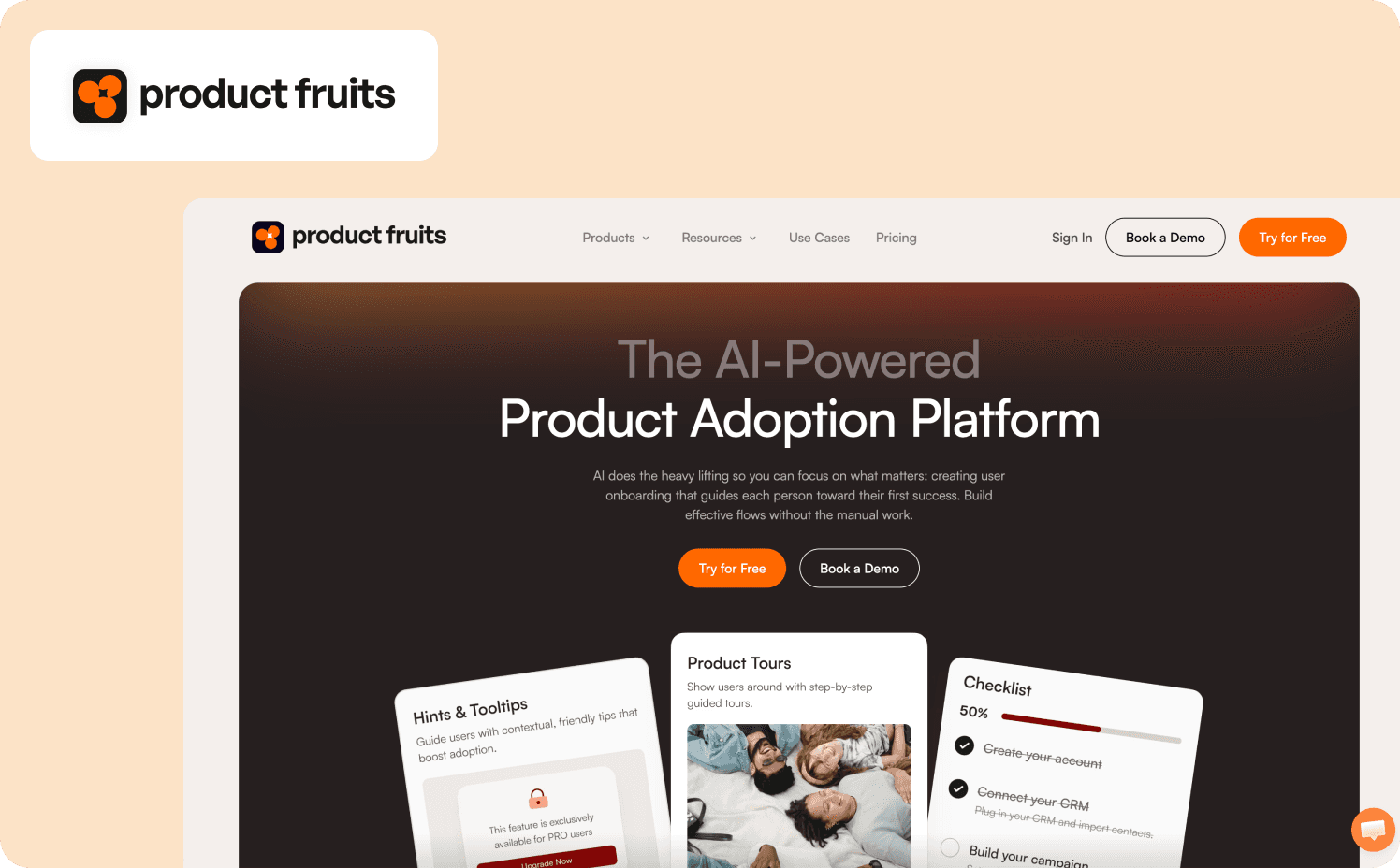
Product Fruits is an AI-powered onboarding software platform that replaces static tours with adaptive flows that react to what users do in real time. Where UserGuiding's custom triggers require code changes on the user's side, Product Fruits' Elvin AI auto-generates contextual onboarding flows from a single product annotation, removing that setup step entirely.
The platform also includes an AI employee training feature for internal tool onboarding, expanding its use case beyond customer-facing user onboarding experiences.
Key differentiators:
Elvin AI auto-generates contextual onboarding flows from a single product annotation.
The Elvin copilot also answers common support questions in app 24/7, reducing support ticket volume and keeping users inside the product.
Adaptive onboarding flows react to real-time user actions, moving beyond the static tours that limit UserGuiding's more advanced use cases.
Where it falls short: Product Fruits’ analytics are limited to basic reporting, requiring external tools like Mixpanel for deeper behavioral data. The basic plan caps at 15 guides and 2 onboarding checklists, which forces upgrades. The editor can feel clunky when managing multiple walkthroughs, causing some users to consider switching to Product Fruits competitors.
When Product Fruits wins over UserGuiding:
Elvin AI reduces the manual setup that UserGuiding users find complex.
The conversational AI copilot provides in-app support that UserGuiding's basic AI assistant can't match.
Pricing:
Starter: From $149/mo (1,500–20,000 MAUs)
Pro: From $249/mo (1,500–20,000 MAUs)
Business: From $499/mo (1,500–20,000 MAUs)
7. Pendo: Best for enterprise teams that need deep analytics and AI agent measurement
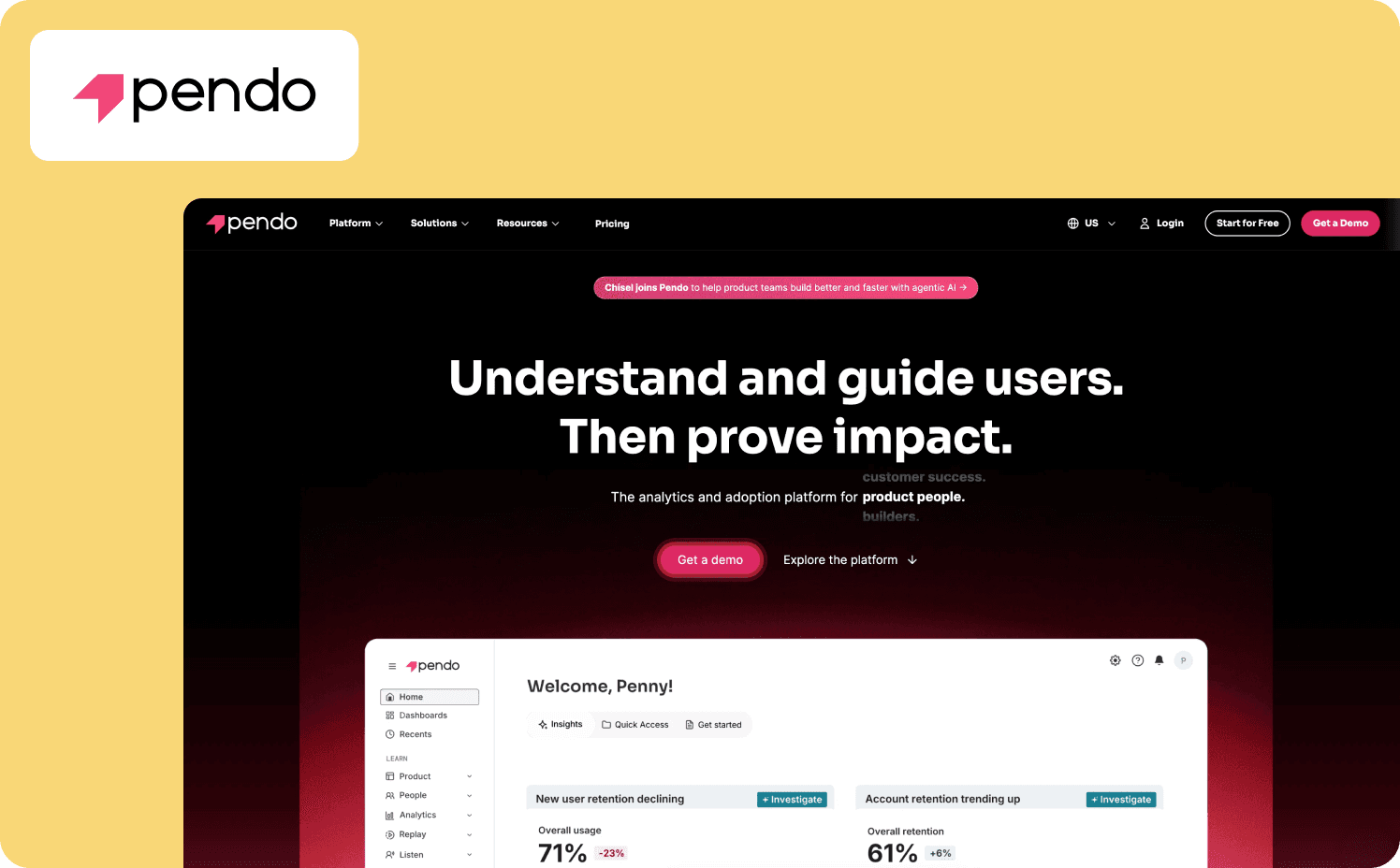
Pendo is an AI-powered analytics platform and adoption platform that bundles product analytics, in-app guides, session replay, and feedback into a unified system, built for enterprise software teams that need behavioral depth across complex product stacks. Where UserGuiding's reporting stops at flow completion, Pendo's retroactive analytics provide complete data history from the day of install, so teams can investigate behavior without prior instrumentation.
Key differentiators:
Agent Analytics tracks AI adoption and impact, connecting Pendo data to Claude, Cursor, and ChatGPT for AI-assisted analysis.
Retroactive analytics provides complete data history from the day you install, so teams can investigate behavior without prior instrumentation.
Churn prediction models for RevOps, Sales, Marketing, and customer success teams identify at-risk users before they leave.
Where it falls short: Pendo’s pricing is entirely opaque beyond the free tier, and the platform is engineered for enterprise budgets and implementation timelines. The builder is rigid, conditional branching requires a Guides Pro add-on, and the learning curve is steep. The analytics depth is unmatched, but for most teams that have outgrown UserGuiding, Pendo is likely oversized.
When Pendo wins over UserGuiding:
Deep product analytics with retroactive event capture go far beyond UserGuiding's basic flow-completion metrics.
The natural language querying feature eliminates the UI complexity that UserGuiding users report with advanced workflows.
85-plus integrations across CRM, support, and analytics connect Pendo to your broader stack in ways UserGuiding's limited API can't match.
Pricing:
Free: For 500 MAU
Base: Custom (custom MAUs)
Core: Custom (custom MAUs)
Ultimate: Custom (custom MAUs)
8. Kompassify: Best for teams that want UserGuiding’s model at a lower price
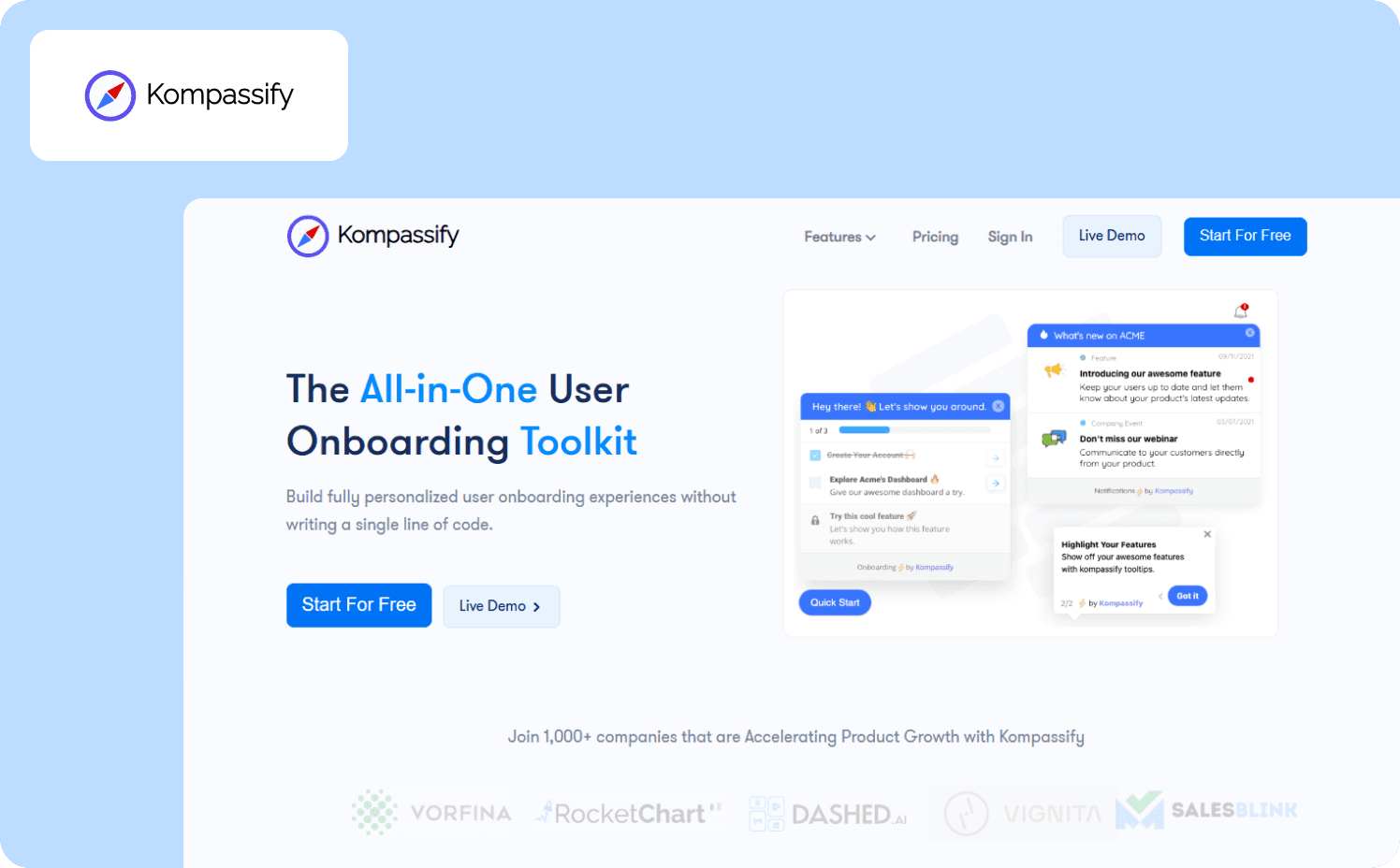
Kompassify is a no-code digital adoption platform that helps startups and SMBs create engaging user onboarding experiences without writing code. It's the closest feature-for-feature match to UserGuiding in this list, offering product tours, onboarding checklists, hotspots, and surveys at a lower price point, including a free plan where UserGuiding has none.
Key differentiators:
Multi-choice onboarding creates branching, choose-your-own-adventure flows that adapt to user preferences, built with a no-code builder.
The free plan includes up to 100 monthly active users (MAUs), 2 product tours, and an onboarding checklist, giving teams a genuine starting point without cost.
URL keyword-based targeting displays different tours based on page URL keywords, enabling multiple languages and role-based flows without complex audience segments setup.
Where it falls short: Kompassify is a smaller and newer platform with a smaller integration ecosystem than other established competitors. Product analytics are only available on the highest tier, and there’s no native mobile app support. The learning curve is low, but the onboarding features are also less deep than what growing teams may need.
When Kompassify wins over UserGuiding:
The free plan with 100 MAUs gives teams a no-cost starting point that UserGuiding doesn't offer, addressing the plan-restriction frustration.
URL keyword-based targeting reduces the implementation complexity that UserGuiding users report.
Pricing:
Free: Free up to 100 MAUs
Pro: From $129/mo (100–1,950 MAUs)
Business: From $249/mo (100–1,950 MAUs)
UserGuiding vs the alternatives: Feature comparison
Here are the key features that matter most when comparing UserGuiding alternatives side by side.
Tool | Best for | Analytics | Setup complexity | Starting price |
UserGuiding | Budget startups | Basic | Low | $249/mo (2,000MAUs) |
Jimo | Teams that outgrew UserGuiding | Advanced | Low | $249/mo (up to 10,000 MAUs) |
Userpilot | Mid-market teams | Advanced | Moderate | $299/mo (2,000 MAUs) |
Appcues | Cross-channel teams | Moderate | Low | Custom |
Chameleon | Design-driven teams | Moderate | High | $279/mo (up to 2,000 MTUs) |
Userflow | AI-first lean teams | Basic | Low | $500/mo (starting at 1,000 MAUs) |
Product Fruits | Budget + AI onboarding | Basic | Low | $149/mo (1,500 MAUs) |
Pendo | Enterprise analytics | Advanced | High | Free (500 MAUs), then custom |
Kompassify | Budget UserGuiding match | Basic | Low | Free (100 MAUs), then $129/mo |
Which alternative fits your situation?
Still early-stage and budget-constrained? UserGuiding remains a legitimate choice, and Kompassify offers a similar model at a lower price with a free tier.
Need native mobile support? Appcues is the pick, with native iOS and Android delivery across web and mobile from one platform.
Need deep enterprise analytics? Pendo provides retroactive analytics, churn prediction, and 85-plus integrations, but expect enterprise pricing and implementation timelines.
Want AI-native onboarding without the complexity? Userflow’s MCP integration and Adoption Agent deliver AI-powered guidance with minimal configuration.
Need pixel-perfect design control? Chameleon’s CSS customization and 50-plus templates give design teams the control they need.
Outgrew UserGuiding’s API and customization limits but still a lean team? Jimo delivers behavior-based tours, AI-powered guidance, and Success Tracker analytics without enterprise overhead. Book a demo to see if it fits.
Ready to move beyond UserGuiding?
If you’ve outgrown UserGuiding’s limits with API access, customization, and plan restrictions, Jimo is built for your situation. Our behavior-based tours respond to what users truly do and our Success Tracker ties onboarding flows directly to feature adoption and revenue.
AB Tasty launched 6x faster with Jimo, built their first tour in 90 minutes, and reached 2,000 users in week one with 2x customer satisfaction. Customer Alliance drove a 970% feature adoption spike and eliminated customer success manager involvement entirely.
Check out more customer stories or book a demo to figure out if Jimo fits your team.
FAQs
Is UserGuiding good for startups?
Yes, UserGuiding is a solid onboarding tool for early-stage startups that need to get product tours live quickly and affordably. The browser extension and transparent pricing make it accessible for teams choosing their first onboarding software. The limitations become apparent as your product and needs grow.
What’s the cheapest UserGuiding competitor?
Kompassify offers the lowest entry point with a free plan for up to 100 MAUs and a paid plan at $129/month for 5,000 MAUs. Product Fruits also offers competitive pricing with monthly billing and no annual lock-in. Both are strong UserGuiding competitors for budget-conscious teams.
When should you switch to a UserGuiding alternative?
You should consider switching when custom triggers require code changes, when the API can’t support your automation workflows, or when plan restrictions limit your domains and themes. If your onboarding process has outgrown basic tours and you need deeper analytics or cross-channel delivery, it's time to evaluate UserGuiding alternatives.
Does UserGuiding support mobile onboarding?
No, UserGuiding is a web app platform and doesn't support native mobile apps. If mobile onboarding is a requirement, Appcues and Pendo both offer native iOS and Android support. This is one of the most common reasons teams look for a UserGuiding alternative.
What replaces UserGuiding for teams that have scaled past it?
For teams that have outgrown UserGuiding, Jimo offers behavior-based tours and AI-powered guidance without enterprise pricing. Userpilot provides analytics and session replay. Userflow delivers AI-native onboarding with MCP integration. The right replacement depends on which specific limitation prompted your switch.