TL;DR
If your product tutorials live in a help center, a YouTube playlist, or a Notion doc, most of your users will never find them at the moment they need them. The best platforms for delivering product tutorials in 2026 make tutorials easy to maintain when the UI changes, and they deliver the right tutorial to the right user at the right moment. This guide evaluates 11 platforms on four criteria: behavioral triggering, content maintenance speed, lifecycle segmentation, and whether they measure behavior change rather than just views.
You shipped three feature updates last sprint. Now you have video walkthroughs referencing a UI that no longer exists, help center articles pointing to buttons that moved, and a support queue filling with questions a working tutorial would have answered in 30 seconds. This is not a content quality problem. It’s a maintenance and distribution problem, and it compounds with every release.
Tutorial decay is predictable. Every product update creates debt. You have to re-record the video, update the screenshots, and rewrite the doc. Most teams let it accumulate until a support ticket surfaces it. The cost is CS volume from questions a current tutorial would deflect, silent churn from users who hit a feature once and never came back, and feature adoption that flatlines because users never reached the “aha” moment at the precise time they needed it.
This guide evaluates 11 platforms that solve the maintenance and delivery problem. Not online course tools, not employee training systems, but in-product tutorial platforms built for SaaS product teams.
In-Product Tutorial Platforms vs. LMS: Why PMs Need a Different Tool
When you search for tutorial platforms, you’ll find a lot of results for online learning platforms and learning management systems (LMS). They’re not the same category, and they’re not solving the same problem.
LMS platforms, the kind used for corporate training programs and structured e-learning curricula, are designed for enrolled learners working through a defined course. The maintenance model is build once, enroll users, update the course on a fixed cycle. The assumption is that users have signed up to be educated, they’re sitting down to learn, and you have their full attention for the duration of a course.
None of that is true for SaaS product users. These users didn’t sign up for a course. They’re in the middle of trying to do something in your product when they hit a feature they don’t understand. They have about 15 seconds of patience before they abandon it, open a ticket, or move on. The tutorial that helps them is a piece of precise, contextual guidance delivered at the exact moment of friction, inside the product, without asking them to stop and go somewhere else to learn.
The maintenance model is also fundamentally different. In-product tutorial platforms are built to be updated continuously as the product ships. A good one lets a PM make a UI change to a tutorial in minutes, not days. An LMS update cycle would be catastrophic for a SaaS team shipping weekly.
This article covers in-product tutorial platforms only. Teams looking for an online training platform or product onboarding tools for new-user activation should look elsewhere.
How to choose a platform for delivering product tutorials
The four questions below should frame every demo and trial evaluation. They’ll help you separate platforms that genuinely deliver tutorials from platforms that create a place to store them.
1. Can tutorials be triggered by specific user behavior, not just accessed from a help menu?
A tutorial that requires a user to go looking for it will be found by the users who least need it. The best platforms trigger tutorials when a user encounters the relevant feature or workflow, not when they get lost and click a question mark icon.
2. How long does it take to update a tutorial when the UI changes: minutes or days?
This is the maintenance question. If updating a tutorial requires re-recording a video, filing a developer ticket, or manually updating screenshots across multiple steps, you’ll always be behind. The best platforms let a PM make targeted updates in the browser, without engineering involvement, in minutes.
3. Can the platform segment tutorial delivery by user role, lifecycle stage, or feature usage?
A new user encountering a feature for the first time needs a different tutorial than a power user who has used it before. A platform that can’t distinguish between them will serve the wrong depth to both. Strong segmentation means tutorials are targeted by what the user has already done, not just what page they are on.
4. Does the platform measure whether tutorials actually changed user behavior, not just whether users viewed them?
View counts tell you tutorials are being seen. But they don’t tell you whether users subsequently used the feature, adopted the workflow, or stopped opening support tickets about it. Activation measurement, connecting tutorial delivery to downstream behavior change, is what separates genuine tutorial analytics from vanity metrics.
Across 1,025 product tours that Jimo analyzed in early 2026, median completion was just 15%, and every extra step reduced that further. The delivery model and the content design matter equally. A well-written tutorial that lands at the wrong moment, or requires five clicks to find, will never beat a simpler one delivered at the exact moment of friction.
So, if a platform can’t answer yes to criteria 1 and 2, it’s a content repository with a delivery layer, not a tutorial platform. Most tools on this list meet 1 and 2. Fewer meet 3. Only the top tier meets all four.
Keep in mind, following software onboarding best practices starts with choosing a platform whose delivery model matches the way your users actually encounter friction. Whether that’s in the product, in real time, or at the moment of need.
The 11 best platforms for delivering product tutorials 2026
The first seven platforms on this list are purpose-built for in-product tutorial delivery. The final four tools many SaaS teams already use for tutorial creation or documentation, are included here so you can make an honest comparison before deciding whether a dedicated platform is worth the switch.
1. Jimo: Best for contextual tutorial delivery triggered by behavior, with no-code updates and activation measurement
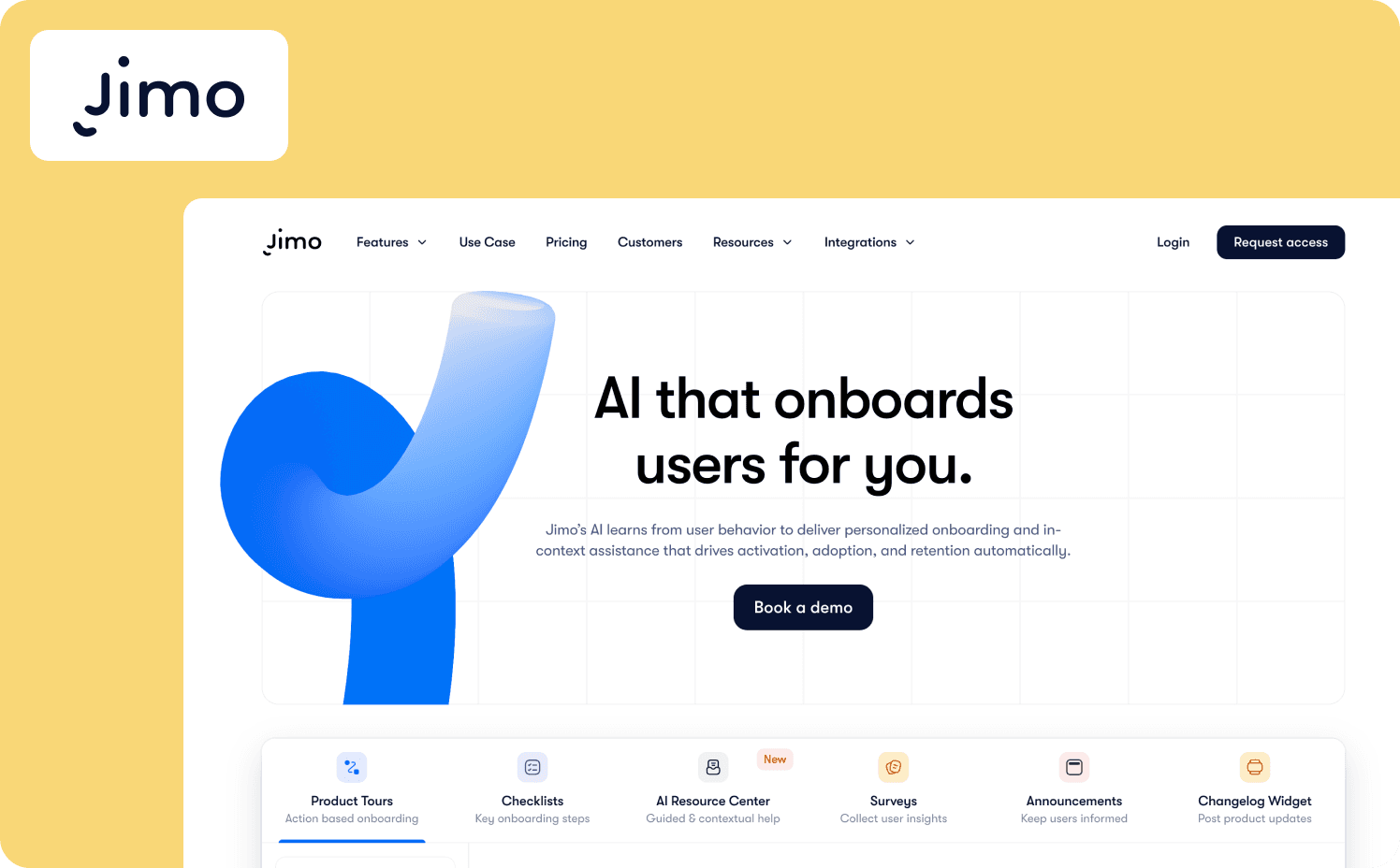
Jimo is the only platform built specifically to deliver product tutorials triggered by behavioral signals, update them without re-recording or developer involvement, segment them by lifecycle stage, and measure whether they actually drove feature adoption. Where most tutorial platforms help you create content and put it somewhere, Jimo closes the loop between tutorial delivery and behavior change in one platform.
The shift from the PLG to the ILG era, from “publish a tutorial and hope users find it” to “the product detects when a user needs guidance and delivers it in context,” is what Jimo is built for. A user encountering a complex feature for the first time gets a tutorial triggered at that moment. A user who has already used it doesn’t. Every tutorial targets the right user at the right depth without the PM manually managing the audience. And the platform offers pricing plans at both self-serve and enterprise tiers.
Key features for tutorial delivery:
Behavioral triggering: Tutorials fire based on specific user actions, page location, feature usage, and lifecycle stage
No-code builder: PMs update tutorial content in the browser without filing a developer ticket; changes propagate instantly
Success Tracker: Connects tutorial interactions to downstream activation events, measuring whether tutorials changed user behavior rather than just how many users viewed them
AI product tour generation: Create complete multi-step tutorial flows from a single recorded session
What it does well: Jimo meets all four evaluation criteria. Tutorials are triggered by behavior, updated by a PM in minutes without re-recording, segmented by role and lifecycle stage, and tied to activation metrics through the Success Tracker. AB Tasty cut tutorial and guidance launch time from three months to two weeks using Jimo. Zenchef achieved a 50% reduction in onboarding time after switching to contextual in-product delivery, the same principle applied to tutorials means users reach feature competence faster without ever leaving the product.
Limitations: Analytics depth sits below dedicated platforms like Mixpanel or Amplitude. Jimo is the tutorial delivery and measurement layer, not a replacement for a full product analytics suite. It’s not suited for teams managing guidance across third-party enterprise apps or employee training on external software.
Starter: $249/mo (2,500–10,000 MAUs)
Growth: $479/mo (2,500–100,000 MAUs)
Enterprise: Custom
2. Pendo: Best for teams that want tutorial delivery connected to deep product analytics
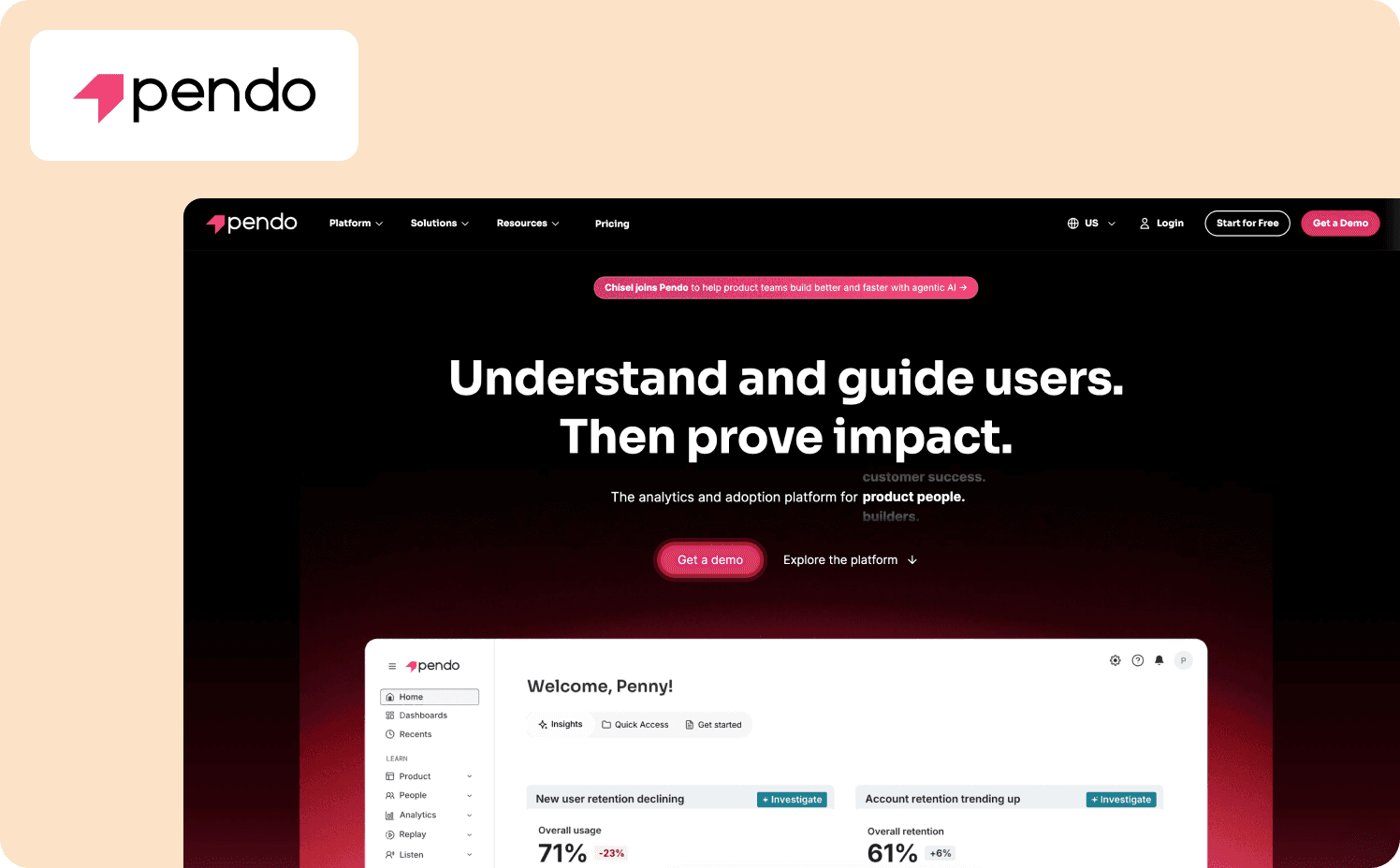
Pendo is a product experience platform that combines in-app guidance, retroactive product analytics, and user feedback in a single system. For teams that want to use the same platform to understand which features are underutilized and then deliver tutorials to close those gaps, Pendo offers a tight analytics-to-guidance workflow with advanced features that most standalone tutorial tools cannot match.
Key features for tutorial delivery:
Tutorials adapt to each user's choices rather than following a fixed sequence
Target tutorial delivery at the right cohort using behavioral and metadata signals
See historical engagement with any feature without prior event tagging
What it does well: Pendo’s conditional logic enables behavioral triggering, and its segmentation depth is among the best in the category. The analytics-to-guidance loop is powerful. The platform can identify a feature with low adoption and immediately deliver a targeted tutorial to the underserved segment.
Limitations: Content maintenance is slower than lighter tools, as the builder requires more configuration, and custom layouts often involve engineering. Implementation can take months for teams unfamiliar with the platform.
Pricing:
Free: For 500 MAU
Base: Custom (custom MAUs)
Core: Custom (custom MAUs)
Ultimate: Custom (custom MAUs)
3. Userpilot: Best for tutorial delivery combined with product analytics in a no-code mid-market tool
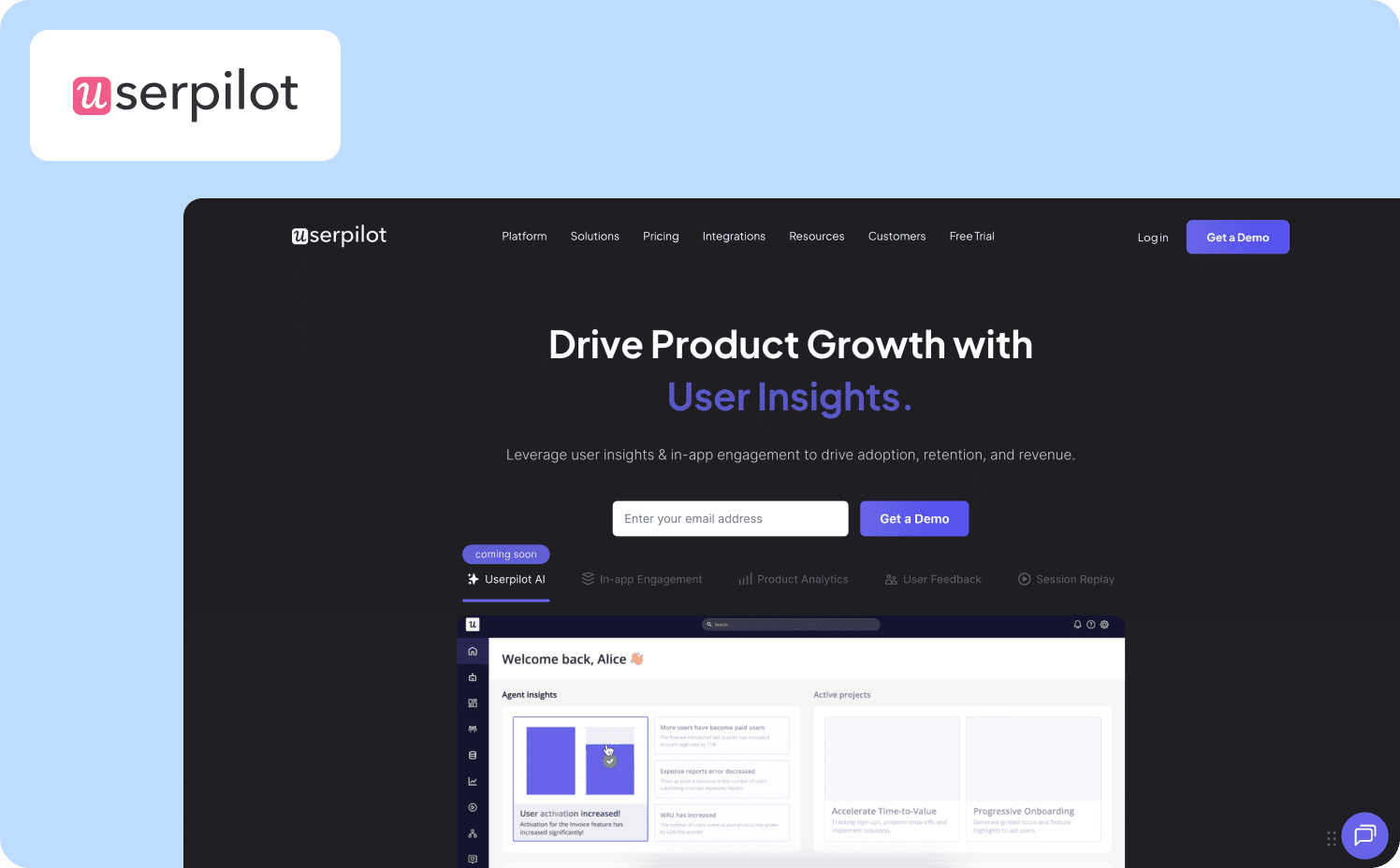
Userpilot is an all-in-one product growth platform. It has behavior-triggered tutorial flows, built-in analytics, NPS, session replay, and a resource center bundled into one tool. For mid-market SaaS teams that want to move beyond basic linear tutorials without the complexity or cost of an enterprise platform, Userpilot offers triggering and segmentation capabilities.
Key features for tutorial delivery:
Tutorials fire on custom events, page views, and user properties
The Chrome extension lets PMs build tooltips, modals, checklists, and tutorials without developer involvement
Lifecycle segmentation lets you target by role, plan, feature usage, or custom attributes
What it does well: Behavioral triggering is one of Userpilot’s biggest strengths. The platform supports conditional flows and event-based delivery that go beyond simple page matching. The no-code builder allows PMs to update tutorial content without engineering.
Limitations: The flow builder interface has documented instability issues. It often freezes and flows break silently after product updates without flagging the PM. The feature depth also introduces a real learning curve for new PMs configuring flows for the first time.
Pricing:
Starter plan: $299/mo (up to 2,000 MAUs)
Growth: Custom pricing (starts from 5,000 MAUs)
Enterprise: Custom pricing (custom MAUs)
4. Appcues: Best for cross-channel tutorial delivery across web, mobile, and email without engineering
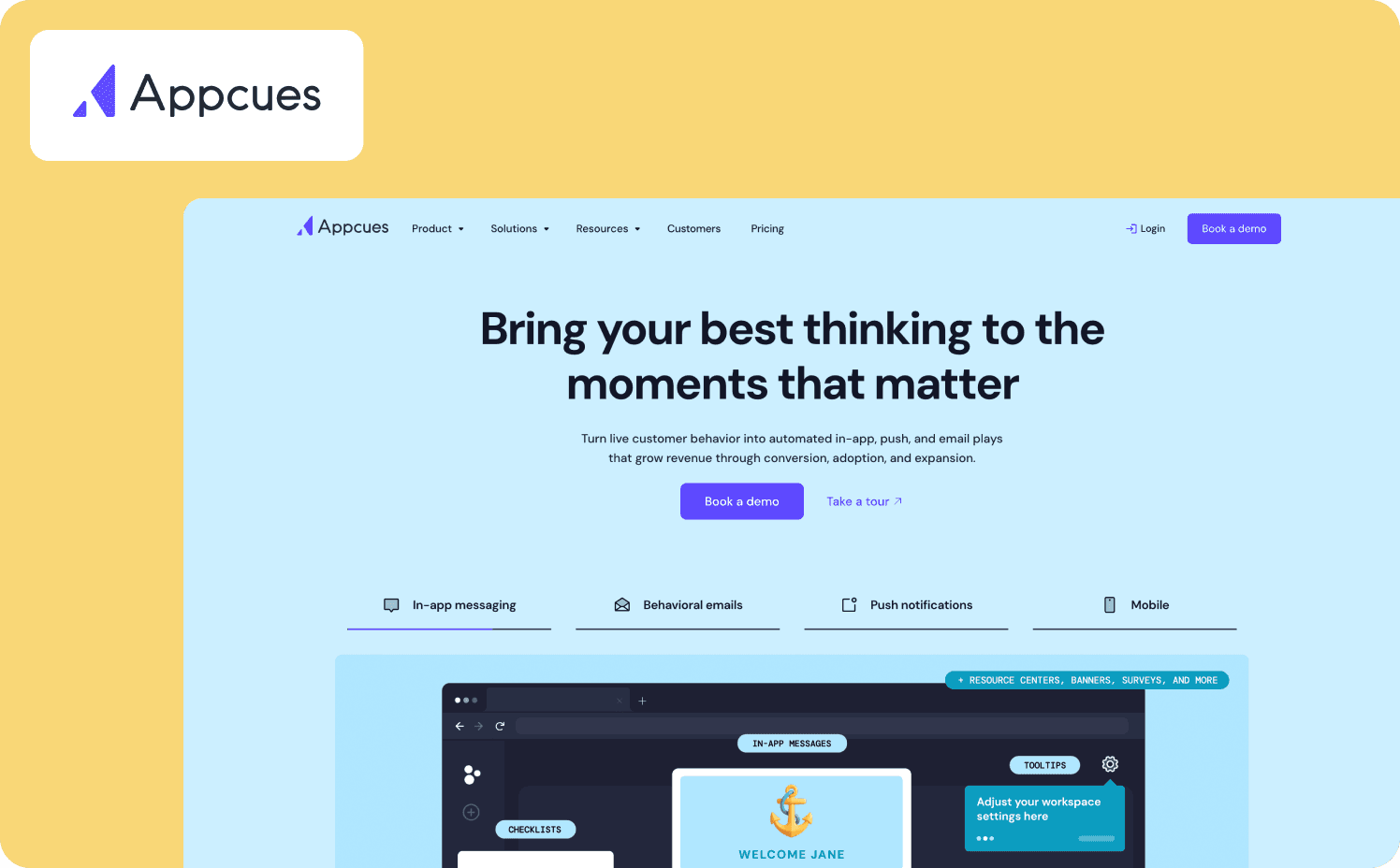
Appcues is a no-code customer engagement platform that delivers personalized in-app experiences, behavioral emails, and mobile push notifications in coordinated sequences. For teams managing tutorial delivery across web and mobile, or those that need to reach users outside the product as well as inside it, Appcues' cross-channel orchestration is a genuine differentiator.
Key features for tutorial delivery:
Mobile tutorial delivery is built into the core product
AI-powered engagement engine uses behavioral signals to determine who needs a tutorial, when, and through which channel
Drag-and-drop interface for creating modals, tooltips, and checklists without developer involvement
What it does well: Appcues segments by lifecycle stage and behavioral data across channels. The cross-channel delivery model is the clearest differentiation for any team that needs to reach users who have left the product.
Limitations: Appcues’ tutorial flows are linear only, with no action-based progression, which means users can click through a tutorial without performing the actual task. Tours can break when the product updates, requiring manual repair. And analytics is surface-level compared to Pendo or Userpilot.
Pricing:
Start: Custom pricing (up to 3,000 MAUs)
Grow: Custom pricing (up to 50,000 MAUs)
Enterprise: Custom pricing (custom MAUs)
5. Intercom (from Fin): Best for teams that need basic in-product tutorials bundled with a support inbox
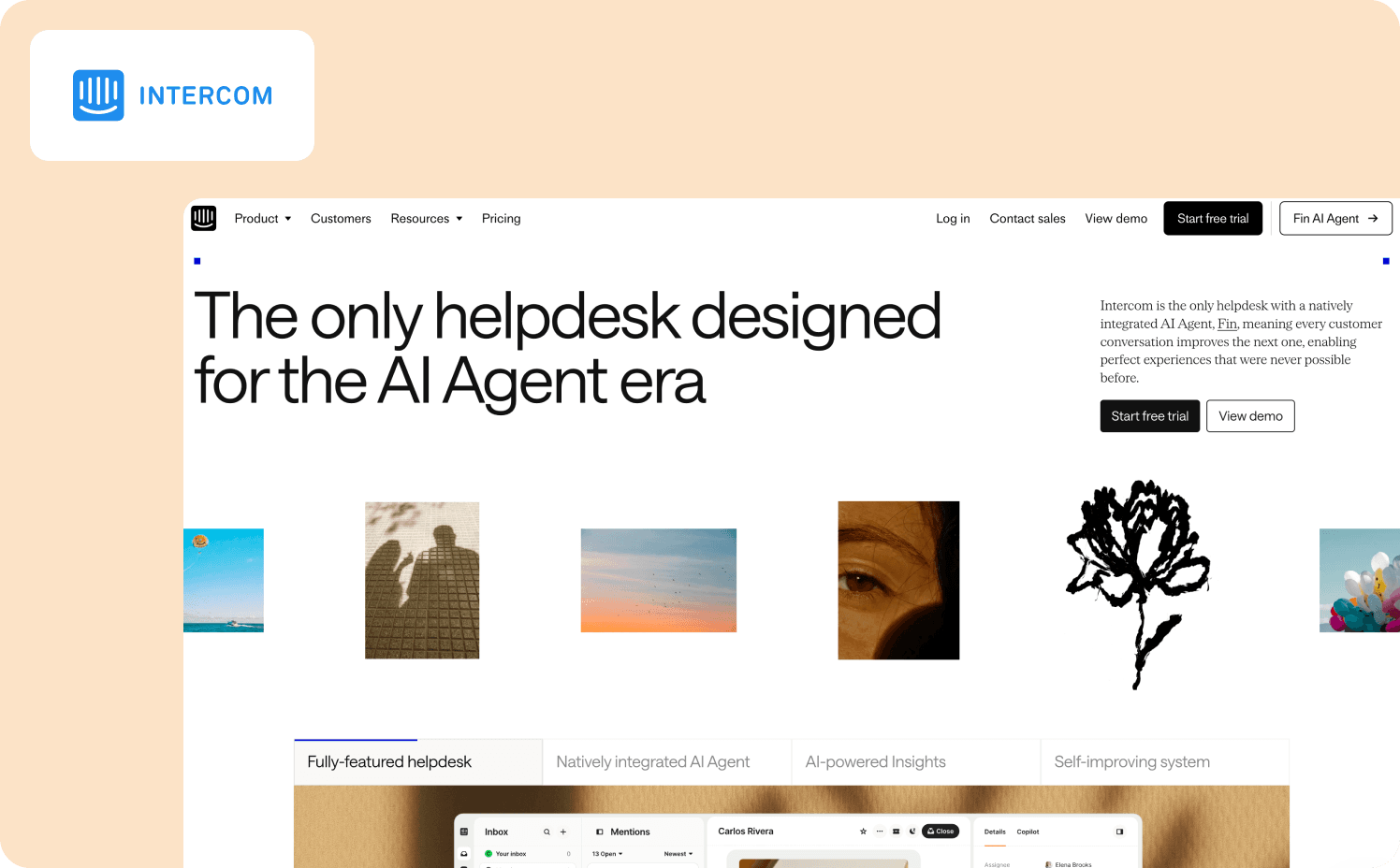
Intercom, from Fin, formerly Intercom, offers product tours and in-app tooltips as part of a broader customer service and messaging platform. Teams that already use Intercom as their support helpdesk can layer tutorial delivery on top without adopting a separate tool.
Key features for tutorial delivery:
Step-by-step interactive tutorials are triggered from the no-code visual builder
Segment tutorial delivery by who users are and how they engage with the product
Build omnichannel tutorial sequences across product tours, in-app messages, and email with a drag-and-drop builder
What it does well: For teams already in the Intercom ecosystem, having support history and tutorial delivery in the same platform opens up useful workflows. Because behavioral data and conversation history live together, it becomes possible to identify users who have contacted support about a specific feature and target them with a proactive tutorial.
Limitations: Product tours are a secondary feature in a support-first platform. Tutorial delivery is passive and linear, meaning there’s no action-based progression, no activation measurement. The per-seat plus per-resolution pricing model is difficult to forecast.
Pricing (all include Fin AI agent):
Essential: From $39/seat/mo
Advanced: From $99/seat/mo
Expert: From $139/seat/mo
6. Chameleon: Best for design-driven teams that need pixel-perfect tutorial styling with behavioral triggering
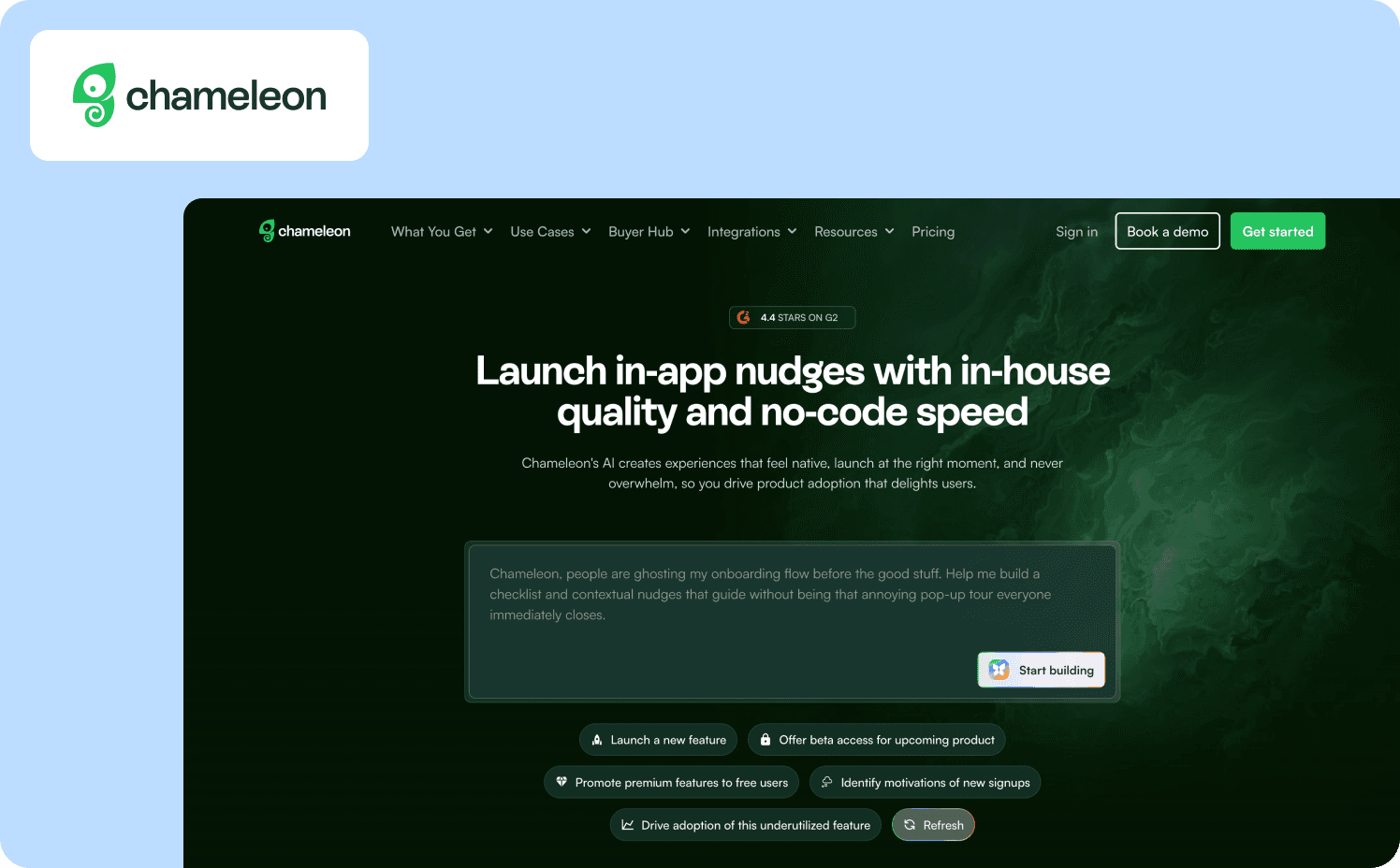
Chameleon is a customization-first in-product experience platform built for product teams where visual fidelity matters as much as delivery mechanics. If your design team rejects standard onboarding overlays because they disrupt the product's look and feel, Chameleon's CSS-level control lets you build tutorials with custom branding. It combines that design depth with solid behavioral triggering and a two-way analytics integration ecosystem.
Key features for tutorial delivery:
Inline content blocks blend into the product UI rather than overlaying it, avoiding the popup problem entirely
Copilot AI agent automatically generates A/B test variants for tutorials through conversational prompts
Trigger tutorials based on custom events, user properties, and lifecycle data
What it does well: Chameleon’s big strengths are behavioral triggering and segmentation. The integration with best-in-class analytics tools means Chameleon can consume rich behavioral data to target tutorials precisely.
Limitations: Getting the full value of Chameleon’s design control typically requires CSS knowledge and technical skills, which slows down PMs who need to update tutorial content quickly after a UI change. There’s also no native mobile SDK.
Pricing:
Startup: From $279/mo (1,000 MAUs)
Growth: From $15,000/year (1,000 MAUs)
Enterprise: Custom (custom MAUs)
7. WalkMe: Best for enterprise employee training across multiple internal applications
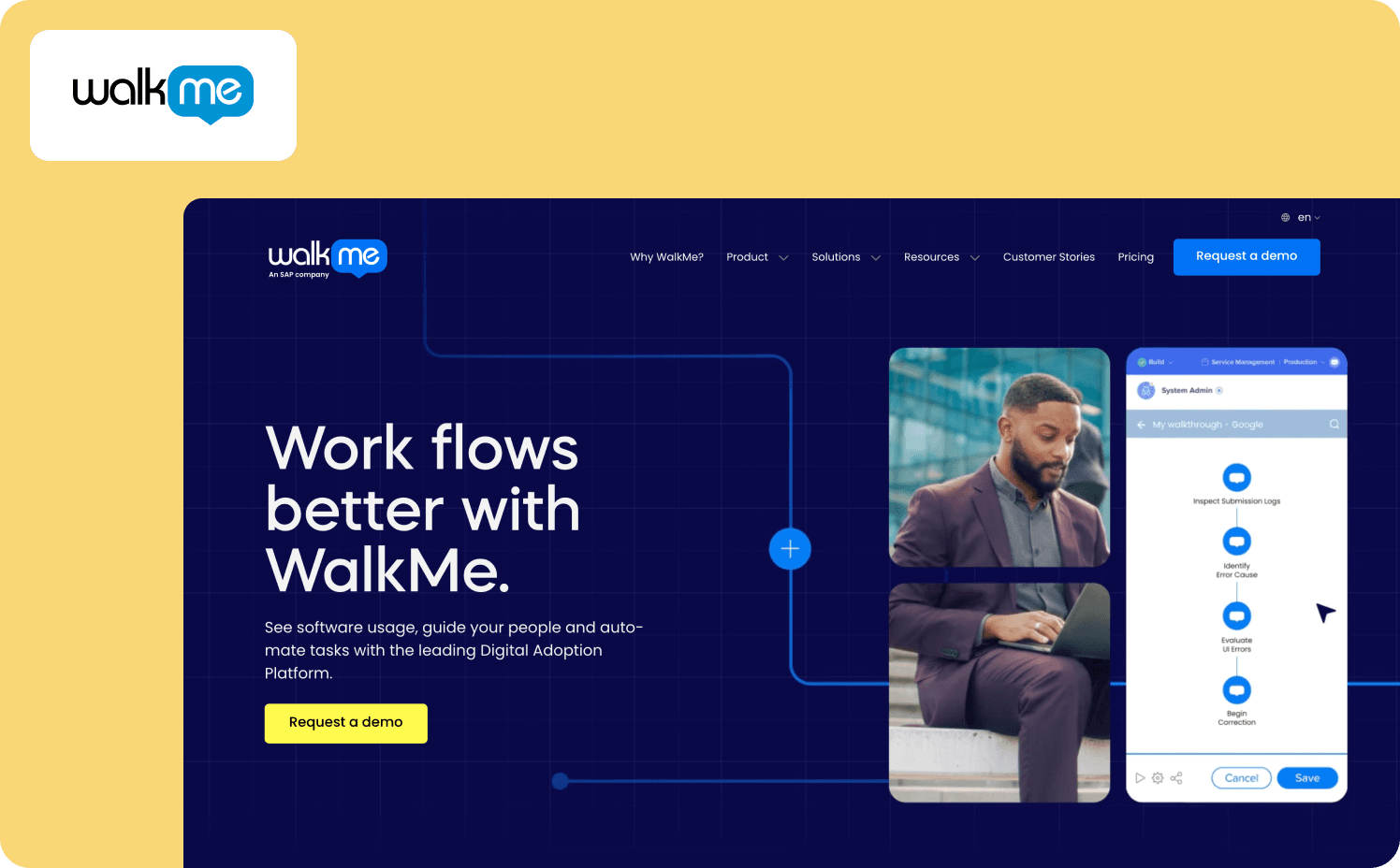
WalkMe is the established heavyweight of the digital adoption category, built primarily for enterprises guiding large internal workforces through complex multi-application environments. If you’re a CIO rolling out Salesforce, Workday, or SAP to tens of thousands of employees, WalkMe is the industry standard. But for B2B SaaS product teams delivering tutorials to external customers, it’s going to be a significant mismatch.
Key features for tutorial delivery:
Smart Walk-Thrus: guided step-by-step walkthroughs that adapt to application changes using DeepUI AI technology
DeepUI adaptive recognition: AI automatically updates walkthroughs when the underlying application UI changes, reducing maintenance from UI updates
Cross-application orchestration: guide users through workflows spanning multiple enterprise systems in a single flow
Multi-format content: automatically converts walkthroughs into PDFs, videos, and slideshows for offline training use
Task Lists, Smart Tips, Pop-Ups, and Beacons: multiple tutorial delivery formats for different guidance scenarios
Workflow automation: ActionBot automates repetitive steps like form filling within guided workflows
What it does well: Automatic adaptation to UI changes is a big advantage for teams managing tutorials across large, frequently-updated enterprise applications. Cross-application orchestration is unmatched for internal training scenarios that span multiple tools. For the right use case, WalkMe is extremely capable.
Limitations: Implementation typically takes three to six months and often requires a dedicated WalkMe Builder or external agency to maintain. Teams who need to update a tutorial in minutes after a sprint won’t be able to accomplish this with WalkMe. The platform is optimized for internal employee training, not customer-facing SaaS product tutorials.
Pricing:
Custom pricing only
8. Stonly: Best for support-driven teams who need interactive decision-tree tutorials embedded in their helpdesk
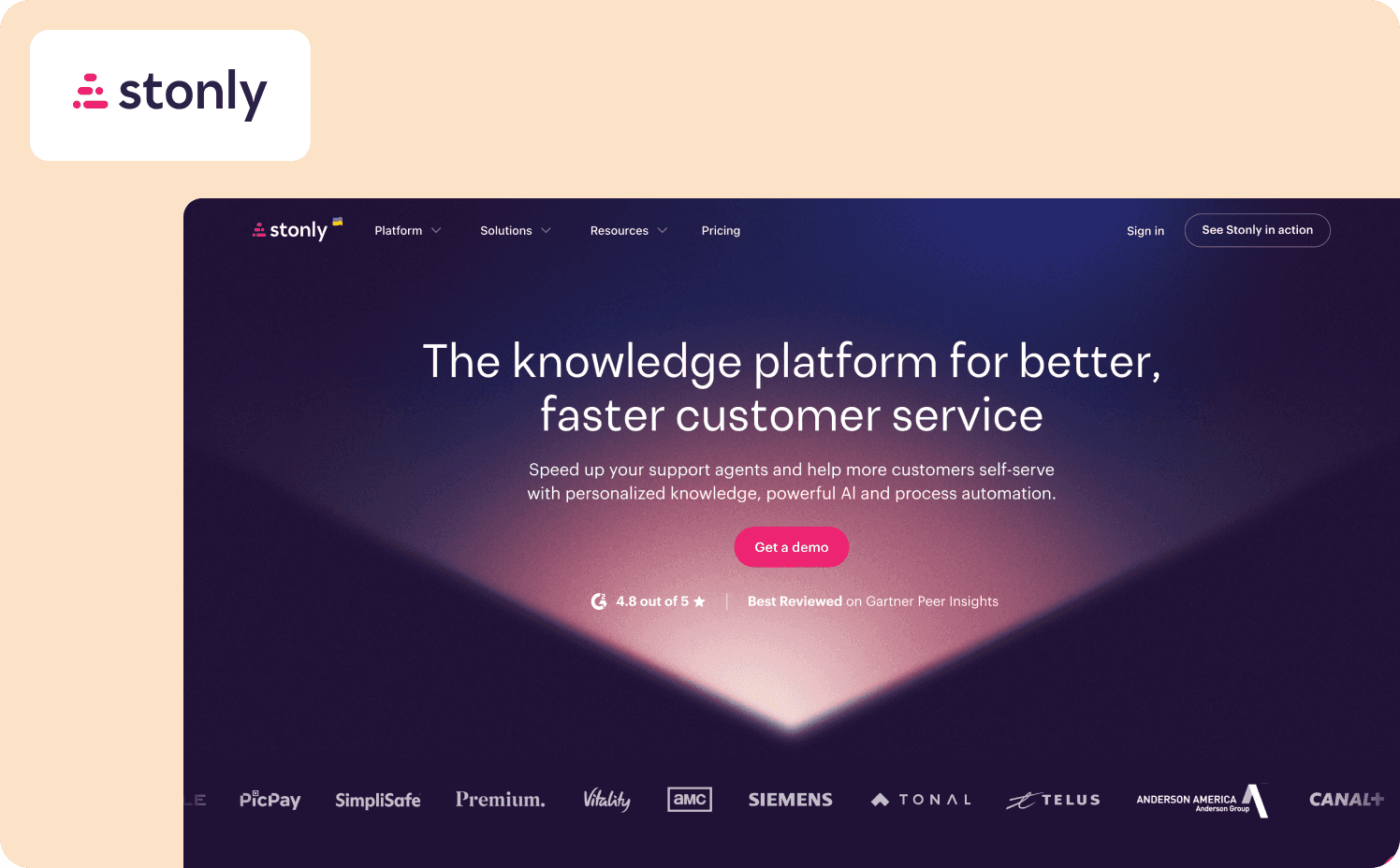
Stonly takes a different approach to tutorial delivery. Instead of linear walkthroughs, it builds interactive decision trees that branch based on user choices, leading each person to the precise answer for their specific situation. Originally built for customer support knowledge management, Stonly is well suited for teams who need self-service tutorials embedded in Zendesk or Salesforce rather than triggered contextually within the product itself.
Key features for tutorial delivery:
AI-enhanced search and content adaptation allow for strong self-service support
Conversational AI bot delivers instant answers from verified, structured knowledge and reduces support ticket volume
Deploy tutorials in your product, website, Zendesk, or Salesforce
What it does well: The branching decision-tree format solves the one-size-fits-all problem for tutorials covering complex, path-dependent workflows. Users who need different guidance based on their setup or role get a different path through the tutorial without the PM creating separate flows for each scenario.
Limitations: Stonly is primarily a reactive tool. It answers questions users bring to it rather than delivering tutorials proactively at the moment of friction. This means behavioral triggering is not met in the way a contextual in-product tutorial platform would meet it. Activation measurement is also limited as Stonly measures knowledge base usage, not whether tutorials changed downstream feature adoption behavior.
Pricing:
Small Business: Custom (Up to 4,000 guide views)
Enterprise: Custom
9. Loom: Best for teams creating async video tutorials to share with users or embed in help content
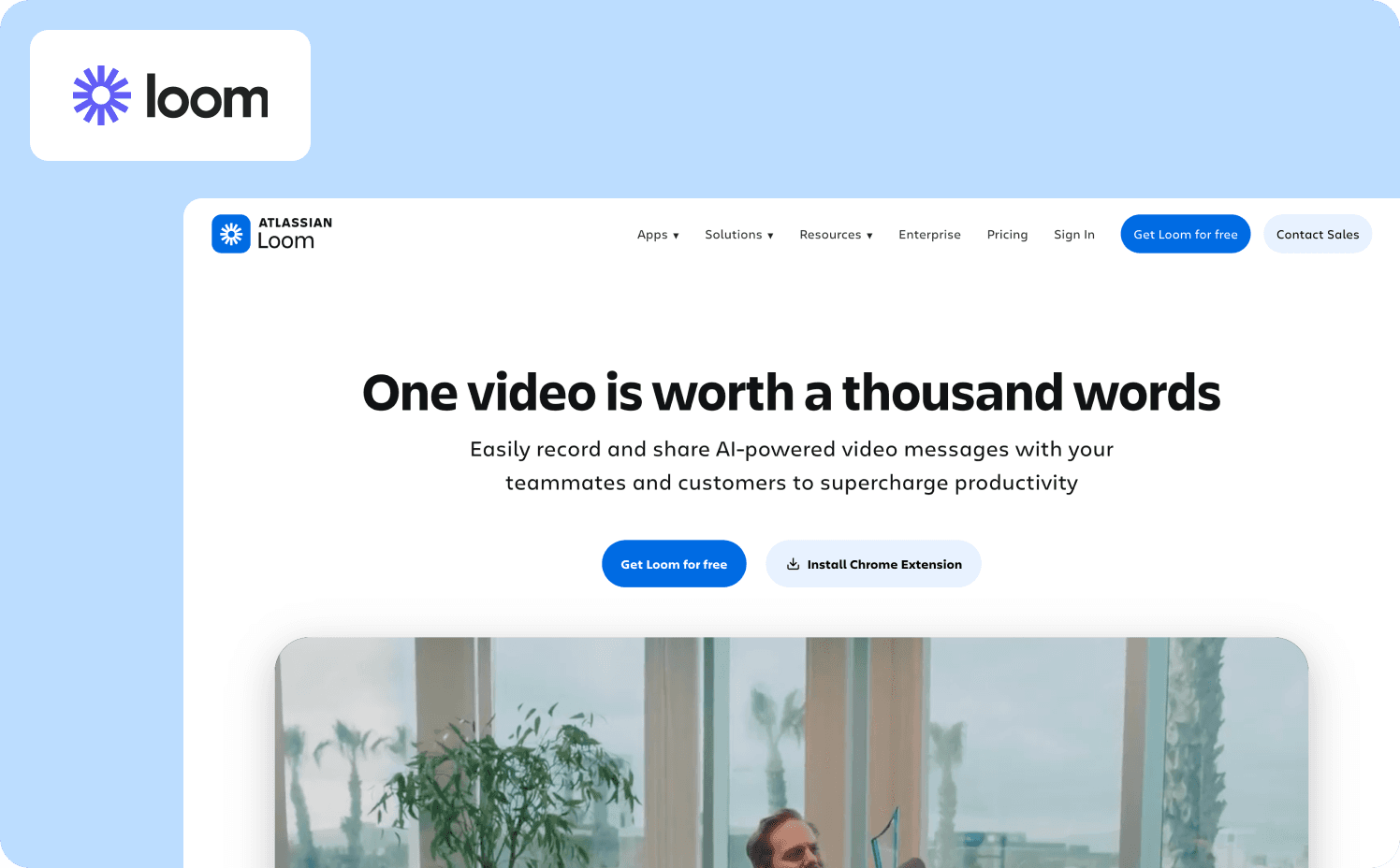
Loom is a screen recording, camera capture, and video hosting tool that lets teams create and share video tutorials quickly. PMs can explain a feature to a small group of users, produce a quick walkthrough for a help center, or communicate a workflow change to an existing audience of users asynchronously.
Key features for tutorial creation:
Trim and stitch editing allows you to cut and combine clips without video editing software
Transcriptions and closed captions are auto-generated for every recording, improving accessibility and searchability
AI workflows convert Loom video content into written step-by-step documentation, SOPs, or process guides
What it does well: Loom solves the creation speed problem. A PM can record, edit, and share a video tutorial in minutes. For small user bases, CSM-led onboarding, or one-off feature explanations, that speed matters a lot. The transcription and AI-to-docs feature is useful for repurposing video content into written format.
Limitations: Videos can’t be triggered by user behavior, segmented by lifecycle stage, or measured for downstream behavior change. Every user always gets the same video regardless of their context, role, or what they have already done in the product. Even more importantly, every time the UI changes, the tutorial video must be re-recorded.
Pricing:
Starter: Free plan (Up to 25 videos)
Business: $18/user/mo
Business + AI: $24/user/mo
Enterprise: Custom
10. Scribe: Best for automatically generating step-by-step tutorial documentation from workflow recordings
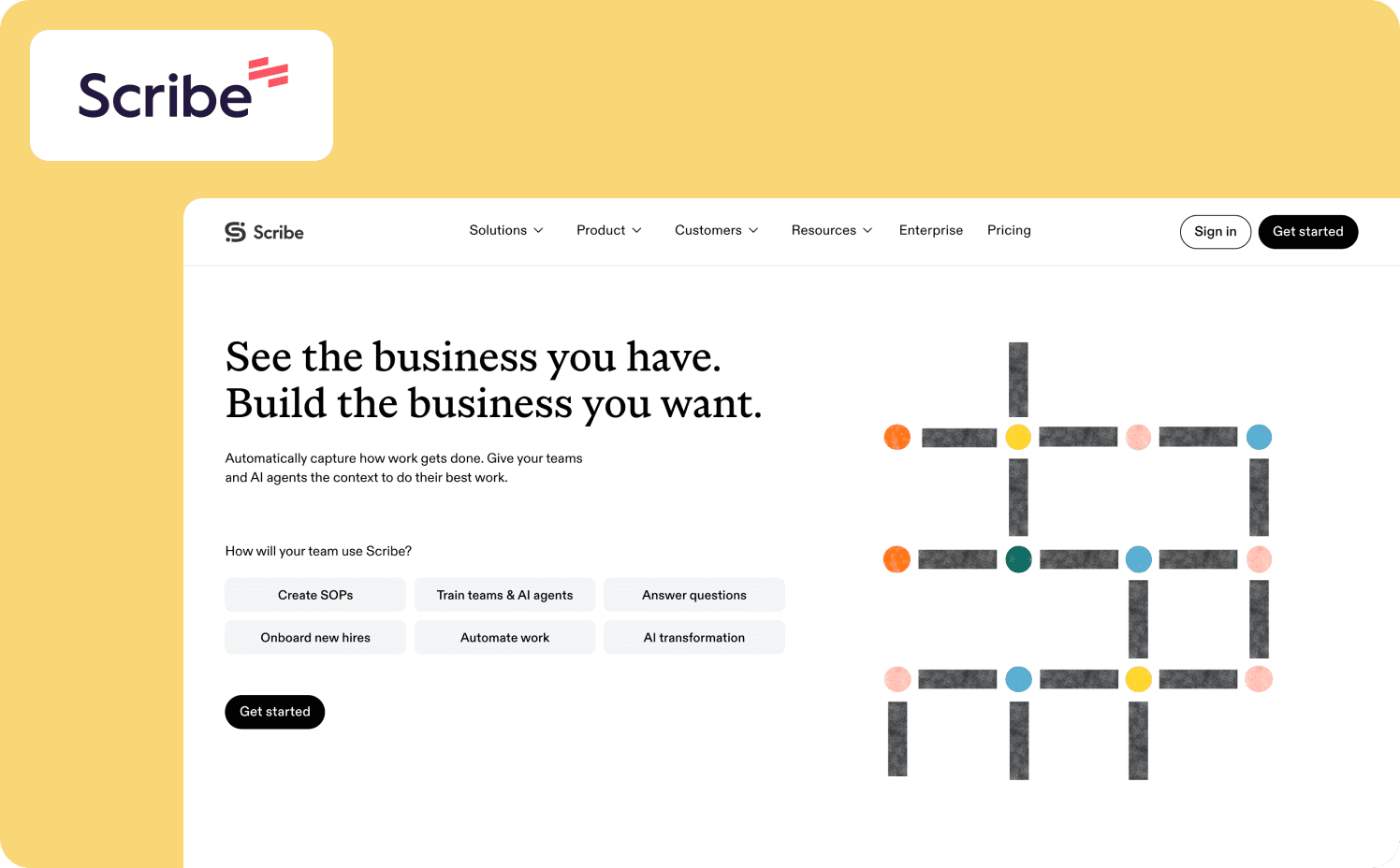
Scribe automatically generates step-by-step tutorial guides by capturing your screen as you complete a workflow. This eliminates the manual process of taking screenshots and writing instructions. For PMs who need to produce clean, visual process documentation quickly and keep it embedded in wikis or shared via link, Scribe is a significant time saver.
Key features for tutorial creation:
Modify screenshots, captions, and steps directly in the editor when the product UI changes
You can share guides via link or embed in where your team normally works
AI suggests edits, rewrites unclear steps, and generates context from recorded workflows
What it does well: Scribe is great at reducing the time to create documentation-style tutorials. The auto-generation workflow where you record once and get a formatted guide immediately solves the most tedious part of tutorial authorship. For teams whose primary tutorial format is written step-by-step guides rather than interactive walkthroughs, Scribe is a good fit.
Limitations: Like Loom, Scribe is a creation tool, not a delivery platform. There’s no behavioral triggering, no lifecycle segmentation, and no activation measurement. When the product UI changes, screenshots in existing Scribes must be manually updated.
Pricing:
Basic: Free
Pro Personal: From $35/user/mo (Starts at 1 user)
Pro Team: From $17/user/mo (Starts at 5 users)
Enterprise: Custom
11. Confluence: Best for teams that need a centralized, searchable documentation hub where tutorials live alongside product knowledge
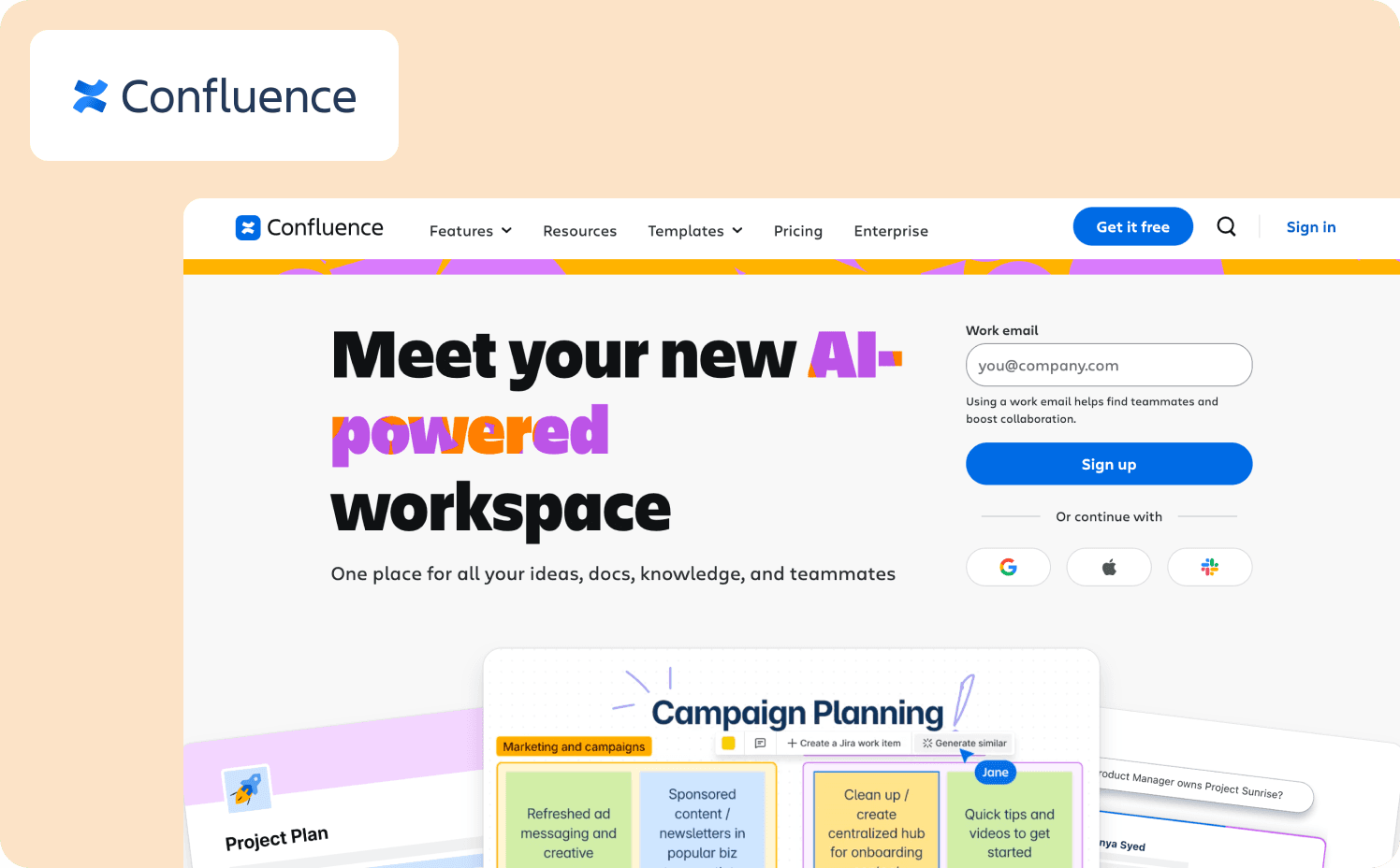
Confluence is Atlassian’s collaborative knowledge workspace, a wiki-style platform where teams create, organize, and search documentation. For product teams that need a centralized home for tutorial content that other teams (CS, sales, support) can also access and contribute to, Confluence is a familiar and functional choice. It’s not a standard tutorial delivery platform, but it’s where a lot of tutorial content lives by default.
Key features for tutorial organization:
Draft tutorial content with AI from templates, PRDs, and structured prompts
Plenty of rich content formats like live docs, whiteboards, timelines, charts, and slides to structure tutorials clearly
Track changes, comment, and co-author tutorials with cross-functional teams
What it does well: Confluence is best-in-class for organizing tutorial content alongside product documentation in a searchable, collaborative environment. For teams where CS, support, and product all need access to the same tutorial library, and where tutorials are structured reference documents rather than interactive experiences, Confluence is a solid organizational layer.
Limitations: Tutorial content lives outside the product, meaning there’s no mechanism to deliver a Confluence page to a user at the moment they encounter friction inside the product. When the UI changes, every affected tutorial page must be manually updated by whoever owns it. There is no activation measurement, no behavioral triggering, and no lifecycle segmentation.
Pricing:
Free: Free forever for 10 users
Standard: From $5.42/user/mo
Premium: From $10.44/user/mo
Enterprise: Custom
From static to contextual: The tutorial delivery shift
Most SaaS teams cycle through three stages of tutorial delivery before they find something that works.
The static help center puts tutorials in a knowledge base and assumes users will go looking when they get stuck. But, the users most likely to find your help center are the ones who least need it. The user who hits a feature, gets confused, and churns never looked for documentation in the first place.
The embedded video improves on that slightly, especially interactive video formats. But completion rates are low because the video assumes the user is ready to sit down and learn right now. Most users want to get past friction in seconds, not invest four minutes in a walkthrough. And every UI change turns yesterday's tutorial into misinformation.
The third model, and what ultimately decided the ranking of this list, is the contextual in-product trigger. The tutorial appears when the user encounters the relevant feature, scoped to exactly what they need at that moment, delivered by the product rather than discovered by the user. This wins over upfront learning, as users better retain information when it arrives at their moment of need.
Here’s what this looks like in practice. Jimo built their own Resource Center using their own product. One widget replaced five separate help tools. Dynamic action blocks adapt in real time based on what each user has already done. The Resource Center a new user sees is not the one a six-month power user sees. Ask AI lets users type a question and launch the relevant tutorial directly from the answer.
Teams building toward this model typically combine a wiki or help center for reference content with a contextual delivery layer for in-product triggering. The reference content serves the users who seek it out. The contextual layer catches the ones who won't. The interactive onboarding strategies that work for new-user activation apply equally well to ongoing tutorial delivery.
The right tutorial platform gets out of the way
The best product tutorial platform gets the right tutorial to the right user at the right moment. And it does this without requiring the PM to maintain a help center no one reads, re-record videos every sprint, or rely on users to be motivated enough to go looking for guidance before they give up.
Most of the tools on this list solve a real problem. Pendo connects tutorials to analytics. Userpilot bundles delivery with product data. Appcues handles cross-channel. Loom and Scribe make content creation fast. But only the top tier, platforms that combine all four dimensions, solve the tutorial delivery problem completely:
Behavioral triggering
No-code maintenance
Lifecycle segmentation
Activation measurement
The list above gives you the shortlist. If you want to test what contextual, behavior-triggered tutorial delivery looks like in your product without a months-long implementation, book a demo with Jimo to see the delivery model in action.
FAQs
What is the difference between a product tutorial platform and a learning management system (LMS)?
Learning management systems and online learning platforms are built for enrolled learners working through structured courses on a fixed schedule. They prioritize student engagement with defined curricula, not moment-of-need guidance inside a live product. An in-product tutorial platform delivers contextual help to users already inside your product, with no-code updates that let a PM respond to a UI change the same day it ships. If you need an online training platform for employee compliance or structured certification, an LMS fits. But if you need to move feature adoption metrics for existing users, it does not.
How do I make product tutorials easier to maintain when the UI changes frequently?
The format is the deciding factor. Video hosting and screenshot-based documentation require a full re-record or manual image update every time the UI changes, while no-code in-product tutorials can be edited in the browser in minutes without technical skills or developer tickets. A few platforms on this list offer a free trial long enough for a PM to test the update workflow against a real UI change before committing to paid plans. If updating a tutorial takes longer than the engineering change that broke it, the format is wrong.
Can I deliver product tutorials without a dedicated tool?
Yes, but most platforms used as substitutes like help centers and video hosting tools require users to leave the product and go find the content themselves, which most users won't do at the moment of friction. A dedicated platform triggers tutorials in context, based on what a user is doing right now, rather than waiting for an existing audience of users to self-serve. The trade-off is real: Starter plan pricing on dedicated tools often costs less than the support ticket volume and feature adoption gaps that an underpowered tutorial stack generates.
What is self-guided product education?
Self-guided product education is the model where users learn features in context, at their own pace, inside the product. All of this is done without a scheduled training session or CSM walkthrough. The product delivers the right tutorial at the moment of friction, then steps back to allow the user to drive the depth without needing to navigate away. Advanced features like behavioral triggering and lifecycle segmentation are what separate platforms that genuinely support self-guided education from basic plan tools that simply store content somewhere.
How do I measure whether my product tutorials are actually working?
View counts and completion rates measure engagement with tutorial content, not whether tutorials changed what users did next. Genuine measurement tracks learner progress downstream: Did users who received the tutorial adopt the feature, complete the workflow, or stop submitting support tickets about it? Platforms with activation measurement, like Jimo's Success Tracker, connect tutorial delivery to behavioral events so you can prove impact, not just surface-level engagement.
What's the best platform for self-guided product education?
Jimo is the strongest choice for self-guided product education because it combines behavioral triggering, lifecycle segmentation, and track learner progress capabilities into one platform. Where most online learning platforms and basic plan tools store content and wait for users to find it, Jimo delivers the right tutorial at the moment of friction and measures whether it changed behavior. Teams that need advanced features like activation measurement and no-code updates without a steep learning curve should start with a 14 to 21-day free trial.