/
8 mins read
TL;DR
The onboarding SaaS category is splitting between legacy static sequence tools and adaptive guidance platforms, and the difference shows up directly in activation metrics. This article evaluates eight platforms on the criteria that predict whether onboarding moves revenue: behavioral adaptation, PM ownership without engineering dependency, and analytics that close the loop beyond tour completions. Jimo leads for teams that need to prove activation ROI. Pendo and Gainsight PX serve enterprise analytics depth. Userpilot, Chameleon, and Userflow cover mid-market and design-specific needs. UserGuiding and Stonly serve budget and support-led use cases respectively.
Most B2B SaaS teams evaluating onboarding software to improve their customer onboarding are comparing the wrong things, like template libraries, UI patterns, and pricing tiers. None of those predict whether the platform will move activation. They simply predict whether it’ll be easy to buy.
The eight platforms evaluated here aren’t all solving the same problem. Some are built to show users around. Others are built to activate them. Understanding which category each tool belongs to is more useful than any feature comparison, and that exact distinction is what this article is built around.
What is onboarding SaaS software and why is the category splitting?
When we talk about onboarding SaaS software, we’re looking specifically at AI onboarding tools for SaaS and digital adoption platforms built for B2B products. These platforms sit directly inside your application to steer users toward value, capture behavioral signals, improve customer satisfaction, and drive activation metrics without requiring constant developer support.
You shouldn’t confuse this space with client onboarding software for SaaS portals that manage document uploads, task management, and customer success checklists for new enterprise accounts. We’re also excluding standalone email automation and learning management systems. The focus here is strictly on in-product activation and the user onboarding process.
The biggest shift happening right now is a deep fracture within the category itself. The market is dividing into two distinct camps. The first camp relies on legacy digital adoption platforms pushing pre-written, rigid tours that fail to deliver personalized onboarding experiences. These are the tours that users instinctively close.
The second camp consists of AI-powered platforms that respond to actual user behavior, answer contextual questions, and even execute tasks automatically. Evaluating these customer onboarding tools in 2026 requires understanding this divide. It’s more important than just picking a vendor now. You’re deciding whether to build for the past or for the future.
Why most onboarding SaaS tools are evaluated on the wrong criteria
Most SaaS companies nail the first “aha” moment for new users. But then they then abandon the user. We call this the "Beautiful Entrance, Empty Room" pattern, where teams confuse sign up generation with activation.
The current evaluation criteria product managers use when looking for SaaS onboarding software, like asking if a tool has tooltips, checklists, or a resource center, are criteria for the entrance. Then, the best SaaS onboarding software moves activation metrics by addressing what happens in the room.
Tools that treat everyone in a segment the same way produce generic onboarding that fails at scale, hurting customer retention and client satisfaction. That’s why personalized onboarding software is becoming the standard. Ask one question of every tool on this list: Does the guidance actually adapt to what this specific user is doing right now, or does it fire a pre-written sequence?
Next, consider these criteria.
1. How many tools does this platform replace?
Stack reduction is the first filter when evaluating SaaS onboarding platforms. A product manager managing separate subscriptions for tours, surveys, analytics, collaboration tools, and help content is paying for integration failures as much as capabilities. In the process, they lose the critical feedback loop between guidance and outcomes.
2. Static sequences or adaptive guidance?
This is the generational dividing line for interactive onboarding strategies. Static DAPs send tours on a schedule. Adaptive platforms respond to what the user actually does, creating an efficient onboarding experience, completing tasks before advancing, answering questions in context, and adjusting based on behavior. Completion rate is a static metric. Activation rate is the adaptive one.
3. Can a PM track events and iterate without engineering?
True no-code means clicking an element to track it, a core requirement for modern feature adoption software that provides actionable insights. The platform isn’t genuinely owned by the product team if the answer involves a developer ticker or a sprint cycle to figure out how to customize walkthroughs.
4. Does guidance connect to activation outcomes, not just engagement metrics?
Tour views and click throughs do not tell a product manager whether onboarding is working or how to measure product adoption accurately. The right question is whether the team can see if a specific flow affected feature adoption, customer engagement, trial to paid conversion, or 30-day retention.
But before you can measure activation, you have to define it. The activation event is the specific action that predicts whether a user stays or churns. If you pick the wrong one, you will spend months optimizing an onboarding flow that doesn't actually move retention or improve customer health.
Here’s a four-step test to know if your activation event is real or just a guess:
List three to five candidate actions: What action could plausibly predict whether a user stays? "Created a project," "Invited a teammate," or "Sent first message." Anything that feels meaningful is fair game at this stage.
Split users into cohorts: Take the same signup window. Group A completed the candidate event within seven days. Group B didn't. Same source, same period, one variable.
Compare 30 day retention: Pull retention for both groups. The lift between A and B tells you whether the event actually predicts stickiness, or whether it just feels like it should.
Set the threshold before you look: If the lift isn't at least 2x, the event probably isn’t the right one. Move to the next hypothesis. Setting the threshold in advance protects you from rationalizing weak results.
Once you find the event with a 2x or greater lift, the real work begins to refine onboarding strategies. You must rebuild your onboarding workflows, AI guidance, in-app nudges, and trial structure around that single moment and strip everything else away. The data is already in your CRM, and the test takes an afternoon.
Each tool reviewed below is assessed against this test — specifically, whether it helps you instrument the candidate actions, split and compare cohorts, and connect guidance completions to the retention lift.
The 8 best onboarding SaaS software platforms at a glance
Before diving into the detailed reviews, take a look at this high-level comparison of the top platforms on the market. This breakdown highlights how each tool approaches guidance and which core operational pain it solves best.
Tool | Best for | Guidance type | Core pain solved | Analytics depth | Pricing from |
Jimo | B2B SaaS product teams that have outgrown static onboarding | Action-based | Tool sprawl and low activation | Deep | $249/mo (2,500–10,000 MAUs) |
Pendo | Enterprise product teams that need deep analytics alongside in app guidance | Linear and basic behavioral | Lack of enterprise visibility | Deep | Free (for 500 MAUs) |
Userpilot | PLG teams that want an all in one growth suite at mid market pricing | Behavior-triggered and branching | Fragmented growth stack | Moderate | $299/mo (up to 2,000 MAUs) |
Chameleon | Design-led teams where brand consistency in onboarding is non negotiable | Linear with CSS flexibility | Poor brand alignment | Moderate | $279/mo (1,000 MAUs) |
Userflow | Lean SaaS teams that need onboarding shipped fast with minimal overhead | Conditional flows and event-based | Slow engineering cycles | Basic | $240/mo (up to 3,000 MAUs) |
UserGuiding | Early growth SaaS teams with budget constraints and straightforward onboarding needs | Linear only | High software costs | Basic | $249/mo (2,000 MAUs+) |
Stonly | SaaS teams whose onboarding is heavily support driven and self service led | Decision-tree branching | High support ticket volume | Basic | Custom |
Gainsight PX | Enterprise SaaS teams already running Gainsight CS | Rules-based and conditional | Disconnected CS and product data | Deep | Custom |
The 8 best onboarding SaaS software platforms for B2B teams in 2026
Now let's look at the specific strengths, watch outs, and pricing models for each of these platforms. We explain when to choose each tool based on your team’s maturity and technical constraints.
1. Jimo — Best for B2B SaaS product teams that have outgrown static onboarding
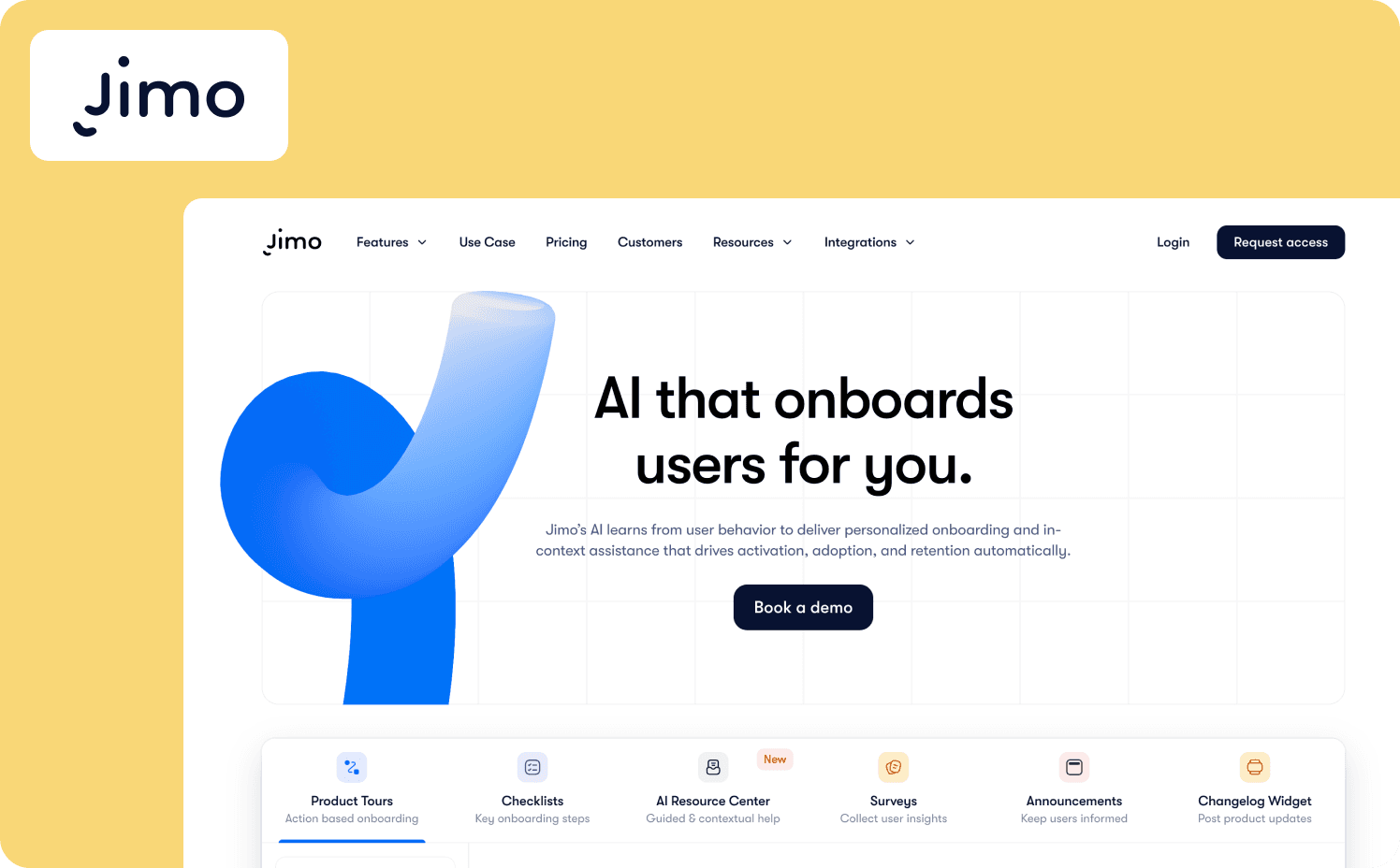
Of the eight tools reviewed here, Jimo is the only one that natively closes all four steps of the cohort test through its Success Tracker. Jimo represents the next generation of onboarding SaaS software by replacing rigid tours with an AI copilot. It allows users to achieve their goals through adaptive guidance rather than forcing them through a predetermined sequence.
Key features:
Guide module triggers contextual product tours and feature walkthroughs to guide new customers through their onboarding journey, based on actual user behavior and task completion.
Assist feature resolves user confusion instantly by pulling answers directly from your existing resource center and self-service docs.
Execute capability allows the copilot to perform complex actions when users type what they need.
Success Tracker links every onboarding interaction to concrete activation and retention insights, helping you track onboarding progress.
Watch-outs: Jimo focuses entirely on web based SaaS products, lacking support for native mobile applications. If you’re focused on internal employee training or cross-application enterprise workflows, then Jimo isn’t the right fit.
Starter: $249/mo (2,500–10,000 MAUs)
Growth: $479/mo (2,500–100,000 MAUs)
Enterprise: Custom
2. Pendo — Best for enterprise product teams that need deep analytics alongside in app guidance
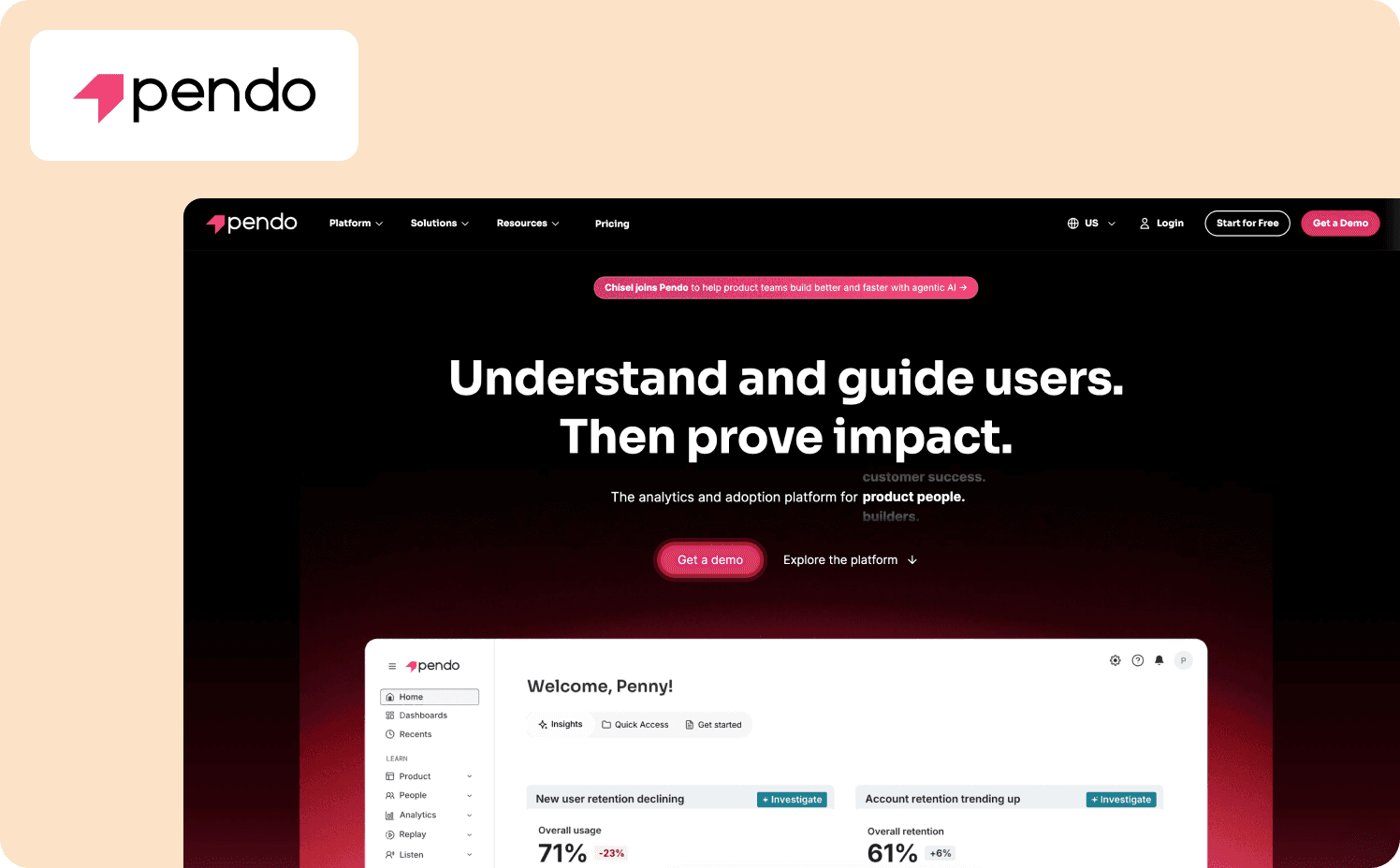
Pendo's analytics engine supports steps one through three of the cohort test: event tracking, cohort splitting, and retention comparison. However, connecting that data to in-app guidance completions requires manual configuration. Pendo is a heavyweight product experience platform that pairs extensive user analytics with in-app messaging. It caters primarily to large organizations that require deep visibility into complex user journeys across multiple devices.
Key features:
Comprehensive analytics engine that captures user behavior across both web and mobile environments.
Advanced user segmentation for highly targeted messaging and feature tracking.
Massive integration ecosystem designed to sync with enterprise data warehouses and CRMs.
Watch-outs: Pendo requires a significant technical investment to implement and maintain correctly. Its premium cost often puts it out of reach for early stage or mid-market SaaS companies.
Pricing:
Free: For 500 MAU
Base: Custom (custom MAUs)
Core: Custom (custom MAUs)
Ultimate: Custom (custom MAUs)
3. Userpilot — Best for PLG teams that want an all in one growth suite at mid market pricing
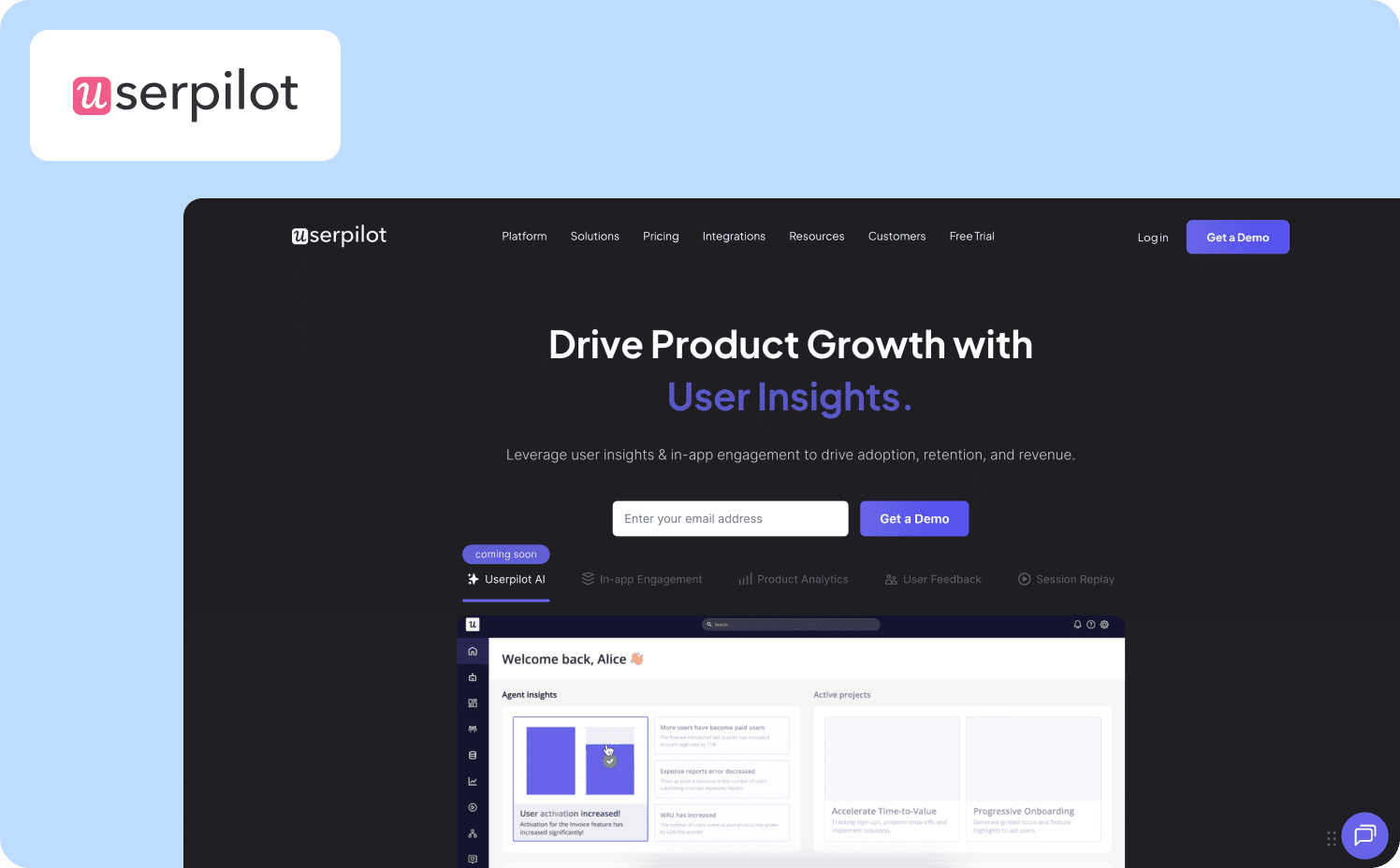
Userpilot supports the first two steps of the cohort test but relies on external integrations to run a clean retention comparison at step three. It consolidates product analytics, user feedback, and onboarding flows into a single platform. It’s a customer onboarding software solution that helps growth-focused SaaS teams track feature adoption and build interactive experiences without juggling multiple vendors.
Key features:
Integrated analytics dashboard to monitor feature usage and user sentiment in one place.
Visual Chrome extension that enables product managers to build flows directly over their application.
Behavioral segmentation that triggers guidance based on specific user attributes and actions.
Watch-outs: The analytics suite isn’t as strong or extensive as standalone data platforms, which might frustrate advanced data teams. Customers have also noted that the visual builder can experience performance issues when handling numerous complex flows.
Pricing:
Starter: $299/mo (up to 2,000 MAUs)
Growth: Custom pricing (starts from 5,000 MAUs)
Enterprise: Custom pricing (custom MAUs)
4. Chameleon — Best for design-led teams where brand consistency in personalized onboarding is non-negotiable
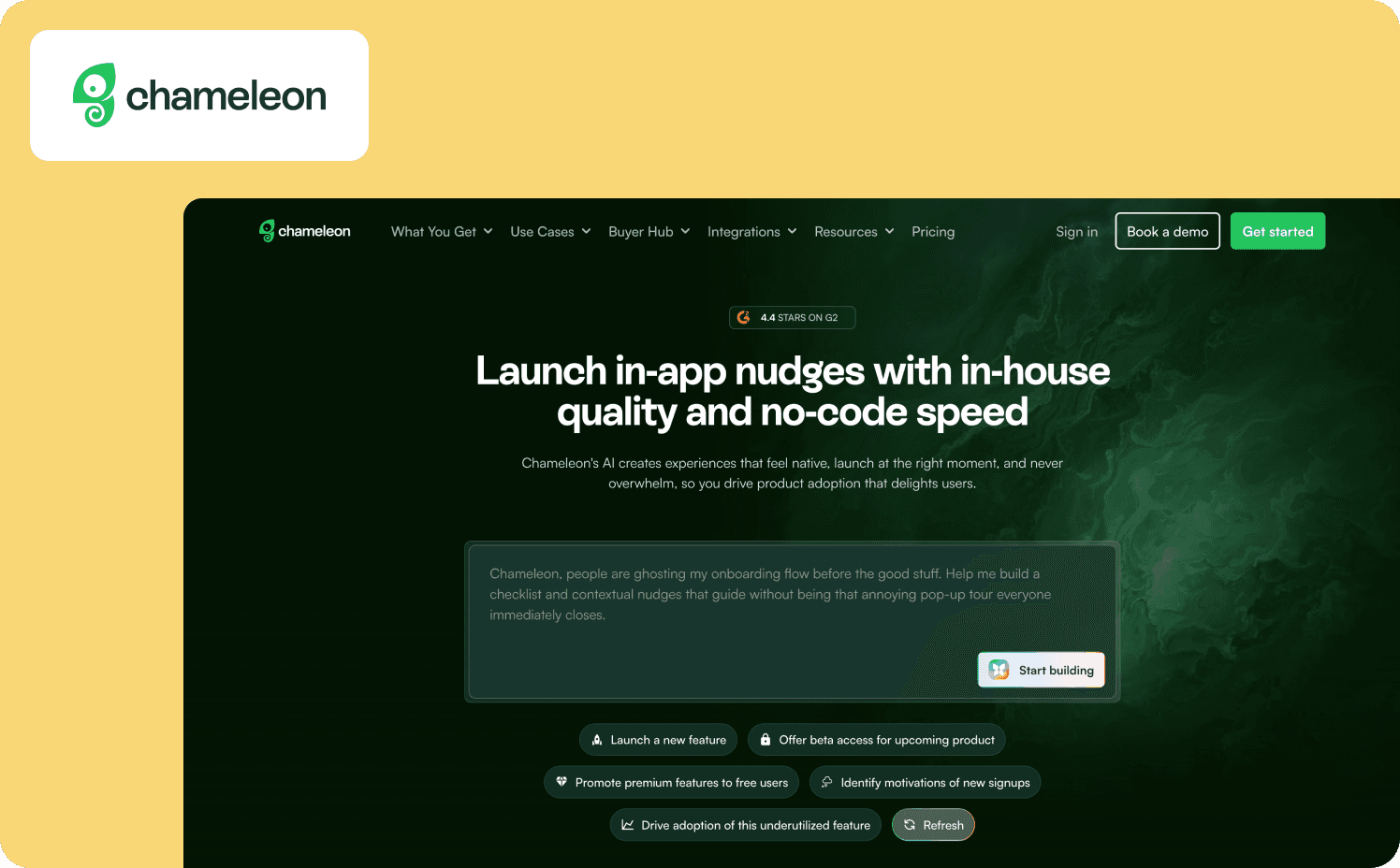
Chameleon requires an external analytics platform to run the cohort test — it provides no native support for steps two through four. It gives product teams the ability to create highly customized in-app guidance for client onboarding that blends perfectly with their native UI. It’s the go to SaaS customer onboarding tool for companies that can’t compromise on aesthetics and branding.
Key features:
Deep CSS customization options that ensure every tooltip and modal matches your brand guidelines.
Sophisticated environment management for testing flows safely across staging and production.
Diverse selection of UI patterns ranging from subtle embedded launchers to full screen modals.
Watch-outs: Achieving pixel perfect design often requires developer assistance or strong CSS knowledge. The platform also has a higher price point compared to other entry-level onboarding tools.
Pricing:
Startup: From $279/mo (1,000 MAUs)
Growth: From $15,000/year (1,000 MAUs)
Enterprise: Custom (custom MAUs)
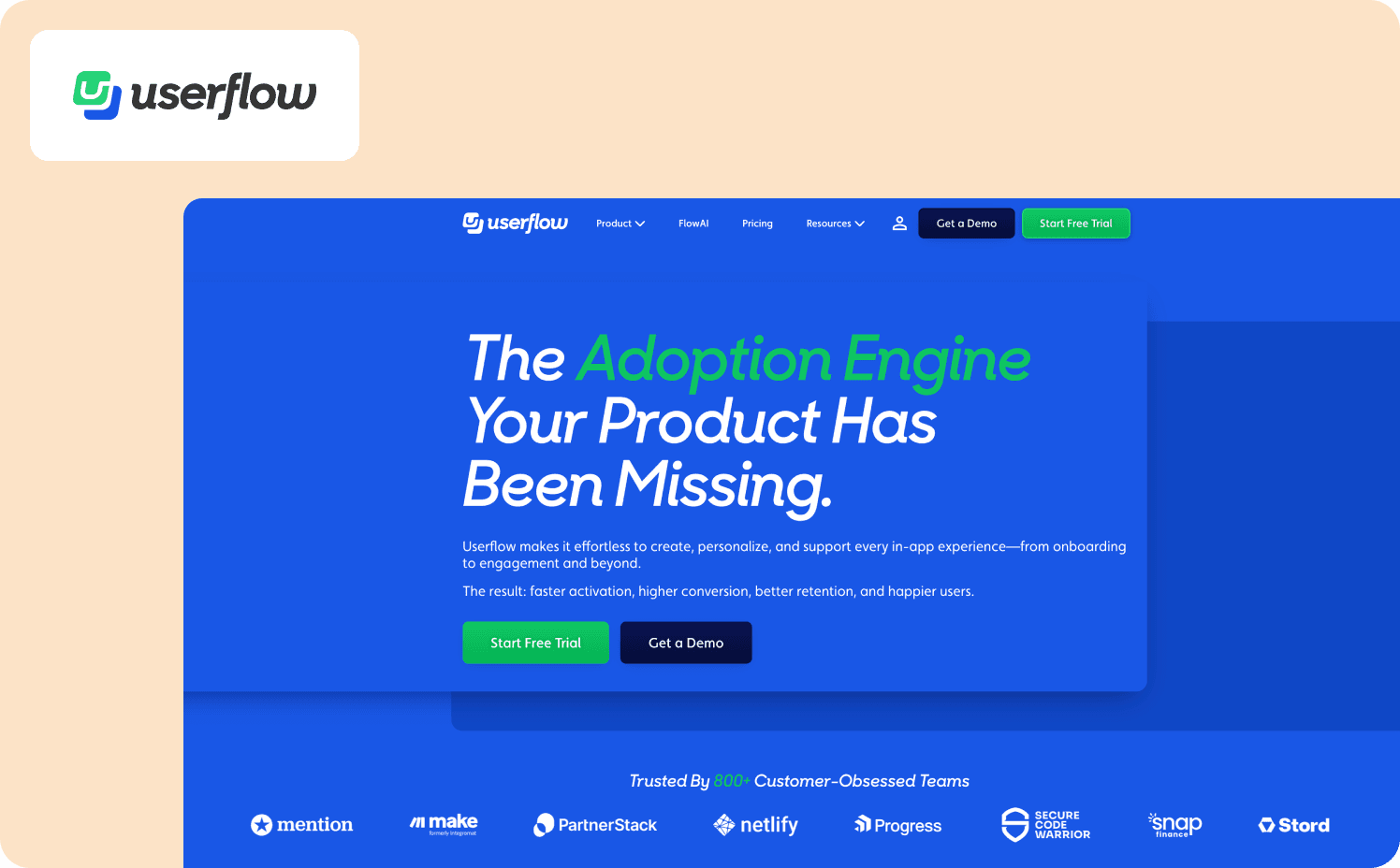
5. Userflow — Best for lean SaaS teams that need onboarding shipped fast with minimal overhead
Userflow's basic analytics don't support the cohort test beyond step one — teams will need a separate analytics tool to measure retention lift. This DAP provides a highly visual and intuitive interface for building product tours and onboarding checklists. It allows lean teams to deploy their first onboarding experiences quickly without waiting on engineering sprints.
Key features:
Visual node-graph flow builder that requires no coding skills to operate.
Extremely fast implementation cycle that helps teams go live in just a few days.
Lightweight architecture that ensures your application performance remains unaffected.
Watch-outs: The platform is traditional in the way it relies on linear logic that triggers based on page location rather than user behavior. Its pricing model scales aggressively based on monthly active users, which can penalize fast growing products.
Pricing:
Startup: From $240/mo (up to 3,000 MAUs)
Pro: From $680/mo (up to 10,000 MAUs).
Enterprise: Custom (custom MAUs)
6. UserGuiding — Best for early growth SaaS teams with budget constraints and straightforward onboarding needs
UserGuiding is an accessible and budget-friendly platform that covers the basics of user onboarding. It helps early stage startups launch tours and resource centers quickly without a massive financial commitment.
Key features:
Simple setup process that lets non technical team members start building flows immediately.
Uncomplicated interface that removes the steep learning curve found in enterprise tools.
Included resource center and NPS survey capabilities for a well rounded basic toolkit.
Watch-outs: UserGuiding lacks the sophisticated branching logic necessary for highly personalized user journeys. The design options are also restricted, which can make the guidance feel like a third-party overlay.
Pricing:
Free plan
Starter: From $249/mo (2,000 MAUs+)
Growth: From $499/mo (2,000 MAUs+)
Enterprise: Custom
7. Stonly — Best for SaaS teams whose client onboarding process is heavily support driven and self-service led
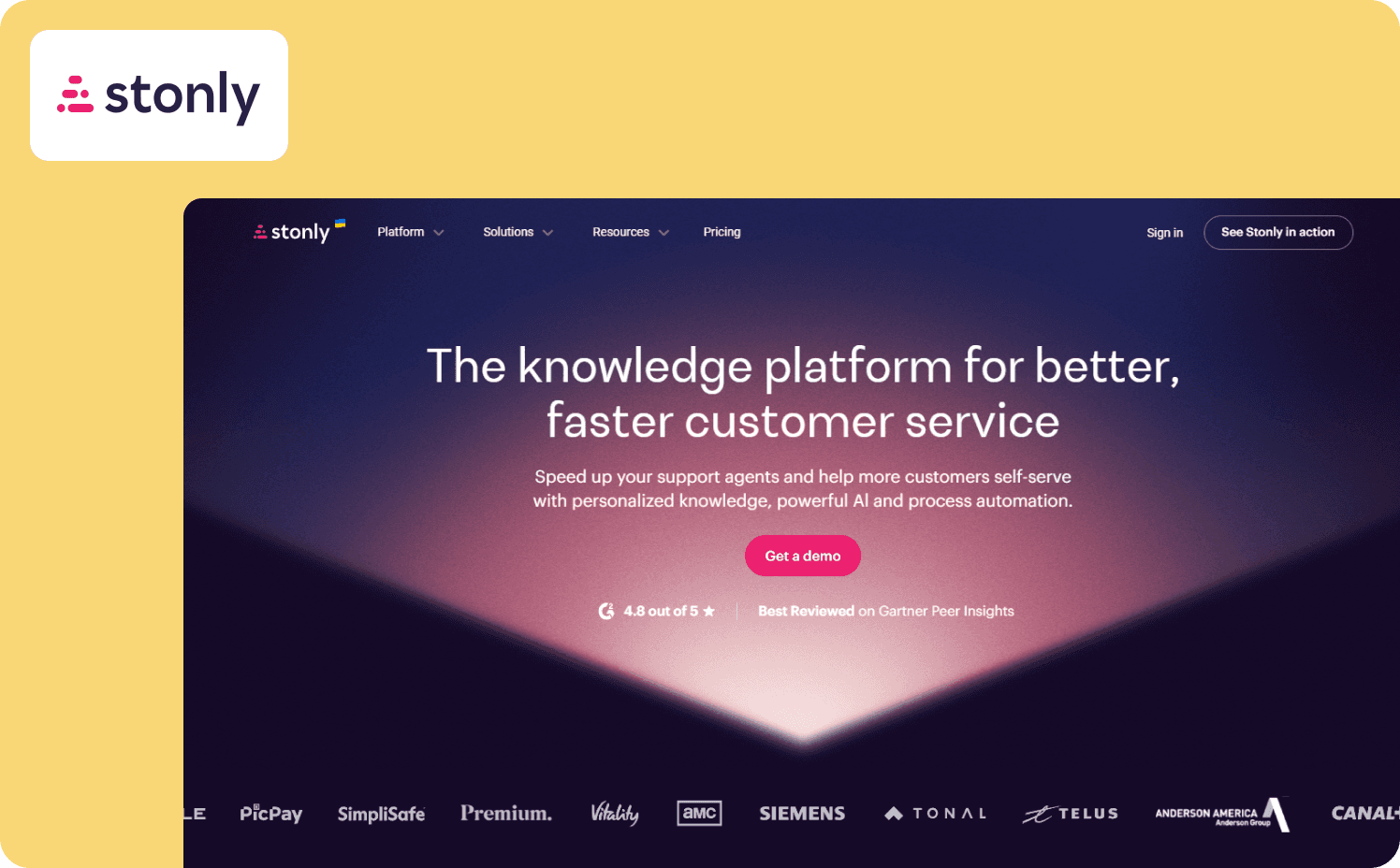
Stonly takes a unique approach to onboarding by using interactive decision trees to manage customer interactions and guide users through complex workflows. It works exceptionally well for customer service teams looking for customer success onboarding software to reduce support tickets through self-serve troubleshooting.
Key features:
Decision tree architecture that adapts the guidance path based on user selections.
Flexible embedding options that allow guides to live in your app, blog, or help center.
Deep integrations with major helpdesk platforms to streamline customer support workflows.
Watch-outs: Stonly is designed more for answering questions than proactively driving feature adoption. There’s no public pricing, which makes it difficult for teams to budget appropriately.
Pricing:
Small Business: Custom (up to 4,000 guide views)
Enterprise: Custom
8. Gainsight PX — Best for enterprise SaaS teams already running Gainsight CS
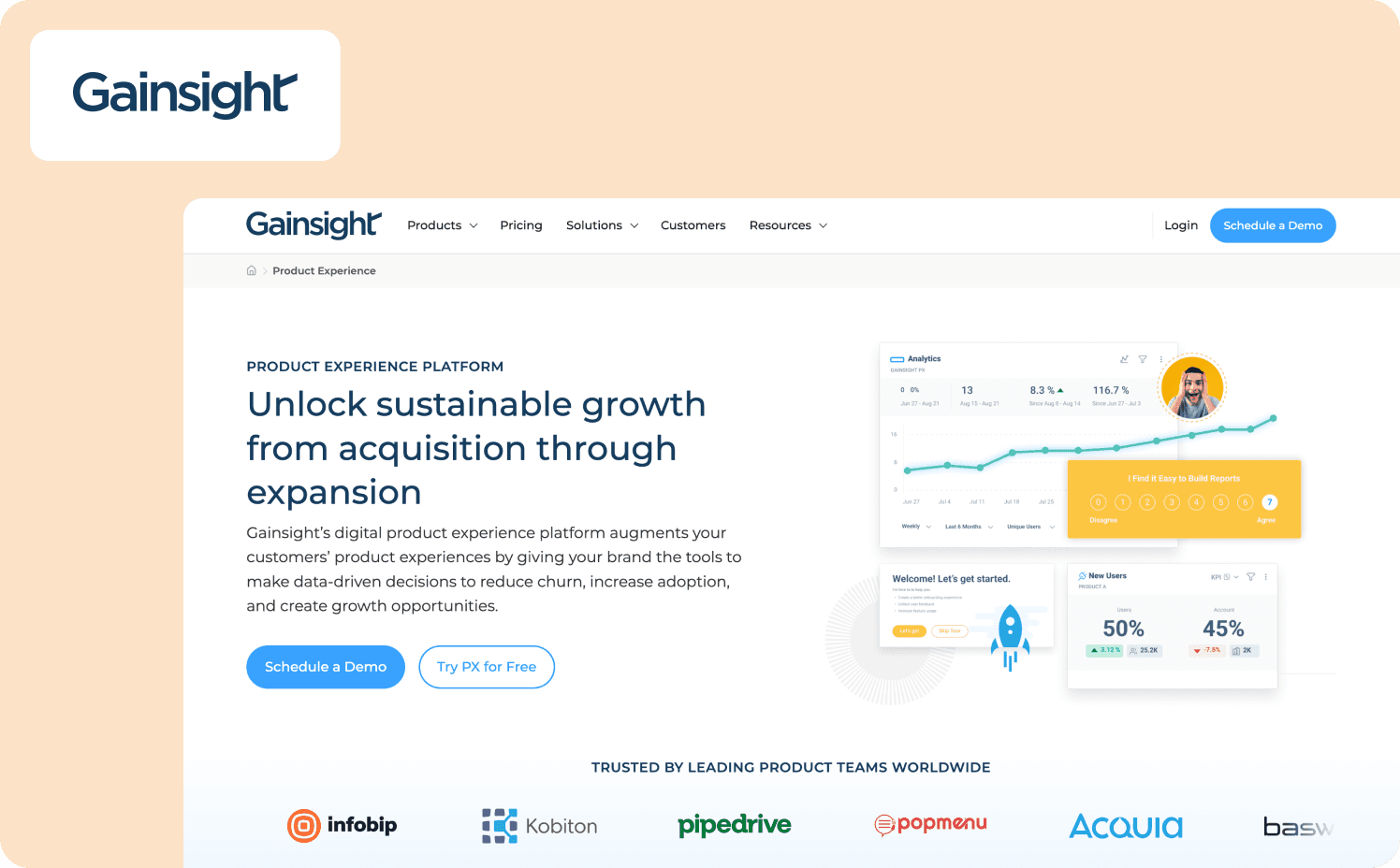
Gainsight PX supports all four steps of the cohort test for enterprise teams already in the Gainsight CS ecosystem — outside of it, the data connections require significant custom configuration. Gainsight PX bridges the gap between product analytics and customer success operations. It’s built for large enterprises that need to tie product usage directly to account health and renewal metrics, and especially well-suited for teams already using Gainsight CS.
Key features:
Advanced analytics tracking for retention, user paths, and funnel drop offs.
Direct data synchronization with the broader Gainsight customer success ecosystem.
Capability to trigger native email campaigns based on specific in app behaviors.
Watch-outs: The platform is notoriously complex and requires a lengthy implementation process. The user interface feels dated compared to modern alternatives, and it caters more to customer success teams than product teams.
Pricing:
Product experience: Custom
Which SaaS onboarding software fits your team?
To decide which SaaS customer onboarding platform is best for your team, you need to look at your specific operational realities and growth stage. Here’s an honest look at which tool fits which common scenario.
You're an early stage startup with strict budget constraints. If you just need basic tours and onboarding resources without a massive financial commitment, UserGuiding is your best starting point.
Your design team has strict brand guidelines. If your designers refuse to implement anything that looks like a third party overlay, Chameleon provides the deep CSS customization you need.
You're a large enterprise needing deep cross platform analytics. If you have the budget and technical resources to support a heavyweight implementation, Pendo and Gainsight PX offer the deepest analytics engines.
Your primary goal is deflecting support tickets. If your onboarding is heavily support driven and relies on self-serve troubleshooting, Stonly is built specifically for this use case.
You want an all-in-one growth suite for a mid-market product. If you're running a product-led growth motion and want to combine analytics and feedback without paying enterprise prices, Userpilot and Jimo are strong contenders.
You're managing fragmented tools and can't prove activation ROI. If you're paying for separate tour, survey, and analytics subscriptions to collect feedback, but still can't connect guidance to revenue, Jimo consolidates your stack and closes the loop with its Success Tracker.
You're ready to replace static tours with adaptive AI guidance. If your users are skipping linear tours and you want an AI copilot that responds to individual behavior in real time, Jimo is the only platform built for this new era of onboarding.
Stop forcing users through pre-written scripts they just want to skip. Book a demo to see how Jimo adapts to individual behavior in real time to drive actual activation.
FAQs
How do SaaS onboarding tools help reduce user churn?
Most churn happens when users fail to reach their aha moment quickly during the initial setup. Modern onboarding SaaS software reduces this by shifting from reactive support to proactive, adaptive guidance to ensure improved client satisfaction. Instead of firing generic sequences at broad analytics segments, platforms like Jimo adapt to individual user behavior in real time. When the product provides segmented responses to exactly what the user is trying to accomplish, they activate faster and stick around longer.
How do SaaS onboarding tools differ from traditional training methods?
Traditional training methods rely on static documentation, rigid onboarding plans, and linear product tours that force users to follow a script. Modern SaaS user onboarding tools bring the guidance directly inside the product where the work actually happens. The biggest difference today is the shift toward Intelligence-Led Growth and personalized onboarding. AI native platforms now execute tasks and answer questions contextually rather than just pointing at buttons.
How do I justify replacing my current client onboarding tool?
The strongest business case for replacement centers on stack consolidation and onboarding effectiveness and activation. If you’re paying separately for product tours, user surveys, and analytics, you’re likely dealing with fragmented data and high software costs. Upgrading to a unified platform allows you to connect guidance directly to revenue outcomes. You can finally prove that your onboarding flows actually drive trial to paid conversion.
What breaks when you switch onboarding platforms?
The most common failure point during a migration is losing your historical behavioral data and user segments. You also risk breaking existing onboarding processes and product tours if the new platform struggles with your application's CSS selectors. To minimize disruption, look for platforms that offer robust integrations with your existing CRM and analytics stack. It is best to run the new tool concurrently on a small user cohort before fully deprecating the old system.
How long does it take to implement onboarding SaaS software?
Implementation timelines for B2B SaaS client onboarding software vary wildly depending on the platform's architecture and your product's complexity. Heavyweight enterprise tools often require weeks of engineering sprints to configure event tracking and data pipelines. Conversely, modern no code platforms deploy via a simple JavaScript snippet in a matter of days. Product managers can usually start building and publishing flows immediately after the initial installation.
Can product managers build onboarding flows without engineering?
Yes, the best platforms for onboarding SaaS customers are designed specifically for product and growth teams to own entirely. True no code solutions allow you to track events, build adaptive walkthroughs, and launch surveys without ever filing a developer ticket. If a tool requires engineering help every time you want to change a tooltip or track a new button click, it defeats the purpose of buying dedicated onboarding software.