TL;DR
Most in-app feedback tools solve the collection problem. Fewer solve the interpretation problem. This guide separates the two. It maps the 10 best in-app feedback tools for SaaS product teams across three functional layers: collection, context, and closure, and evaluates each against the criteria that determine whether a survey response becomes a product decision or stays a number in a spreadsheet. The result is a ranked shortlist built for product managers who already have feedback coming in and need to understand why it isn’t moving their activation metrics.
You have 47 NPS responses in a spreadsheet. 12 are detractors. But you don’t know which features those 12 people never used, which step they abandoned before submitting the survey, or whether they’re still active users. The feedback is real. It’s the context that’s missing.
Without context, the team can’t prioritize, can’t close the loop, and can’t tell whether this quarter’s product changes made any difference. A detractor who never activated your core feature is a different problem from a detractor who used it daily and hit a wall. An in-app feedback tool that can’t tell you which one you’re looking at is generating noise rather than signal.
This guide evaluates the 10 best in-app feedback tools for SaaS product teams in 2026. These aren’t general survey platforms or customer satisfaction scoreboards, but tools built to capture contextual feedback inside the product and give the PM a path from response to decision.
What makes an in-app feedback tool actually useful?
Most teams start with a general survey tool. Then, they have to add a widget, set a time delay, and count responses. The original tool worked fine. But the problem that arises is that time-based survey delivery produces low-context feedback.
The user filled out a feedback form three minutes after logging in. So you know they’re somewhat satisfied. But you don’t know why they came back today, what they were trying to do, or which part of the product they interacted with before the survey appeared.
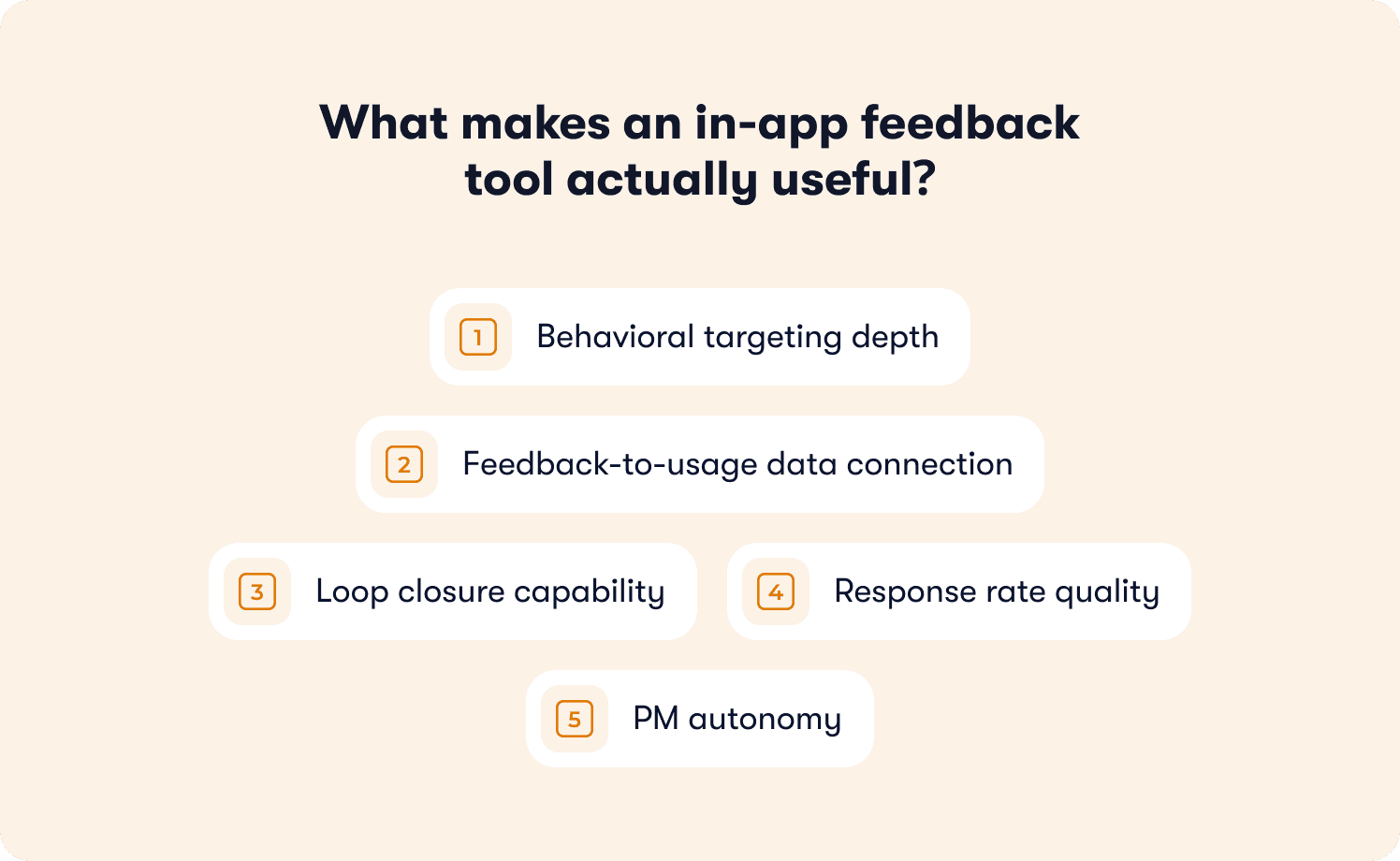
The tools that solve this problem are built differently. Here are the five criteria used to rank every tool on this list:
Behavioral targeting depth: Surveys should fire based on specific user events. Targeting by user attributes, lifecycle stage, and specific user segments gives the PM control over who gets which question and when.
Feedback-to-usage data connection: The best tools capture responses alongside session context and feature usage history in the same interface, so the PM can filter “detractors who never completed onboarding” without opening a second tool. This is the line between PLG-era survey tools and ILG-era feedback tools that connect signal to behavior natively.
Loop closure capability: A feedback loop is only useful if it closes, which means the response reaches the right team member, gets acted on, and the user who submitted it is notified in-product when the issue ships.
Response rate quality: According to industry benchmarks, event-triggered in-app surveys appearing at the right moment in the customer onboarding process consistently achieve 25 to 40 percent response rates, compared to 5 to 15 percent for email. Behavioral delivery timing is the primary lever.
PM autonomy: If deploying a new survey requires a developer ticket, feedback collection can’t keep pace with the product. Skip logic, segmentation rules, and trigger conditions should all be configurable from a no-code interface.
If you’re looking for mobile apps, most tools on this list are built primarily for web-based SaaS products. Teams building native iOS or Android apps that need mobile in app feedback collection with a mobile SDK should evaluate tools built specifically for mobile-first environments.
Quick comparison: 10 best in-app feedback tools in 2026
The table below scores each tool against the three criteria that determine real-world usefulness. These are whether it triggers surveys on behavior, connects responses to usage data, and closes the loop with the user who submitted feedback.
Tool | Best for | Behavioral targeting | Feedback-to-usage | Loop closure | Pricing from |
Jimo | Full feedback-to-usage loop | ✅ | ✅ | ✅ | $249/mo |
Userpilot | Behavioral surveys + product analytics | ✅ | ✅ | ⚠️ | $299/mo |
Gleap | Bug reports + feature requests to dev loop | ⚠️ | ✅ | ✅ | $59/mo |
Refiner | In-app surveys across web and native mobile | ✅ | ⚠️ | ❌ | $99/mo |
Survicate | Multi-channel feedback + AI themes | ✅ | ⚠️ | ⚠️ | $179/mo |
Pendo | Analytics + in-app feedback, enterprise | ✅ | ✅ | ⚠️ | Custom |
Formbricks | GDPR-compliant, open-source, self-hostable | ✅ | ⚠️ | ❌ | $89/mo |
Usersnap | Visual + video feedback + surveys | ✅ | ⚠️ | ⚠️ | €39/mo |
Canny | Feature requests + revenue roadmap | ❌ | ⚠️ | ✅ | $99/mo |
Sprig | Enterprise research + AI analysis | ⚠️ | ⚠️ | ❌ | Custom |
10 best in-app feedback tools for SaaS in 2026
Each tool below is evaluated against five criteria: behavioral targeting depth, feedback-to-usage data connection, loop closure, response rate quality, and PM autonomy. Tools are ranked by how many of these criteria they meet natively, without requiring a separate tool to complete the loop.
1. Jimo: Best for connecting in-app feedback responses to behavioral usage data without a separate BI tool
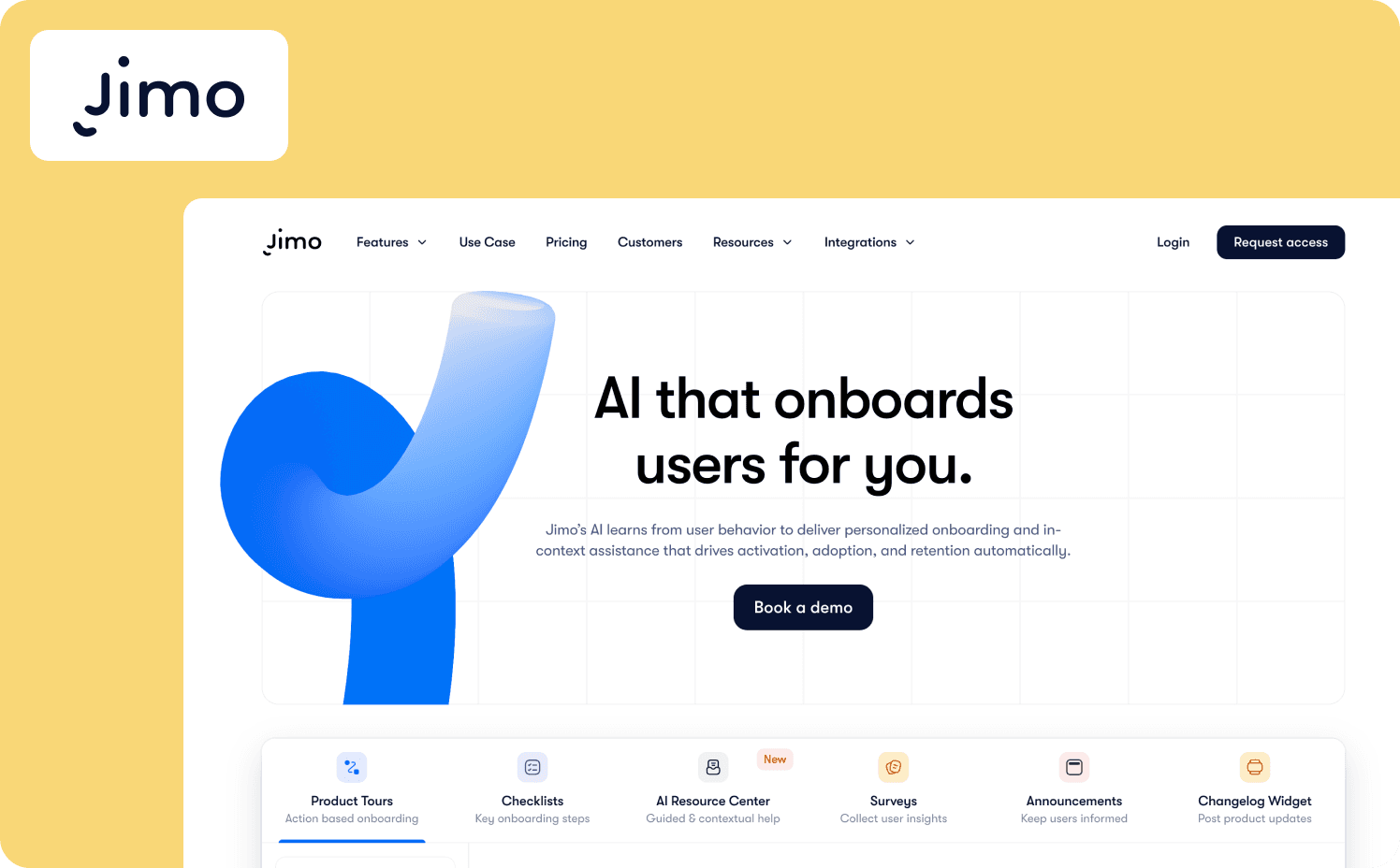
Jimo is the only in-app feedback tool on this list that captures survey responses alongside product usage data in the same interface, without requiring a separate analytics tool to connect the two. When a user responds to a Jimo survey, the response is attached to that user's session context, feature usage history, and lifecycle stage, so the PM can immediately filter without exporting to a spreadsheet.
Surveys fire based on persona, satisfaction level, lifecycle stage, demographics, and behavioral triggers tied to specific user actions or milestones inside the product, giving the PM precise control over who sees which question and when. The platform then closes the loop through in-product announcements, notifying users when a reported issue is resolved or a requested feature ships.
Key features:
Behavioral survey triggering: Surveys fire based on specific user actions, page location, feature usage, and lifecycle stage, meeting the behavioral targeting criterion with full event-based precision
Segmented survey responses: Segmented responses attach every submission to user-level and account-level data, so the PM can cut the data by segment, plan, or behavior without a BI tool
Success Tracker: No-code feature usage analytics with step-by-step drop-off visualization; tag any feature, set goals, and view where users abandon flows without engineering involvement
Resource Center: A consolidated in-product widget housing surveys, checklists, and contextual help, so feedback collection and guidance share the same delivery layer
In-product announcements: Close the feedback loop by notifying users in-product when a reported issue is fixed or a requested feature request ships
Integrations: Segment, HubSpot, Salesforce, and others connect behavioral data into survey targeting rules
What it does well: Jimo is the only tool on this list that meets all five evaluation criteria without requiring a separate BI tool. Survey responses land in the same interface as feature usage history, session context, and lifecycle data, so a PM can move from "twelve detractors" to "twelve detractors who never activated the integration" in the same session.
The Success Tracker captures events and runs funnel analysis without code, so survey triggers point at the exact drop-off moment rather than firing on a timer. The AI copilot guides users through adaptive walkthroughs, answers questions from the knowledge base in-product, and executes multi-step workflows from natural language input. This is all without engineering involvement after initial setup.
Limitations: Jimo is the feedback collection and measurement layer in your stack. Analytics depth sits below dedicated platforms like Mixpanel or Amplitude. The platform also has no native iOS/Android mobile SDK.
Starter: $249/mo (2,500–10,000 MAUs)
Growth: $479/mo (2,500–100,000 MAUs)
Enterprise: Custom
2. Userpilot: Best for behavior-triggered in-app surveys combined with product analytics for mid-market SaaS
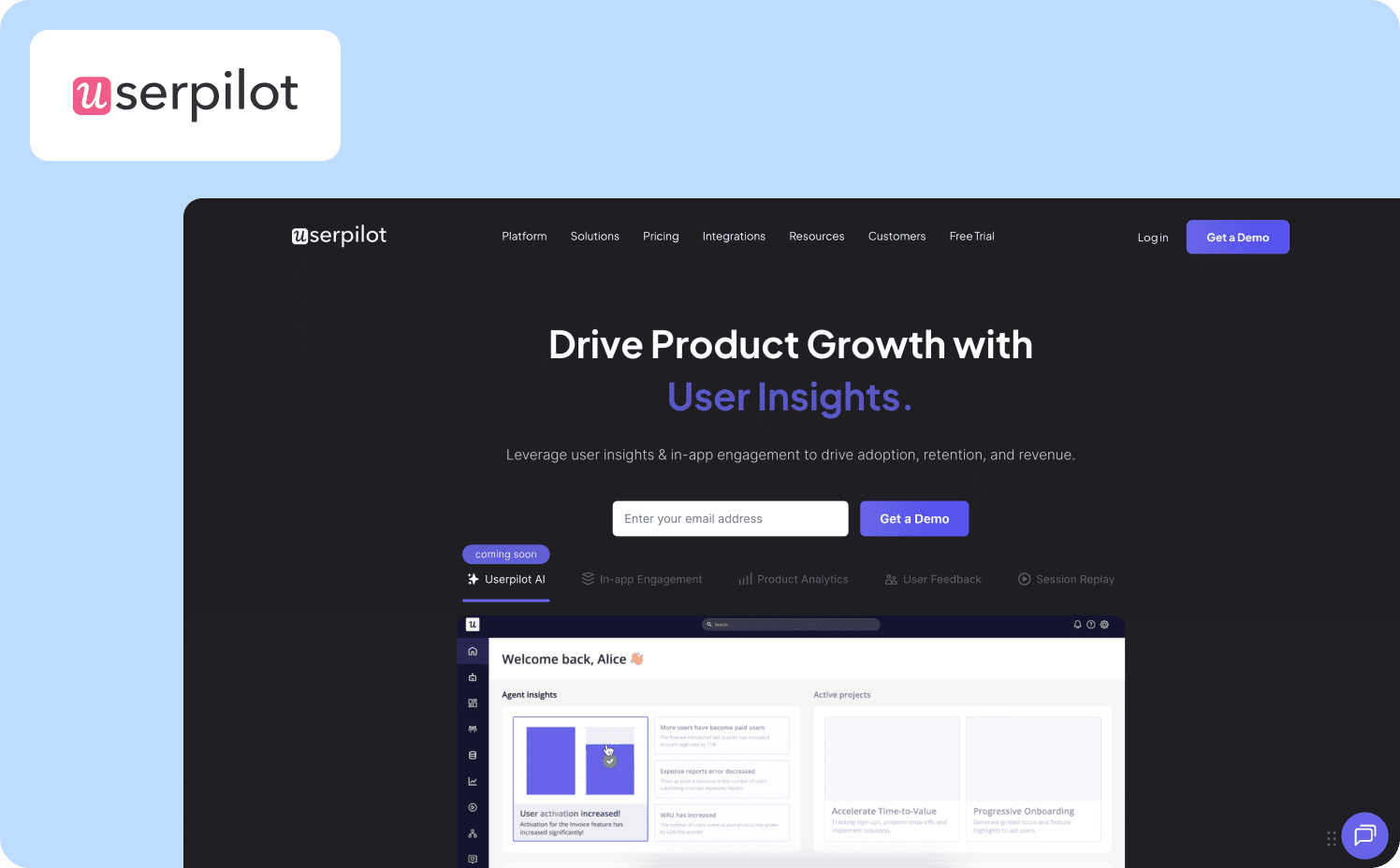
Userpilot is an all-in-one product growth platform that combines behavior-triggered in-app feedback collection with built-in product analytics, NPS, session replay, and a resource center in one tool.
For mid-market SaaS teams, Userpilot removes the need for a separate analytics tool alongside their survey stack. Behavioral triggering, lifecycle segmentation, and product analytics sit in the same platform, so survey responses can be interpreted in context without a second tool.
Key features:
In-app surveys fire on custom events, page views, and user attributes, not just time-based rules
The Chrome extension lets PMs build and deploy feedback surveys, tooltips, and in-app messages without developer involvement
Targets feedback collection by role, plan, feature usage, or custom attributes to reach specific user segments with the right question
What it does well: Userpilot is strong when it comes to behavioral triggering. The combination of event-based survey delivery, lifecycle segmentation, and built-in product analytics puts it in the same tier as Pendo for teams that want feedback and analytics in one tool at a more accessible mid-market price point. The Visual Labeler removes a meaningful engineering dependency from the event-tagging workflow.
Limitations: Mobile app support is an add-on rather than a core feature. Many teams consider Userpilot alternatives because user flows break silently after product updates without alerting the PM. The feature depth also creates a learning curve for PMs new to the platform.
Pricing:
Starter plan: $299/mo (up to 2,000 MAUs)
Growth: Custom pricing (starts from 5,000 MAUs)
Enterprise: Custom pricing (custom MAUs)
3. Gleap: Best for teams that want in-app bug reporting and feature requests connected directly to development and roadmap
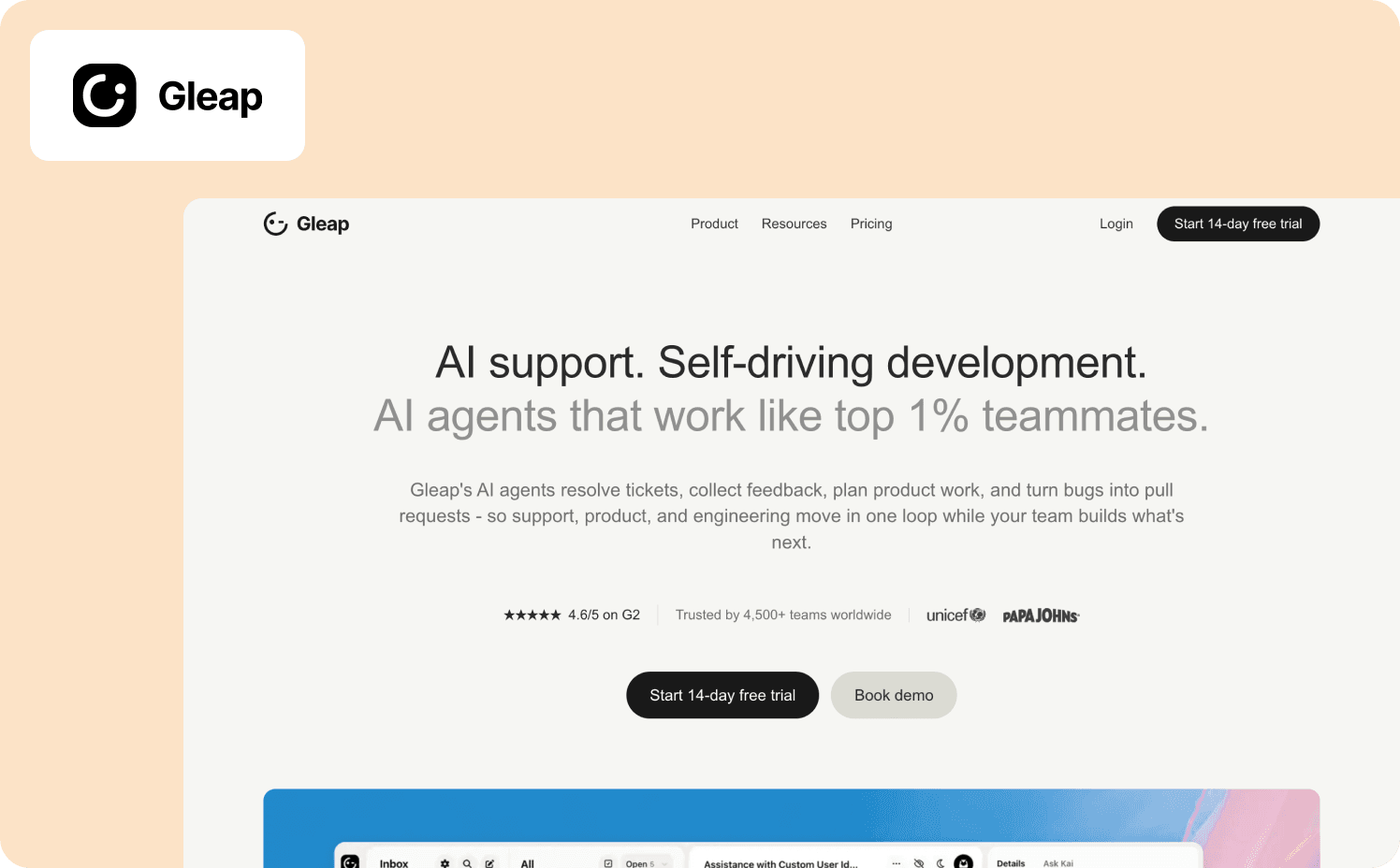
Gleap extends in-app feedback collection into the development workflow through its Kai AI system. When a user reports bugs from inside the product, Kai Resolve automatically captures console logs, screenshots, and session context, categorizes the issue, and routes it to Kai Code, which moves it through plan mode, build mode, and into a pull request.
Feature requests flow through Kai PM, which clusters demand from requests, votes, surveys, and support themes, prioritizes a branded public roadmap, and notifies users when the feature ships.
Key features:
Users report bugs from inside the product, then Kai Resolve captures console logs, screenshots, and session context automatically
App surveys feed Kai PM alongside direct requests, votes, and support themes for a richer prioritization signal
Users can view the roadmap, vote, and react to changelog entries, creating a transparent feedback loop for the product community
What it does well: Gleap has the most complete loop closure capability on this list. From in-app feedback submission through to pull request and user notification, the loop is automated. Kai PM reduces the roadmap prioritization work that typically falls on the PM manually, and the public roadmap with user voting creates a transparent channel that consolidates feature request demand in one place.
Limitations: Gleap's core differentiator is the bug-reporting-to-development loop, which makes it less suited for structured in-app surveys targeting specific user segments for NPS or CSAT measurement at scale.
Pricing:
Starter: From $59/mo
Team: From $179/mo
Pro: From $359/mo
Enterprise: From $1,199/mo
4. Refiner: Best for event-triggered in-app surveys across web and native mobile with advanced targeting
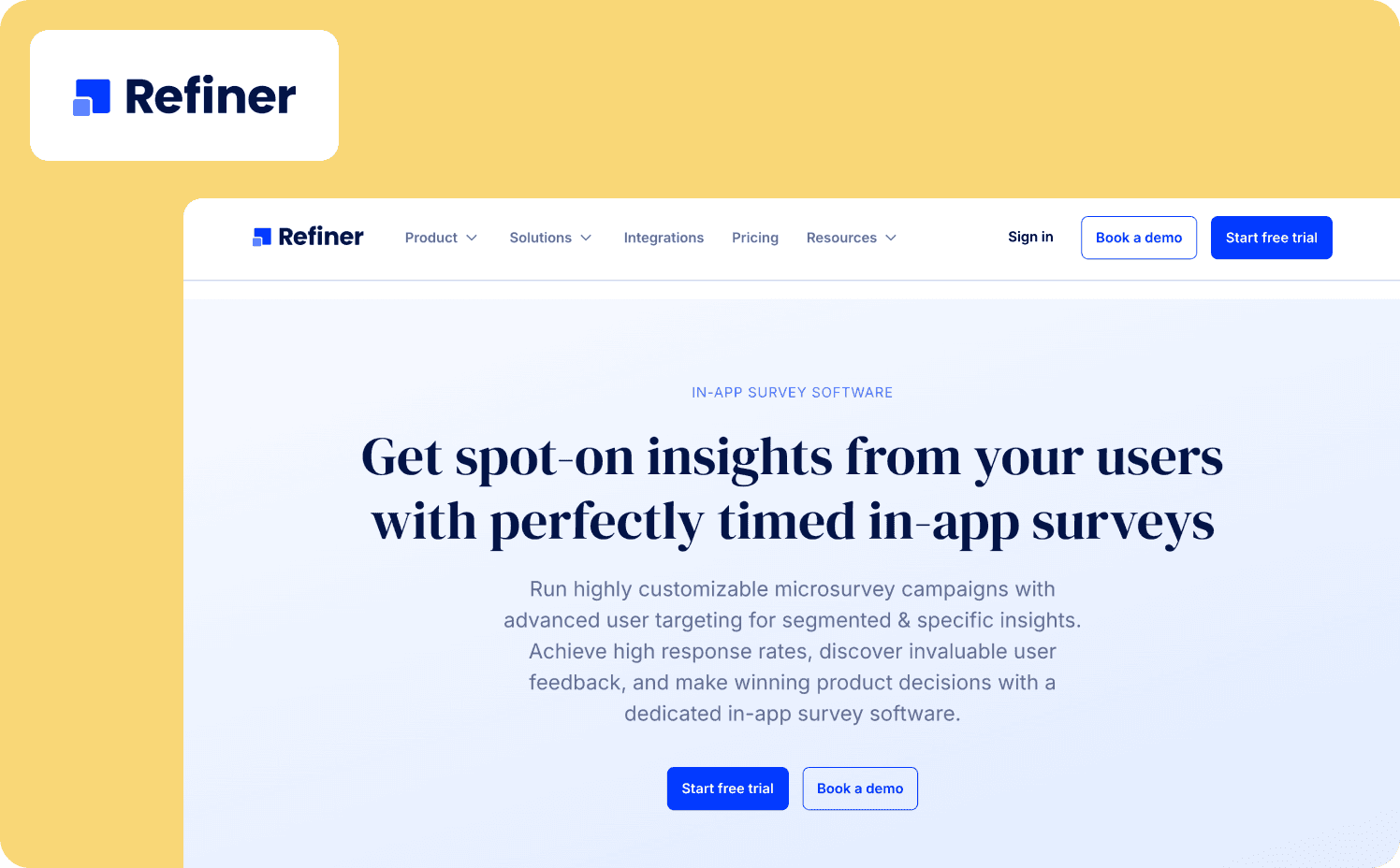
Refiner is purpose-built in-app survey software for SaaS and mobile app companies. Unlike general survey platforms adapted for in-app use, Refiner was designed from the ground up to run surveys inside web apps and native mobile apps, with dedicated SDKs for iOS, Android, React Native, and Flutter.
The platform covers the full targeting spectrum for precise mobile in-app feedback: user traits, behavior, device type, language, and prior survey responses, all triggered after specific events or delays to reach the user at the exact right moment.
Key features:
Targets specific user segments by traits, behavior, device, language, or prior survey responses; trigger after specific events or time delays
Includes NPS, CSAT, onboarding feedback surveys, product feature feedback, and in-app messages covering the full PM feedback use case set
Native integrations with Slack and Microsoft Teams for response alerts and Zapier and Segment for data flows
What it does well: Refiner’s behavioral targeting and mobile SDK depth are some of its biggest strengths. Event-based triggering, trait-based targeting, and support for four mobile platforms in a single tool make it the strongest pure-play mobile app feedback option on the list.
Limitations: Refiner is a strong collection tool that stops short of native feedback-to-usage data connection. Closing the analytics loop requires a Segment integration or manual export. Loop closure, meaning notifying users when their feedback drives a product change, isn’t a core feature.
Pricing:
Essentials: From $99/mo (5,000 MAUs)
Growth: From $239/mo (5,000 MAUs)
Enterprise: Custom
5. Survicate: Best for multi-channel feedback unified into AI-analyzed themes with CRM enrichment

Survicate is a customer feedback platform that runs in-app surveys alongside email, website, and other channel surveys, then automatically analyzes responses into themes using AI. The platform is built around closing the gap between raw survey responses and actionable insights.
AI automatically categorizes feedback into topics, enriches responses with CRM and product data for precise segmentation, and triggers workflows in connected tools through Zapier and native integrations.
Key features:
Deploy in-app surveys, email surveys, website surveys, and more from one platform, with all survey responses unified in one place
Native mobile SDK with iOS, Android, React Native, Flutter, and Unity SDKs for in-app survey delivery triggered by specific screens and events within the mobile app
With AI-assisted summarization, ask a question, and get an instant synthesis of responses from all sources to accelerate data-driven decisions
What it does well: Survicate’s AI theme extraction reduces the most time-consuming part of the feedback analysis cycle. For teams receiving feedback across multiple channels simultaneously, the unified view with automatic categorization delivers faster prioritization than manual tagging would allow. The CRM and product data enrichment layer is a genuine path toward feedback-to-usage data connection for teams with existing CRM infrastructure.
Limitations: Survicate is primarily positioned as a multi-channel feedback collection platform rather than a dedicated in-product activation tool, which means the analytics-to-feedback connection relies on routing responses through Segment, Amplitude, or Mixpanel integrations rather than a native usage data layer.
Pricing:
Starter: From $179/mo (250 responses)
Growth: From $349/mo (annual contract only)
Pro: $569/mo (annual contract only)
Enterprise: Custom (annual contract only)
6. Pendo: Best for enterprise teams that want in-app feedback and product analytics in one platform
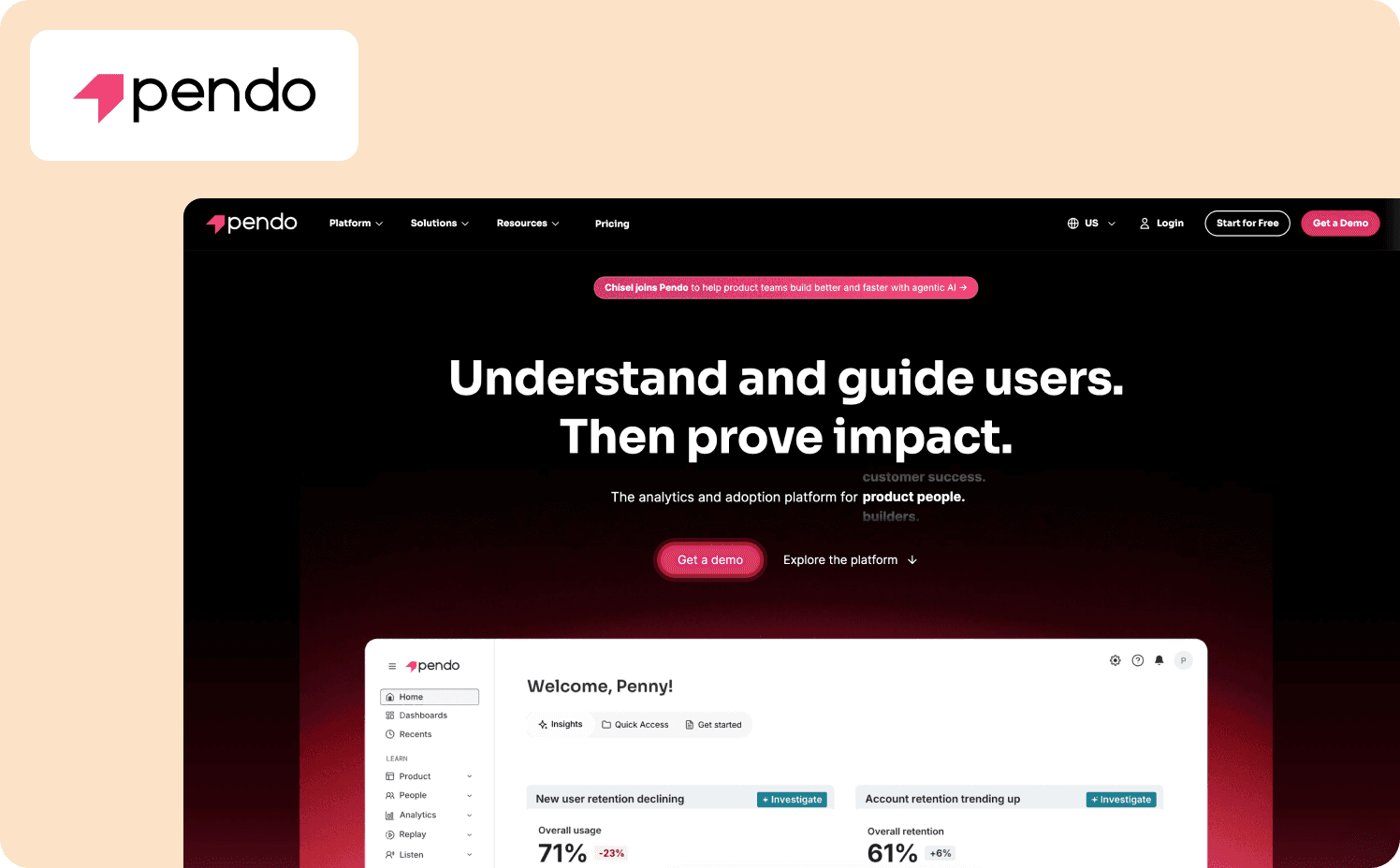
Pendo is a product experience platform that combines in-app guidance, retroactive product analytics, and user feedback collection in a single system.
For teams that want to understand which features are underutilised and then deliver targeted surveys to investigate why, Pendo offers an analytics-to-feedback connection that most standalone survey tools can’t match.
Key features:
Delivers in-app surveys and feedback requests inside the product using the same guide builder used for in-app guidance, connecting feedback collection and guidance delivery
Retroactive analytics let you see historical engagement with any feature without prior event tagging, enabling context for survey responses without engineering involvement
Connect Pendo’s behavioral and user feedback data directly to Claude, ChatGPT, and Cursor, so product teams can query usage patterns and feedback responses inside their existing AI tools without exporting data manually
What it does well: Pendo’s analytics-to-feedback loop is one of the tightest in the category for enterprise teams. The ability to identify a feature with low adoption and immediately deploy a targeted survey to the underserved segment is a massive workflow advantage. For teams managing feedback and guidance at scale across large user populations, Pendo's governance tools and guide performance metrics provide operational control that lighter tools don’t.
Limitations: Pendo’s content maintenance is slower than lighter tools. The builder requires more configuration and custom layouts often involve engineering time. Implementation can also take months for teams unfamiliar with the platform, which is a real cost for smaller product teams evaluating the tool.
Pricing:
Free: For 500 MAU
Base: Custom (custom MAUs)
Core: Custom (custom MAUs)
Ultimate: Custom (custom MAUs)
7. Formbricks: Best for privacy-first or developer-led teams that need GDPR-compliant, self-hostable in-app surveys
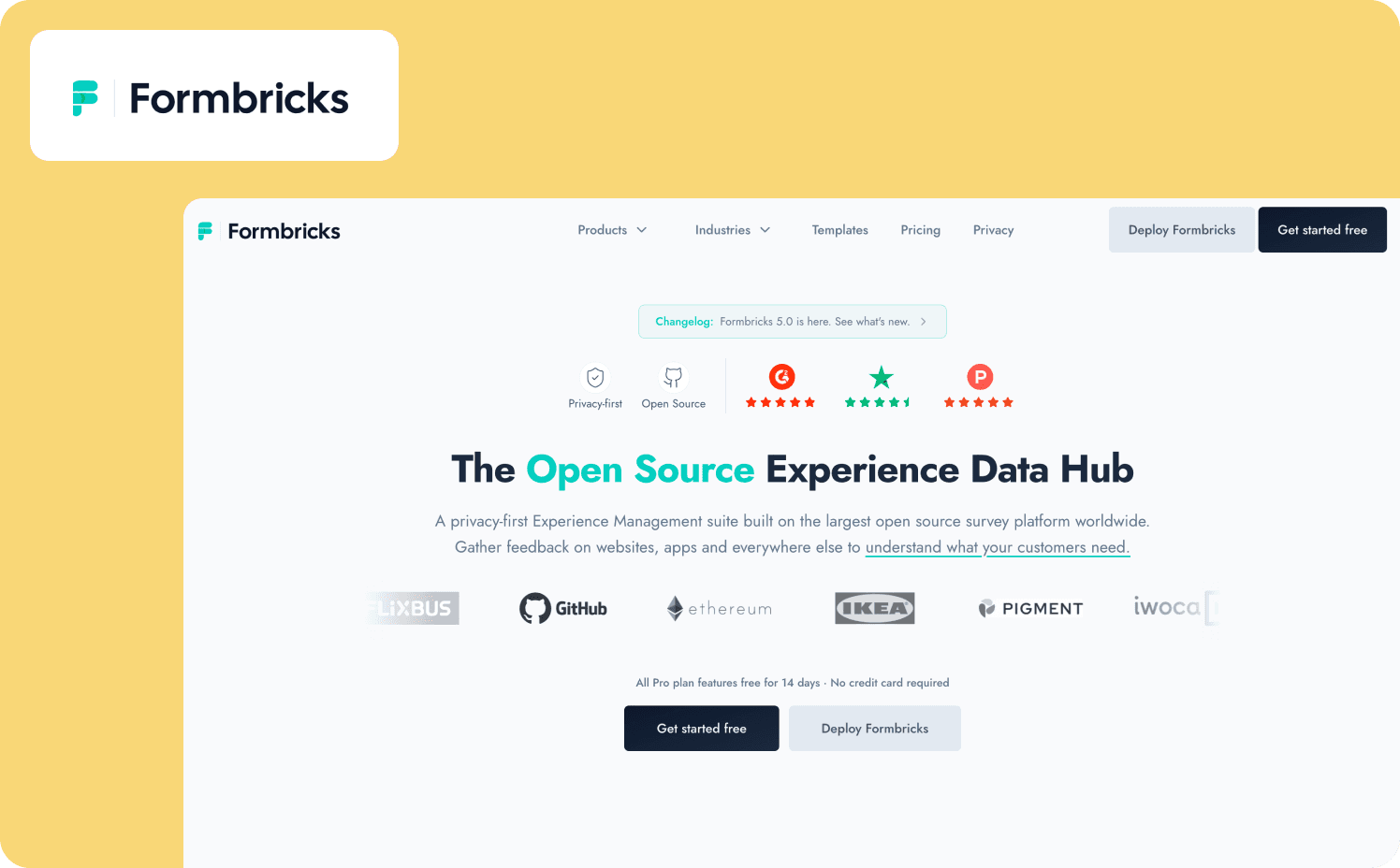
Formbricks is an open-source experience management platform that delivers in-app surveys with granular pre-segmentation, event-based triggering, and a self-hosting option for teams that need complete data sovereignty.
For teams with GDPR compliance requirements, or developer-led teams that want full code access and no vendor lock-in, Formbricks is the only tool on this list with a credible self-hosted deployment path.
Key features:
Target who sees a survey based on user attributes and custom segments before the trigger fires, keeping signal high and noise low
Trigger feedback surveys at key moments in the user journey, including onboarding, post-feature-usage, and pre-churn scenarios
iOS and Android SDKs are available on the Pro plan and above for teams needing mobile app survey delivery
What it does well: Formbricks is the right choice when data sovereignty is a non-negotiable requirement. The open-source model means the schema, the data, and the deployment are entirely within the team's control. Event-based triggering and attribute-based segmentation meet the behavioral targeting criterion for teams comfortable operating an open-source stack.
Limitations: The self-hosting option requires engineering setup and ongoing maintenance. Feedback-to-usage data connection isn’t native. Connecting survey responses to product analytics requires custom integration work using the open-source codebase. Loop closure also isn’t a primary feature of the platform.
Pricing:
Hobby: Free (250 responses)
Pro: $89/mo (2,000 responses)
Scale: $390/mo (5,000 responses)
8. Usersnap: Best for visual and video feedback combined with in-app surveys and direct engineering workflow routing
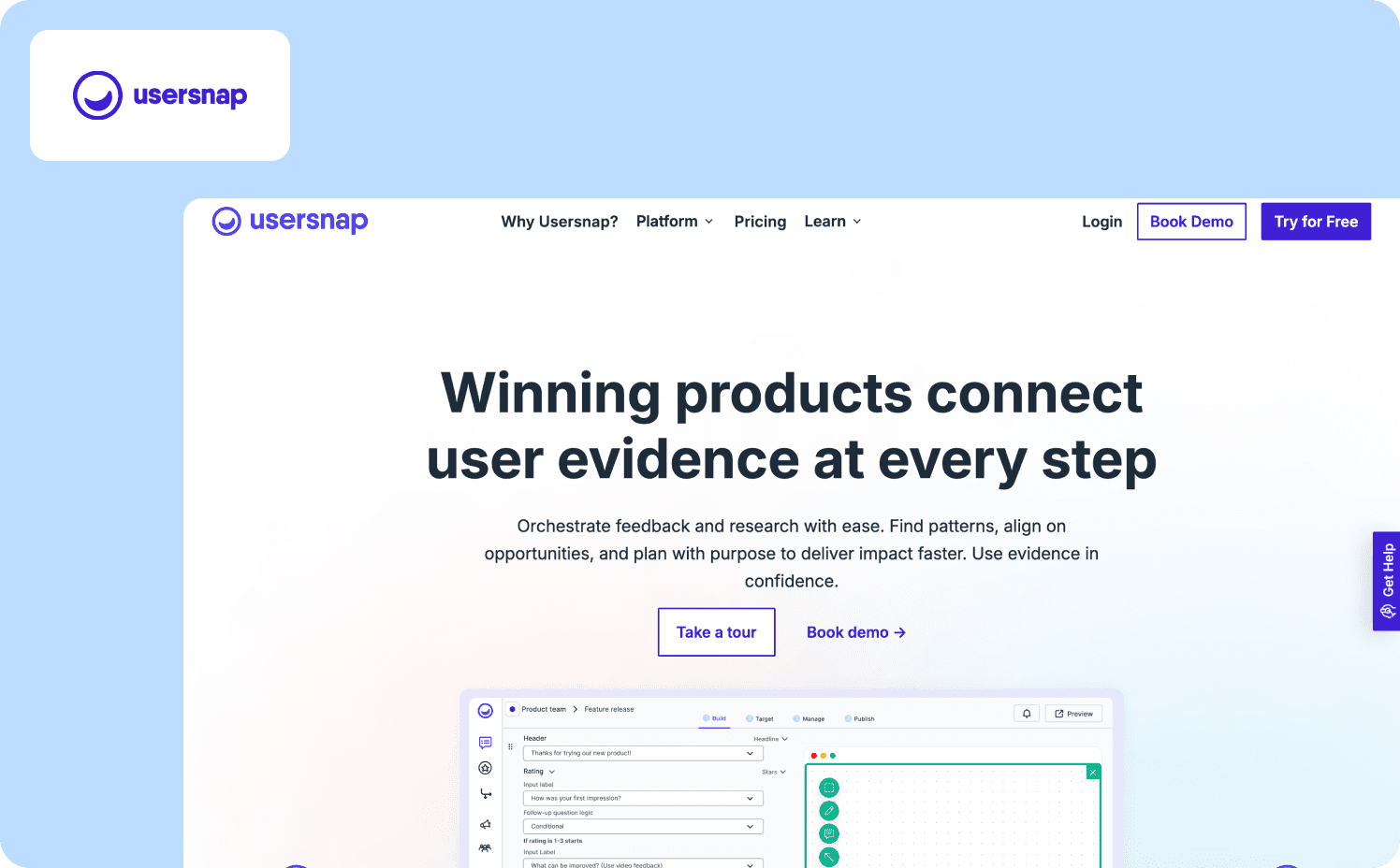
Usersnap combines in-app surveys, visual feedback capture (annotated screenshots with contextual metadata), video feedback with screen recording, and AI sentiment analysis in one platform.
The PM receives a rich, context-specific report rather than a text description of a problem that no one can reproduce.
Key features:
Users capture and annotate screenshots of exactly what they encountered, with contextual metadata attached, providing richer bug reports and UX feedback than text-only surveys
Real-time in-app surveys with feedback widgets targetable by specific product events and user segments
Supports native mobile app feedback forms and surveys
What it does well: Usersnap solves the context gap for bug reports and usability issues by capturing exactly what the user saw. The combination of annotated screenshots, video feedback, and AI sentiment categorization gives the PM a rich, actionable picture of product friction without a back-and-forth support cycle.
Limitations: Visual screenshot annotation isn’t available via the mobile SDK. Feedback-to-usage data connection at the product analytics level requires integration with a separate tool.
Pricing:
Starter: From €39/mo
Growth: From €89/mo
Professional: From €159/mo
Premium: From €319/mo.
9. Canny: Best for AI-powered feature request management connected to revenue impact and public roadmap
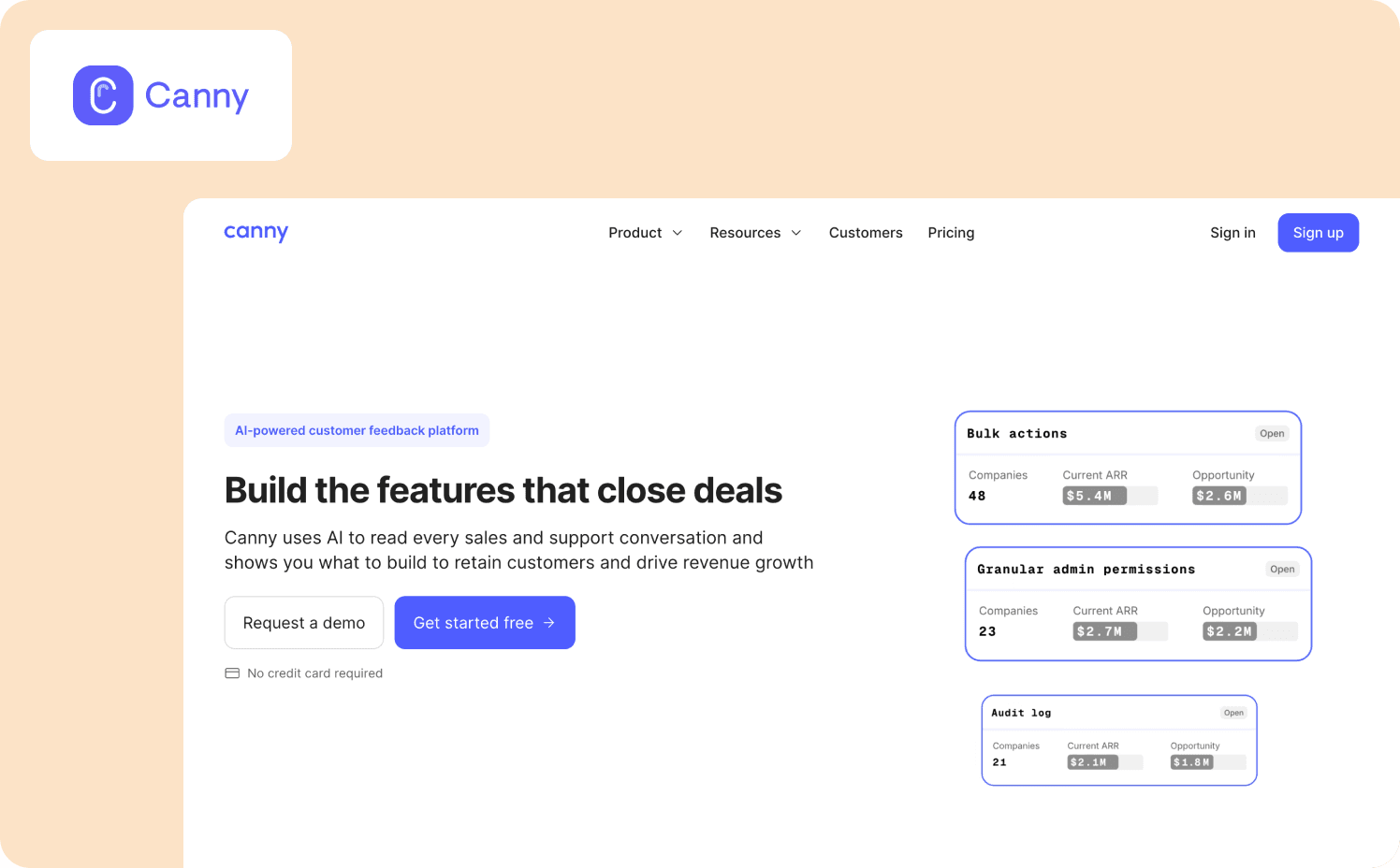
Canny is an AI-powered customer feedback management platform that aggregates feedback from sales conversations, support channels, and product interactions to identify which features to build to retain customers and drive revenue.
Autopilot connects to Gong, Intercom, and Slack to automatically extract feature requests and feedback signals from conversations happening across the business without requiring manual logging.
Key features:
Customers share feedback, vote on feature requests, and view the product roadmap directly, consolidating demand signals in one transparent channel
Revenue-impact prioritization ties feedback items to opportunity value in CRM so PMs can prioritize by potential retention and deal impact
Users receive notifications when features they requested ship, closing the loop without manual PM effort
What it does well: Canny’s Autopilot is a big step change for teams where feedback is scattered across Gong calls, Intercom tickets, and Slack messages. The revenue-impact connection means product and revenue teams can prioritize from the same data set. Loop closure through public roadmap visibility and user notifications when features ship meets the loop closure criterion at a level few tools on this list match.
Limitations: Canny is a feedback management and roadmap tool, not an in-app feedback tool in the traditional survey sense. It doesn’t trigger in-app surveys based on behavioral events, which means it doesn’t meet the behavioral targeting criterion. Teams that need to proactively query users at moments of friction should pair Canny with a dedicated in-app survey tool.
Pricing:
Free: 25 tracked users
Pro: From $99/mo (100+ tracked users)
Business: Custom (5,000+ tracked users)
10. Sprig: Best for enterprise research teams scaling in-product user research with AI-powered analysis
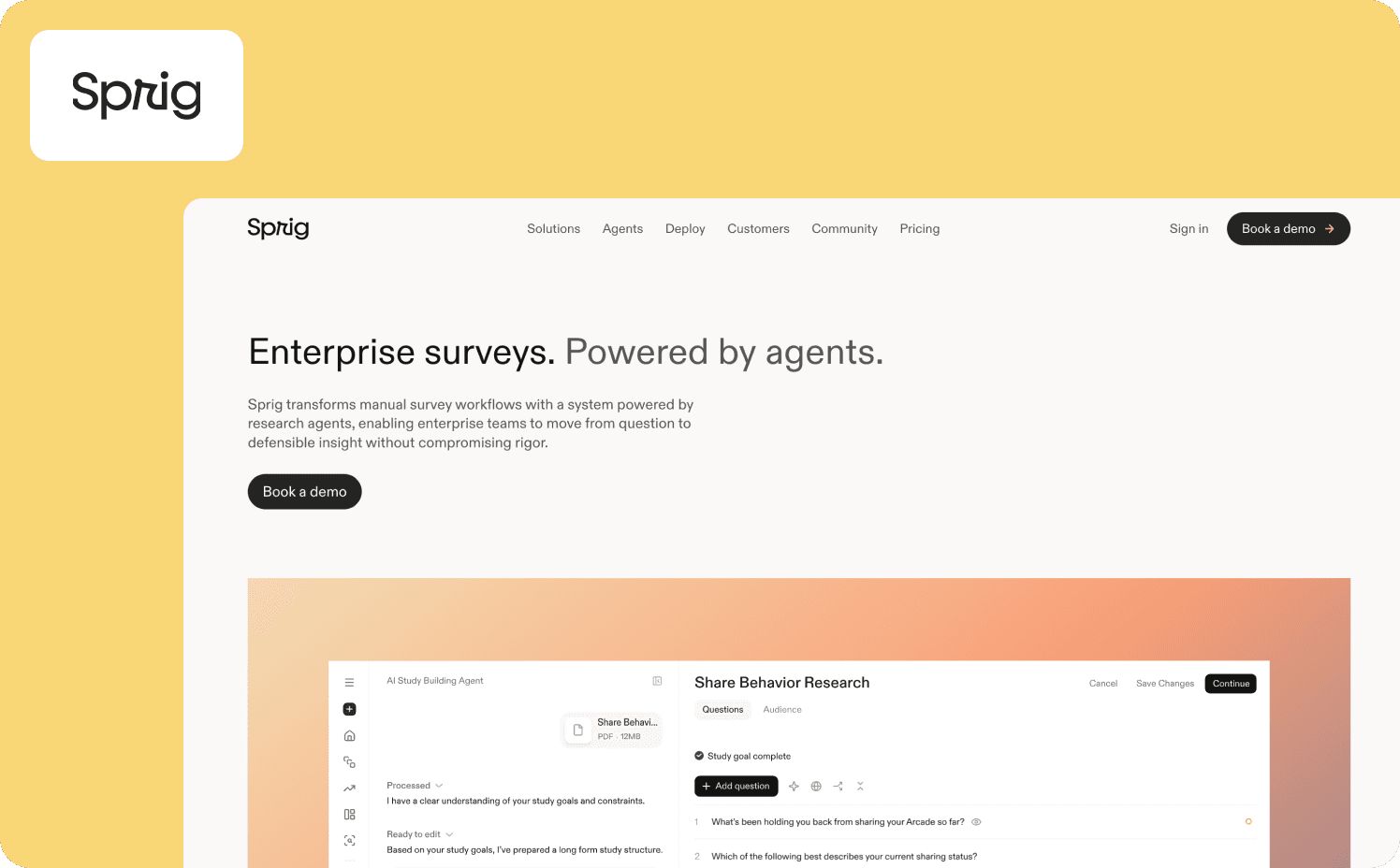
Sprig is an enterprise research platform that uses three AI agents to handle the operational layer of user research: a Design Agent that builds study logic from a plain-language objective, a Field Agent that adapts the survey in real time based on how participants respond, and a Synthesize Agent that converts results into stakeholder-ready narratives.
Sprig is built for organizations with a dedicated research function that needs rigorous, scalable studies alongside in-product behavioral signals.
Key features:
Sprig MCP brings user research data directly into AI tools, enabling research teams to analyze within existing AI workflows
Connects behavioral data with structured studies so teams can understand not just where users drop off, but why, then align those findings across product, growth, and research in one system
Fires in-product surveys at specific product moments, including onboarding completion, feature abandonment, and first use, capturing user feedback at the moment friction occurs rather than after the fact
What it does well: Sprig's behavioral trigger layer allows teams to instrument specific product moments, onboarding completion, feature abandonment, subscription milestones, and fire surveys at exactly those events. The platform also supports continuous measurement programs rather than episodic surveys, meaning user feedback collection runs alongside the product rather than as a quarterly event.
Limitations: Sprig is a research platform, not a feedback-to-action tool. The Synthesize Agent produces findings that inform decisions but the platform itself doesn’t not close the loop with in-product interventions or activation measurement in the analytics sense. It’s the right fit for teams whose primary need is rigorous qualitative evidence, not for PMs who need to deploy a corrective nudge in the same workflow.
Pricing:
Free: Custom
Starter: Custom
Enterprise: Custom
How to build your feedback stack: Collection, context, and closure
The shortlist above ultimately separates these tools into three functional layers. Evaluating your stack against all three layers is a faster way to identify the gap than comparing feature matrices across 10 tools at once.
Collection
The collection layer covers tools that capture feedback and user feedback at the right moment inside the product:
Jimo
Refiner
Sprig
Survicate
Formbricks
Usersnap
Gleap
They deliver in-app surveys, capture bug reports, and collect feature requests with varying degrees of behavioral precision. A team using only a collection tool has responses coming in, but interpreting those responses still requires exporting data and cross-referencing it against usage metrics in a separate system.
Context
The context layer covers tools that connect feedback responses to product usage data in the same interface, so the PM can read a survey response alongside what the user was doing in the product at the time they submitted it:
Jimo
Pendo
Userpilot
These three tools connect feedback to what behavioral analytics tools typically store separately. They require pairing with a separate product adoption software layer to get that connection. The feedback-to-usage data connection is what separates a spreadsheet of NPS scores from a prioritizable shortlist of product decisions. This is the layer most teams are missing when their in-app feedback program produces data but not decisions.
Closure
The closure layer covers tools (Canny, Gleap, and Jimo) that manage what happens to feedback after it is collected: routing to the right team, tracking toward a resolution, and notifying users in-product when their submission drives a change. Canny leads at this layer through its public roadmap, voting system, and user notifications when features ship. Gleap automates the loop from bug report through pull request to user notification. Jimo closes the loop through in-product announcements. Pendo partially meets this criterion through its analytics visibility into downstream feature adoption.
For Series A to C SaaS teams that need all three layers without building a three-tool stack, Jimo is the most direct path. Browse the full Jimo toolset to see how collection, context, and closure work together in one platform.
From feedback noise to product decisions: What to look for in 2026
The best in-app feedback tool is the one that makes responses interpretable and actionable on the same day they arrive. A 40% response rate on a poorly timed survey with no usage context attached is less useful than a 25% response rate on an event-triggered survey that lands in a context layer where the PM can immediately see that the respondent never activated the feature they’re complaining about.
The tools on this list that are worth serious evaluation in 2026 share two characteristics. They trigger in-app surveys based on what users actually did. And they either connect those responses natively to product usage data or they automate enough of the downstream workflow, such as triage, routing, and user notification, to close the loop without requiring a separate tool for each step.
The ILG-era feedback stack collects signal at the moment of experience, connects it to usage context immediately, and closes the loop in-product. For product teams evaluating this set of tools, the practical question is: which of these three layers is currently missing from your workflow? From there, the shortlist for your specific situation is short.
If you want to see how Jimo handles all three layers for a B2B SaaS team at your stage, book a demo.
FAQs
What is the difference between a tool for in-app feedback and a survey platform?
A general survey platform generates link surveys distributed externally, while an in-app feedback tool triggers surveys based on user behavior, specific user interactions, or lifecycle stage, so responses arrive in context. The difference matters for quality. Gathering customer feedback where users interact with the product produces actionable user feedback the PM can connect to usage data, while a decontextualised link survey produces responses without the behavioral context needed to act on them.
Are there free in-app feedback tools for SaaS?
Several tools on this list offer a free plan. Canny has a permanent free tier, Pendo covers up to 500 MAUs, and Jimo includes a 21-day trial with no card required. Most paid options scale by MAU or response volume, so the right entry point depends on your app users count and how much product feedback you plan to gather in the first 90 days.
How do I increase my in-app survey response rates?
Trigger surveys based on specific user behavior, such as completing a workflow or returning to a feature without activating it. Using concise survey templates, targeting relevant user segments, and keeping questions to one or two at a time reduce friction when users interact with the survey and improve the quality of detailed feedback collected.
How do I connect in-app feedback to product usage data?
Jimo, Pendo, and Userpilot connect survey responses to user behavior data natively, enabling PMs to gather actionable insights and filter by what app users were doing when they responded. For other tools, the standard approach is a customer data platform like Segment or Google Analytics, though the added step delays the deeper insights that come from understanding user behavior in the same interface where feedback is collected.
Do in-app feedback tools work for web and mobile apps?
Most tools on this list are built for web-based SaaS, collecting feedback inside iOS and Android apps requires checking SDK availability per tool. Refiner has the strongest mobile support with dedicated SDKs for iOS and Android, React Native, and Flutter, while Formbricks and Usersnap offer mobile SDKs for basic feedback forms but limit visual feedback tools to web only. Teams that need to gather feedback across web and mobile apps should verify feature parity before committing.